


V4.73.3

- Package Name
- com.garmin.android.apps.connectmobile
- Version Name
- V4.73.3
- Version Code
- V4.73.3
- File Size
- 216.8 MB
- Update time
- 2023-11-16


by Garmin
beat yesterday.
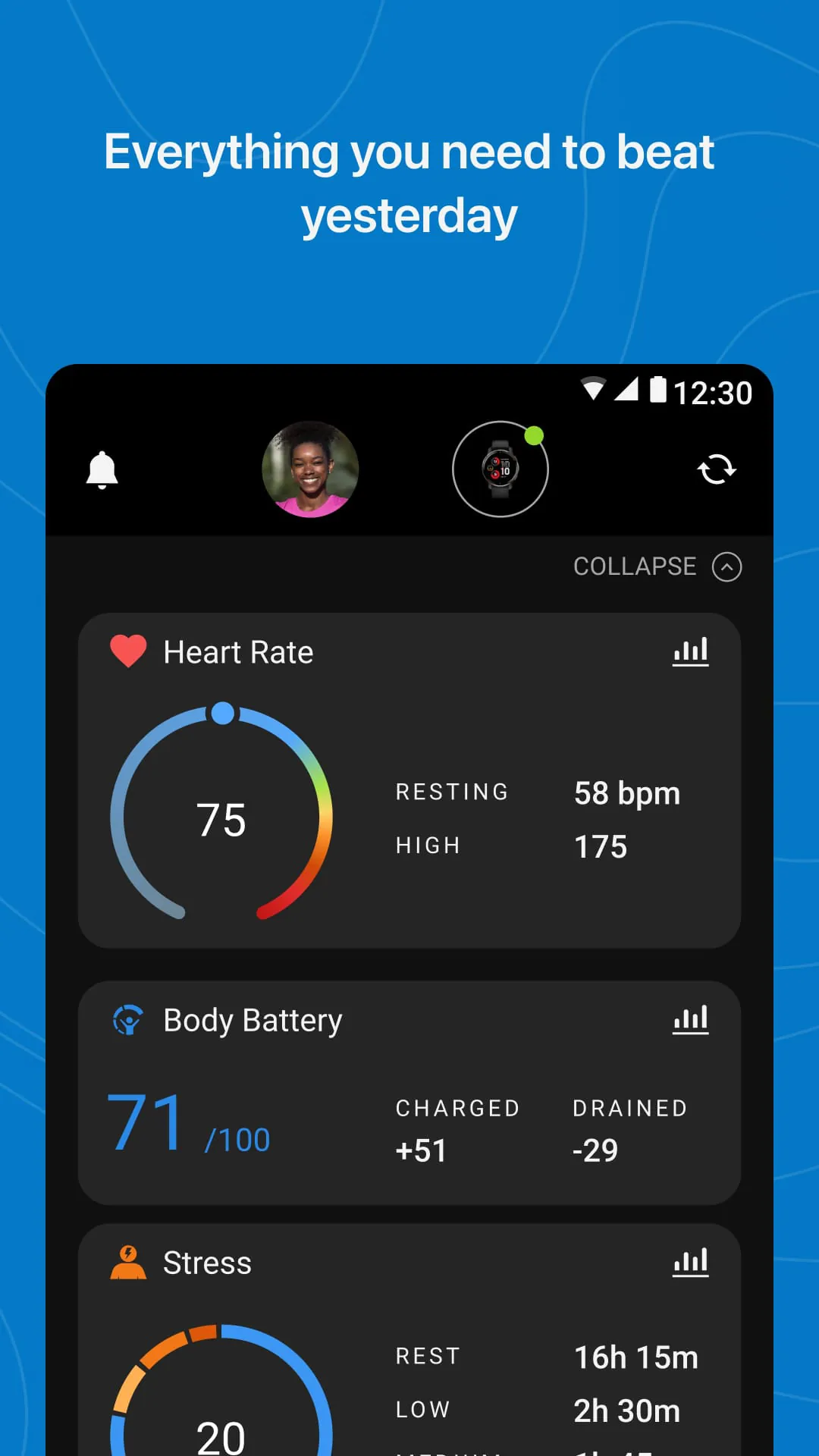
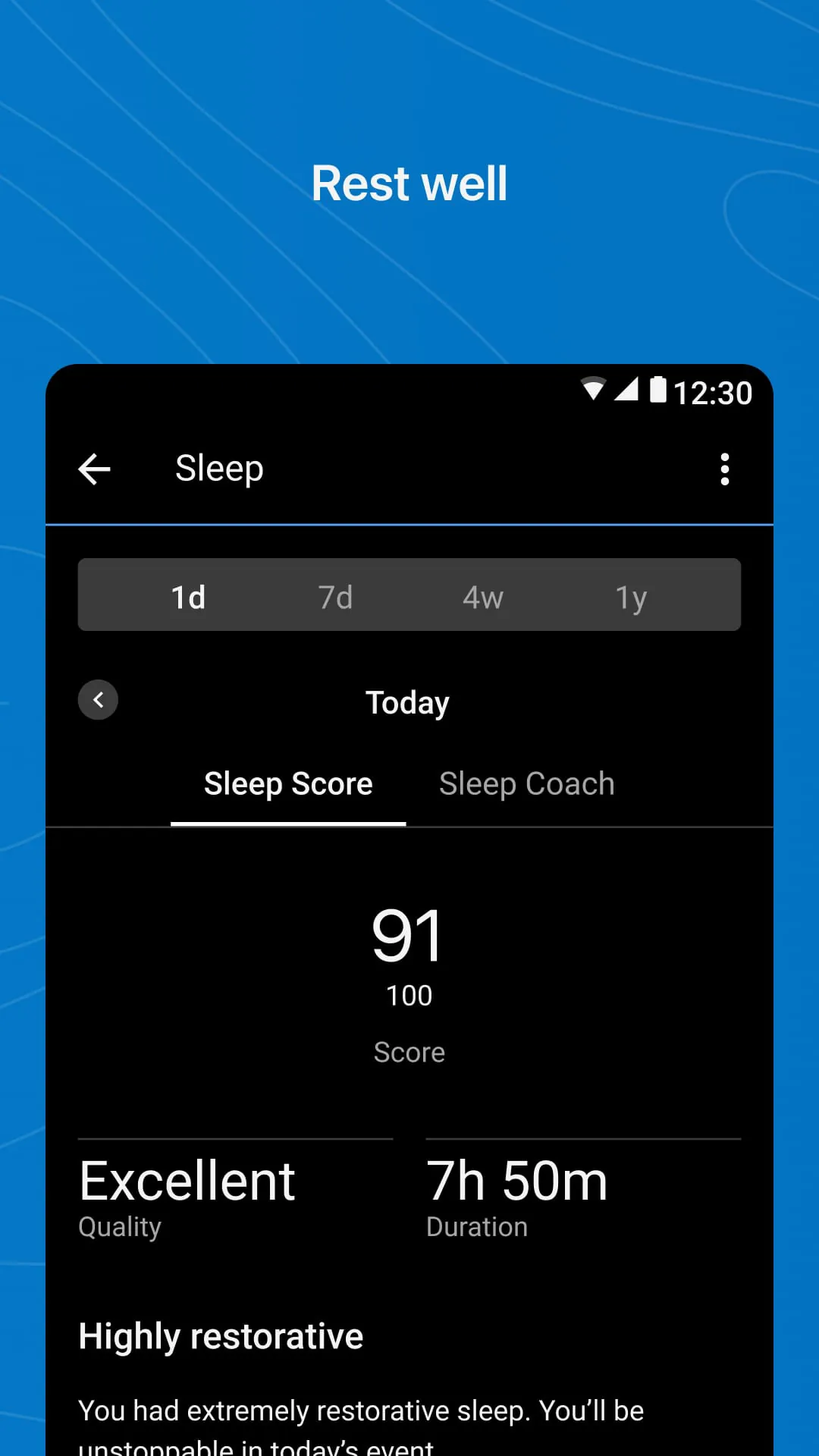
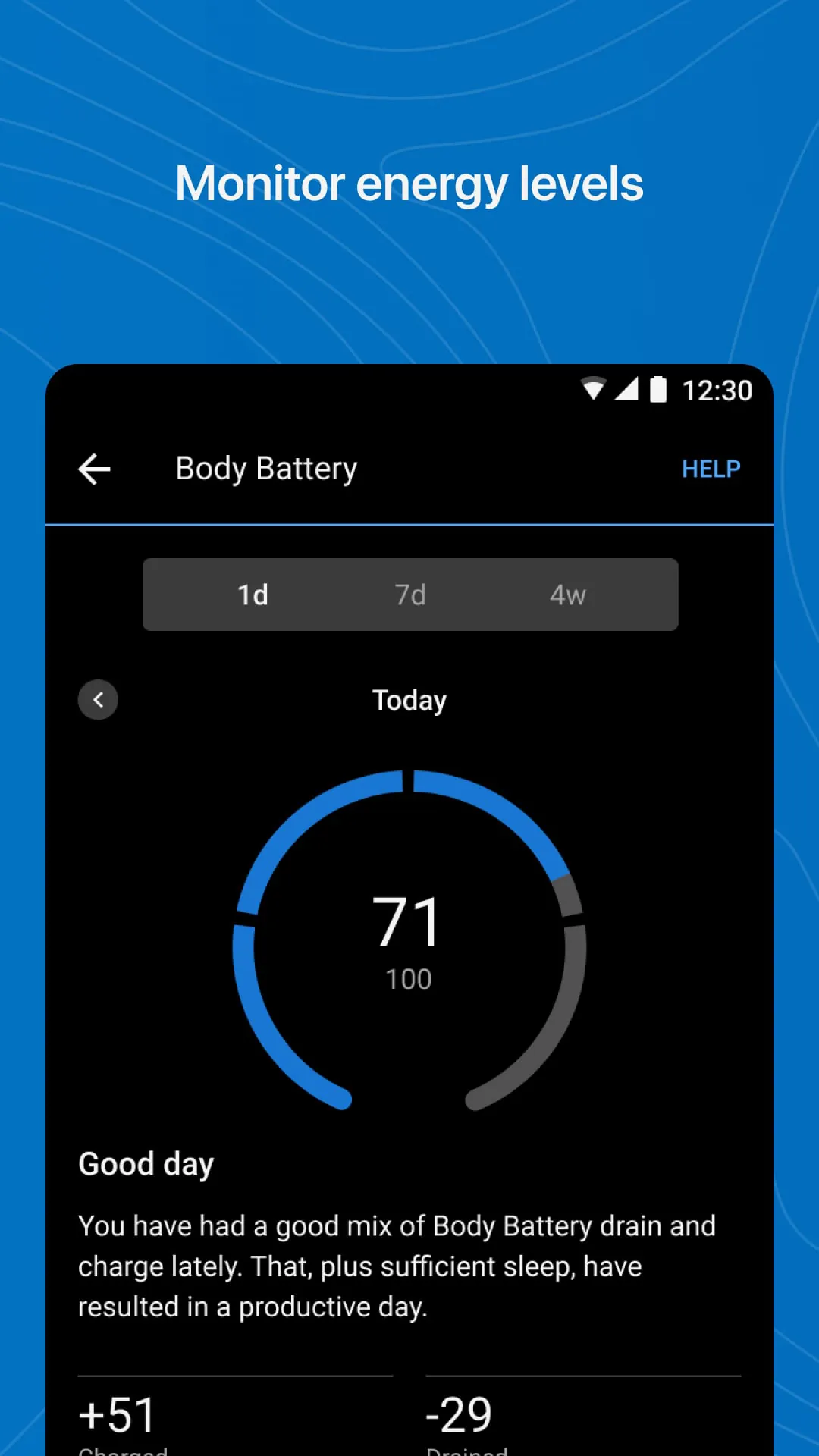
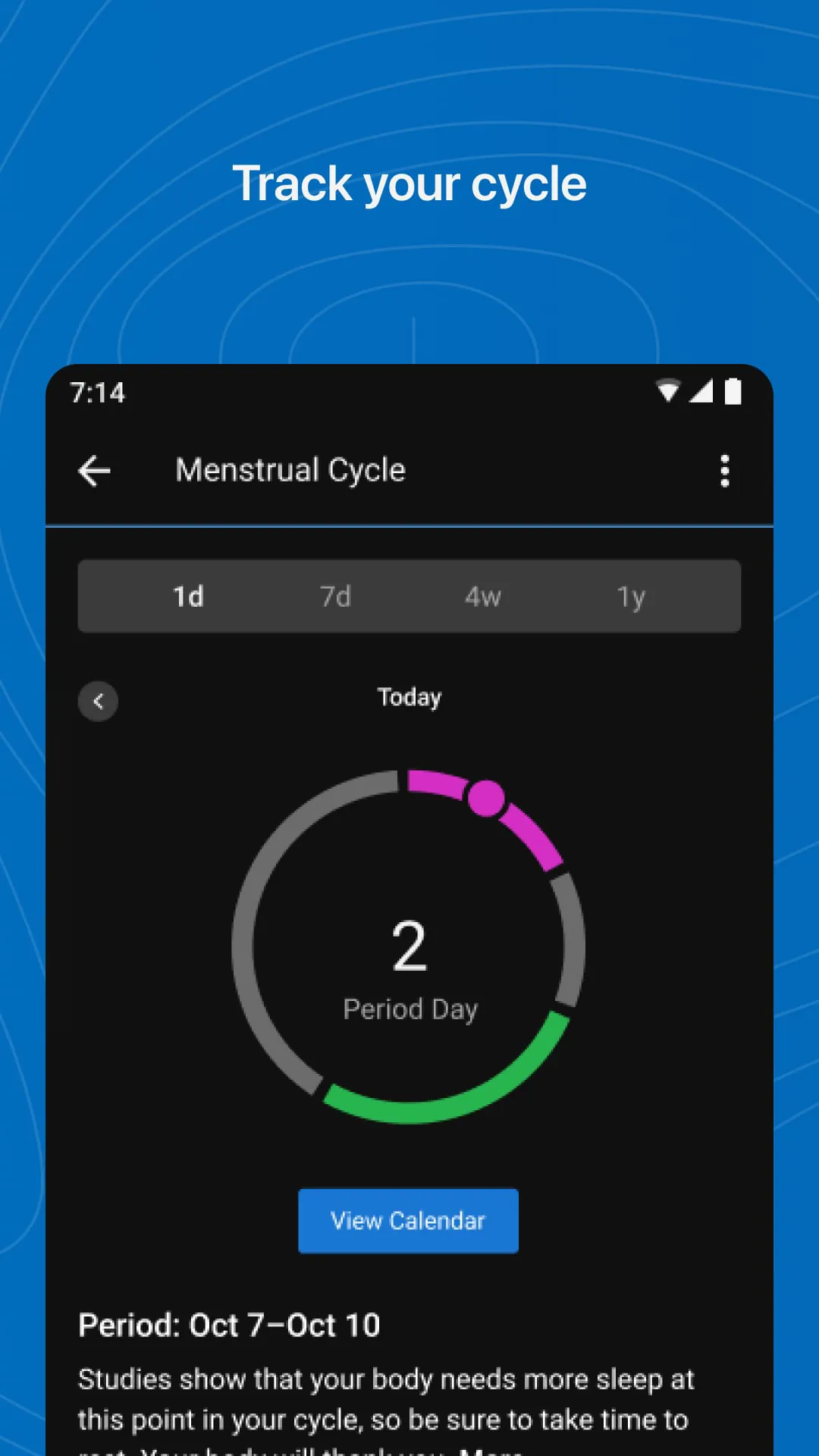
Garmin Connect is a comprehensive fitness tracking and health management application developed by Garmin, designed to sync seamlessly with Garmin wearable devices like smartwatches and activity trackers. It serves as a central hub where users can view, analyze, and understand data from their workouts, daily health metrics, and training progress, all with the goal of offering insights and motivation for a more active and healthier lifestyle.
The app stands out by offering in-depth analytics and a supportive community. It goes beyond simple step counting to provide advanced performance metrics for running, cycling, swimming, and numerous other sports. A key feature is the Connect IQ store, which allows for watch face and app customization. Users also benefit from personalized training plans, adaptive workout suggestions, and detailed sleep and stress monitoring. The social challenges and groups feature adds a competitive and motivational layer to personal fitness journeys.
Like any platform, Garmin Connect has its strengths and weaknesses.
The application consolidates a wide array of functions into a single dashboard. Its primary role is to synchronize and store all activity data from a paired Garmin device. Core functions include mapping workout routes with GPS, tracking heart rate and body battery energy levels, monitoring sleep stages and Pulse Ox, and calculating advanced performance stats like VO2 max and training load. It also manages smart notifications from a paired phone, controls music on the wearable, and facilitates the sharing of activities directly to social networks or other fitness platforms.
Click the button "Check All Versions" below to download and install it. After installation, open the app and create a Garmin account or log in. The next crucial step is to pair your compatible Garmin wearable via Bluetooth within the app's device setup section. Once connected, your data will sync automatically after each activity. You can then navigate the four main tabs: the dashboard for a daily summary, the calendar for viewing past activities, the challenges section for joining goals, and the more tab for settings and the Connect IQ store. Regularly reviewing your stats and setting personal goals in the app will help you get the most out of the ecosystem.
Get Garmin Connect from an official store or available APK channel.
ZIP files require a Split APKs Installer (e.g., SAI) from Google Play to install. Steps: 1. Download SAI from Google Play; 2. Open SAI and tap "Install APKs"; 3. Select the ZIP file; 4. Complete installation.
The latest version currently listed by Appspicked is V4.73.3, with information updated on May 14, 2026. Versions may vary by device, region, or rollout schedule, so users should also check Google Play / App Store or announcements from Garmin.
No website can guarantee that an app is completely risk-free. Appspicked recommends downloading Garmin Connect only from an official app store or a verified channel operated by Garmin. Before installing, confirm the developer name, package ID com.garmin.android.apps.connectmobile, requested permissions, privacy policy, and download source.
Garmin Connect may be unavailable because of regional restrictions, device incompatibility, account or age settings, a temporary removal, a name change, or because it has not been released for that platform. An Android package page does not necessarily mean that an iOS App Store version exists. Check Garmin’s official website for current availability.
Use Google Play / App Store or another official download channel provided by Garmin whenever possible. Appspicked provides app information and store links, but users should verify the destination domain and publisher before downloading or updating the app.
The information on Appspicked may represent the most recently indexed snapshot. App stores sometimes release updates gradually or display different versions according to region, device, operating system, or testing group. The official store listing should be treated as the final reference.
Garmin Connect is listed for Android / iOS, with a reported minimum requirement of Not specified. Actual compatibility may also depend on the device model, region, available storage, hardware features, and installed system components.
The initial download may be free, but subscriptions, advertising, paid features, or in-app purchases may still apply. Prices and available purchases can vary by country and version. Check the payment information displayed by Google Play / App Store before completing a transaction.
Check the network connection, storage space, operating-system version, account region, and device compatibility. Restart the device and try again through the official store. If the problem continues, consult the support resources provided by Garmin.









