



GOM Player
by GOM & COMPANY
NO.1 Video Player
A closer look
Overview
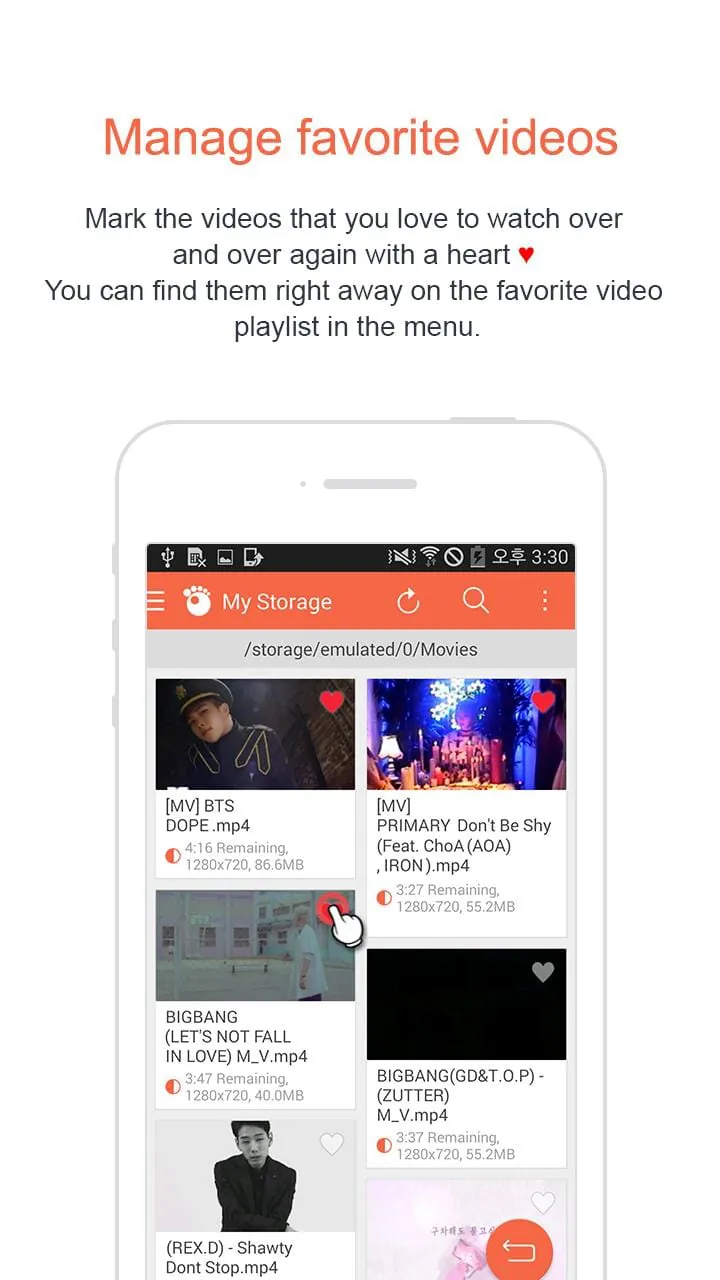
GOM Player is a versatile and popular multimedia application developed for playing a wide array of video and audio file formats on Windows systems, renowned for its user-friendly interface and robust playback capabilities that cater to both casual viewers and media enthusiasts.
Key Features
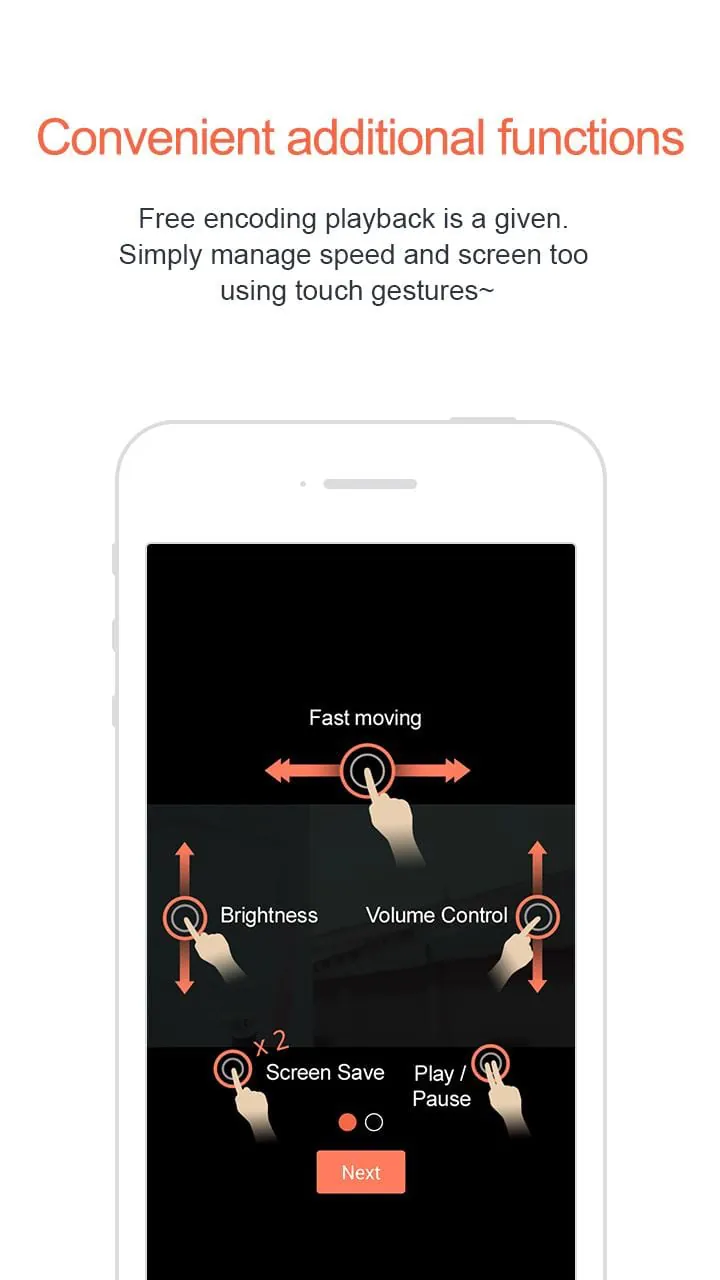
The software stands out with its integrated codec library, eliminating the need for separate downloads to play most files. It offers advanced playback controls like speed adjustment, A-B repeat, and screen capture. Additionally, it supports 360-degree VR videos, 4K/8K UHD content, and includes a range of subtitle customization tools, making it a feature-rich media solution.
Pros & Cons
GOM Player presents a balanced mix of advantages and some limitations.
- Strengths include its extensive format support, lightweight performance, and useful bonus features like the ability to play damaged or incomplete files. Its customizable interface and free version with essential functions are significant pluses.
- On the downside, the installer may bundle additional, unwanted software if not carefully managed. Some advanced features are locked behind a premium version, and occasional advertisements can be present in the free edition.
Functions
This media player excels in providing a comprehensive set of functions for an enhanced viewing experience.
- Core playback for video and audio files with minimal system resource usage.
- Advanced subtitle features: syncing, searching online, and encoding adjustment.
- Video effect controls for brightness, contrast, and saturation.
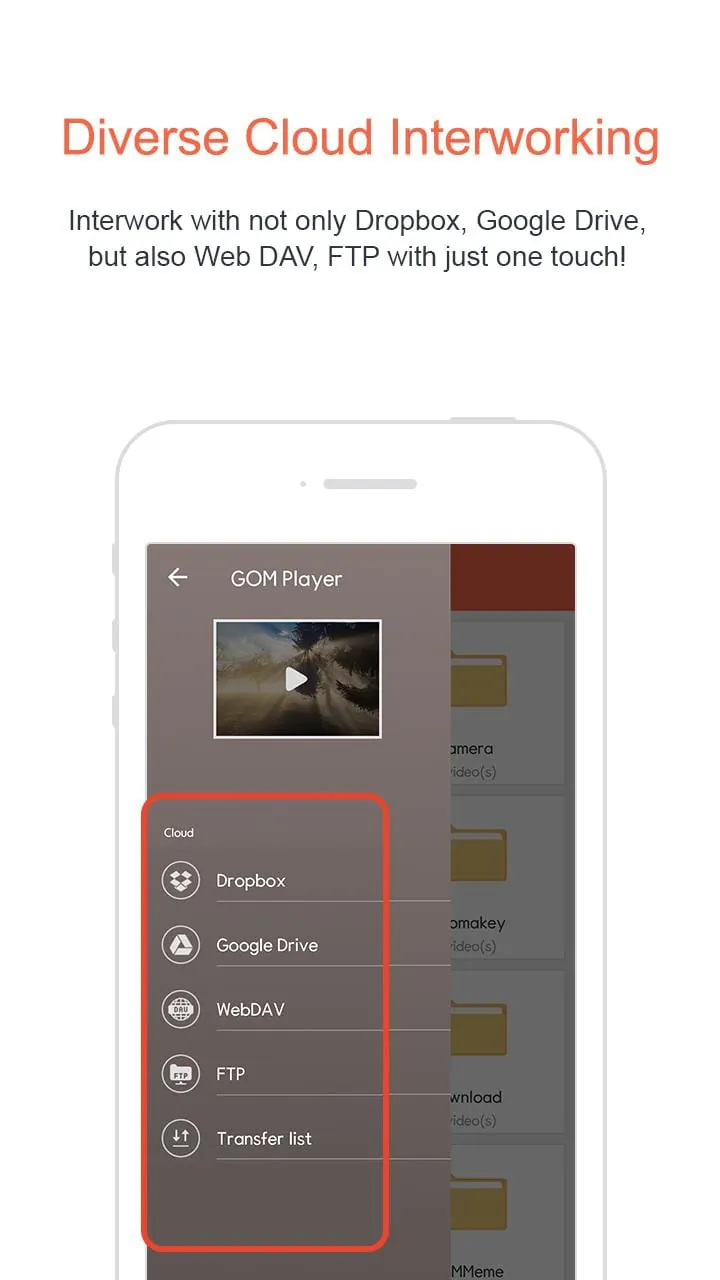
- Support for streaming online videos via direct URL input.
- Comprehensive audio controls, including sound normalization and pitch adjustment.
How to Use
Click the button "Check All Versions" below to download and install it. Once installed, launch the application and you can immediately open media files via the "Open File" menu or simply by dragging and dropping them into the player window. Utilize the on-screen control panel or right-click menu to access playback settings, subtitle management, and video/audio effects to tailor your experience. For optimal use, explore the 'Preferences' menu to configure the software's settings to your personal liking.
App Download
Get GOM Player from an official store or available APK channel.
Previous Versions
ZIP files require a Split APKs Installer (e.g., SAI) from Google Play to install. Steps: 1. Download SAI from Google Play; 2. Open SAI and tap "Install APKs"; 3. Select the ZIP file; 4. Complete installation.
Frequently Asked Questions
What is the latest version of GOM Player?
The latest version currently listed by Appspicked is unavailable, with information updated on May 14, 2026. Versions may vary by device, region, or rollout schedule, so users should also check Google Play or announcements from GOM & COMPANY.
Is GOM Player safe to download and use?
No website can guarantee that an app is completely risk-free. Appspicked recommends downloading GOM Player only from an official app store or a verified channel operated by GOM & COMPANY. Before installing, confirm the developer name, package ID com.gretech.gomplayerko, requested permissions, privacy policy, and download source.
Why can’t I find GOM Player in the App Store?
GOM Player may be unavailable because of regional restrictions, device incompatibility, account or age settings, a temporary removal, a name change, or because it has not been released for that platform. An Android package page does not necessarily mean that an iOS App Store version exists. Check GOM & COMPANY’s official website for current availability.
Where can I download or update GOM Player?
Use Google Play or another official download channel provided by GOM & COMPANY whenever possible. Appspicked provides app information and store links, but users should verify the destination domain and publisher before downloading or updating the app.
Why is the version shown on Appspicked different from the app-store version?
The information on Appspicked may represent the most recently indexed snapshot. App stores sometimes release updates gradually or display different versions according to region, device, operating system, or testing group. The official store listing should be treated as the final reference.
Which devices and operating systems support GOM Player?
GOM Player is listed for Android, with a reported minimum requirement of Not specified. Actual compatibility may also depend on the device model, region, available storage, hardware features, and installed system components.
Is GOM Player free?
The initial download may be free, but subscriptions, advertising, paid features, or in-app purchases may still apply. Prices and available purchases can vary by country and version. Check the payment information displayed by Google Play before completing a transaction.
What should I do if GOM Player cannot be installed or updated?
Check the network connection, storage space, operating-system version, account region, and device compatibility. Restart the device and try again through the official store. If the problem continues, consult the support resources provided by GOM & COMPANY.









