


V10.94.0.3

- Package Name
- com.google.earth
- Version Name
- V10.94.0.3
- Version Code
- V10.94.0.3
- File Size
- 42.31 MB
- Update time
- 2026-1-6



by Google LLC
Examine the planet
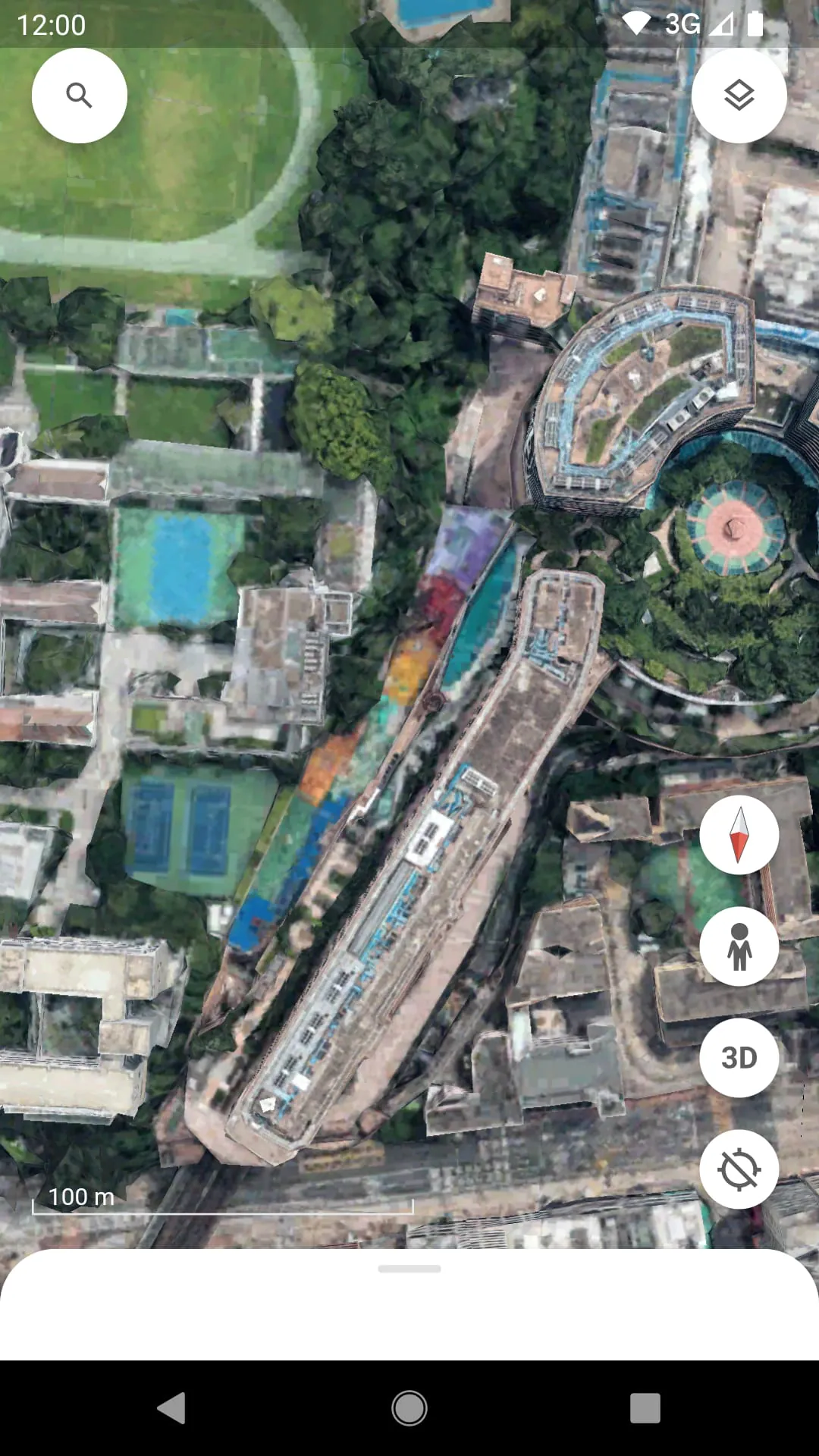
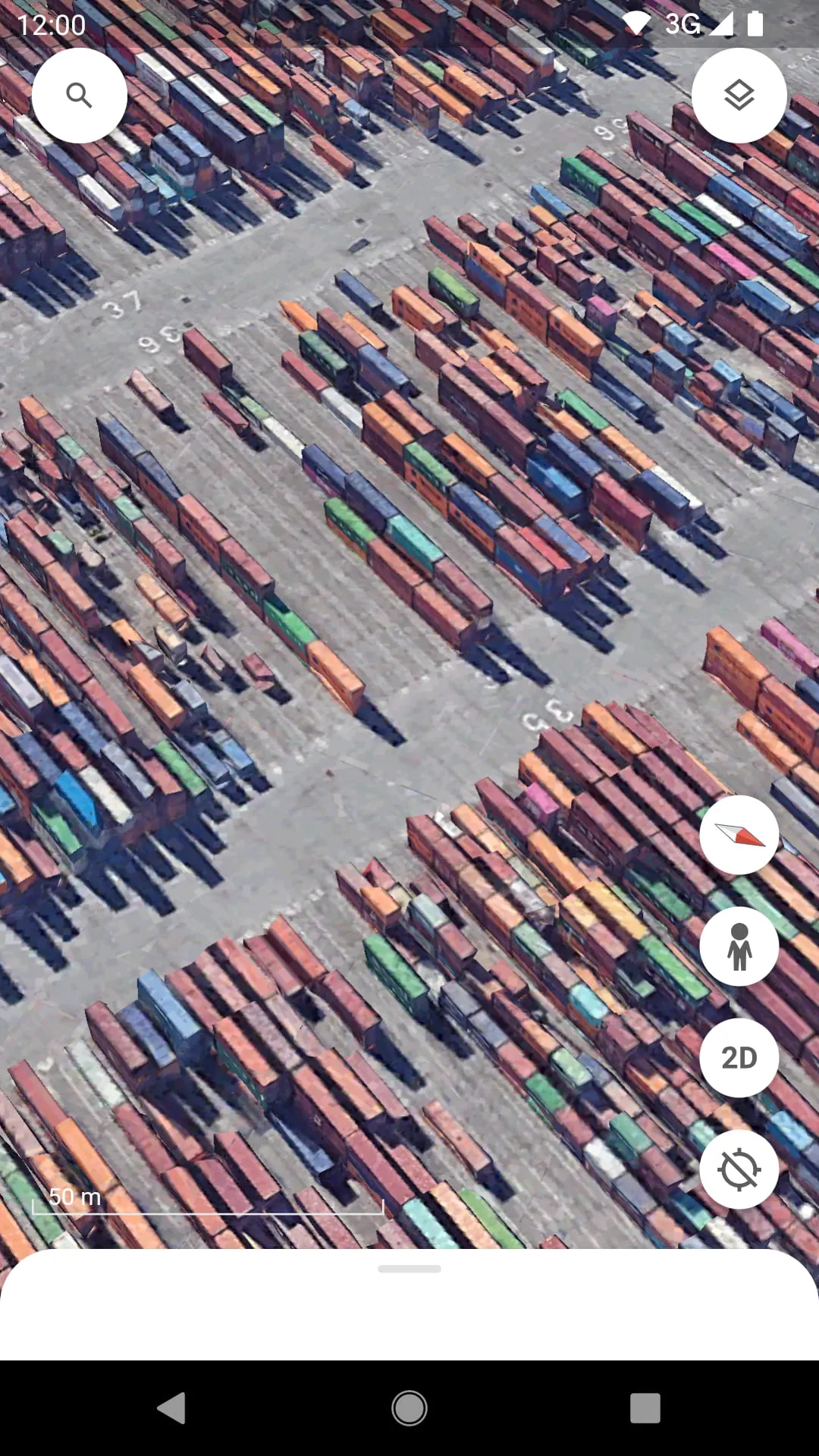
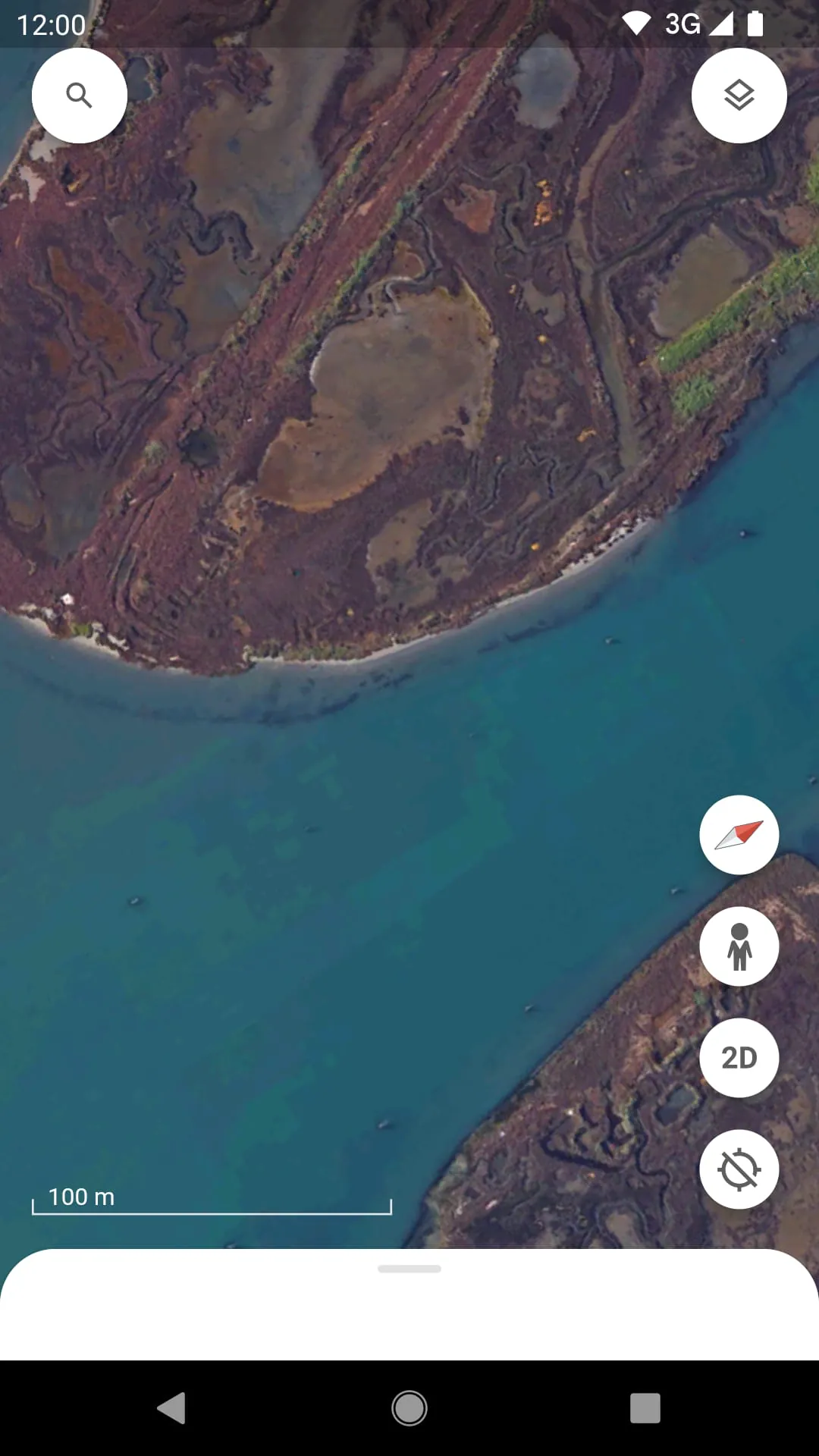
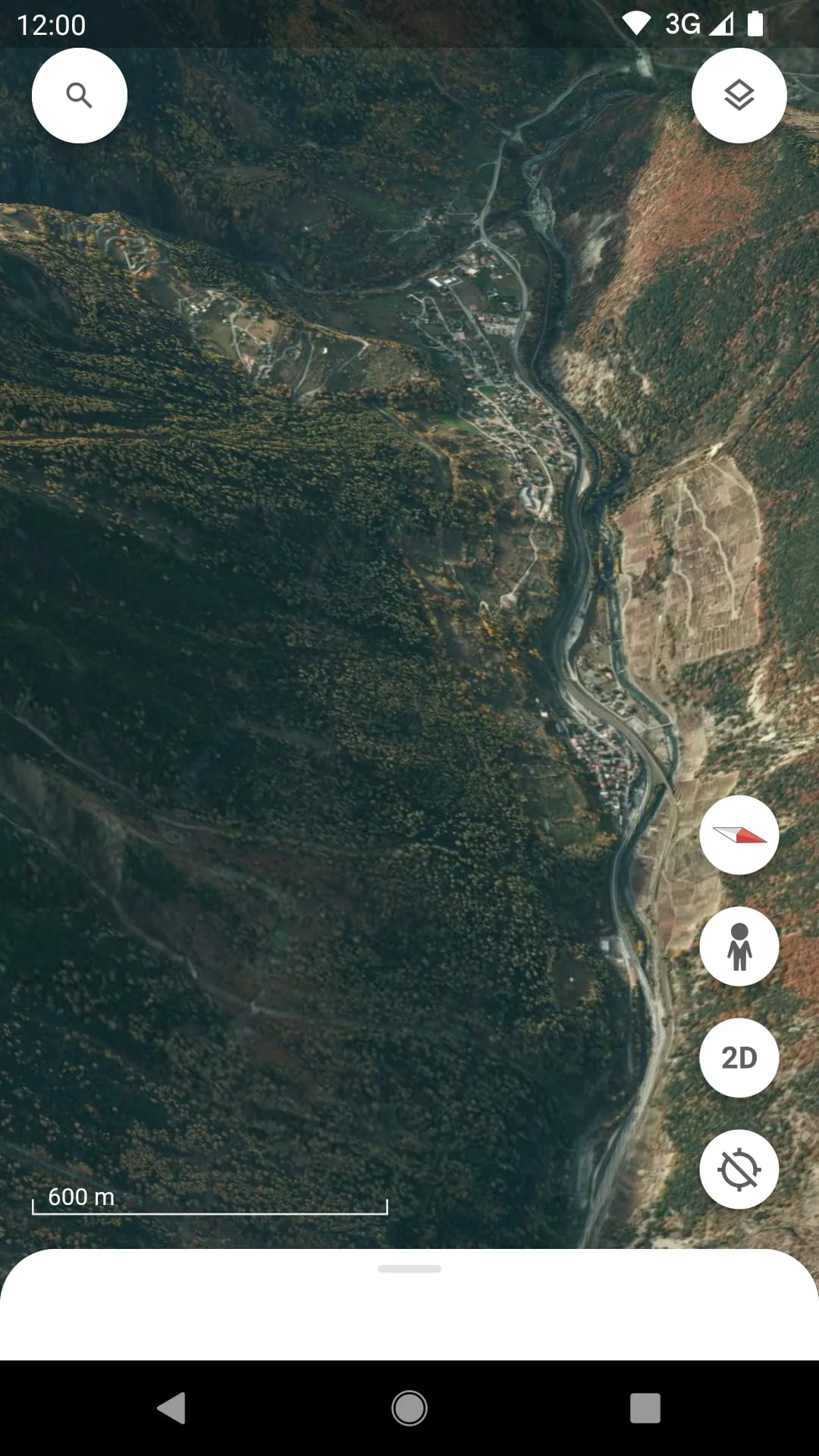
Google Earth is a powerful and innovative application that allows users to explore a detailed, interactive 3D representation of our planet from their computer or mobile device. By stitching together satellite imagery, aerial photography, and geographic data, it creates a virtual globe that you can navigate to view cities, landscapes, and remote locations from multiple perspectives, offering an immersive way to learn about and visualize the world.
The application stands out with its unique set of capabilities that go beyond simple map viewing. It provides a rich, layered experience for discovery and education. Users can access historical imagery to see how places have changed over time, create and share custom tours with the Voyager storytelling feature, and even explore the ocean floor or the surface of Mars. The 3D rendering of buildings and terrain in many areas adds a remarkable level of depth and realism, making virtual travel both engaging and informative.
Like any tool, this platform has its distinct advantages and some limitations. It is an exceptional resource for education, travel planning, and environmental monitoring, offering unparalleled visual context that traditional maps cannot match. However, its performance can be demanding on older hardware, and the sheer richness of features may present a learning curve for new users. Furthermore, while imagery is frequently updated, some regions may have outdated or lower-resolution photos compared to others.
The software is packed with diverse functionalities designed for a wide range of uses. Beyond basic navigation, it serves as a multifaceted tool for both personal and professional projects.
Click the button "Check All Versions" below to download and install it. Once installed, launch the application and you will be presented with a view of the globe. You can use your mouse or touch controls to zoom, rotate, and tilt the view. Simply type a location into the search bar to fly directly there. To access advanced features, explore the menu toolbar on the left side, where you can toggle different layers, open the Voyager stories, or find the ruler and tour creation tools. Spending time experimenting with these menus is the best way to unlock its full potential.
Get Google Earth from an official store or available APK channel.
ZIP files require a Split APKs Installer (e.g., SAI) from Google Play to install. Steps: 1. Download SAI from Google Play; 2. Open SAI and tap "Install APKs"; 3. Select the ZIP file; 4. Complete installation.
The latest version currently listed by Appspicked is V9.180.0.1, with information updated on May 16, 2026. Versions may vary by device, region, or rollout schedule, so users should also check Google Play or announcements from Google LLC.
No website can guarantee that an app is completely risk-free. Appspicked recommends downloading Google Earth only from an official app store or a verified channel operated by Google LLC. Before installing, confirm the developer name, package ID com.google.earth, requested permissions, privacy policy, and download source.
Google Earth may be unavailable because of regional restrictions, device incompatibility, account or age settings, a temporary removal, a name change, or because it has not been released for that platform. An Android package page does not necessarily mean that an iOS App Store version exists. Check Google LLC’s official website for current availability.
Use Google Play or another official download channel provided by Google LLC whenever possible. Appspicked provides app information and store links, but users should verify the destination domain and publisher before downloading or updating the app.
The information on Appspicked may represent the most recently indexed snapshot. App stores sometimes release updates gradually or display different versions according to region, device, operating system, or testing group. The official store listing should be treated as the final reference.
Google Earth is listed for Android, with a reported minimum requirement of Not specified. Actual compatibility may also depend on the device model, region, available storage, hardware features, and installed system components.
The initial download may be free, but subscriptions, advertising, paid features, or in-app purchases may still apply. Prices and available purchases can vary by country and version. Check the payment information displayed by Google Play before completing a transaction.
Check the network connection, storage space, operating-system version, account region, and device compatibility. Restart the device and try again through the official store. If the problem continues, consult the support resources provided by Google LLC.









