


V2025.11.29.2 (329526)

- Package Name
- com.google.android.apps.books
- Version Name
- V2025.11.29.2 (329526)
- Version Code
- V2025.11.29.2 (329526)
- File Size
- 13.97 MB
- Update time
- 2026-1-6



by Google LLC
All the books you love. On the page or out loud. Anywhere you are.
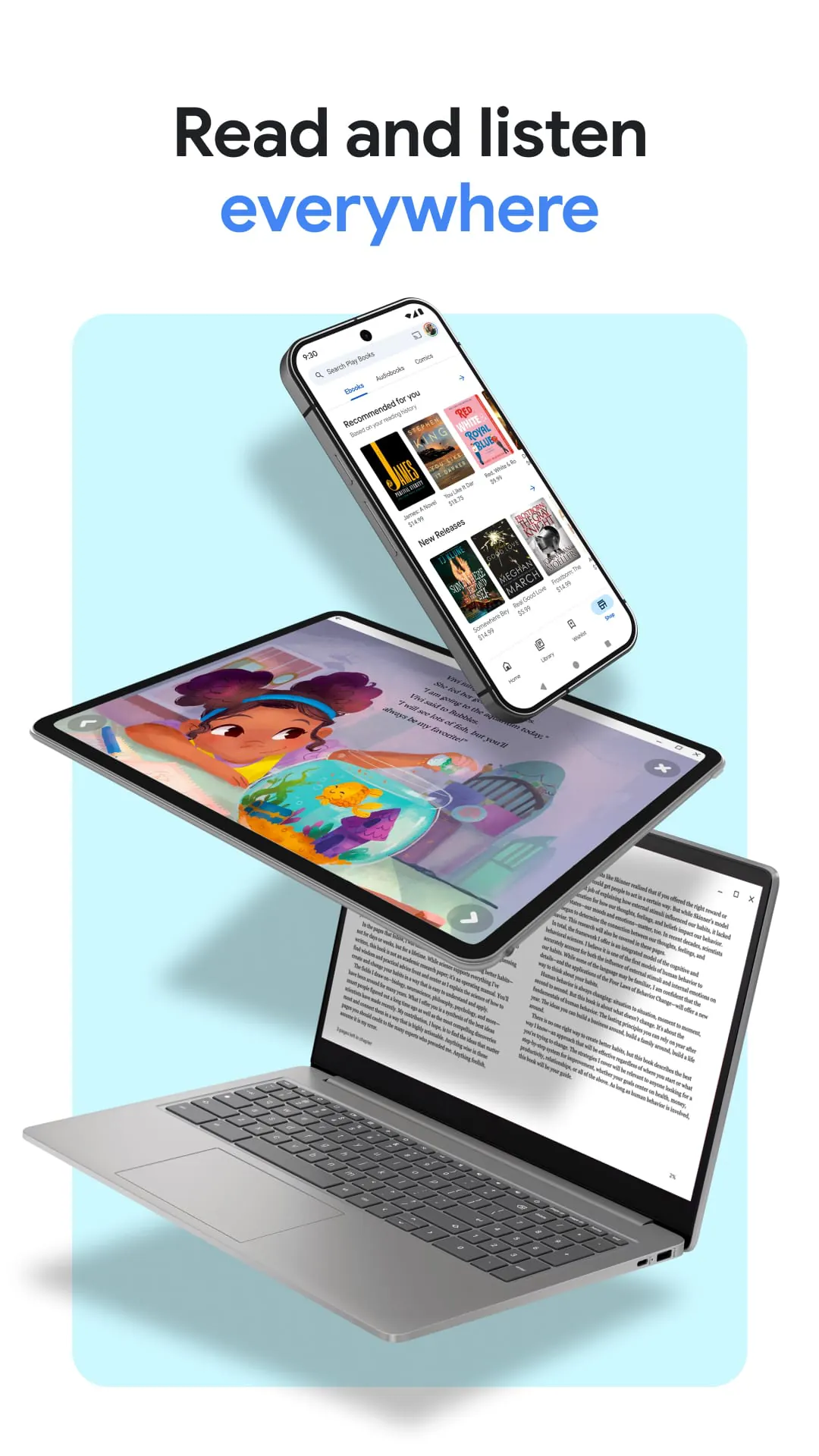
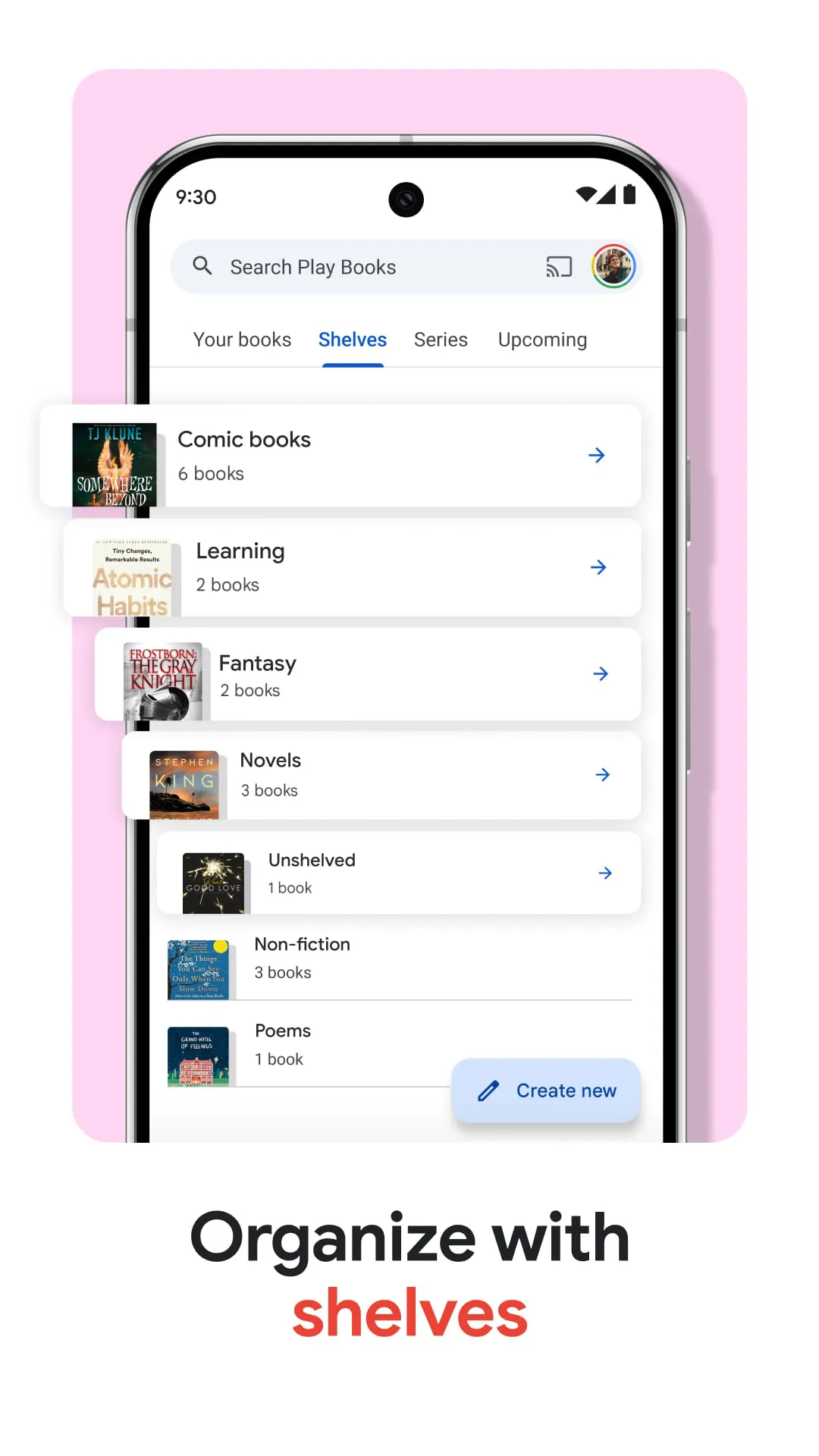
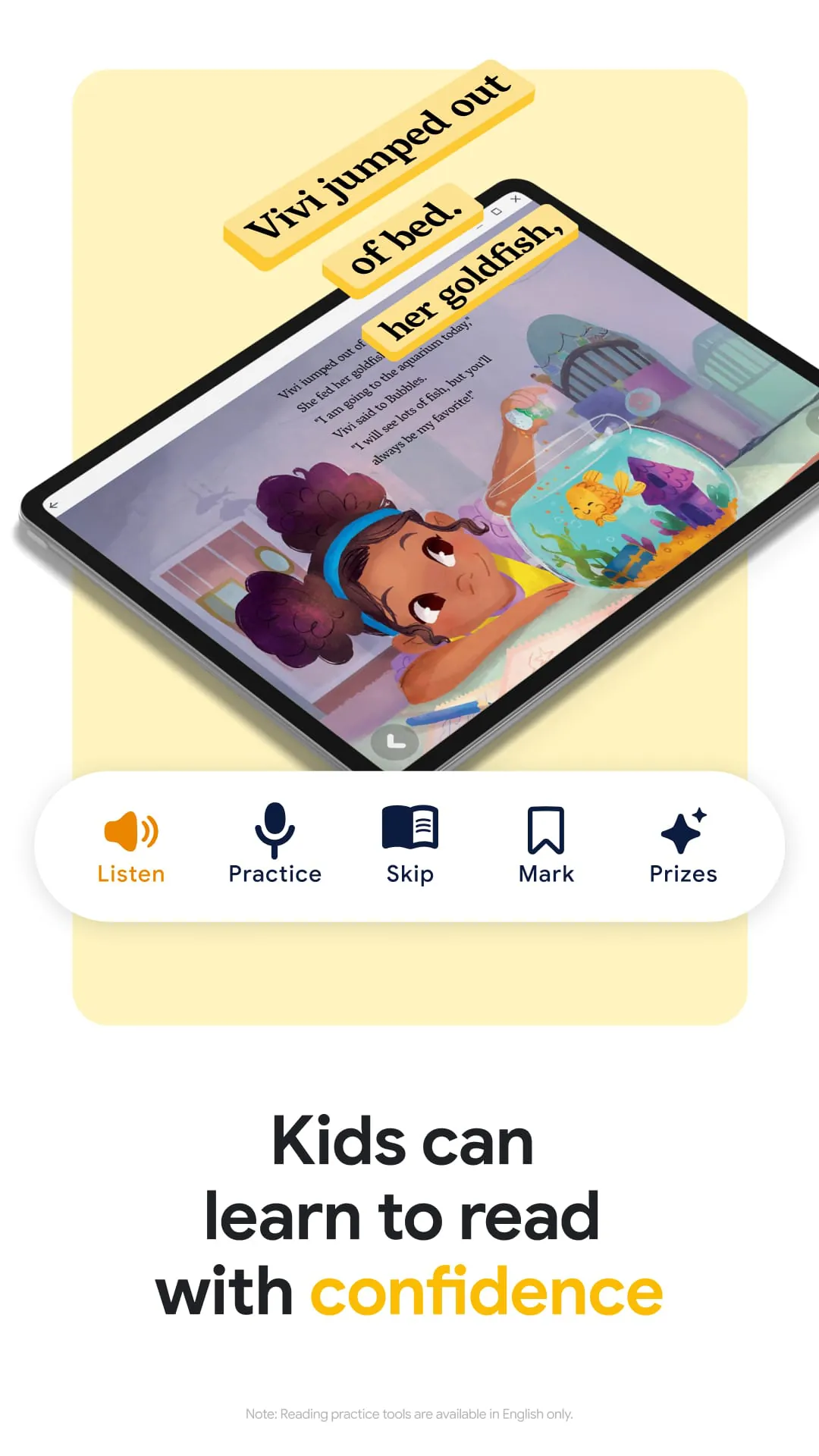
Google Play Books & Audiobooks is a comprehensive digital reading and listening application developed by Google, serving as a centralized platform for users to purchase, borrow, and enjoy a vast collection of ebooks, comics, textbooks, and audiobooks directly on their Android and iOS devices, with seamless synchronization across all platforms via a user's Google account.
The application stands out with its deep integration into the Google ecosystem. It offers personalized recommendations based on your reading history and preferences. A particularly notable feature is its support for offline reading and listening, allowing you to download content for access anywhere. The app also provides helpful tools like customizing font styles, sizes, and background colors for comfortable reading, as well as a built-in dictionary for instant word definitions.
Every service has its strengths and weaknesses, and Google Play Books & Audiobooks is no exception. It excels in its cross-device synchronization, making it easy to switch from your phone to your tablet without losing your place. The integration with Google Assistant for audiobook playback is a plus. However, some users find the overall book selection, especially for newer or more niche titles, to be less extensive than dedicated competitors like Amazon's Kindle store. The pricing for individual books and audiobubs can also be on the higher side compared to subscription services.
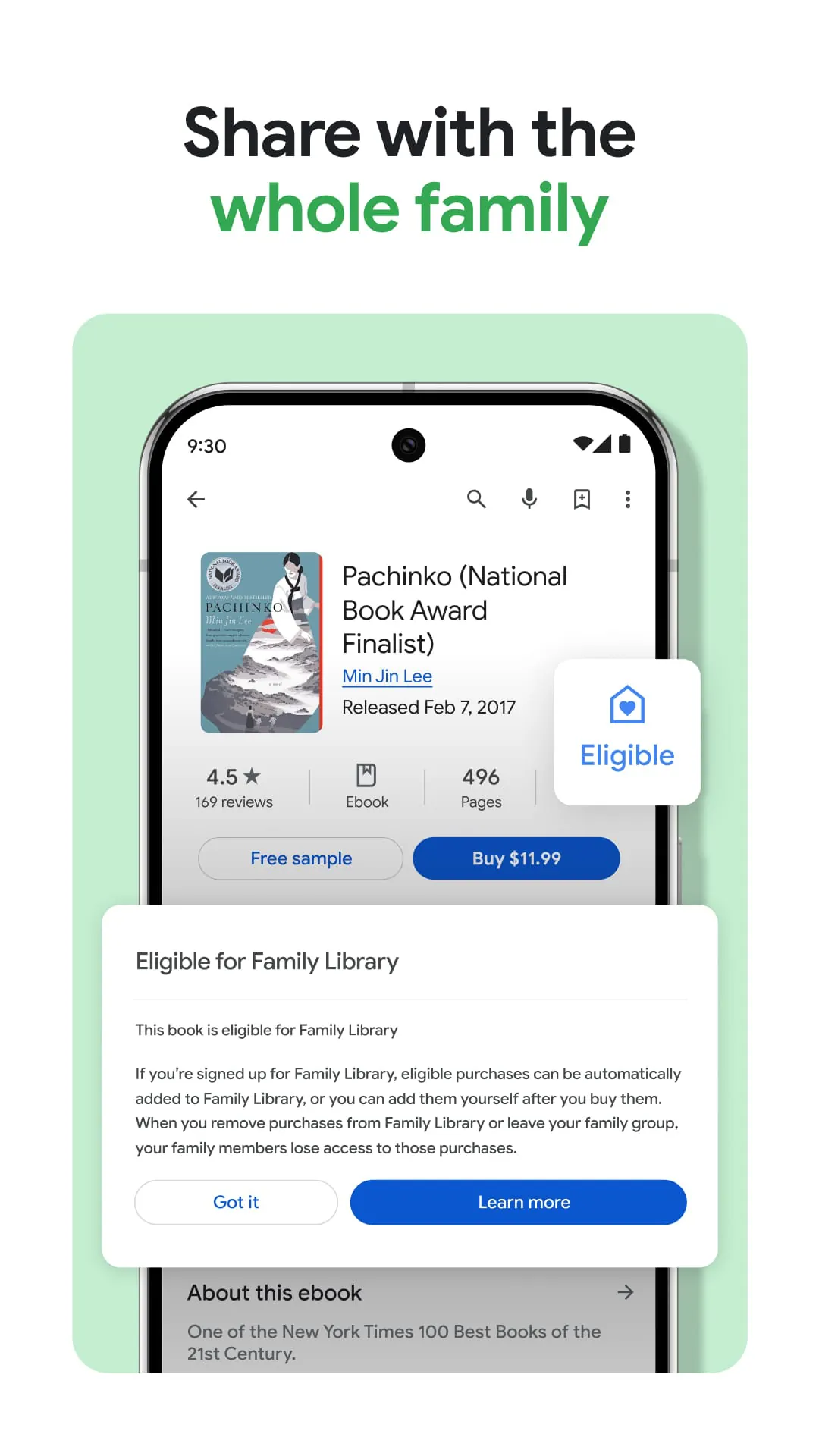
The app provides a robust set of functions designed for a complete digital reading experience. Beyond simply storing your library, it enables active engagement with your content. You can highlight passages, add notes, and bookmark pages. For audiobooks, you have full playback controls, including speed adjustment and a sleep timer. The app also supports uploading and reading your own EPUB or PDF files from your device, turning it into a versatile personal library manager. Family Library sharing allows you to share purchased books with up to five family members.
Click the button "Check All Versions" below to download and install it. Once installed, open the app and sign in with your Google account to get started. You can browse the integrated bookstore by genre, bestsellers, or curated lists. After purchasing or downloading a free book, it will appear in your library. To read, simply tap on the book cover. Swipe left or right to turn pages, and tap the center of the screen to bring up the menu for highlights, notes, and settings. For audiobooks, the player interface will appear with play/pause, skip, and speed controls for a seamless listening journey.
Get Google Play Books & Audiobooks from an official store or available APK channel.
ZIP files require a Split APKs Installer (e.g., SAI) from Google Play to install. Steps: 1. Download SAI from Google Play; 2. Open SAI and tap "Install APKs"; 3. Select the ZIP file; 4. Complete installation.
The latest version currently listed by Appspicked is V2023.7.26.2 (154546), with information updated on May 16, 2026. Versions may vary by device, region, or rollout schedule, so users should also check Google Play or announcements from Google LLC.
No website can guarantee that an app is completely risk-free. Appspicked recommends downloading Google Play Books & Audiobooks only from an official app store or a verified channel operated by Google LLC. Before installing, confirm the developer name, package ID com.google.android.apps.books, requested permissions, privacy policy, and download source.
Google Play Books & Audiobooks may be unavailable because of regional restrictions, device incompatibility, account or age settings, a temporary removal, a name change, or because it has not been released for that platform. An Android package page does not necessarily mean that an iOS App Store version exists. Check Google LLC’s official website for current availability.
Use Google Play or another official download channel provided by Google LLC whenever possible. Appspicked provides app information and store links, but users should verify the destination domain and publisher before downloading or updating the app.
The information on Appspicked may represent the most recently indexed snapshot. App stores sometimes release updates gradually or display different versions according to region, device, operating system, or testing group. The official store listing should be treated as the final reference.
Google Play Books & Audiobooks is listed for Android, with a reported minimum requirement of Not specified. Actual compatibility may also depend on the device model, region, available storage, hardware features, and installed system components.
The initial download may be free, but subscriptions, advertising, paid features, or in-app purchases may still apply. Prices and available purchases can vary by country and version. Check the payment information displayed by Google Play before completing a transaction.
Check the network connection, storage space, operating-system version, account region, and device compatibility. Restart the device and try again through the official store. If the problem continues, consult the support resources provided by Google LLC.









