


V1.45.7

- Package Name
- com.vecturagames.android.app.gpxviewer
- Version Name
- V1.45.7
- Version Code
- V1.45.7
- File Size
- 32.65 MB
- Update time
- 2024-2-20



by Vectura Games OÜ
GPX Viewer shows tracks, routes and waypoints from gpx and kml files.
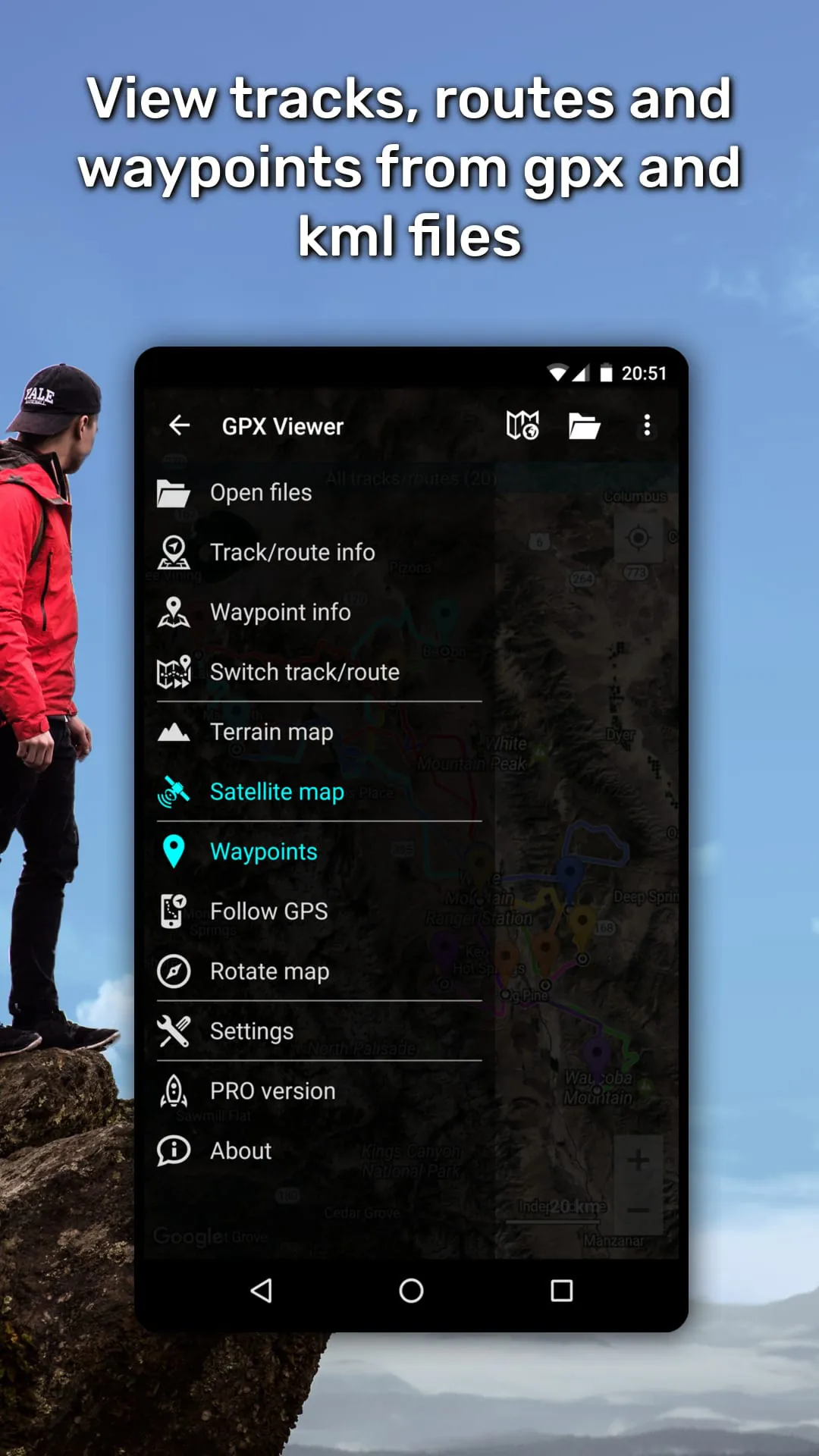
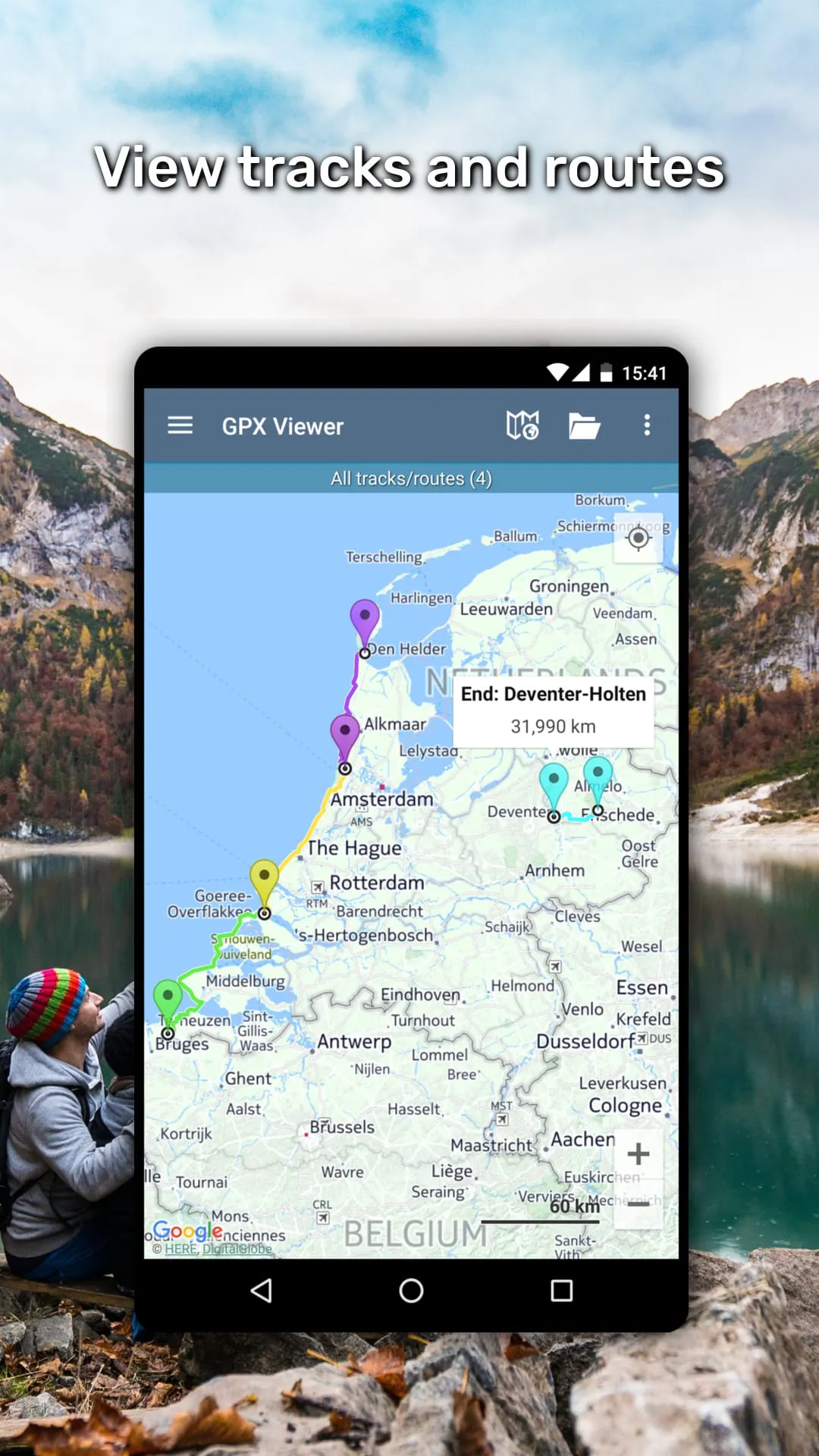
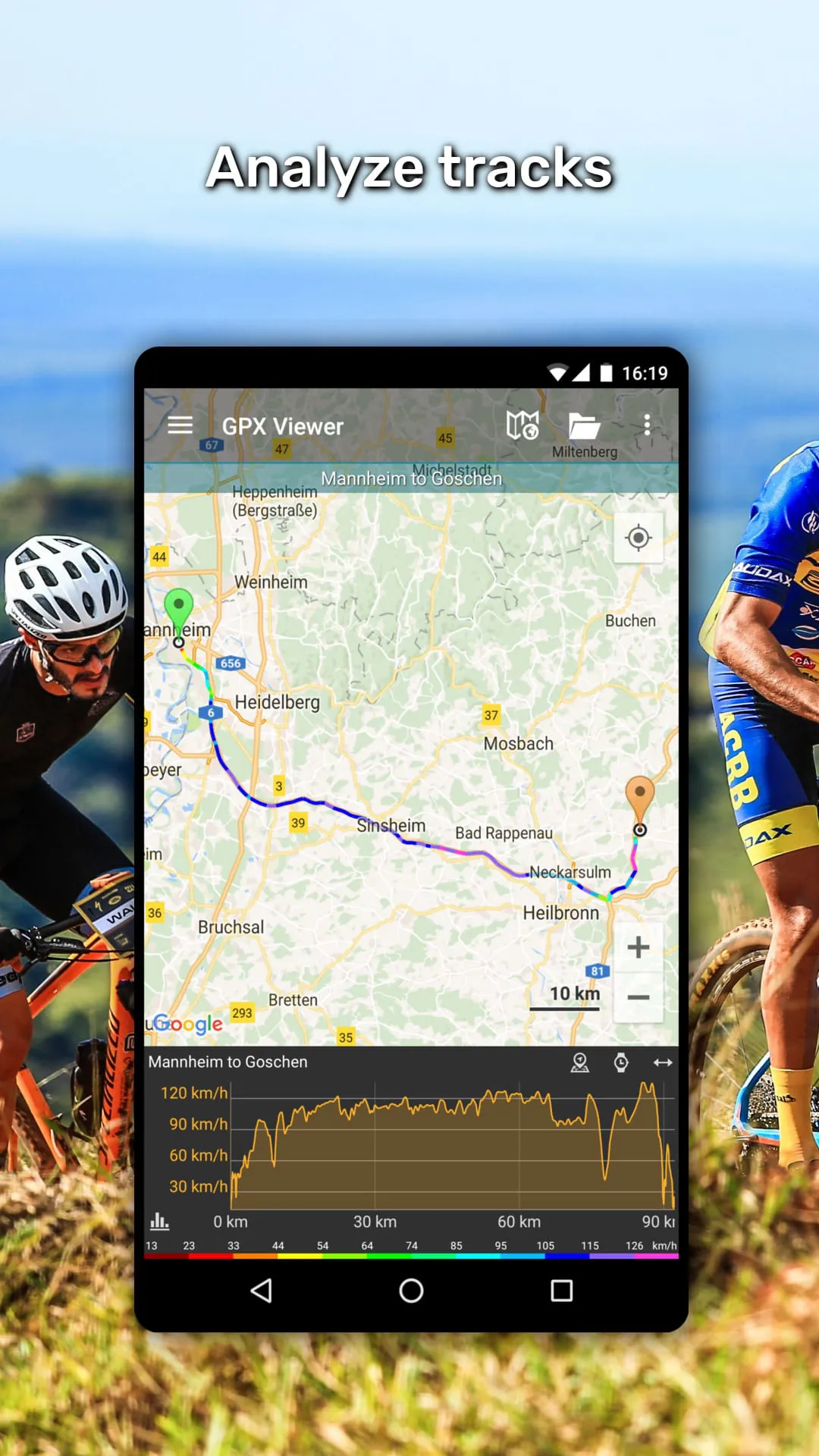
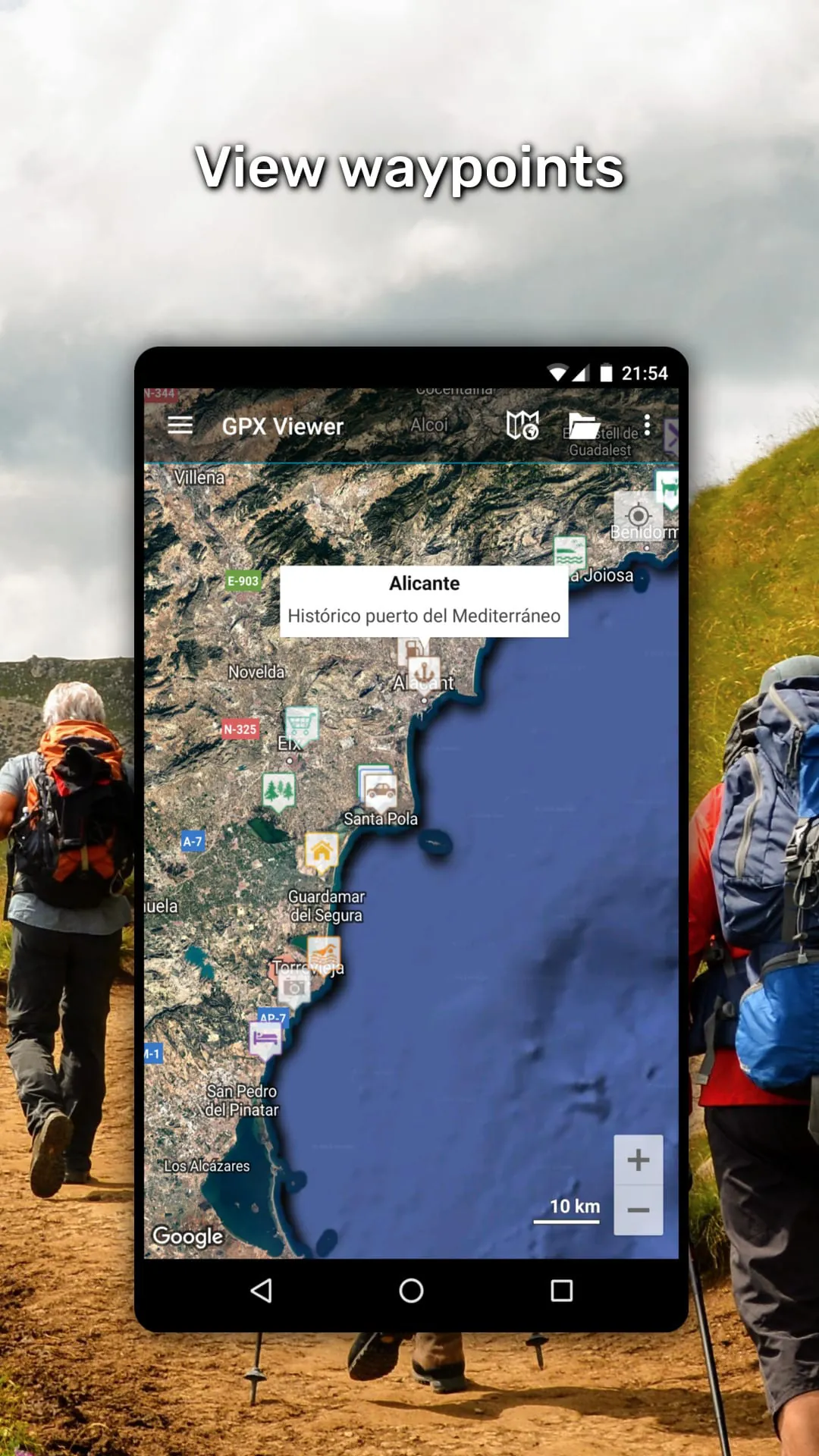
GPX Viewer is a dedicated mobile navigation application designed for outdoor enthusiasts, enabling users to open, view, and interact with GPS Exchange Format (GPX) files directly on their devices. It transforms your smartphone into a powerful GPS tracker and offline map tool, allowing you to follow pre-recorded trails for activities like hiking, cycling, or running without needing a continuous cellular signal.
The application stands out with its robust set of features tailored for navigation. It supports detailed offline maps that can be downloaded in advance, ensuring functionality in remote areas. Real-time tracking records your path, speed, and elevation, while the ability to import and export GPX files makes route sharing seamless. Additional features often include waypoint marking, statistics logging, and integration with various online map services for flexible planning.
Evaluating the app reveals distinct advantages and some limitations. On the positive side, its core strength is reliable offline navigation, which is crucial for safety in the wilderness. The interface is typically focused and straightforward, avoiding unnecessary clutter. However, the free version may contain advertisements or lack advanced features like topographic maps, which might require a premium upgrade. Battery consumption can also be significant with prolonged GPS use, which is a common consideration for all similar apps.
The app performs several critical functions for route-based outdoor activities. Its primary function is to visualize GPX tracks and waypoints overlaid on a map. Key operational functions include:
These combined functions create a comprehensive digital companion for navigation.
Click the button "Check All Versions" below to download and install it. Once installed, launch the app and grant the necessary permissions for location services. Begin by importing a GPX route, either from an email attachment, cloud service, or the device's local storage. Before heading out, use the app's menu to download the offline map for your activity area. During your activity, start the tracking function to follow your route and record your progress. You can pause or stop recording upon completion, save your track, and share the file if desired.
Get GPX Viewer from an official store or available APK channel.
ZIP files require a Split APKs Installer (e.g., SAI) from Google Play to install. Steps: 1. Download SAI from Google Play; 2. Open SAI and tap "Install APKs"; 3. Select the ZIP file; 4. Complete installation.
The latest version currently listed by Appspicked is V1.45.7, with information updated on May 16, 2026. Versions may vary by device, region, or rollout schedule, so users should also check Google Play or announcements from Vectura Games OÜ.
No website can guarantee that an app is completely risk-free. Appspicked recommends downloading GPX Viewer only from an official app store or a verified channel operated by Vectura Games OÜ. Before installing, confirm the developer name, package ID com.vecturagames.android.app.gpxviewer, requested permissions, privacy policy, and download source.
GPX Viewer may be unavailable because of regional restrictions, device incompatibility, account or age settings, a temporary removal, a name change, or because it has not been released for that platform. An Android package page does not necessarily mean that an iOS App Store version exists. Check Vectura Games OÜ’s official website for current availability.
Use Google Play or another official download channel provided by Vectura Games OÜ whenever possible. Appspicked provides app information and store links, but users should verify the destination domain and publisher before downloading or updating the app.
The information on Appspicked may represent the most recently indexed snapshot. App stores sometimes release updates gradually or display different versions according to region, device, operating system, or testing group. The official store listing should be treated as the final reference.
GPX Viewer is listed for Android, with a reported minimum requirement of Not specified. Actual compatibility may also depend on the device model, region, available storage, hardware features, and installed system components.
The initial download may be free, but subscriptions, advertising, paid features, or in-app purchases may still apply. Prices and available purchases can vary by country and version. Check the payment information displayed by Google Play before completing a transaction.
Check the network connection, storage space, operating-system version, account region, and device compatibility. Restart the device and try again through the official store. If the problem continues, consult the support resources provided by Vectura Games OÜ.









