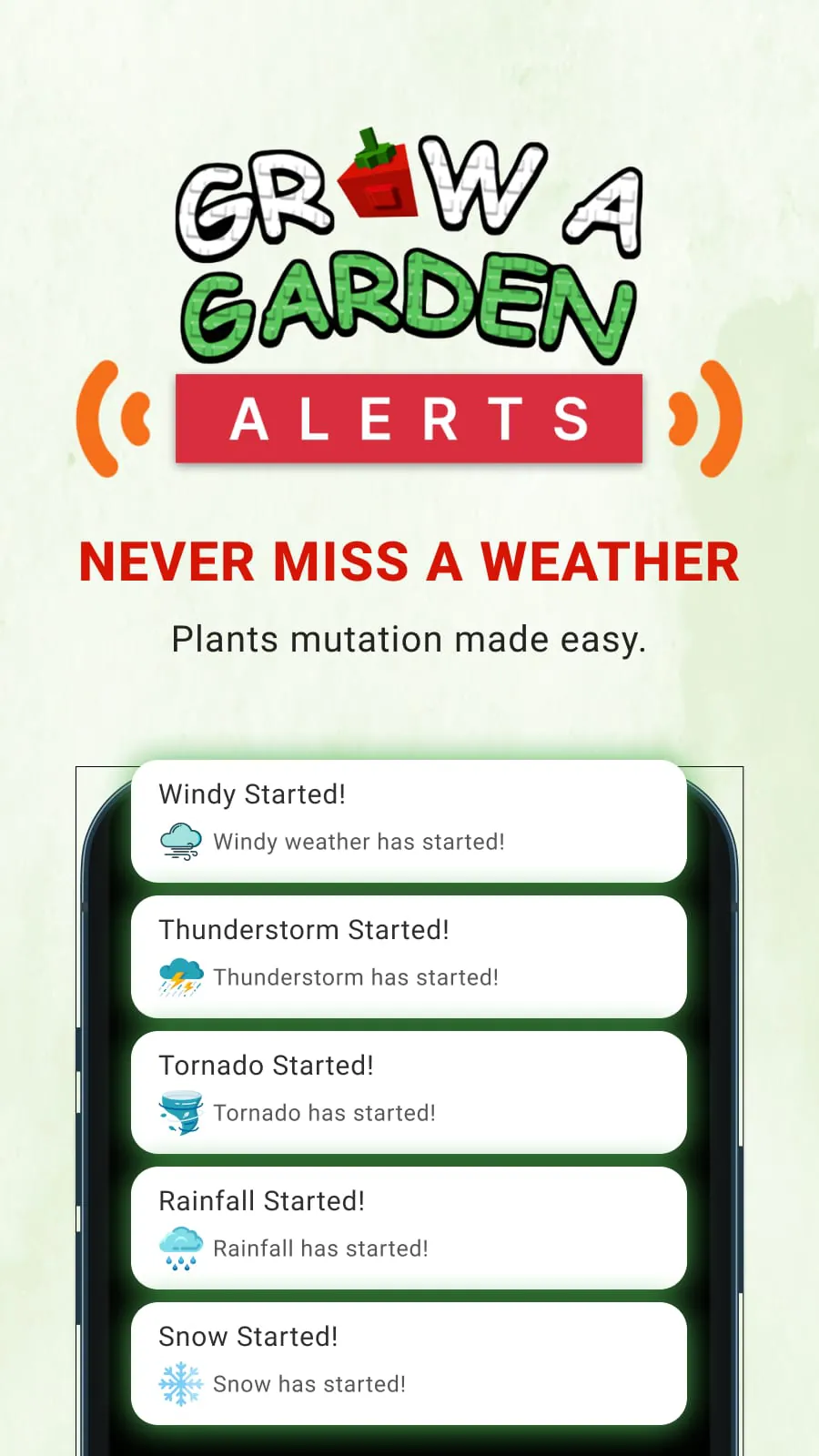
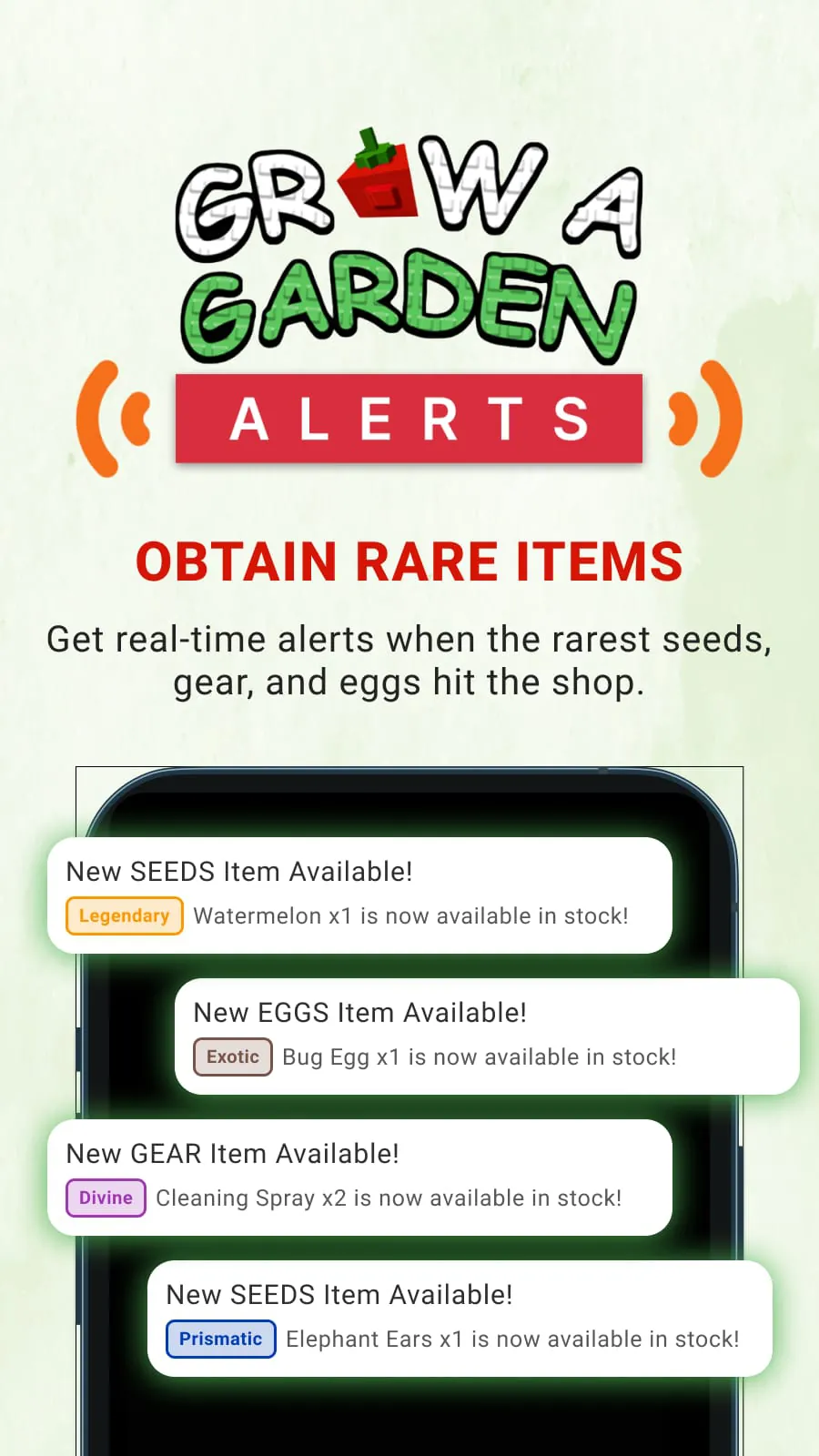
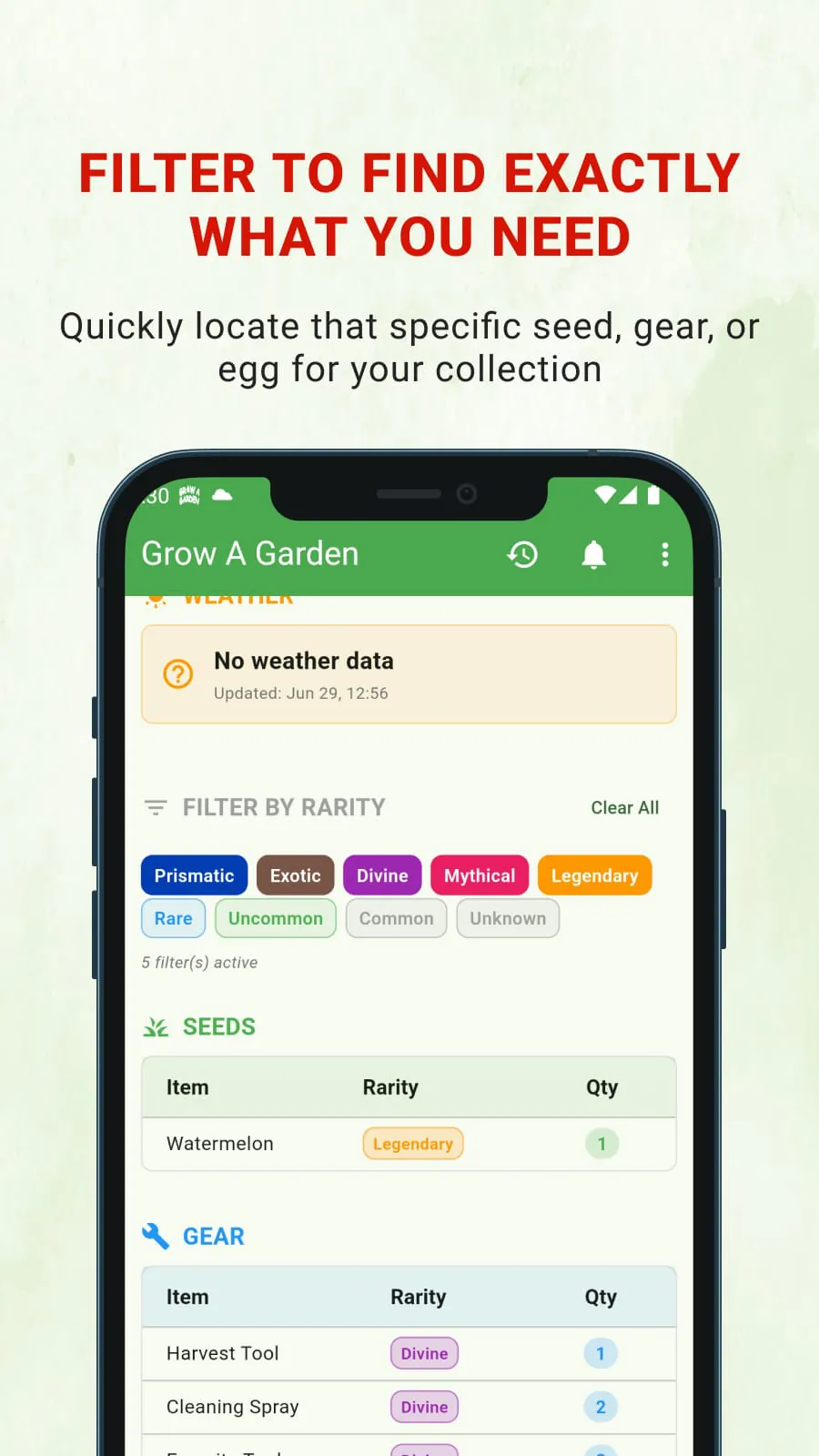
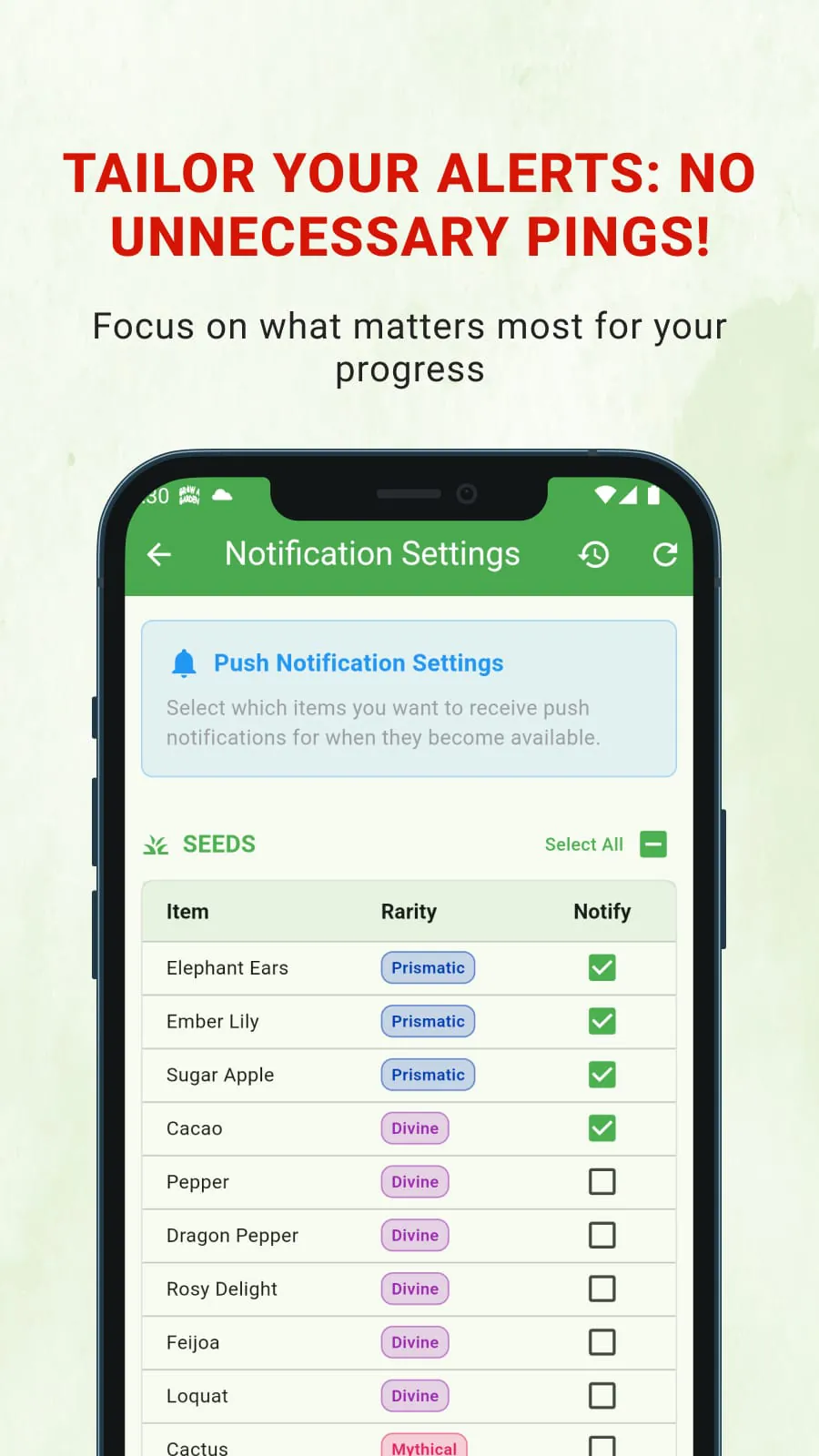
Grow A Garden is a popular game on the Roblox platform where players cultivate their virtual gardens, collect rare items, and strive to become the most efficient farmers. A significant aspect of the game revolves around acquiring specific seeds, gear, and pet eggs that appear in the in-game store, which dynamically refreshes its stock every five minutes. Due to the limited availability and high demand for legendary and event-specific items, players often find themselves constantly checking the store, leading to frustration and missed opportunities. This is where Grow A Garden Alerts comes in as a valuable tool, designed to notify players the moment their desired items become available. The app eliminates the need for incessant manual checks, allowing players to focus on other aspects of the game such as planting, harvesting, and exploring new strategies for garden development. With Grow A Garden Alerts, players can customize a watchlist of specific items they are seeking, including rare seeds like Divine, Mythical, and Event-exclusive varieties, special gear such as the Magnifying Glass, Night Staff, and Star Caller, and coveted pet eggs like the Paradise Egg, Bee Egg, and Oasis Egg. Once an item on their watchlist appears in the store, the app sends an immediate push notification, ensuring they never miss a chance to acquire it. By providing real-time alerts, Grow A Garden Alerts saves players valuable time and effort, enabling them to progress more efficiently and build their dream gardens more effectively. The app's user-friendly interface makes it easy to set up and manage alerts, further enhancing the overall gaming experience. Moreover, Grow A Garden Alerts gives players a competitive edge by helping them acquire rare items faster than others, maximizing their potential and solidifying their status as top-tier farmers in the Grow A Garden community. The ability to acquire sought-after items quickly not only accelerates progress but also enhances the overall enjoyment of the game, as players can experiment with new strategies and expand their collections without the constant fear of missing out on limited-time opportunities. Furthermore, Grow A Garden Alerts promotes a more relaxed and engaging gaming experience by freeing players from the tedious task of constantly monitoring the in-game store, allowing them to immerse themselves fully in the world of Grow A Garden and connect with other players in a more meaningful way. The app also fosters a sense of community among players, as they can share tips and strategies for acquiring rare items and optimizing their gardens, further enriching the social aspect of the game. Overall, Grow A Garden Alerts is an indispensable tool for any serious Grow A Garden player looking to maximize their progress, acquire rare items efficiently, and enjoy a more rewarding and engaging gaming experience.
The significance of Grow A Garden Alerts lies in its ability to streamline the process of acquiring rare and valuable items in the Grow A Garden Roblox game. The game's dynamic store system, while designed to create a sense of excitement and anticipation, can also be a source of frustration for players who are unable to consistently monitor it. Legendary items, event-specific seeds, and unique gear often appear for limited periods, making it challenging for players to acquire them without constant vigilance. Grow A Garden Alerts effectively solves this problem by automating the monitoring process and delivering instant notifications when desired items become available. This not only saves players a significant amount of time and effort but also ensures that they never miss out on crucial opportunities to enhance their gardens and collections. The app's customizable watchlist feature allows players to tailor their notifications to their specific needs and preferences, ensuring that they are only alerted to items that are relevant to their gameplay. Whether a player is seeking a particular rare seed to complete their collection or a specific piece of gear to enhance their farming abilities, Grow A Garden Alerts provides a personalized and efficient solution for acquiring those items. By providing real-time alerts, the app empowers players to make informed decisions about their in-game purchases, allowing them to prioritize the items that will have the greatest impact on their progress. Moreover, Grow A Garden Alerts contributes to a more balanced and enjoyable gaming experience by reducing the stress and anxiety associated with constantly monitoring the in-game store. Players can now focus on other aspects of the game, such as designing their gardens, interacting with other players, and exploring new features, without the fear of missing out on valuable opportunities. The app also promotes a sense of fairness and equality among players, as it provides everyone with an equal chance to acquire rare items, regardless of their ability to spend hours monitoring the store. This is particularly important for players who have limited time to dedicate to the game but still want to compete and progress effectively. In addition to its practical benefits, Grow A Garden Alerts also adds a layer of excitement and anticipation to the Grow A Garden experience. The app's push notifications create a sense of urgency and excitement, as players rush to the in-game store to acquire the items they have been waiting for. This adds a dynamic element to the game and keeps players engaged and motivated to continue playing.
Ultimately, Grow A Garden Alerts is more than just a notification app; it's a comprehensive tool that enhances the entire Grow A Garden Roblox experience. It addresses a key pain point for players by simplifying the process of acquiring rare and valuable items, allowing them to focus on the more enjoyable aspects of the game. The app's user-friendly interface, customizable watchlist, and real-time notifications make it an indispensable asset for any serious Grow A Garden player. By providing a competitive edge, promoting a balanced gaming experience, and adding a layer of excitement, Grow A Garden Alerts transforms the way players interact with the game and allows them to achieve their full potential. Furthermore, the app's ability to save players time and effort frees them up to explore other aspects of the Roblox platform, such as creating their own games, interacting with other players, and participating in community events. This not only enhances the overall gaming experience but also fosters a sense of creativity and collaboration among players. In addition to its direct benefits for players, Grow A Garden Alerts also contributes to the overall success and popularity of the Grow A Garden Roblox game. By making it easier for players to acquire rare items and progress in the game, the app encourages them to continue playing and investing in the game, which in turn benefits the game's developers and the Roblox community as a whole. The app also serves as a valuable marketing tool for the game, as it attracts new players who are drawn to the promise of a more efficient and rewarding gaming experience. Moreover, Grow A Garden Alerts demonstrates the power of third-party apps to enhance and extend the functionality of existing games, creating new opportunities for innovation and creativity within the gaming industry. As the Roblox platform continues to grow and evolve, apps like Grow A Garden Alerts will play an increasingly important role in shaping the gaming experience and empowering players to achieve their full potential. By providing a valuable service, fostering a sense of community, and promoting innovation, Grow A Garden Alerts is a testament to the power of technology to enhance the gaming experience and create new opportunities for players and developers alike.