




Incredibox
by SO FAR SO GOOD
Create your own music with the help of a merry crew of beatboxers!
A closer look
Overview
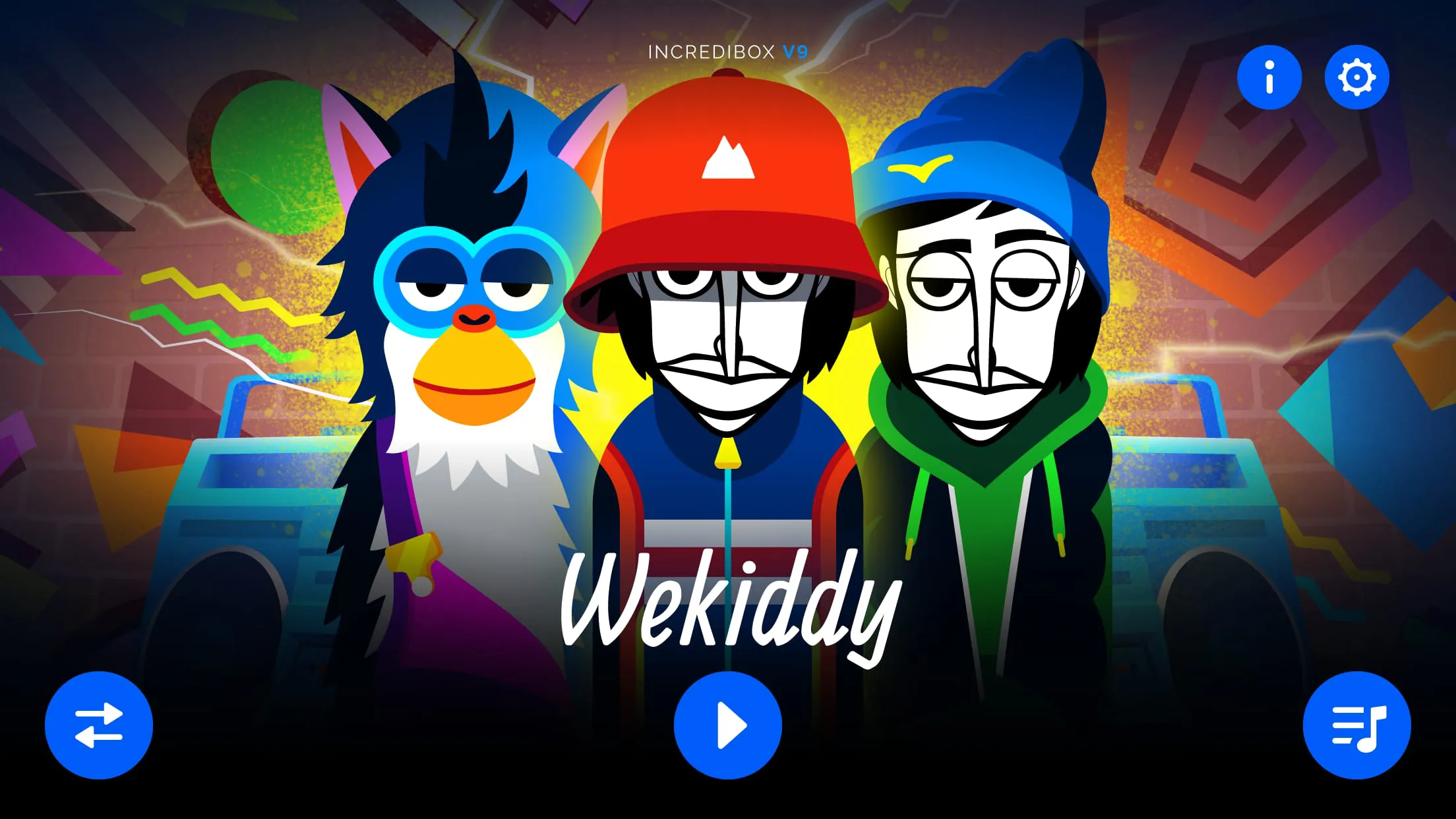
Incredibox is an interactive music creation application that allows users to become beatboxers and mix their own musical tracks with just a few clicks. Designed with an intuitive drag-and-drop interface, it blends rhythm, melody, effects, and vocals into one seamless experience. Originally launched as a web-based project, Incredibox has grown into a popular cross-platform app for both casual listeners and aspiring music creators who want to experiment with sound without needing professional equipment or deep music theory knowledge.
Key Features
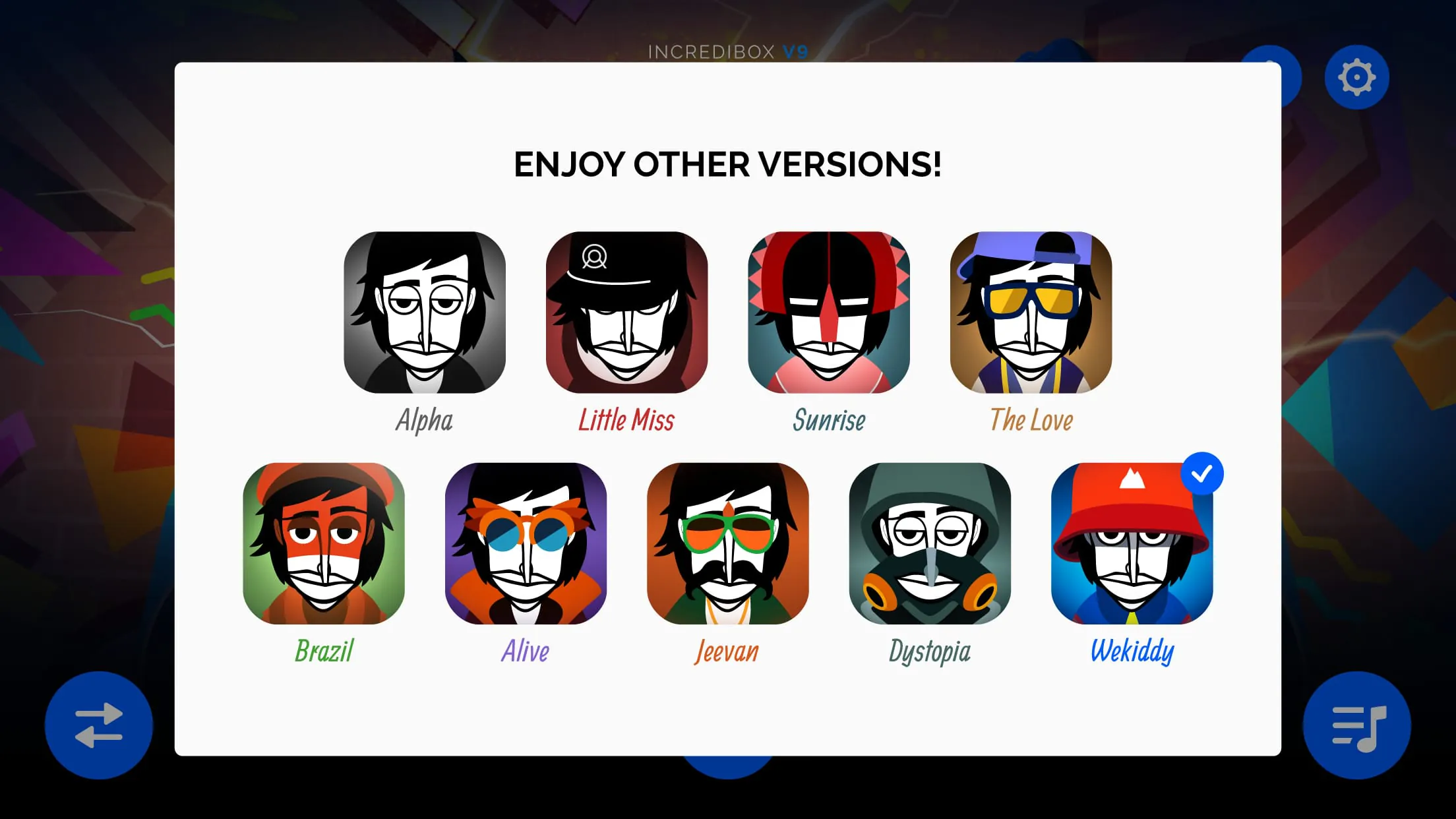
- Multiple musical versions (“Vibes,” “Little Miss,” “Sunrise,” etc.), each offering unique styles and sound palettes
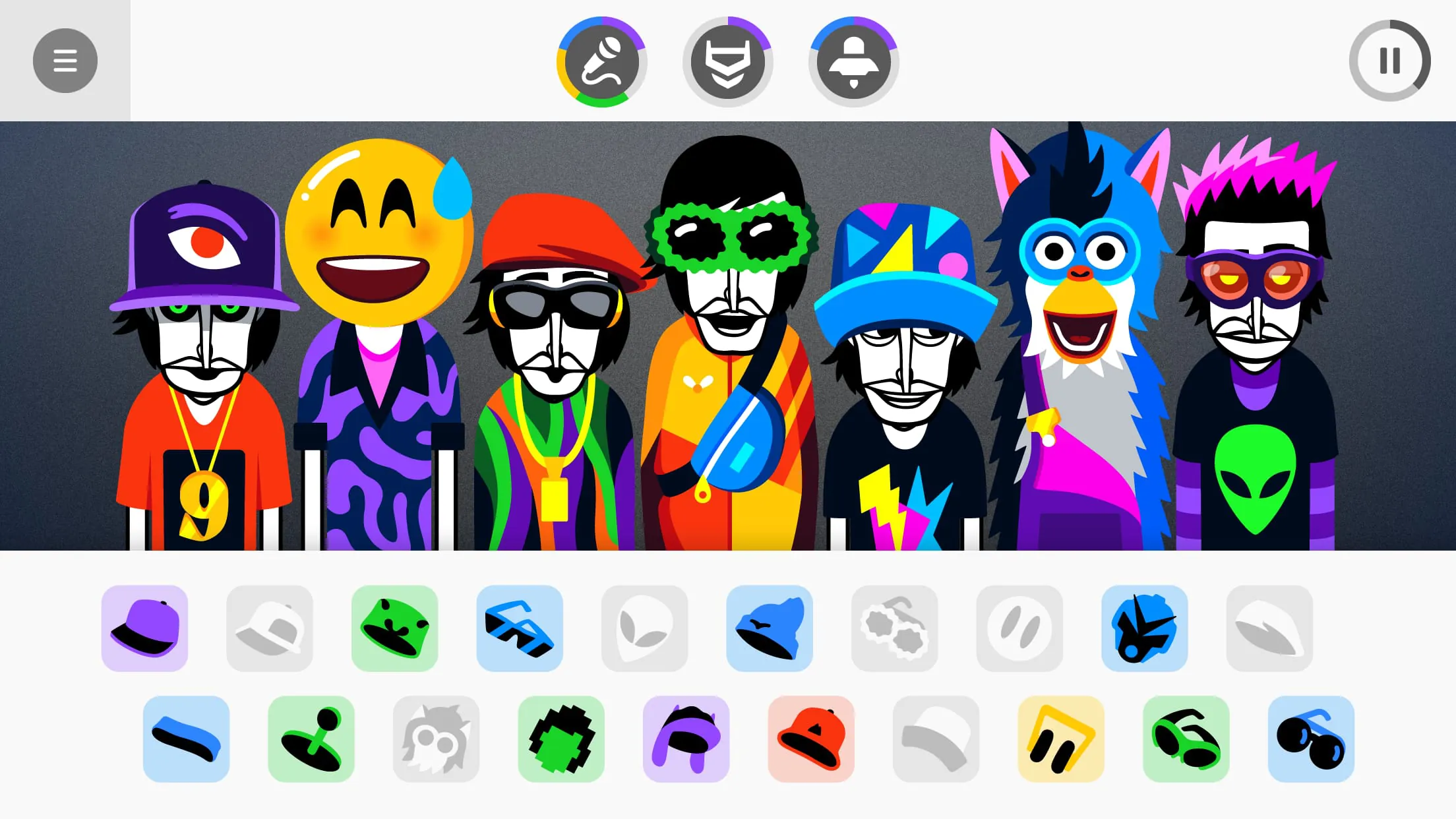
- Drag-and-drop icons to activate different sounds such as beats, melodies, effects, and voices
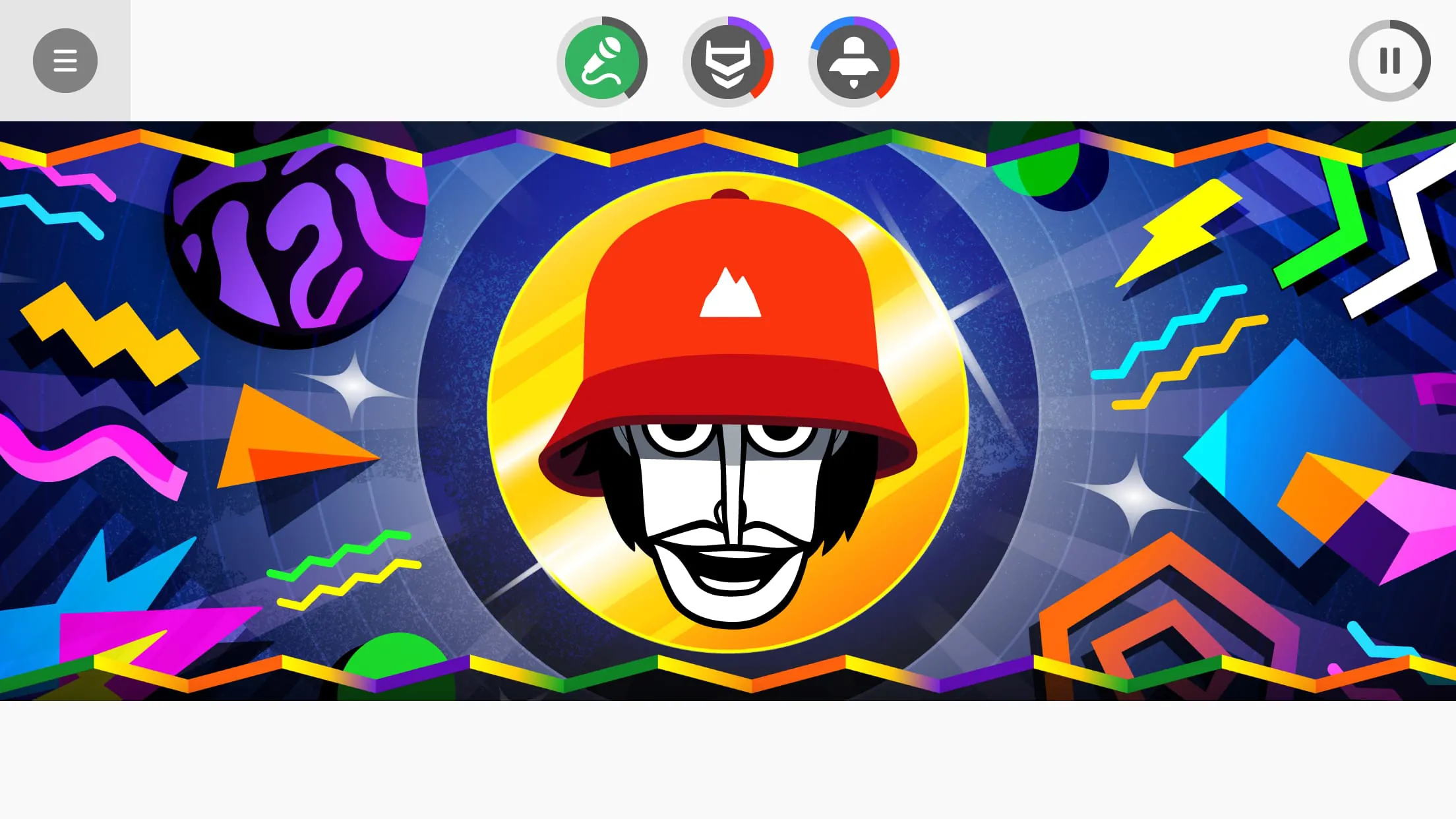
- Animated characters that visually perform your chosen mix in real time
- Automatic mode that generates random combinations for inspiration
- Recording and sharing options to export your creations and showcase them online
Pros & Cons
- Pros: Easy-to-learn controls, visually engaging animations, no musical background required, suitable for all ages
- Cons: Limited customization for advanced producers, some features locked behind newer versions, repetitive gameplay over long sessions
Functions
- Beat mixing through visual icons representing different audio layers
- Real-time playback syncing across all active sounds
- Sound muting and soloing for precise control of your arrangement
- Save and replay previous mixes within the app
- Share your track via social media or direct links
How to Use
Click the button "Check All Versions" below to download and install it. After launching the app, choose a version that matches your preferred musical vibe. On the main screen, you will see several animated characters and rows of icons. Drag an icon onto a character to assign a sound; repeat until you’ve built a complete arrangement. Use the mute and solo buttons to adjust the balance between elements. When satisfied, press the record button to capture your mix, then share it directly from the app or save it locally for later listening.
App Download
Get Incredibox from an official store or available APK channel.
Previous Versions
ZIP files require a Split APKs Installer (e.g., SAI) from Google Play to install. Steps: 1. Download SAI from Google Play; 2. Open SAI and tap "Install APKs"; 3. Select the ZIP file; 4. Complete installation.
Frequently Asked Questions
What is the latest version of Incredibox?
The latest version currently listed by Appspicked is unavailable, with information updated on Jun 6, 2026. Versions may vary by device, region, or rollout schedule, so users should also check Google Play or announcements from SO FAR SO GOOD.
Is Incredibox safe to download and use?
No website can guarantee that an app is completely risk-free. Appspicked recommends downloading Incredibox only from an official app store or a verified channel operated by SO FAR SO GOOD. Before installing, confirm the developer name, package ID com.sofarsogood.incredibox, requested permissions, privacy policy, and download source.
Why can’t I find Incredibox in the App Store?
Incredibox may be unavailable because of regional restrictions, device incompatibility, account or age settings, a temporary removal, a name change, or because it has not been released for that platform. An Android package page does not necessarily mean that an iOS App Store version exists. Check SO FAR SO GOOD’s official website for current availability.
Where can I download or update Incredibox?
Use Google Play or another official download channel provided by SO FAR SO GOOD whenever possible. Appspicked provides app information and store links, but users should verify the destination domain and publisher before downloading or updating the app.
Why is the version shown on Appspicked different from the app-store version?
The information on Appspicked may represent the most recently indexed snapshot. App stores sometimes release updates gradually or display different versions according to region, device, operating system, or testing group. The official store listing should be treated as the final reference.
Which devices and operating systems support Incredibox?
Incredibox is listed for Android, with a reported minimum requirement of Not specified. Actual compatibility may also depend on the device model, region, available storage, hardware features, and installed system components.
Is Incredibox free?
The initial download may be free, but subscriptions, advertising, paid features, or in-app purchases may still apply. Prices and available purchases can vary by country and version. Check the payment information displayed by Google Play before completing a transaction.
What should I do if Incredibox cannot be installed or updated?
Check the network connection, storage space, operating-system version, account region, and device compatibility. Restart the device and try again through the official store. If the problem continues, consult the support resources provided by SO FAR SO GOOD.









