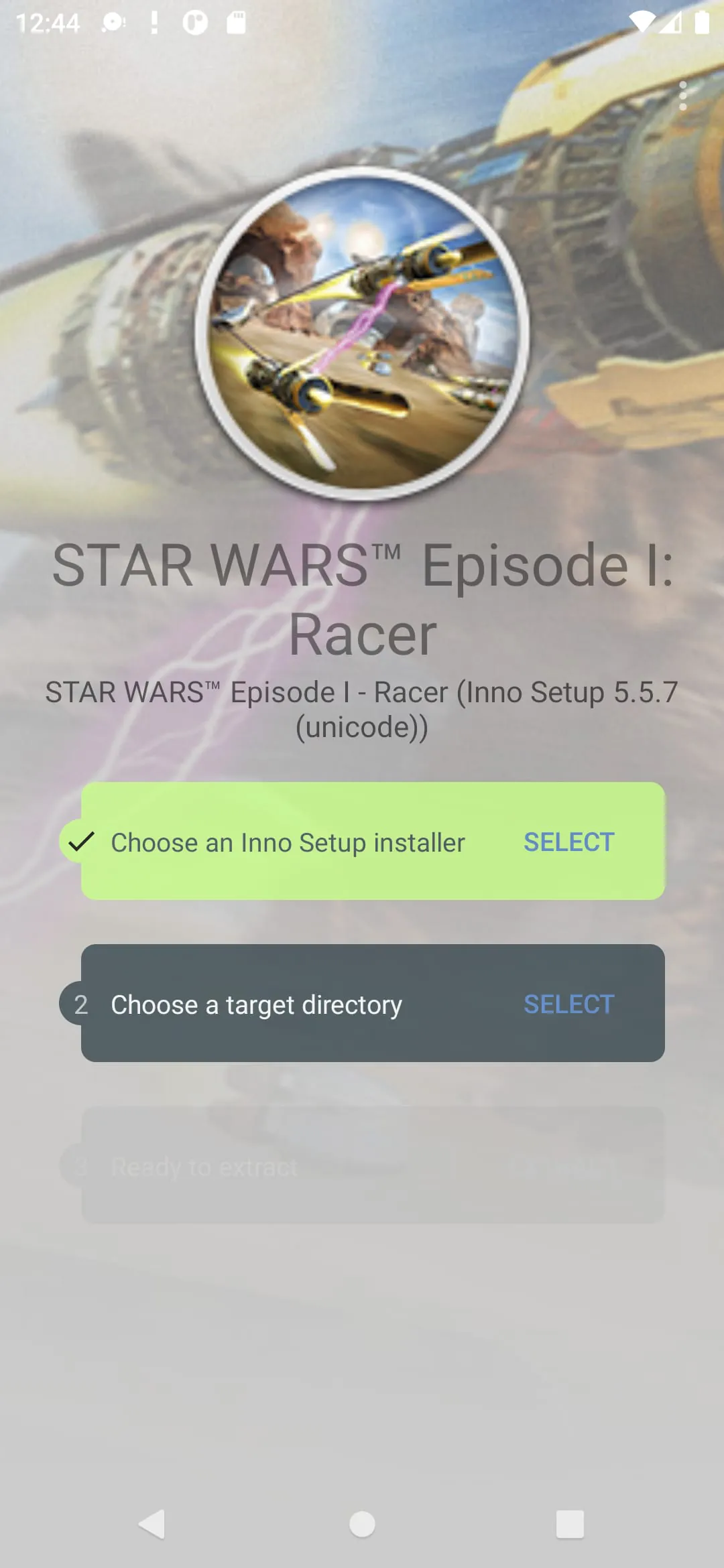
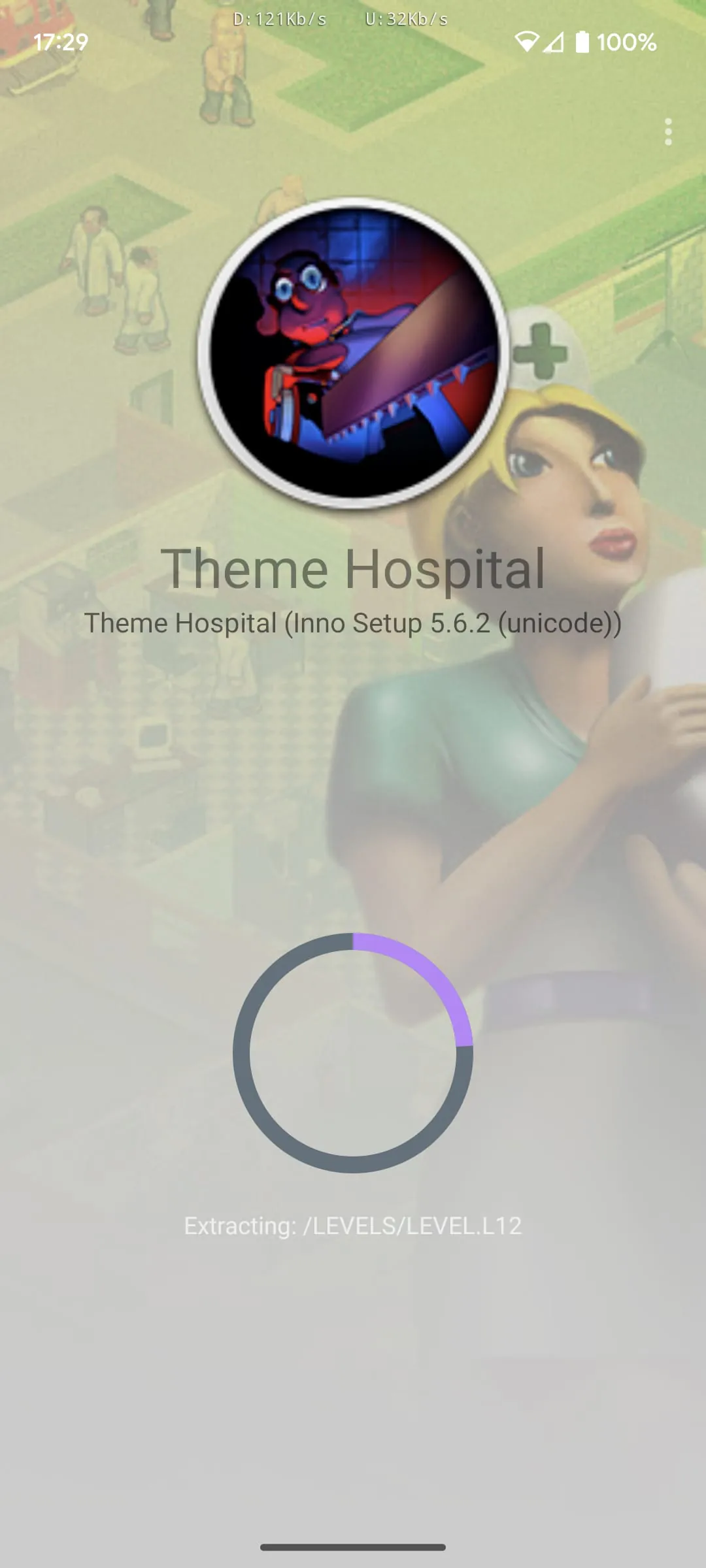
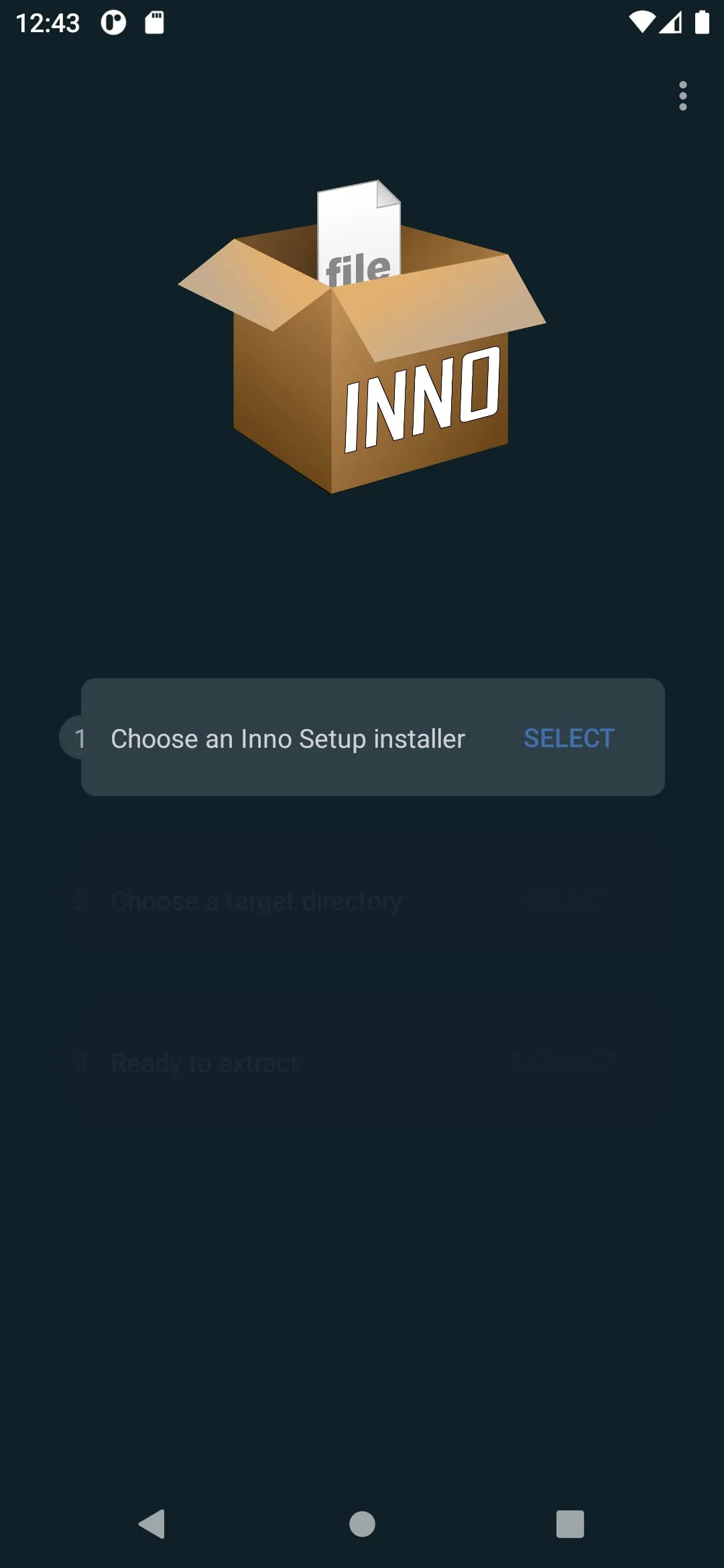
This application provides a specialized function: the extraction of Inno Setup files directly on Android devices, eliminating the need for a personal computer. Its primary focus is to enable users to access the contents of Inno Setup installer packages, which are commonly distributed as executable (.exe) files. It is crucial to understand that this application is not a general-purpose .exe extractor; it is specifically designed to work with files that adhere to the Inno Setup format. The application's description explicitly cautions users that it cannot extract arbitrary .exe files, emphasizing its limited scope. This specificity is important because many users may mistakenly believe that any .exe file can be extracted using this tool, leading to frustration and negative reviews if their expectations are not properly managed. The application's functionality is derived from a port of the InnoExtract tool, originally developed by Daniel Scharrer. This attribution is significant for several reasons. First, it acknowledges the intellectual property and hard work of the original developer, giving credit where it is due. Second, it provides users with a point of reference to understand the underlying technology and capabilities of the Android application. By linking to the InnoExtract website, users can explore the original tool's features, documentation, and limitations, which can help them better understand the Android version. This transparency is essential for building trust with users and ensuring they have realistic expectations. The application's licensing under the MIT license is another critical aspect. The MIT license is a permissive open-source license, meaning that users have considerable freedom to use, modify, and distribute the software. This licensing choice promotes collaboration and innovation, as it allows developers to contribute to the project, adapt it to their specific needs, or incorporate it into other applications. The availability of the application's source code on GitHub further reinforces this open approach. By providing access to the source code, the developer encourages community involvement and allows users to verify the application's security and functionality. The GitHub repository serves as a central hub for bug reports, feature requests, and code contributions, fostering a collaborative environment that can lead to continuous improvement and innovation. The combination of the MIT license and the GitHub repository creates a transparent and accessible platform that benefits both the developer and the user community. The application's niche functionality, its reliance on the InnoExtract tool, and its open-source nature are all important aspects that contribute to its overall value proposition. By clearly communicating these details, the developer sets realistic expectations, builds trust with users, and fosters a collaborative environment that can lead to the application's continued success. Furthermore, the disclaimer regarding the application's inability to extract just any random .exe file is vital in preventing user misunderstanding and potential negative reviews. This upfront clarification ensures that users are aware of the tool's limitations and understand its specific purpose: extracting Inno Setup installer packages. This targeted approach can also attract users who are specifically looking for a solution to extract Inno Setup files on their Android devices, increasing the likelihood of positive feedback and user satisfaction.
The primary benefit of this application lies in its ability to extract Inno Setup files directly on Android devices, eliminating the need for a personal computer. This functionality is particularly useful for users who want to access the contents of Inno Setup installer packages while on the go, without having to transfer files to a computer first. For example, a user might want to extract game assets or configuration files from a GOG.com installer package directly onto their Android tablet for use with a compatible Android game. This direct extraction capability streamlines the process and makes it more convenient for users. The application's reliance on the InnoExtract tool by Daniel Scharrer ensures that it is based on a proven and reliable technology. InnoExtract is a well-established tool for extracting Inno Setup installers on various platforms, and porting it to Android brings its functionality to a wider audience. The application's developer has carefully adapted the InnoExtract code to work seamlessly on Android devices, taking into account the unique characteristics of the Android operating system and hardware. This porting effort demonstrates the developer's expertise and commitment to providing a high-quality user experience. The application's licensing under the MIT license is a significant advantage for users and developers alike. The MIT license allows users to freely use, modify, and distribute the application, which encourages innovation and collaboration. Developers can incorporate the application's code into their own projects without having to worry about restrictive licensing terms. This open-source approach fosters a community of developers who can contribute to the application's improvement and expansion. The availability of the application's source code on GitHub is another key benefit. GitHub provides a platform for developers to collaborate on software projects, track changes, and manage bug reports. By making the application's source code available on GitHub, the developer encourages community involvement and allows users to verify the application's security and functionality. The GitHub repository also serves as a valuable resource for users who want to learn more about the application's inner workings or contribute to its development. The combination of the MIT license and the GitHub repository creates a transparent and accessible environment that promotes trust and collaboration. The application's focus on Inno Setup files is both a strength and a limitation. While it is not a general-purpose .exe extractor, its specialization allows it to excel at extracting Inno Setup installer packages. This targeted approach ensures that the application is highly effective at its intended task, providing users with a reliable and efficient solution for extracting Inno Setup files on their Android devices. The application's developer has clearly communicated this limitation to users, emphasizing that it cannot extract just any random .exe file. This transparency helps to manage user expectations and prevent frustration. The application's ability to extract Inno Setup files directly on Android devices, its reliance on the InnoExtract tool, its open-source licensing, and its availability on GitHub all contribute to its overall value proposition. By providing a specialized solution for a specific task, the application fills a niche in the Android ecosystem and offers a valuable tool for users who need to extract Inno Setup installer packages on the go.
The application distinguishes itself by focusing specifically on extracting Inno Setup installer packages, setting it apart from generic .exe extractors. This specialization allows for optimized performance and reliability when dealing with Inno Setup files, ensuring a smooth and efficient extraction process. The description emphasizes the importance of understanding this limitation, clarifying that the application is not designed to handle arbitrary .exe files. This transparency helps manage user expectations and prevents potential disappointment from users attempting to extract incompatible files. By clearly defining its scope, the application targets a specific audience with a specific need, increasing the likelihood of positive user experiences and reviews. Furthermore, the application's functionality is directly linked to the InnoExtract tool developed by Daniel Scharrer. This connection provides users with confidence in the application's underlying technology, as InnoExtract is a well-regarded and established tool for handling Inno Setup installers. The application's developer acknowledges the original creator and provides a link to the InnoExtract website, allowing users to explore the tool's features and documentation. This attribution demonstrates ethical development practices and fosters trust with users by providing a verifiable source of information. The licensing of the application under the MIT license is a crucial factor in its accessibility and usability. The MIT license is a permissive open-source license that grants users extensive freedom to use, modify, and distribute the software. This allows developers to integrate the application's code into their own projects without restrictive licensing terms, promoting collaboration and innovation. The open-source nature of the application also allows users to examine the code for security vulnerabilities and contribute to its improvement, fostering a community-driven development process. The availability of the application's source code on GitHub further enhances its transparency and accessibility. GitHub provides a platform for collaborative software development, allowing developers to track changes, manage issues, and contribute code. By hosting the application's source code on GitHub, the developer encourages community involvement and allows users to verify the application's functionality and security. The GitHub repository also serves as a valuable resource for users who want to learn more about the application's inner workings or contribute to its development. The combination of the MIT license and the GitHub repository creates a transparent and collaborative environment that benefits both the developer and the user community. The application's ability to extract Inno Setup files directly on Android devices without the need for a PC is a significant advantage for users who require this specific functionality. This eliminates the need for transferring files between devices, streamlining the extraction process and saving time. The application's focus on a specific task, its reliance on the InnoExtract tool, its open-source licensing, and its availability on GitHub all contribute to its overall value proposition, making it a useful tool for users who need to extract Inno Setup installer packages on their Android devices.