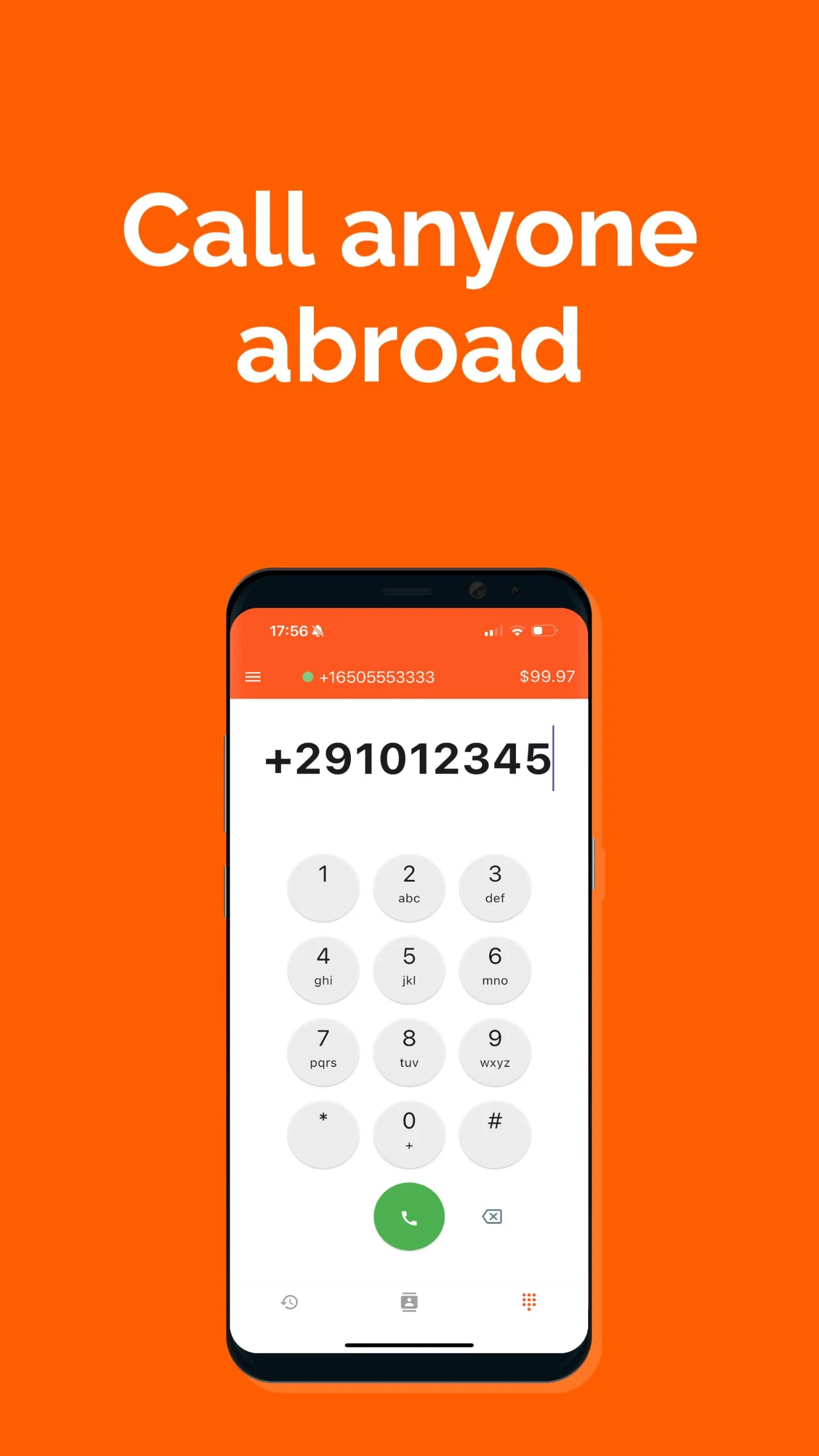
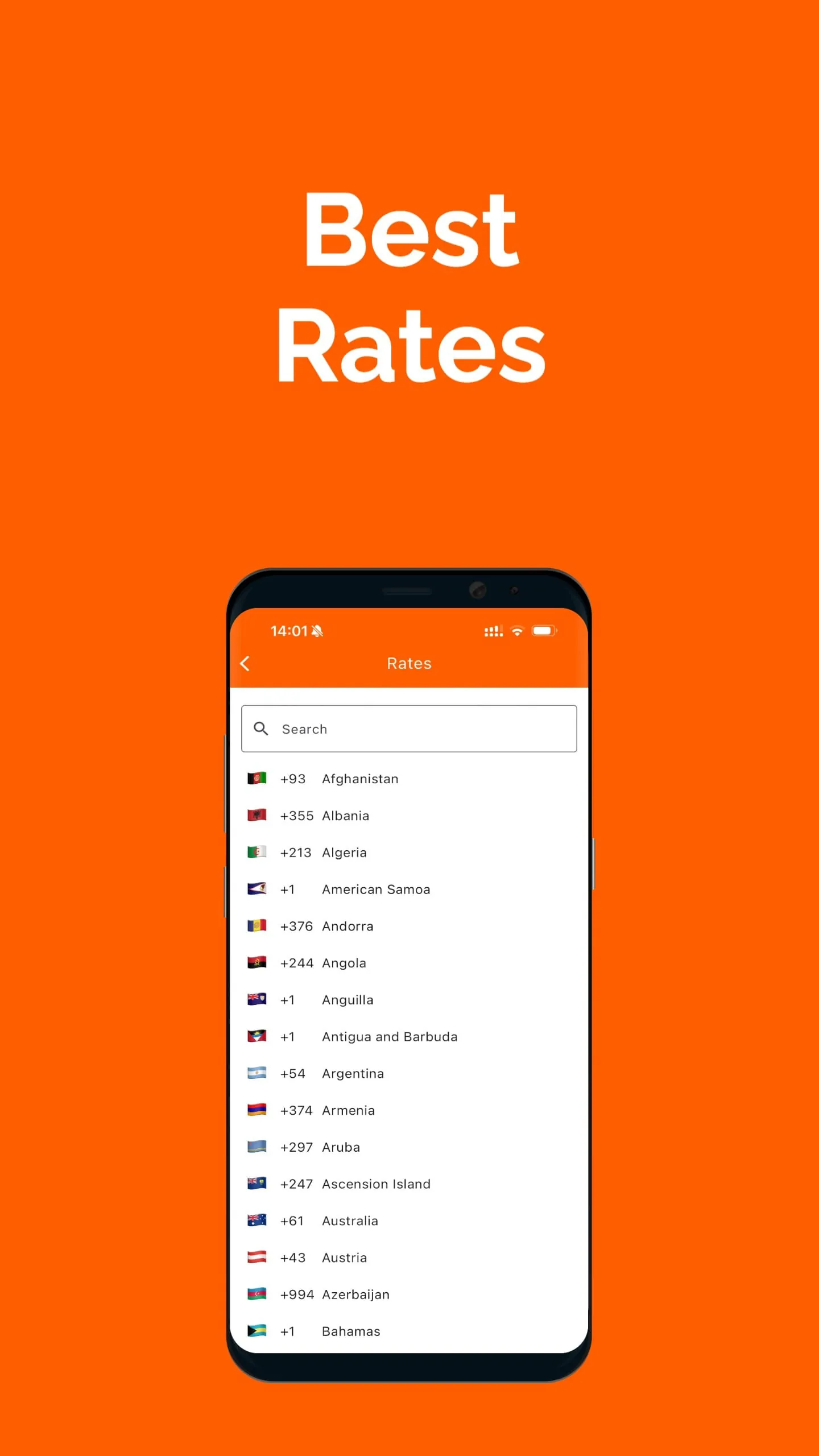
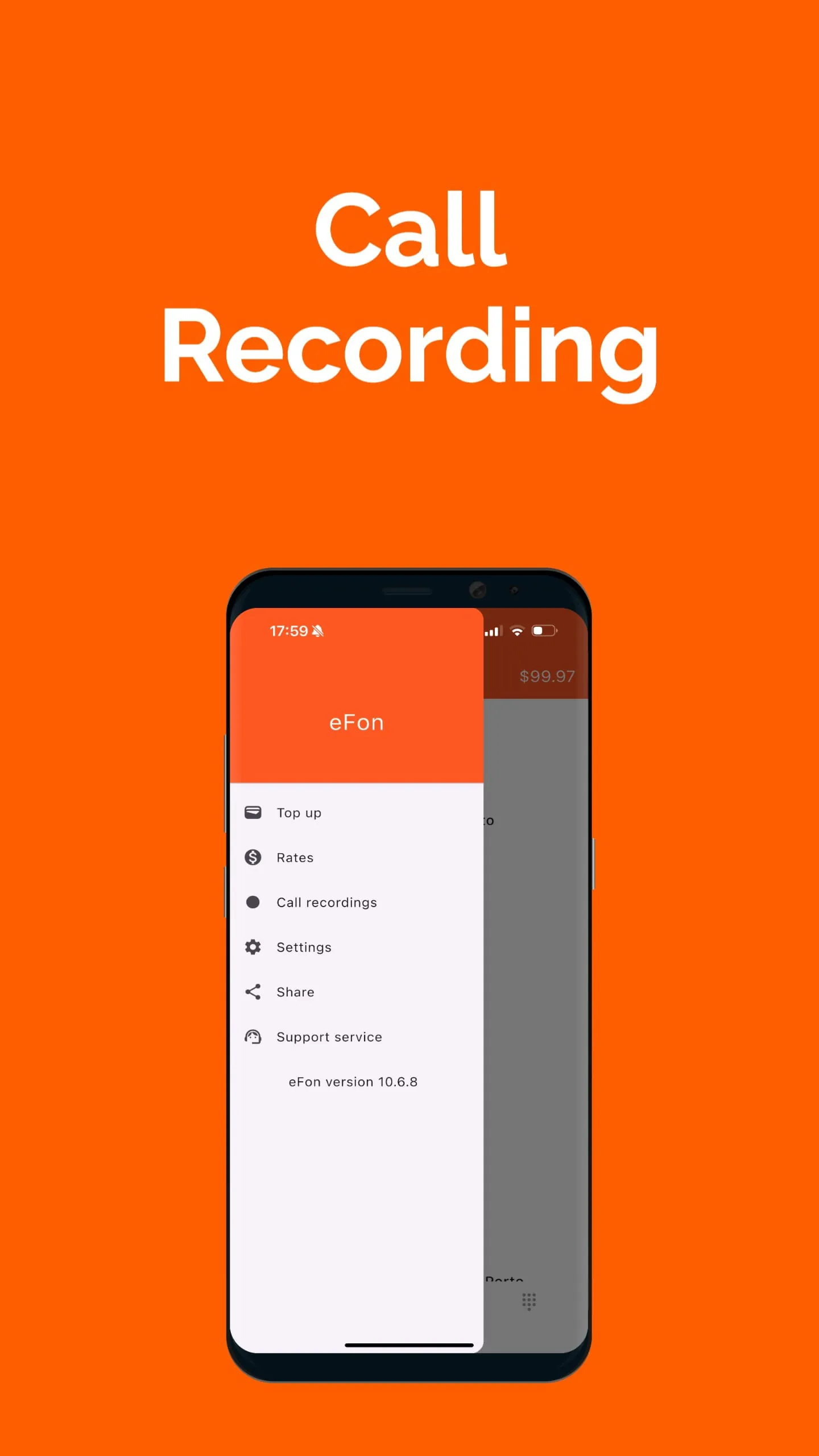
eFon presents itself as a revolutionary solution for individuals and businesses seeking affordable and high-quality long-distance calling options. By leveraging Voice over Internet Protocol (VoIP) technology, eFon empowers users to make international calls via their internet connection, effectively bypassing the exorbitant rates typically associated with traditional telephone services. This innovative approach democratizes global communication, enabling users to connect with contacts around the world without incurring substantial financial burdens. The core value proposition of eFon lies in its commitment to affordability, accessibility, and user-friendliness. The platform distinguishes itself by offering transparent pricing models, ensuring that users only pay for the calls they actually make, eliminating the risk of unexpected charges or hidden fees. This transparency builds trust and empowers users to manage their communication expenses effectively. Furthermore, eFon enhances the user experience through a range of value-added features, including free call recording, which allows users to preserve important conversations for future reference. This feature proves particularly useful for business professionals who need to maintain accurate records of client interactions, negotiations, or project discussions. The service caters to a broad spectrum of users, ranging from business professionals who need to stay connected with international partners and clients to individuals who wish to maintain close relationships with family and friends living abroad. eFon simplifies the process of making international calls by offering direct dialing capabilities, eliminating the need for complicated access codes or convoluted dialing procedures. This ease of use makes the platform accessible to users of all technical skill levels. To further incentivize adoption, eFon provides new users with free international calls, allowing them to experience the platform's benefits firsthand without any initial financial commitment. This introductory offer serves as a powerful tool for attracting new customers and demonstrating the value proposition of eFon's services. The company explicitly states their competitive pricing across continents like Africa, Asia, Europe, North and South America, and lists multiple specific countries. This targeted approach suggests a deep understanding of the international calling market and a commitment to providing competitive rates in regions where affordable communication solutions are most needed. The mention of specific countries implies a strategic focus on serving diaspora communities and facilitating cross-border business interactions. The invitation to contact their support team highlights a customer-centric approach, demonstrating a commitment to providing assistance and resolving any issues that users may encounter. This responsiveness fosters trust and encourages users to rely on eFon as their preferred provider of international calling services. In essence, eFon positions itself as a disruptive force in the telecommunications industry, challenging the status quo and providing a viable alternative to traditional long-distance calling services. By combining affordability, transparency, user-friendliness, and a range of value-added features, eFon empowers users to connect globally without incurring excessive costs.
The significance of VoIP technology in transforming international communication cannot be overstated. Prior to the widespread adoption of VoIP, making international calls was often an expensive and cumbersome process, fraught with high rates, complex dialing procedures, and unreliable connections. VoIP technology revolutionized this landscape by leveraging the internet as the primary infrastructure for transmitting voice data, bypassing the traditional telephone networks and their associated costs. This shift enabled companies like eFon to offer significantly lower rates for international calls, making global communication more accessible to a wider audience. The impact of affordable international calling extends beyond mere convenience; it fosters stronger personal connections, facilitates international trade and collaboration, and promotes cultural exchange. Individuals can maintain close relationships with loved ones living abroad, bridging geographical distances and strengthening family ties. Businesses can expand their reach into new markets, communicate seamlessly with international partners, and foster global innovation. Moreover, affordable international calling empowers individuals from developing countries to connect with the global community, access information, and participate in the global economy. The transparent pricing model adopted by eFon is another crucial factor in building trust and empowering users. Traditional telecommunication companies often employ opaque pricing practices, making it difficult for users to understand the true cost of their calls and leading to unexpected charges. eFon's commitment to transparency ensures that users know exactly what they are paying for, eliminating the risk of bill shock and fostering a sense of fairness. This transparency is particularly important for users who are on a tight budget or who need to carefully manage their communication expenses. The free call recording feature offered by eFon adds another layer of value to the platform, catering to the needs of both business professionals and individuals. In the business context, call recording can serve as a valuable tool for training, quality control, and dispute resolution. Recordings can be used to review employee performance, identify areas for improvement, and ensure that customer service standards are consistently met. In the event of a disagreement or misunderstanding, call recordings can provide an objective record of the conversation, helping to resolve the issue fairly and efficiently. For individuals, call recording can be useful for preserving important memories, documenting agreements, or simply capturing interesting conversations. The ability to record calls provides users with a greater sense of control over their communication and allows them to revisit important moments in the future. eFon's emphasis on user-friendliness is also a key differentiator in the crowded telecommunications market. Many traditional long-distance calling services are plagued by complicated dialing procedures, confusing menus, and poor customer support. eFon simplifies the process of making international calls by offering direct dialing capabilities, intuitive interfaces, and responsive customer service. This ease of use makes the platform accessible to users of all ages and technical skill levels, ensuring that everyone can benefit from affordable international calling.
The strategic focus on specific countries in Africa, Asia, Europe, North and South America demonstrates a deep understanding of the diverse needs and preferences of international callers. By targeting regions with large diaspora communities and growing economies, eFon is able to tailor its services to meet the specific demands of its target audience. The mention of countries such as Afghanistan, Bangladesh, and Nigeria suggests a commitment to serving communities where affordable communication solutions are particularly valuable. These countries often have large populations living abroad who rely on international calls to stay connected with family and friends. By offering competitive rates to these destinations, eFon can help bridge the geographical divide and strengthen social ties. The inclusion of countries such as the United Kingdom, Germany, and France indicates that eFon also caters to the needs of business travelers and expatriates who need to stay connected with colleagues and clients in developed countries. These individuals often require reliable and affordable international calling solutions for conducting business, attending meetings, and managing international projects. By providing high-quality call connections and competitive rates to these destinations, eFon can support global commerce and facilitate international collaboration. The invitation to contact their support team highlights a commitment to customer satisfaction and builds trust with users. In the telecommunications industry, customer service is a critical differentiator, as users often rely on the support team to resolve technical issues, answer billing questions, and provide assistance with using the platform. By offering responsive and helpful customer support, eFon can foster customer loyalty and encourage repeat business. The availability of customer support also provides users with peace of mind, knowing that they can always reach out for assistance if they encounter any problems. This is particularly important for users who are new to VoIP technology or who are unfamiliar with international calling procedures. eFon's positioning as a disruptor in the telecommunications industry reflects a broader trend towards innovation and competition in the global marketplace. Traditional telecommunication companies have often been criticized for their high prices, poor service, and lack of transparency. By offering a more affordable, user-friendly, and transparent alternative, eFon is challenging the status quo and forcing incumbent players to adapt to the changing needs of consumers. This competition ultimately benefits consumers by driving down prices, improving service quality, and fostering innovation. eFon's success demonstrates the power of technology to democratize access to essential services and empower individuals to connect with the world. As the internet continues to expand and become more accessible, companies like eFon will play an increasingly important role in bridging geographical divides and fostering global communication. The company's commitment to affordability, transparency, user-friendliness, and customer service positions it as a leader in the evolving landscape of international telecommunications.