


V12.8.2

- Package Name
- io.faceapp
- Version Name
- V12.8.2
- Version Code
- V12.8.2
- File Size
- 50.72 MB
- Update time
- 2026-1-6



by FaceApp Technology Ltd
Natural Beauty, Selfie Retouch
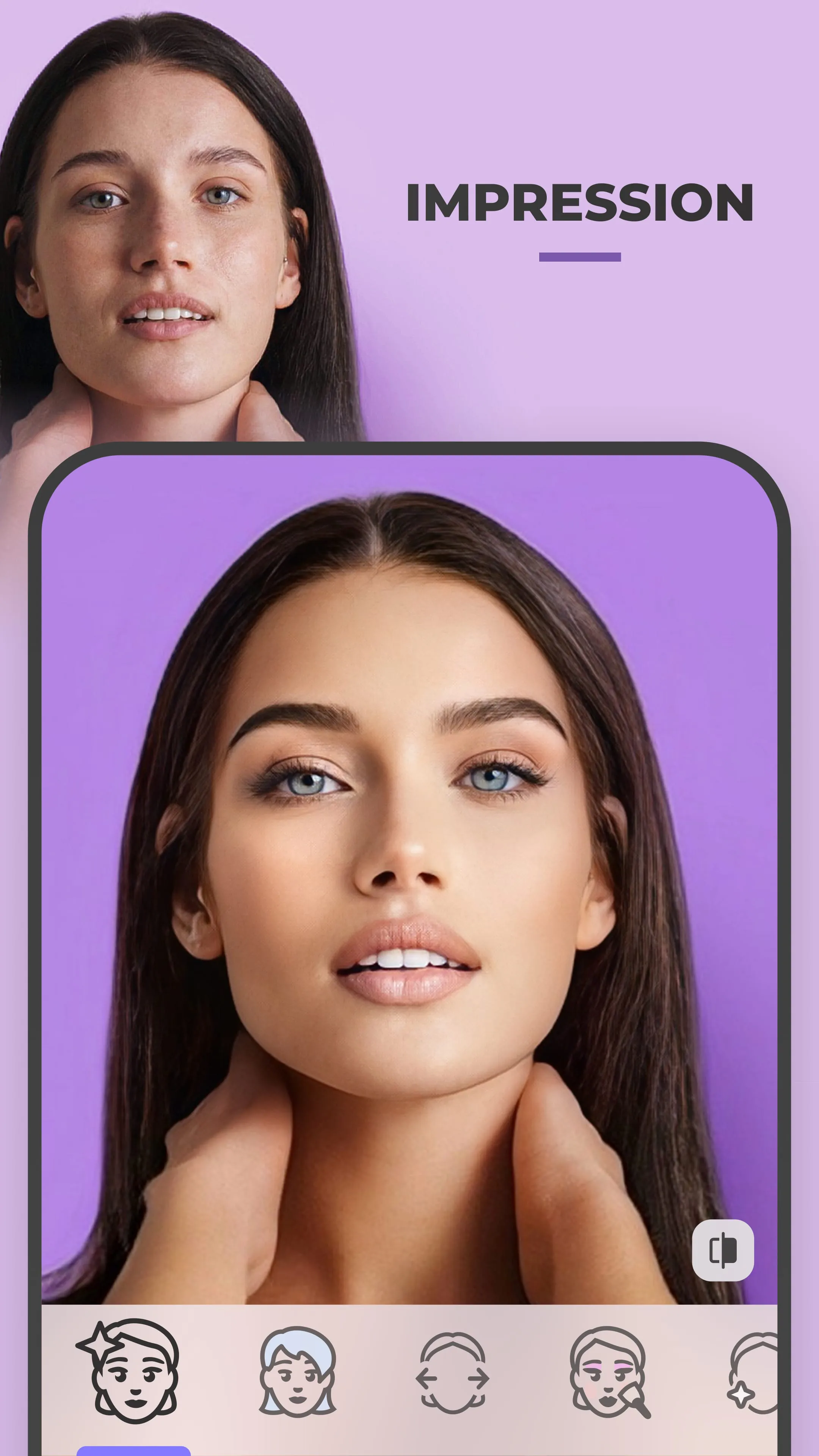

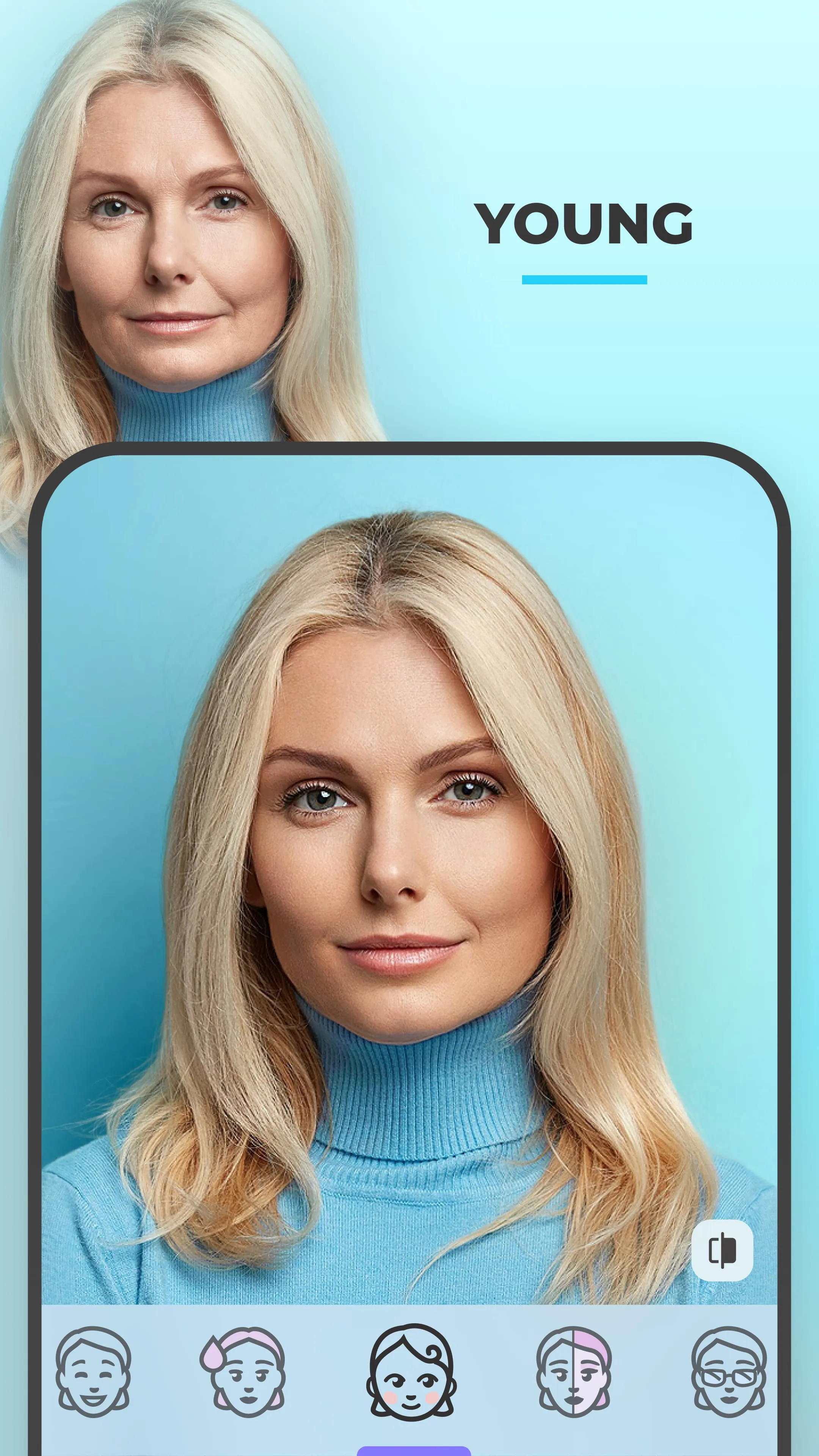

FaceApp is a widely recognized mobile application designed to transform selfies and portraits through advanced artificial intelligence filters and editing tools. Launched in 2017 by FaceApp Inc., this app quickly gained global popularity for its ability to realistically alter facial features, age progression, gender swaps, and stylistic enhancements with just a few taps.
FaceApp operates by analyzing facial structures and applying sophisticated neural network algorithms to modify images seamlessly. Users can upload photos directly from their gallery or take new ones within the app. Once a photo is selected, FaceApp offers multiple categories of transformations such as aging, smile enhancement, beard addition, and makeup styling. Each function uses deep learning models trained on millions of faces, ensuring highly accurate adjustments. Additionally, the app includes retouching tools like blemish removal, teeth whitening, and eye color changes. Background editing functions allow users to replace scenes or adjust blur levels, giving photos a professional studio-like finish.
Click the button "Check All Versions" below to download and install it. After installation, open FaceApp and grant necessary permissions such as camera and photo library access. Tap the “Photos” icon to select an image or use the camera to capture a new one. Choose from the wide range of editing options displayed at the bottom of the screen. Apply desired filters, tweak intensity sliders if available, and preview changes in real time. Once satisfied, save the edited photo to your device or share it directly to social media platforms. For best results, use clear, well-lit selfies with neutral expressions.
Get FaceApp from an official store or available APK channel.
ZIP files require a Split APKs Installer (e.g., SAI) from Google Play to install. Steps: 1. Download SAI from Google Play; 2. Open SAI and tap "Install APKs"; 3. Select the ZIP file; 4. Complete installation.
The latest version currently listed by Appspicked is V11.9.2.1, with information updated on Jun 4, 2026. Versions may vary by device, region, or rollout schedule, so users should also check Google Play / App Store or announcements from FaceApp Technology Ltd.
No website can guarantee that an app is completely risk-free. Appspicked recommends downloading FaceApp only from an official app store or a verified channel operated by FaceApp Technology Ltd. Before installing, confirm the developer name, package ID io.faceapp, requested permissions, privacy policy, and download source.
FaceApp may be unavailable because of regional restrictions, device incompatibility, account or age settings, a temporary removal, a name change, or because it has not been released for that platform. An Android package page does not necessarily mean that an iOS App Store version exists. Check FaceApp Technology Ltd’s official website for current availability.
Use Google Play / App Store or another official download channel provided by FaceApp Technology Ltd whenever possible. Appspicked provides app information and store links, but users should verify the destination domain and publisher before downloading or updating the app.
The information on Appspicked may represent the most recently indexed snapshot. App stores sometimes release updates gradually or display different versions according to region, device, operating system, or testing group. The official store listing should be treated as the final reference.
FaceApp is listed for Android / iOS, with a reported minimum requirement of Not specified. Actual compatibility may also depend on the device model, region, available storage, hardware features, and installed system components.
The initial download may be free, but subscriptions, advertising, paid features, or in-app purchases may still apply. Prices and available purchases can vary by country and version. Check the payment information displayed by Google Play / App Store before completing a transaction.
Check the network connection, storage space, operating-system version, account region, and device compatibility. Restart the device and try again through the official store. If the problem continues, consult the support resources provided by FaceApp Technology Ltd.









