


V4.0.17

- Package Name
- io.wormate
- Version Name
- V4.0.17
- Version Code
- V4.0.17
- File Size
- 73.89 MB
- Update time
- 2023-12-1



by Oleksandr Godoba
Drive your worm in massively multiplayer online game!
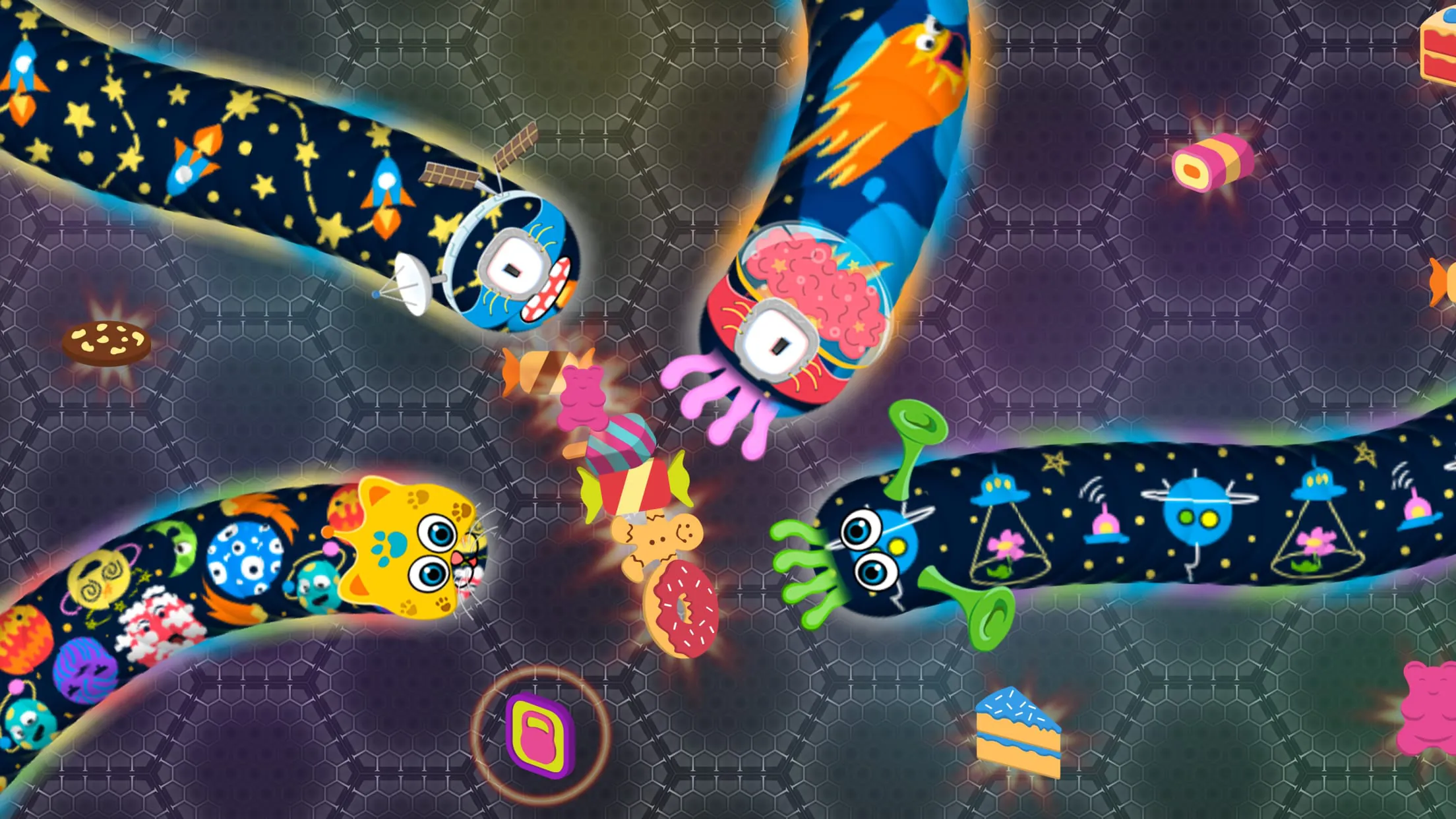
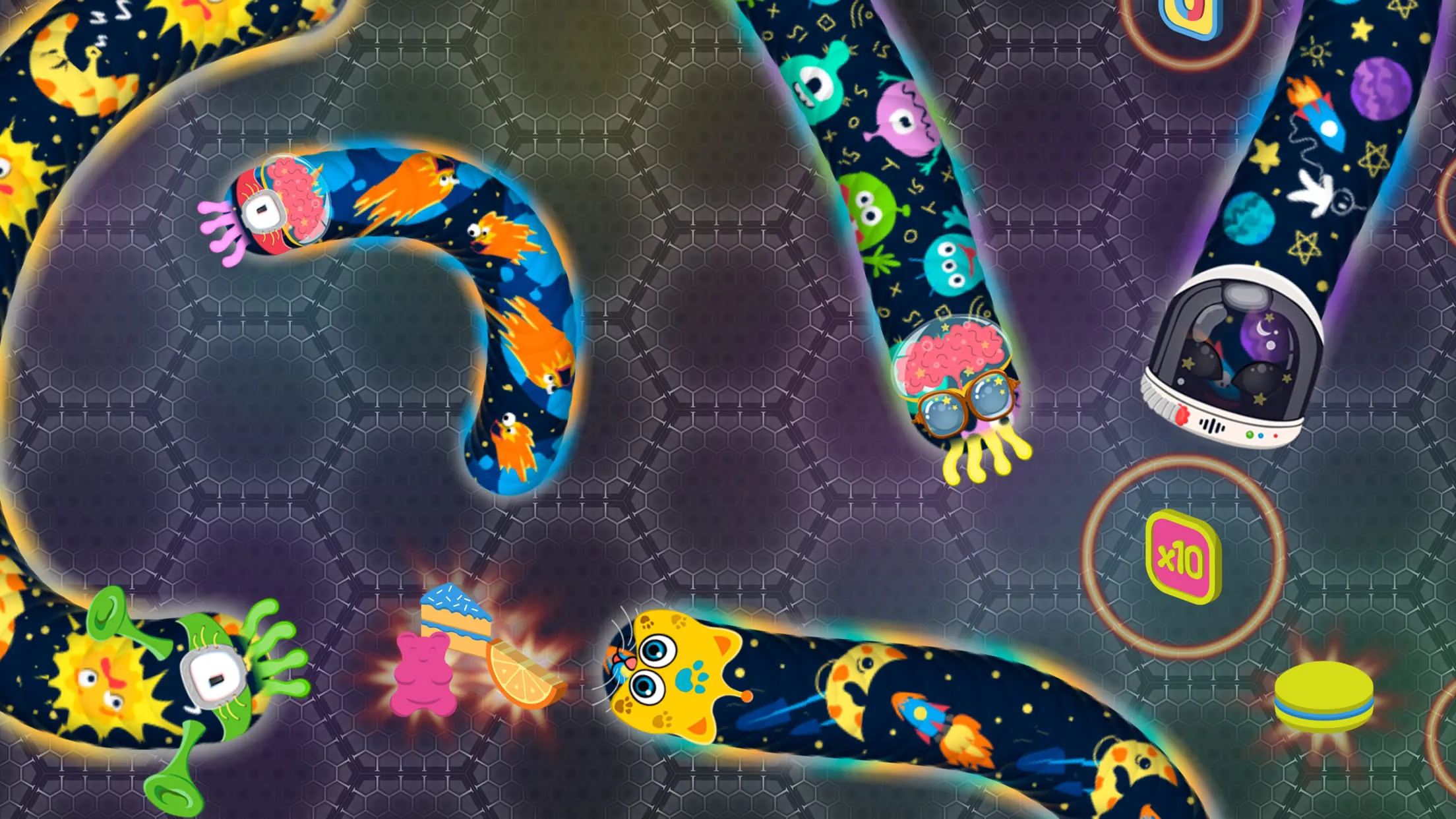
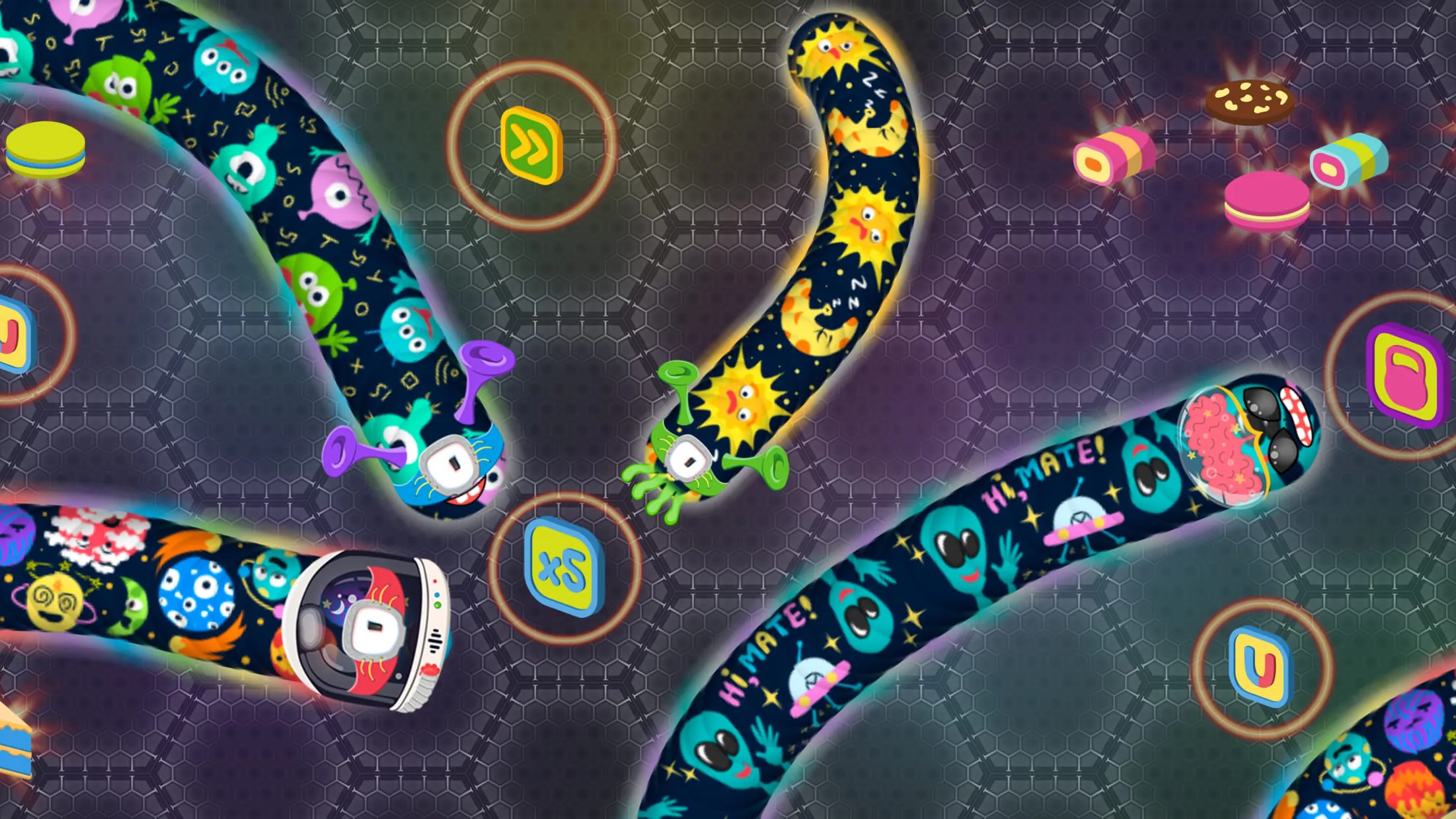
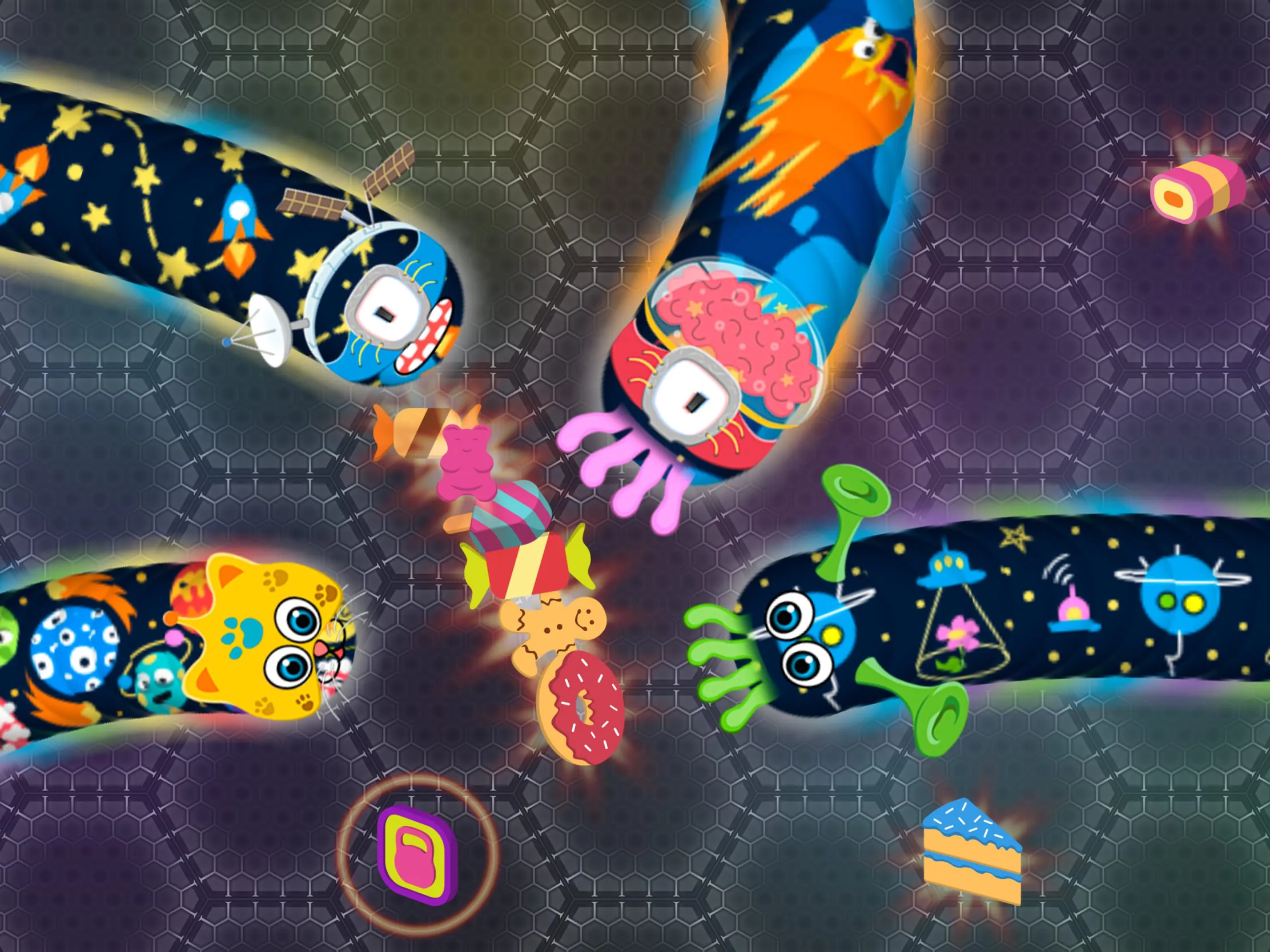
Wormate.io is a vibrant, fast-paced multiplayer browser and mobile game that revitalizes the classic snake concept by placing you in a colorful arena filled with various sweets like candies, cakes, and cookies. Developed by Oleksandr Godoba and released in October 2016, this .io title allows you to control a cute, initially small worm with the primary objective of consuming food to grow longer and climb the global leaderboard. You compete in real-time against players from around the world, navigating a dynamic environment where you must eat to expand, avoid colliding with other worms to prevent elimination, and strategically trap opponents to feast on their remains. It is free-to-play, accessible via HTML5 browsers as well as iOS and Android apps, offering an engaging mix of casual fun and competitive survival mechanics.
Click the button "Check All Versions" below to download and install it. To begin playing, access Wormate.io via a web browser by visiting the official site or a supported gaming platform, or download the app from the iOS App Store or Google Play Store on mobile devices. Once loaded, enter a nickname if desired and select either Arena or Two Teams mode to join a match instantly. On desktop, control your worm's direction with mouse movements or arrow keys, and click the left mouse button or press spacebar to boost speed. On mobile, drag your finger on the screen to steer and tap the boost button to accelerate. Focus on eating the abundant sweets to grow quickly, grab power-ups for advantages, avoid crashing into others, and use strategic encircling to take out competitors. Monitor the leaderboard to track your rank, and after the session, you can share results or restart immediately for another round. For the best experience, ensure a stable internet connection and adjust fullscreen settings if playing in a browser.
Get wormate.io from an official store or available APK channel.
ZIP files require a Split APKs Installer (e.g., SAI) from Google Play to install. Steps: 1. Download SAI from Google Play; 2. Open SAI and tap "Install APKs"; 3. Select the ZIP file; 4. Complete installation.
The latest version currently listed by Appspicked is V4.0.17, with information updated on May 22, 2026. Versions may vary by device, region, or rollout schedule, so users should also check Google Play or announcements from Oleksandr Godoba.
No website can guarantee that an app is completely risk-free. Appspicked recommends downloading wormate.io only from an official app store or a verified channel operated by Oleksandr Godoba. Before installing, confirm the developer name, package ID io.wormate, requested permissions, privacy policy, and download source.
wormate.io may be unavailable because of regional restrictions, device incompatibility, account or age settings, a temporary removal, a name change, or because it has not been released for that platform. An Android package page does not necessarily mean that an iOS App Store version exists. Check Oleksandr Godoba’s official website for current availability.
Use Google Play or another official download channel provided by Oleksandr Godoba whenever possible. Appspicked provides app information and store links, but users should verify the destination domain and publisher before downloading or updating the app.
The information on Appspicked may represent the most recently indexed snapshot. App stores sometimes release updates gradually or display different versions according to region, device, operating system, or testing group. The official store listing should be treated as the final reference.
wormate.io is listed for Android, with a reported minimum requirement of Not specified. Actual compatibility may also depend on the device model, region, available storage, hardware features, and installed system components.
The initial download may be free, but subscriptions, advertising, paid features, or in-app purchases may still apply. Prices and available purchases can vary by country and version. Check the payment information displayed by Google Play before completing a transaction.
Check the network connection, storage space, operating-system version, account region, and device compatibility. Restart the device and try again through the official store. If the problem continues, consult the support resources provided by Oleksandr Godoba.









