



Navionic Boating
by Garmin
Detailed nautical charts and a boatload of useful features.
A closer look
Overview
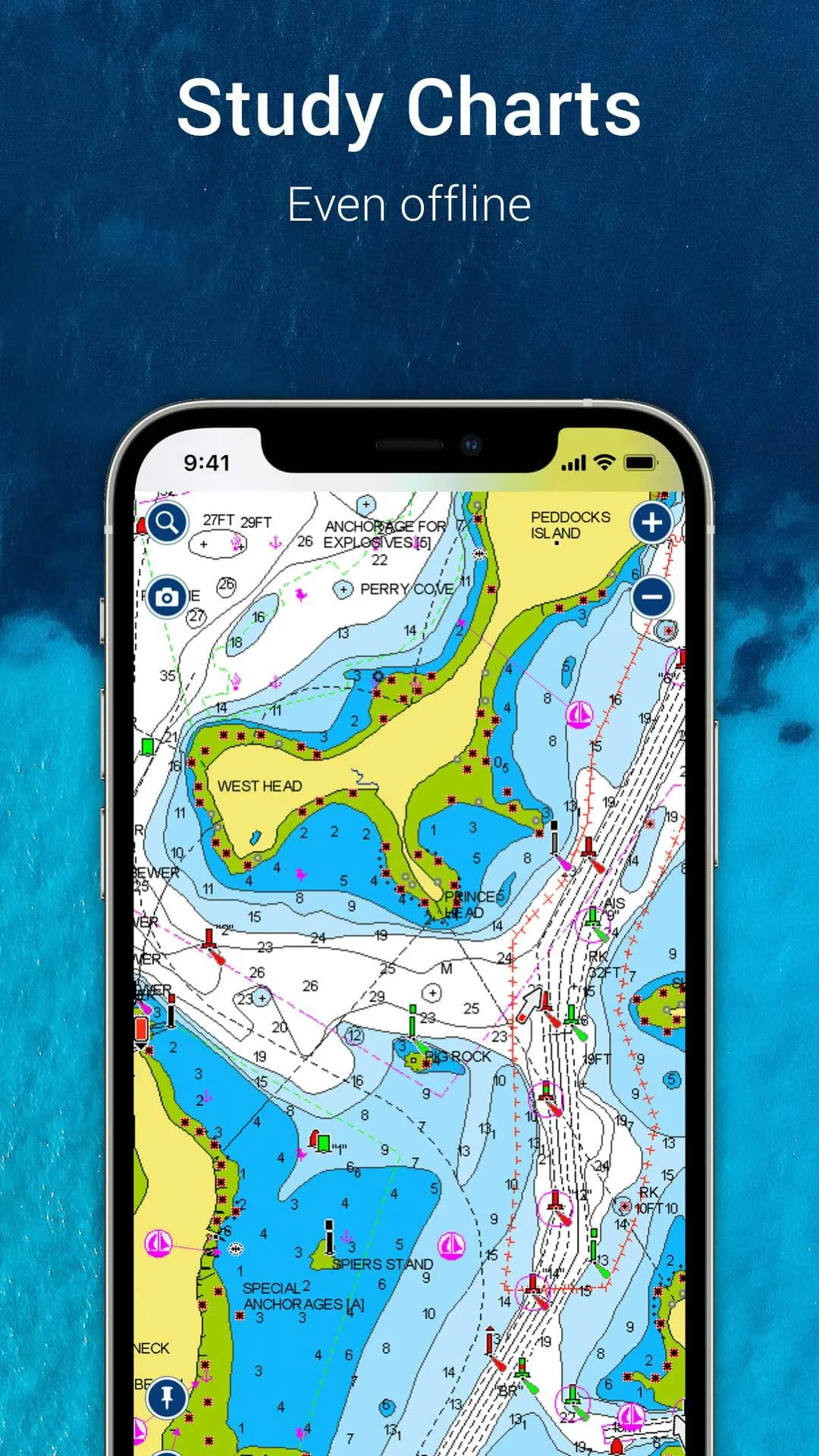
Navionics Boating is a comprehensive marine navigation application designed for boaters, anglers, and sailors, offering detailed nautical charts, advanced GPS routing, and a suite of on-the-water tools to enhance safety and enjoyment during maritime adventures.
Key Features
The application stands out with its rich set of capabilities that cater to both casual and professional mariners. It provides access to the world's largest database of marine charts, which are constantly updated with community edits. Users benefit from advanced features like AutoRouting, which suggests optimal paths considering boat draft and clearances, and SonarChart live, which creates real-time depth contours. The app also integrates with social features, allowing boaters to share fishing spots, anchorages, and points of interest with a trusted community.
Pros & Cons
Evaluating the application reveals a balanced mix of strengths and areas for consideration.
- Pros: The chart detail is exceptionally rich and reliable. Features like offline chart downloading and the constantly updated community data (Navionics Boating) are invaluable. The interface is generally intuitive, and the integration of fishing charts, weather overlays, and dock-to-dock Autorouting provides exceptional value for various on-water activities.
- Cons: The subscription model can be a recurring cost. Some advanced features require a stable internet connection for initial downloads or updates. New users may experience a learning curve to fully utilize all functionalities, and battery consumption can be high during prolonged use with GPS and sonar active.
Functions
The app's functionality extends far beyond simple chart display, acting as a full-featured navigation hub.
- Navigation & Planning: Offers detailed trip planning with waypoints, routes, and tracks. The Dock-to-Dock Autorouting automatically creates safe routes.
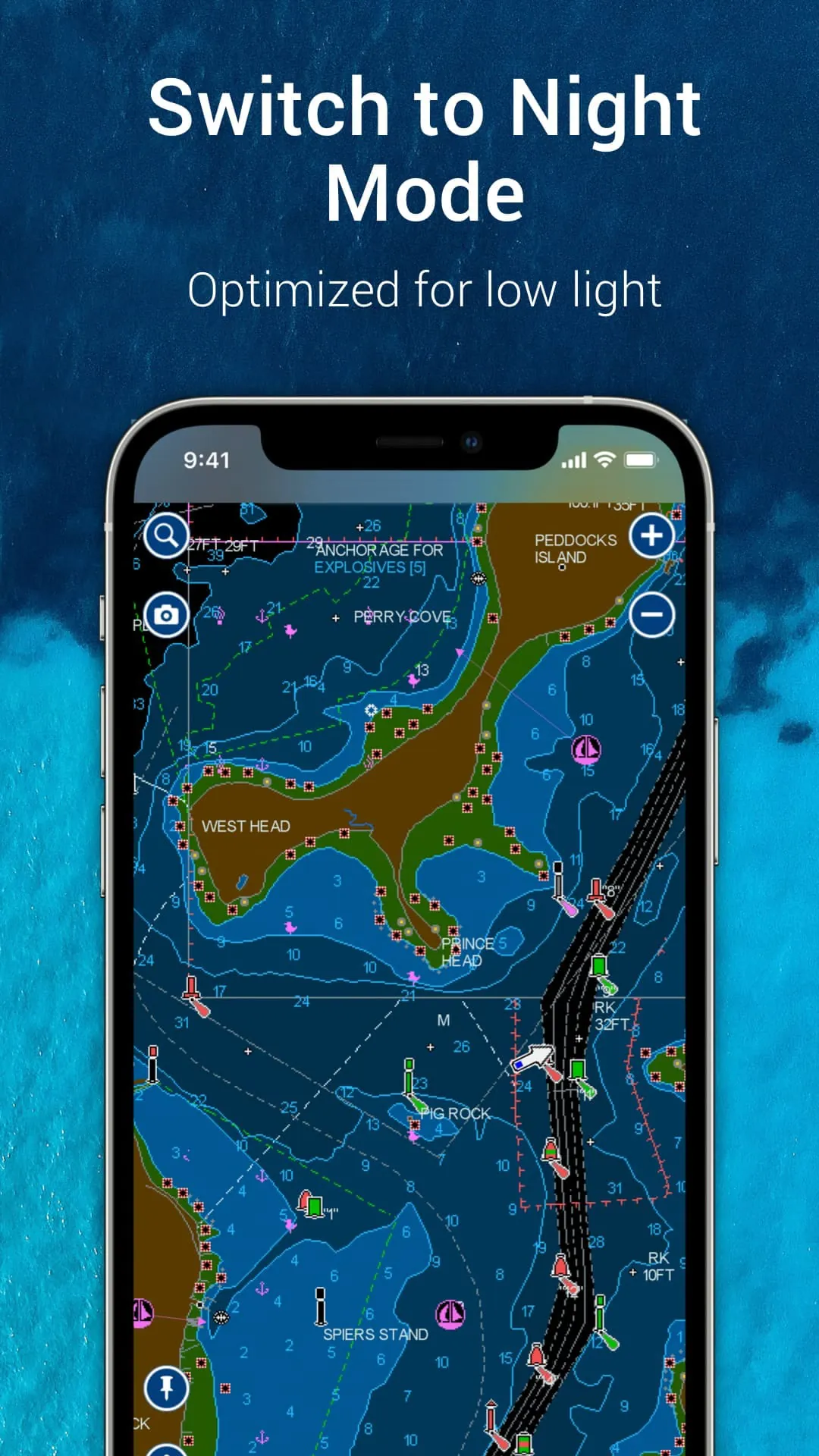
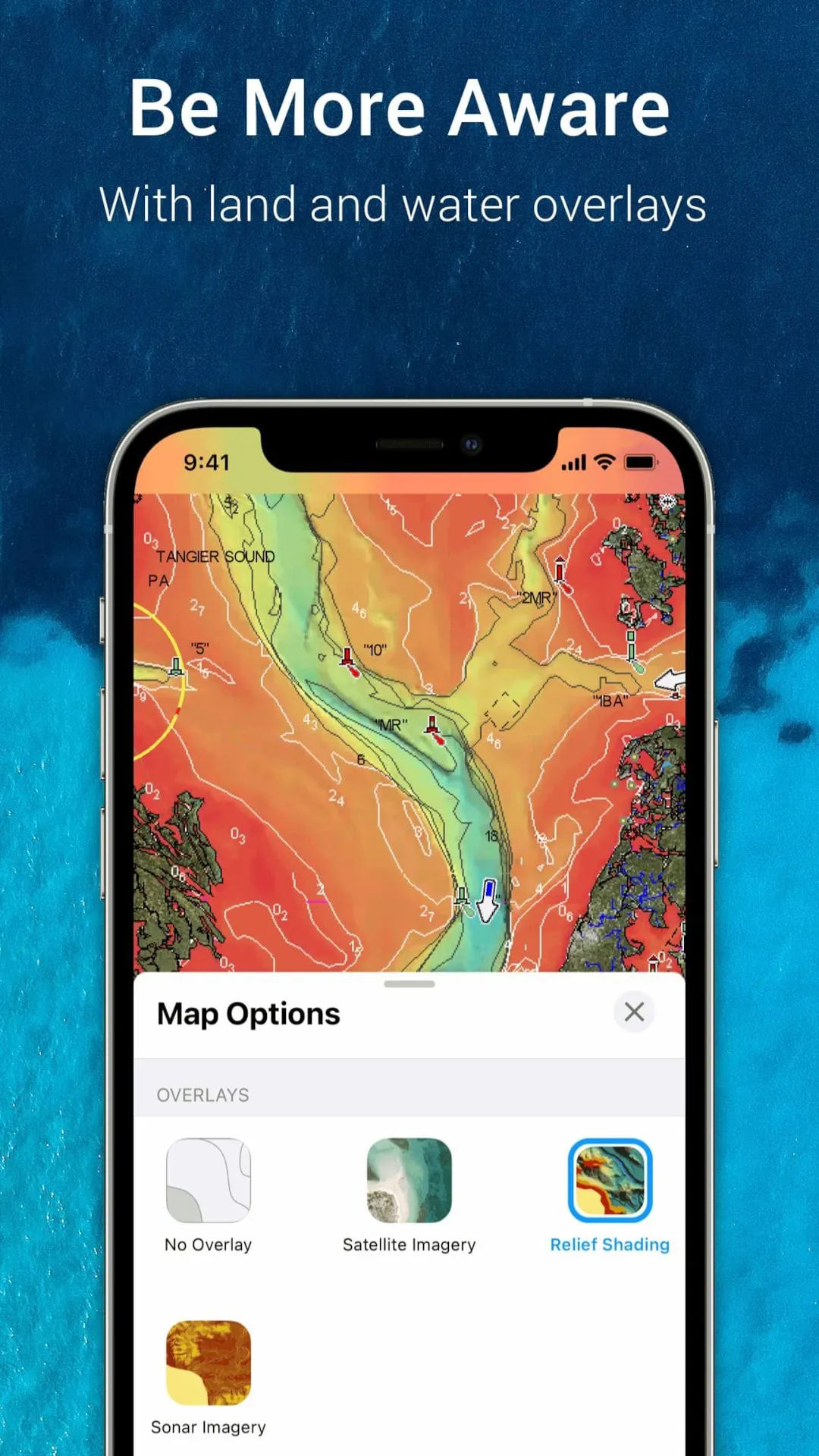
- Charting: Displays vector charts with multiple overlay options including satellite photos, marine services, and user-generated content.
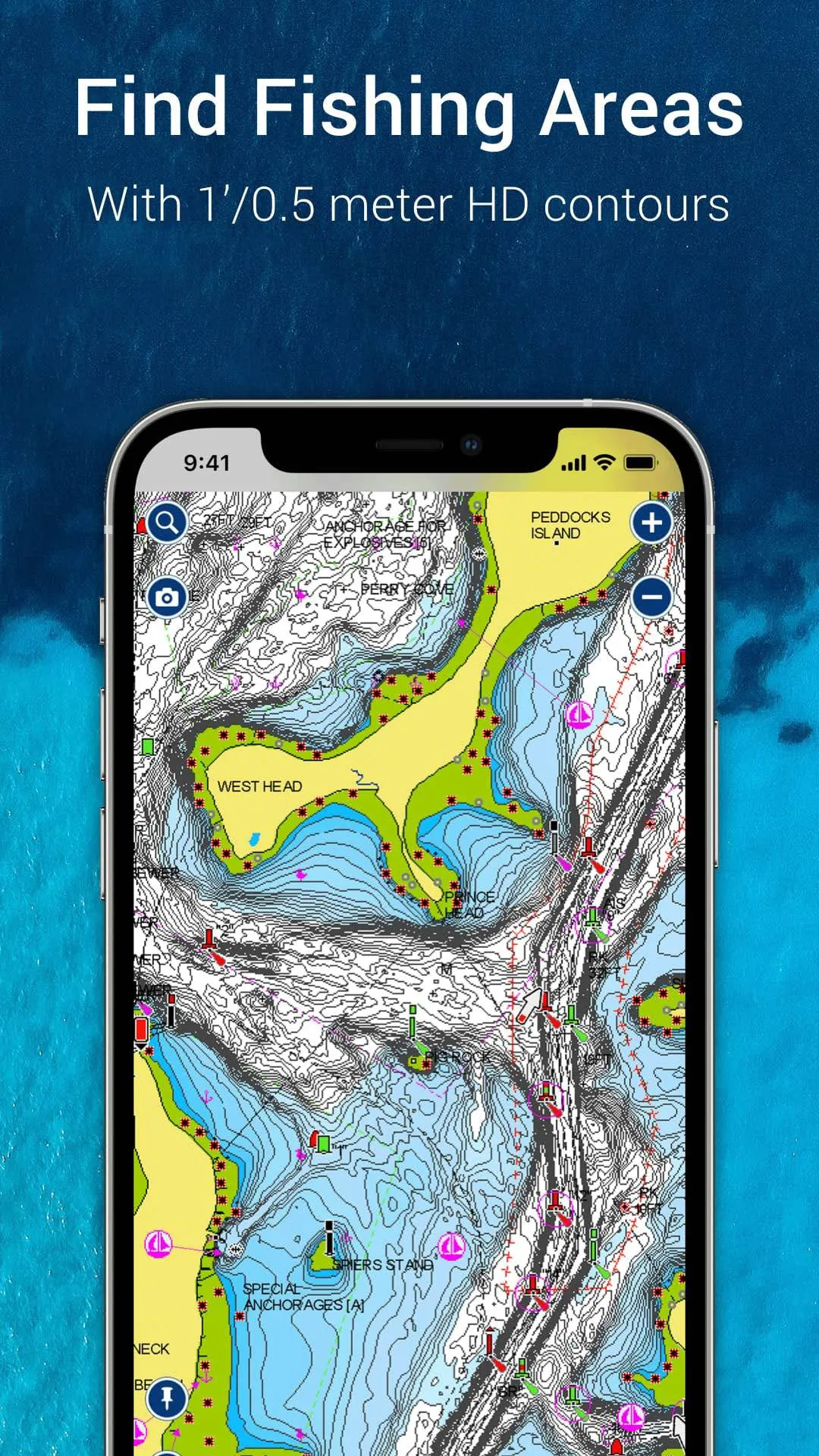
- Fishing & Sonar: Includes detailed depth contours (SonarChart), fishing hotspots, and can connect to compatible sonar devices for live mapping.
- Community & Safety: Allows users to view and submit updates on hazards, marinas, and anchorages. Provides tools for tracking tides, currents, and weather data.
How to Use
Click the button "Check All Versions" below to download and install it. Once installed, launch the app and create a user account to sync your data across devices. Start by downloading the regional charts for your primary boating areas to your device for offline use. You can then plan a route by tapping on the chart to set waypoints or use the Autorouting feature by entering your vessel's parameters. While on the water, enable GPS tracking to follow your course, mark productive fishing spots, and use the community layers to see recent updates from other boaters. Regularly sync the app when connected to Wi-Fi to ensure you have the latest chart corrections and community data.
App Download
Get Navionic Boating from an official store or available APK channel.
Previous Versions
ZIP files require a Split APKs Installer (e.g., SAI) from Google Play to install. Steps: 1. Download SAI from Google Play; 2. Open SAI and tap "Install APKs"; 3. Select the ZIP file; 4. Complete installation.
Frequently Asked Questions
What is the latest version of Navionic Boating?
The latest version currently listed by Appspicked is unavailable, with information updated on May 16, 2026. Versions may vary by device, region, or rollout schedule, so users should also check Google Play or announcements from Garmin.
Is Navionic Boating safe to download and use?
No website can guarantee that an app is completely risk-free. Appspicked recommends downloading Navionic Boating only from an official app store or a verified channel operated by Garmin. Before installing, confirm the developer name, package ID it.navionics.singleAppMarineLakesHD, requested permissions, privacy policy, and download source.
Why can’t I find Navionic Boating in the App Store?
Navionic Boating may be unavailable because of regional restrictions, device incompatibility, account or age settings, a temporary removal, a name change, or because it has not been released for that platform. An Android package page does not necessarily mean that an iOS App Store version exists. Check Garmin’s official website for current availability.
Where can I download or update Navionic Boating?
Use Google Play or another official download channel provided by Garmin whenever possible. Appspicked provides app information and store links, but users should verify the destination domain and publisher before downloading or updating the app.
Why is the version shown on Appspicked different from the app-store version?
The information on Appspicked may represent the most recently indexed snapshot. App stores sometimes release updates gradually or display different versions according to region, device, operating system, or testing group. The official store listing should be treated as the final reference.
Which devices and operating systems support Navionic Boating?
Navionic Boating is listed for Android, with a reported minimum requirement of Not specified. Actual compatibility may also depend on the device model, region, available storage, hardware features, and installed system components.
Is Navionic Boating free?
The initial download may be free, but subscriptions, advertising, paid features, or in-app purchases may still apply. Prices and available purchases can vary by country and version. Check the payment information displayed by Google Play before completing a transaction.
What should I do if Navionic Boating cannot be installed or updated?
Check the network connection, storage space, operating-system version, account region, and device compatibility. Restart the device and try again through the official store. If the problem continues, consult the support resources provided by Garmin.









