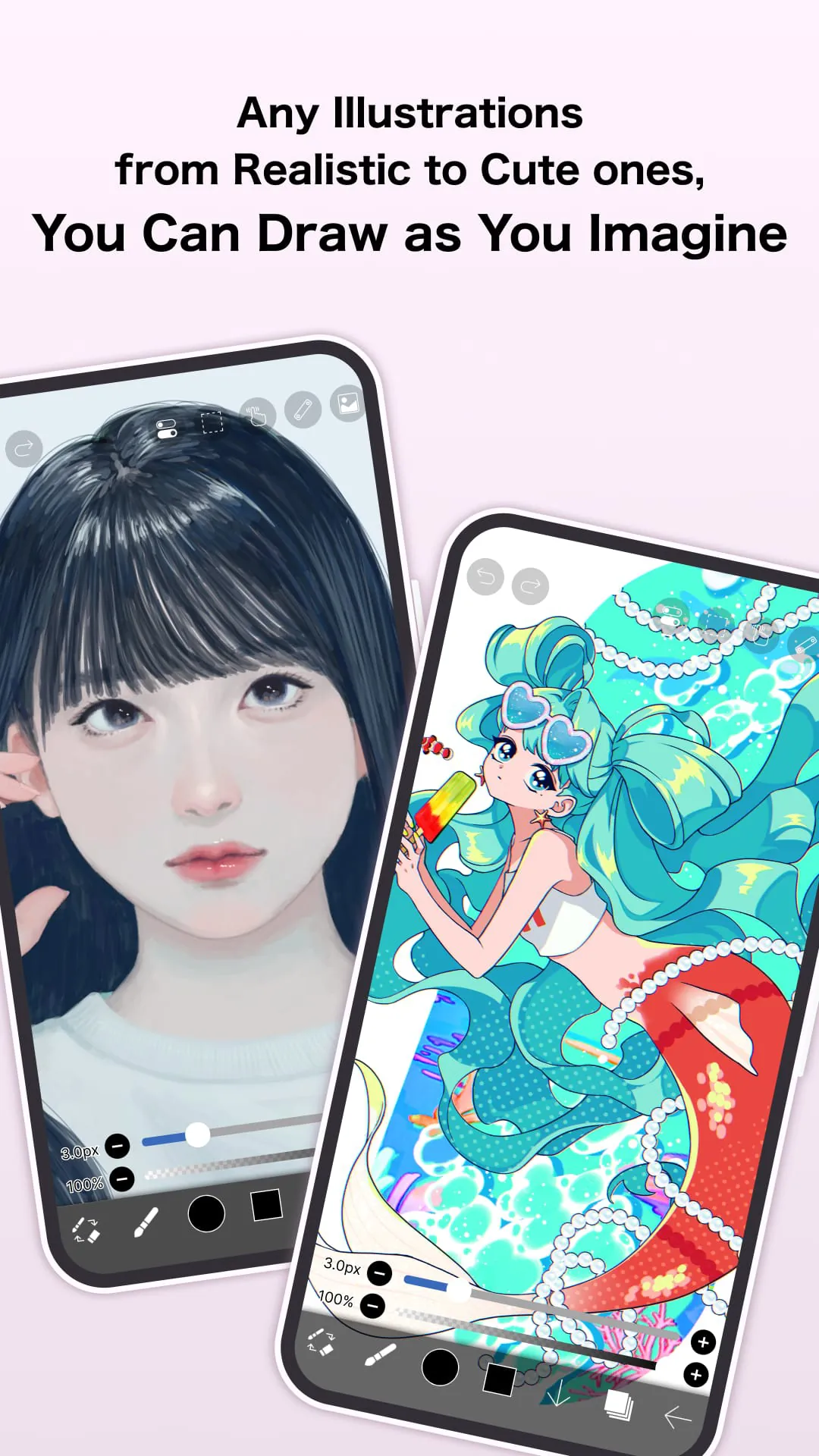
ibis Paint is a versatile digital drawing application designed for artists, illustrators, and hobbyists who want to create high-quality artwork on mobile devices or tablets. It offers an extensive range of professional-grade tools, brushes, and editing features, making it suitable for everything from quick sketches to detailed illustrations. With a focus on smooth performance and creative flexibility, ibis Paint has become a popular choice among digital art enthusiasts worldwide.
Key Features
- Hundreds of customizable brushes, including dip pens, felt-tip pens, airbrushes, and more.
- Layered editing with blending modes, masks, and clipping functions.
- Stabilizer feature for smoother lines and precision drawing.
- Supports high-resolution canvases for print-quality artwork.
- Extensive color palettes and gradient tools for vibrant designs.
- Cloud saving and cross-device synchronization.
Pros & Cons
- Pros: Wide variety of tools, intuitive interface, frequent updates, active community support, and free version available.
- Cons: Some advanced features require a subscription, occasional ads in the free version, and learning curve for beginners.
Functions
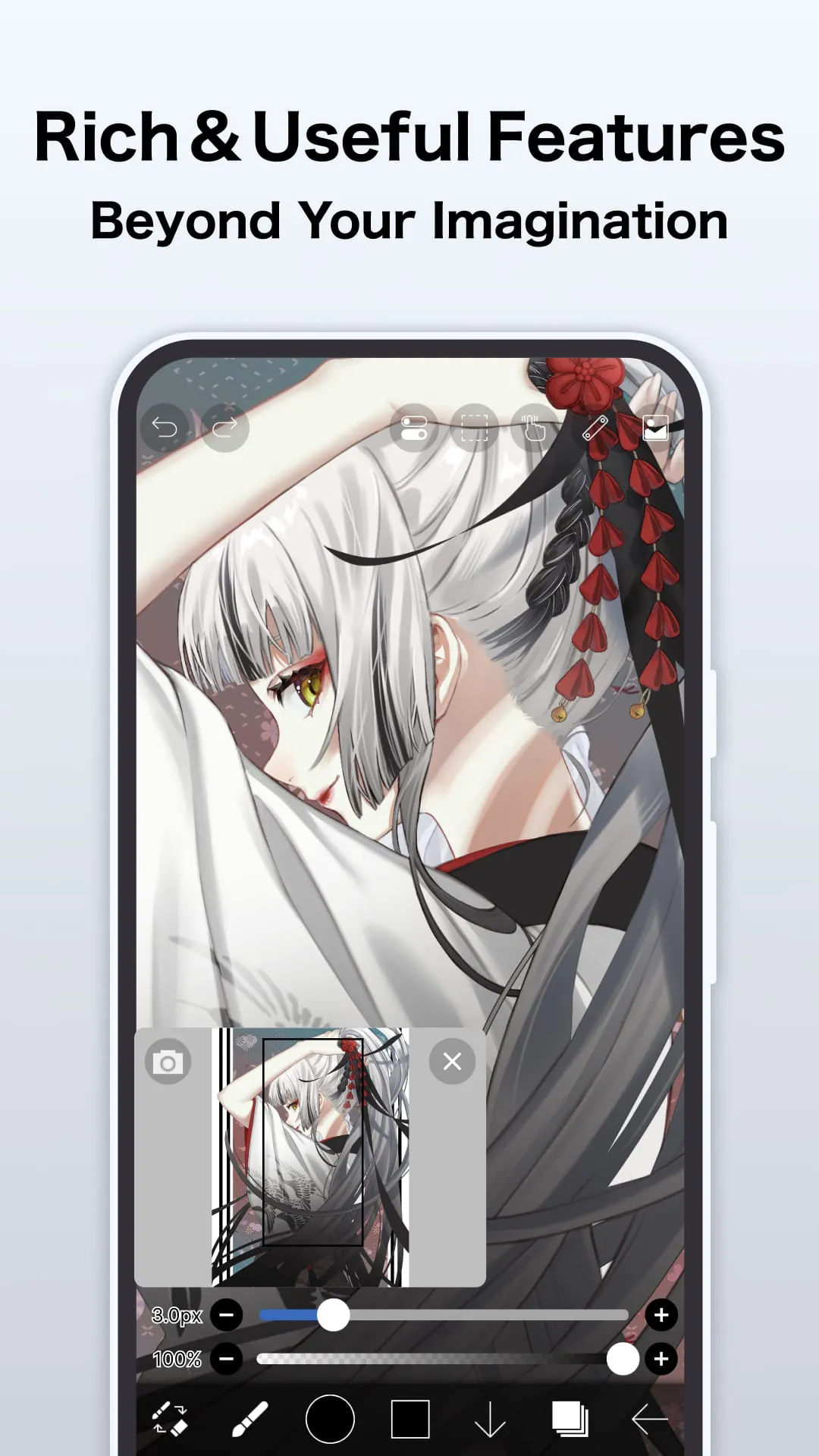
ibis Paint supports a broad set of functions that make digital creation seamless. Users can work with multiple layers, apply filters such as blur, mosaic, and noise, and use transformation tools like scaling, rotation, and perspective adjustment. The app also offers frame-by-frame animation tools, text input with customizable fonts, and selection tools for precise edits. Advanced brush settings allow pressure sensitivity adjustments, texture mapping, and dynamic shape customization, giving artists full control over their creative process.
How to Use
Click the button "Check All Versions" below to download and install it. Once installed, open the app and start a new canvas by selecting your preferred dimensions and resolution. Choose a brush from the library and begin sketching. Use layers to separate different elements of your artwork, adjusting opacity and blending modes as needed. Save your progress regularly to the cloud or locally, and export finished pieces in formats such as PNG, JPEG, or PSD for sharing or printing.




 APK
APK  Google Play
  iOS
iOS  4.50
4.50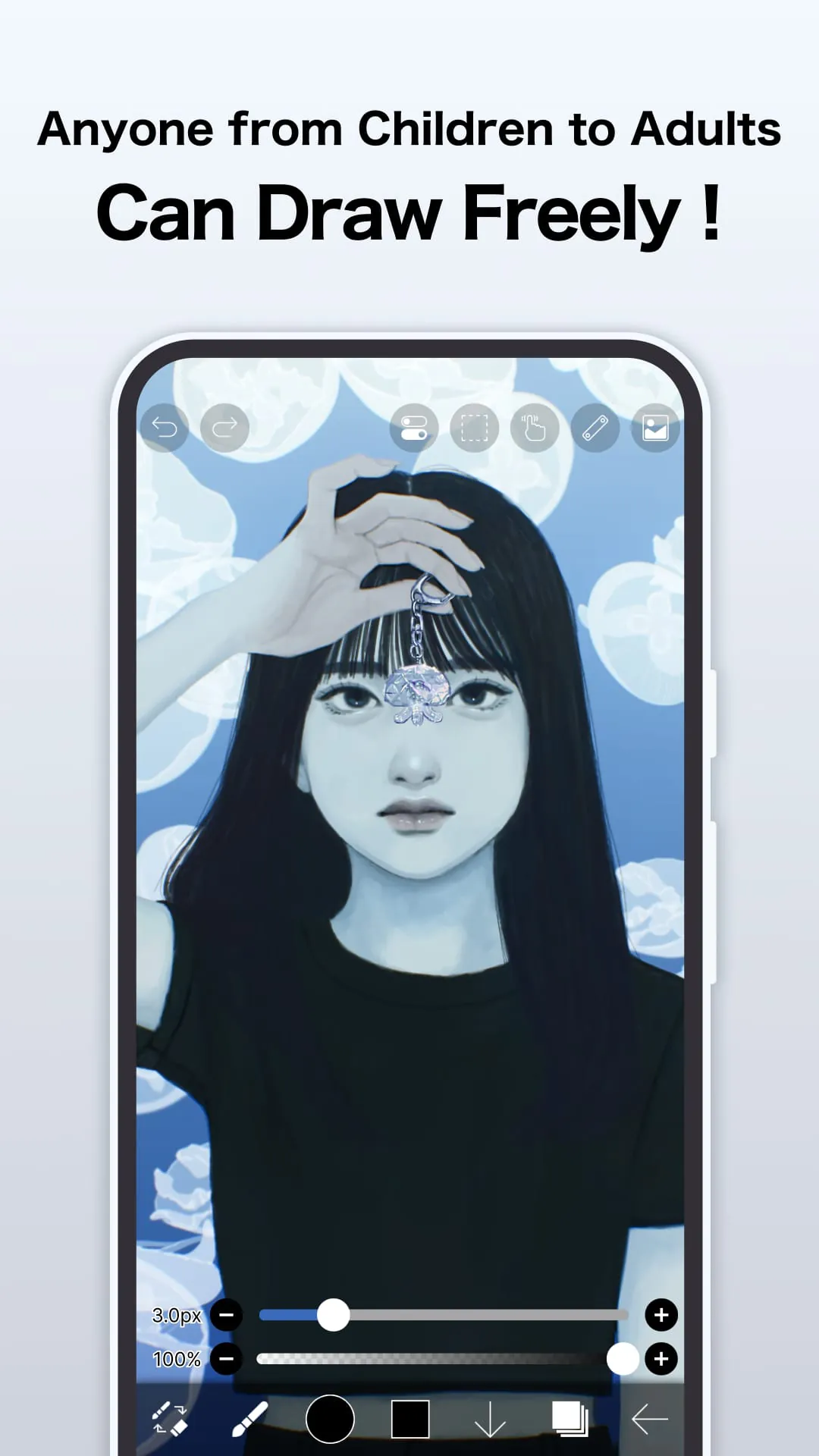
 Download








