The Unit Converter app is a highly efficient and versatile digital tool designed to instantly translate a vast array of measurements from one system to another. It serves as an indispensable assistant for students, engineers, cooks, travelers, and professionals in countless fields, eliminating the complexity and potential for error in manual calculations. By supporting categories like length, weight, temperature, currency, and digital storage, it provides accurate, real-time conversions at your fingertips, making it an essential utility for everyday problem-solving and specialized tasks.
Key Features
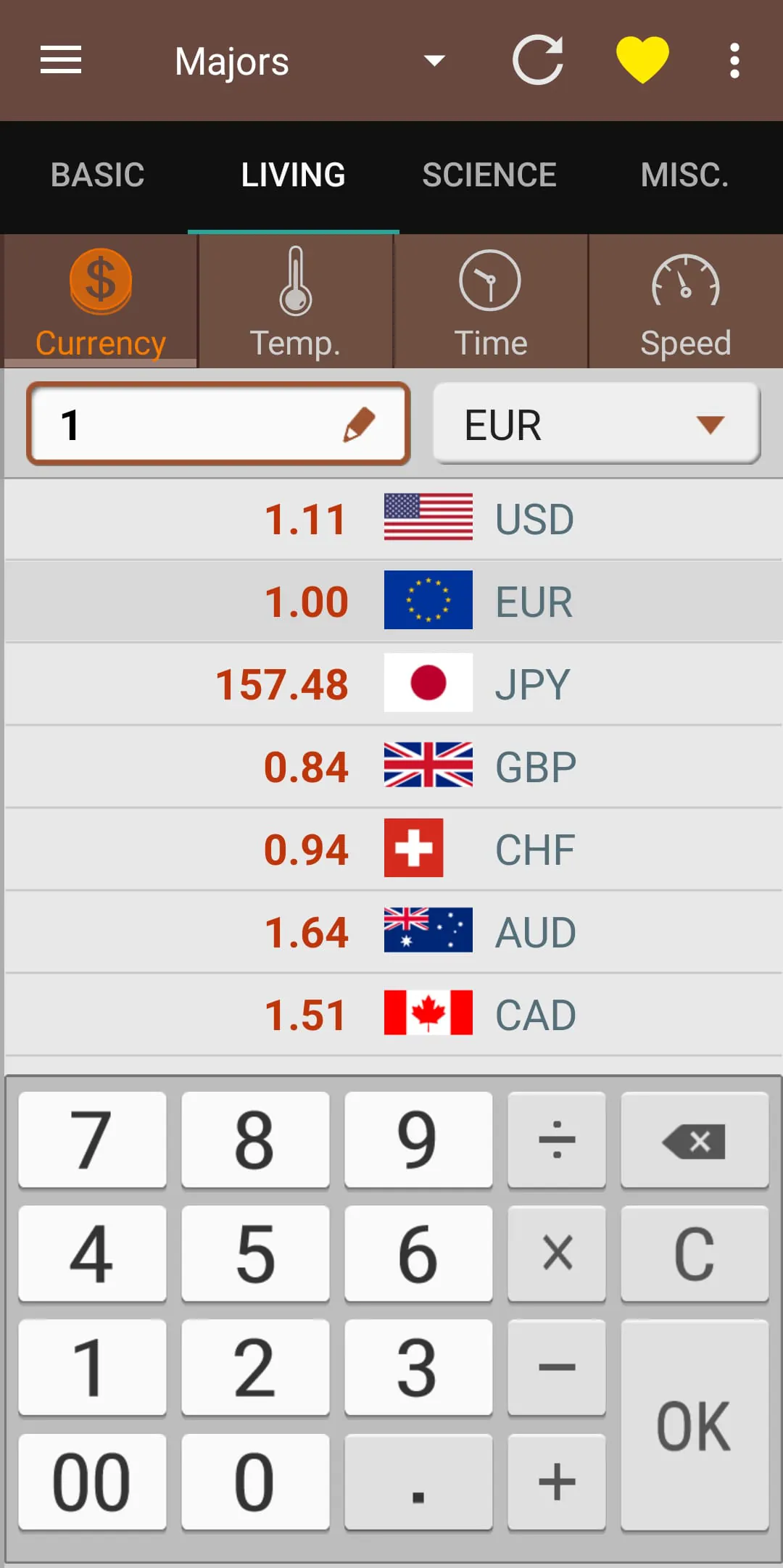
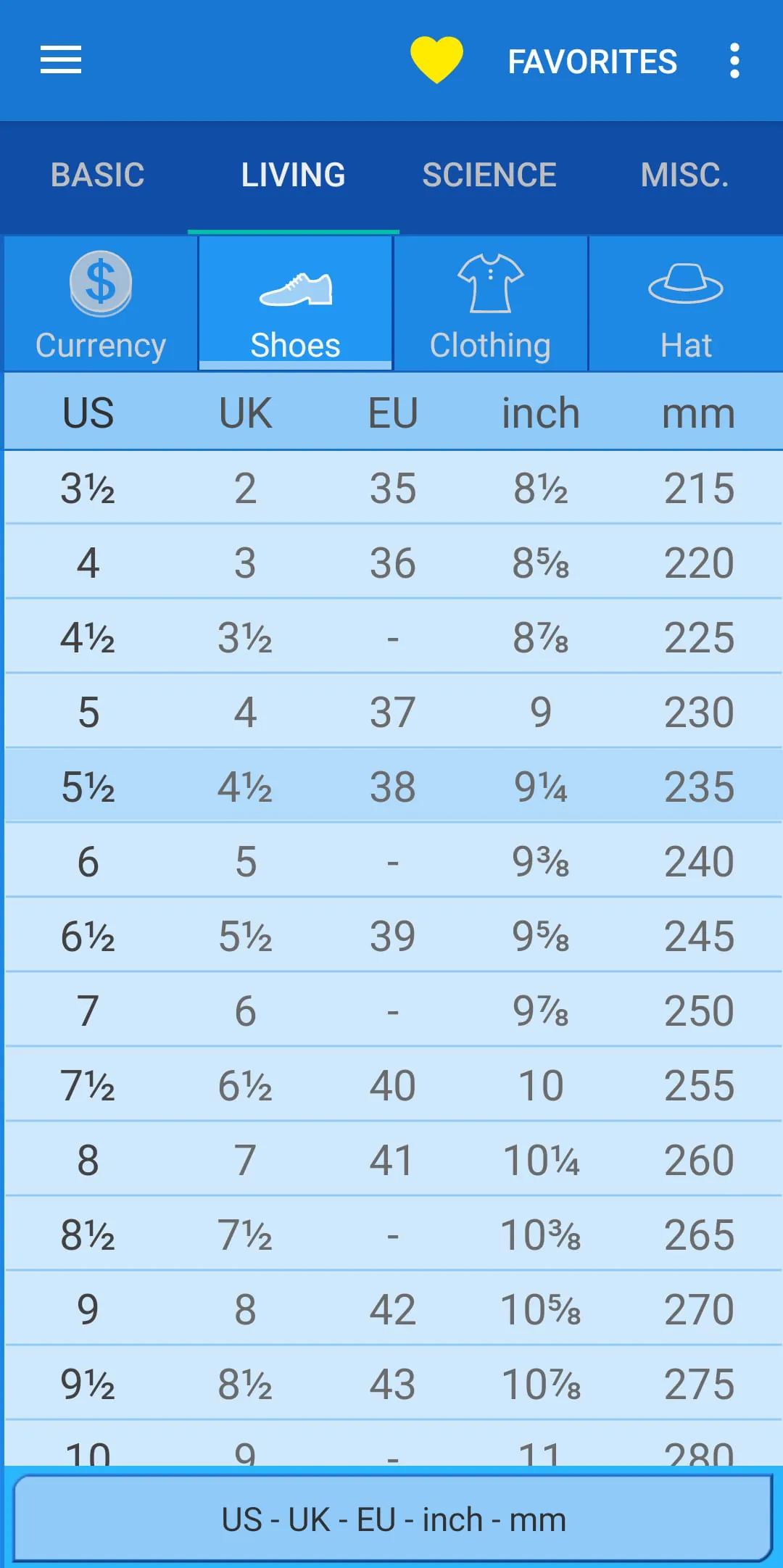
The app stands out due to its comprehensive and user-centric design. It boasts an intuitive interface that allows for quick navigation between different measurement categories. A standout feature is the real-time currency conversion, which updates using live exchange rates to ensure financial calculations are always current. The app also includes a history function, letting users review their recent conversions for reference. For advanced users, it supports less common but crucial units in fields like physics and chemistry. Furthermore, the tool operates completely offline for most conversions, requiring an internet connection only for currency updates, making it reliable anywhere.
Pros & Cons
Every tool has its strengths and weaknesses, and a balanced view helps in setting the right expectations.
- Pros: The application offers exceptional accuracy and speed, handling a remarkably wide range of units. Its clean, ad-free interface (in premium versions) ensures a distraction-free experience. The offline capability is a major advantage for use in areas with poor connectivity. The inclusion of a favorites system for frequently used conversions saves significant time.
- Cons: The free version may contain advertisements, which can be intrusive. Some highly specialized scientific units might not be available in the basic package. While currency conversion is a key feature, its accuracy is dependent on the frequency of rate updates, which may vary.
Functions
The core functionality of the app is to perform accurate and instant unit transformations across numerous domains. This is systematically broken down into dedicated modules.
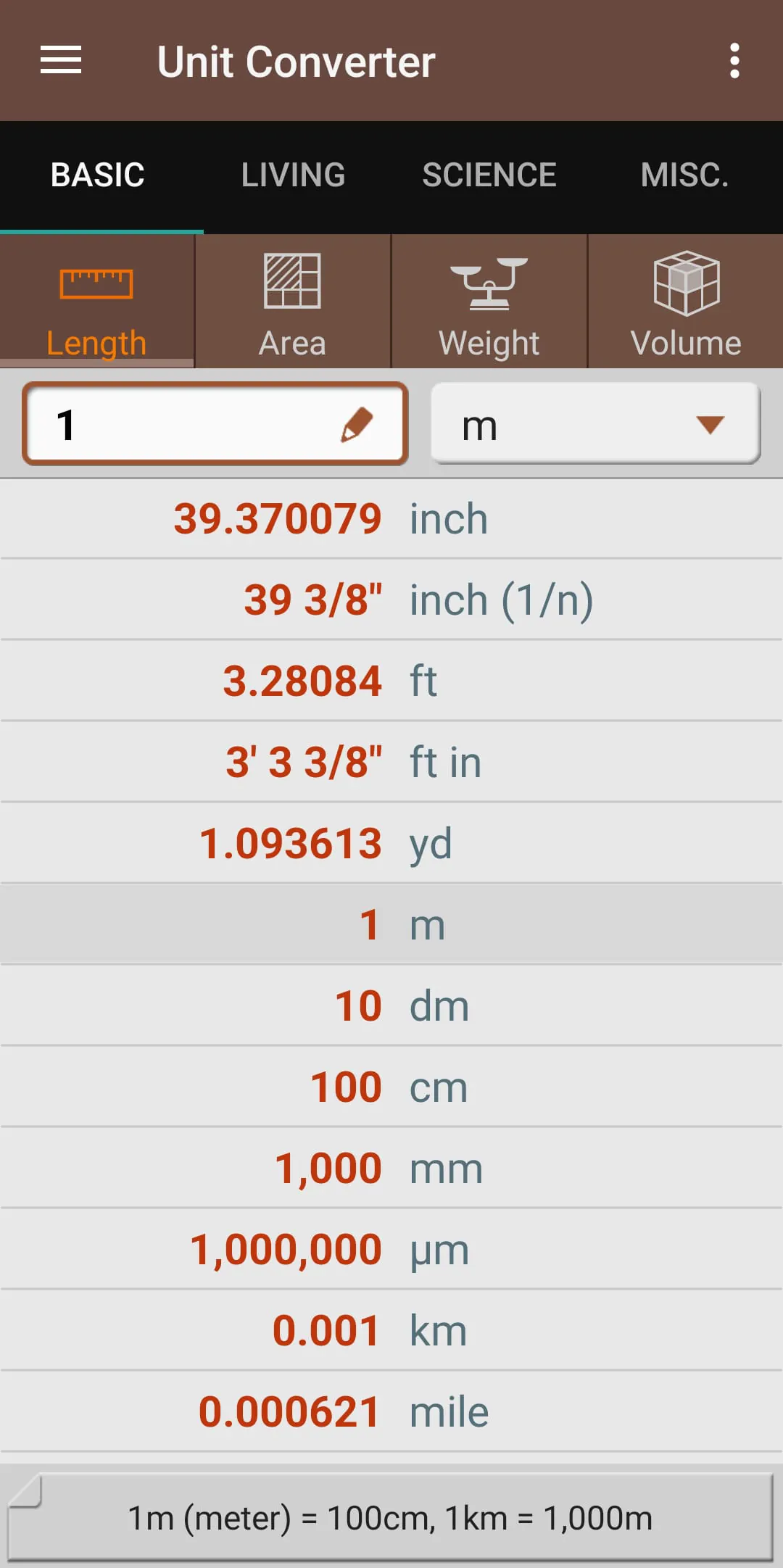
- Everyday Conversions: Covers common needs like converting kilometers to miles, kilograms to pounds, liters to gallons, and Celsius to Fahrenheit.
- Scientific Calculations: Facilitates conversions for pressure (Pascal to Bar), energy (Joules to calories), and data transfer rates.
- Culinary Assistance: Converts between cups, tablespoons, teaspoons, and grams, which is perfect for following international recipes.
- Digital Data: Translates between bits, bytes, kilobytes, megabytes, and terabytes for computing needs.
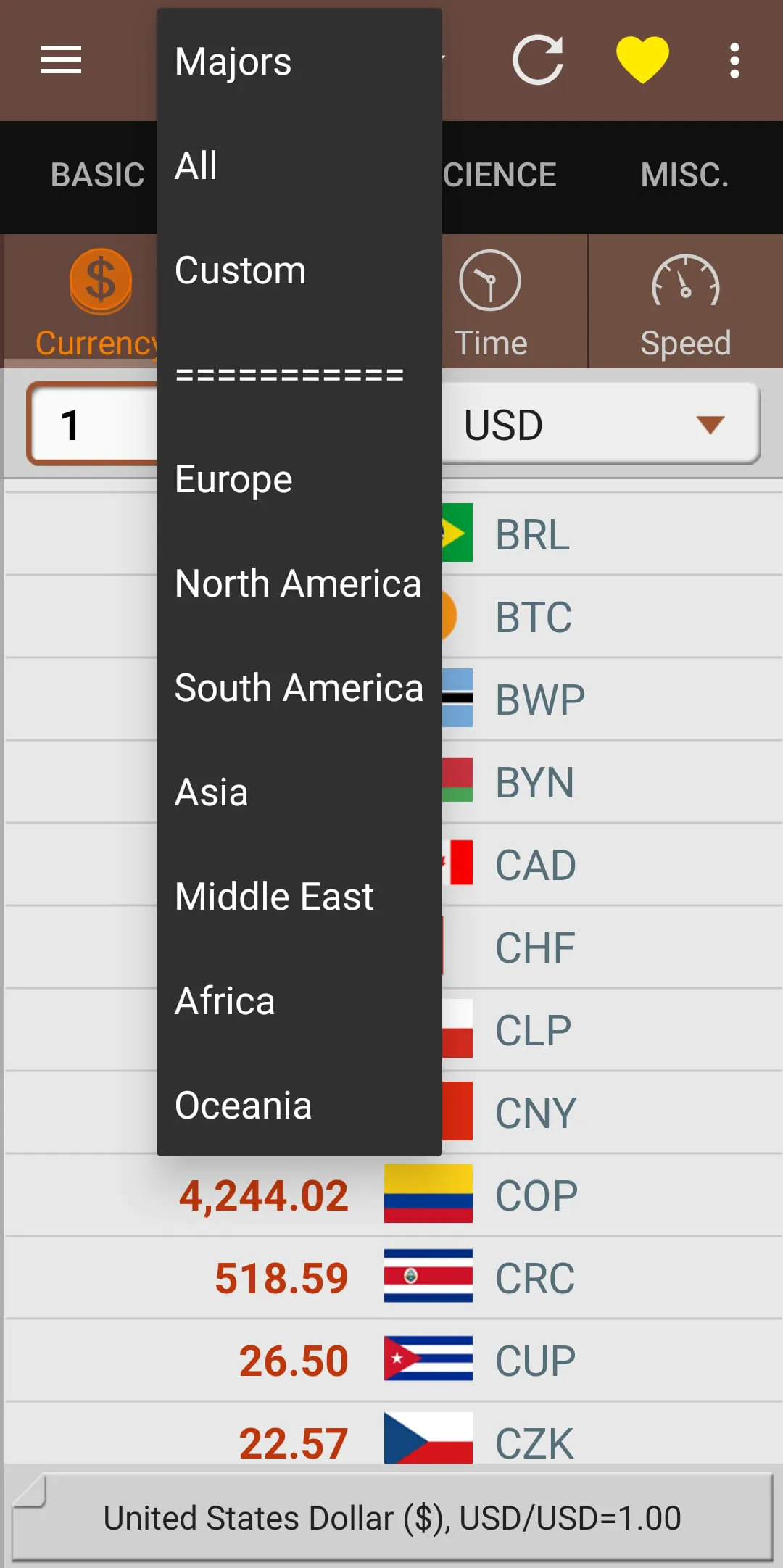
- Financial Tools: Provides live currency conversion for global currencies, along with historical exchange rate charts for informed decisions.
How to Use
Click the button "Check All Versions" below to download and install it. Once installed, launch the app from your device's home screen. You will be greeted by a clean main menu listing all available conversion categories. Simply tap on the relevant category, such as "Length." Then, use the picker wheels or input fields to select your "From" unit and your desired "To" unit. Enter the numerical value you wish to convert, and the result will appear instantly in the output field. You can tap the star icon to save this specific conversion to your favorites for faster access in the future. For currency conversion, ensure your device is connected to the internet to fetch the latest rates.




 APK
APK  Google Play
  iOS
iOS  4.50
4.50