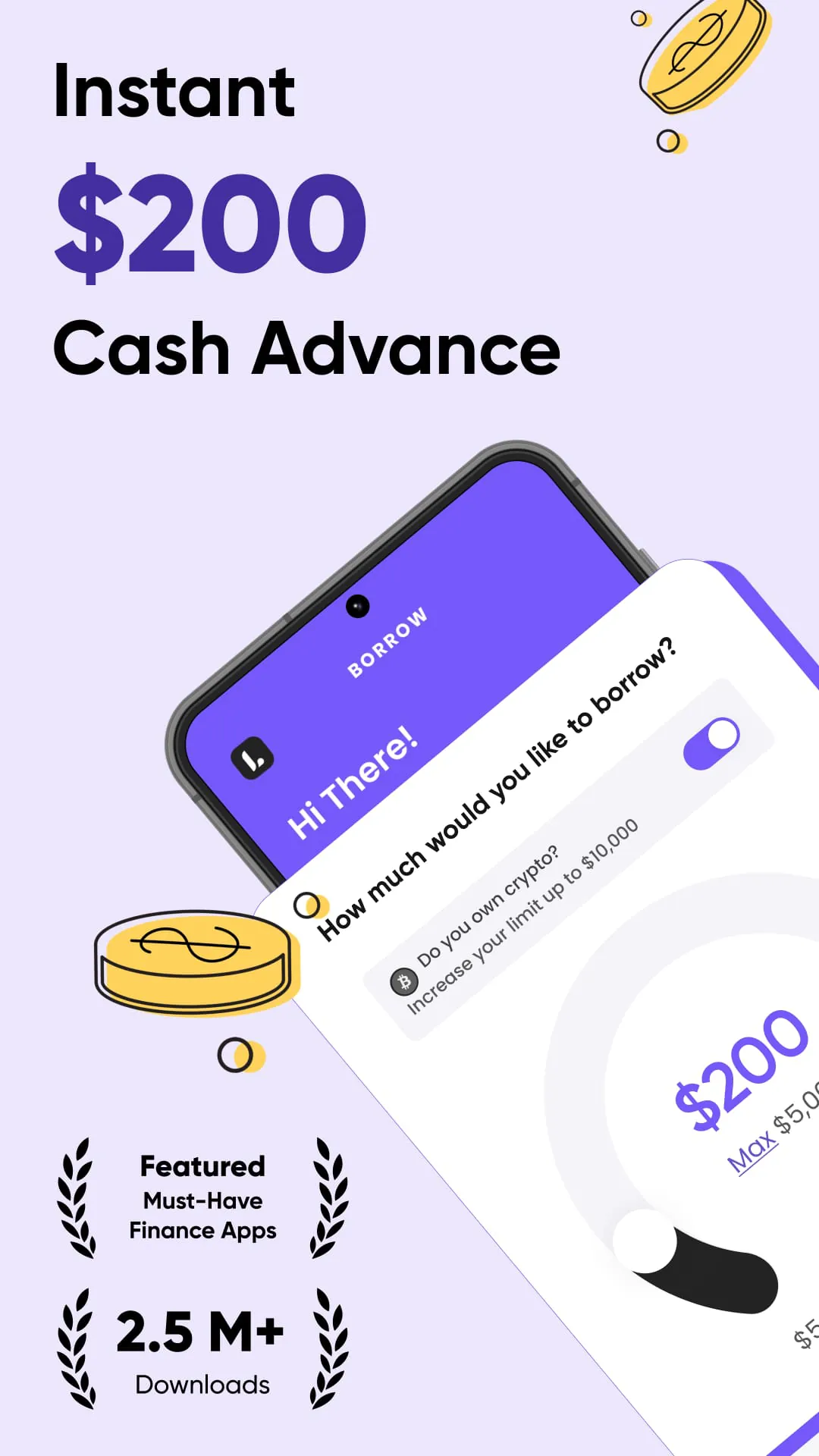
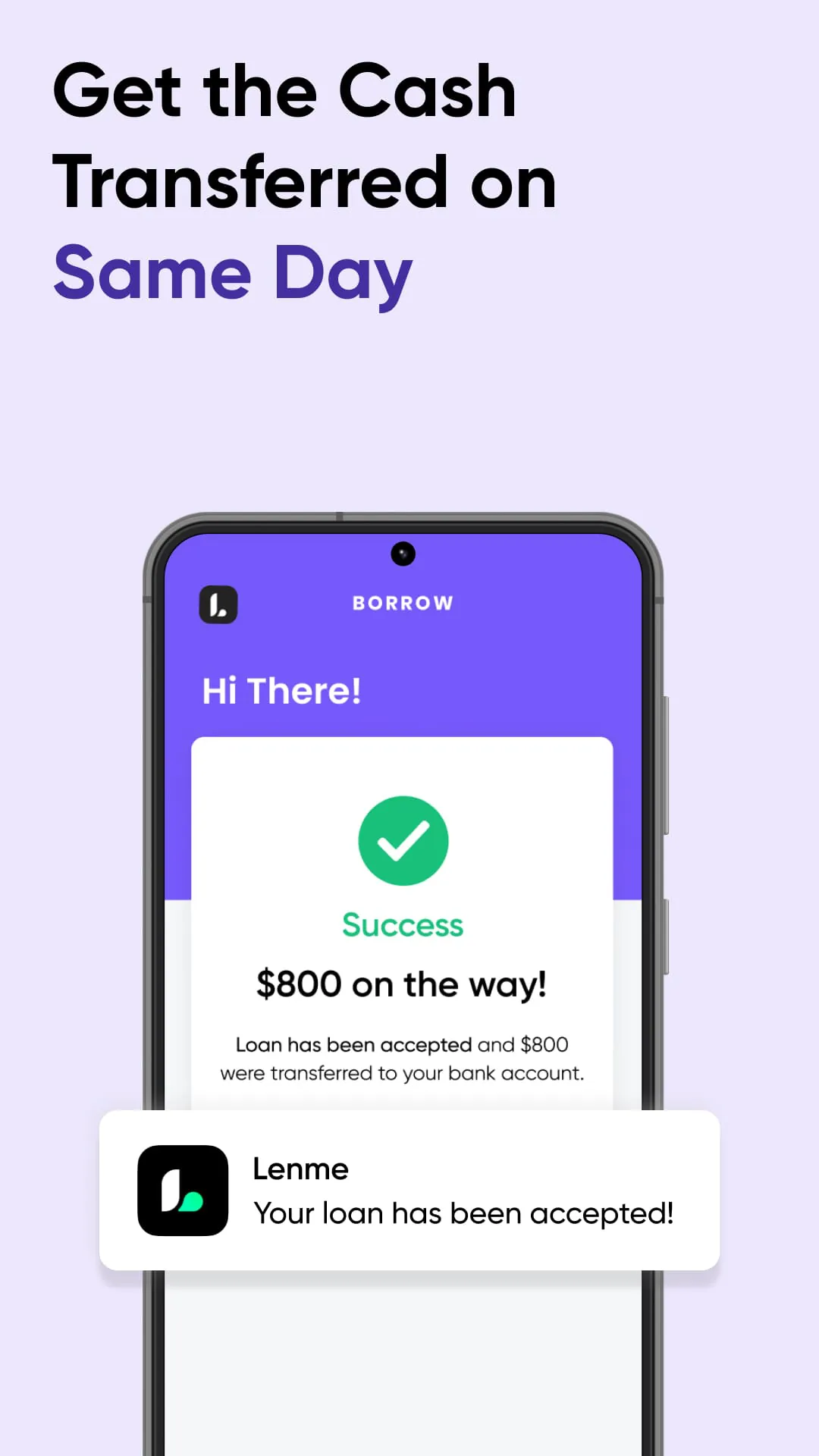
Lenme is designed to bridge the gap between borrowers seeking funds and investors aiming to generate passive income, offering a seamless platform for loan transactions. Borrowers can swiftly access the loans they require, with the added benefit of potentially increasing their loan limit eligibility through consistent use of the app. This feature allows users to gradually qualify for larger loan amounts, up to a maximum of $5,000, providing a financial ladder for those who demonstrate responsible borrowing behavior. For investors, Lenme presents an opportunity to earn returns and create a steady stream of passive income. The platform offers a gateway to participate in lending, allowing investors to diversify their portfolios and potentially achieve their financial goals. The benefits of using Lenme are numerous and accessible at a nominal monthly fee, starting at just $1.99. One of the key advantages for borrowers is the elimination of traditional barriers such as credit score requirements, debt-to-income ratio assessments, and extensive paperwork. This streamlined approach makes it easier for individuals to access the funds they need, regardless of their credit history or financial background. Creating a borrower profile and requesting a loan is a remarkably quick process, typically taking no more than three minutes. This efficiency is a significant draw for users who need immediate access to funds. The app fosters a competitive environment among investors, who vie to offer the most attractive rates to borrowers. This competition empowers borrowers to choose the best loan terms that suit their individual needs and financial circumstances. Once a loan is approved, the funds are transferred to the borrower's bank account with remarkable speed, often on the same day. This quick turnaround is particularly beneficial for individuals facing urgent financial needs. Furthermore, as borrowers consistently repay their loans, their loan limit gradually increases, incentivizing responsible borrowing and opening up opportunities for larger loans in the future, up to the $5,000 maximum. Lenme is not just a platform for borrowers; it also provides a robust investment platform for individuals looking to diversify their portfolios and earn passive income. The platform enables investors to diversify their portfolios within a market characterized by low volatility, providing a degree of stability and predictability. Investors can easily select investments that align with their individual risk tolerance, ensuring a comfortable and informed investment experience. The platform also offers the advantage of withdrawing earnings without incurring any additional costs, maximizing returns for investors. To assist investors in making informed decisions, Lenme provides a predictive service powered by a machine learning algorithm. This tool helps investors assess the potential risks and returns associated with different loan opportunities. A particularly attractive feature for investors is the availability of crypto-backed loans, which offer an added layer of security. These loans are collateralized by cryptocurrency, mitigating the risk of default. Through Lenme, borrowers gain access to the necessary financial resources, while investors can participate in a dynamic market with the potential to generate income and expand their portfolios. The app’s efficiency, transparency, and user-friendly interface make it an appealing option for all participants.
Lenme extends its services by offering crypto-backed loans, allowing borrowers to access up to $10,000 by using their cryptocurrency wallet as collateral. This innovative approach caters to the growing number of individuals who own cryptocurrency and seek larger loan limits. By connecting their wallets to the app, borrowers can unlock new borrowing opportunities. Investors, in turn, can earn up to $1,700 by funding these crypto-backed loans. Lenme functions as a versatile lending platform that connects borrowers with a diverse range of lenders, including financial institutions, lending businesses, and individual investors. This broad network of lenders increases the likelihood of borrowers finding suitable loan options tailored to their specific needs. Throughout the borrowing and lending process, users maintain complete anonymity, ensuring privacy and confidentiality. This anonymity can be particularly appealing to individuals who prefer to keep their financial activities private. To promote transparency and foster a fair and competitive market, Lenme incorporates a "feed" tab within the app. This feed allows users to monitor which loans are being funded and view all associated fees, providing valuable insights into the lending landscape. It's important to note that the loans displayed on the feed reflect those funded through the Lenme platform, and some may not be accessible to Android users. Lenme offers subscription-based services through Google Play, providing users with access to premium features and benefits. These subscriptions are available on a monthly or annual basis and automatically renew unless canceled at least 24 hours before the end of the subscription period. Users can easily manage their subscriptions through their Google Play account. In addition to its core lending platform, Lenme offers LenmePredict, a machine learning algorithm designed to assist lenders in making informed decisions. This standalone product is available for purchase through Apple Pay, either on a per-use basis or through a monthly or annual subscription. As with other subscriptions, LenmePredict subscriptions automatically renew unless canceled within 24 hours of the subscription period's end. Crypto-backed loans, a relatively new product offering, enable investors to fund cash loans secured by the borrower's cryptocurrency holdings. The cryptocurrencies serve as collateral and may be liquidated in the event of default or a significant price decline in the held currency. This collateralization strategy helps mitigate the risk for investors.
Because Lenme is not directly involved in the lending decision-making process, the app cannot guarantee the specific interest rates that borrowers will be offered. Interest rates are determined by various factors, including the borrower's creditworthiness, income, and cash flow analysis. For crypto-backed loans, the maximum interest rate (APR) is capped at 25%. Borrowers have the flexibility to request loans with repayment periods ranging from 2 months to 12 months, paid in installments. However, Android users are restricted from requesting loans that require full repayment within 60 days or less from the loan issuance date. The lending decision is based on a multifaceted assessment, considering credit history, income stability, and cash flow patterns, all of which are viewable within the app. To illustrate the total cost of a loan, including all applicable fees, consider the following example: If a borrower takes out a $1,000 loan for a term of one year with an APR of 12% and an origination fee of 1%, the monthly payment would be $89.75. The total amount payable would be $1,076.96, encompassing $76.96 in total interest and fees. This example provides a clear understanding of the costs associated with borrowing through the Lenme platform. For comprehensive details, users are encouraged to review the Terms of Use and Privacy Policy. These documents outline the rights and responsibilities of both borrowers and lenders, ensuring a transparent and secure lending environment. The platform prioritizes user privacy and data protection, implementing robust security measures to safeguard personal and financial information. Lenme strives to provide a user-friendly and accessible lending experience, connecting borrowers and investors in a mutually beneficial ecosystem. Through its innovative features, transparent policies, and commitment to security, Lenme aims to revolutionize the lending landscape and empower individuals to achieve their financial goals. The platform's dedication to transparency, user empowerment, and innovative solutions makes it a standout player in the evolving fintech landscape. Lenme's holistic approach to lending, encompassing both borrowing and investment opportunities, positions it as a versatile and valuable resource for individuals seeking financial solutions.