Open Menu
Link to Windows
PRODUCTIVITY · ANDROID · IOS

Link to Windows

by Microsoft Corporation

Access your phone's notifications, calls, apps, photos & texts on your PC

3.90 ★
(500+ reviews)
1B+
Downloads

A closer look

Link to WindowsLink to WindowsLink to WindowsLink to Windows
ADVERTISEMENT

Overview

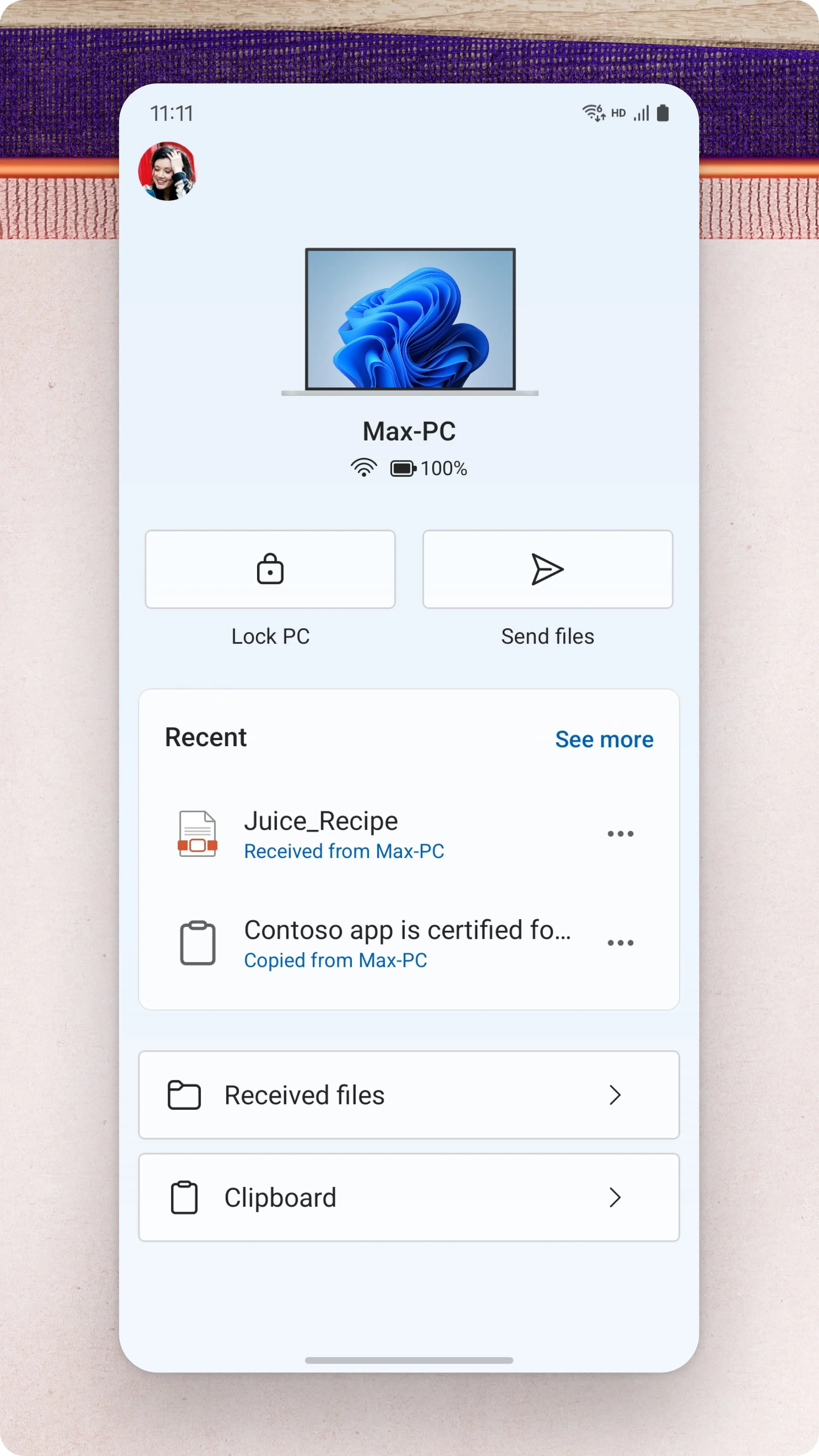
Link to Windows is a Microsoft-developed application that seamlessly bridges your Android smartphone and your Windows PC, creating a unified digital workspace. It allows you to view phone notifications, send and receive text messages, access mobile apps, and drag-and-drop files directly between your devices, all in real-time without ever needing to pick up your phone.

Key Features

The core appeal of Link to Windows lies in its deep integration. It moves beyond simple file sharing to make your phone a natural extension of your computer. You can mirror your phone's screen on your PC to interact with any app using your mouse and keyboard. The ability to instantly share web pages from your phone to your PC for continued browsing is a standout productivity booster. Furthermore, it provides quick access to your phone's recent photos for easy transfer.

Pros & Cons

The integration offers distinct advantages but also has limitations based on your device ecosystem.

  • Pros: Drastically boosts productivity by reducing the need to switch devices. The notification sync and SMS handling are exceptionally convenient. Wireless file transfer is fast and seamless. Screen mirroring is highly practical for using mobile-only apps on a larger display.
  • Cons: The experience is optimal and feature-complete primarily on Samsung Galaxy and select Microsoft Surface Duo devices. Users with other Android brands may find some features missing or less polished. It requires both devices to be on the same Wi-Fi network for full functionality, which can be a constraint in some environments.

Functions

Link to Windows consolidates a wide array of cross-device functionalities into a single, coherent interface on your PC.

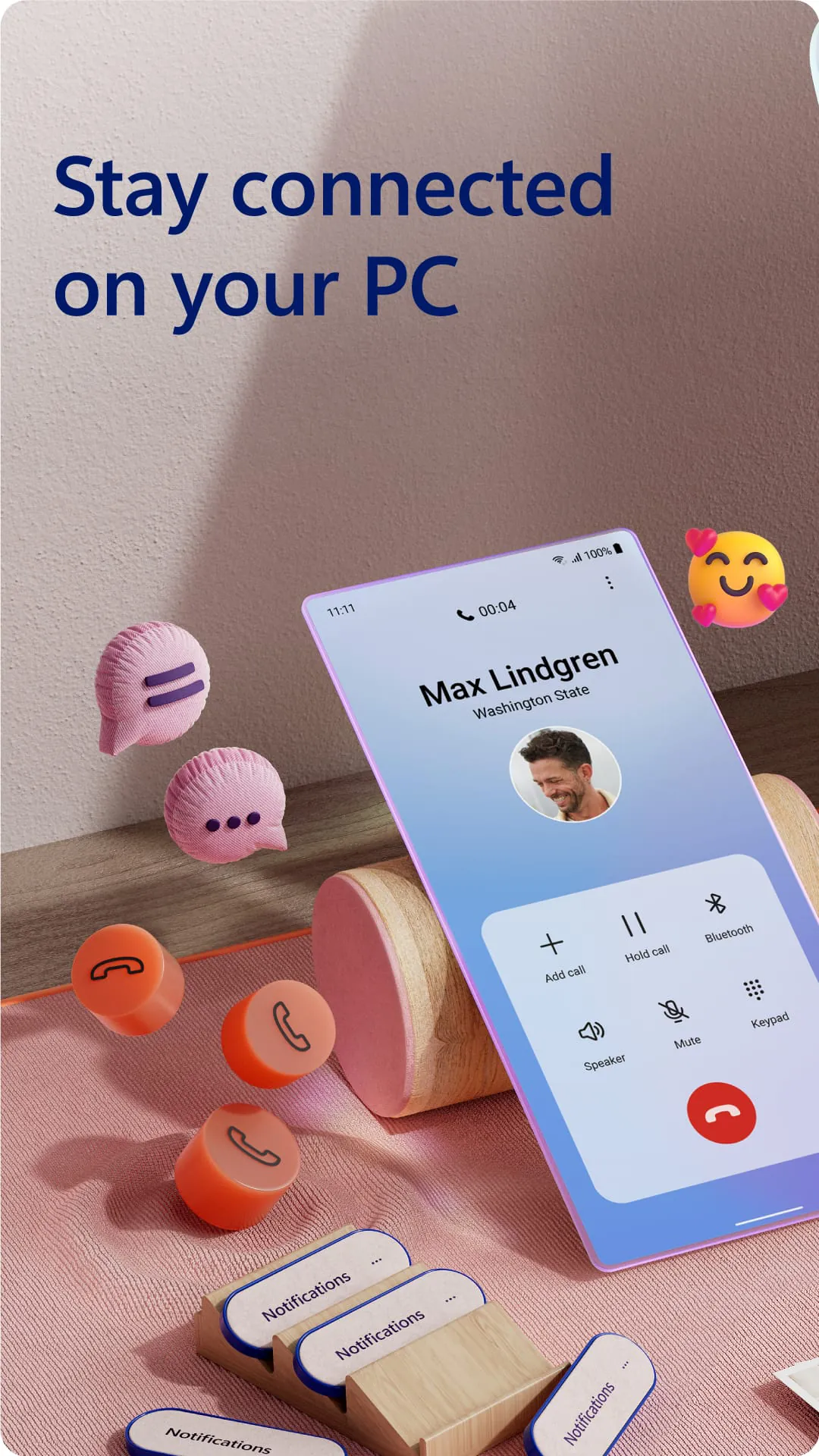
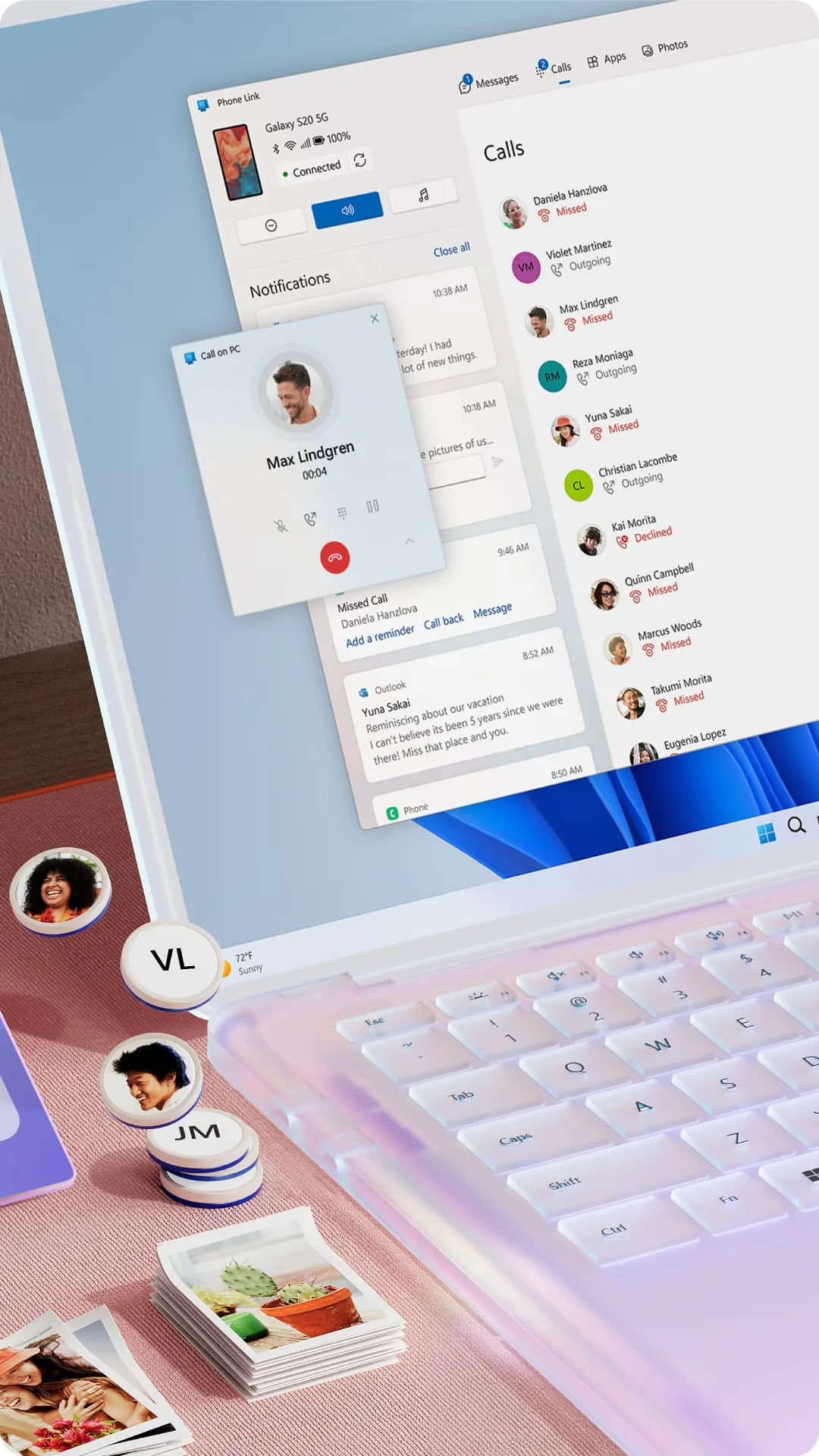
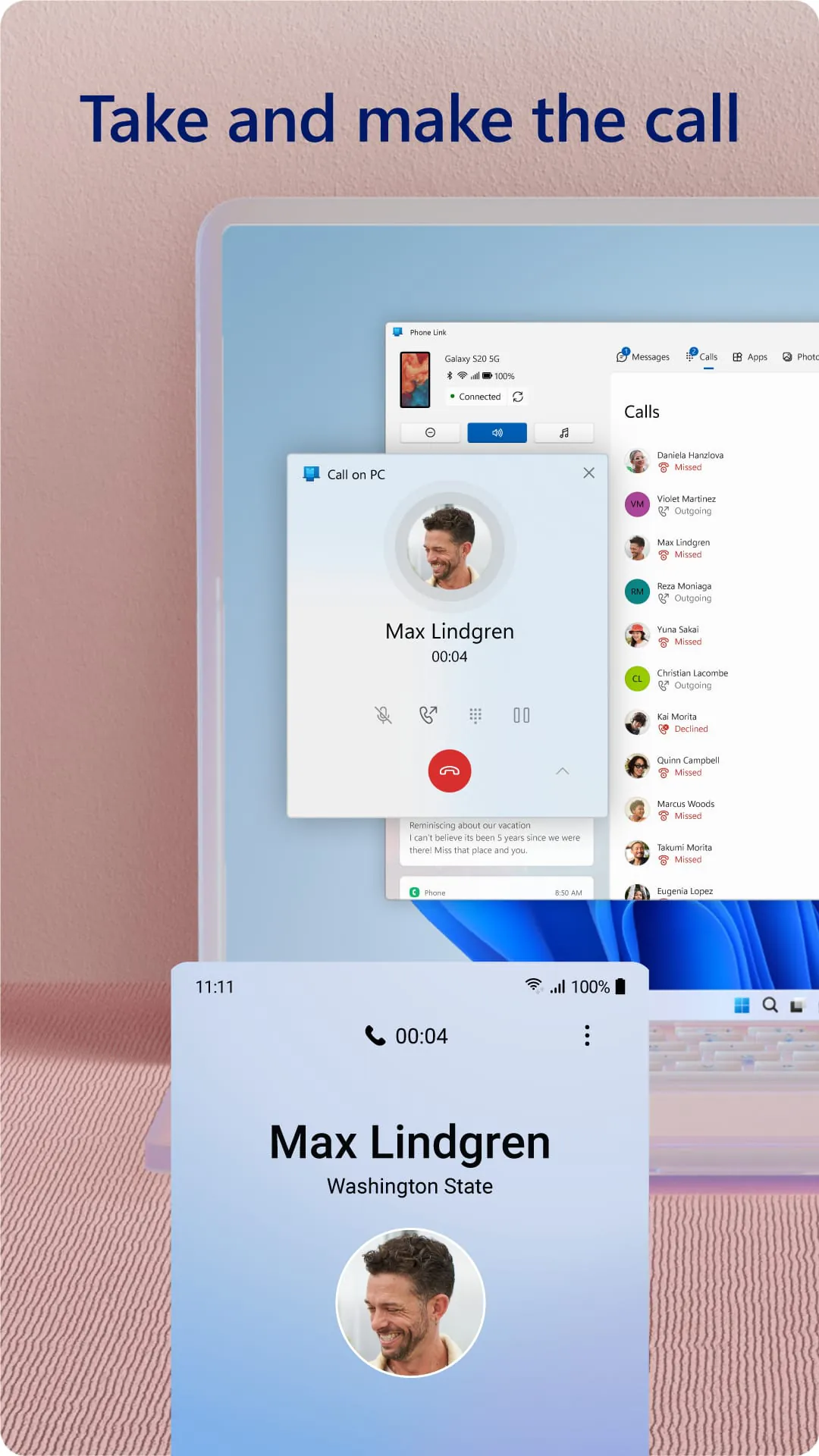
  • Notifications & Calls: View, dismiss, and interact with phone notifications directly from your PC. Reject incoming calls with a preset SMS.
  • Messages & Photos: Send and receive SMS messages using your PC's keyboard. Automatically access and drag your phone's recent photos into PC documents.
  • Apps & Screen Mirroring: Run your favorite mobile apps directly from the PC taskbar or launch them in a mirrored phone screen window for full interaction.
  • Instant Sharing: Seamlessly send a webpage from your phone's browser to your PC with a single tap to continue your session.

How to Use

Click the button "Check All Versions" below to download and install it. Begin by ensuring your PC runs Windows 10/11 with the "Your Phone" app installed and updated. On your Android phone, download the "Link to Windows" app from the Google Play Store, which is often pre-installed on Samsung devices. Open both applications and follow the on-screen pairing instructions, which typically involve scanning a QR code with your phone's camera. Once linked, the "Your Phone" app on your PC becomes the central hub to access all the connected features and manage your connected device's settings.

ADVERTISEMENT

App Download

Get Link to Windows from an official store or available APK channel.

Available for Android & iOS

Previous Versions

ZIP files require a Split APKs Installer (e.g., SAI) from Google Play to install. Steps: 1. Download SAI from Google Play; 2. Open SAI and tap "Install APKs"; 3. Select the ZIP file; 4. Complete installation.

V1.24082.214.0-canary
Download
Package Name
com.microsoft.appmanager
Version Name
V1.24082.214.0-canary
Version Code
V1.24082.214.0-canary
File Size
58.16 MB
Update time
2026-2-10
V1.25022.117.0
Download
Package Name
com.microsoft.appmanager
Version Name
V1.25022.117.0
Version Code
V1.25022.117.0
File Size
113.85 MB
Update time
2025-3-14
V1.24112.138.0
Download
Package Name
com.microsoft.appmanager
Version Name
V1.24112.138.0
Version Code
V1.24112.138.0
File Size
109.5 MB
Update time
2024-12-9
V1.24022.237.0
Download
Package Name
com.microsoft.appmanager
Version Name
V1.24022.237.0
Version Code
V1.24022.237.0
File Size
110.08 MB
Update time
2024-3-18
V1.23112.189.0
Download
Package Name
com.microsoft.appmanager
Version Name
V1.23112.189.0
Version Code
V1.23112.189.0
File Size
105.22 MB
Update time
2024-2-2
V1.23092.341.0
Download
Package Name
com.microsoft.appmanager
Version Name
V1.23092.341.0
Version Code
V1.23092.341.0
File Size
102.87 MB
Update time
2023-11-7
V1.23072.155.0
Download
Package Name
com.microsoft.appmanager
Version Name
V1.23072.155.0
Version Code
V1.23072.155.0
File Size
103.14 MB
Update time
2023-8-22
V1.23062.187.0
Download
Package Name
com.microsoft.appmanager
Version Name
V1.23062.187.0
Version Code
V1.23062.187.0
File Size
102.67 MB
Update time
2023-7-18
V1.23052.182.0
Download
Package Name
com.microsoft.appmanager
Version Name
V1.23052.182.0
Version Code
V1.23052.182.0
File Size
101.96 MB
Update time
2023-7-4
V1.23052.181.0
Download
Package Name
com.microsoft.appmanager
Version Name
V1.23052.181.0
Version Code
V1.23052.181.0
File Size
97.2 MB
Update time
2023-6-19
V1.23042.190.0
Download
Package Name
com.microsoft.appmanager
Version Name
V1.23042.190.0
Version Code
V1.23042.190.0
File Size
94.53 MB
Update time
2023-5-25
V1.23032.256.0
Download
Package Name
com.microsoft.appmanager
Version Name
V1.23032.256.0
Version Code
V1.23032.256.0
File Size
94.3 MB
Update time
2023-5-12
V1.22093.10.0
Download
Package Name
com.microsoft.appmanager
Version Name
V1.22093.10.0
Version Code
V1.22093.10.0
File Size
89.14 MB
Update time
2022-11-17
V1.22062.194.0
Download
Package Name
com.microsoft.appmanager
Version Name
V1.22062.194.0
Version Code
V1.22062.194.0
File Size
85.54 MB
Update time
2022-8-24
V1.22022.164.0
Download
Package Name
com.microsoft.appmanager
Version Name
V1.22022.164.0
Version Code
V1.22022.164.0
File Size
85.9 MB
Update time
2022-3-31
V1.22022.154.0
Download
Package Name
com.microsoft.appmanager
Version Name
V1.22022.154.0
Version Code
V1.22022.154.0
File Size
86.0 MB
Update time
2022-3-28
V1.22022.137.0
Download
Package Name
com.microsoft.appmanager
Version Name
V1.22022.137.0
Version Code
V1.22022.137.0
File Size
86.0 MB
Update time
2022-3-23
V1.22022.120.0
Download
Package Name
com.microsoft.appmanager
Version Name
V1.22022.120.0
Version Code
V1.22022.120.0
File Size
86.0 MB
Update time
2022-3-17
V1.22012.97.0
Download
Package Name
com.microsoft.appmanager
Version Name
V1.22012.97.0
Version Code
V1.22012.97.0
File Size
84.3 MB
Update time
2022-3-4
ADVERTISEMENT

Frequently Asked Questions

What is the latest version of Link to Windows?

The latest version currently listed by Appspicked is V1.23032.256.0, with information updated on May 16, 2026. Versions may vary by device, region, or rollout schedule, so users should also check Google Play / App Store or announcements from Microsoft Corporation.

Is Link to Windows safe to download and use?

No website can guarantee that an app is completely risk-free. Appspicked recommends downloading Link to Windows only from an official app store or a verified channel operated by Microsoft Corporation. Before installing, confirm the developer name, package ID com.microsoft.appmanager, requested permissions, privacy policy, and download source.

Why can’t I find Link to Windows in the App Store?

Link to Windows may be unavailable because of regional restrictions, device incompatibility, account or age settings, a temporary removal, a name change, or because it has not been released for that platform. An Android package page does not necessarily mean that an iOS App Store version exists. Check Microsoft Corporation’s official website for current availability.

Where can I download or update Link to Windows?

Use Google Play / App Store or another official download channel provided by Microsoft Corporation whenever possible. Appspicked provides app information and store links, but users should verify the destination domain and publisher before downloading or updating the app.

Why is the version shown on Appspicked different from the app-store version?

The information on Appspicked may represent the most recently indexed snapshot. App stores sometimes release updates gradually or display different versions according to region, device, operating system, or testing group. The official store listing should be treated as the final reference.

Which devices and operating systems support Link to Windows?

Link to Windows is listed for Android / iOS, with a reported minimum requirement of Not specified. Actual compatibility may also depend on the device model, region, available storage, hardware features, and installed system components.

Is Link to Windows free?

The initial download may be free, but subscriptions, advertising, paid features, or in-app purchases may still apply. Prices and available purchases can vary by country and version. Check the payment information displayed by Google Play / App Store before completing a transaction.

What should I do if Link to Windows cannot be installed or updated?

Check the network connection, storage space, operating-system version, account region, and device compatibility. Restart the device and try again through the official store. If the problem continues, consult the support resources provided by Microsoft Corporation.


ADVERTISEMENT
You Might Like