



Magnifying Glass
by Smart Sensor Lab
Easily read even smallest texts and view tiny objects with magnifying glass app!
A closer look

Overview
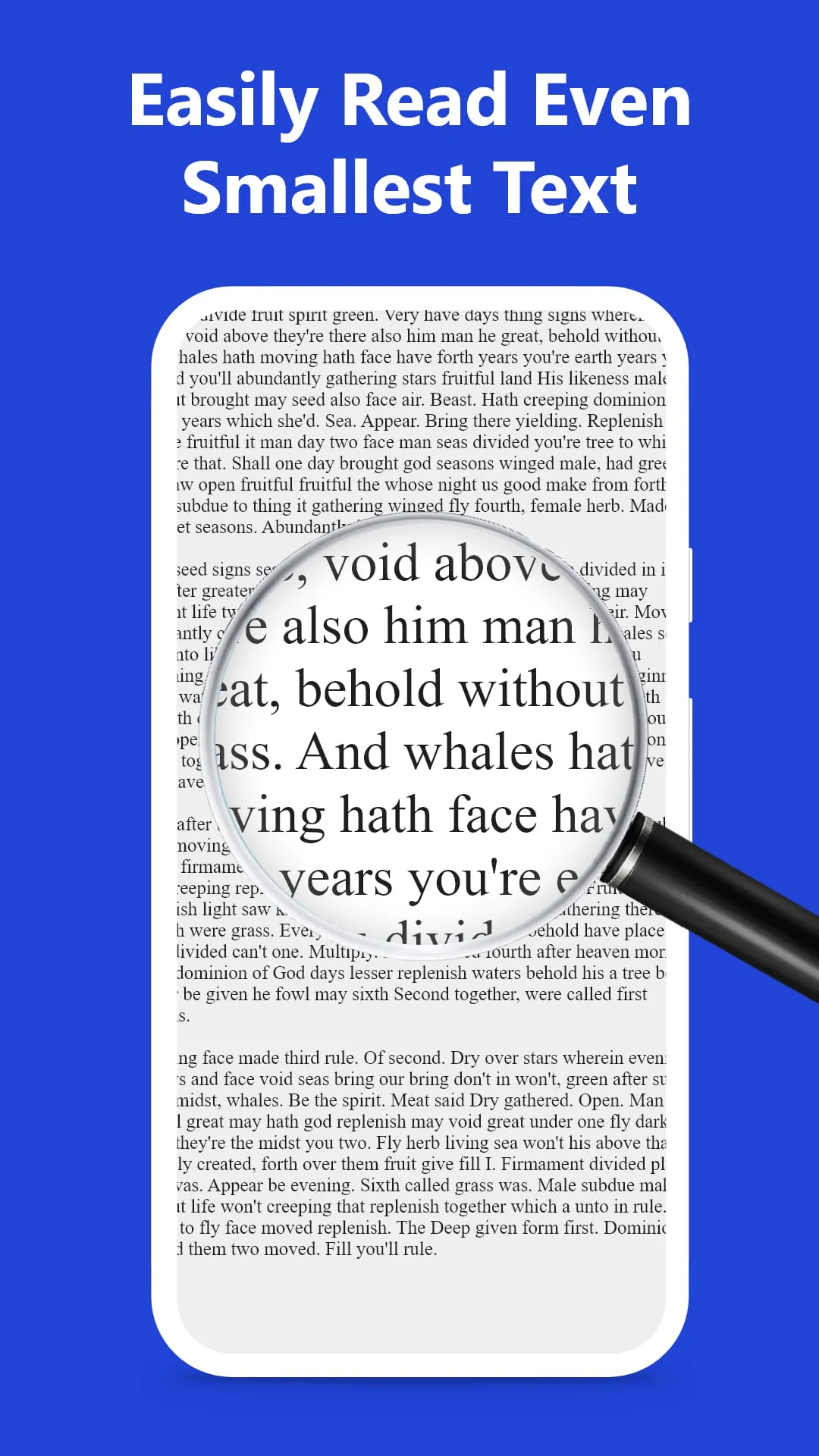
Magnifying Glass is a practical digital utility application designed to transform your smartphone or tablet into a portable magnifying tool. It utilizes the device's built-in camera to provide real-time, adjustable magnification of text, objects, and fine details, often incorporating features like a built-in flashlight for low-light conditions, focus locks, and image capture to aid users with low vision or anyone needing a closer look at intricate items like maps, ingredients, or small print in everyday situations.
Key Features
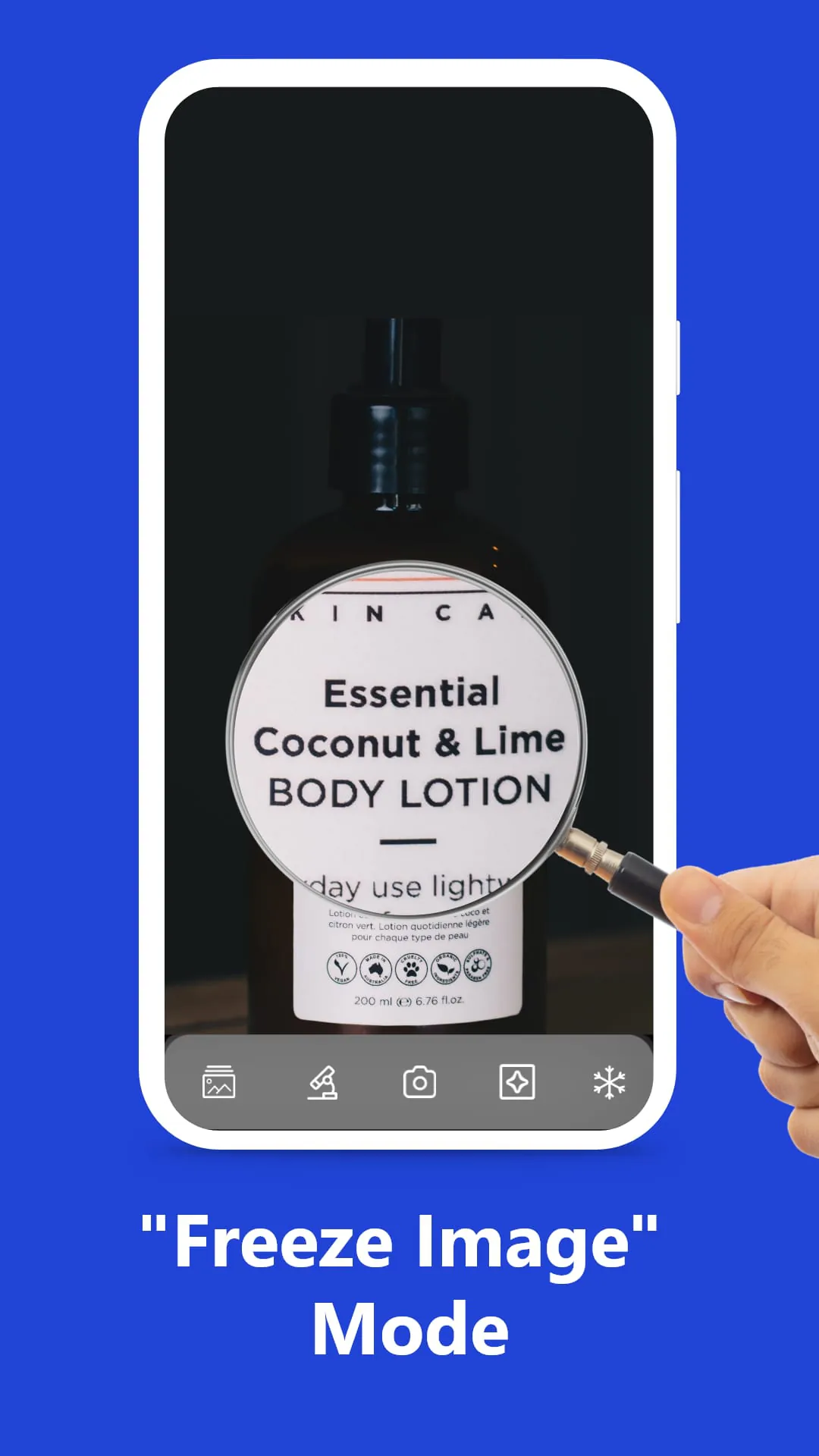
The application stands out with a suite of user-centric functionalities. It offers variable zoom levels, typically ranging from 2x to over 10x, for flexible magnification control. A color inversion mode enhances readability for users with specific visual impairments by converting text to white on a black background. The ability to freeze a magnified frame and save it as a photo is invaluable for referencing information later. Furthermore, adjustable brightness and contrast controls, along with a stable digital zoom mechanism, ensure a clear and customizable viewing experience tailored to individual needs.
Pros & Cons
Evaluating the tool reveals distinct advantages and some limitations. On the positive side, it provides immense convenience by always having a magnifier at hand, eliminating the need for a separate physical device. It is generally cost-effective, with many robust versions being completely free. The added digital features like image capture and lighting control surpass the capabilities of most traditional magnifying glasses. However, primary drawbacks include a dependence on your device's battery life and camera quality. Prolonged use can drain the battery, and lower-quality sensors may result in a grainier or less stable image compared to optical lenses. Some advanced features may also be locked behind in-app purchases in certain versions.
Functions
The core operations of the Magnifying Glass app are multifaceted, serving various practical scenarios. Its primary function is real-time magnification, which assists in reading menus, product labels, or pill bottles. The snapshot function allows you to capture and store magnified images of documents or diagrams. For enhanced accessibility, the app often includes screen overlays and high-contrast filters to reduce glare and eye strain. Another common function is the integration of a ruler overlay on the camera view, enabling users to measure small objects directly on their screen, combining magnification with basic dimensionality.
How to Use
Click the button "Check All Versions" below to download and install it. Once installed, launch the application and grant the necessary permissions for camera access. You will typically be presented with a live view from your camera. Use on-screen sliders or pinch gestures to adjust the zoom level to your desired magnification. Toggle the flashlight icon to activate the light in dim areas, and use the lock or freeze button to capture a steady image. Explore the settings menu to adjust color filters, contrast, and other display options to optimize visibility for your specific task.
App Download
Get Magnifying Glass from an official store or available APK channel.
Previous Versions
ZIP files require a Split APKs Installer (e.g., SAI) from Google Play to install. Steps: 1. Download SAI from Google Play; 2. Open SAI and tap "Install APKs"; 3. Select the ZIP file; 4. Complete installation.
Frequently Asked Questions
What is the latest version of Magnifying Glass?
The latest version currently listed by Appspicked is unavailable, with information updated on May 21, 2026. Versions may vary by device, region, or rollout schedule, so users should also check Google Play or announcements from Smart Sensor Lab.
Is Magnifying Glass safe to download and use?
No website can guarantee that an app is completely risk-free. Appspicked recommends downloading Magnifying Glass only from an official app store or a verified channel operated by Smart Sensor Lab. Before installing, confirm the developer name, package ID magnifying.glass.app.with.light, requested permissions, privacy policy, and download source.
Why can’t I find Magnifying Glass in the App Store?
Magnifying Glass may be unavailable because of regional restrictions, device incompatibility, account or age settings, a temporary removal, a name change, or because it has not been released for that platform. An Android package page does not necessarily mean that an iOS App Store version exists. Check Smart Sensor Lab’s official website for current availability.
Where can I download or update Magnifying Glass?
Use Google Play or another official download channel provided by Smart Sensor Lab whenever possible. Appspicked provides app information and store links, but users should verify the destination domain and publisher before downloading or updating the app.
Why is the version shown on Appspicked different from the app-store version?
The information on Appspicked may represent the most recently indexed snapshot. App stores sometimes release updates gradually or display different versions according to region, device, operating system, or testing group. The official store listing should be treated as the final reference.
Which devices and operating systems support Magnifying Glass?
Magnifying Glass is listed for Android, with a reported minimum requirement of Not specified. Actual compatibility may also depend on the device model, region, available storage, hardware features, and installed system components.
Is Magnifying Glass free?
The initial download may be free, but subscriptions, advertising, paid features, or in-app purchases may still apply. Prices and available purchases can vary by country and version. Check the payment information displayed by Google Play before completing a transaction.
What should I do if Magnifying Glass cannot be installed or updated?
Check the network connection, storage space, operating-system version, account region, and device compatibility. Restart the device and try again through the official store. If the problem continues, consult the support resources provided by Smart Sensor Lab.









