Open Menu
Microsoft Word
PRODUCTIVITY · ANDROID · IOS

Microsoft Word

by Microsoft Corporation

Craft your story with formatting and grammar tools to ensure it’s right, always
4.80 ★
(1k+ reviews)
1B+
Downloads

A closer look

Microsoft WordMicrosoft WordMicrosoft WordMicrosoft Word
ADVERTISEMENT

Overview

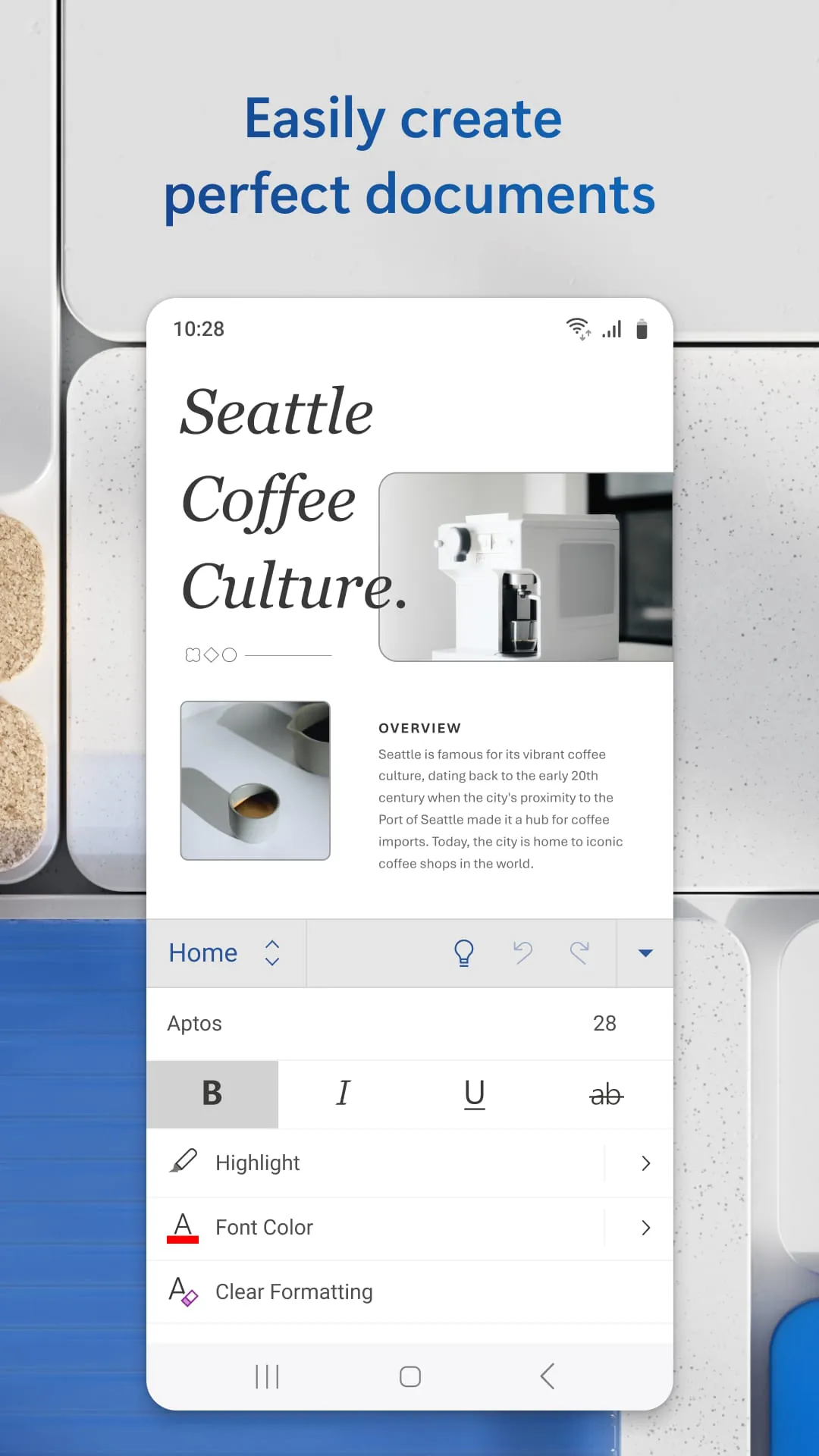
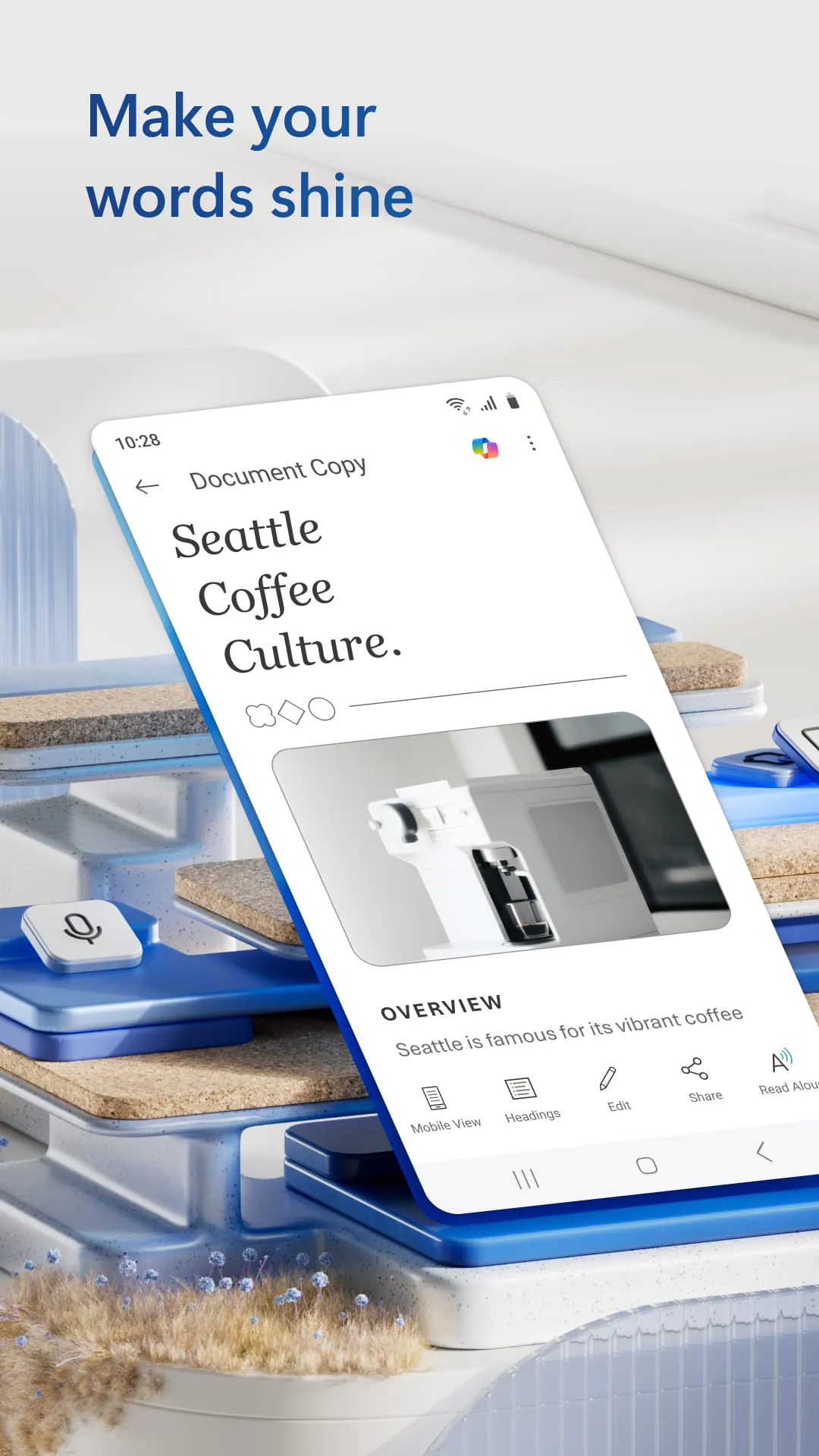
Microsoft Word is a powerful word processing application developed by Microsoft that allows users to create, edit, format, and share documents across multiple devices. Available as both a desktop program and a mobile app, Microsoft Word is widely used in education, business, and personal projects for tasks ranging from simple notes to complex reports. Its intuitive interface and extensive formatting tools make it one of the most trusted document creation platforms worldwide.

Key Features

  • Real-time collaboration with cloud syncing via OneDrive
  • Advanced text formatting and layout customization
  • Templates for resumes, reports, letters, and more
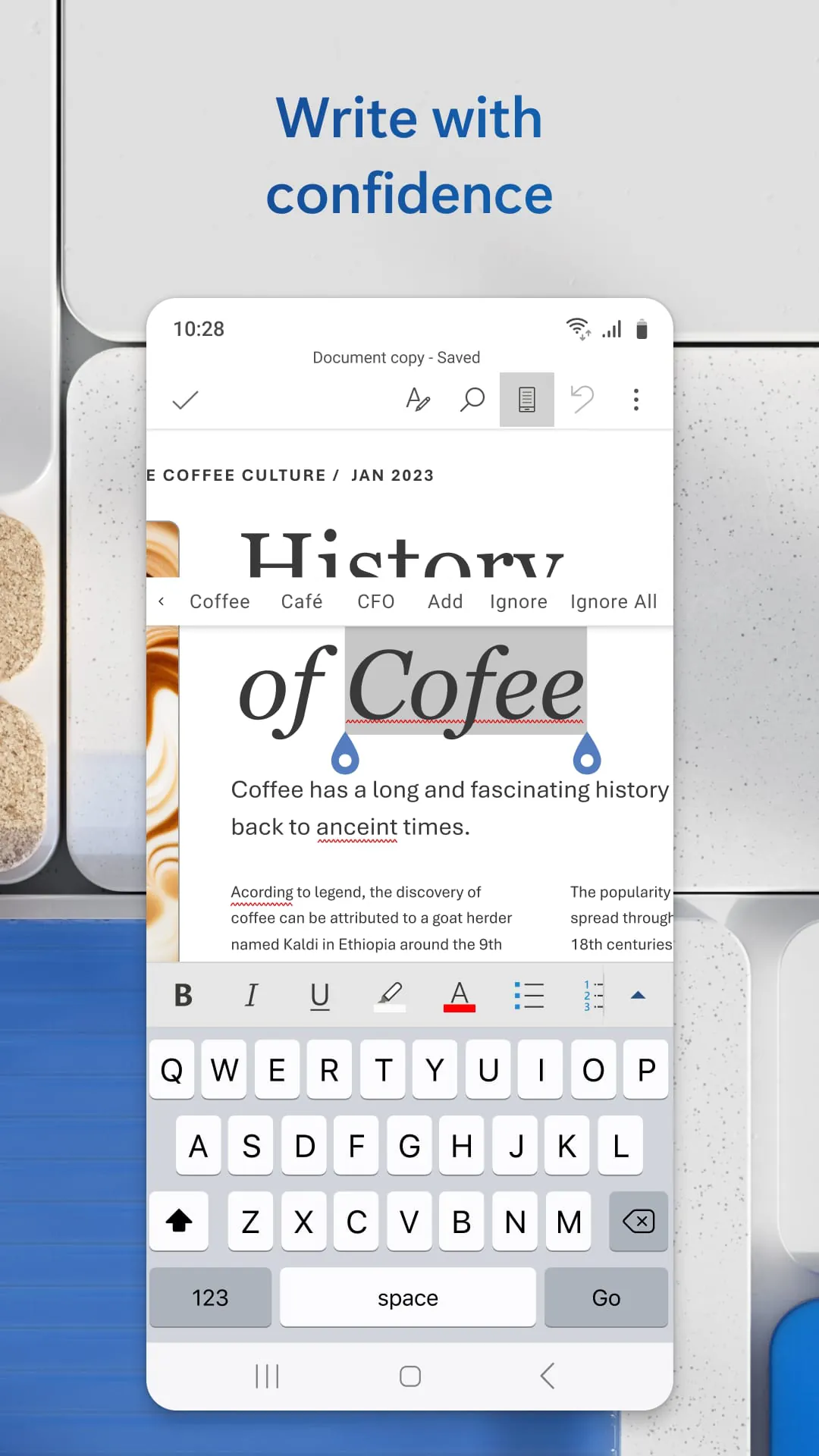
  • Built-in spell check, grammar suggestions, and readability statistics
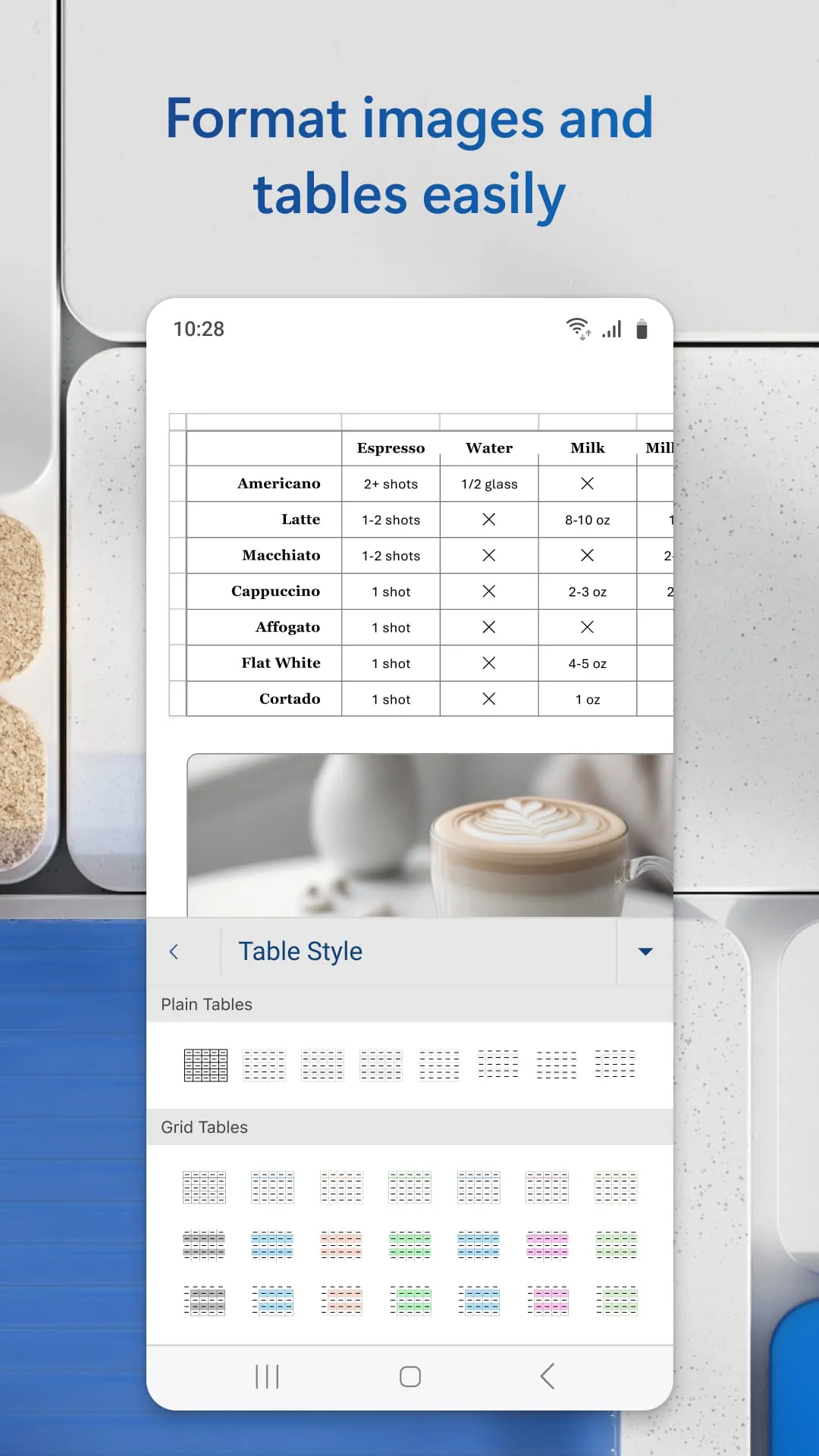
  • Support for images, tables, charts, and SmartArt graphics
  • Compatibility with PDF editing and exporting

Pros & Cons

  • Pros: Industry-standard software, extensive features, reliable performance, seamless integration with other Microsoft Office apps
  • Cons: Requires a subscription for full features, can be resource-intensive on older devices, limited offline functionality in the mobile version

Functions

  • Create professional-quality documents with custom styles and themes
  • Track changes and add comments for collaborative editing
  • Use mail merge for bulk personalized communications
  • Protect documents with passwords and permissions
  • Automate repetitive tasks using macros
  • Access documents anywhere through cloud storage

How to Use

Click the button "Check All Versions" below to download and install it. After installation, open the app and sign in with your Microsoft account to unlock all features. You can start a new document from scratch or choose from a wide range of templates. Use the toolbar at the top to adjust fonts, colors, and layouts. Save your work to your device or OneDrive so you can access it from other devices anytime. For collaboration, share the document link with others and set editing permissions as needed.

ADVERTISEMENT

App Download

Get Microsoft Word from an official store or available APK channel.

Available for Android & iOS

Previous Versions

ZIP files require a Split APKs Installer (e.g., SAI) from Google Play to install. Steps: 1. Download SAI from Google Play; 2. Open SAI and tap "Install APKs"; 3. Select the ZIP file; 4. Complete installation.

V16.0.19127.20134
Download
Package Name
com.microsoft.office.word
Version Name
V16.0.19127.20134
Version Code
V16.0.19127.20134
File Size
127.58 MB
Update time
2026-2-10
V16.0.18429.20094
Download
Package Name
com.microsoft.office.word
Version Name
V16.0.18429.20094
Version Code
V16.0.18429.20094
File Size
262 MB
Update time
2025-1-20
V16.0.17328.20152
Download
Package Name
com.microsoft.office.word
Version Name
V16.0.17328.20152
Version Code
V16.0.17328.20152
File Size
245.82 MB
Update time
2024-3-3
V16.0.17231.20130
Download
Package Name
com.microsoft.office.word
Version Name
V16.0.17231.20130
Version Code
V16.0.17231.20130
File Size
245.43 MB
Update time
2024-1-24
V16.0.16731.20126
Download
Package Name
com.microsoft.office.word
Version Name
V16.0.16731.20126
Version Code
V16.0.16731.20126
File Size
93.29 MB
Update time
2023-8-28
V16.0.16626.20136
Download
Package Name
com.microsoft.office.word
Version Name
V16.0.16626.20136
Version Code
V16.0.16626.20136
File Size
92.75 MB
Update time
2023-7-29
V16.0.16529.20146
Download
Package Name
com.microsoft.office.word
Version Name
V16.0.16529.20146
Version Code
V16.0.16529.20146
File Size
92.37 MB
Update time
2023-6-28
V16.0.16501.20160
Download
Package Name
com.microsoft.office.word
Version Name
V16.0.16501.20160
Version Code
V16.0.16501.20160
File Size
91.87 MB
Update time
2023-5-26
V16.0.16327.20262
Download
Package Name
com.microsoft.office.word
Version Name
V16.0.16327.20262
Version Code
V16.0.16327.20262
File Size
83.9 MB
Update time
2023-5-11
V16.0.15726.20096
Download
Package Name
com.microsoft.office.word
Version Name
V16.0.15726.20096
Version Code
V16.0.15726.20096
File Size
85.82 MB
Update time
2022-10-13
V16.0.15028.20116
Download
Package Name
com.microsoft.office.word
Version Name
V16.0.15028.20116
Version Code
V16.0.15028.20116
File Size
73.3 MB
Update time
2022-4-1
V16.0.14931.20096
Download
Package Name
com.microsoft.office.word
Version Name
V16.0.14931.20096
Version Code
V16.0.14931.20096
File Size
73.2 MB
Update time
2022-2-25
V16.0.14827.20124
Download
Package Name
com.microsoft.office.word
Version Name
V16.0.14827.20124
Version Code
V16.0.14827.20124
File Size
72.3 MB
Update time
2022-1-24
V16.0.14729.20146
Download
Package Name
com.microsoft.office.word
Version Name
V16.0.14729.20146
Version Code
V16.0.14729.20146
File Size
72.0 MB
Update time
2021-12-27
V16.0.14701.20136
Download
Package Name
com.microsoft.office.word
Version Name
V16.0.14701.20136
Version Code
V16.0.14701.20136
File Size
71.6 MB
Update time
2021-11-24
ADVERTISEMENT

Frequently Asked Questions

What is the latest version of Microsoft Word?

The latest version currently listed by Appspicked is V16.0.16327.20262, with information updated on May 25, 2026. Versions may vary by device, region, or rollout schedule, so users should also check Google Play / App Store or announcements from Microsoft Corporation.

Is Microsoft Word safe to download and use?

No website can guarantee that an app is completely risk-free. Appspicked recommends downloading Microsoft Word only from an official app store or a verified channel operated by Microsoft Corporation. Before installing, confirm the developer name, package ID com.microsoft.office.word, requested permissions, privacy policy, and download source.

Why can’t I find Microsoft Word in the App Store?

Microsoft Word may be unavailable because of regional restrictions, device incompatibility, account or age settings, a temporary removal, a name change, or because it has not been released for that platform. An Android package page does not necessarily mean that an iOS App Store version exists. Check Microsoft Corporation’s official website for current availability.

Where can I download or update Microsoft Word?

Use Google Play / App Store or another official download channel provided by Microsoft Corporation whenever possible. Appspicked provides app information and store links, but users should verify the destination domain and publisher before downloading or updating the app.

Why is the version shown on Appspicked different from the app-store version?

The information on Appspicked may represent the most recently indexed snapshot. App stores sometimes release updates gradually or display different versions according to region, device, operating system, or testing group. The official store listing should be treated as the final reference.

Which devices and operating systems support Microsoft Word?

Microsoft Word is listed for Android / iOS, with a reported minimum requirement of Not specified. Actual compatibility may also depend on the device model, region, available storage, hardware features, and installed system components.

Is Microsoft Word free?

The initial download may be free, but subscriptions, advertising, paid features, or in-app purchases may still apply. Prices and available purchases can vary by country and version. Check the payment information displayed by Google Play / App Store before completing a transaction.

What should I do if Microsoft Word cannot be installed or updated?

Check the network connection, storage space, operating-system version, account region, and device compatibility. Restart the device and try again through the official store. If the problem continues, consult the support resources provided by Microsoft Corporation.


ADVERTISEMENT
You Might Like