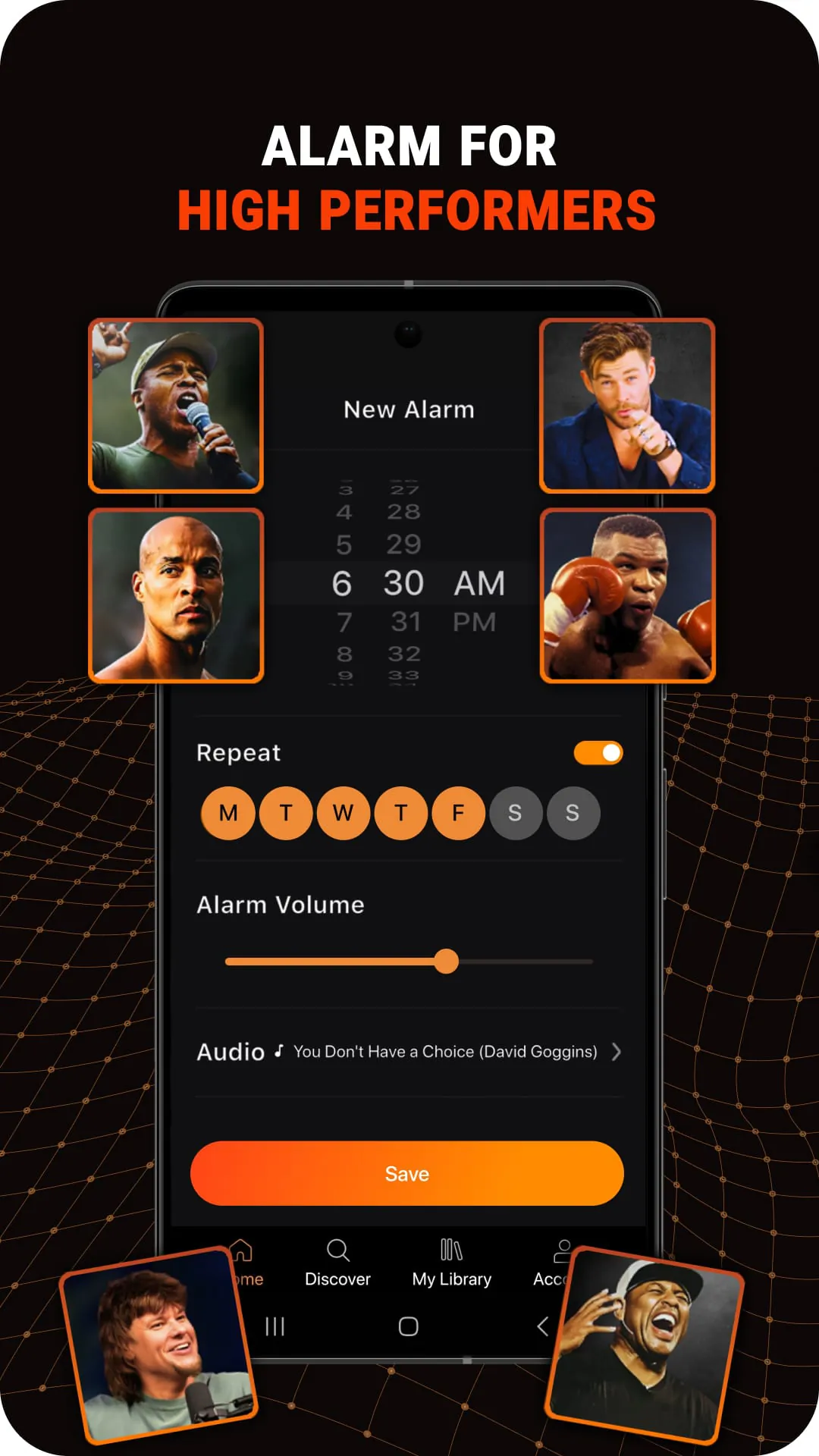
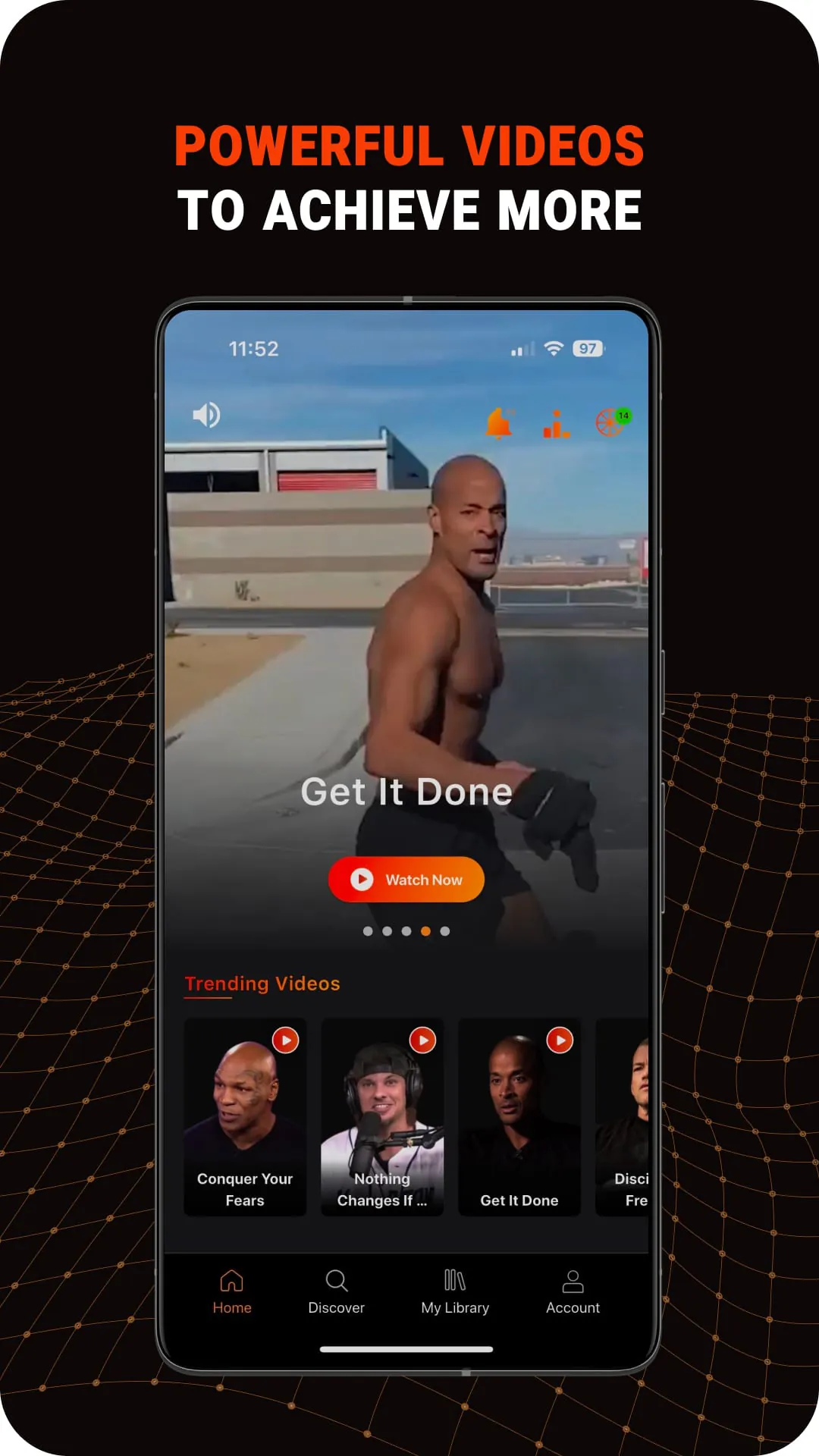
Mindset is a free app that provides motivational, inspirational, and educational audios to improve life. The app offers new speeches, interviews, and playlists from favorite speakers, creators, and thought leaders. Mindset also provides life-changing advice curated by top content creators, covering anxiety, focus, stress, and more. Users can create and share their own playlists and download and listen offline. The app is designed to improve life by sharing motivation, inspiration, eye-opening ideas, positivity, productivity, self-care strategies, and more.
Mindset is an expertly curated platform, offering the motivational audios that users love. The app is perfect for those seeking life improvements and includes next-level thinking, training, and ideas for those wanting to speed up their success. Speeches and playlists are available at varying lengths to fit for quick motivation, as well as to guide those looking for morning routines, workout inspiration, motivation to study, and energy to get things done. Mindset features the world's greatest speakers and creators and is built by some of the fastest-growing motivational media brands.
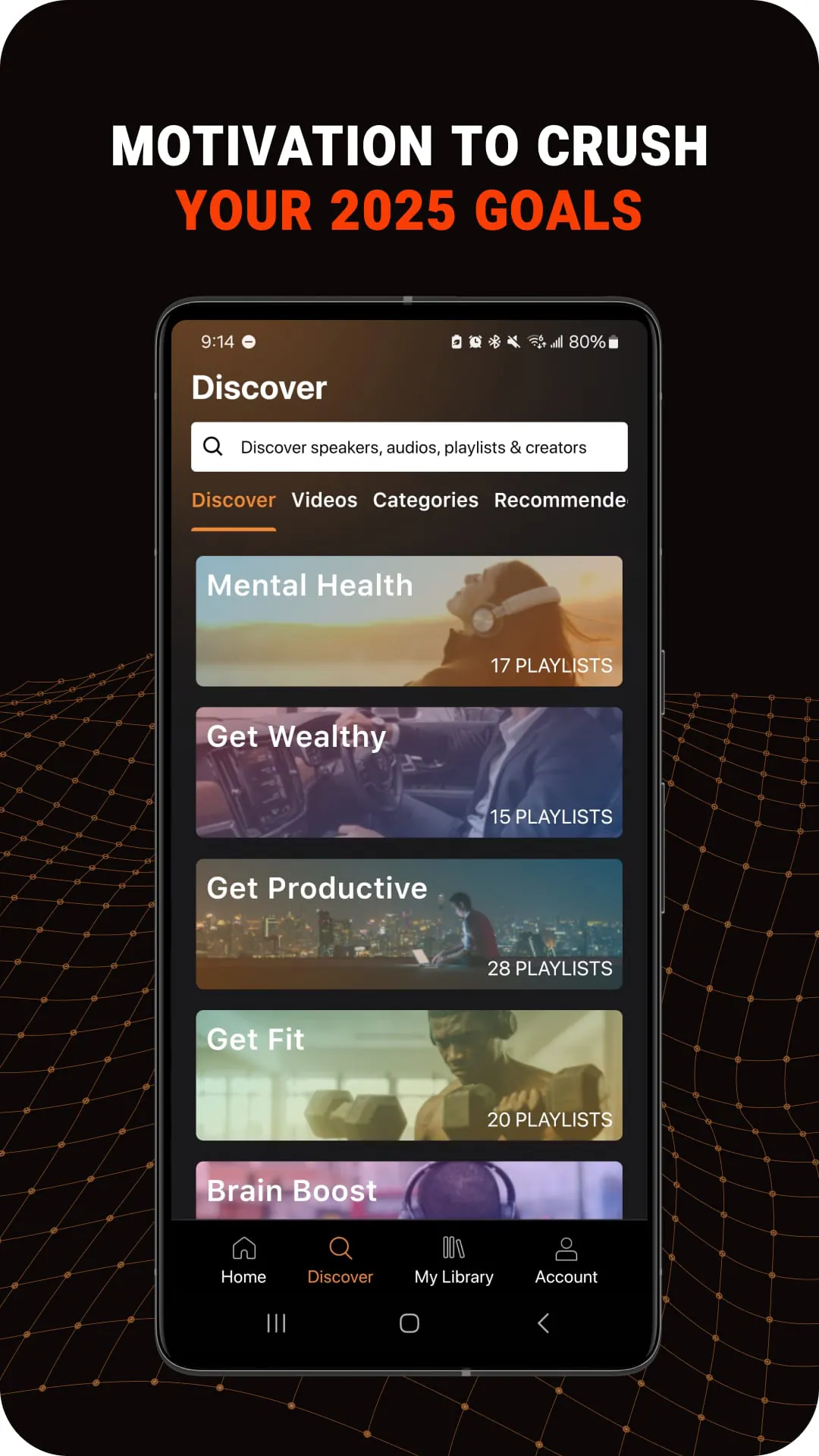
Users can choose the topic they're interested in or the mindset they're seeking. Popular tracks and playlists include morning motivation to start the day right, the secret to enhanced productivity, advice on overcoming depression and anxiety, life-changing advice and powerful speeches, 7 days to focus playlist, and starting your pursuit of happiness playlist. Topics include self-improvement, morning routine, mental health, business, workout, spiritual, big ideas, and students. Mindsets include getting focused, getting energized, getting wiser, getting productive, getting happier, getting healthier, getting worry-free, and getting disciplined.
Mindset is free to download and use. However, for those seeking a bigger life impact, Mindset offers a free trial period followed by an auto-renewing monthly subscription at $7.99 or an annual subscription at $49.99. Subscriptions unlock Mindset's full functionality and can be canceled within a set period of time identified within the terms and conditions. Payment is charged to the credit card connected to the user's iTunes account. Auto-renewals need to be turned off within 24 hours of the current subscription period to avoid being charged for the next subscription period.
The management of the subscription can be done within the app. Once a subscription is initiated, any unused portions of the free trial are forfeited. Download the Mindset App today and start living your best life!
Mindset is an app that provides motivational, inspirational, and educational audios for free. It offers new speeches, interviews, and playlists from favorite speakers, creators, and thought leaders. Mindset also provides life-changing advice curated by top content creators, covering anxiety, focus, stress, and more. Users can create and share their own playlists and download and listen offline. The app is designed to improve life by sharing motivation, inspiration, eye-opening ideas, positivity, productivity, self-care strategies, and more.
Mindset is an expertly curated platform, offering the motivational audios that users love. The app is perfect for those seeking life improvements and includes next-level thinking, training, and ideas for those wanting to speed up their success. Speeches and playlists are available at varying lengths to fit for quick motivation, as well as to guide those looking for morning routines, workout inspiration, motivation to study, and energy to get things done. Mindset features the world's greatest speakers and creators and is built by some of the fastest-growing motivational media brands.
Users can choose the topic they're interested in or the mindset they're seeking. Popular tracks and playlists include morning motivation to start the day right, the secret to enhanced productivity, advice on overcoming depression and anxiety, life-changing advice and powerful speeches, 7 days to focus playlist, and starting your pursuit of happiness playlist. Topics include self-improvement, morning routine, mental health, business, workout, spiritual, big ideas, and students. Mindsets include getting focused, getting energized, getting wiser, getting productive, getting happier, getting healthier, getting worry-free, and getting disciplined.
Mindset is free to download and use. However, for those seeking a bigger life impact, Mindset offers a free trial period followed by an auto-renewing monthly subscription at $7.99 or an annual subscription at $49.99. Subscriptions unlock Mindset's full functionality and can be canceled within a set period of time identified within the terms and conditions. Payment is charged to the credit card connected to the user's iTunes account. Auto-renewals need to be turned off within 24 hours of the current subscription period to avoid being charged for the next subscription period.
The management of the subscription can be done within the app. Once a subscription is initiated, any unused portions of the free trial are forfeited. Download the Mindset App today and start living your best life!
Mindset is an app that provides motivational, inspirational, and educational audios for free. It offers new speeches, interviews, and playlists from favorite speakers, creators, and thought leaders. Mindset also provides life-changing advice curated by top content creators, covering anxiety, focus, stress, and more. Users can create and share their own playlists and download and listen offline. The app is designed to improve life by sharing motivation, inspiration, eye-opening ideas, positivity, productivity, self-care strategies, and more.
Mindset is an expertly curated platform, offering the motivational audios that users love. The app is perfect for those seeking life improvements and includes next-level thinking, training, and ideas for those wanting to speed up their success. Speeches and playlists are available at varying lengths to fit for quick motivation, as well as to guide those looking for morning routines, workout inspiration, motivation to study, and energy to get things done. Mindset features the world's greatest speakers and creators and is built by some of the fastest-growing motivational media brands.
Users can choose the topic they're interested in or the mindset they're seeking. Popular tracks and playlists include morning motivation to start the day right, the secret to enhanced productivity, advice on overcoming depression and anxiety, life-changing advice and powerful speeches, 7 days to focus playlist, and starting your pursuit of happiness playlist. Topics include self-improvement, morning routine, mental health, business, workout, spiritual, big ideas, and students. Mindsets include getting focused, getting energized, getting wiser, getting productive, getting happier, getting healthier, getting worry-free, and getting disciplined.
Mindset is free to download and use. However, for those seeking a bigger life impact, Mindset offers a free trial period followed by an auto-renewing monthly subscription at $7.99 or an annual subscription at $49.99. Subscriptions unlock Mindset's full functionality and can be canceled within a set period of time identified within the terms and conditions. Payment is charged to the credit card connected to the user's iTunes account. Auto-renewals need to be turned off within 24 hours of the current subscription period to avoid being charged for the next subscription period.
The management of the subscription can be done within the app. Once a subscription is initiated, any unused portions of the free trial are forfeited. Download the Mindset App today and start living your best life!