



Minecraft
by Mojang
Millions of crafters have smashed billions of blocks! Now you can join the fun!
A closer look
Overview
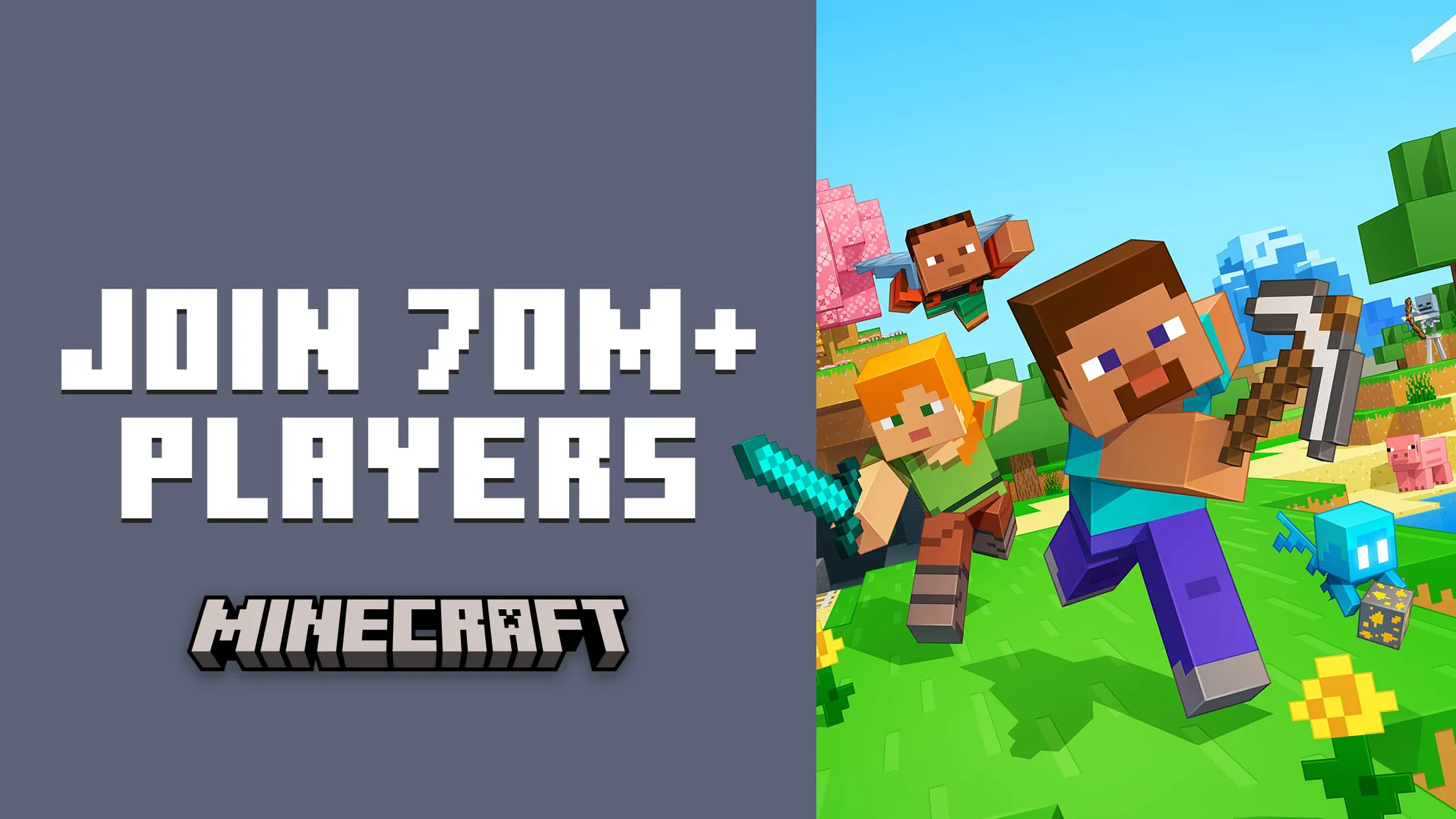
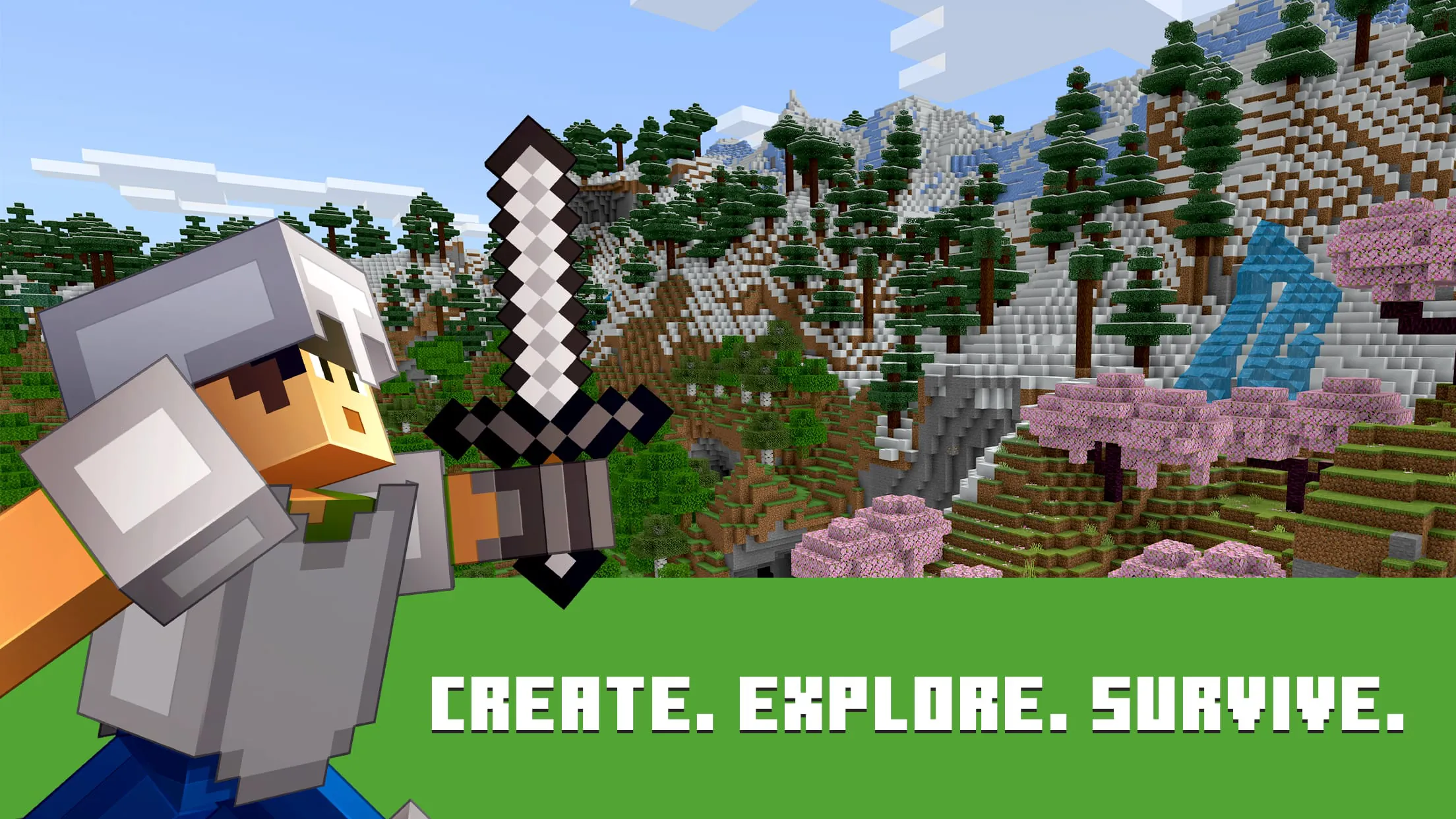
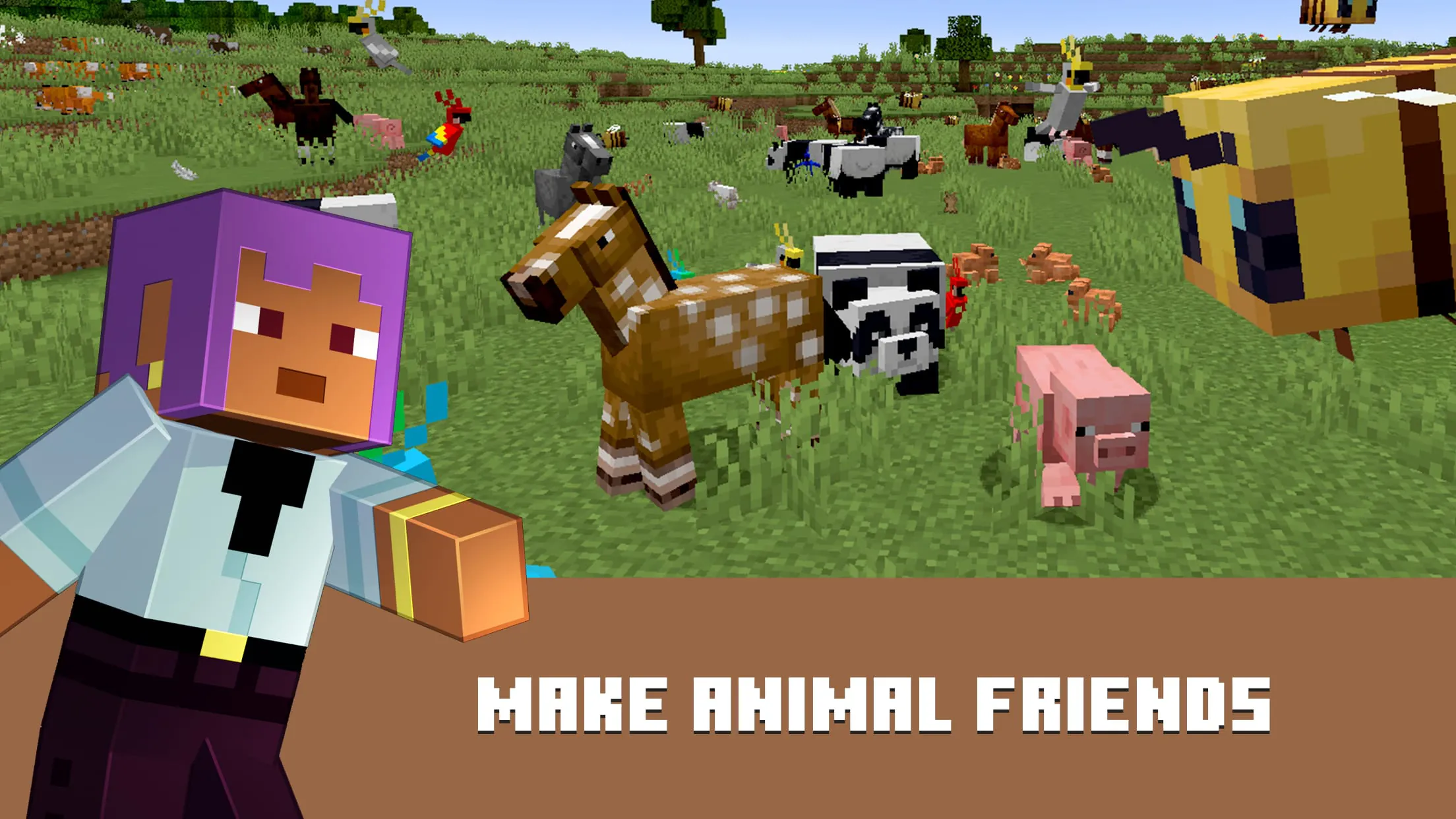
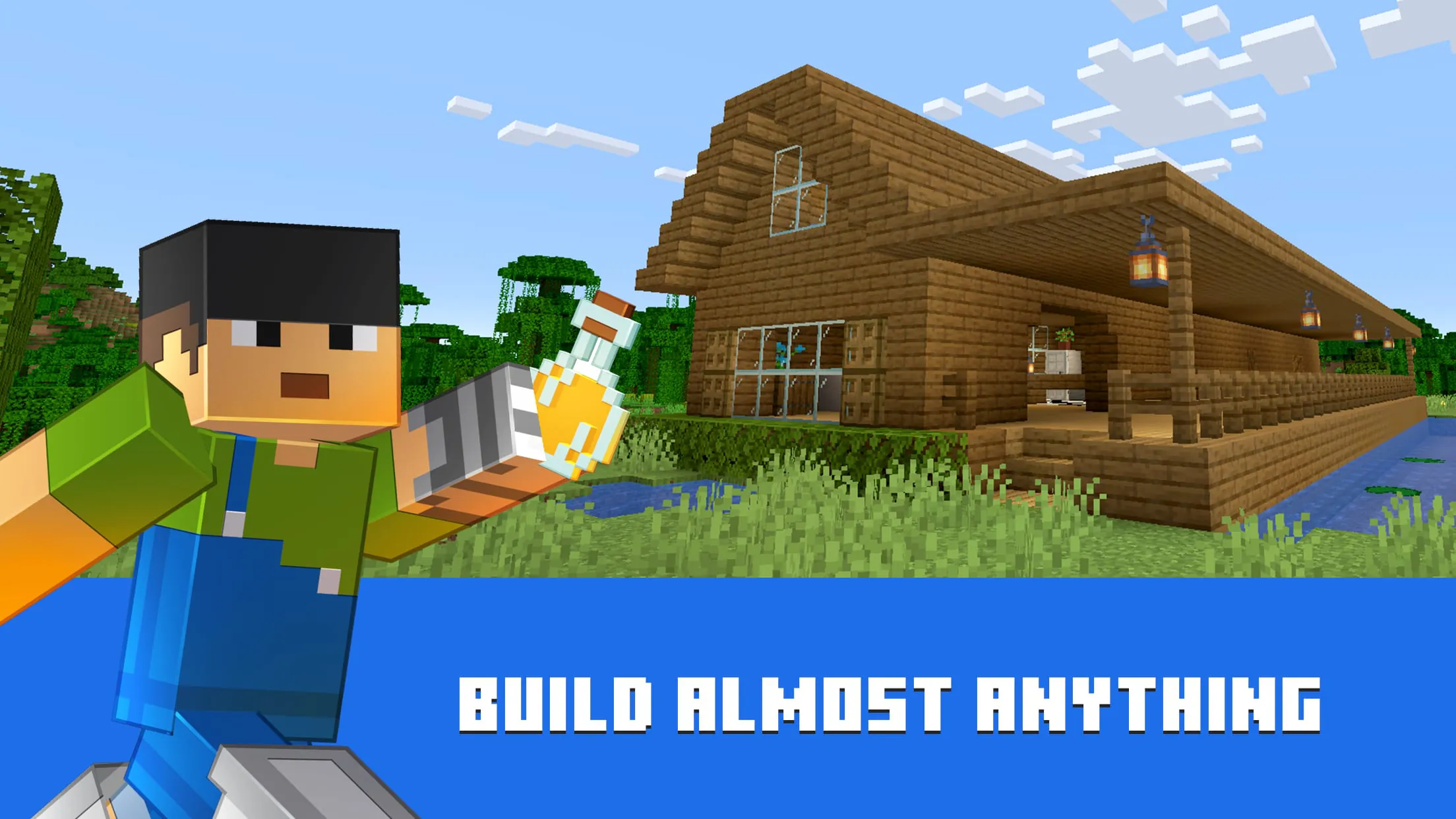
Minecraft is a wildly popular sandbox video game that allows players to explore, build, and survive in a blocky, procedurally generated 3D world. Developed by Mojang Studios and later acquired by Microsoft, it offers endless possibilities for creativity, whether you're constructing elaborate structures, mining deep underground, or battling hostile mobs. With its iconic pixelated graphics and open-ended gameplay, Minecraft appeals to players of all ages and has become a cultural phenomenon since its release in 2011.
Key Features
- Multiple game modes including Survival, Creative, Adventure, Spectator, and Hardcore
- Expansive worlds with diverse biomes such as forests, deserts, tundras, jungles, and oceans
- Redstone mechanics for creating complex machines and logic systems
- Multiplayer support via servers and LAN play
- Frequent updates introducing new blocks, mobs, and features
- Cross-platform compatibility across PC, consoles, and mobile devices
- Customizable skins, mods, and texture packs for personalized gameplay
Pros & Cons
- Pros:
- Encourages creativity, problem-solving, and collaboration
- Suitable for all age groups with adjustable difficulty
- Massive community with countless user-generated resources
- Educational value through coding, architecture, and engineering concepts
- Regular updates keep the game fresh and engaging
- Cons:
- Can be resource-intensive on lower-end devices
- Multiplayer servers may expose younger players to inappropriate content
- Limited storytelling or structured objectives in some modes
- Modding can be complex for beginners
Functions
- Crafting system allowing creation of tools, weapons, armor, and buildings
- Day-night cycle affecting mob behavior and environmental conditions
- Inventory management with item stacking and hotbar shortcuts
- Enchanting and brewing systems for enhancing gear and potions
- Command blocks and console commands for advanced customization
- World editing tools for building large-scale projects efficiently
- Realms subscription service for private multiplayer hosting
How to Use
Click the button "Check All Versions" below to download and install it. After installation, launch the game and create or log into your Microsoft account. From the main menu, select “Singleplayer” to start a new world or “Multiplayer” to join friends or public servers. Choose your preferred game mode and adjust settings like difficulty and world type. Once in-game, use WASD keys to move, spacebar to jump, and mouse to look around. Collect resources, craft items, and begin shaping your adventure. For advanced options, access the pause menu to tweak controls, audio, and video settings.
App Download
Get Minecraft from an official store or available APK channel.
Previous Versions
ZIP files require a Split APKs Installer (e.g., SAI) from Google Play to install. Steps: 1. Download SAI from Google Play; 2. Open SAI and tap "Install APKs"; 3. Select the ZIP file; 4. Complete installation.
Frequently Asked Questions
What is the latest version of Minecraft?
The latest version currently listed by Appspicked is unavailable, with information updated on Jun 4, 2026. Versions may vary by device, region, or rollout schedule, so users should also check Google Play or announcements from Mojang.
Is Minecraft safe to download and use?
No website can guarantee that an app is completely risk-free. Appspicked recommends downloading Minecraft only from an official app store or a verified channel operated by Mojang. Before installing, confirm the developer name, package ID com.mojang.minecraftpe, requested permissions, privacy policy, and download source.
Why can’t I find Minecraft in the App Store?
Minecraft may be unavailable because of regional restrictions, device incompatibility, account or age settings, a temporary removal, a name change, or because it has not been released for that platform. An Android package page does not necessarily mean that an iOS App Store version exists. Check Mojang’s official website for current availability.
Where can I download or update Minecraft?
Use Google Play or another official download channel provided by Mojang whenever possible. Appspicked provides app information and store links, but users should verify the destination domain and publisher before downloading or updating the app.
Why is the version shown on Appspicked different from the app-store version?
The information on Appspicked may represent the most recently indexed snapshot. App stores sometimes release updates gradually or display different versions according to region, device, operating system, or testing group. The official store listing should be treated as the final reference.
Which devices and operating systems support Minecraft?
Minecraft is listed for Android, with a reported minimum requirement of Not specified. Actual compatibility may also depend on the device model, region, available storage, hardware features, and installed system components.
Is Minecraft free?
The initial download may be free, but subscriptions, advertising, paid features, or in-app purchases may still apply. Prices and available purchases can vary by country and version. Check the payment information displayed by Google Play before completing a transaction.
What should I do if Minecraft cannot be installed or updated?
Check the network connection, storage space, operating-system version, account region, and device compatibility. Restart the device and try again through the official store. If the problem continues, consult the support resources provided by Mojang.









