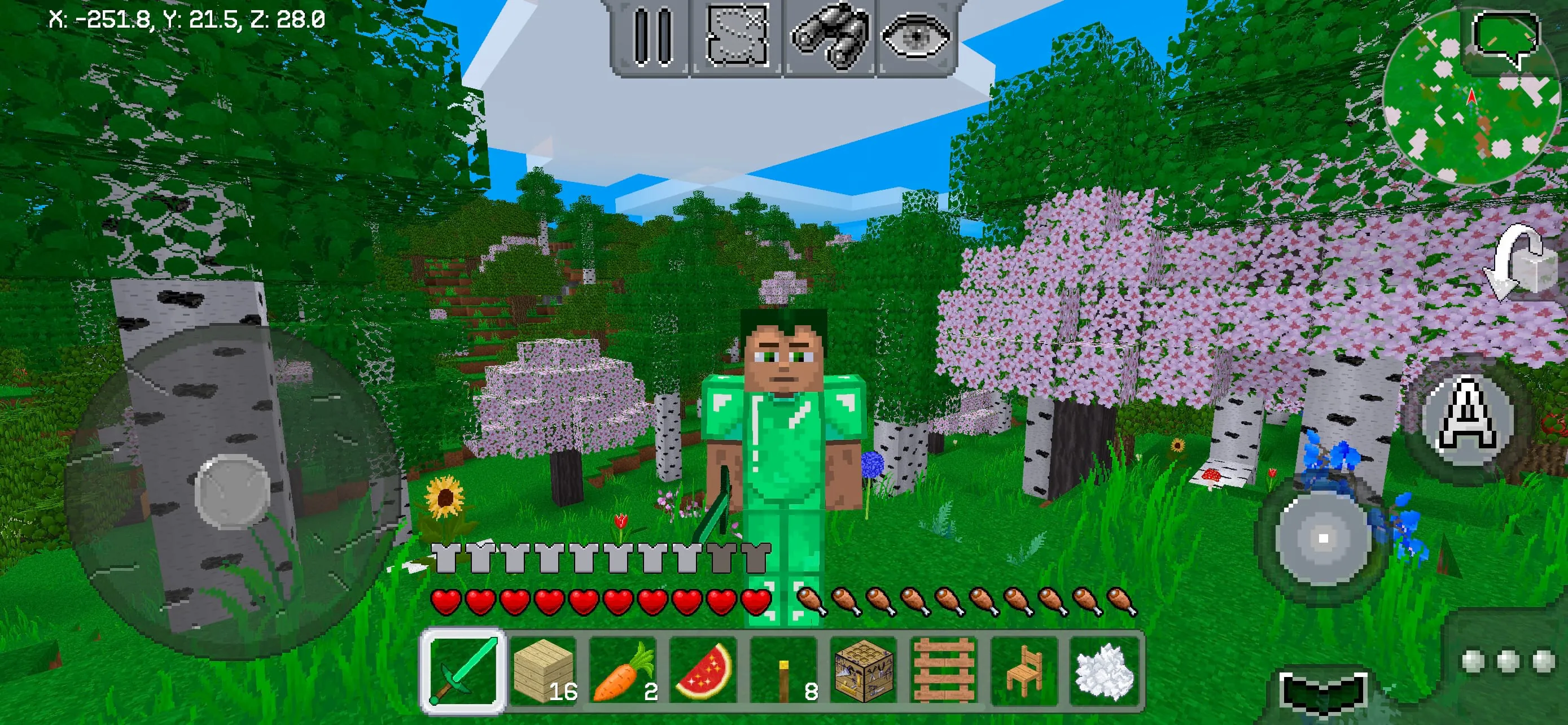
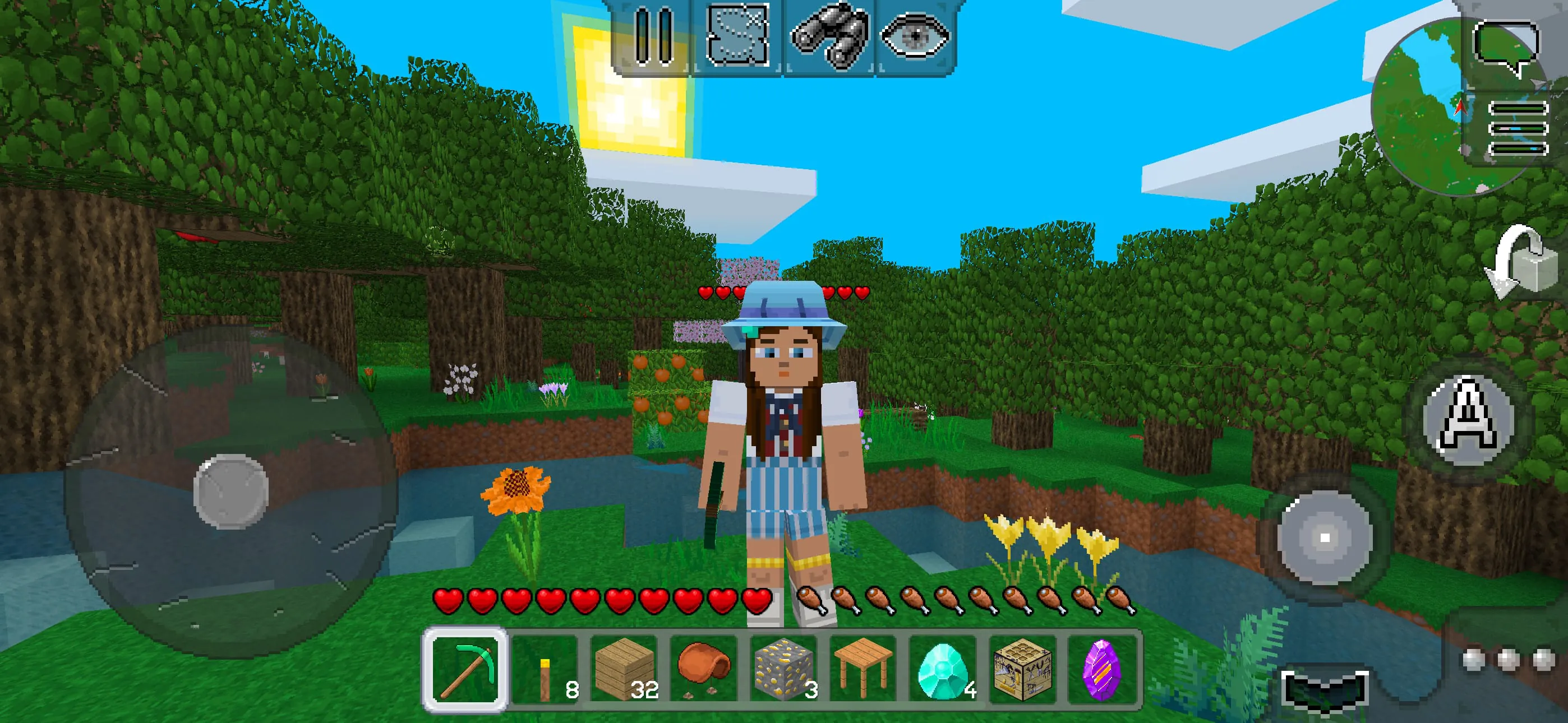
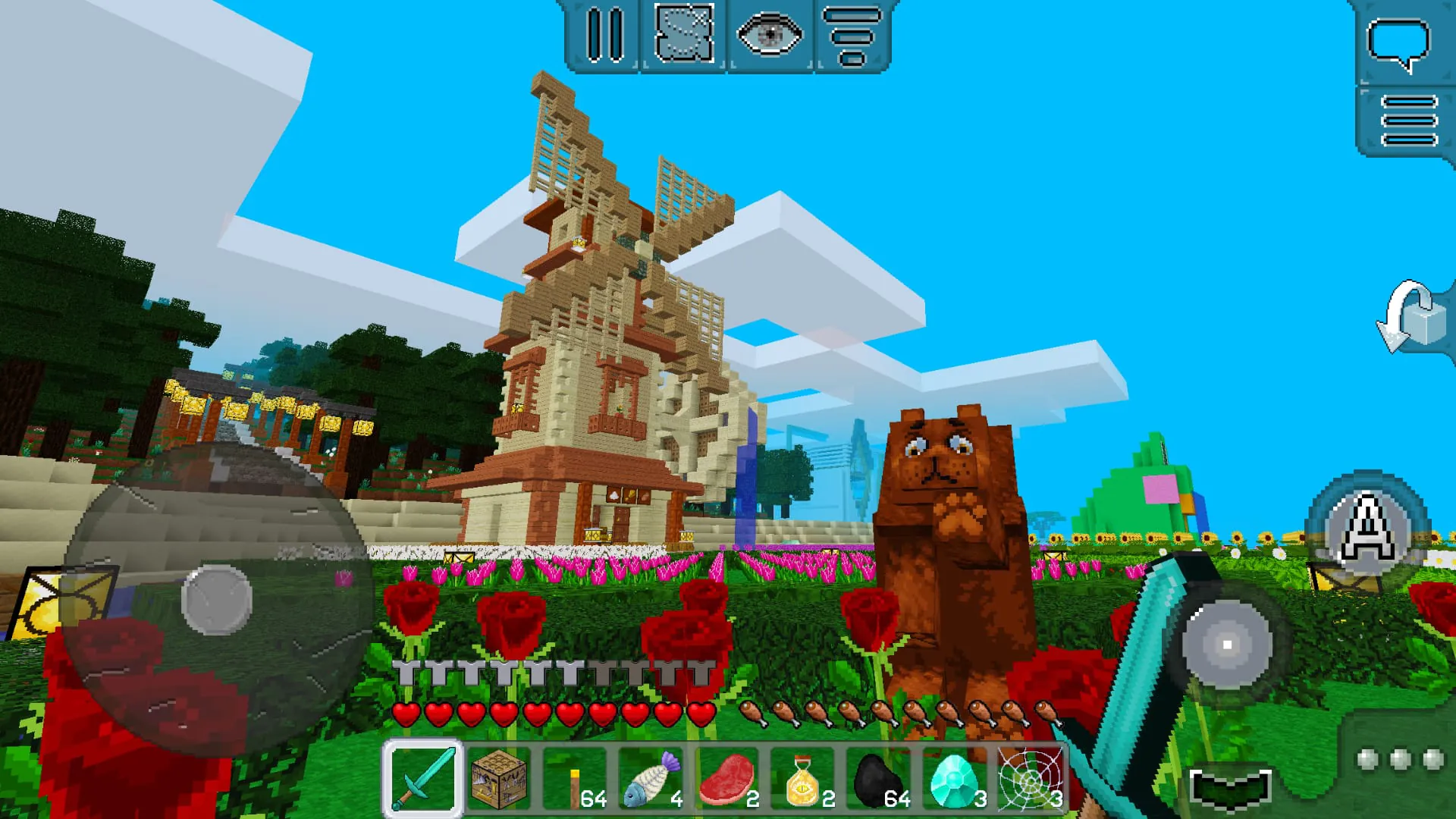
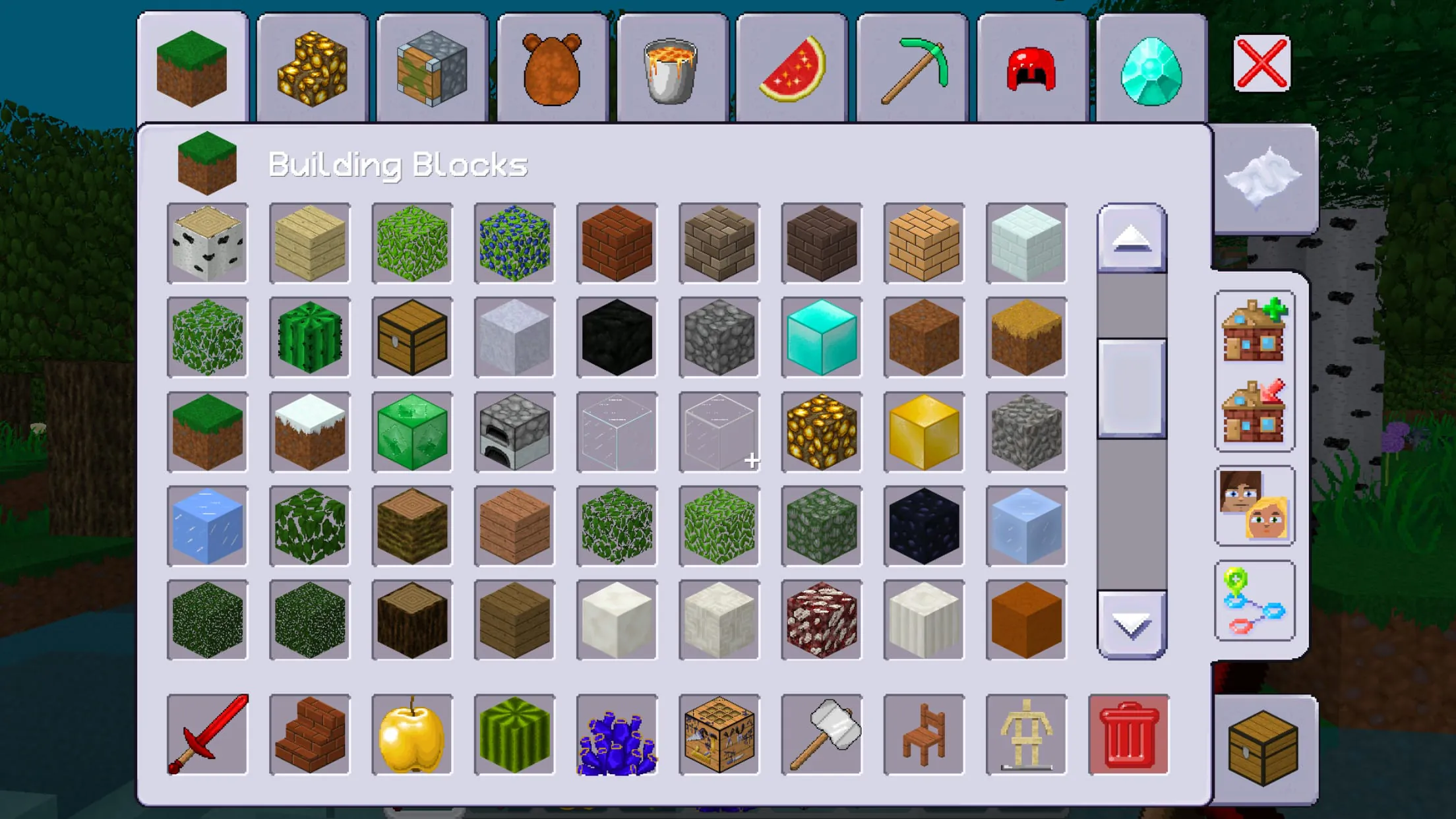
MultiCraft presents itself as a boundless realm brimming with unlimited opportunities, inviting players to embark on genuine adventures within its block-based universe. The core gameplay revolves around the manipulation of blocks, enabling players to construct and demolish structures at will. This fundamental mechanic is intertwined with the acquisition of resources, which are essential for crafting a diverse array of tools, blocks, and weapons. These items are crucial for survival and for constructing unique and imaginative buildings. The game distinguishes itself by offering players a choice between two distinct modes: Creative mode, which caters to builders who wish to unleash their architectural visions without constraints, and Survival mode, which thrusts players into a more challenging environment where they must contend with hostile creatures and the constant need for sustenance. In Survival mode, players must scavenge for food, cultivate plants, and hunt mobs to maintain their health and stave off hunger. The game world is populated by both peaceful animals and menacing monsters, requiring players to be vigilant and strategic in their interactions with the environment. Success in battle yields valuable resources, further incentivizing players to engage in combat. Exploration is a key element of MultiCraft, with players encouraged to traverse vast seas in search of new lands and resources. The game boasts an unlimited world size, ensuring that there is always something new to discover. For those who opt for the challenges of Survival mode, careful attention must be paid to hunger levels, necessitating a constant search for nourishment. Constructing shelters is also paramount, providing protection from the nocturnal creatures that emerge to threaten the player's existence. These creatures, including zombies, skeletons, and giant spiders, pose a significant threat and require players to fortify their defenses. MultiCraft also incorporates gameplay enhancements that allow players to temporarily defy the limitations of the physical world. The "fly" mode grants the ability to soar through the skies, while the "fast" mode accelerates movement to lightning speeds. These modes can be activated to simplify gameplay or to quickly traverse the expansive game world. The game emphasizes accessibility, asserting that its mechanics are intuitive and easily grasped within the first few minutes of play, eliminating the need for specialized skills or prior experience. Its design makes it suitable for engaging in gameplay at any time and in any location, offering a portable and readily available source of entertainment. Furthermore, the game is offered completely free of charge, removing any financial barriers to entry and broadening its appeal to a wider audience. For players seeking a more social experience, MultiCraft offers the option to connect with others through user-hosted servers. The game features a constantly updated list of available servers, providing a variety of gameplay styles and communities to join. This multiplayer functionality adds a layer of depth and replayability to the game, allowing players to collaborate, compete, and share their creations with others.
The game world within MultiCraft is populated by a diverse array of creatures, ranging from docile farm animals to terrifying monstrosities. Cows, pigs, and colorful sheep populate the landscape, providing resources and adding to the visual appeal of the environment. These peaceful mobs offer a source of food and materials, contributing to the player's survival and crafting endeavors. In contrast, the game also features a host of hostile mobs that pose a threat to the player's safety. These include giant and small spiders, insidious skeletons, and powerful zombies, each possessing unique characteristics and attack patterns. Players must learn to recognize and counter these threats in order to survive the night and progress through the game. The game also incorporates elements of resource management and crafting, with players able to mine for red and blue ore, which can be used to create mechanisms and other useful items. The presence of these resources encourages exploration and experimentation, allowing players to develop their own unique solutions to the challenges presented by the game. MultiCraft strives to provide a realistic gameplay experience, simulating various aspects of the real world within its block-based environment. Chickens lay eggs, providing a valuable source of food, while plants can be cultivated to create farms and sustain the player's hunger. The game's physics and mechanics are designed to be intuitive and believable, enhancing the overall sense of immersion. The game also places a strong emphasis on performance, ensuring stable frame rates and long-distance map and world drawing without significant lag. This optimization is crucial for providing a smooth and enjoyable gameplay experience, particularly on mobile devices. The game's world generation is also highly optimized, creating a diverse range of biomes and unique topographical features. This ensures that each playthrough is different, with new landscapes and challenges to discover. The game features a large number of different foods and plants, providing players with a variety of options for sustenance and crafting. This variety adds depth to the gameplay and encourages experimentation, as players discover new ways to survive and thrive in the game world. The game's touch controls are designed to be convenient and fully adapted for mobile devices, allowing players to easily navigate the world and interact with the environment. The controls are intuitive and responsive, providing a comfortable and seamless gameplay experience. MultiCraft offers both single-player and multiplayer modes, catering to a variety of play styles. In single-player mode, players can choose between Survival and Creative modes, allowing them to tailor their experience to their preferences. In multiplayer mode, players can connect to multiple servers and interact with other players from around the world. The game also incorporates an accelerated flight mode, allowing players to quickly traverse the game world and explore new areas. This mode can be particularly useful for finding resources or escaping from danger. MultiCraft leverages an open-source license, specifically the GNU Lesser General Public License version 3, granting users the freedom to access, modify, and distribute the software. This commitment to open-source principles fosters collaboration and innovation within the game's community. The source code and license agreement are readily available on a public repository, ensuring transparency and accountability.
MultiCraft is designed to be accessible to players of all skill levels, with its intuitive controls and straightforward gameplay mechanics. The game's block-based world is easy to navigate and understand, allowing players to quickly get started building and exploring. The game's Survival mode provides a challenging but rewarding experience, requiring players to learn to adapt to their environment and manage their resources carefully. The game's Creative mode offers a more relaxed and creative experience, allowing players to build anything they can imagine without the constraints of survival. The game's multiplayer mode allows players to connect with others and share their creations, fostering a sense of community and collaboration. MultiCraft is constantly being updated with new features and content, ensuring that there is always something new to discover. The game's developers are committed to providing a high-quality experience for players, and they actively listen to feedback from the community. The game is available for free on a variety of platforms, making it accessible to a wide audience. MultiCraft is a versatile and engaging game that offers something for everyone. Whether you are a seasoned gamer or a casual player, you are sure to find something to enjoy in this block-based world. The game's combination of exploration, crafting, and survival provides a unique and rewarding experience that will keep you coming back for more. The game's open-source license allows for endless possibilities, as players can modify and customize the game to their liking. The game's active community ensures that there is always someone to help you learn the ropes or share your creations with. MultiCraft is more than just a game; it is a platform for creativity, collaboration, and community. The game's developers have created a world that is both engaging and inspiring, and they are committed to supporting the game for years to come. If you are looking for a game that is both fun and challenging, then MultiCraft is definitely worth checking out. The game's free-to-play model makes it easy to try, and its endless possibilities will keep you entertained for hours on end. MultiCraft is a testament to the power of open-source development and the creativity of the gaming community. The game is a constantly evolving project, and its future is bright. With its dedicated developers and passionate community, MultiCraft is sure to remain a popular and influential game for many years to come. The game's success is a testament to the power of simple ideas and the importance of community involvement. MultiCraft is a game that is truly made by its players, and that is what makes it so special. The game's open-source nature allows for endless customization and modification, and the game's active community ensures that there is always someone to help you learn the ropes or share your creations with. MultiCraft is more than just a game; it is a platform for creativity, collaboration, and community.