



Equalizer & Bass Booster
by iJoysoft
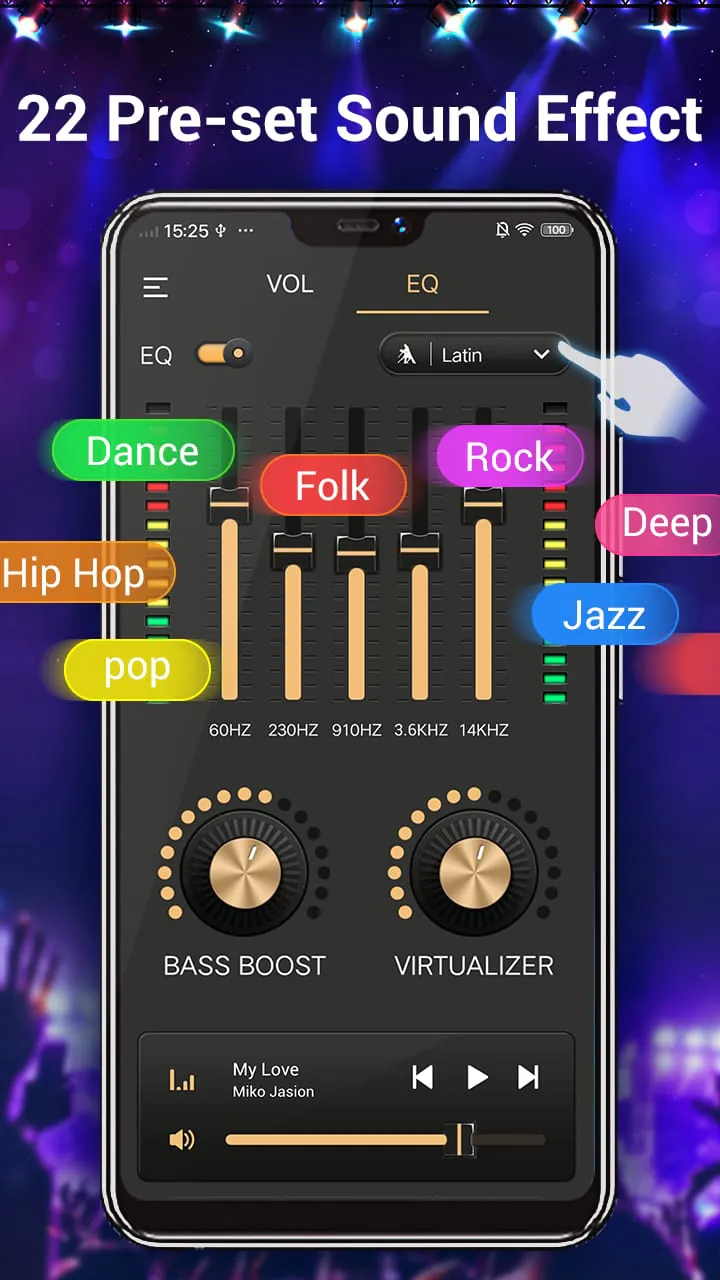
With five band Equalizer. Get the wonderful music sound and audio effect.
A closer look
Overview
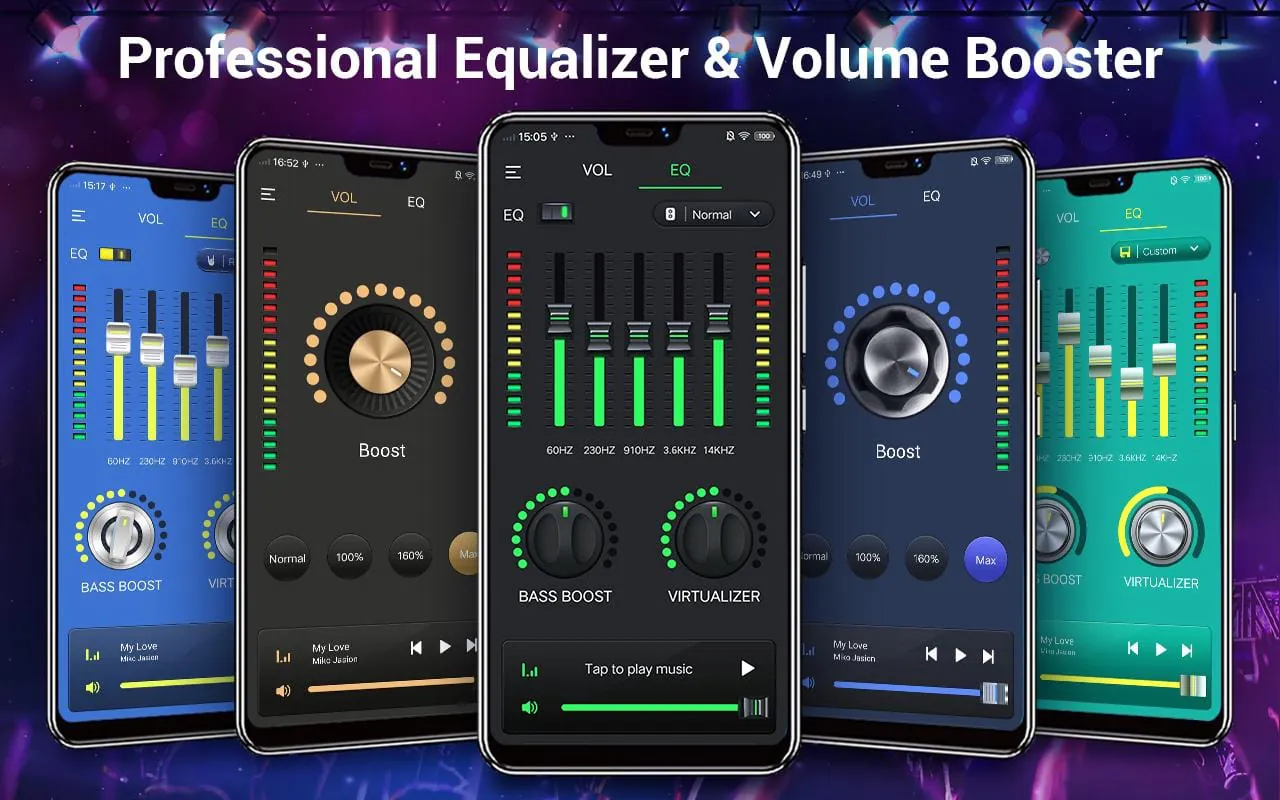
Equalizer & Bass Booster is a powerful and user-friendly audio enhancement application designed for smartphones. It allows users to take full control of their device's sound output by providing a sophisticated equalizer, a dedicated bass booster, and a virtualizer to create a rich, immersive, and personalized listening experience for music, videos, and games directly through their headphones or speakers.
Key Features
The app stands out with a suite of features tailored for audio enthusiasts and casual listeners alike. It provides a high level of customization to suit any audio preference or genre.
- A professional-grade graphic equalizer with multiple preset bands for precise frequency adjustment.
- A powerful dedicated bass booster to amplify low-end frequencies without distortion.
- A 3D virtualizer effect to widen the soundstage and create surround sound sensations.
- Volume booster functionality to safely increase the maximum audio output level.
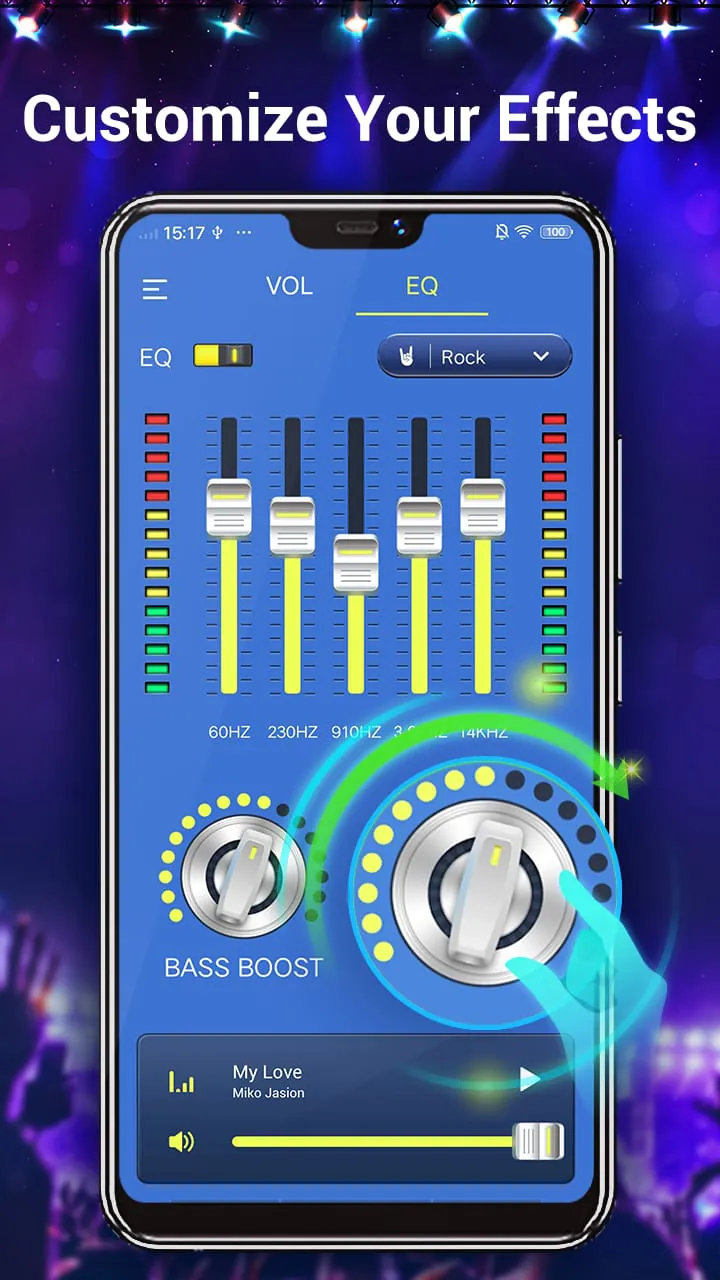
- Pre-configured audio presets for various music genres like Rock, Pop, Jazz, and Classical.
- A sleek, intuitive interface that makes advanced audio tuning accessible to everyone.
- Low latency processing ensures real-time audio adjustment without lag.
Pros & Cons
Like any application, Equalizer & Bass Booster has its strengths and weaknesses that users should consider.
- Pros: The app significantly enhances audio quality and depth, especially for standard device speakers. The bass boost feature is notably effective. It is generally lightweight and has a simple learning curve. The availability of genre presets saves time for users who prefer quick optimization.
- Cons: The effectiveness can vary depending on your device's hardware and original audio driver. Some advanced features may require a premium upgrade. On rare occasions, it might conflict with other audio-playing apps or cause slight audio clipping if settings are pushed to extremes.
Functions
The core functions of the app work together to transform your listening experience. Each component serves a distinct purpose in the audio processing chain.
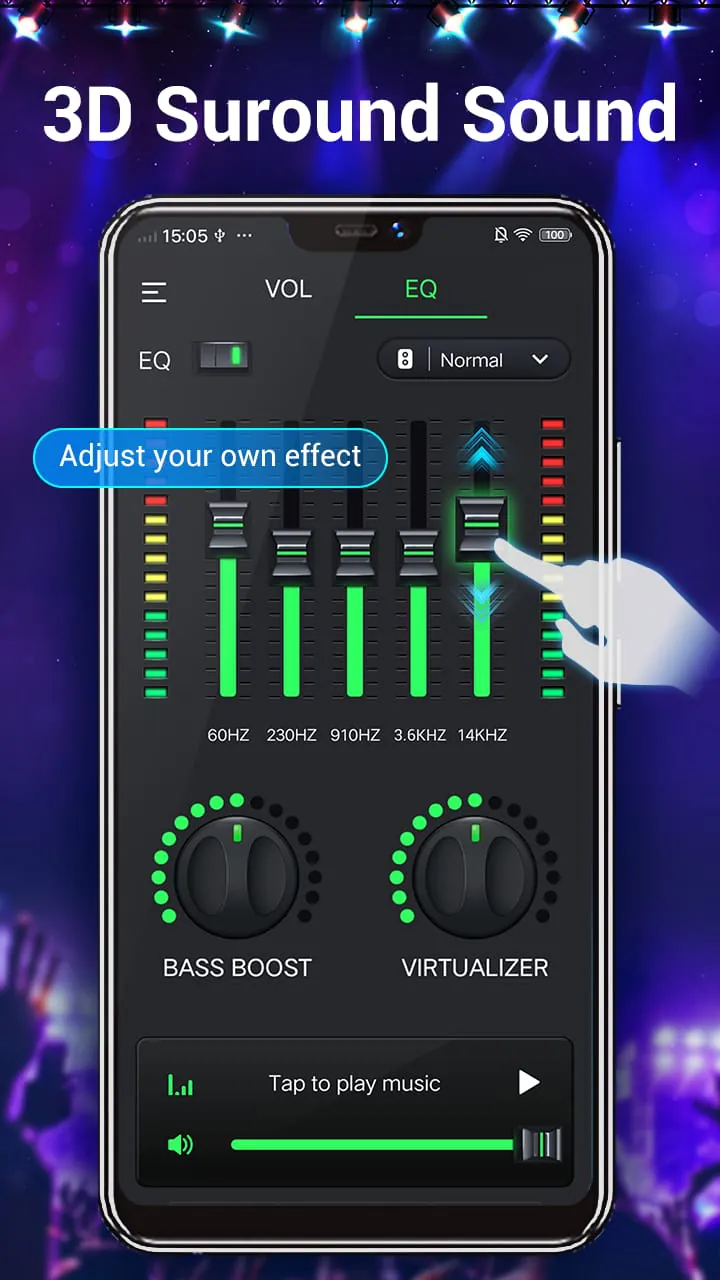
- Equalizer: This is the central tool that lets you increase or decrease the volume of specific frequency ranges. You can fine-tune the treble, mids, and bass separately to correct audio flaws or match your personal taste.
- Bass Booster: This function specifically intensifies the lower frequencies, adding punch and rumble to kick drums, basslines, and sound effects, which is particularly satisfying for electronic, hip-hop, and action movie audio.
- Virtualizer: This feature creates a sense of spatial audio, making the sound feel like it's coming from around you rather than just the left and right channels, enhancing immersion in movies and games.
- Preset & Customization: Users can either select from ready-made presets for different activities or save their own custom EQ settings for different headphones, speakers, or types of media.
How to Use
Click the button "Check All Versions" below to download and install it. Once the app is installed on your device, open it and grant the necessary permissions for it to control your system audio. You will typically be greeted with the main equalizer interface. Start by choosing a preset that matches what you're listening to, such as "Bass Booster" or "Rock." For more control, manually adjust the sliders on the equalizer to your preference. Toggle the dedicated "Bass Booster" and "Virtualizer" switches on or off to feel their individual effects. Finally, play your music or video through your preferred media player to hear the changes in real-time. Remember to save your custom settings for future use.
App Download
Get Equalizer & Bass Booster from an official store or available APK channel.
Previous Versions
ZIP files require a Split APKs Installer (e.g., SAI) from Google Play to install. Steps: 1. Download SAI from Google Play; 2. Open SAI and tap "Install APKs"; 3. Select the ZIP file; 4. Complete installation.
Frequently Asked Questions
What is the latest version of Equalizer & Bass Booster?
The latest version currently listed by Appspicked is unavailable, with information updated on May 18, 2026. Versions may vary by device, region, or rollout schedule, so users should also check Google Play or announcements from iJoysoft.
Is Equalizer & Bass Booster safe to download and use?
No website can guarantee that an app is completely risk-free. Appspicked recommends downloading Equalizer & Bass Booster only from an official app store or a verified channel operated by iJoysoft. Before installing, confirm the developer name, package ID music.audio.effect.equalizer, requested permissions, privacy policy, and download source.
Why can’t I find Equalizer & Bass Booster in the App Store?
Equalizer & Bass Booster may be unavailable because of regional restrictions, device incompatibility, account or age settings, a temporary removal, a name change, or because it has not been released for that platform. An Android package page does not necessarily mean that an iOS App Store version exists. Check iJoysoft’s official website for current availability.
Where can I download or update Equalizer & Bass Booster?
Use Google Play or another official download channel provided by iJoysoft whenever possible. Appspicked provides app information and store links, but users should verify the destination domain and publisher before downloading or updating the app.
Why is the version shown on Appspicked different from the app-store version?
The information on Appspicked may represent the most recently indexed snapshot. App stores sometimes release updates gradually or display different versions according to region, device, operating system, or testing group. The official store listing should be treated as the final reference.
Which devices and operating systems support Equalizer & Bass Booster?
Equalizer & Bass Booster is listed for Android, with a reported minimum requirement of Not specified. Actual compatibility may also depend on the device model, region, available storage, hardware features, and installed system components.
Is Equalizer & Bass Booster free?
The initial download may be free, but subscriptions, advertising, paid features, or in-app purchases may still apply. Prices and available purchases can vary by country and version. Check the payment information displayed by Google Play before completing a transaction.
What should I do if Equalizer & Bass Booster cannot be installed or updated?
Check the network connection, storage space, operating-system version, account region, and device compatibility. Restart the device and try again through the official store. If the problem continues, consult the support resources provided by iJoysoft.









