


V5.2.0

- Package Name
- com.bigbluebubble.singingmonsters.full
- Version Name
- V5.2.0
- Version Code
- V5.2.0
- File Size
- 100.99 MB
- Update time
- 2026-1-7


by Big Blue Bubble Inc
Breed them. Feed them. Listen to them sing! Build a musical world.
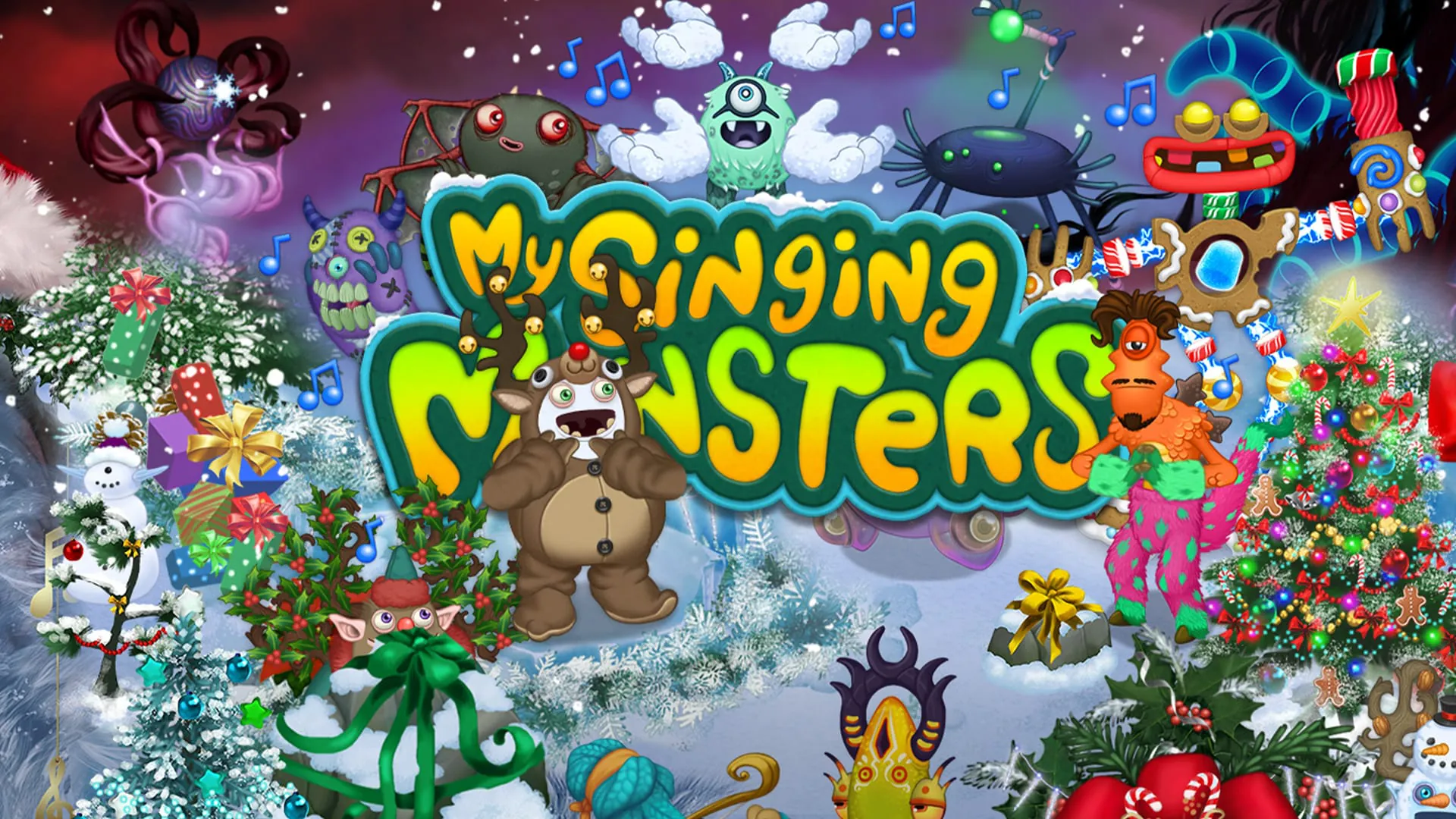
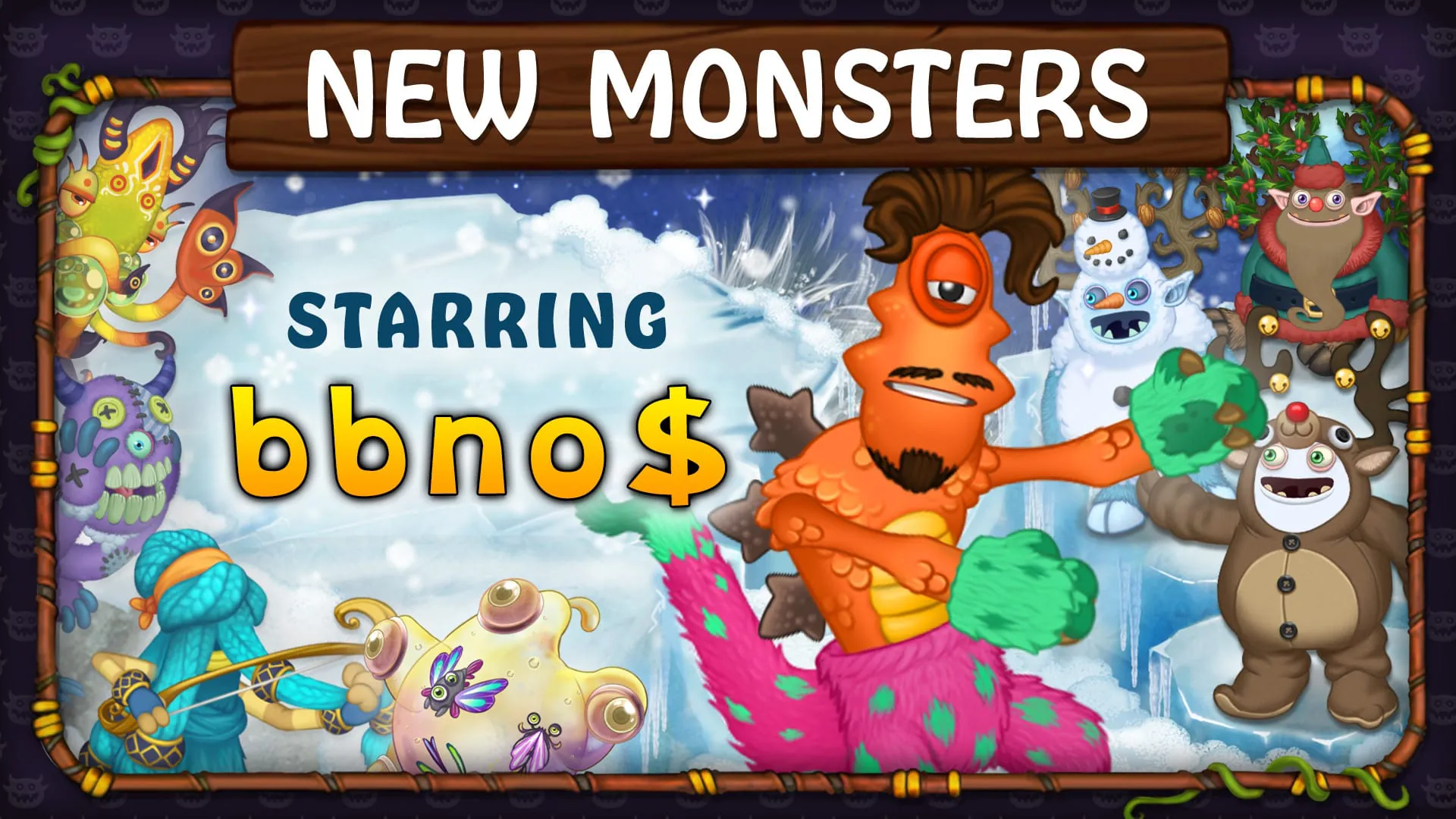
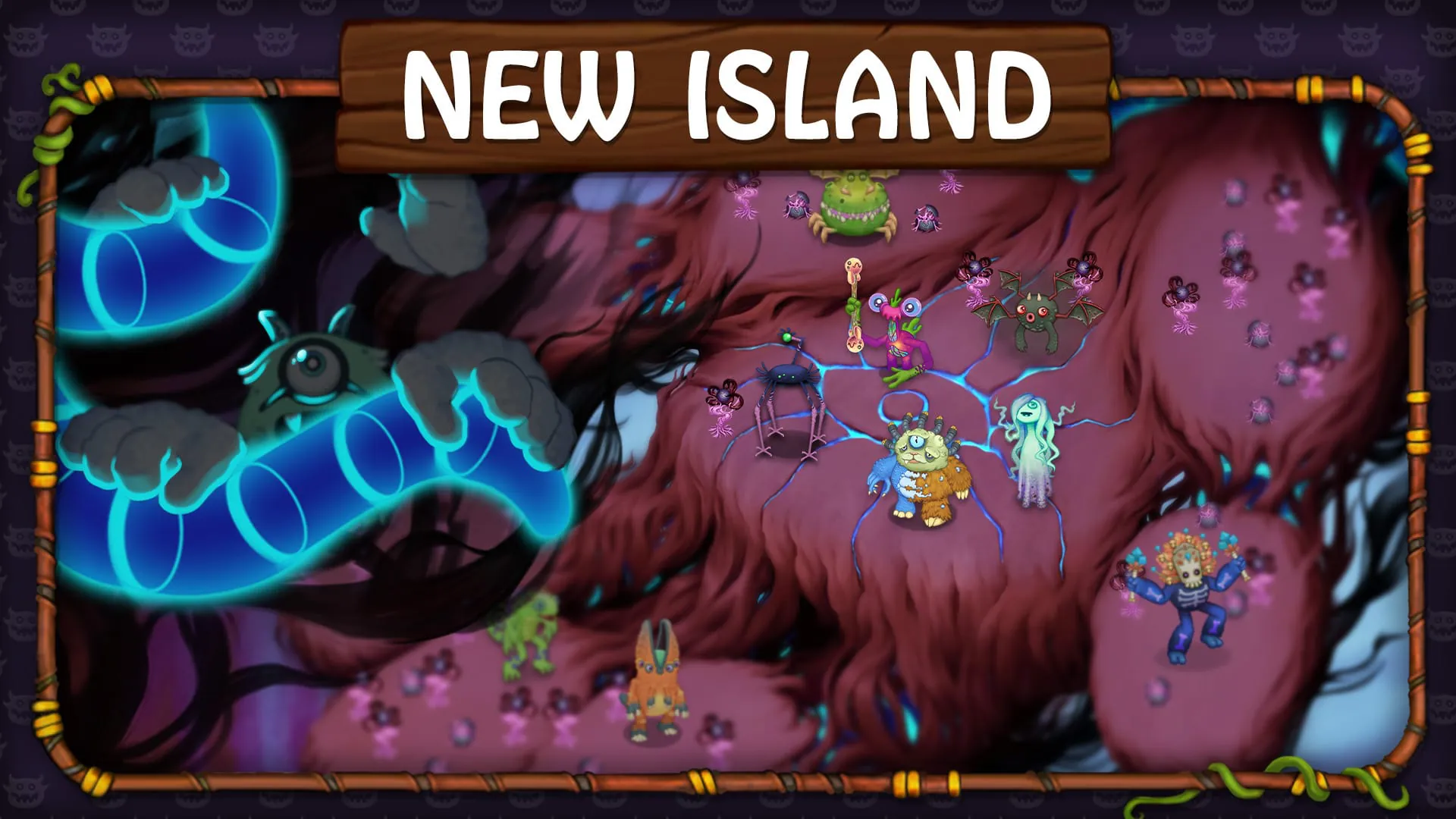
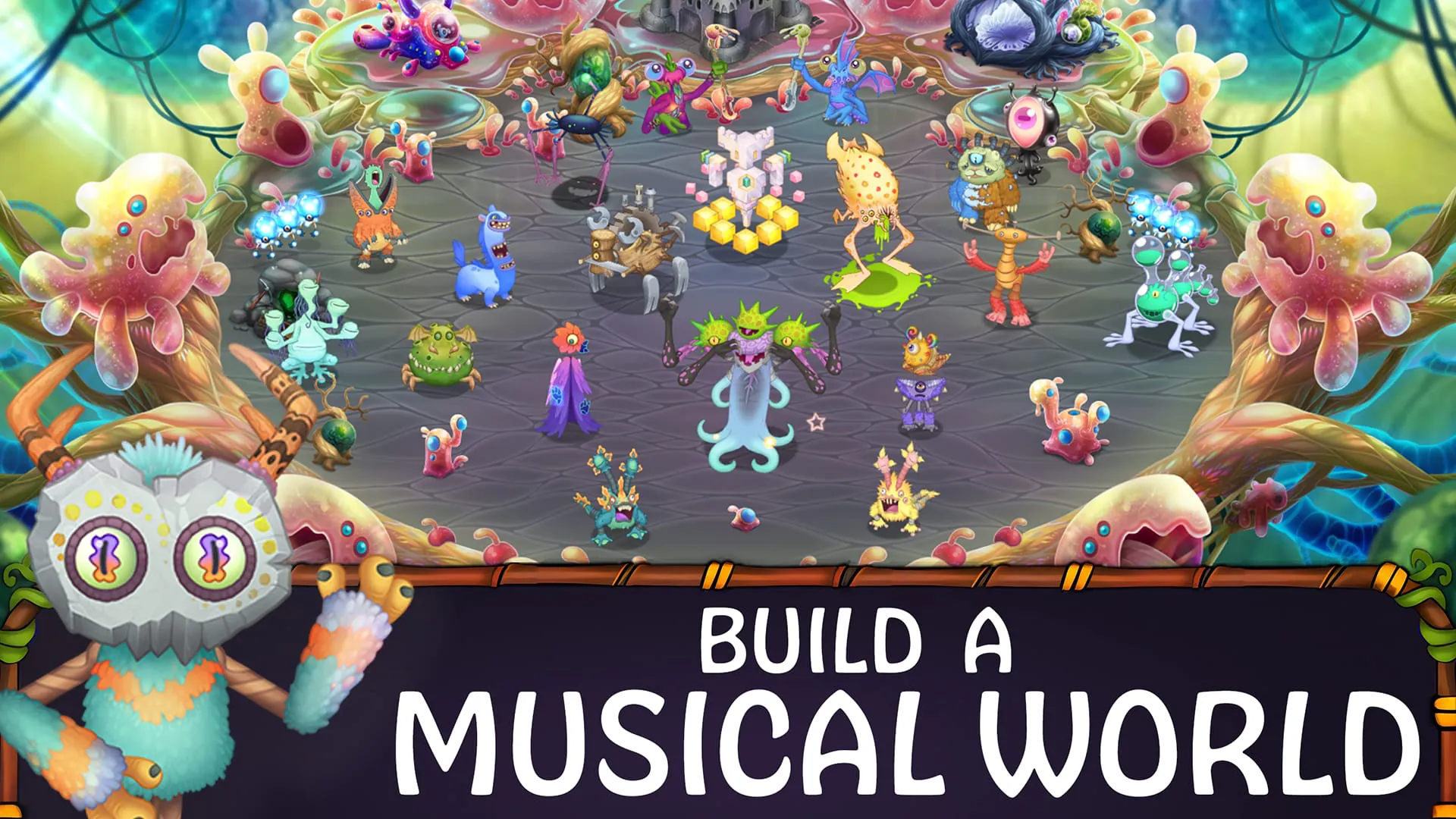
My Singing Monsters is a popular and charming simulation game where your primary goal is to populate a series of magical islands with a diverse collection of adorable monsters. Each monster possesses its own unique musical part, and when you place them together on an island, they harmonize to create whimsical, ever-evolving songs. The game combines elements of creature collection, breeding, and habitat management with a core focus on musical creativity, allowing you to cultivate a living, breathing orchestra of fantastical beings.
The game captivates players with its unique blend of music, strategy, and collection. Its standout features create a deeply engaging and delightful experience that stands out in the mobile gaming landscape.
Like any extensive game, My Singing Monsters comes with its own set of strengths and weaknesses that players should consider.
The app provides a suite of interactive functions that facilitate gameplay, management, and social interaction, forming the backbone of the user experience.
Click the button "Check All Versions" below to download and install it. Once installed, you will start on Plant Island with a tutorial guiding you through the basics. Your initial tasks involve placing monsters, collecting currency they produce, and buying structures. Focus on feeding your monsters to increase their earning potential and level them up for breeding. Regularly check your breeding combinations and incubating eggs. Expand your islands one by one, dedicating time to develop each one's song and monster collection. Engage with the community online to find optimal breeding combinations for rare monsters and to add active friends for torch lighting.
Get My Singing Monsters from an official store or available APK channel.
ZIP files require a Split APKs Installer (e.g., SAI) from Google Play to install. Steps: 1. Download SAI from Google Play; 2. Open SAI and tap "Install APKs"; 3. Select the ZIP file; 4. Complete installation.
The latest version currently listed by Appspicked is V4.3.0, with information updated on May 18, 2026. Versions may vary by device, region, or rollout schedule, so users should also check Google Play or announcements from Big Blue Bubble Inc.
No website can guarantee that an app is completely risk-free. Appspicked recommends downloading My Singing Monsters only from an official app store or a verified channel operated by Big Blue Bubble Inc. Before installing, confirm the developer name, package ID com.bigbluebubble.singingmonsters.full, requested permissions, privacy policy, and download source.
My Singing Monsters may be unavailable because of regional restrictions, device incompatibility, account or age settings, a temporary removal, a name change, or because it has not been released for that platform. An Android package page does not necessarily mean that an iOS App Store version exists. Check Big Blue Bubble Inc’s official website for current availability.
Use Google Play or another official download channel provided by Big Blue Bubble Inc whenever possible. Appspicked provides app information and store links, but users should verify the destination domain and publisher before downloading or updating the app.
The information on Appspicked may represent the most recently indexed snapshot. App stores sometimes release updates gradually or display different versions according to region, device, operating system, or testing group. The official store listing should be treated as the final reference.
My Singing Monsters is listed for Android, with a reported minimum requirement of Not specified. Actual compatibility may also depend on the device model, region, available storage, hardware features, and installed system components.
The initial download may be free, but subscriptions, advertising, paid features, or in-app purchases may still apply. Prices and available purchases can vary by country and version. Check the payment information displayed by Google Play before completing a transaction.
Check the network connection, storage space, operating-system version, account region, and device compatibility. Restart the device and try again through the official store. If the problem continues, consult the support resources provided by Big Blue Bubble Inc.









