



Nest
by Nest Labs Inc.
Your home in your hand
A closer look
Overview
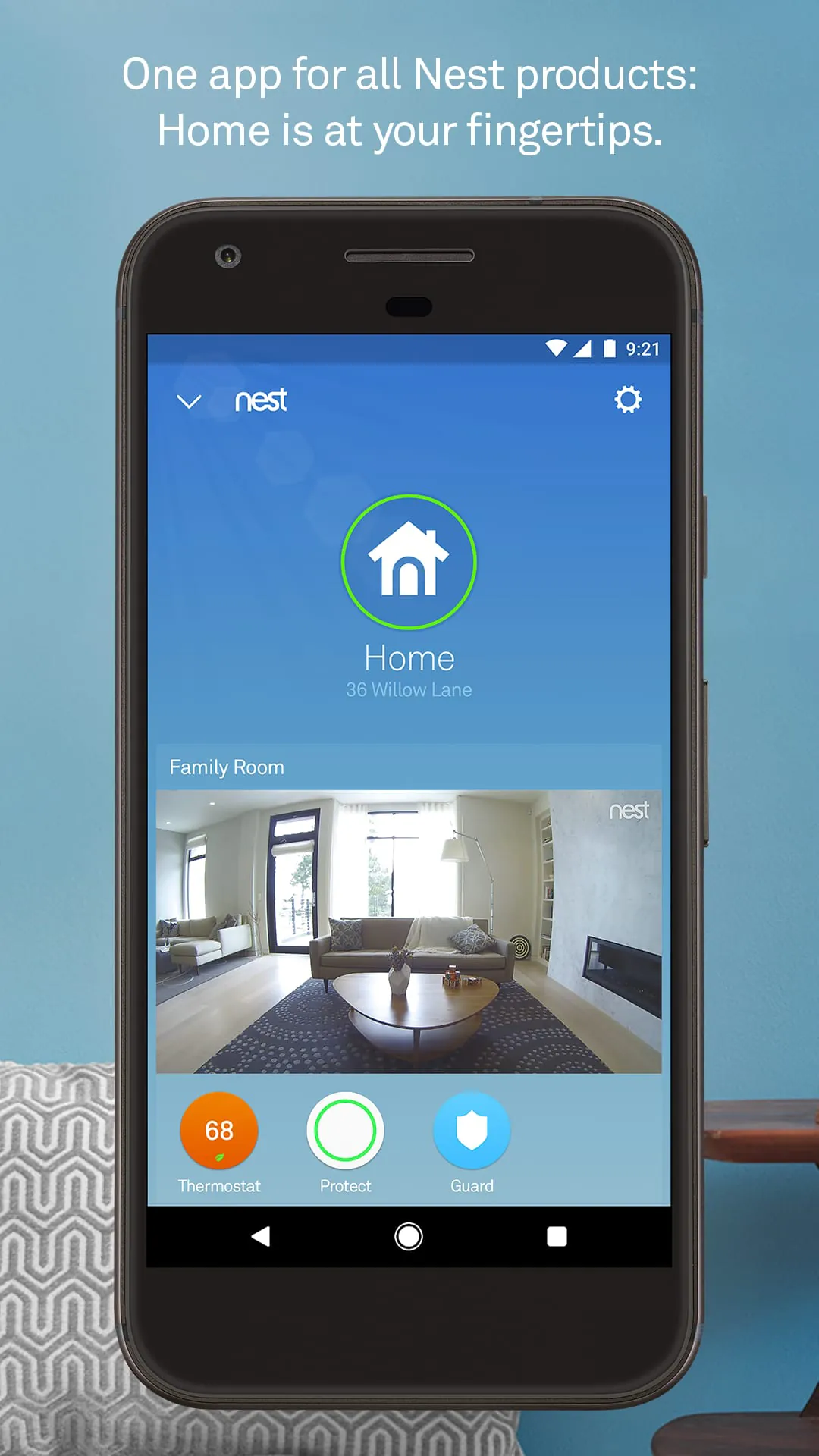
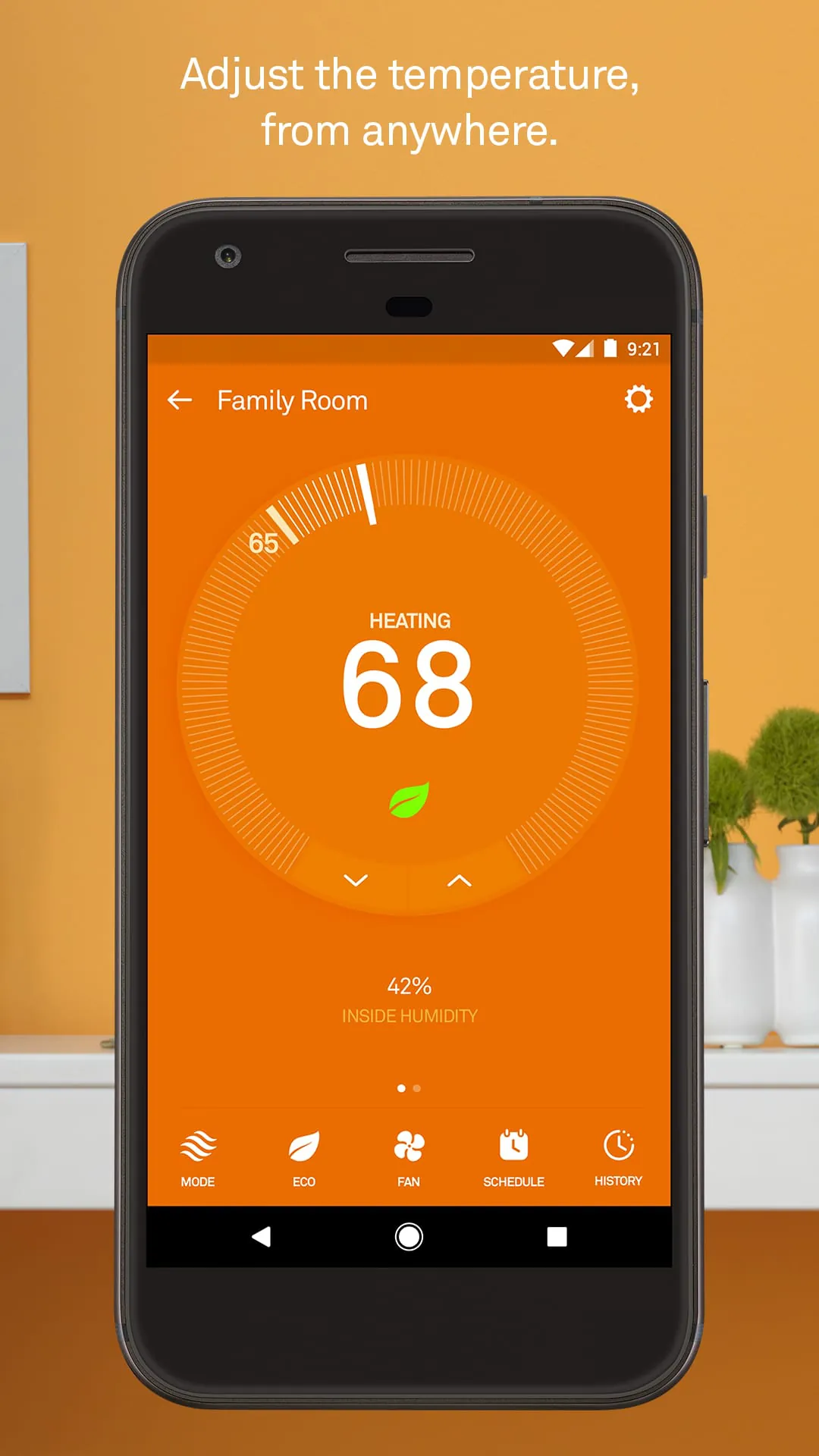
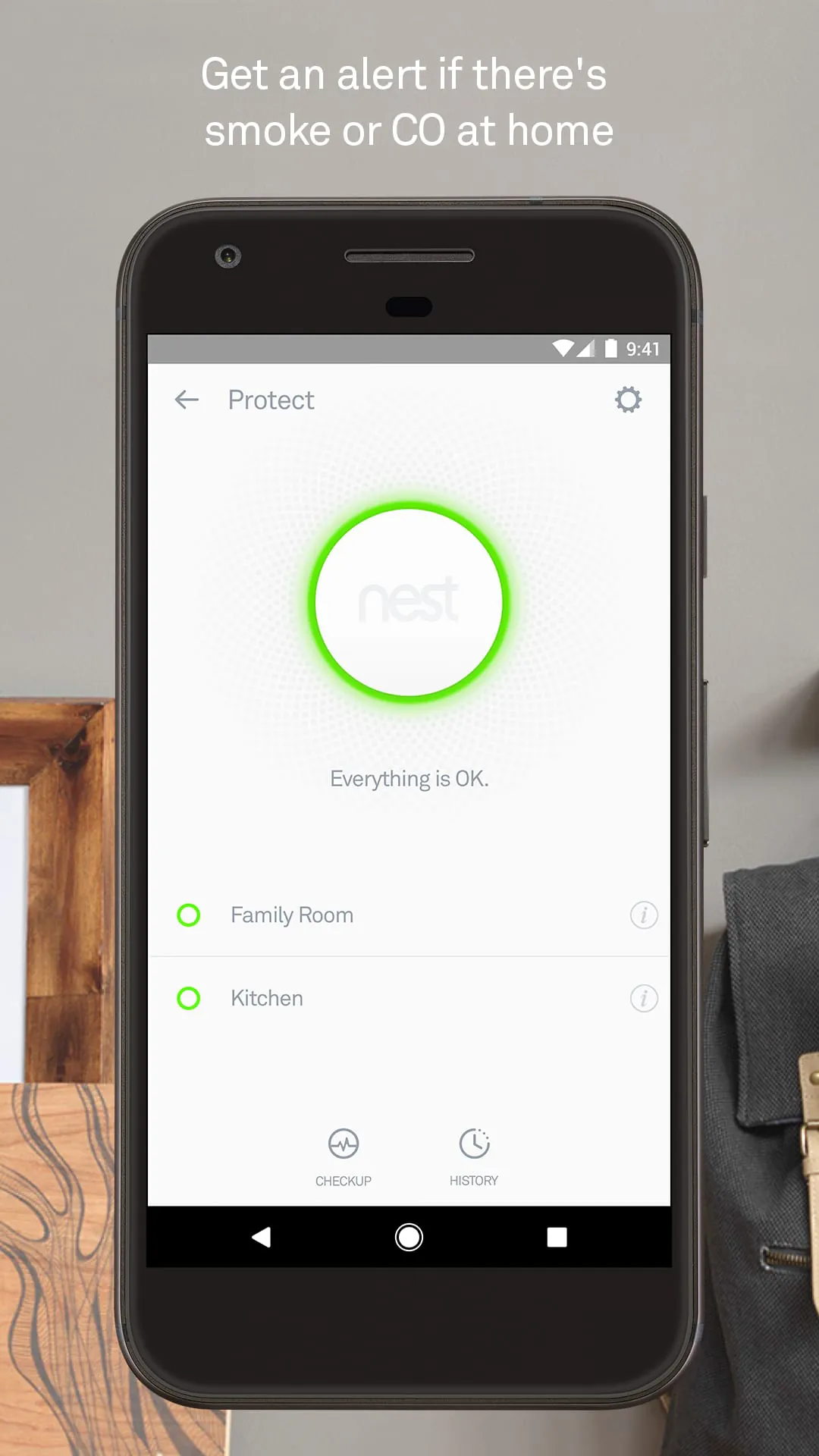
Nest is a smart home management application designed to give users seamless control over their connected devices from a single, intuitive platform. Whether you want to adjust your thermostat while away from home, receive alerts from security cameras, or automate daily routines like turning on lights at sunset, Nest brings all these capabilities together in one place. It’s built for convenience, energy efficiency, and peace of mind, making modern living simpler without requiring technical expertise.
Key Features
- Centralized dashboard for managing thermostats, cameras, doorbells, and smart locks.
- Custom automation schedules based on time, location, or device activity.
- Energy usage tracking with personalized tips for reducing consumption.
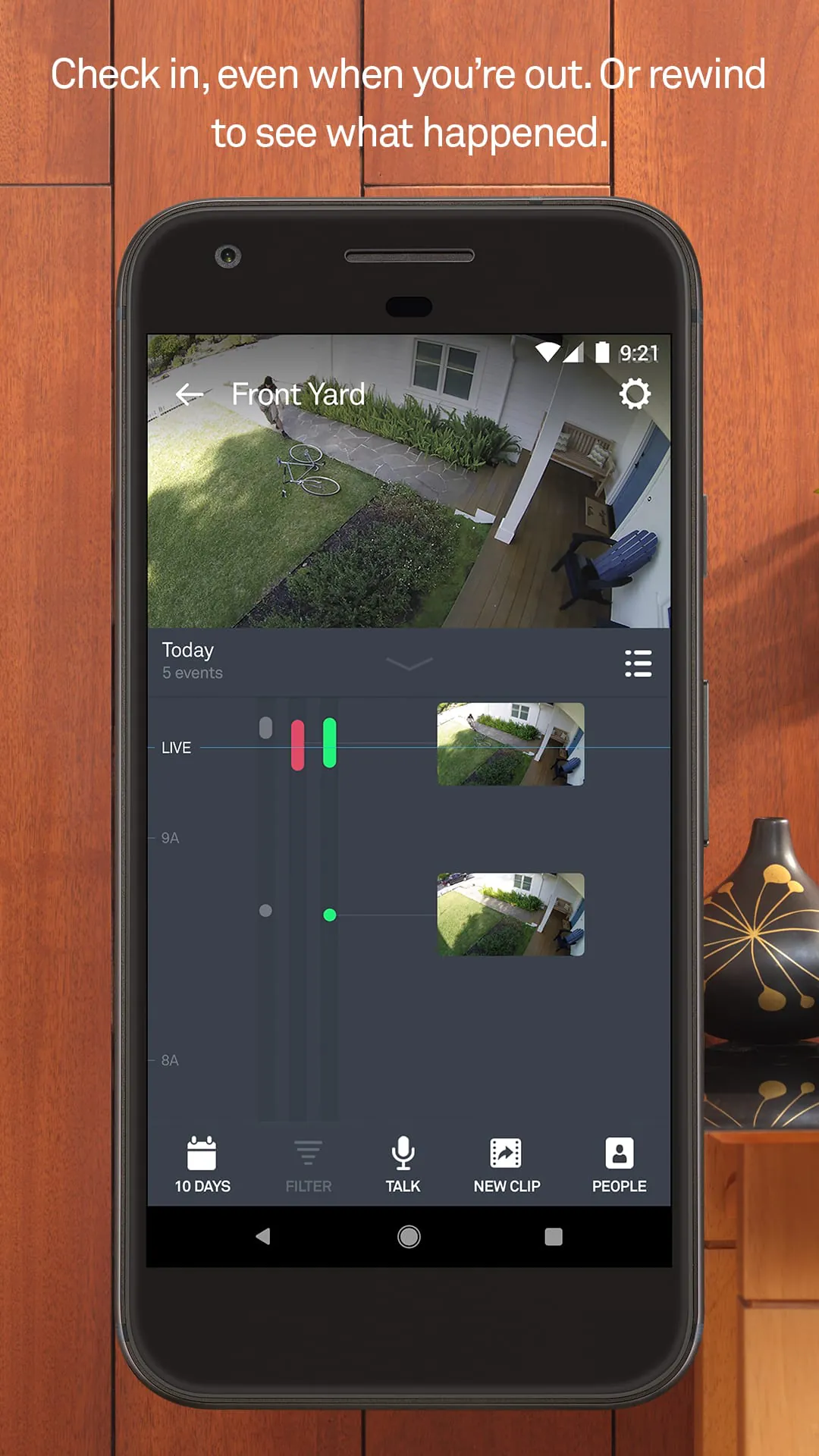
- Real-time notifications for motion detection, temperature changes, or security events.
- Compatibility with a wide range of third-party smart home products.
Pros & Cons
- Pros: User-friendly interface, reliable performance, strong integration across devices, helpful energy-saving insights.
- Cons: Some advanced features require a subscription, limited offline functionality, initial setup can be time-consuming for larger systems.
Functions
- Remote device control via smartphone or tablet.
- Live video streaming from connected cameras with cloud storage options.
- Temperature scheduling and learning algorithms that adapt to user habits.
- Security monitoring with instant mobile alerts.
- Voice control compatibility with popular virtual assistants.
How to Use
Click the button "Check All Versions" below to download and install it. After installation, open the app and create an account or sign in. Follow the guided setup to add your smart devices—this usually involves connecting them to your Wi-Fi network through the app. Once added, you can organize devices into rooms, set automation rules, and customize notification preferences. Regularly check the dashboard for status updates, energy reports, and security alerts to make the most of your smart home experience.
App Download
Get Nest from an official store or available APK channel.
Previous Versions
ZIP files require a Split APKs Installer (e.g., SAI) from Google Play to install. Steps: 1. Download SAI from Google Play; 2. Open SAI and tap "Install APKs"; 3. Select the ZIP file; 4. Complete installation.
Frequently Asked Questions
What is the latest version of Nest?
The latest version currently listed by Appspicked is unavailable, with information updated on Jun 2, 2026. Versions may vary by device, region, or rollout schedule, so users should also check Google Play or announcements from Nest Labs Inc..
Is Nest safe to download and use?
No website can guarantee that an app is completely risk-free. Appspicked recommends downloading Nest only from an official app store or a verified channel operated by Nest Labs Inc.. Before installing, confirm the developer name, package ID com.nest.android, requested permissions, privacy policy, and download source.
Why can’t I find Nest in the App Store?
Nest may be unavailable because of regional restrictions, device incompatibility, account or age settings, a temporary removal, a name change, or because it has not been released for that platform. An Android package page does not necessarily mean that an iOS App Store version exists. Check Nest Labs Inc.’s official website for current availability.
Where can I download or update Nest?
Use Google Play or another official download channel provided by Nest Labs Inc. whenever possible. Appspicked provides app information and store links, but users should verify the destination domain and publisher before downloading or updating the app.
Why is the version shown on Appspicked different from the app-store version?
The information on Appspicked may represent the most recently indexed snapshot. App stores sometimes release updates gradually or display different versions according to region, device, operating system, or testing group. The official store listing should be treated as the final reference.
Which devices and operating systems support Nest?
Nest is listed for Android, with a reported minimum requirement of Not specified. Actual compatibility may also depend on the device model, region, available storage, hardware features, and installed system components.
Is Nest free?
The initial download may be free, but subscriptions, advertising, paid features, or in-app purchases may still apply. Prices and available purchases can vary by country and version. Check the payment information displayed by Google Play before completing a transaction.
What should I do if Nest cannot be installed or updated?
Check the network connection, storage space, operating-system version, account region, and device compatibility. Restart the device and try again through the official store. If the problem continues, consult the support resources provided by Nest Labs Inc..









