


V1.55

- Package Name
- net.sourceforge.opencamera
- Version Name
- V1.55
- Version Code
- V1.55
- File Size
- 3.57 MB
- Update time
- 2026-1-7


by Mark Harman
Open Source Camera app.
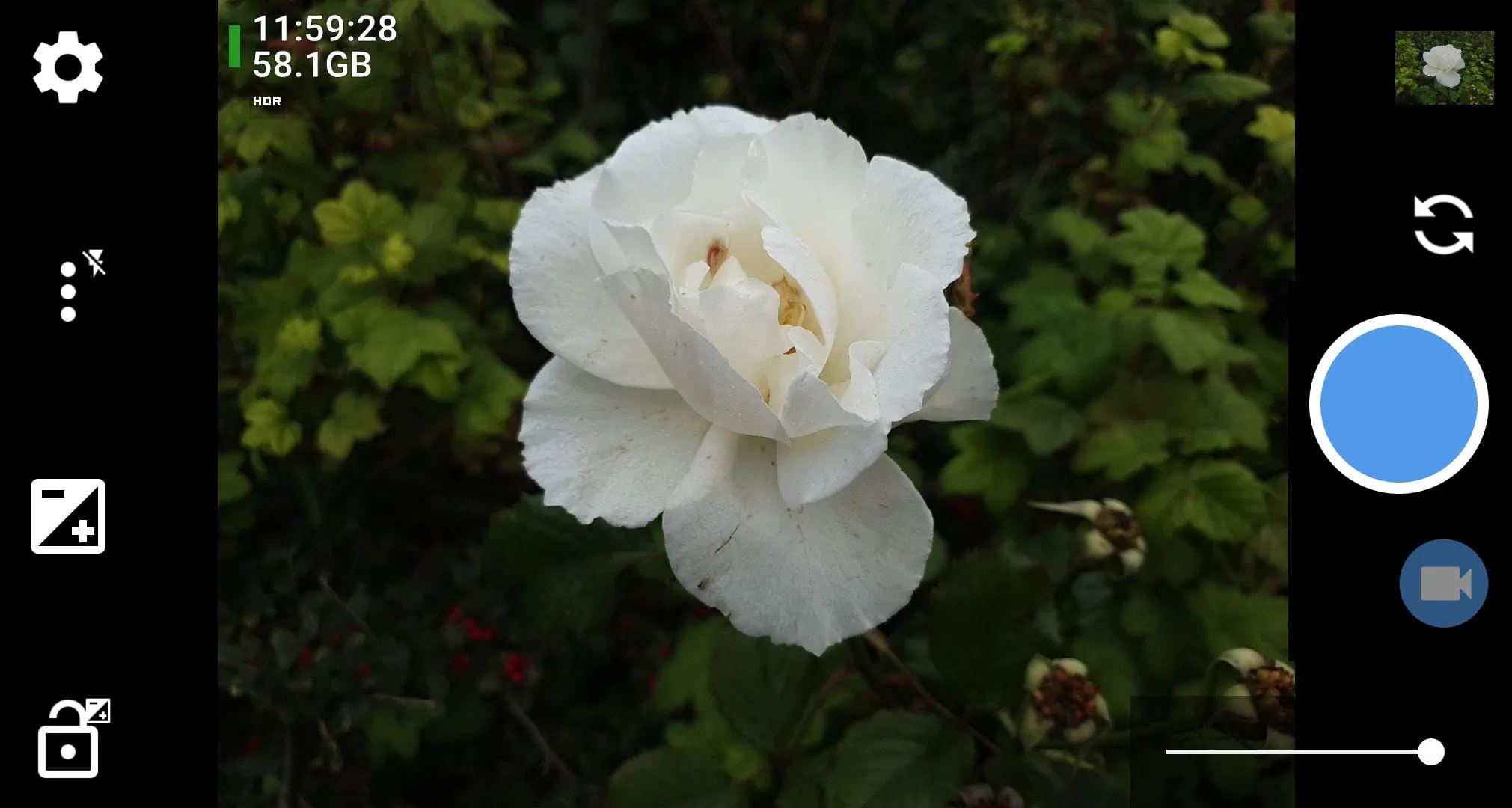
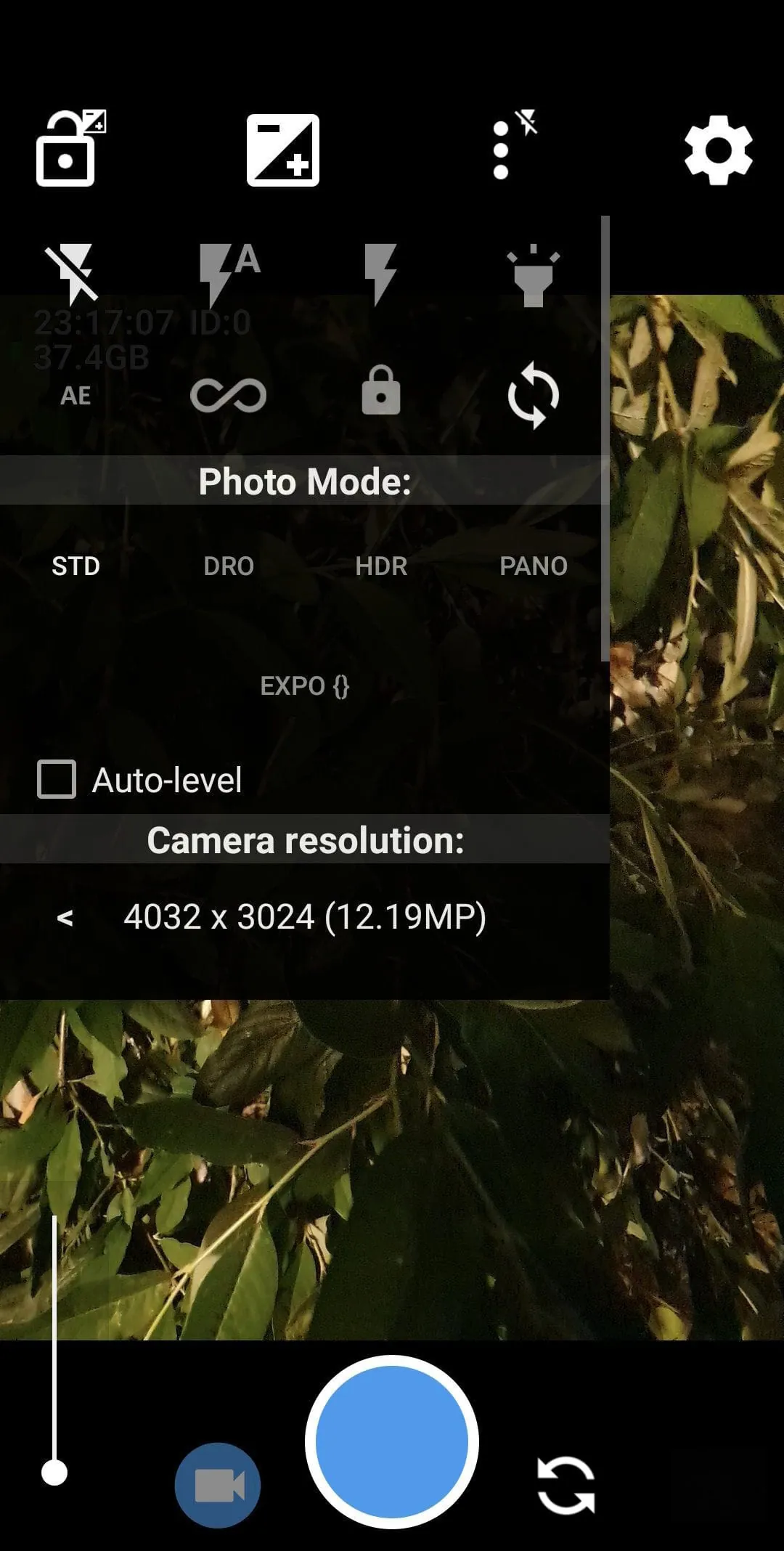
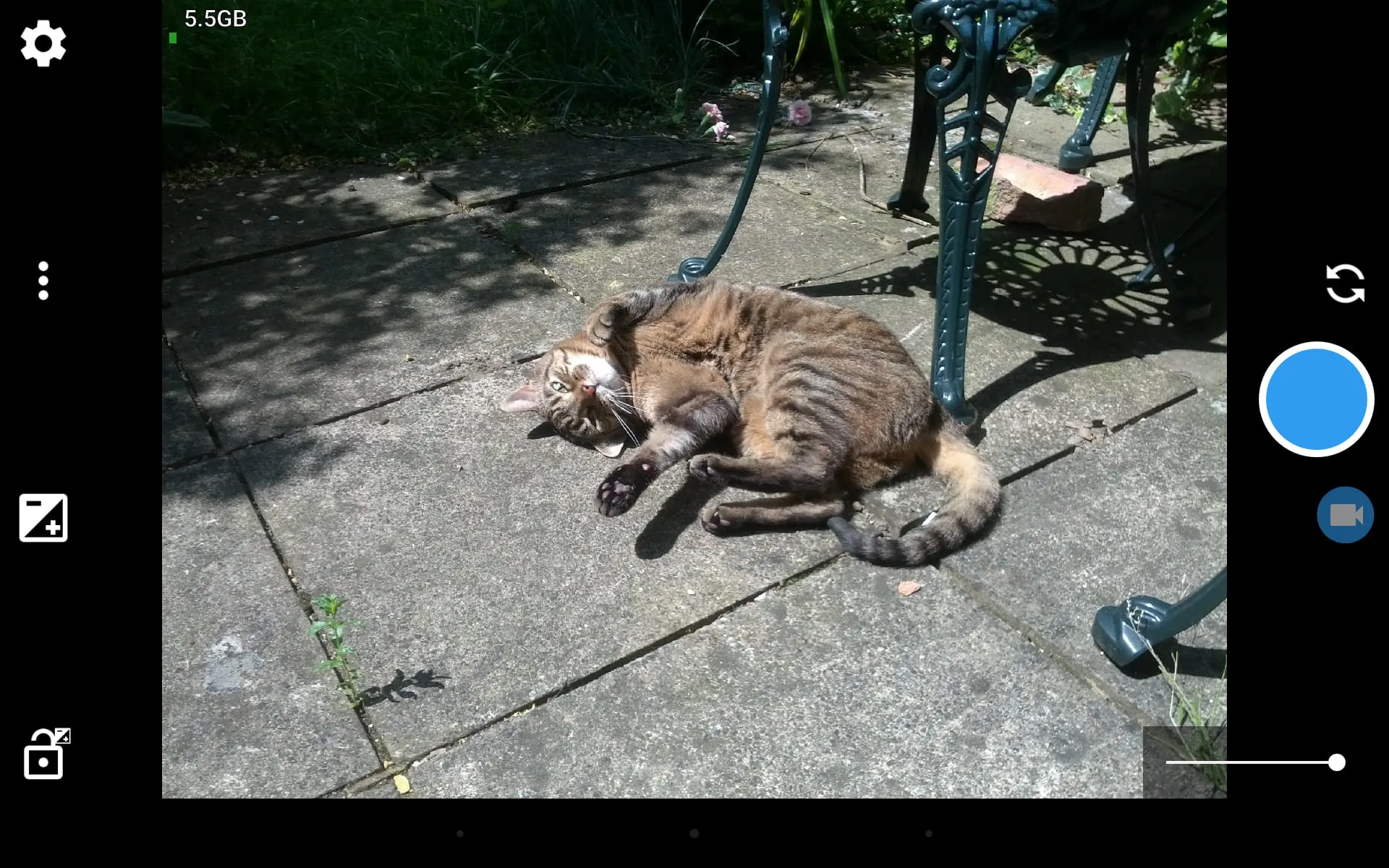
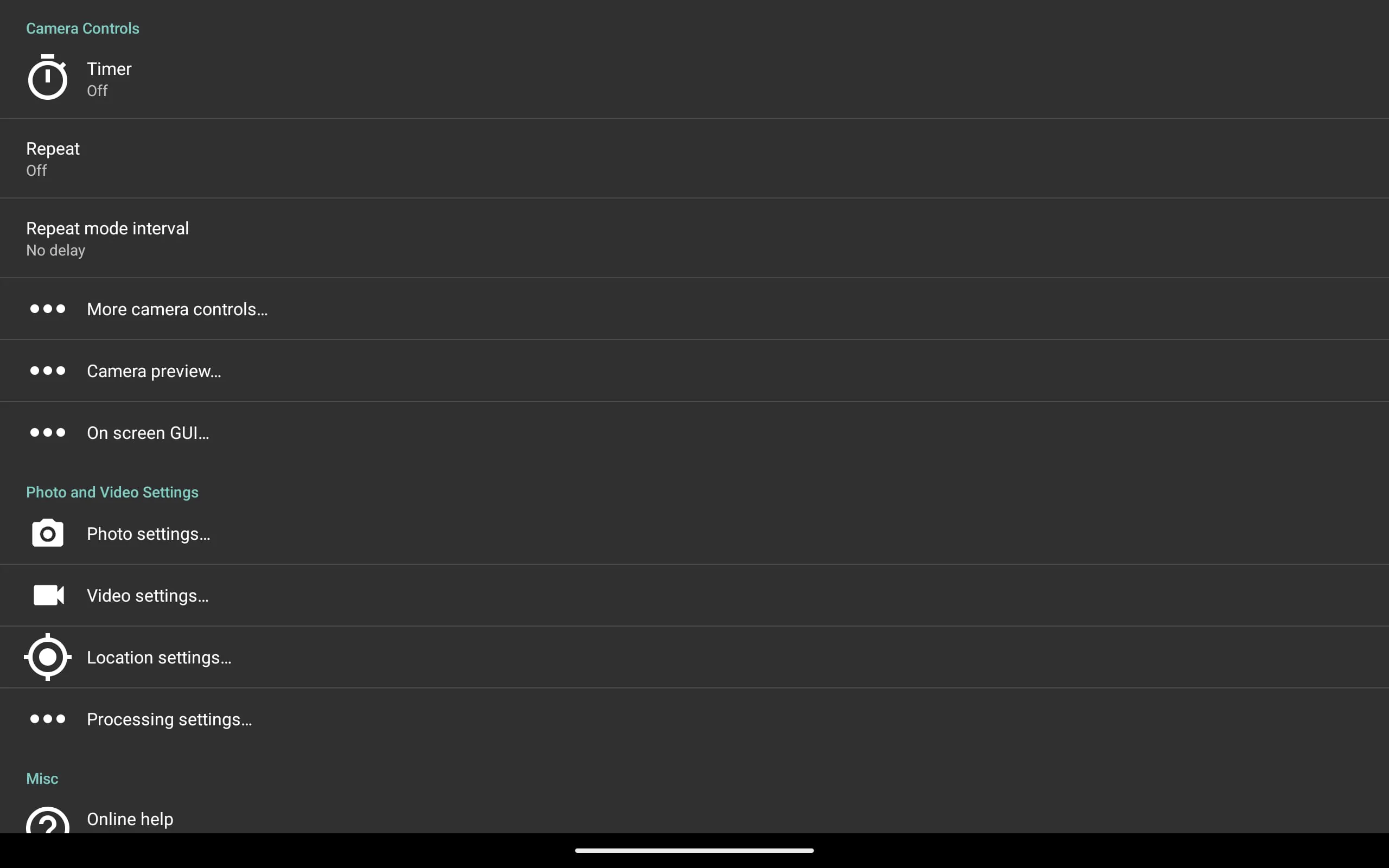
Open Camera is a free, open-source camera application for Android devices, designed to provide users with advanced photographic control and a clean, ad-free experience. It transforms your smartphone's built-in camera capabilities by offering manual settings typically found on professional cameras, making it a powerful tool for both photography enthusiasts and everyday users seeking more than the standard camera app.
The app stands out for its depth of control and commitment to user privacy. It harnesses your device's hardware to its full potential without collecting personal data. A significant focus is on providing a transparent and powerful photography tool that respects the user.
Like any specialized application, Open Camera presents a distinct set of advantages and some limitations based on user needs and device compatibility.
Beyond basic photo and video capture, Open Camera incorporates a suite of functions that enhance both the shooting process and the final output. These functions work together to give the photographer deliberate control over every aspect of the image.
Click the button "Check All Versions" below to download and install it. Once installed, launch the app and grant the necessary permissions for camera, storage, and optionally location for geotagging. Start by exploring the settings menu to familiarize yourself with the layout; you can customize which controls appear on the main screen. For everyday use, the auto mode works effectively. To dive deeper, switch to manual controls by tapping icons for ISO or shutter speed and adjusting the sliders. Utilize the grid overlays and horizon level to compose your shots, and experiment with the self-timer or voice control for group photos or stable captures.
Get Open Camera from an official store or available APK channel.
ZIP files require a Split APKs Installer (e.g., SAI) from Google Play to install. Steps: 1. Download SAI from Google Play; 2. Open SAI and tap "Install APKs"; 3. Select the ZIP file; 4. Complete installation.
The latest version currently listed by Appspicked is V1.51.1, with information updated on May 18, 2026. Versions may vary by device, region, or rollout schedule, so users should also check Google Play or announcements from Mark Harman.
No website can guarantee that an app is completely risk-free. Appspicked recommends downloading Open Camera only from an official app store or a verified channel operated by Mark Harman. Before installing, confirm the developer name, package ID net.sourceforge.opencamera, requested permissions, privacy policy, and download source.
Open Camera may be unavailable because of regional restrictions, device incompatibility, account or age settings, a temporary removal, a name change, or because it has not been released for that platform. An Android package page does not necessarily mean that an iOS App Store version exists. Check Mark Harman’s official website for current availability.
Use Google Play or another official download channel provided by Mark Harman whenever possible. Appspicked provides app information and store links, but users should verify the destination domain and publisher before downloading or updating the app.
The information on Appspicked may represent the most recently indexed snapshot. App stores sometimes release updates gradually or display different versions according to region, device, operating system, or testing group. The official store listing should be treated as the final reference.
Open Camera is listed for Android, with a reported minimum requirement of Not specified. Actual compatibility may also depend on the device model, region, available storage, hardware features, and installed system components.
The initial download may be free, but subscriptions, advertising, paid features, or in-app purchases may still apply. Prices and available purchases can vary by country and version. Check the payment information displayed by Google Play before completing a transaction.
Check the network connection, storage space, operating-system version, account region, and device compatibility. Restart the device and try again through the official store. If the problem continues, consult the support resources provided by Mark Harman.









