



Voicemod
by Voicemod
Voice changer & meme soundboard. Record funny messages & prank friends!
A closer look


Overview
Voicemod is a real-time voice changer and soundboard application primarily designed for gamers, content creators, and online communicators, allowing users to modify their voices during live streams, video calls, or gaming sessions with a vast library of humorous, creative, and high-quality voice filters and audio effects.
Key Features
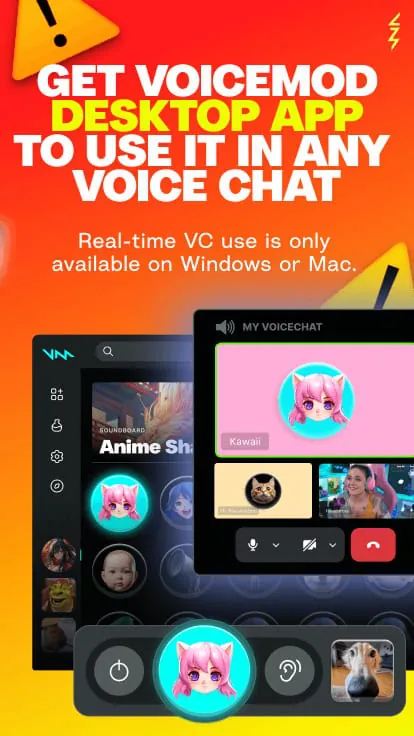
The application stands out through its extensive and ever-growing sound library and seamless integration. It offers a rich selection of voice filters, from robotic and alien tones to celebrity impersonations. The soundboard function lets users play sound clips and memes instantly. Crucially, it works in real-time with almost any communication or broadcasting software, such as Discord, Zoom, Skype, OBS, and popular games, making voice modulation effortless and immediate.
Pros & Cons
When considering Voicemod, users will find several advantages and a few limitations.
- Pros: Vast and frequently updated library of voices and sounds; extremely low latency for real-time use; user-friendly interface; robust compatibility with most apps and games; powerful soundboard and custom sound upload features.
- Cons: Many premium voices and features require a paid subscription; the free version is quite limited; it can occasionally conflict with other audio drivers; some advanced settings may be complex for beginners.
Functions
Voicemod’s functionality extends beyond simple voice changing to create a comprehensive audio entertainment toolkit.
- Real-Time Voice Changer: Apply and switch between hundreds of voice filters with a single click while you speak.
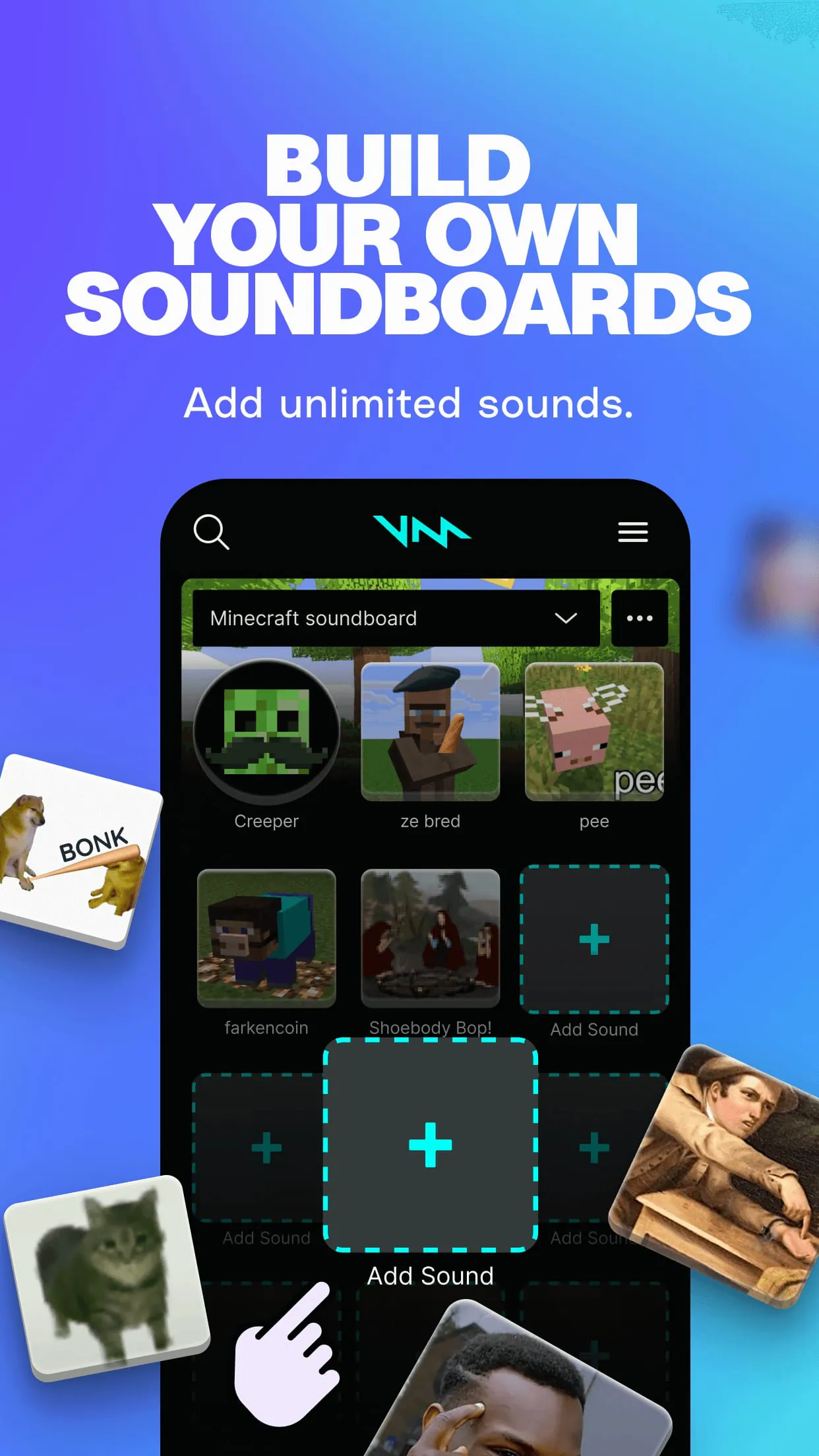
- Soundboard: Create and trigger sound clips, memes, and audio reactions using customizable hotkeys.
- Voice Lab: An advanced editor to create, mix, and fine-tune your own unique voice filters from scratch.
- Integration: Built-in compatibility with major platforms like Discord, OBS Studio, Elgato Stream Deck, and more for streamlined workflow.
- Background Music & Effects: Layer ambient sounds and music into your audio output to enhance the atmosphere of your stream or call.
How to Use
Click the button "Check All Versions" below to download and install it. After installation, launch Voicemod and set it as your default microphone in your system's sound settings. Then, within the app, browse and select your desired voice filter. You can test it instantly by speaking. To use it in another program like Discord, simply ensure that the "Voicemod Virtual Audio Device" is selected as the input device within that program's audio settings. For the soundboard, import your audio files, assign them to buttons, and set up keyboard hotkeys for instant playback during your activities.
App Download
Get Voicemod from an official store or available APK channel.
Previous Versions
ZIP files require a Split APKs Installer (e.g., SAI) from Google Play to install. Steps: 1. Download SAI from Google Play; 2. Open SAI and tap "Install APKs"; 3. Select the ZIP file; 4. Complete installation.
Frequently Asked Questions
What is the latest version of Voicemod?
The latest version currently listed by Appspicked is unavailable, with information updated on May 15, 2026. Versions may vary by device, region, or rollout schedule, so users should also check Google Play or announcements from Voicemod.
Is Voicemod safe to download and use?
No website can guarantee that an app is completely risk-free. Appspicked recommends downloading Voicemod only from an official app store or a verified channel operated by Voicemod. Before installing, confirm the developer name, package ID net.voicemod.soundboard, requested permissions, privacy policy, and download source.
Why can’t I find Voicemod in the App Store?
Voicemod may be unavailable because of regional restrictions, device incompatibility, account or age settings, a temporary removal, a name change, or because it has not been released for that platform. An Android package page does not necessarily mean that an iOS App Store version exists. Check Voicemod’s official website for current availability.
Where can I download or update Voicemod?
Use Google Play or another official download channel provided by Voicemod whenever possible. Appspicked provides app information and store links, but users should verify the destination domain and publisher before downloading or updating the app.
Why is the version shown on Appspicked different from the app-store version?
The information on Appspicked may represent the most recently indexed snapshot. App stores sometimes release updates gradually or display different versions according to region, device, operating system, or testing group. The official store listing should be treated as the final reference.
Which devices and operating systems support Voicemod?
Voicemod is listed for Android, with a reported minimum requirement of Not specified. Actual compatibility may also depend on the device model, region, available storage, hardware features, and installed system components.
Is Voicemod free?
The initial download may be free, but subscriptions, advertising, paid features, or in-app purchases may still apply. Prices and available purchases can vary by country and version. Check the payment information displayed by Google Play before completing a transaction.
What should I do if Voicemod cannot be installed or updated?
Check the network connection, storage space, operating-system version, account region, and device compatibility. Restart the device and try again through the official store. If the problem continues, consult the support resources provided by Voicemod.









