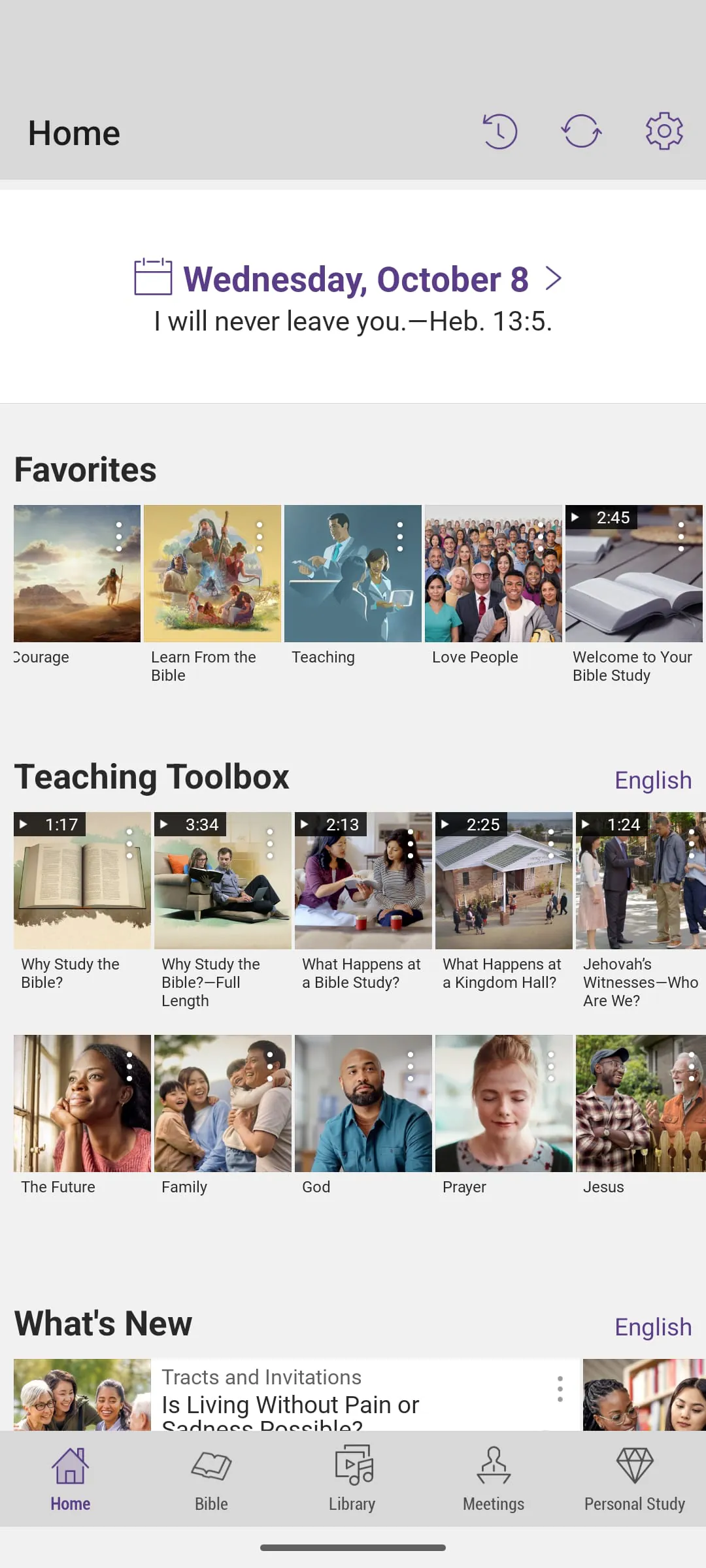
JW Library is an official application published by Jehovah's Witnesses, designed primarily as a comprehensive digital toolkit for personal and group Bible study. It provides free access to a vast collection of religious publications, including the Bible in hundreds of languages, brochures, books, and audiovisual content, all organized for intuitive research and spiritual education.
Key Features
The application stands out due to its extensive, curated library and thoughtful study aids. Users can enjoy features such as high-quality audio dramas of Bible accounts, a powerful search function across all installed content, and the ability to take personal notes and highlight passages that sync across devices. It also supports offline reading and is regularly updated with new materials and language additions, making it a dynamic resource for a global user base.
Pros & Cons
The application has several distinct advantages and a few limitations to consider.
- Pros: It offers completely free access to all content with no subscriptions or in-app purchases. The interface is clean, ad-free, and focused on study. Cross-platform synchronization ensures your personal study notes are always with you. The inclusion of sign language videos and a vast array of languages makes it exceptionally accessible.
- Cons: The content is exclusively from a single religious perspective, which may not suit those seeking comparative theological resources. Some users might find the feature set intentionally streamlined, lacking more common social or collaborative tools found in other apps.
Functions
The app’s functionality is centered around facilitating deep and organized study. Its core operations include:
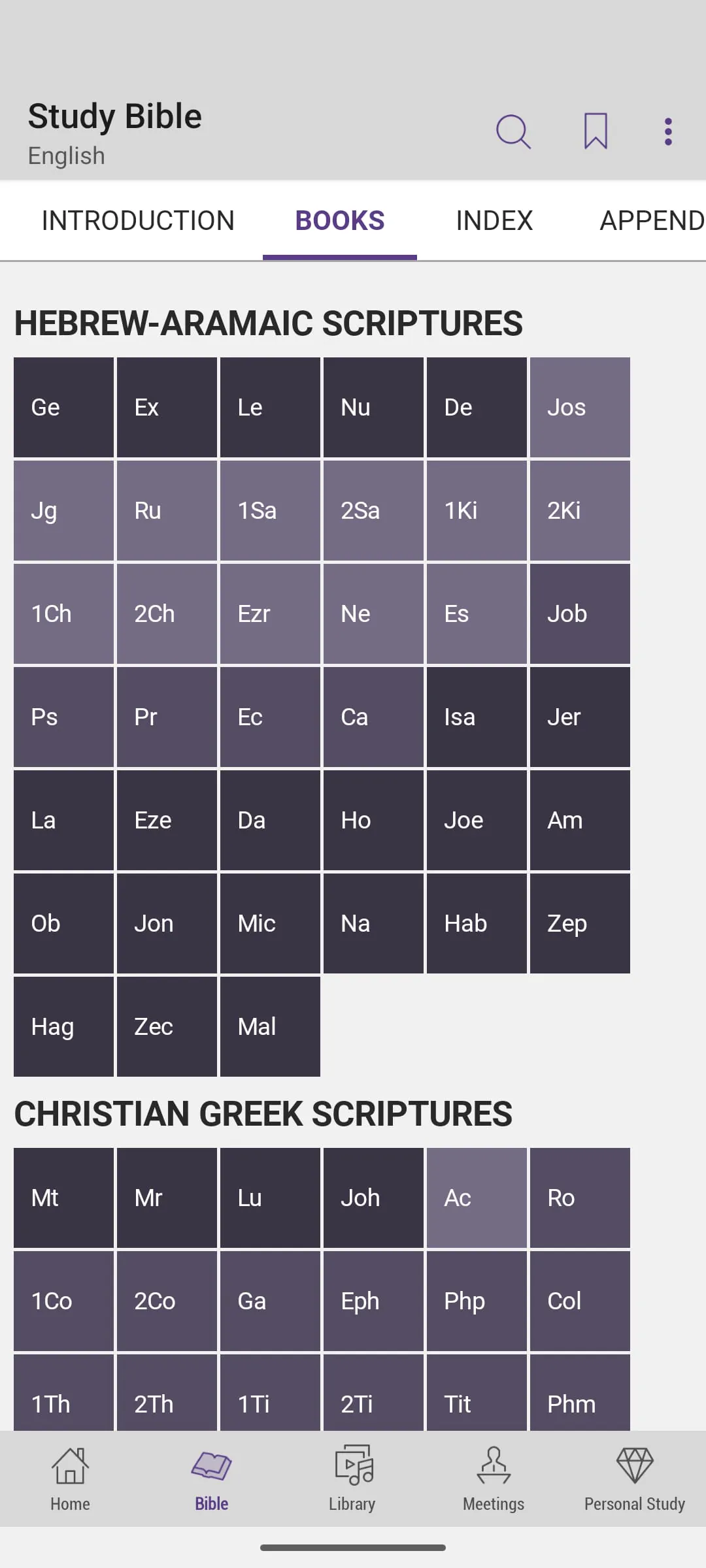
- Presenting biblical and related texts in a clear, readable format with adjustable text size.
- Allowing side-by-side comparison of different Bible translations or languages.
- Enabling users to create and organize bookmarks, notes, and highlights linked to specific verses.
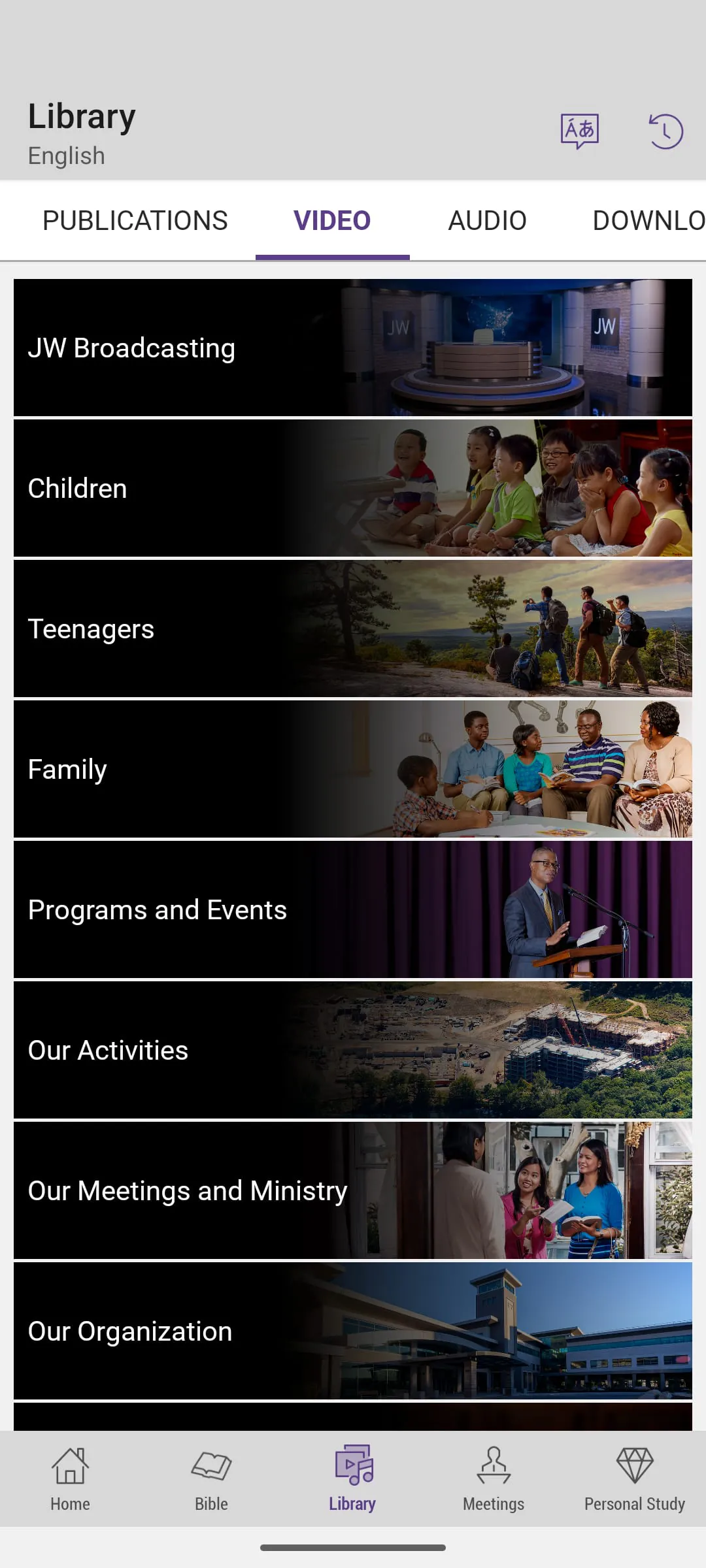
- Playing and downloading video presentations, music, and audio versions of publications for later viewing or listening.
- Providing a meeting mode that displays songs and lecture materials, commonly used in congregation settings.
How to Use
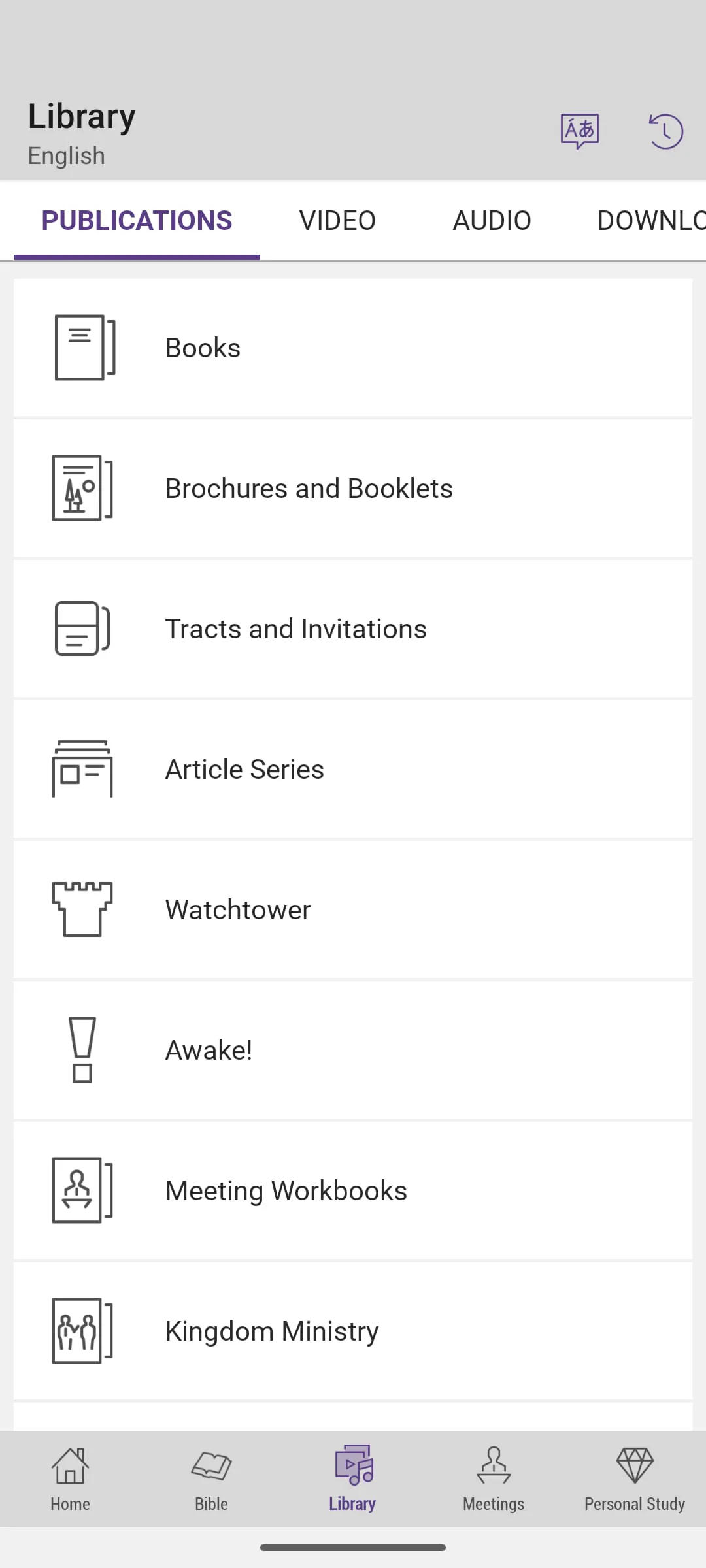
Click the button "Check All Versions" below to download and install it. After installation, open the app and you will be guided to download your preferred Bible translation and other initial publications. You can navigate the library using the bottom menu to explore different publication categories. To dive deeper, use the search icon to find specific scriptures or topics. For personal study, simply tap any verse to highlight it or access the note-taking tool. Regularly check the updates section to download new content and keep your library current.





 APK
APK  Google Play
  iOS
iOS  4.80
4.80