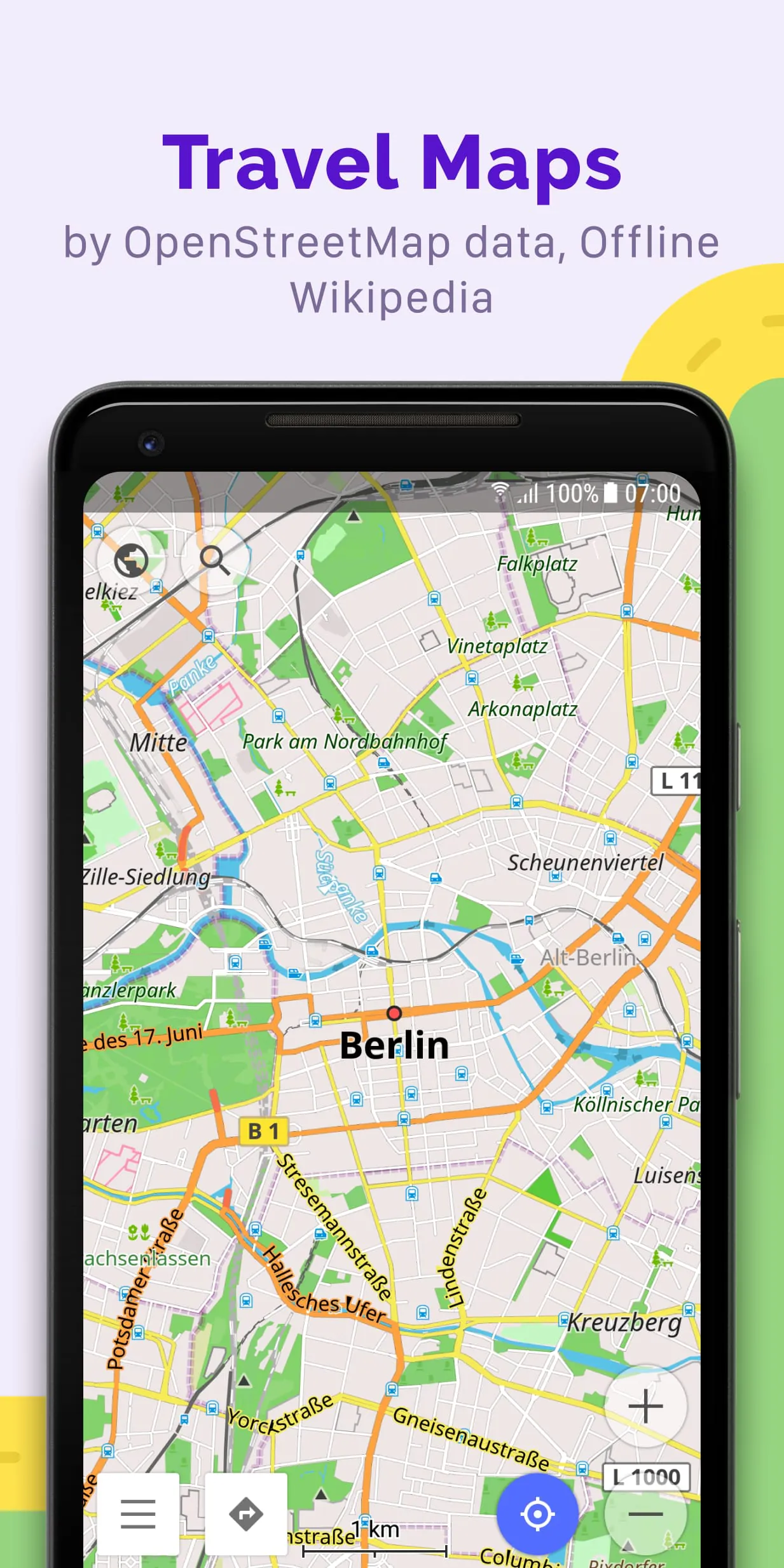
OsmAnd is a versatile offline world map application that leverages the extensive data provided by OpenStreetMap (OSM). This application is designed to cater to a wide range of navigation needs, allowing users to plan routes while considering their preferred roads and vehicle dimensions. One of the standout features of OsmAnd is its ability to function without an internet connection, making it an ideal choice for travelers and outdoor enthusiasts who may find themselves in areas with limited or no connectivity. Users can also record GPX tracks, which is particularly useful for those who want to document their journeys or share their routes with others. As an open-source application, OsmAnd prioritizes user privacy by not collecting personal data, giving users full control over what information the app can access.
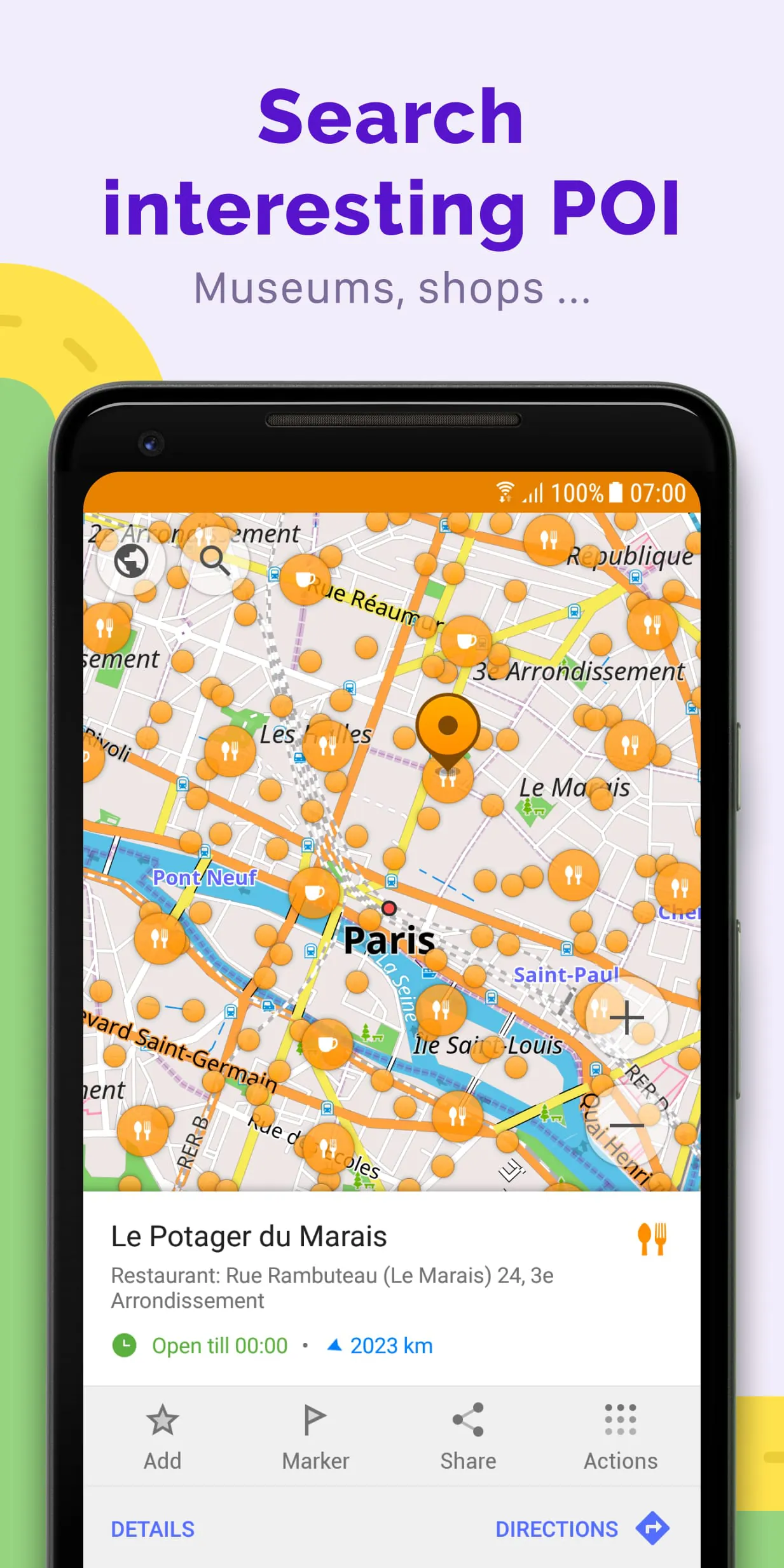
The application boasts a rich array of features that enhance the user experience. The map view allows users to customize what places are displayed, including attractions, food options, health facilities, and more. Users can search for locations by various criteria such as address, name, coordinates, or category, making it easy to find specific destinations. OsmAnd offers multiple map styles tailored for different activities, including touring, nautical navigation, winter sports, topographic exploration, and off-road adventures. The inclusion of shading relief and contour lines adds depth to the maps, while the ability to overlay different map sources provides users with a comprehensive view of their surroundings. This flexibility in map presentation ensures that users can adapt the application to their specific needs, whether they are hiking in the mountains or navigating urban environments.
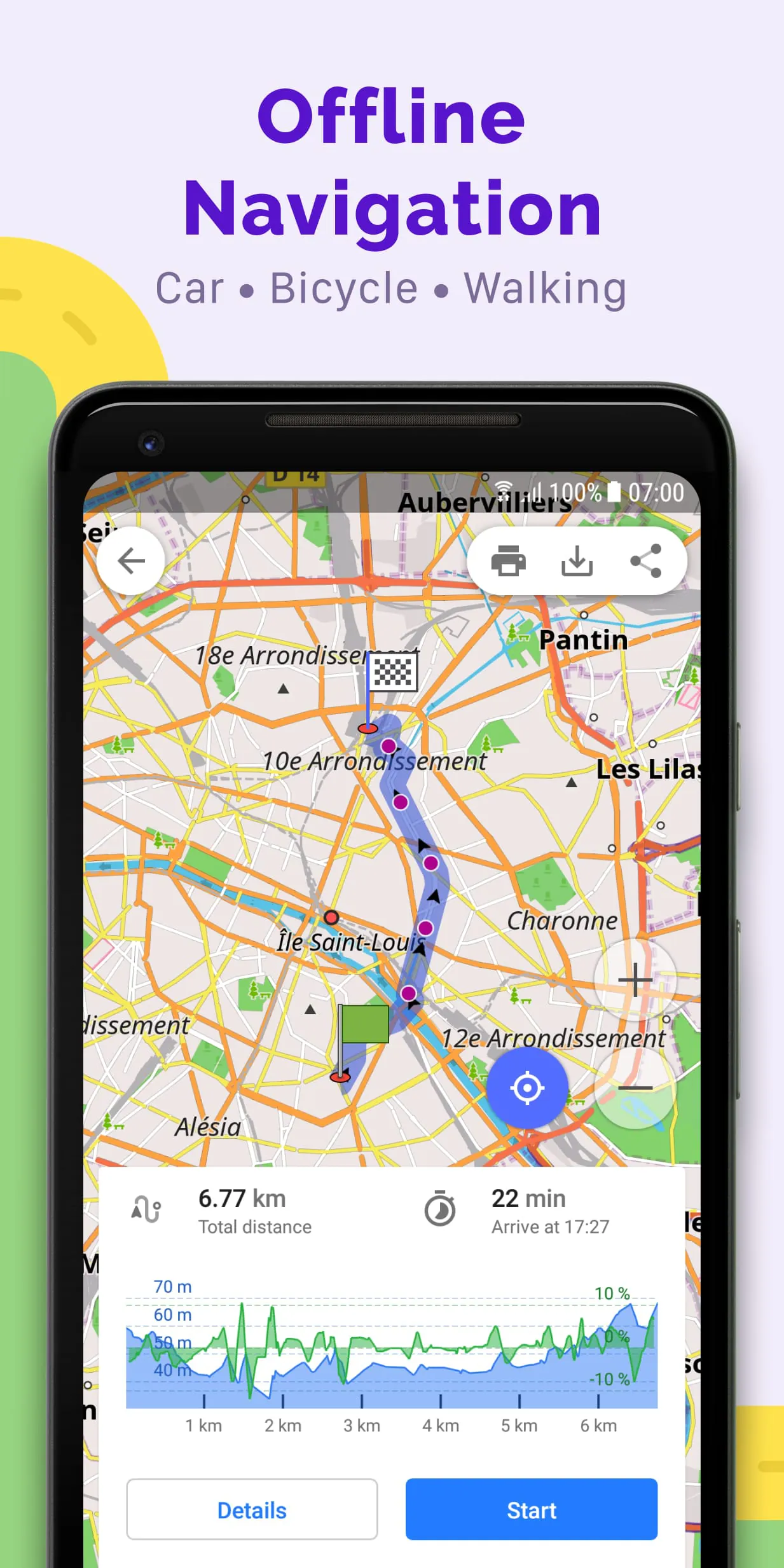
In terms of navigation, OsmAnd excels with its GPS capabilities, allowing users to plot routes without needing an internet connection. The app supports customizable navigation profiles for various vehicles, including cars, motorcycles, bicycles, and even public transport. Users can modify their routes by excluding certain roads or surfaces, ensuring a tailored navigation experience. Additionally, OsmAnd provides customizable information widgets that display essential route details such as distance, speed, and estimated travel time. The route planning feature allows users to create routes point by point, utilizing one or multiple navigation profiles, and the ability to record GPX tracks adds a layer of functionality for those who wish to track their journeys. Users can also manage GPX tracks by displaying their own or imported tracks on the map, providing visual data about their routes, including ascents and descents. The app's integration with OpenStreetMap allows users to contribute by making edits and updates, ensuring that the maps remain current and accurate. Furthermore, OsmAnd includes additional features such as a compass, radius ruler, and a night theme, enhancing its usability for a diverse user base.
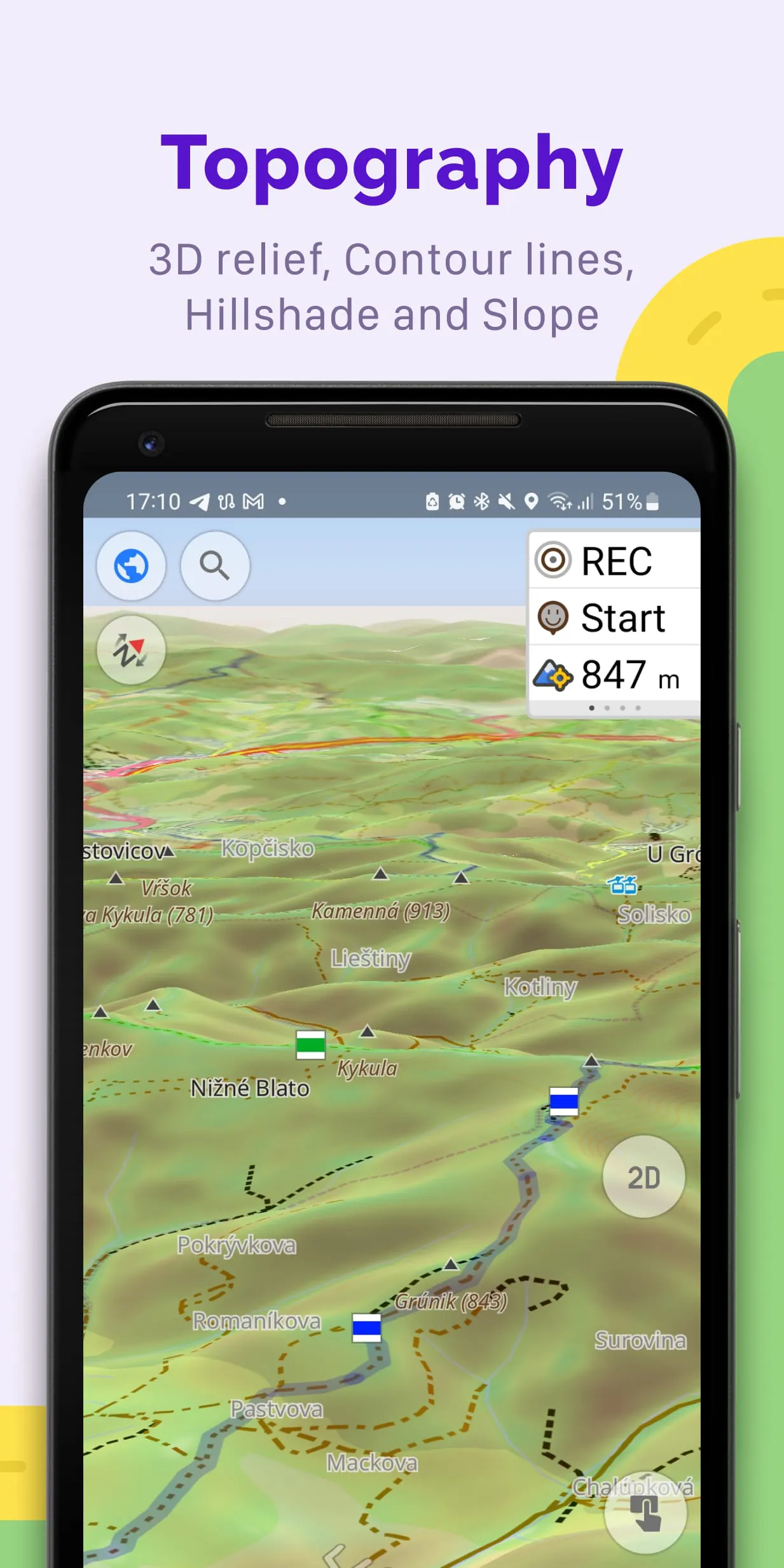
OsmAnd is a versatile navigation application that offers a range of features designed to enhance the user experience for both outdoor enthusiasts and everyday travelers. One of the standout features of OsmAnd is its support for Android Auto, which allows users to seamlessly integrate the app with their vehicle's infotainment system. This integration provides a safer and more convenient way to access navigation and mapping services while driving. Additionally, OsmAnd allows for unlimited map downloads, enabling users to store extensive geographical data on their devices for offline use. This is particularly beneficial for those who venture into remote areas where internet connectivity may be limited or non-existent. The app also includes topographical data, which features contour lines and terrain information, making it an excellent choice for hikers, bikers, and outdoor adventurers who need detailed maps to navigate challenging landscapes. Furthermore, OsmAnd provides nautical depths, which is essential for boaters and maritime enthusiasts who require accurate information about water depths to ensure safe navigation.
In addition to its mapping capabilities, OsmAnd offers a wealth of offline resources, including Wikipedia and Wikivoyage travel guides. This feature allows users to access a vast amount of information about various locations without needing an internet connection, making it easier to learn about points of interest, historical sites, and local culture while traveling. The offline Wikipedia feature is particularly useful for travelers who want to enrich their journey with knowledge about the places they visit, while the offline Wikivoyage guides provide curated travel information that can help users plan their itineraries and discover hidden gems. The combination of these offline resources with the app's robust mapping features makes OsmAnd a comprehensive tool for anyone looking to explore new areas, whether for leisure or adventure.
For users who opt for the OsmAnd Pro subscription, additional features enhance the app's functionality even further. The OsmAnd Cloud service allows for backup and restore options, ensuring that users can keep their data safe and easily recover it if needed. The app is cross-platform, meaning it can be used on various devices, which is convenient for users who switch between smartphones and tablets. OsmAnd Pro also includes hourly map updates, ensuring that users have access to the most current geographical information. The weather plugin and elevation widget provide real-time weather updates and elevation data, respectively, which can be crucial for planning outdoor activities. Users can also customize route lines to suit their preferences and connect external sensors via ANT+ or Bluetooth for enhanced tracking and navigation capabilities. The online elevation profile feature allows users to visualize the terrain they will encounter on their routes, making it easier to prepare for hikes or bike rides. Overall, OsmAnd and its Pro version offer a comprehensive suite of tools for navigation, exploration, and outdoor activities, catering to a wide range of user needs.