


V16.9.1

- Package Name
- com.parkwhiz.driverApp
- Version Name
- V16.9.1
- Version Code
- V16.9.1
- File Size
- 20.58 MB
- Update time
- 2025-12-23



by ParkWhiz Inc
ParkWhiz, an Arrive Mobility brand, part of the Arrive Network
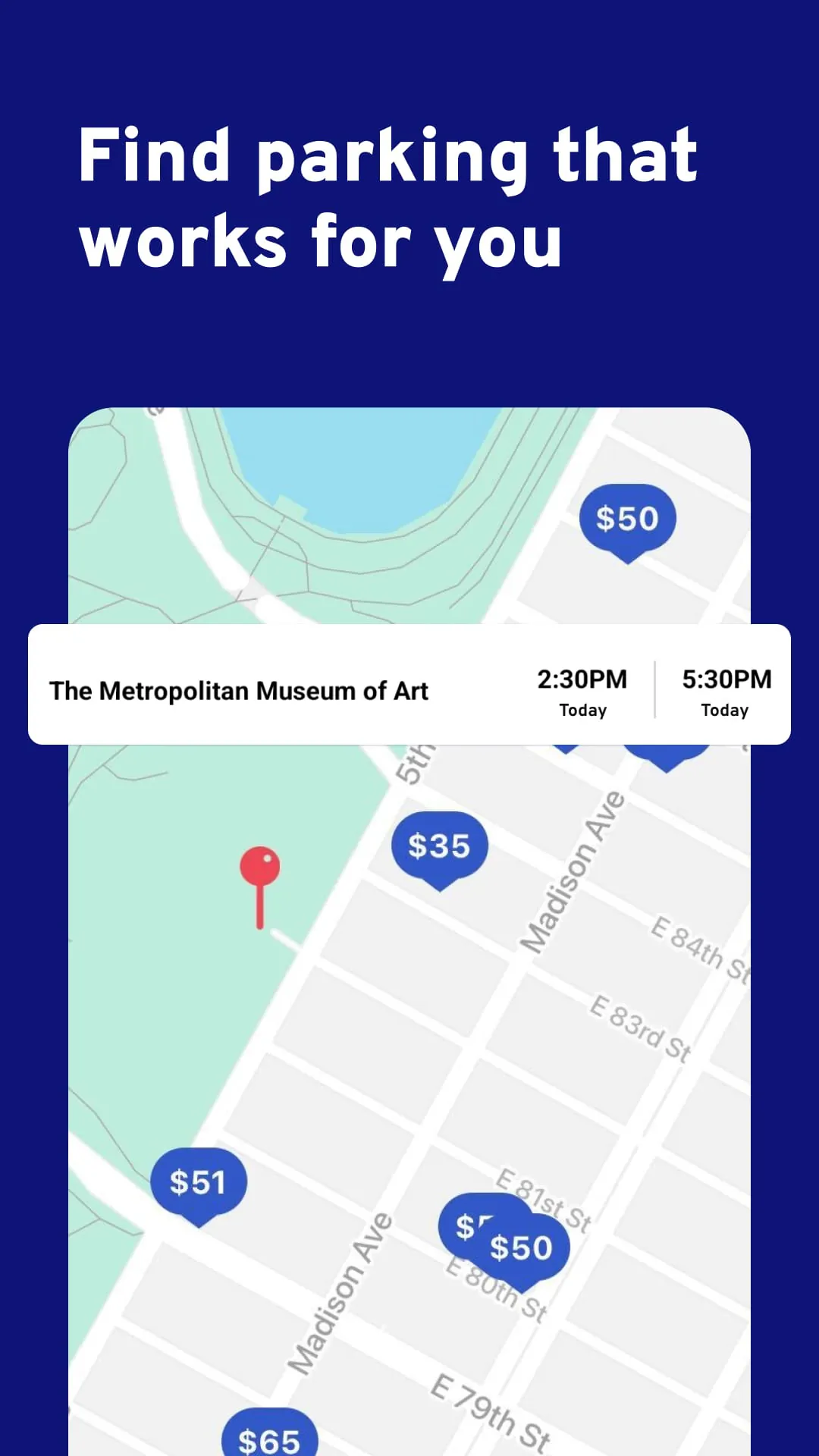
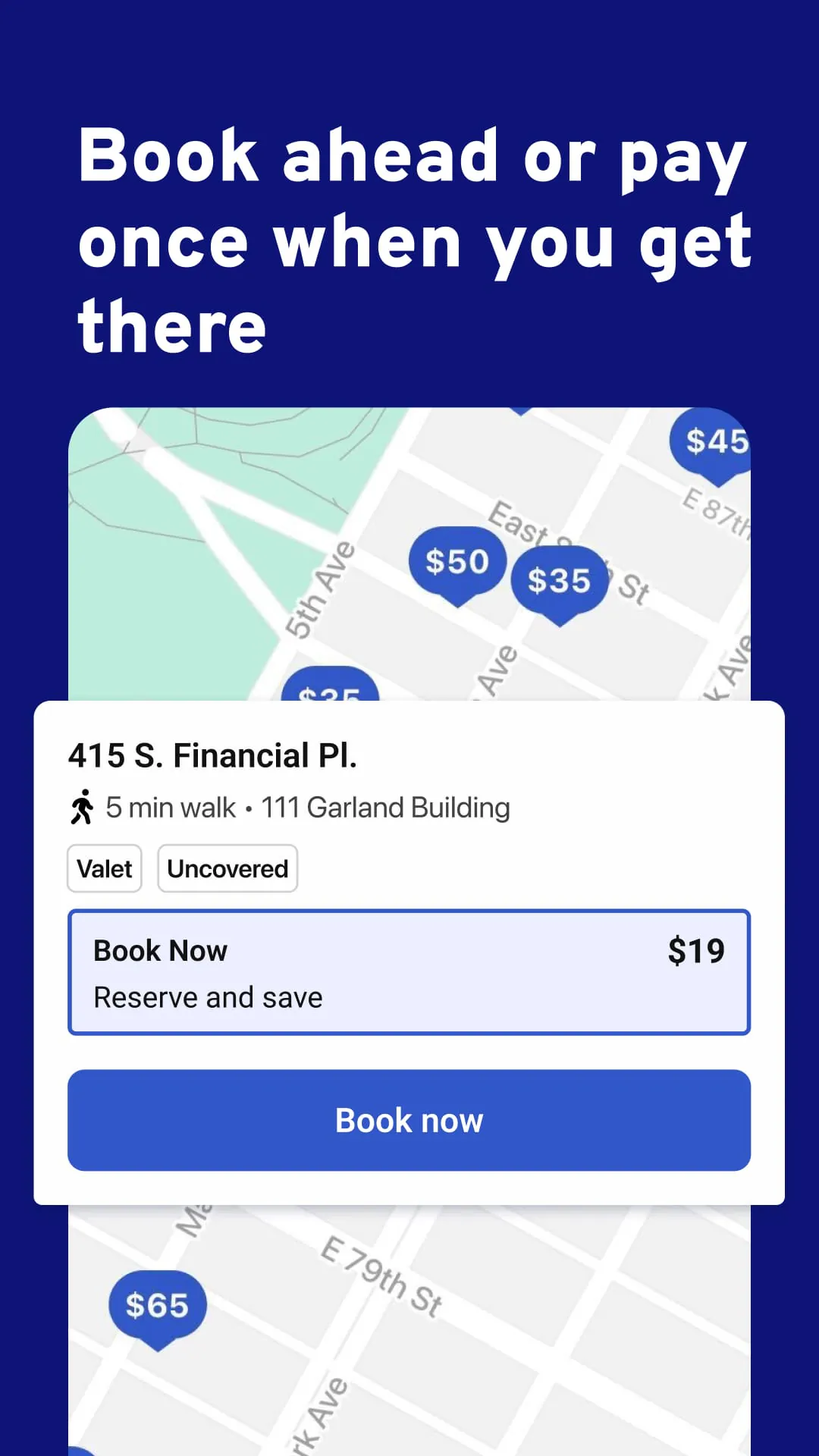
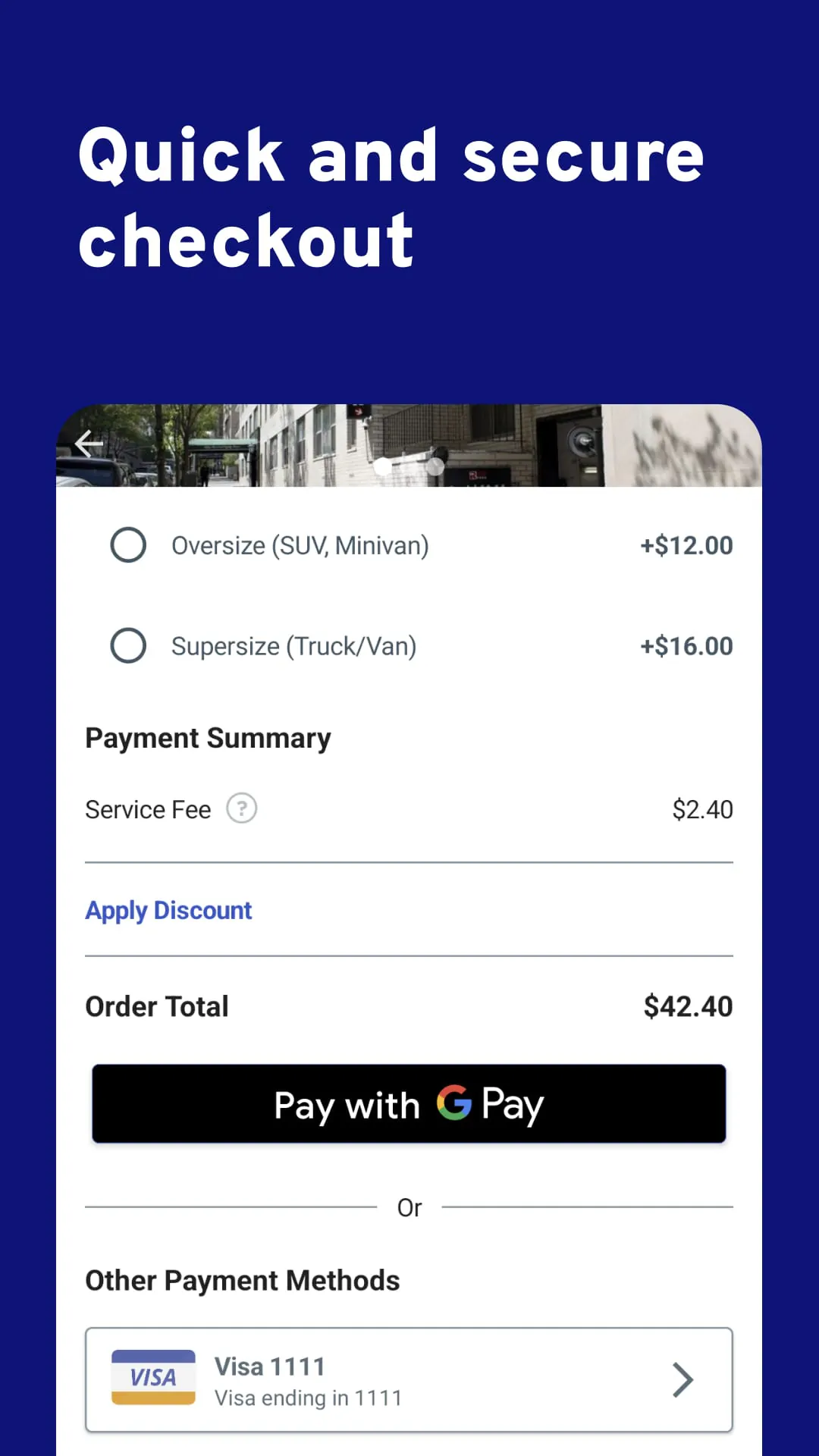
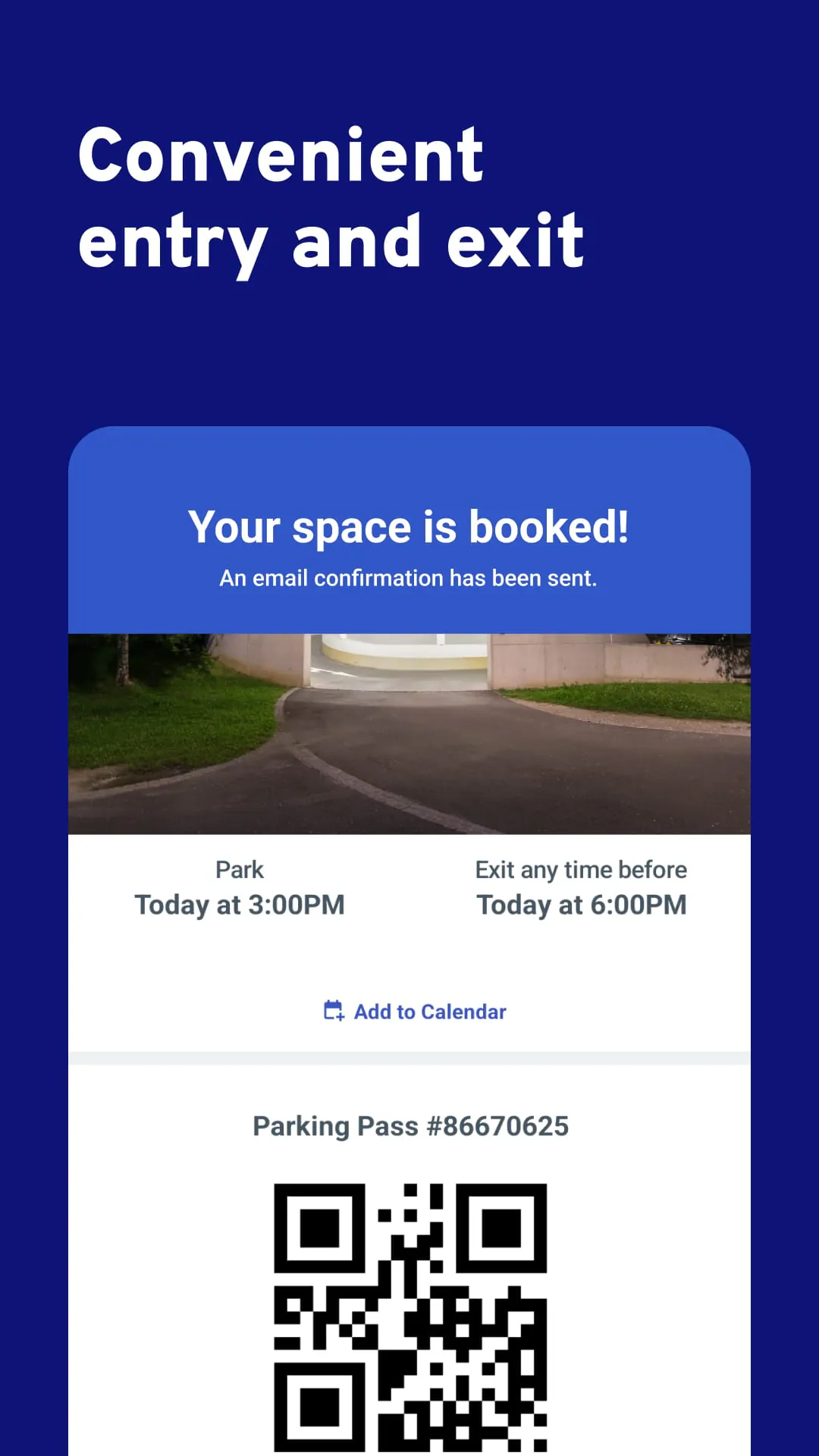
ParkWhiz is a mobile application and online platform designed to help drivers find, compare, and pre-book parking spots in advance, primarily in urban areas across the United States. It aggregates parking availability from garages, lots, and valet services, allowing users to secure a space with a guaranteed rate before they even begin their trip, thereby reducing the time spent circling for parking and often providing cost savings.
The app stands out by offering a streamlined approach to a common urban hassle. Its core functionality revolves around real-time inventory and upfront pricing. Users benefit from detailed filters to find parking that matches their specific needs, such as height clearance, in-and-out privileges, or valet services. Furthermore, ParkWhiz frequently offers discounted "reserved" rates that are often lower than drive-up prices, and the app allows for easy management of bookings and receipts all in one digital wallet.
ParkWhiz provides significant advantages for planners and city visitors.
However, some potential drawbacks exist.
The application performs several key functions to deliver its service. It acts primarily as a search engine and booking agent for off-street parking. Upon opening, users input their destination, date, and times to see a list and map view of all available options. Each listing provides comprehensive details, including the exact address, operating hours, any vehicle size restrictions, and user photos. The app also handles the entire payment process securely and generates a parking pass, which is typically a barcode or QR code stored directly on the user's phone for entry and exit.
Click the button "Check All Versions" below to download and install it. Once the app is installed on your smartphone, you can begin by creating a free account. To book a spot, simply enter your destination address or venue name, then select your intended arrival and departure dates and times. Browse through the filtered results, compare prices and amenities, and select the best option for you. Proceed to secure your spot by entering your payment information; you'll receive a confirmation and a digital parking pass. When you arrive at the location, present the pass on your phone's screen to the attendant or scanner for entry.
Get ParkWhiz from an official store or available APK channel.
ZIP files require a Split APKs Installer (e.g., SAI) from Google Play to install. Steps: 1. Download SAI from Google Play; 2. Open SAI and tap "Install APKs"; 3. Select the ZIP file; 4. Complete installation.
The latest version currently listed by Appspicked is V15.5.2, with information updated on May 14, 2026. Versions may vary by device, region, or rollout schedule, so users should also check Google Play / App Store or announcements from ParkWhiz Inc.
No website can guarantee that an app is completely risk-free. Appspicked recommends downloading ParkWhiz only from an official app store or a verified channel operated by ParkWhiz Inc. Before installing, confirm the developer name, package ID com.parkwhiz.driverApp, requested permissions, privacy policy, and download source.
ParkWhiz may be unavailable because of regional restrictions, device incompatibility, account or age settings, a temporary removal, a name change, or because it has not been released for that platform. An Android package page does not necessarily mean that an iOS App Store version exists. Check ParkWhiz Inc’s official website for current availability.
Use Google Play / App Store or another official download channel provided by ParkWhiz Inc whenever possible. Appspicked provides app information and store links, but users should verify the destination domain and publisher before downloading or updating the app.
The information on Appspicked may represent the most recently indexed snapshot. App stores sometimes release updates gradually or display different versions according to region, device, operating system, or testing group. The official store listing should be treated as the final reference.
ParkWhiz is listed for Android / iOS, with a reported minimum requirement of Not specified. Actual compatibility may also depend on the device model, region, available storage, hardware features, and installed system components.
The initial download may be free, but subscriptions, advertising, paid features, or in-app purchases may still apply. Prices and available purchases can vary by country and version. Check the payment information displayed by Google Play / App Store before completing a transaction.
Check the network connection, storage space, operating-system version, account region, and device compatibility. Restart the device and try again through the official store. If the problem continues, consult the support resources provided by ParkWhiz Inc.









