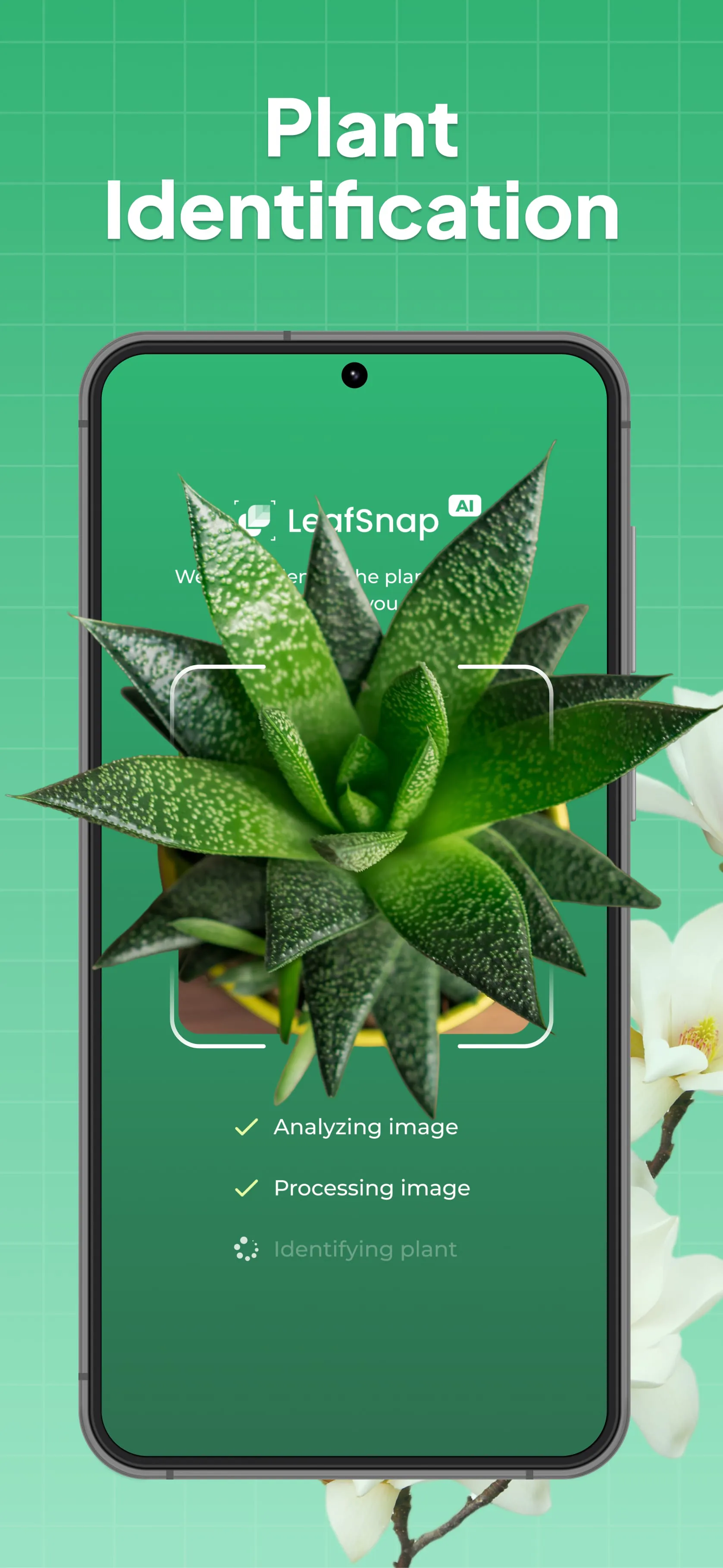
LeafSnap Plant Identification is a powerful mobile application designed to help users instantly recognize a vast variety of plants, flowers, trees, mushrooms, and even insects using just a simple photograph. Leveraging advanced artificial intelligence and a massive database containing over 400,000 plant species, the app delivers highly accurate identification results—often up to 98%—within seconds, making it an essential digital tool for gardeners, hikers, students, and anyone curious about the natural world around them. Whether you stumble upon a mysterious wildflower during a hike, need to diagnose a sick houseplant, or simply want to learn the name of a tree in your backyard, LeafSnap acts as a personal botanist right in your pocket, eliminating the need to sift through heavy field guides or browse endless web pages for answers.
Key Features
- Instant Plant, Flower, Tree, and Mushroom Identification: Simply snap a photo or upload one from your gallery to get immediate species information.
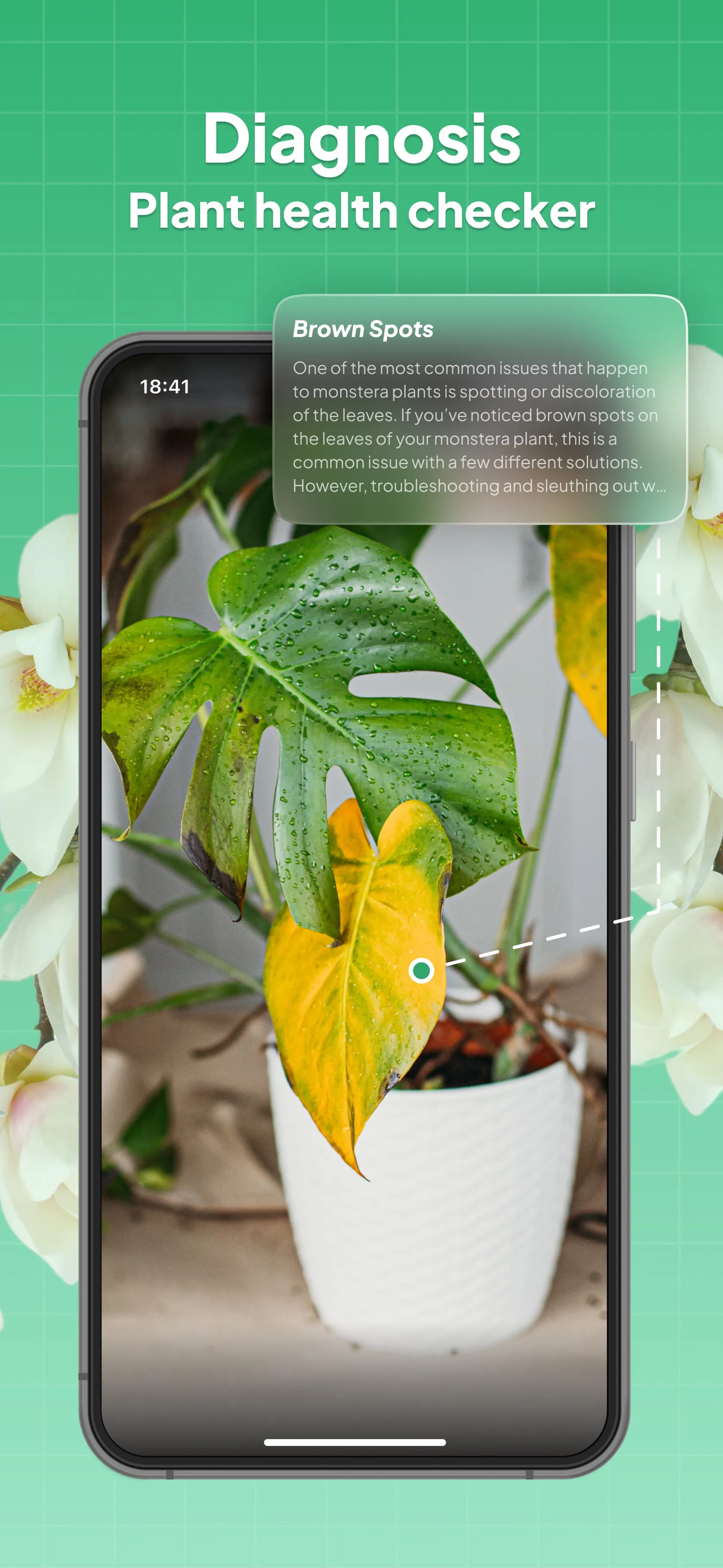
- Plant Disease Diagnosis & Cure: Detects common plant illnesses, nutrient deficiencies, and pests from a photo and provides actionable treatment advice.
- Smart Care Reminders: Set customizable alerts for watering, fertilizing, pruning, repotting, and other routine plant care tasks.
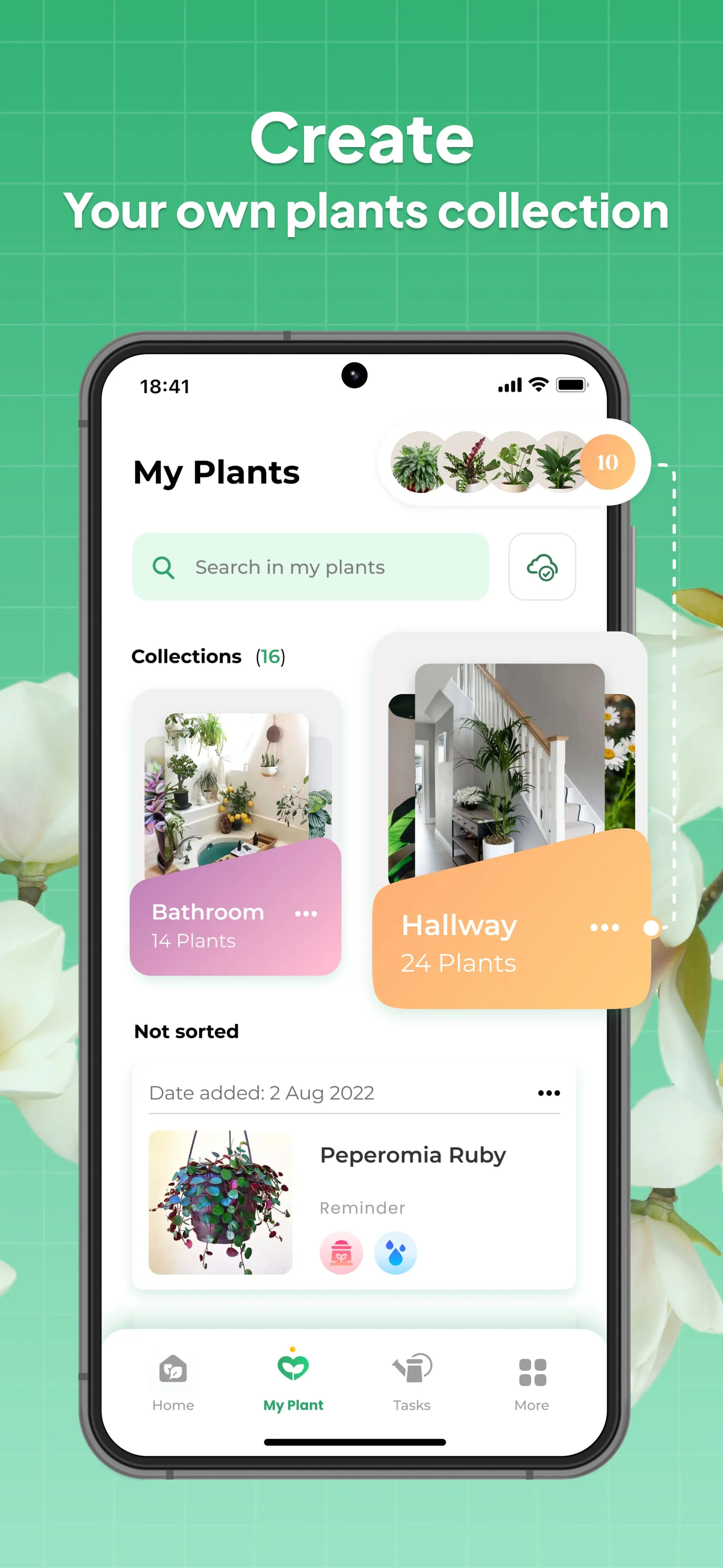
- Personal Plant Journal: Keep track of your plant collection, log growth progress with photos, and maintain a diary of your gardening journey.
- Water Calculator & Care Calendar: Helps you determine the optimal amount of water for your plants and organizes your gardening schedule.
- Expanded Identification Scope: Beyond plants, it can identify mushrooms (with safety warnings), insects, and weeds.
- Unlimited Free Scans: Offers free and unlimited plant identification snaps without strict daily limits.
Pros & Cons
- Pros:
- Extremely high identification accuracy and a massive, constantly updated species database.
- User-friendly interface that is intuitive for beginners yet detailed enough for enthusiasts.
- Multi-functional, combining identification with practical plant care management tools like reminders and journals.
- Free to use for basic identification features with no strict daily scan caps.
- Cons:
- Requires an active internet connection to process images and retrieve data, limiting use in remote offline areas.
- Some advanced features, such as detailed care guides without ads, are locked behind a premium subscription paywall.
- Occasional misidentification can occur with very rare species, plants that have withered, or images taken in poor lighting.
- Like many free apps, advertisements can be somewhat intrusive unless the premium version is purchased.
Functions
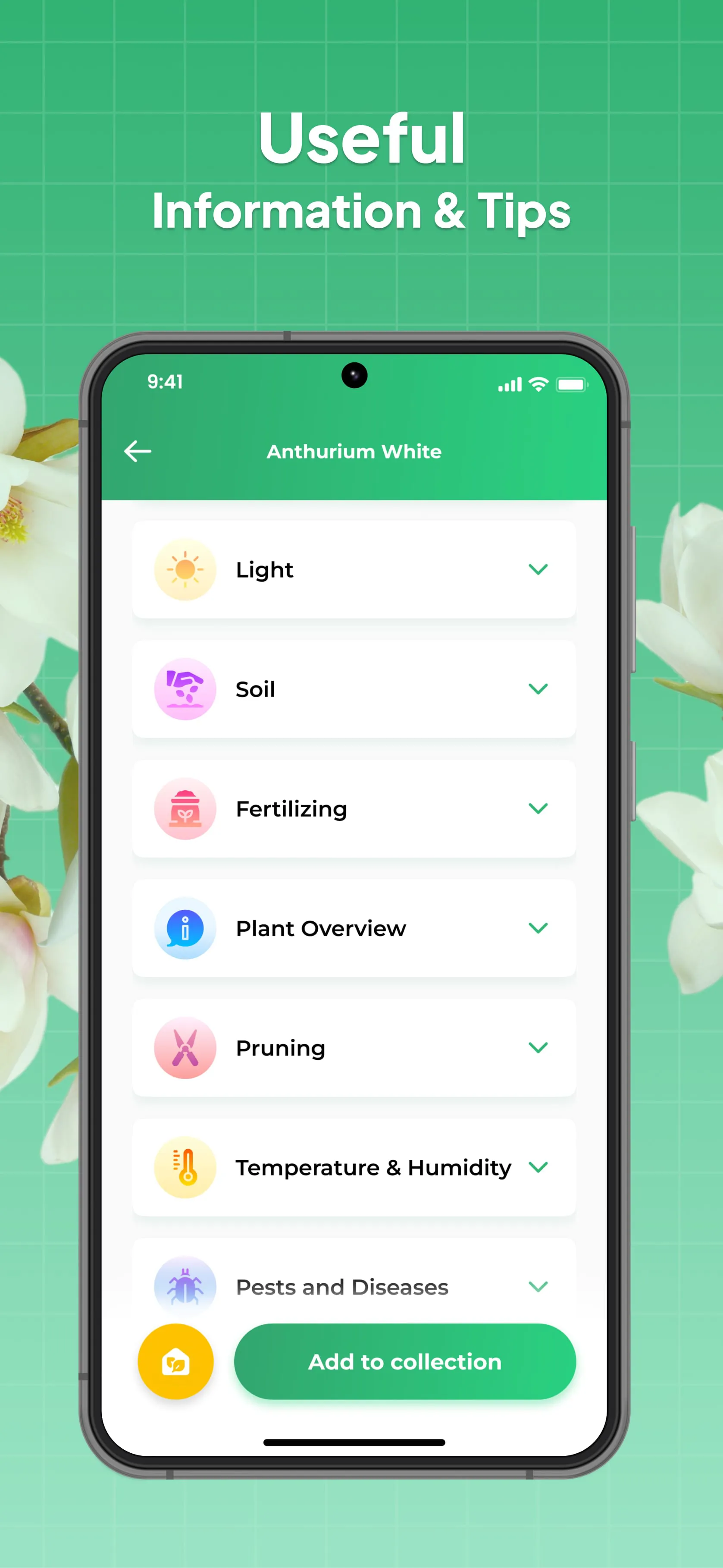
The core function of LeafSnap is its AI-driven image recognition engine, which analyzes the visual characteristics of a plant—such as leaf shape, flower structure, bark texture, or fruit appearance—and matches them against its extensive botanical database to provide the scientific name, common name, and origin. Beyond simple identification, the app functions as a comprehensive plant care assistant; it diagnoses unhealthy plants by analyzing spots, discoloration, or wilting patterns in photos and suggests cures. It also serves as an organizational tool, allowing users to build a digital "My Collection" library where they can store identified plants, set up a care calendar with automated reminders (e.g., "Water the Monstera today"), and track the growth timeline of their plants through a photo journal. Additionally, the app includes specialized modules for identifying non-plant organisms like mushrooms and insects, often providing safety warnings regarding toxicity for foraged items.
How to Use
Click the button "Check All Versions" below to download and install it. Once installed, open the app and grant necessary permissions for the camera and photo gallery. To identify a plant, tap the camera icon or the "Snap It" button and take a clear, focused photograph of the plant's key feature (such as a leaf, flower, or bark); alternatively, you can upload an existing image from your phone's gallery. Ensure the subject fills a good portion of the frame with decent lighting for the best accuracy. After capturing the image, the AI will process it for a few seconds and display the identification results, including the plant's name and detailed information. If you wish to keep track of it, simply tap the save or "Add to My Collection" button. To utilize the care features, navigate to the identified plant's profile to set up watering schedules, log journal entries, or run a health diagnosis if the plant appears sick.





 APK
APK  Google Play
  iOS
iOS  4.20
4.20