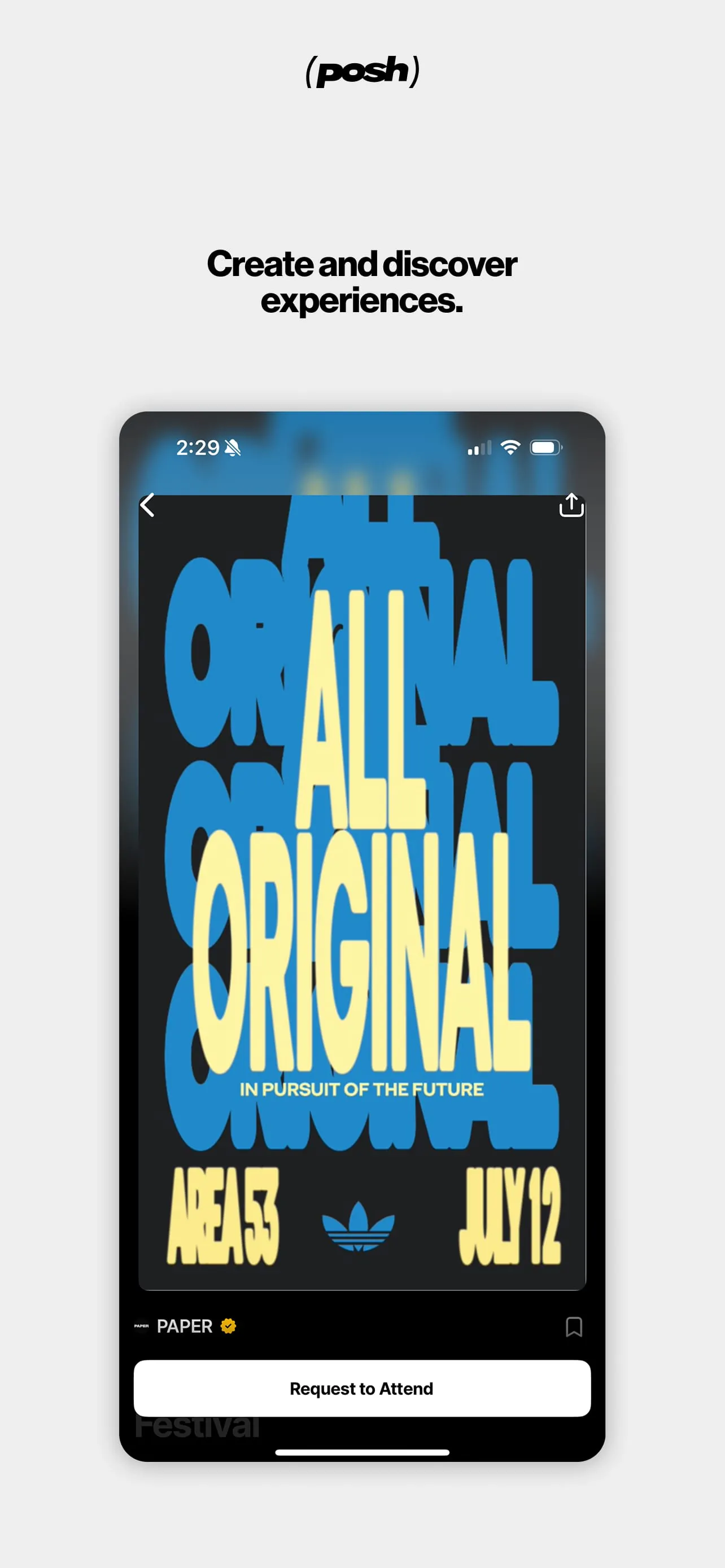
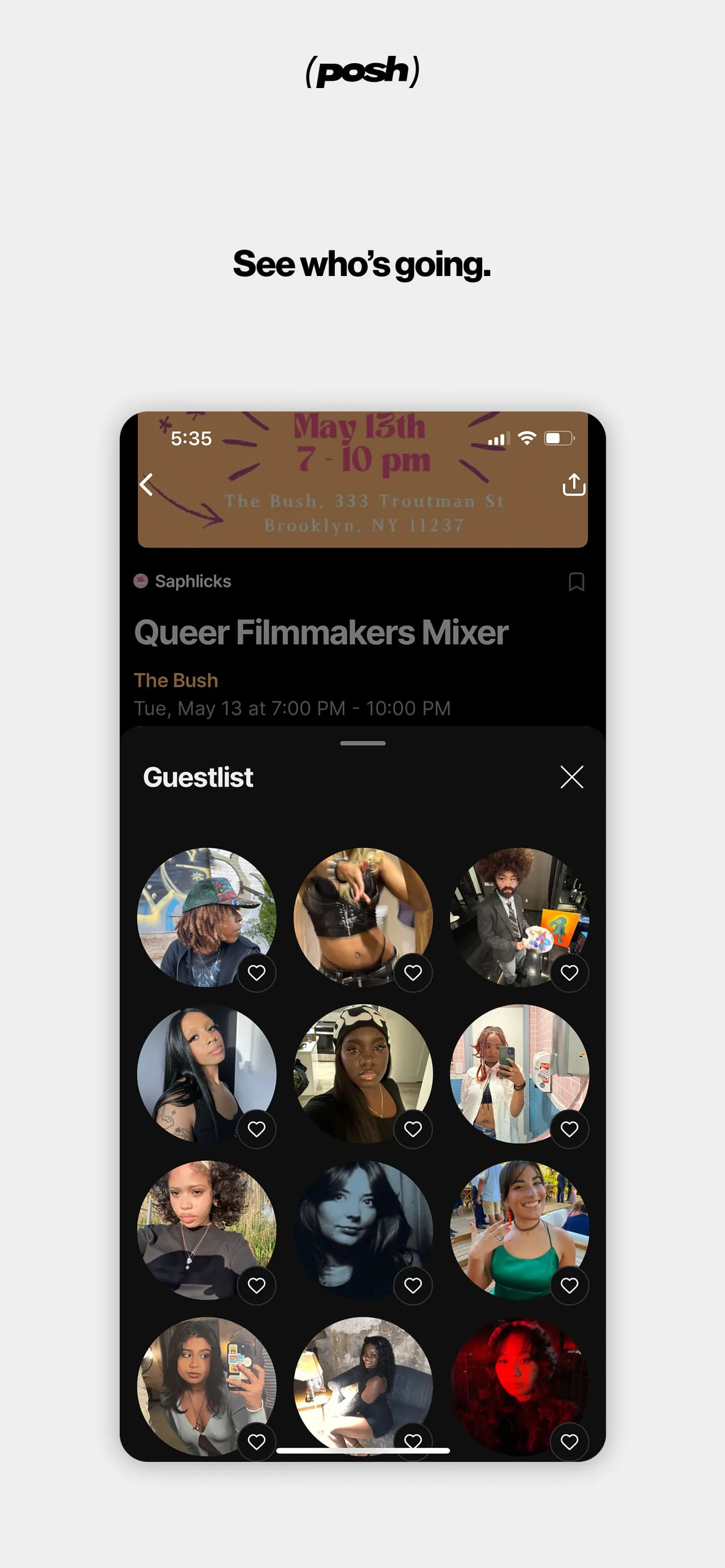
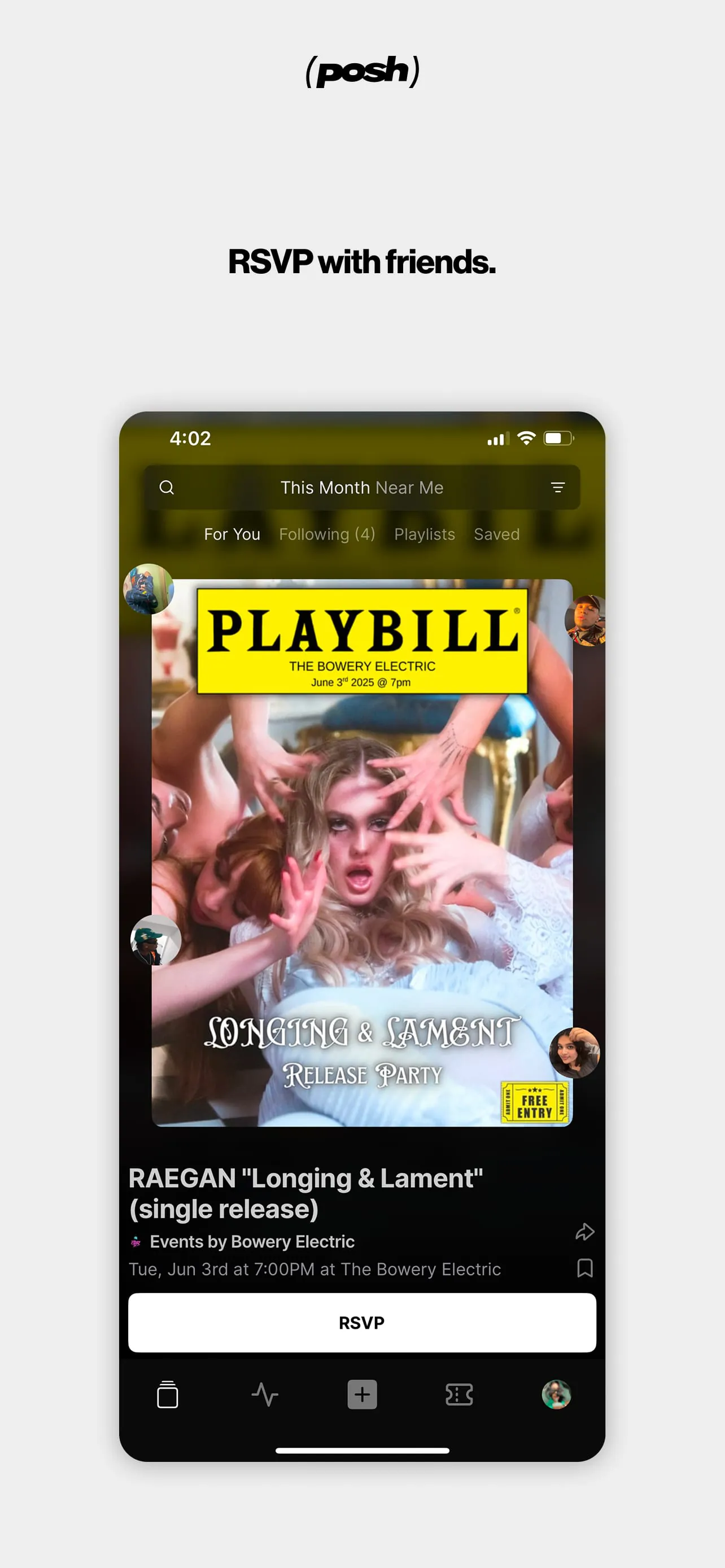
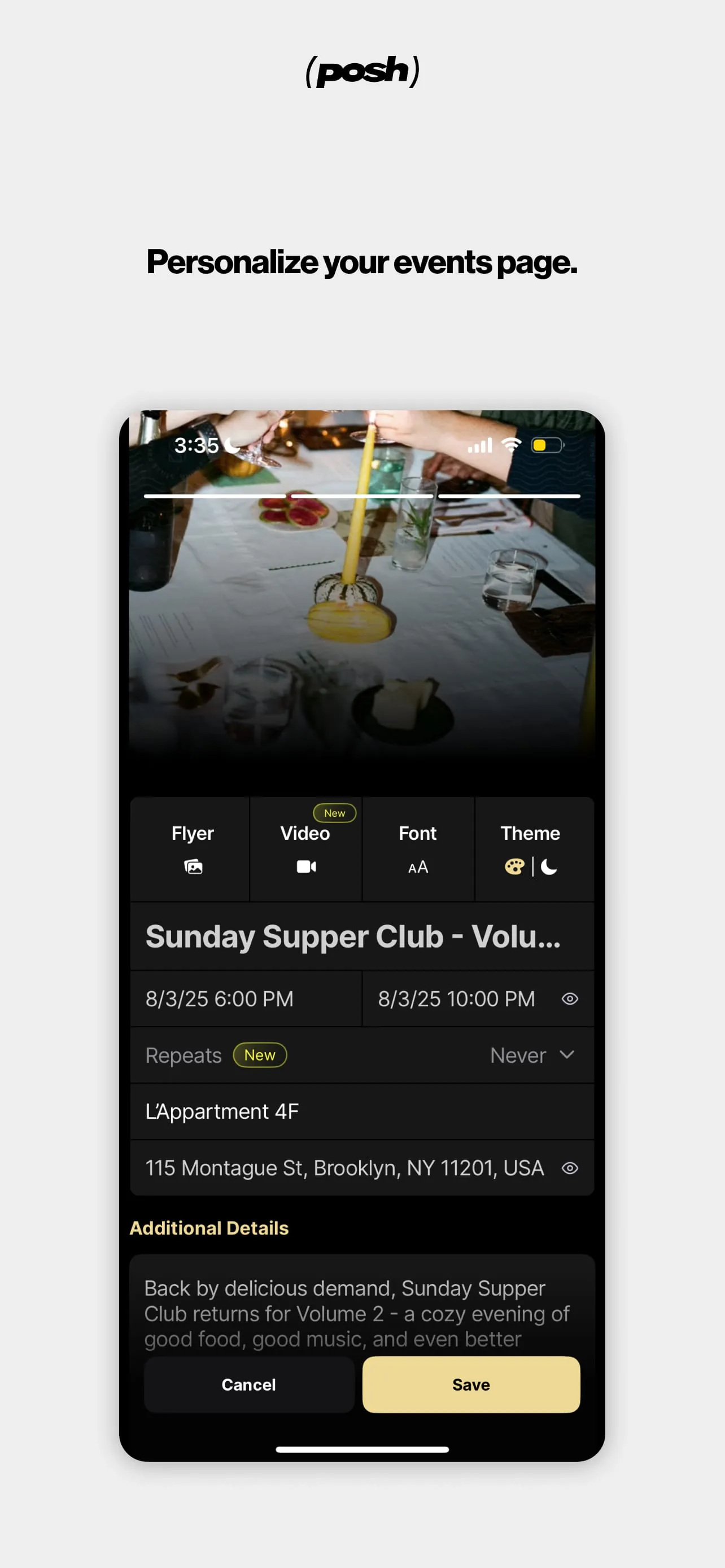
The platform serves as a comprehensive hub connecting a vast ecosystem of over five million event attendees and organizers, streamlining the process of discovering, creating, and managing live events. It emphasizes an immersive and user-friendly experience, enabling users to effortlessly find local events and experiences. The platform enhances event discovery through its audiovisual interface, offering insights into event atmospheres by highlighting performers and attendees, thereby enabling potential attendees to gauge the event's suitability. The streamlined process for purchasing tickets, RSVPing, and sharing events with friends underscores the platform's commitment to user convenience and social engagement. Moreover, it facilitates easy access to tickets upon arrival, simplifying the entry process. The platform's event creation and management tools allow organizers to design visually appealing event pages with customizable elements like color schemes, imagery, and music. This level of customization allows for the creation of unique and engaging event brands. By providing options to set permissions, create diverse ticket types, and restrict event access to approved guests, the platform ensures event security and exclusivity. The availability of ticketing and CRM tools empowers organizers to kickstart their careers in event management, providing them with essential resources to manage and promote their events. The inclusion of tracking links enables event organizers to gain valuable insights into their marketing efforts, allowing them to attribute orders to specific affiliates, thereby refining their marketing strategies. Seamless door management is achieved through easy ticket scanning functionality, simplifying the attendee check-in process. Furthermore, the platform facilitates efficient financial management by providing secure and timely payouts to organizers' accounts. This comprehensive suite of features makes the platform an indispensable tool for anyone involved in organizing or attending live events, creating a vibrant and interconnected community centered around shared experiences. The emphasis on user experience, combined with robust management and marketing capabilities, sets this platform apart as a leader in the event technology space, fostering growth and innovation within the live events industry. By continuing to evolve and adapt to the changing needs of its users, the platform is poised to remain at the forefront of event discovery and management for years to come, connecting people through shared experiences and supporting the creators who bring these experiences to life.
The platform's multifaceted functionality extends beyond simple event listing and ticketing, incorporating features designed to enhance both the attendee and organizer experiences. For eventgoers, the platform presents a curated selection of local events, accessible through an immersive audiovisual interface. This approach moves beyond traditional text-based listings, providing a more engaging and informative method of discovering nearby happenings. The ability to see who is performing and who plans to attend offers valuable social context, helping potential attendees determine if an event aligns with their interests and social circles. The simplified process of purchasing tickets, RSVPing, and sharing events is crucial in today's fast-paced environment, enabling users to quickly commit to events and invite friends, thereby fostering a sense of community and shared experience. Immediate access to tickets upon arrival streamlines the entry process, eliminating common frustrations associated with traditional ticketing systems. For event organizers, the platform provides a robust suite of tools designed to simplify and enhance event management. The ability to create visually appealing event pages in seconds, with customizable elements such as color, imagery, and music, allows organizers to create a strong brand identity and attract a wider audience. The platform's permission settings, ticket type options, and guest list features enable organizers to maintain control over event access and create exclusive experiences. By offering ticketing and CRM tools, the platform empowers organizers to effectively manage and promote their events, regardless of their level of experience. Tracking links provide valuable insights into marketing campaign performance, allowing organizers to optimize their strategies and maximize their return on investment. The easy ticket scanning functionality streamlines door management, ensuring a smooth and efficient entry process for attendees. Finally, the platform's financial management tools facilitate secure and timely payouts, providing organizers with peace of mind and allowing them to focus on creating exceptional events. This comprehensive approach to event management, combined with a focus on user experience, positions the platform as a valuable resource for both event attendees and organizers, fostering a thriving ecosystem of live experiences.
The platform distinguishes itself by fostering a dynamic ecosystem centered around live experiences, connecting a diverse community of event attendees and organizers. Its core function revolves around streamlining the discovery and creation of events, offering tools that cater to both sides of the event equation. The platform's commitment to user-friendliness is evident in its audiovisual interface, which enhances event discovery by offering a more immersive and engaging experience compared to traditional event listings. This feature is especially valuable for potential attendees seeking to gauge the atmosphere and suitability of an event before committing. The ability to see who is performing and who is planning to attend provides crucial social context, enabling users to make informed decisions based on their interests and social circles. The platform's streamlined ticketing and RSVP process further enhances user convenience, allowing attendees to quickly secure their spots and invite friends. For event organizers, the platform offers a comprehensive suite of tools designed to simplify and enhance event management. The customizable event page creation feature allows organizers to craft visually appealing and branded event listings, attracting a wider audience and establishing a strong event identity. The platform's permission settings, ticket type options, and guest list features empower organizers to maintain control over event access and create exclusive experiences for their attendees. Furthermore, the platform's CRM and marketing tools provide organizers with the resources they need to effectively promote their events and manage their relationships with attendees. The inclusion of tracking links enables organizers to gain valuable insights into their marketing efforts, allowing them to optimize their strategies and maximize their return on investment. The platform's easy ticket scanning functionality streamlines door management, ensuring a smooth and efficient entry process for attendees. Finally, the platform's financial management tools facilitate secure and timely payouts, providing organizers with peace of mind and allowing them to focus on creating exceptional live experiences. By focusing on both attendee and organizer needs, the platform cultivates a thriving ecosystem where live events can flourish, connecting people through shared experiences and fostering a vibrant community.