




Prank Caller
by Symba Innovations LLC
Scripted prank calls to play hilarious jokes on your friends over the phone
A closer look
Overview
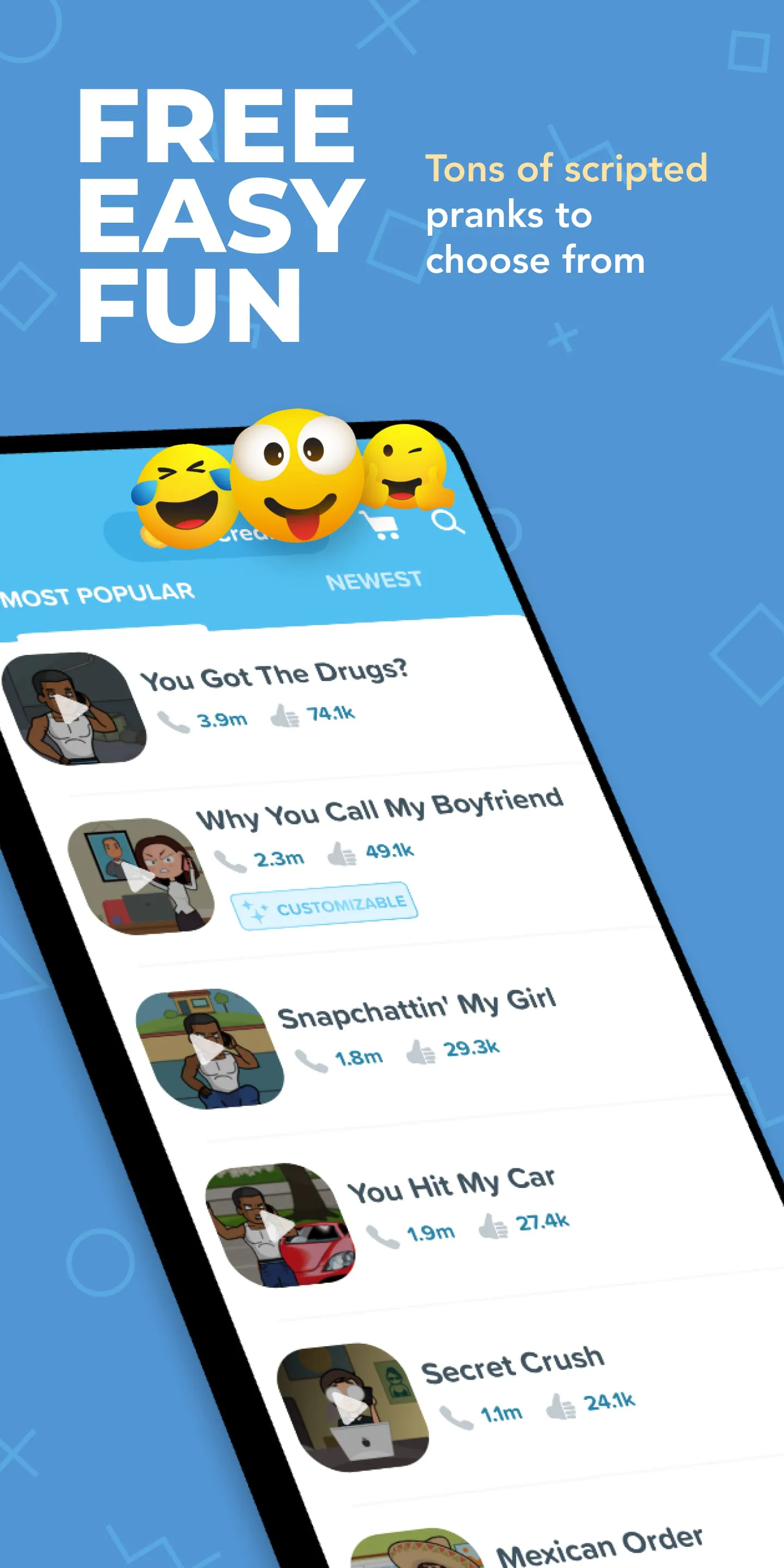
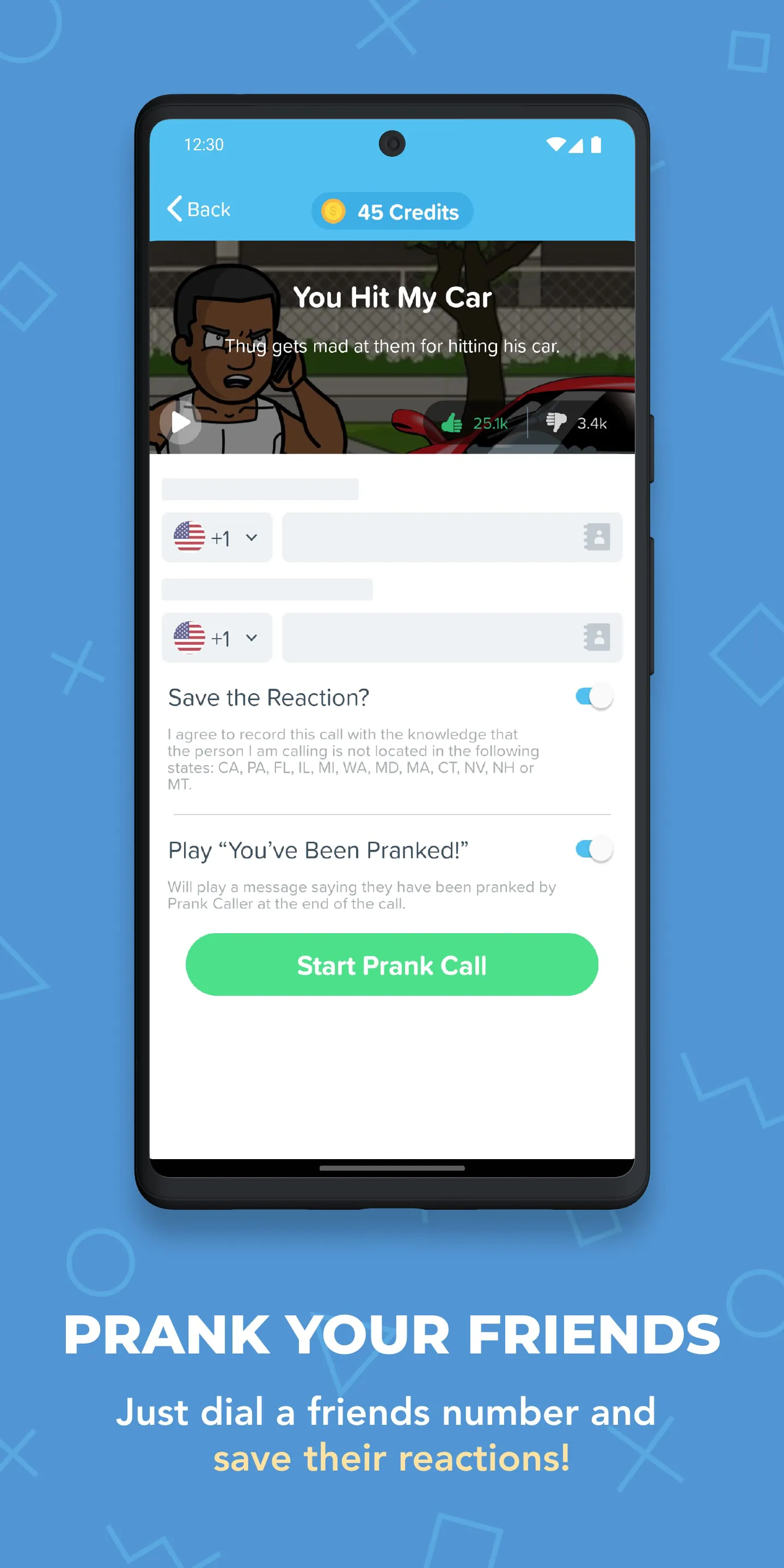
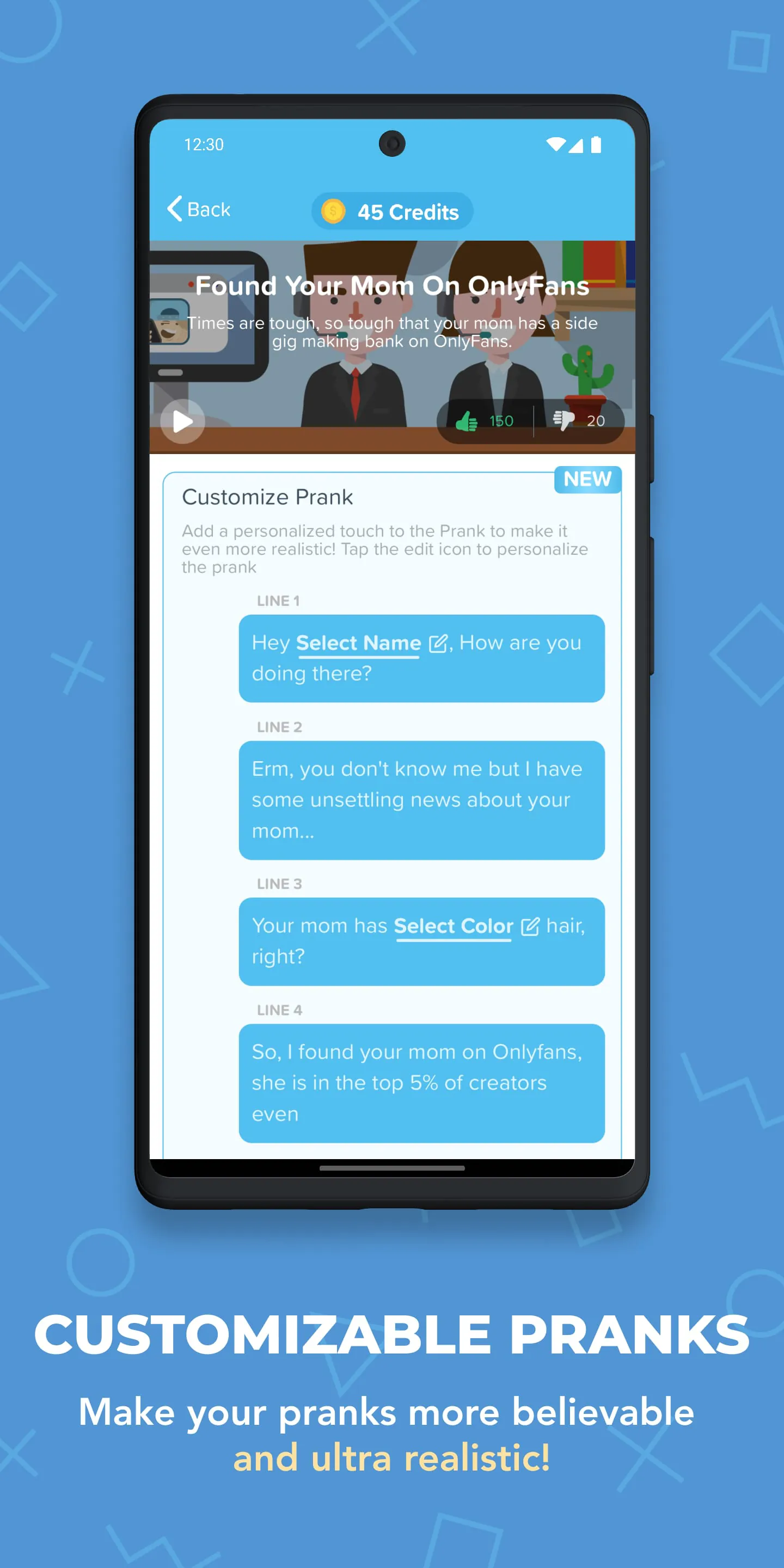
Prank Caller is a lighthearted mobile application designed for entertainment purposes, allowing users to simulate humorous phone conversations with friends, family, or colleagues. It offers a variety of pre-recorded scenarios and customizable voice options that mimic real-life interactions, making each call feel spontaneous and amusing. Whether you want to play a harmless joke or create a funny moment to share, Prank Caller provides an easy way to bring laughter into everyday communication without requiring advanced technical skills.
Key Features
- Wide selection of themed prank call scripts, from pizza deliveries to fake tech support.
- Voice modulation tools to alter pitch, speed, and tone for realistic impersonation.
- Scheduled calling feature to set pranks at specific dates and times.
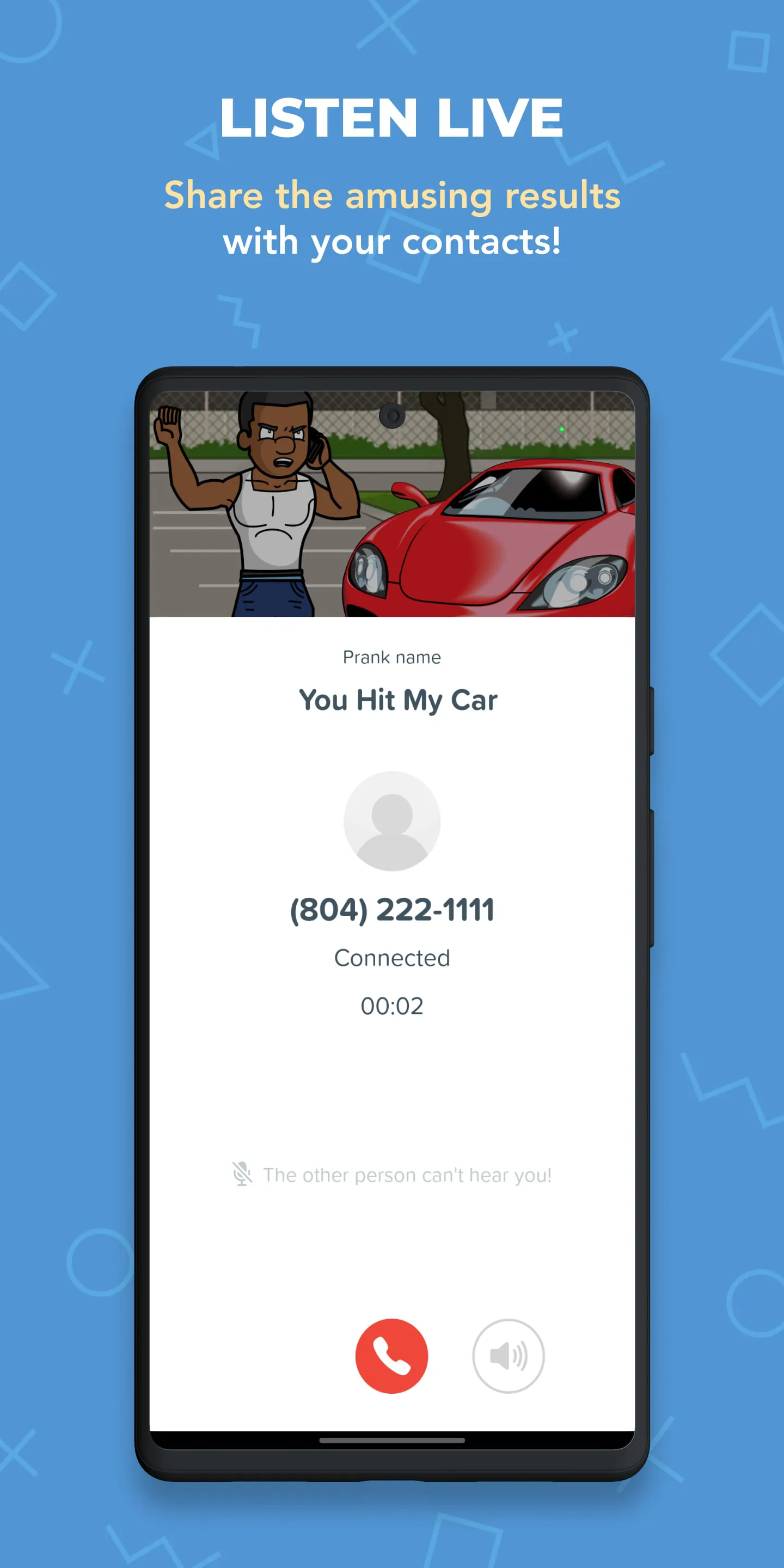
- Recording option to save calls and share them directly on social media.
- Regular updates with new scenarios and voices to keep content fresh.
Pros & Cons
- Pros: Entertaining and creative, easy-to-use interface, wide variety of prank options, ability to record and share moments.
- Cons: May not be suitable for all audiences, potential misuse if used irresponsibly, some features require in-app purchases.
Functions
- Customizable caller ID display to match the prank scenario.
- Real-time voice changing during live calls for dynamic interaction.
- Sound effect library to enhance the realism of conversations.
- Contact integration for quick access to frequent targets.
- Playback editing tools to trim and refine recorded calls.
How to Use
Click the button "Check All Versions" below to download and install it. After installation, open the app and browse through the available prank categories. Select your preferred script and customize the voice settings if desired. You can either initiate the call immediately or schedule it for later. During the call, use the built-in effects to heighten the humor, and once finished, save the recording to your device or share it with friends online. Always ensure you have the recipient’s consent for comedic purposes to keep the experience fun and respectful.
App Download
Get Prank Caller from an official store or available APK channel.
Previous Versions
ZIP files require a Split APKs Installer (e.g., SAI) from Google Play to install. Steps: 1. Download SAI from Google Play; 2. Open SAI and tap "Install APKs"; 3. Select the ZIP file; 4. Complete installation.
Frequently Asked Questions
What is the latest version of Prank Caller?
The latest version currently listed by Appspicked is unavailable, with information updated on May 21, 2026. Versions may vary by device, region, or rollout schedule, so users should also check Google Play or announcements from Symba Innovations LLC.
Is Prank Caller safe to download and use?
No website can guarantee that an app is completely risk-free. Appspicked recommends downloading Prank Caller only from an official app store or a verified channel operated by Symba Innovations LLC. Before installing, confirm the developer name, package ID prank.caller.funny.dial.fake.id.app, requested permissions, privacy policy, and download source.
Why can’t I find Prank Caller in the App Store?
Prank Caller may be unavailable because of regional restrictions, device incompatibility, account or age settings, a temporary removal, a name change, or because it has not been released for that platform. An Android package page does not necessarily mean that an iOS App Store version exists. Check Symba Innovations LLC’s official website for current availability.
Where can I download or update Prank Caller?
Use Google Play or another official download channel provided by Symba Innovations LLC whenever possible. Appspicked provides app information and store links, but users should verify the destination domain and publisher before downloading or updating the app.
Why is the version shown on Appspicked different from the app-store version?
The information on Appspicked may represent the most recently indexed snapshot. App stores sometimes release updates gradually or display different versions according to region, device, operating system, or testing group. The official store listing should be treated as the final reference.
Which devices and operating systems support Prank Caller?
Prank Caller is listed for Android, with a reported minimum requirement of Not specified. Actual compatibility may also depend on the device model, region, available storage, hardware features, and installed system components.
Is Prank Caller free?
The initial download may be free, but subscriptions, advertising, paid features, or in-app purchases may still apply. Prices and available purchases can vary by country and version. Check the payment information displayed by Google Play before completing a transaction.
What should I do if Prank Caller cannot be installed or updated?
Check the network connection, storage space, operating-system version, account region, and device compatibility. Restart the device and try again through the official store. If the problem continues, consult the support resources provided by Symba Innovations LLC.









