




Procore
by Procore Technologies Inc
Construction project management for Android.
A closer look
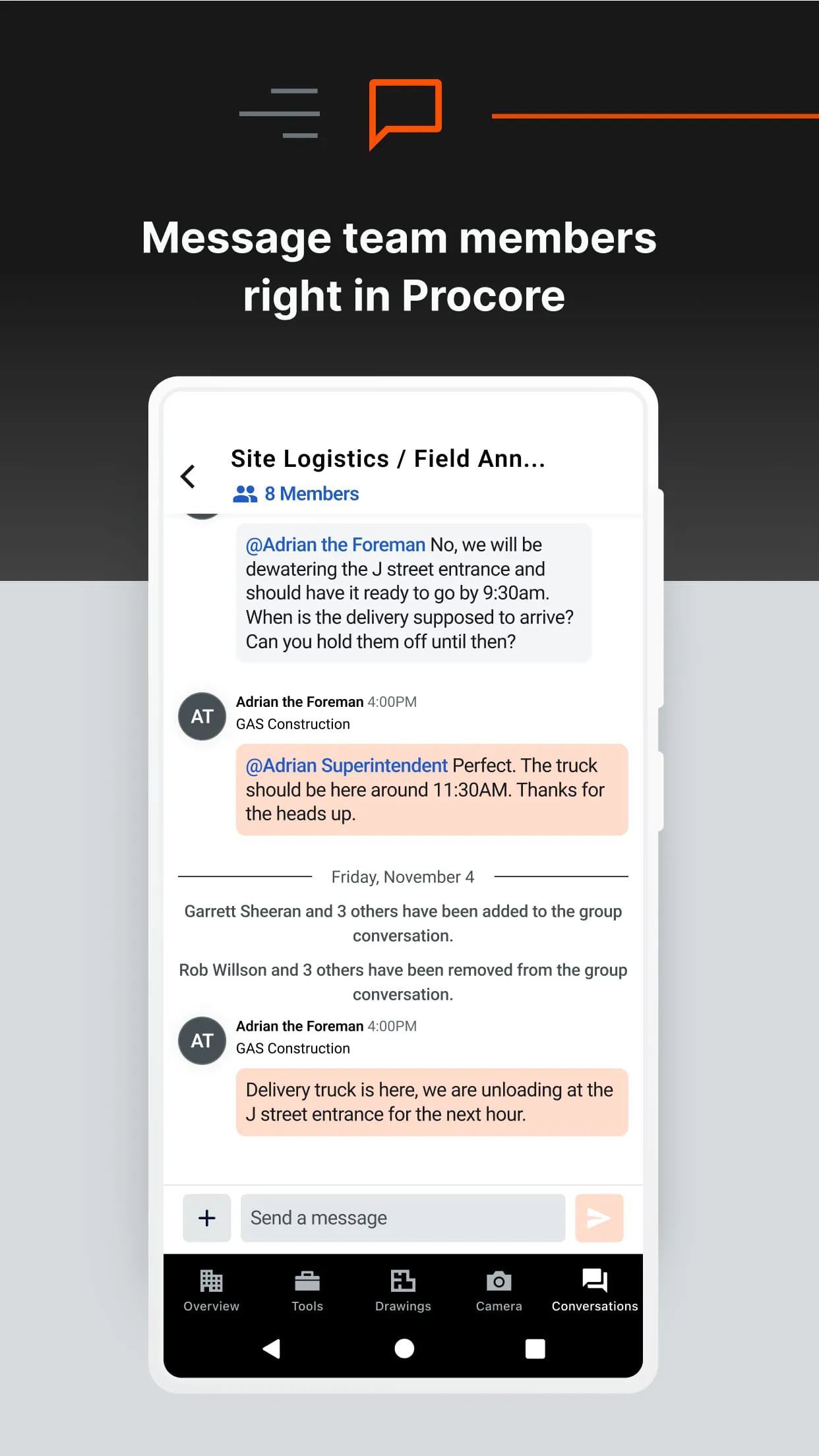
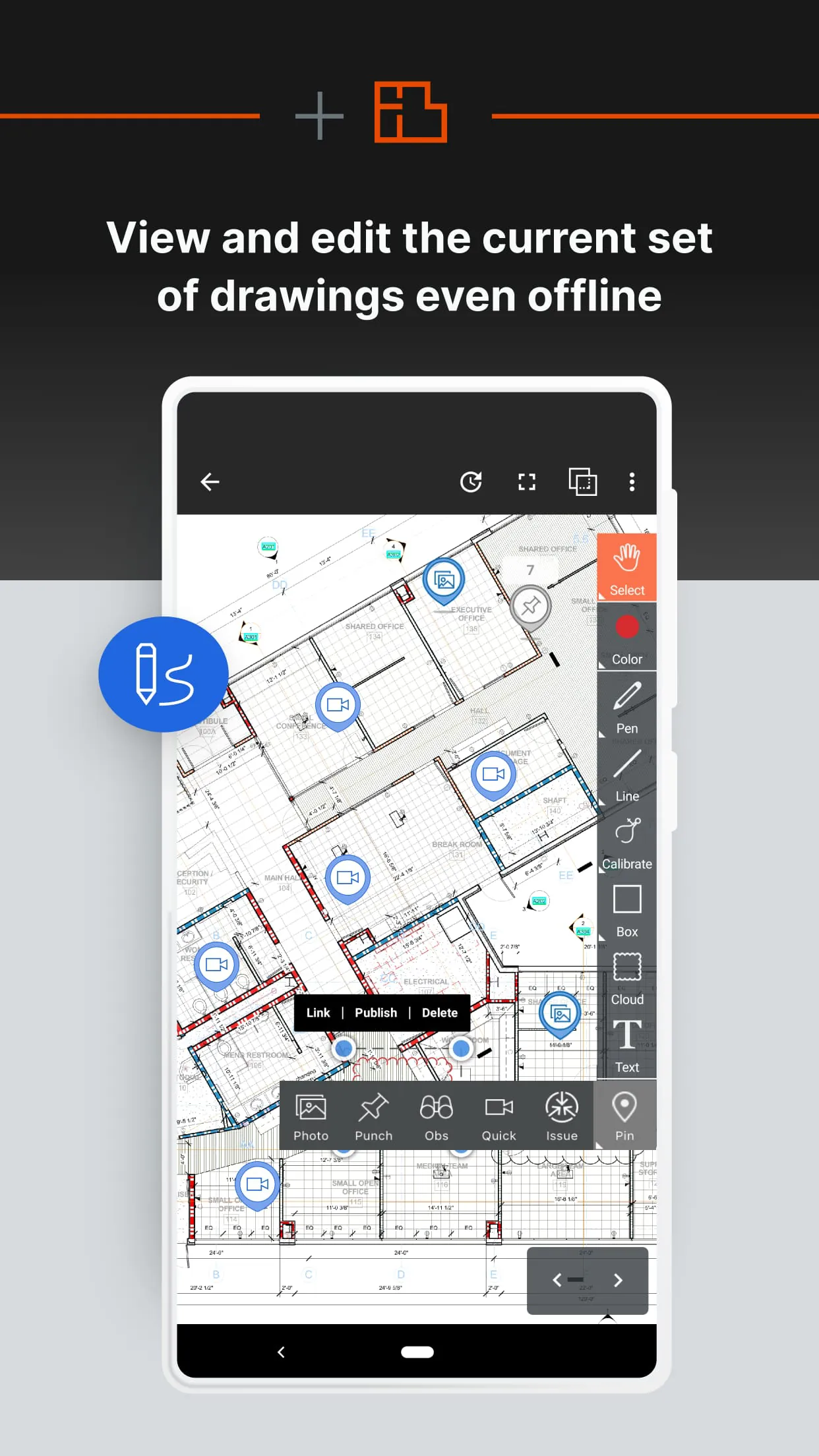
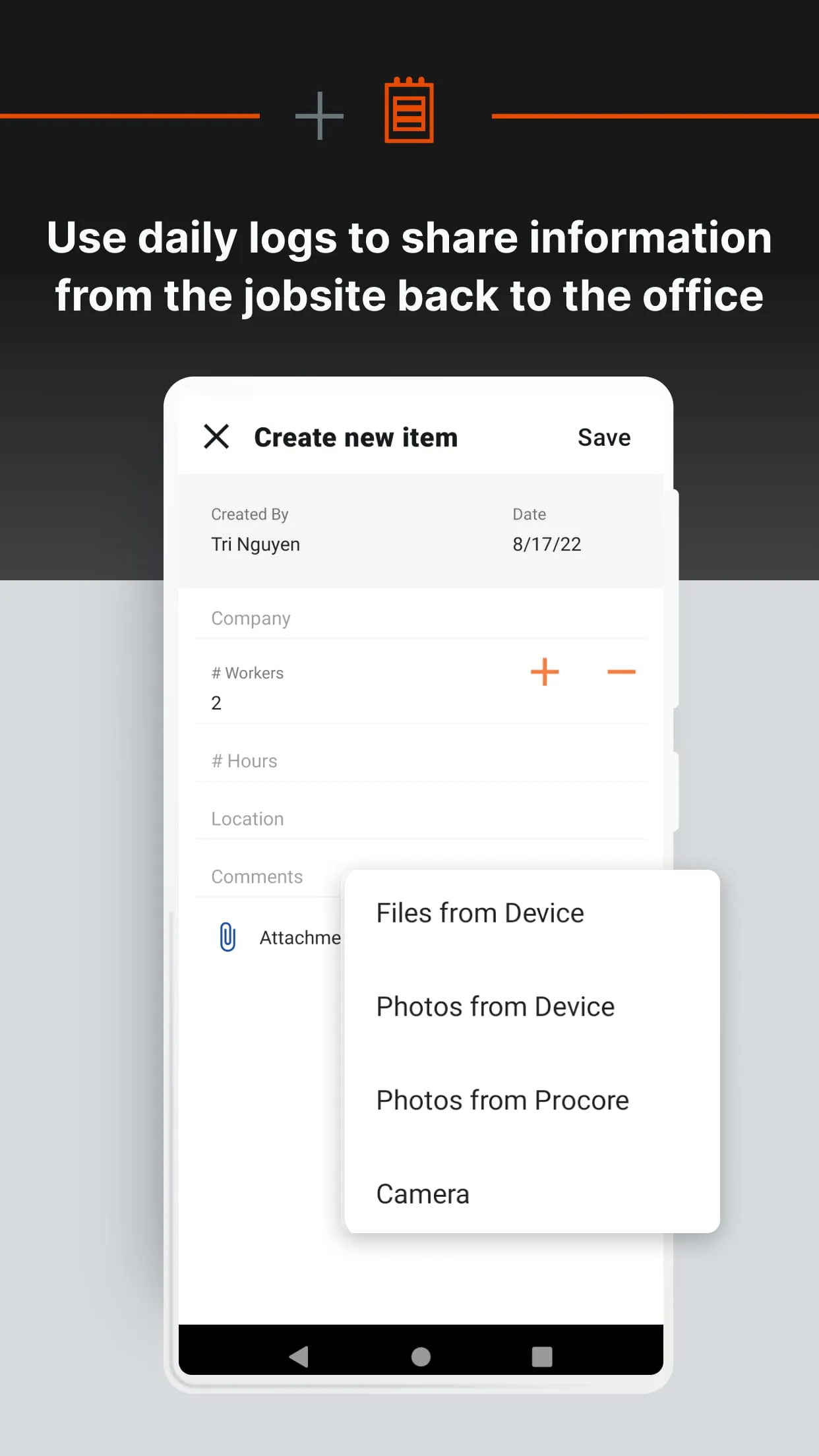
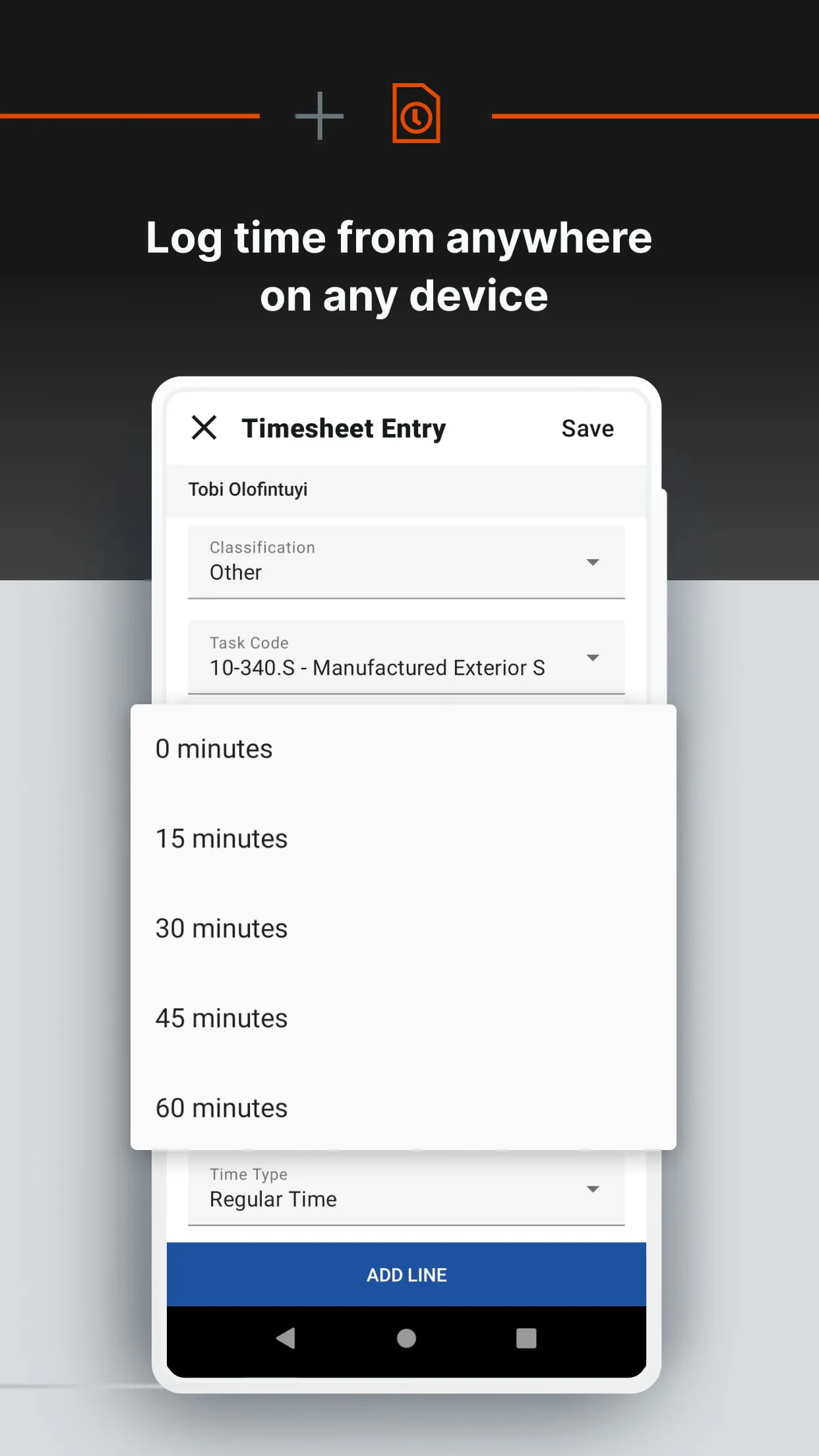
Overview
Procore is a comprehensive construction management software application designed to streamline project coordination, enhance collaboration, and improve efficiency across all phases of construction projects. It serves as a centralized platform where contractors, architects, engineers, and owners can manage documents, schedules, budgets, and communications in real time from any device with internet access.
Key Features
- Project Management – Tools for managing tasks, schedules, RFIs, submittals, and meeting minutes.
- Quality & Safety – Track inspections, safety observations, and compliance requirements.
- Financials – Budget tracking, contract management, change orders, and payment processing.
- Design Coordination – Centralized drawing management with version control and markup tools.
- Field Productivity – Mobile access for field teams to update progress, report issues, and share photos instantly.
Pros & Cons
- Pros:
- Highly intuitive interface with minimal learning curve.
- Robust mobile functionality for on-site teams.
- Strong integration capabilities with other construction software.
- Real-time updates reduce miscommunication and delays.
- Cons:
- Premium pricing may be challenging for smaller contractors.
- Advanced features may require additional training.
- Certain customization options are limited compared to niche solutions.
Functions
Procore functions as an all-in-one hub for construction operations. It enables users to create, assign, and track tasks while maintaining up-to-date documentation accessible to every stakeholder. Financial tools allow precise budget monitoring, cost forecasting, and expense approvals, ensuring projects remain profitable. Quality and safety functions help identify risks early, log incidents, and maintain compliance with regulations. The design coordination feature prevents costly errors by keeping everyone on the same page regarding drawings and revisions. Additionally, reporting tools provide actionable insights into productivity, costs, and timelines.
How to Use
Click the button "Check All Versions" below to download and install it. After installation, users can sign in or create an account. Once logged in, set up your company profile, invite team members, and start creating projects. From the dashboard, you can navigate between modules such as Project Management, Financials, or Field Tools depending on your role. Upload relevant documents, drawings, and schedules, then assign responsibilities to appropriate team members. Regularly update progress through the mobile app so that all stakeholders stay informed. Utilize Procore’s reporting features to review performance metrics and make data-driven decisions throughout the project lifecycle.
App Download
Get Procore from an official store or available APK channel.
Previous Versions
ZIP files require a Split APKs Installer (e.g., SAI) from Google Play to install. Steps: 1. Download SAI from Google Play; 2. Open SAI and tap "Install APKs"; 3. Select the ZIP file; 4. Complete installation.
Frequently Asked Questions
What is the latest version of Procore?
The latest version currently listed by Appspicked is unavailable, with information updated on Jun 2, 2026. Versions may vary by device, region, or rollout schedule, so users should also check Google Play or announcements from Procore Technologies Inc.
Is Procore safe to download and use?
No website can guarantee that an app is completely risk-free. Appspicked recommends downloading Procore only from an official app store or a verified channel operated by Procore Technologies Inc. Before installing, confirm the developer name, package ID com.procore.activities, requested permissions, privacy policy, and download source.
Why can’t I find Procore in the App Store?
Procore may be unavailable because of regional restrictions, device incompatibility, account or age settings, a temporary removal, a name change, or because it has not been released for that platform. An Android package page does not necessarily mean that an iOS App Store version exists. Check Procore Technologies Inc’s official website for current availability.
Where can I download or update Procore?
Use Google Play or another official download channel provided by Procore Technologies Inc whenever possible. Appspicked provides app information and store links, but users should verify the destination domain and publisher before downloading or updating the app.
Why is the version shown on Appspicked different from the app-store version?
The information on Appspicked may represent the most recently indexed snapshot. App stores sometimes release updates gradually or display different versions according to region, device, operating system, or testing group. The official store listing should be treated as the final reference.
Which devices and operating systems support Procore?
Procore is listed for Android, with a reported minimum requirement of Not specified. Actual compatibility may also depend on the device model, region, available storage, hardware features, and installed system components.
Is Procore free?
The initial download may be free, but subscriptions, advertising, paid features, or in-app purchases may still apply. Prices and available purchases can vary by country and version. Check the payment information displayed by Google Play before completing a transaction.
What should I do if Procore cannot be installed or updated?
Check the network connection, storage space, operating-system version, account region, and device compatibility. Restart the device and try again through the official store. If the problem continues, consult the support resources provided by Procore Technologies Inc.









