




Public
by Public Holdings, Inc.
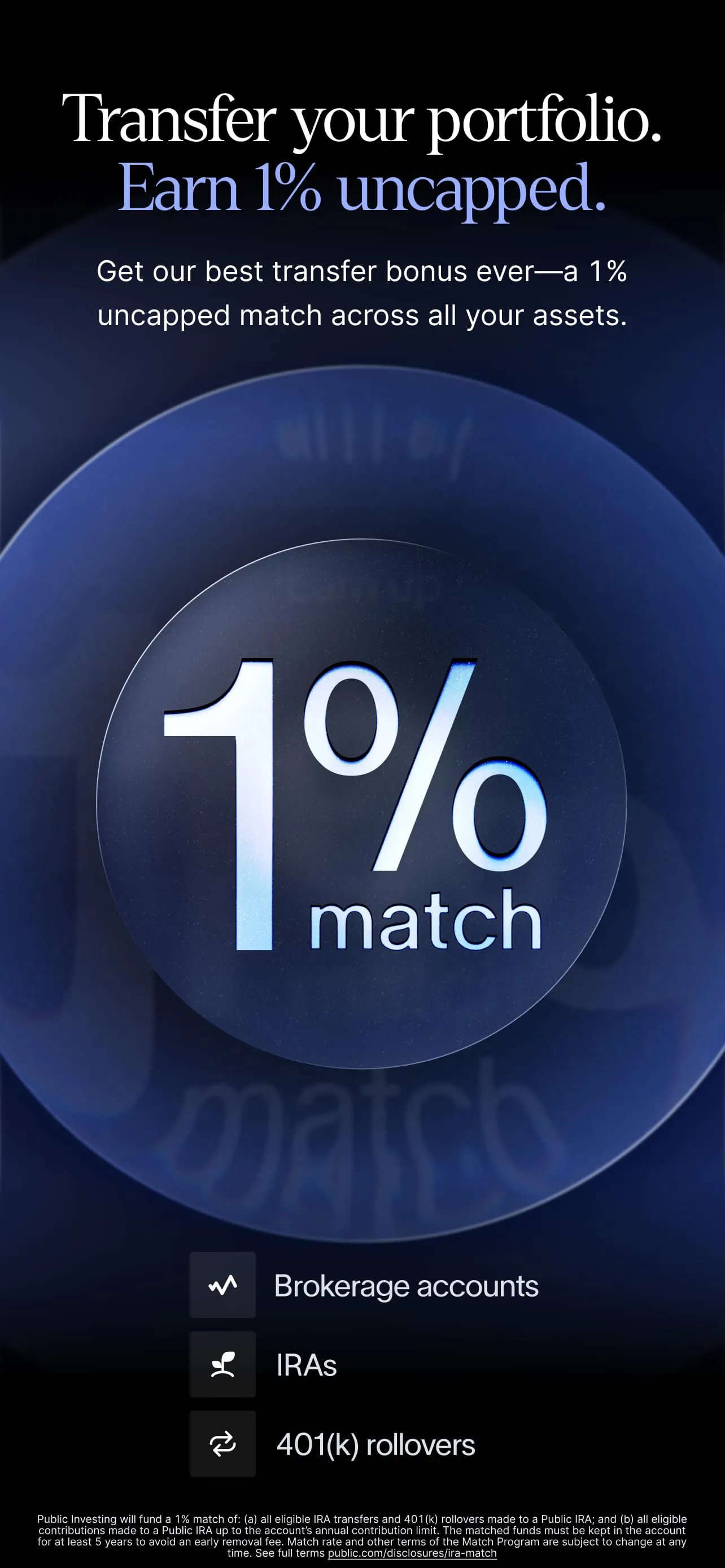
Invest in stocks, options, bonds, and crypto with an uncapped 1% transfer match.
A closer look
Overview
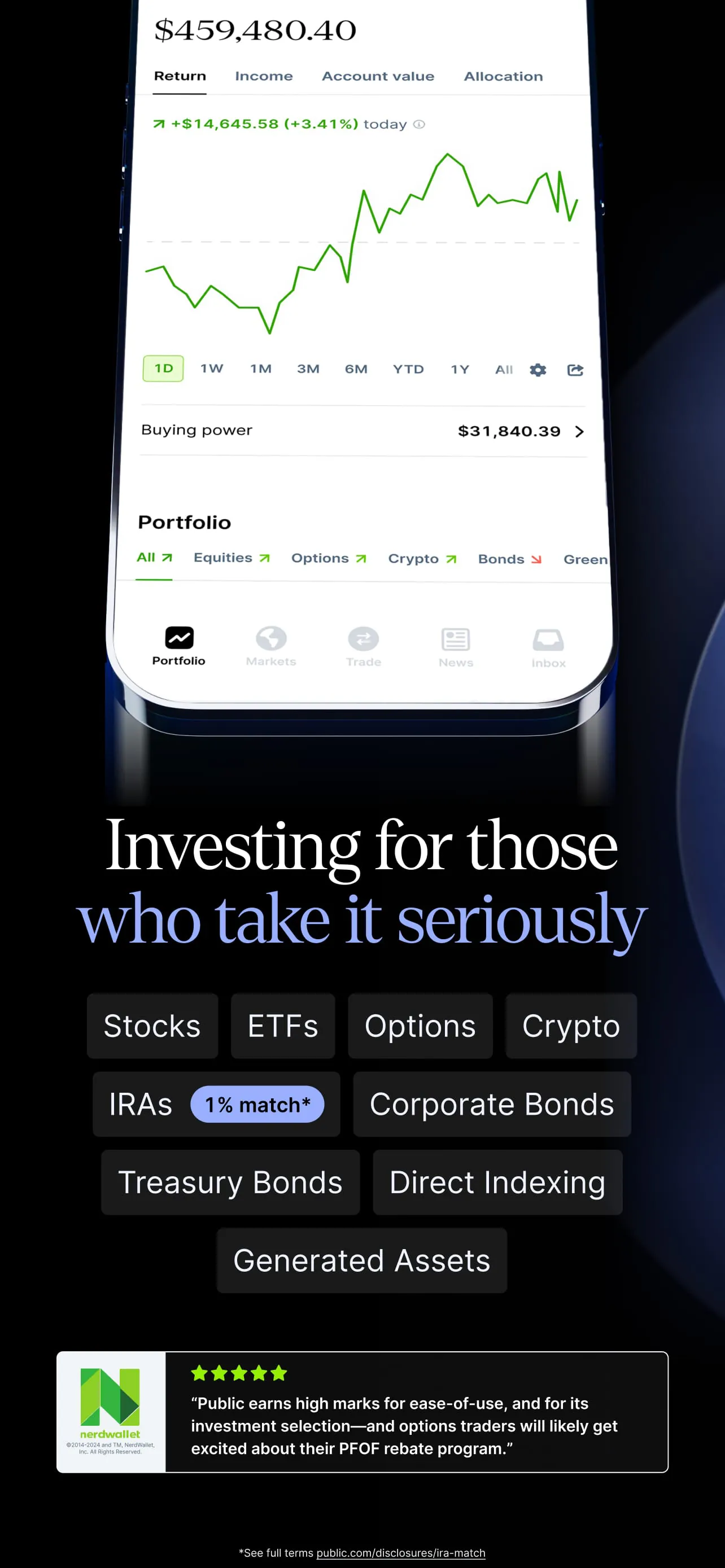
Public – Stocks and Options is a comprehensive mobile investment application designed to make the financial markets accessible and engaging for a new generation of investors. It goes beyond simple stock trading by offering fractional shares, options contracts, and a unique social community feature, allowing users to explore, learn, and invest in companies, ETFs, and strategies they believe in alongside others. The platform emphasizes education and transparency, aiming to demystify investing and provide the tools necessary for users to build and manage their portfolios with confidence.
Key Features
The app distinguishes itself through a blend of investment accessibility and social interaction. It breaks down traditional barriers to entry, enabling participation with any amount of money. Furthermore, its integrated social feed transforms the often solitary act of investing into a shared, learning experience.
- Fractional Share Investing: Buy pieces of expensive stocks with any dollar amount, making companies like Amazon or Google accessible.
- Options Trading: Access tools to buy and sell call and put options contracts, providing more advanced strategic possibilities.
- Social Community Feed: View, discuss, and learn from the public portfolios and trades of other members in a transparent feed.
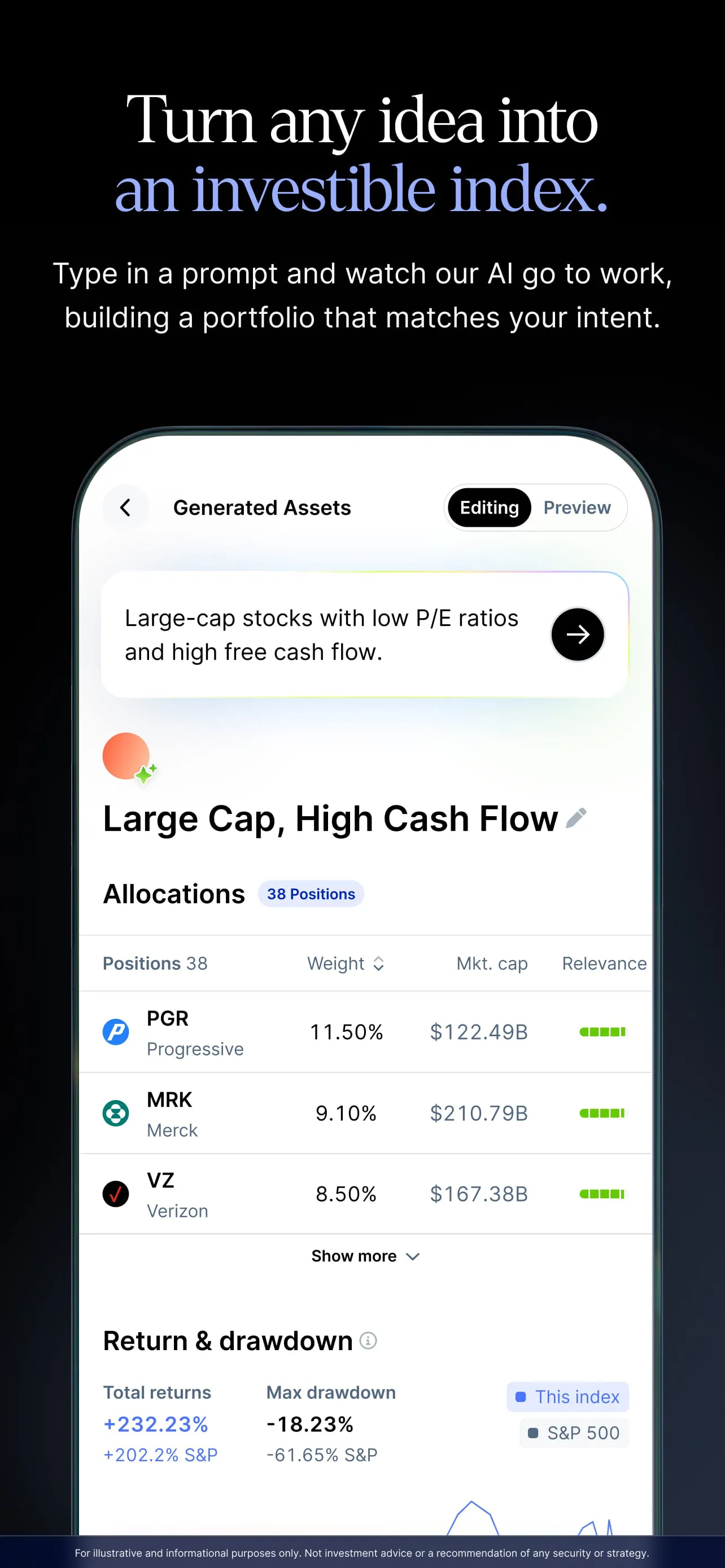
- Thematic Investing: Explore and invest in pre-built portfolios centered around specific trends or ideas, like clean energy or artificial intelligence.
- Educational Content: Access articles, videos, and explanations directly within the app to build investing knowledge.
- Zero Commission: Trade stocks, ETFs, and options without paying any per-trade commission fees.
Pros & Cons
Every platform has its strengths and weaknesses, and Public is no different. It excels in creating an educational and community-driven environment but may not satisfy all trader profiles, particularly those seeking highly advanced tools or certain asset classes.
- Pros:
- Low financial barrier to entry thanks to fractional shares.
- The social element can be educational and reduce the intimidation factor for beginners.
- User-friendly interface that is clean and easy to navigate.
- Strong focus on investor education and market literacy.
- No commission fees on trades helps keep costs predictable.
- Cons:
- Options trading capabilities, while present, may be limited for sophisticated options strategists.
- The social feed can sometimes create noise or encourage impulsive behavior based on others' activity.
- Does not support trading in mutual funds or bonds, limiting portfolio diversification within the app.
- Advanced charting and technical analysis tools are less robust than on dedicated broker platforms.
Functions
The app’s functionality is built around core actions that support the entire investment journey, from discovery to execution and review. It serves as a unified hub for managing your financial interests.
- Account Funding: Securely link a bank account to deposit funds for investing.
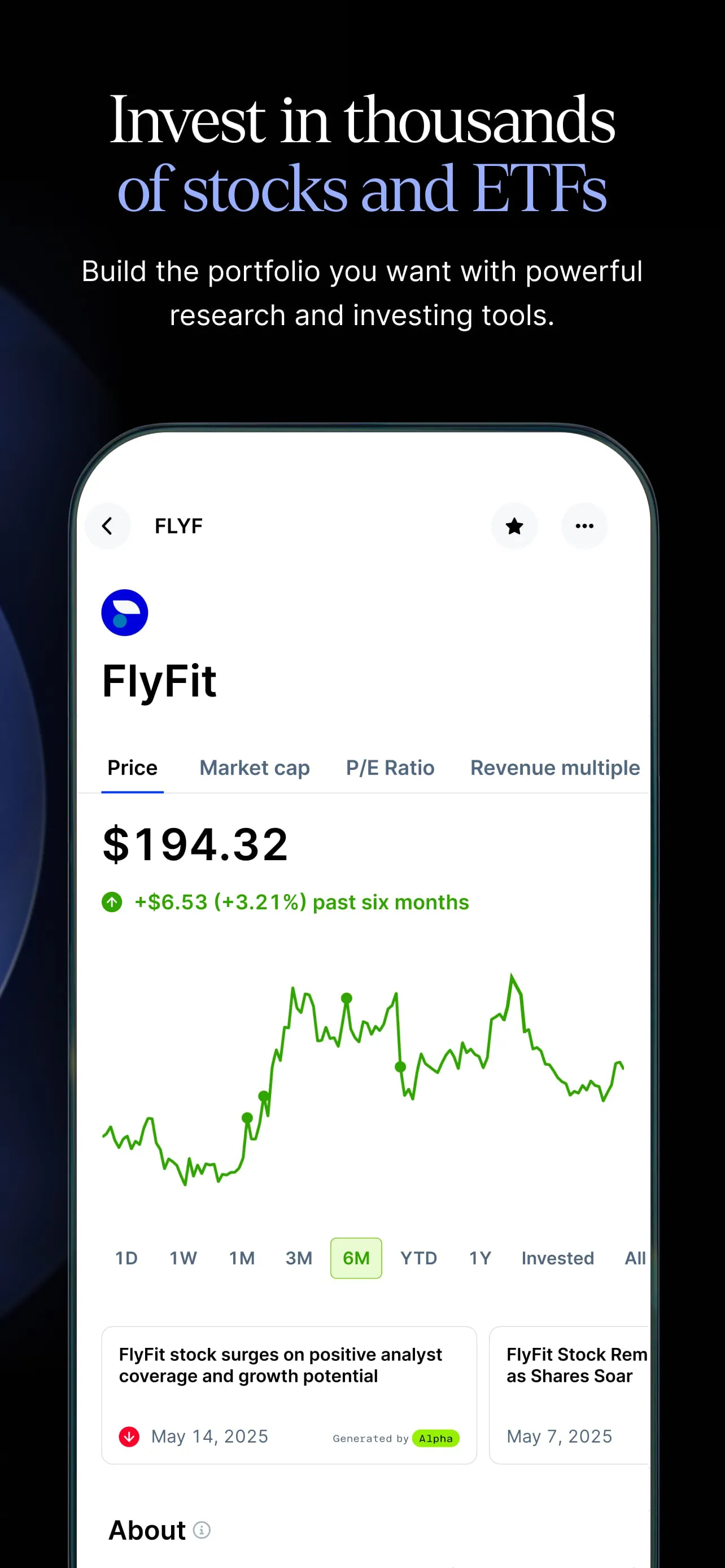
- Search & Discovery: Find stocks, ETFs, and themes using search functions or curated lists.
- Order Execution: Place market, limit, and stop orders for stocks and options.
- Portfolio Tracking: Monitor the real-time performance of your holdings in a clear dashboard.
- Community Interaction: Like, comment on, and ask questions about trades shared in the public feed.
- Notifications: Receive alerts for price movements, order fills, and new content from followed investors.
How to Use
Click the button "Check All Versions" below to download and install it. Once the app is installed on your device, open it and begin the account creation process, which will involve providing some personal information for verification purposes as required by financial authorities. After linking your bank account and depositing funds, you can immediately start exploring the app. Browse the social feed to see what others are discussing, use the search function to look up specific companies, or dive into the educational sections. When ready to invest, simply select any asset, choose the dollar amount or number of shares, and place your order. Regularly review your portfolio tab to track performance and adjust your strategy over time.
App Download
Get Public from an official store or available APK channel.
Previous Versions
ZIP files require a Split APKs Installer (e.g., SAI) from Google Play to install. Steps: 1. Download SAI from Google Play; 2. Open SAI and tap "Install APKs"; 3. Select the ZIP file; 4. Complete installation.
Frequently Asked Questions
What is the latest version of Public?
The latest version currently listed by Appspicked is unavailable, with information updated on May 18, 2026. Versions may vary by device, region, or rollout schedule, so users should also check Google Play or announcements from Public Holdings, Inc..
Is Public safe to download and use?
No website can guarantee that an app is completely risk-free. Appspicked recommends downloading Public only from an official app store or a verified channel operated by Public Holdings, Inc.. Before installing, confirm the developer name, package ID com.public.app, requested permissions, privacy policy, and download source.
Why can’t I find Public in the App Store?
Public may be unavailable because of regional restrictions, device incompatibility, account or age settings, a temporary removal, a name change, or because it has not been released for that platform. An Android package page does not necessarily mean that an iOS App Store version exists. Check Public Holdings, Inc.’s official website for current availability.
Where can I download or update Public?
Use Google Play or another official download channel provided by Public Holdings, Inc. whenever possible. Appspicked provides app information and store links, but users should verify the destination domain and publisher before downloading or updating the app.
Why is the version shown on Appspicked different from the app-store version?
The information on Appspicked may represent the most recently indexed snapshot. App stores sometimes release updates gradually or display different versions according to region, device, operating system, or testing group. The official store listing should be treated as the final reference.
Which devices and operating systems support Public?
Public is listed for Android, with a reported minimum requirement of Not specified. Actual compatibility may also depend on the device model, region, available storage, hardware features, and installed system components.
Is Public free?
The initial download may be free, but subscriptions, advertising, paid features, or in-app purchases may still apply. Prices and available purchases can vary by country and version. Check the payment information displayed by Google Play before completing a transaction.
What should I do if Public cannot be installed or updated?
Check the network connection, storage space, operating-system version, account region, and device compatibility. Restart the device and try again through the official store. If the problem continues, consult the support resources provided by Public Holdings, Inc..









