


V4.0.4

- Package Name
- tw.mobileapp.qrcode.banner
- Version Name
- V4.0.4
- Version Code
- V4.0.4
- File Size
- 5.69 MB
- Update time
- 2026-1-7



by Tahoe Digital LTD.
QR code reader and QR code scanner / Barcode scanner app to scan QR code
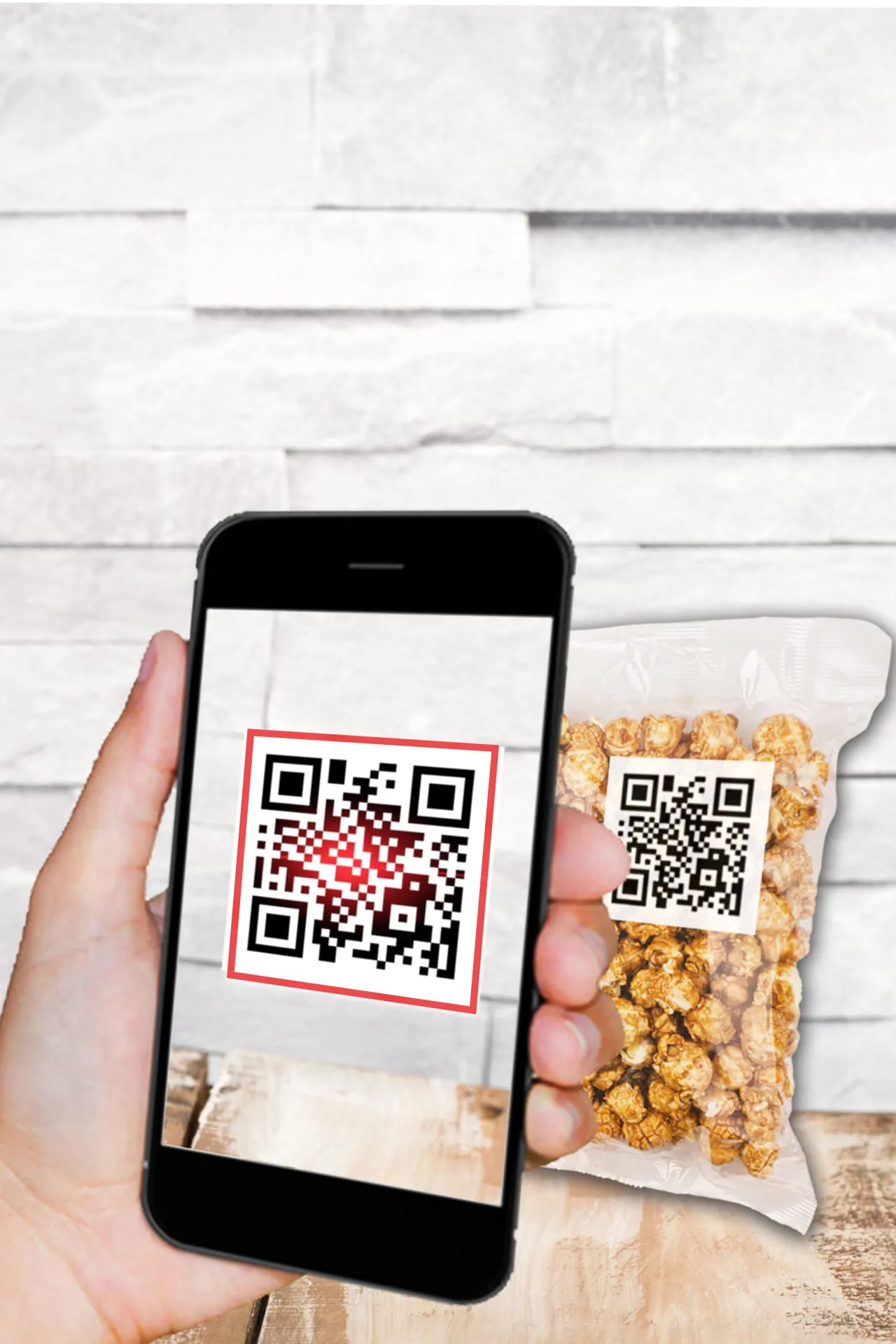
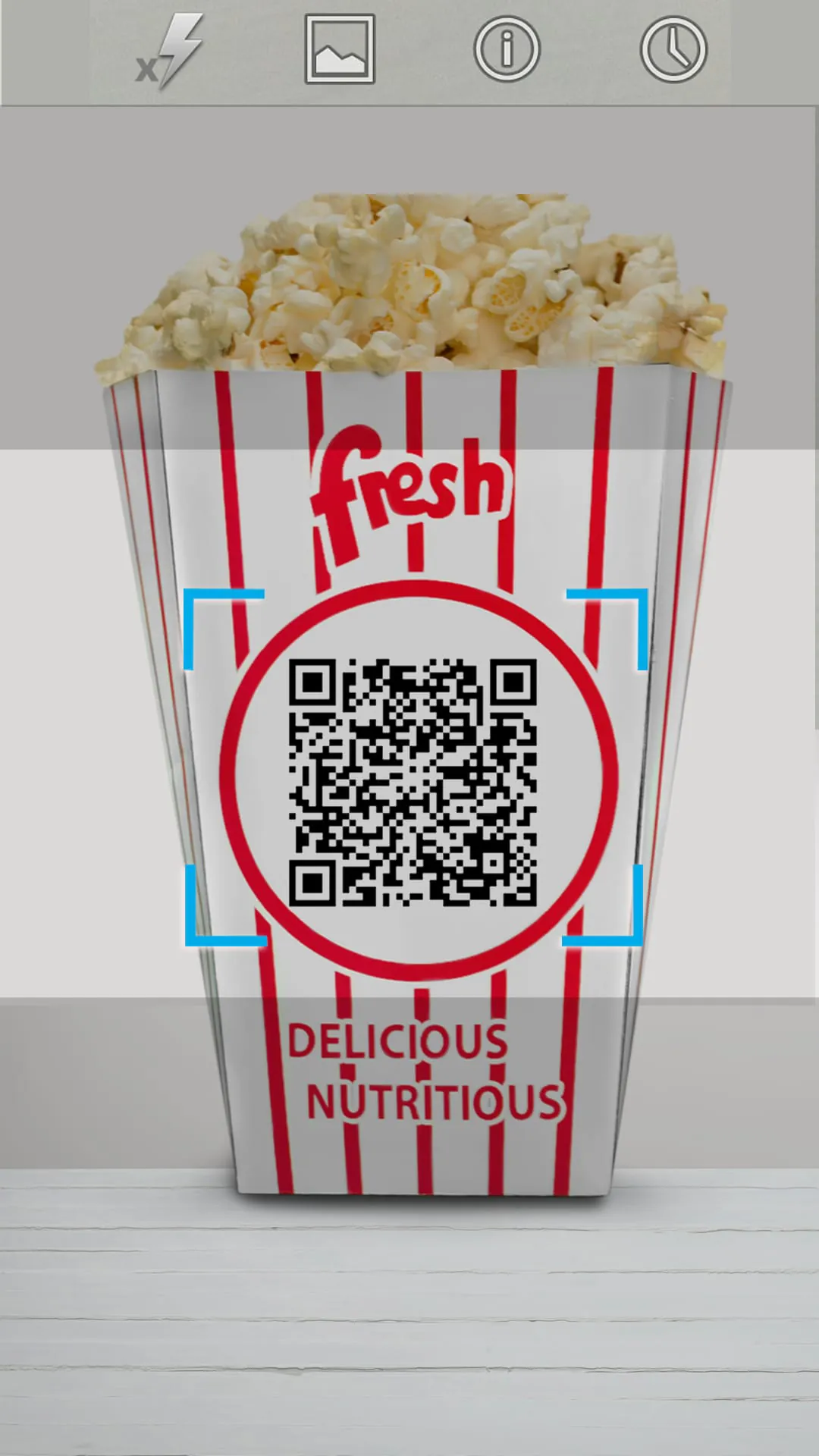
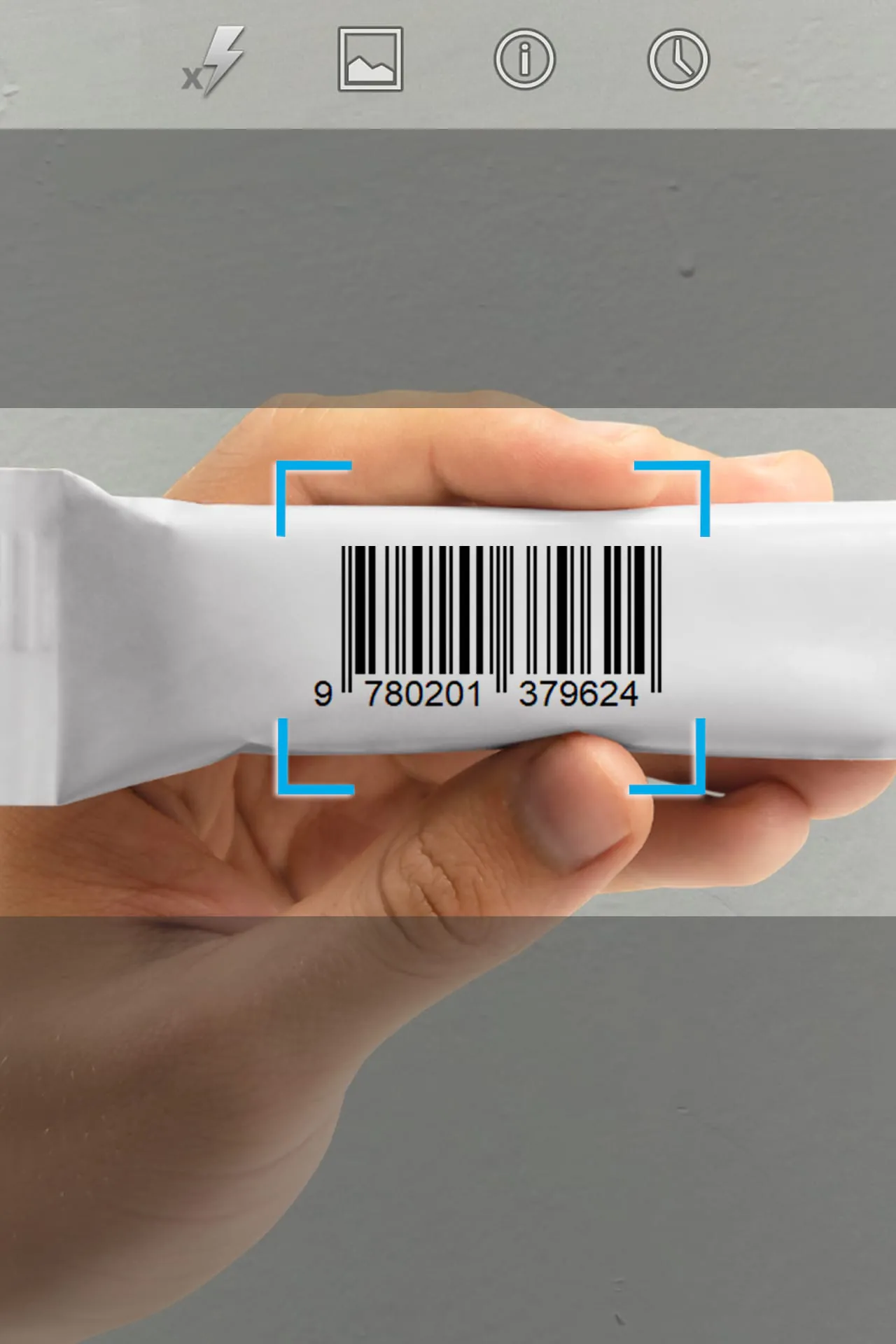
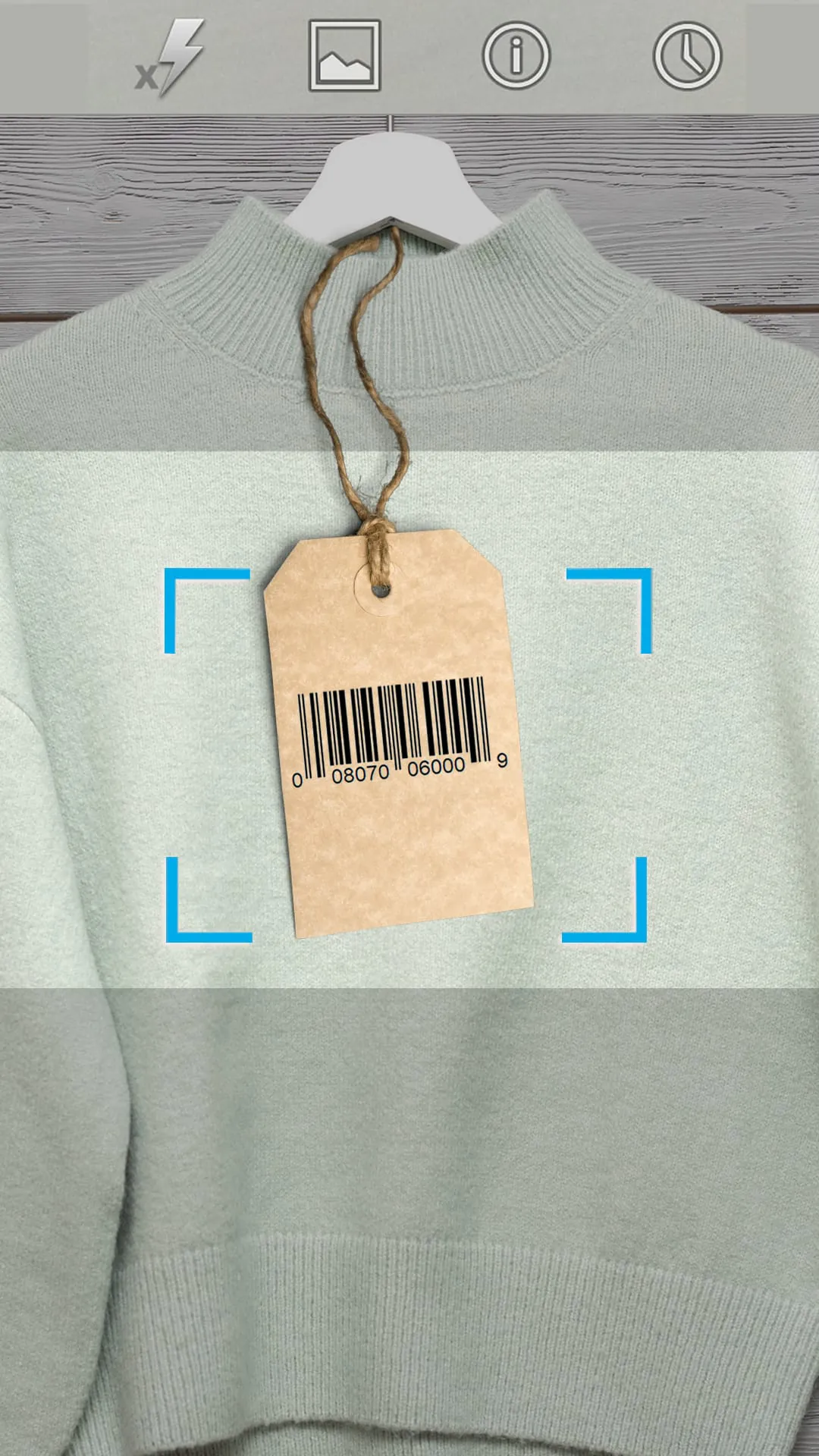
This application is a comprehensive digital tool designed for both reading and creating QR codes, offering a seamless bridge between physical information and digital content by allowing users to instantly scan codes to access websites, contact details, documents, and Wi-Fi networks, while also providing a built-in generator to produce custom codes for personal or professional sharing needs.
The app stands out with a suite of powerful and user-oriented features that enhance everyday convenience. It boasts a lightning-fast scanning engine that works in real-time, even with damaged or poorly printed codes. Beyond scanning, it includes a robust QR code generator where you can create codes for URLs, text, contact cards, and events. A dedicated history log securely saves all your past scans for quick reference. For added security, it features a built-in safety check that warns you of potentially malicious links before you open them. Importantly, it functions completely offline for both scanning and generation, ensuring your data privacy and usability anywhere.
When evaluating this QR code tool, it presents a balanced set of advantages and limitations that users should consider.
This application delivers a wide range of practical functions that extend far beyond simple code reading. Its primary function is to decode QR and standard barcodes, instantly providing the embedded information or directing you to the linked online resource. Equally powerful is its generation function, allowing you to create customizable codes for a multitude of data types. Furthermore, it organizes all your scanning activity in a local history, allowing you to revisit, share, or delete previous entries. A standout function is the proactive link safety analysis, which scans URLs for potential threats. Lastly, it includes utility features like a built-in flashlight toggle for dark environments and one-tap sharing for both scanned data and generated codes.
Click the button "Check All Versions" below to download and install it. Once installed, open the app and grant the necessary camera permissions when prompted. To scan a code, simply point your device's camera at the QR code; the app will automatically recognize and decode it, vibrating or beeping to confirm. To generate your own code, tap the "Create" or similar icon, select the type of content (like a URL or Wi-Fi details), input your information, and customize the basic design before saving or sharing the final image. You can access your full scan history through a dedicated tab, where you can manage or export your data. For the safety check feature, ensure you are connected to the internet when scanning unfamiliar web links to receive security warnings.
Get QR code reader&QR code Scanner from an official store or available APK channel.
ZIP files require a Split APKs Installer (e.g., SAI) from Google Play to install. Steps: 1. Download SAI from Google Play; 2. Open SAI and tap "Install APKs"; 3. Select the ZIP file; 4. Complete installation.
The latest version currently listed by Appspicked is V3.9.3, with information updated on May 19, 2026. Versions may vary by device, region, or rollout schedule, so users should also check Google Play or announcements from Tahoe Digital LTD..
No website can guarantee that an app is completely risk-free. Appspicked recommends downloading QR code reader&QR code Scanner only from an official app store or a verified channel operated by Tahoe Digital LTD.. Before installing, confirm the developer name, package ID tw.mobileapp.qrcode.banner, requested permissions, privacy policy, and download source.
QR code reader&QR code Scanner may be unavailable because of regional restrictions, device incompatibility, account or age settings, a temporary removal, a name change, or because it has not been released for that platform. An Android package page does not necessarily mean that an iOS App Store version exists. Check Tahoe Digital LTD.’s official website for current availability.
Use Google Play or another official download channel provided by Tahoe Digital LTD. whenever possible. Appspicked provides app information and store links, but users should verify the destination domain and publisher before downloading or updating the app.
The information on Appspicked may represent the most recently indexed snapshot. App stores sometimes release updates gradually or display different versions according to region, device, operating system, or testing group. The official store listing should be treated as the final reference.
QR code reader&QR code Scanner is listed for Android, with a reported minimum requirement of Not specified. Actual compatibility may also depend on the device model, region, available storage, hardware features, and installed system components.
The initial download may be free, but subscriptions, advertising, paid features, or in-app purchases may still apply. Prices and available purchases can vary by country and version. Check the payment information displayed by Google Play before completing a transaction.
Check the network connection, storage space, operating-system version, account region, and device compatibility. Restart the device and try again through the official store. If the problem continues, consult the support resources provided by Tahoe Digital LTD..









