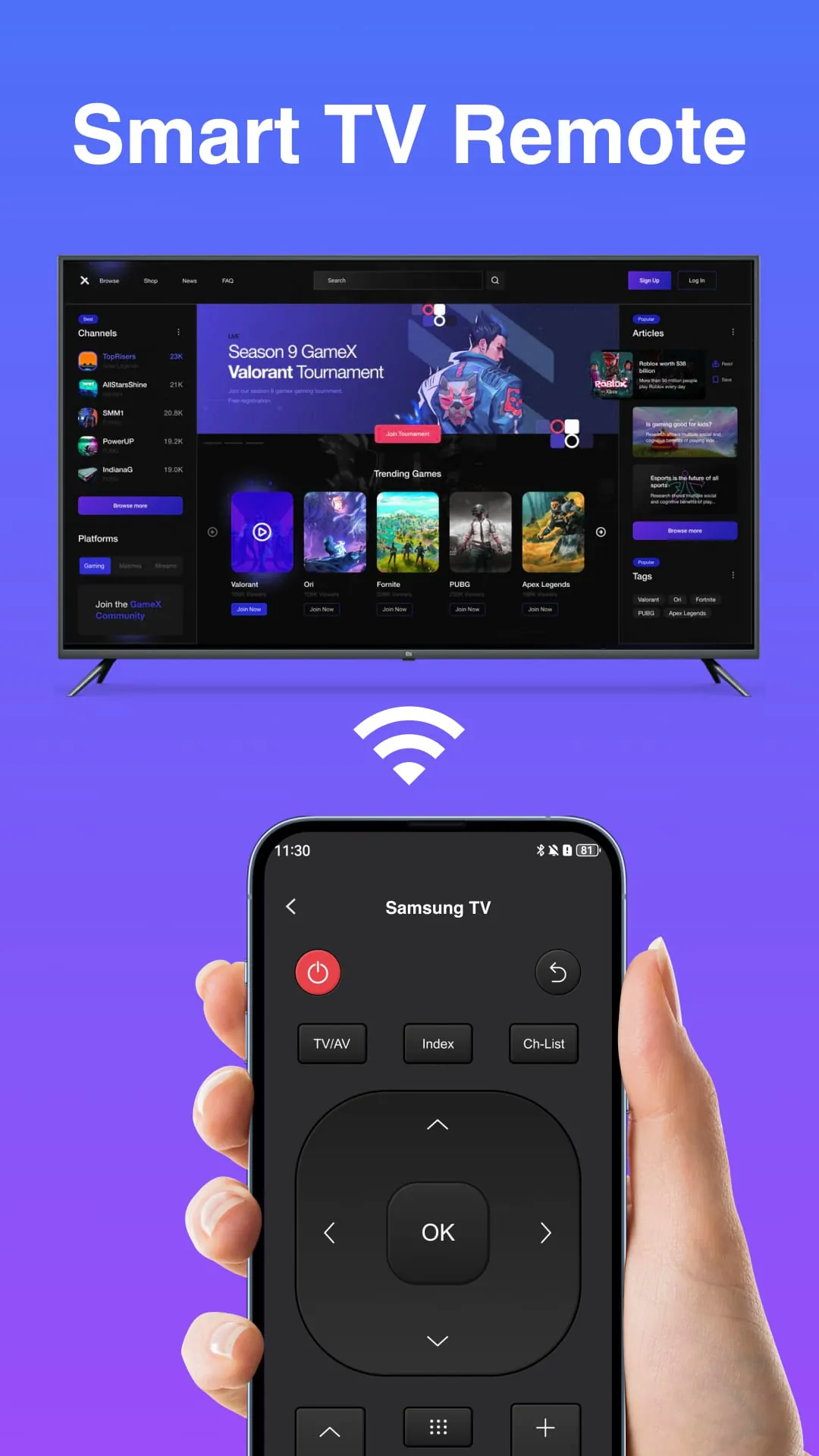
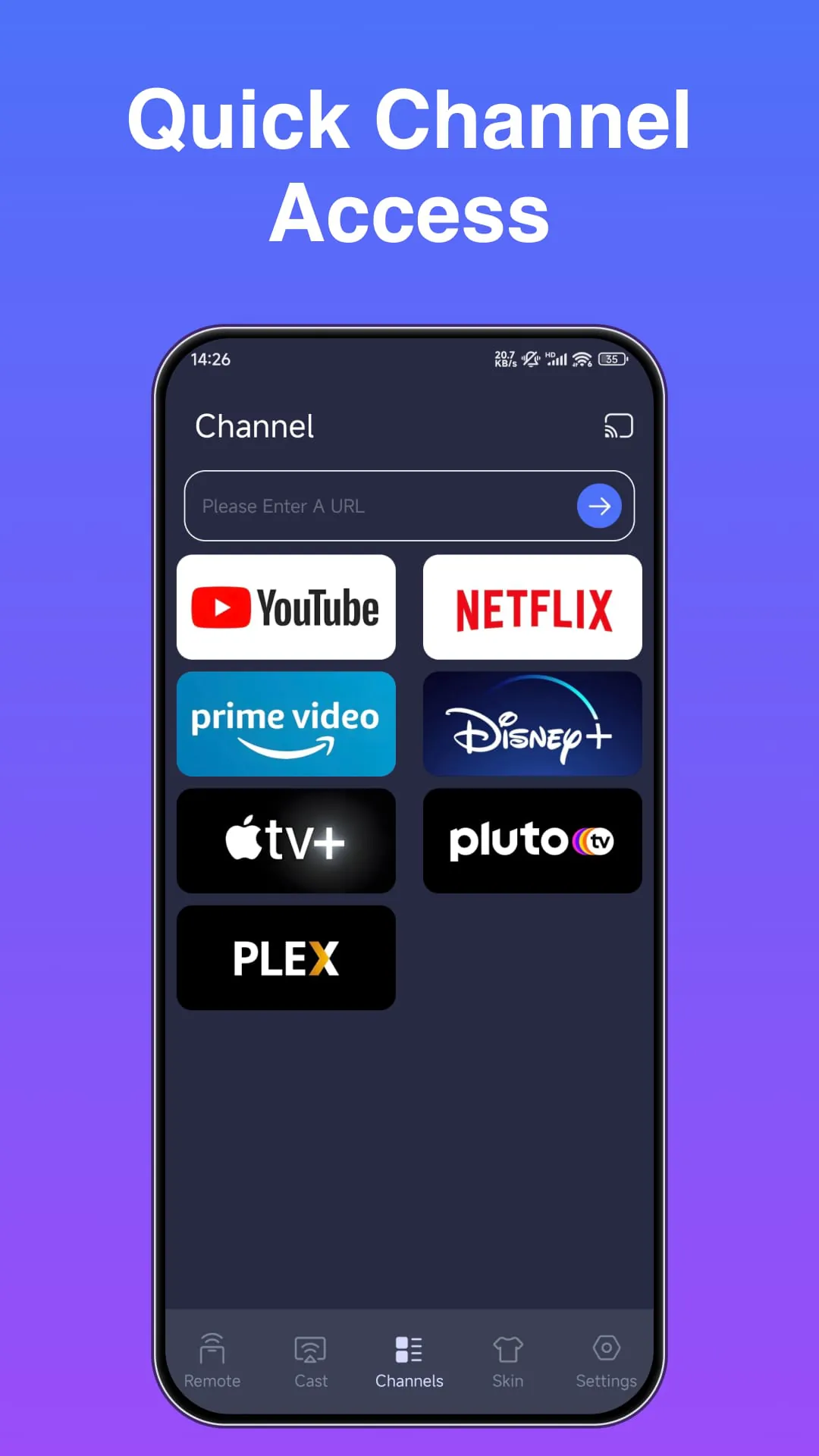
The Remote Control App represents a significant advancement in how users interact with their television sets. It effectively transforms a smartphone into a universal remote, offering a comprehensive suite of control features that traditionally require a dedicated physical remote. This app streamlines the user experience by consolidating multiple functions into a single, easily accessible interface. Imagine a scenario where you're constantly misplacing your TV remote, or its batteries are always running low – the Remote Control App eliminates these common frustrations by providing a reliable and readily available alternative on your mobile device. Moreover, the app's intuitive design ensures that even users unfamiliar with smartphone-based remote controls can quickly learn and master its features. The primary functions, such as volume adjustment and channel switching, are presented with clear, easily identifiable icons, mirroring the layout of traditional remotes to minimize the learning curve. The power on/off functionality provides added convenience, especially for users who frequently move around their homes and want to control their TV from different locations. Furthermore, the app's ability to access the TV's menu opens up a world of customization and advanced settings, allowing users to fine-tune their viewing experience to their specific preferences. Whether it's adjusting picture settings, managing input sources, or accessing streaming services, the Remote Control App puts complete control of the TV at your fingertips. The app's compatibility with a wide range of TV brands and models is another key advantage. It supports various connectivity options, ensuring seamless integration with both older and newer television sets. This universal compatibility eliminates the need for multiple remotes, simplifying the home entertainment setup and reducing clutter. The Remote Control App also incorporates advanced features such as voice control and gesture recognition, further enhancing the user experience. Voice commands allow users to effortlessly switch channels, adjust volume, or search for content, while gesture recognition enables intuitive control through simple hand movements. These features not only add convenience but also make the app accessible to users with mobility impairments. The app’s development incorporates robust security measures to protect user privacy and prevent unauthorized access to their television sets. Encryption protocols and authentication mechanisms safeguard against potential hacking attempts, ensuring a secure and reliable control experience. Regular software updates are also implemented to address any emerging security vulnerabilities and maintain the app's overall performance. The Remote Control App’s design prioritizes user experience, featuring a clean and intuitive interface that is easy to navigate. Customizable layouts allow users to personalize the app to their specific needs, placing frequently used functions within easy reach. The app also provides helpful tips and tutorials to guide users through its various features, ensuring a smooth and enjoyable experience from start to finish. The app also integrates with smart home ecosystems, allowing users to control their TVs alongside other connected devices. This integration enables the creation of automated routines, such as dimming the lights and turning on the TV with a single command. The Remote Control App transforms the television viewing experience into a seamless and integrated part of the smart home environment.
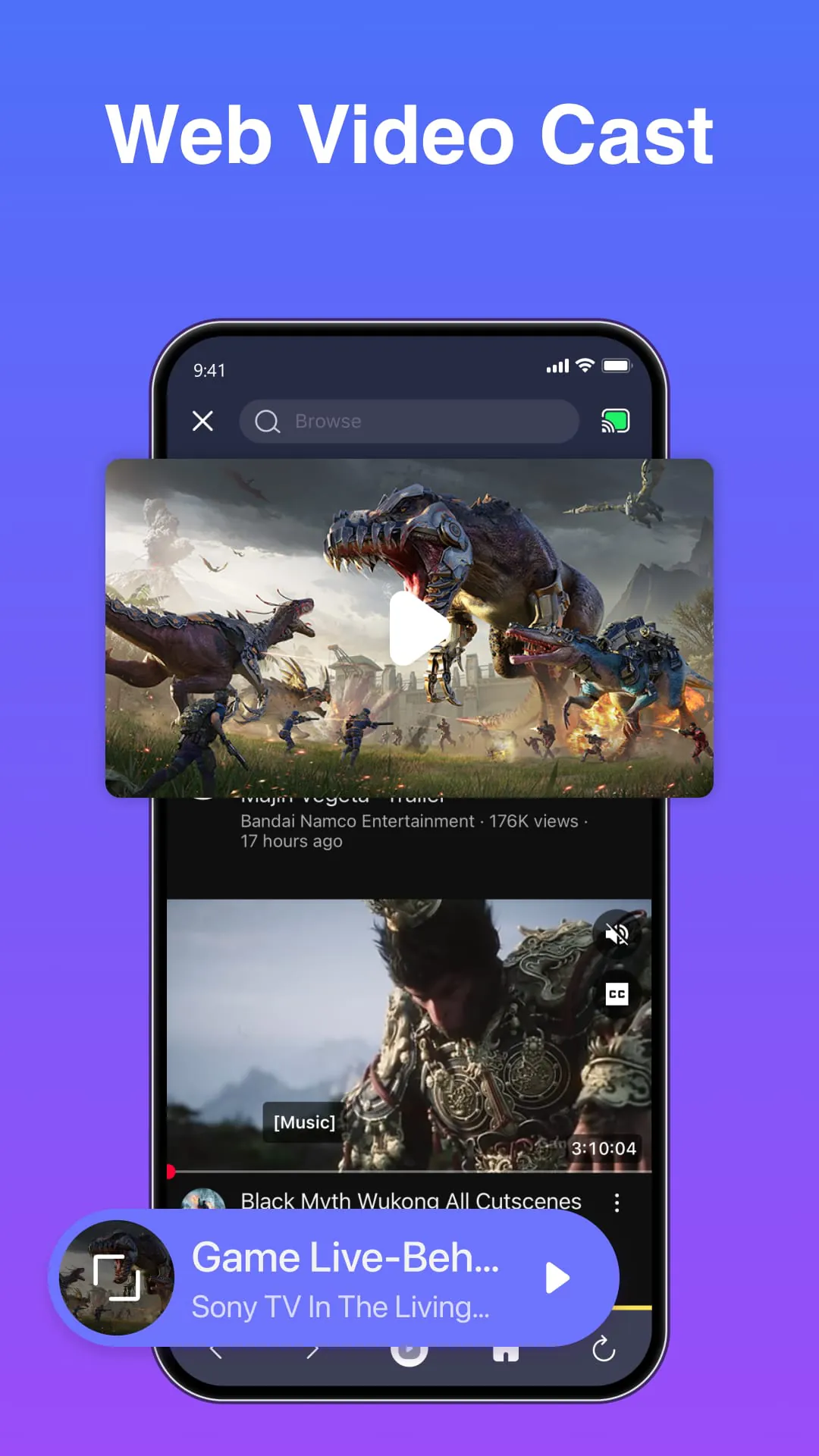
Beyond the basic functionalities, the Remote Control App offers a range of advanced features that cater to the needs of modern TV viewers. One notable feature is its ability to create personalized profiles for different users. Each profile can store individual preferences for channel lineups, volume levels, and picture settings, ensuring that everyone in the household can enjoy their preferred viewing experience. This feature is particularly useful in families with diverse viewing habits, as it eliminates the need to constantly adjust settings every time someone switches to a different profile. The app also includes a built-in program guide that provides up-to-date information on TV listings. This guide allows users to easily browse through available channels and see what's currently airing or scheduled to air in the future. Users can also set reminders for their favorite shows, ensuring that they never miss an episode. The program guide integrates seamlessly with the app's channel switching functionality, allowing users to quickly tune into the desired program with a single tap. The Remote Control App also supports screen mirroring, allowing users to wirelessly stream content from their smartphones or tablets to their TVs. This feature is ideal for sharing photos, videos, or presentations with a larger audience. The app's screen mirroring functionality is compatible with a wide range of devices and streaming protocols, ensuring a smooth and seamless experience. The app also offers parental control features that allow parents to restrict access to certain channels or content. This feature is particularly useful for families with young children, as it helps to ensure that they are only exposed to age-appropriate programming. Parents can set up password-protected profiles for their children, limiting their access to specific channels and content categories. The Remote Control App also includes a sleep timer function that automatically turns off the TV after a specified period. This feature is useful for users who like to fall asleep while watching TV, as it helps to conserve energy and prevent the TV from running unnecessarily. The sleep timer can be set to different intervals, allowing users to customize it to their specific needs. The Remote Control App's developers are constantly working on new features and improvements. Regular software updates are released to address user feedback, fix bugs, and enhance the app's overall performance. The app also incorporates analytics to track user behavior and identify areas for improvement. The Remote Control App is available for free on both iOS and Android devices. The app is supported by advertising, but users can opt to remove ads by purchasing a premium subscription. The premium subscription also unlocks additional features, such as voice control and gesture recognition. The app also integrates with social media platforms, allowing users to share their favorite shows and movies with their friends and followers. Users can also post comments and reviews on the app's social media pages, providing feedback to the developers and other users.
The Remote Control App also stands out for its energy-saving capabilities, promoting responsible usage of television sets. With features like automatic shut-off timers and optimized power management, the app contributes to reducing energy consumption and minimizing environmental impact. Users can customize the shut-off timer to their preferences, ensuring that the TV doesn't remain on unnecessarily, especially during nighttime hours. This eco-conscious design aligns with the growing awareness of sustainable living and allows users to actively participate in energy conservation efforts. Furthermore, the Remote Control App offers seamless integration with various smart home devices, enhancing the overall user experience and creating a connected ecosystem within the home. By connecting the app to other smart devices like lighting systems, sound systems, and thermostats, users can create personalized scenes and automate various tasks. For example, they can set up a movie night scene that automatically dims the lights, adjusts the thermostat, and turns on the sound system with a single tap on the app. This level of integration streamlines the home entertainment experience and adds convenience to daily routines. The Remote Control App also prioritizes accessibility, ensuring that users with disabilities can easily navigate and control their television sets. The app incorporates features like voice control, screen readers, and customizable font sizes to cater to the needs of individuals with visual or motor impairments. Voice control allows users to operate the app hands-free, while screen readers provide audio descriptions of the app's interface. Customizable font sizes ensure that the text is legible for users with visual impairments. These accessibility features demonstrate the app's commitment to inclusivity and providing a user-friendly experience for everyone. The Remote Control App's developers also actively engage with the user community, soliciting feedback and incorporating suggestions for future updates. This collaborative approach ensures that the app continuously evolves to meet the changing needs and preferences of its users. Regular surveys and online forums provide platforms for users to share their ideas and report any issues they encounter. The developers also conduct beta testing programs to gather feedback on new features before they are released to the general public. This user-centric approach fosters a sense of community and ensures that the app remains relevant and valuable to its users. The Remote Control App's success can be attributed to its combination of innovative features, user-friendly design, and commitment to sustainability and accessibility. The app has transformed the way people interact with their television sets, providing a convenient, efficient, and engaging control experience. As smart home technology continues to evolve, the Remote Control App is poised to play an increasingly important role in connecting and simplifying the home entertainment experience. The app's developers remain committed to innovation and are constantly exploring new ways to enhance the user experience and meet the challenges of the ever-changing technological landscape. The Remote Control App is not just a remote control replacement; it's a gateway to a more connected, convenient, and enjoyable home entertainment experience.