


V2.10.1.4208

- Package Name
- com.roadtrippers
- Version Name
- V2.10.1.4208
- Version Code
- V2.10.1.4208
- File Size
- 128.82 MB
- Update time
- 2024-1-5



by Roadtrippers
With over 38 million trips planned, Roadtrippers makes your trip an adventure.
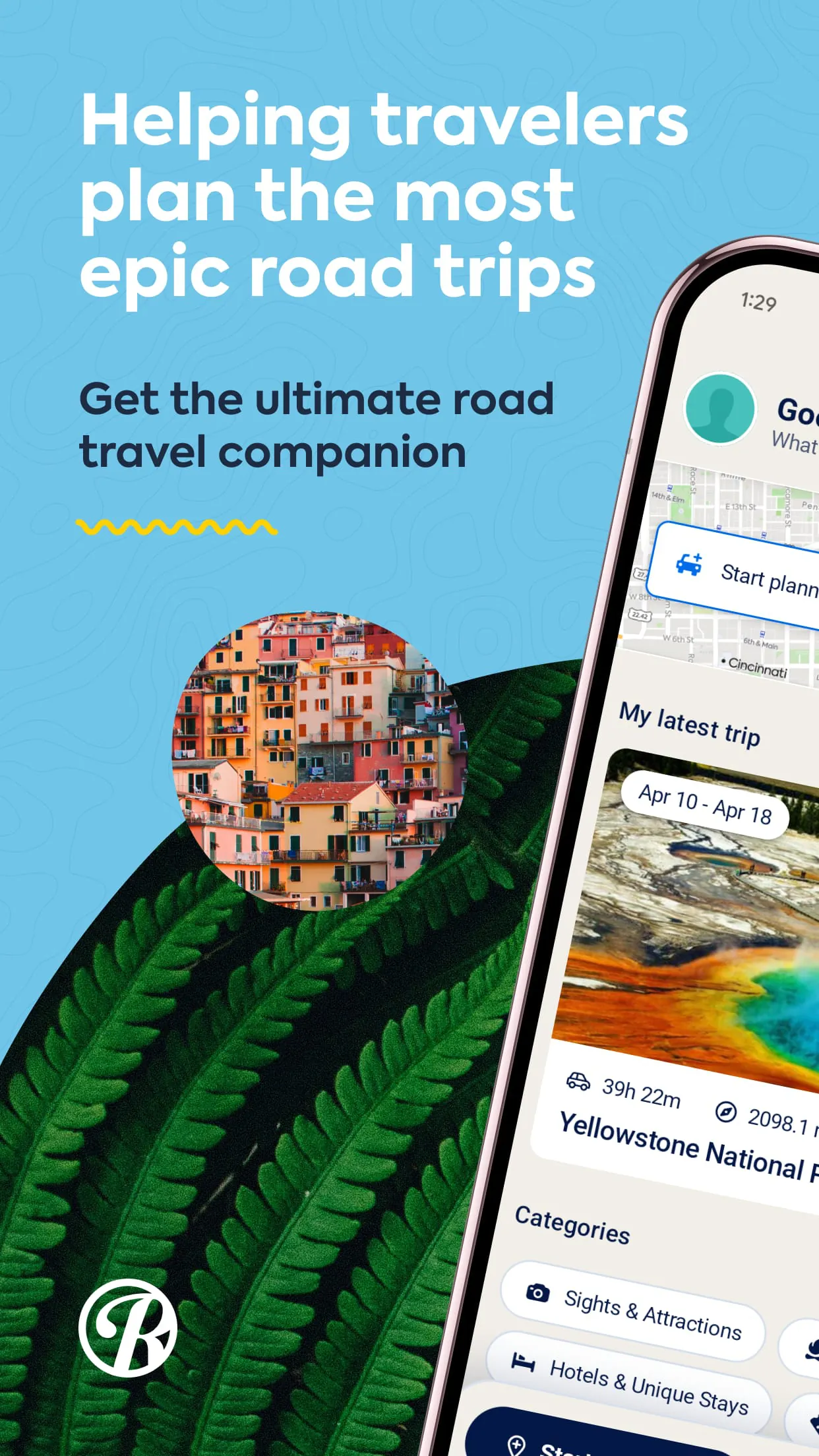
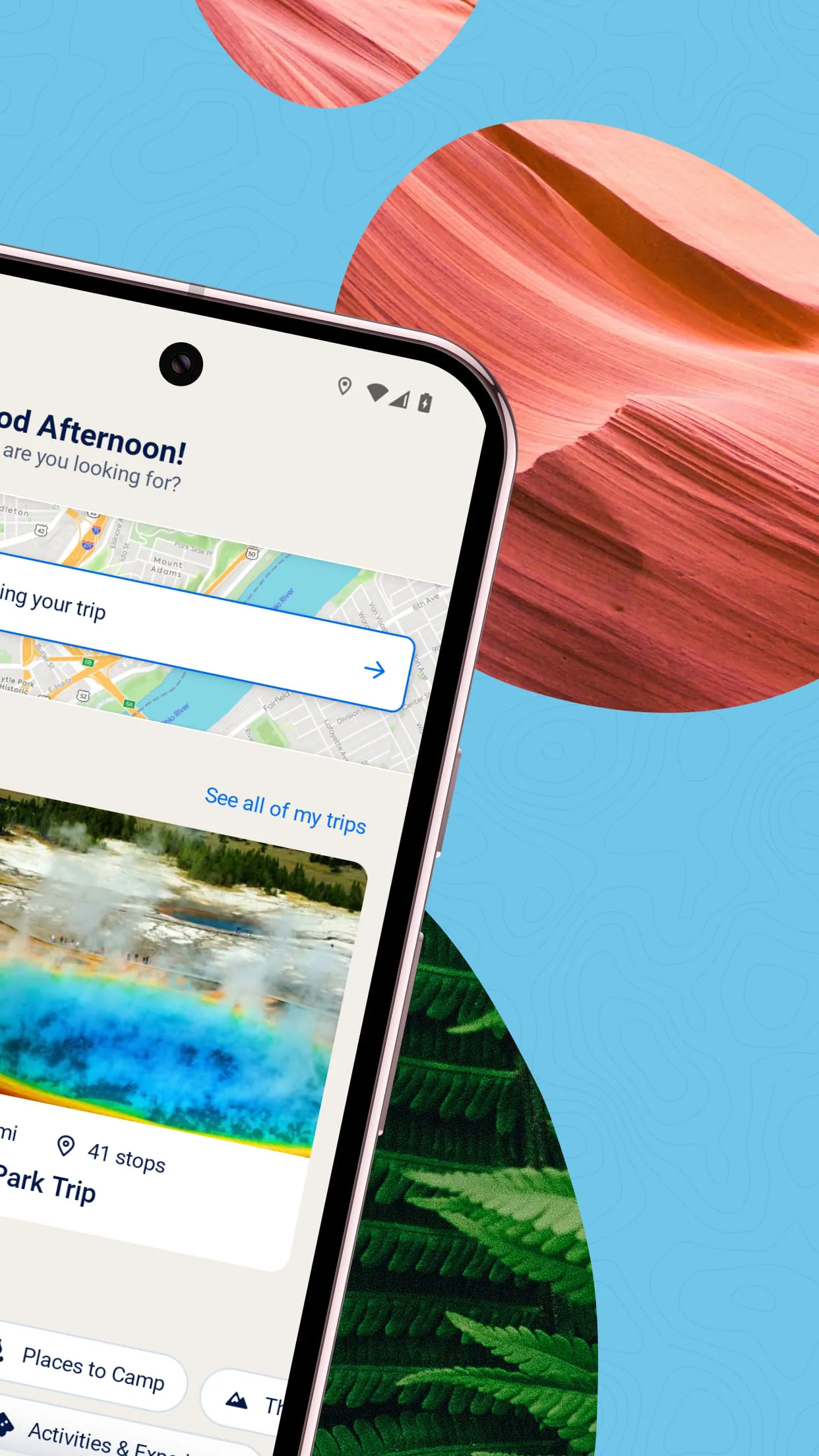
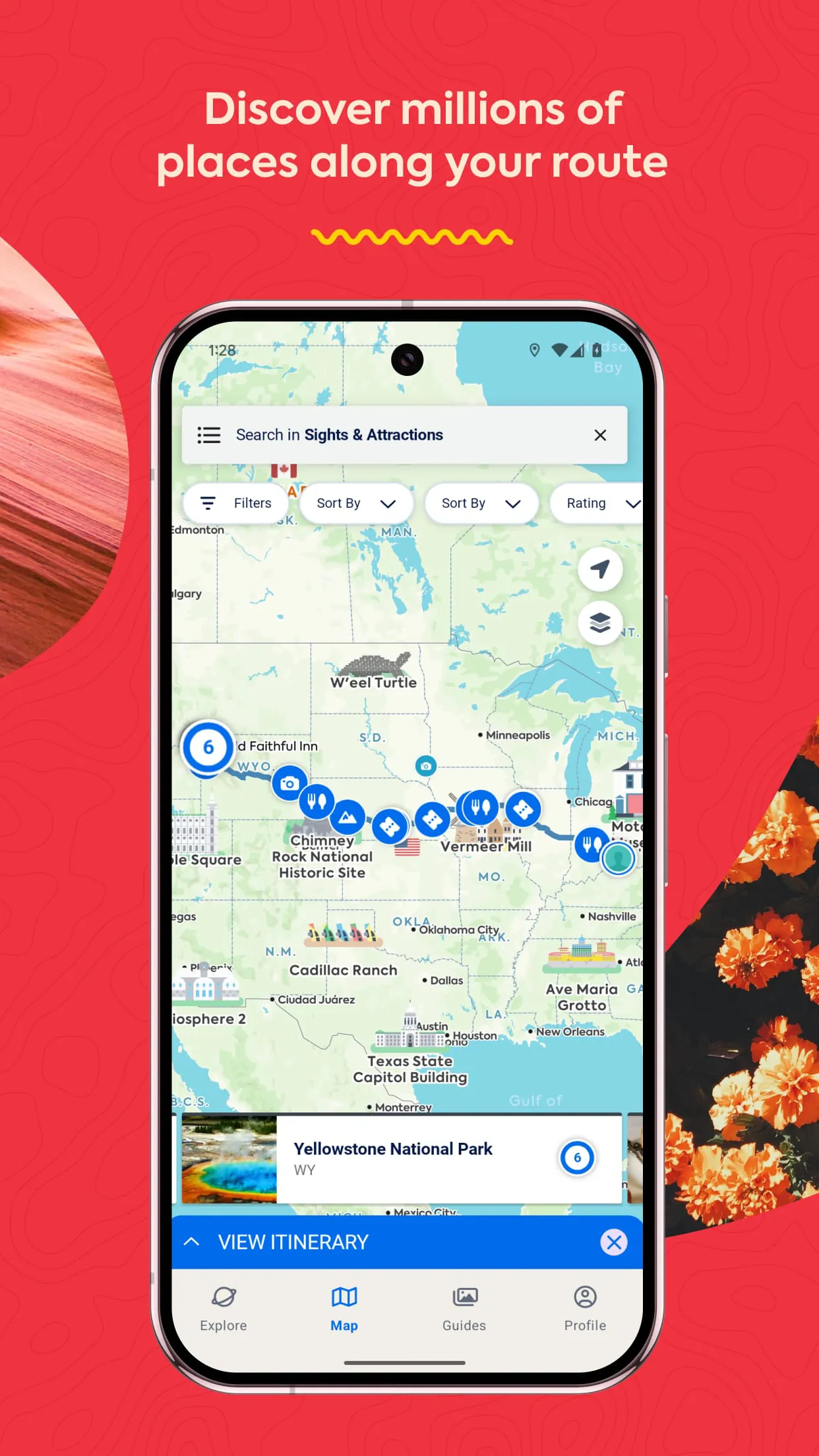
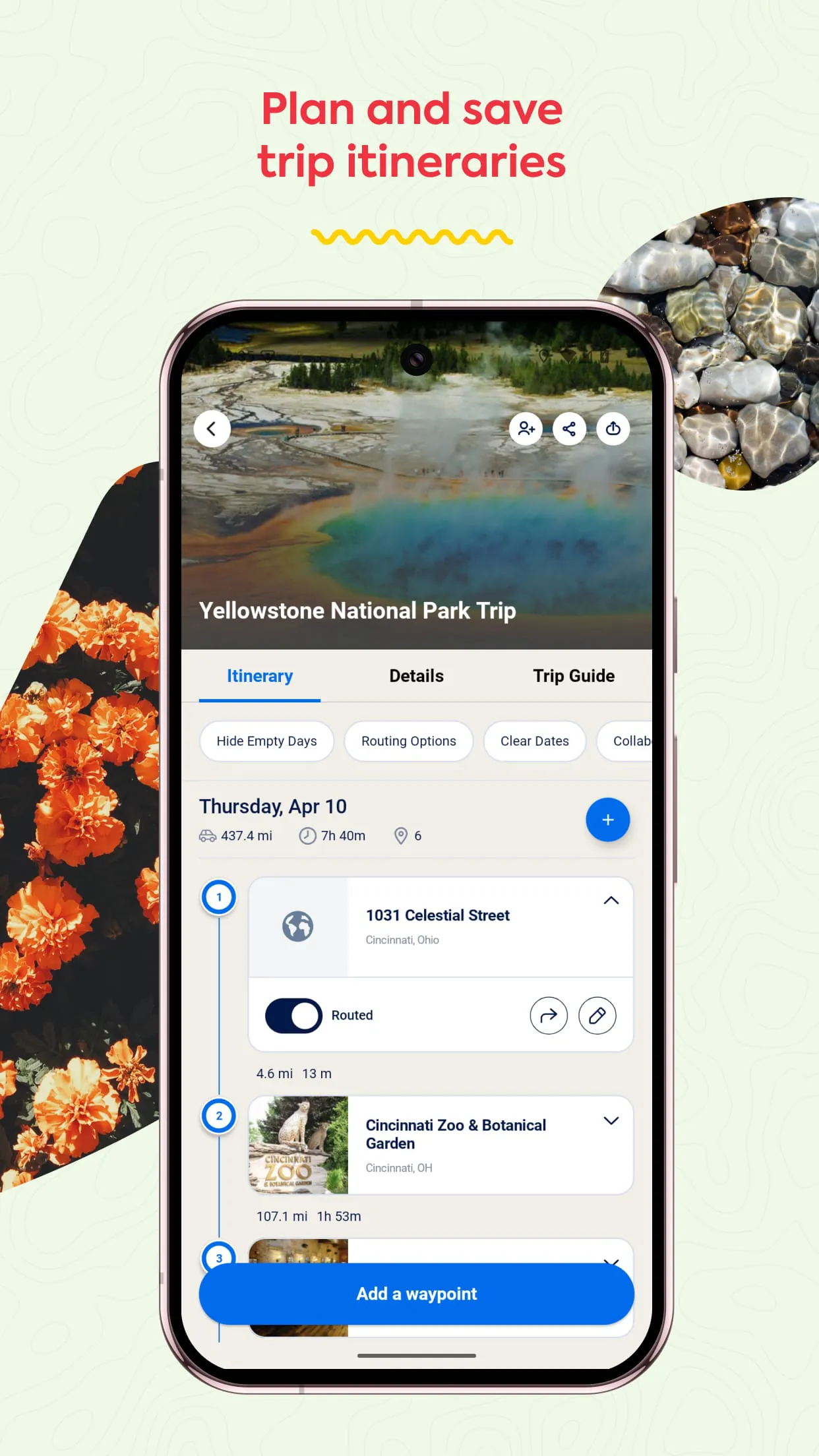
Roadtrippers is a comprehensive trip planning application designed specifically for road travel enthusiasts. It transforms the often daunting task of organizing a long-distance drive into a seamless and enjoyable experience by allowing users to map out their route, discover unique points of interest along the way, and book accommodations directly within the platform. The app serves as a digital co-pilot, helping travelers move efficiently from point A to point B while ensuring they don't miss the hidden gems and memorable stops that make a journey truly special.
The application distinguishes itself with a powerful set of tools built around the road trip experience. Its core is an intuitive trip planner that visualizes your entire journey on a map. Beyond basic routing, it boasts a massive, curated database of unusual and noteworthy attractions.
Like any tool, Roadtrippers has its strengths and weaknesses that users should consider before relying on it for a major journey.
The app operates through a connected set of functions that guide the user from dream to destination. It starts with the trip creation function, where you input start and end points. The mapping engine then draws the route and opens up the critical "search along route" function, which filters attractions by category and distance from your path. Each selected stop is added as a waypoint, with the app automatically optimizing the order. Additional functions include the itinerary viewer, which breaks down each day's drive and activities, and the booking function that redirects to partner sites. The savings function allows you to keep a running total of estimated expenses, and the share function generates a link to your entire plan.
Click the button "Check All Versions" below to download and install it. Once installed, begin by creating a new trip and entering your starting city and final destination. Use the search tool to browse categories like "Food & Drink," "Nature & Parks," or "Weird Stuff" along your generated route. Tap on any interesting sight to read details, see photos, and add it as a waypoint to your trip plan. Drag and drop waypoints to reorder your route logically. As you build your journey, regularly check the trip summary for total mileage, driving time, and cost estimates. Finally, share the collaborative link with your travel companions so they can view or edit the plan, and remember to download your final itinerary for offline access before you depart.
Get Roadtrippers from an official store or available APK channel.
ZIP files require a Split APKs Installer (e.g., SAI) from Google Play to install. Steps: 1. Download SAI from Google Play; 2. Open SAI and tap "Install APKs"; 3. Select the ZIP file; 4. Complete installation.
The latest version currently listed by Appspicked is V2.10.1.4208, with information updated on May 16, 2026. Versions may vary by device, region, or rollout schedule, so users should also check Google Play or announcements from Roadtrippers.
No website can guarantee that an app is completely risk-free. Appspicked recommends downloading Roadtrippers only from an official app store or a verified channel operated by Roadtrippers. Before installing, confirm the developer name, package ID com.roadtrippers, requested permissions, privacy policy, and download source.
Roadtrippers may be unavailable because of regional restrictions, device incompatibility, account or age settings, a temporary removal, a name change, or because it has not been released for that platform. An Android package page does not necessarily mean that an iOS App Store version exists. Check Roadtrippers’s official website for current availability.
Use Google Play or another official download channel provided by Roadtrippers whenever possible. Appspicked provides app information and store links, but users should verify the destination domain and publisher before downloading or updating the app.
The information on Appspicked may represent the most recently indexed snapshot. App stores sometimes release updates gradually or display different versions according to region, device, operating system, or testing group. The official store listing should be treated as the final reference.
Roadtrippers is listed for Android, with a reported minimum requirement of Not specified. Actual compatibility may also depend on the device model, region, available storage, hardware features, and installed system components.
The initial download may be free, but subscriptions, advertising, paid features, or in-app purchases may still apply. Prices and available purchases can vary by country and version. Check the payment information displayed by Google Play before completing a transaction.
Check the network connection, storage space, operating-system version, account region, and device compatibility. Restart the device and try again through the official store. If the problem continues, consult the support resources provided by Roadtrippers.









