


V7.68.5

- Package Name
- org.thoughtcrime.securesms
- Version Name
- V7.68.5
- Version Code
- V7.68.5
- File Size
- 46.56 MB
- Update time
- 2026-1-7



by Signal Foundation
Say “hello” to privacy.
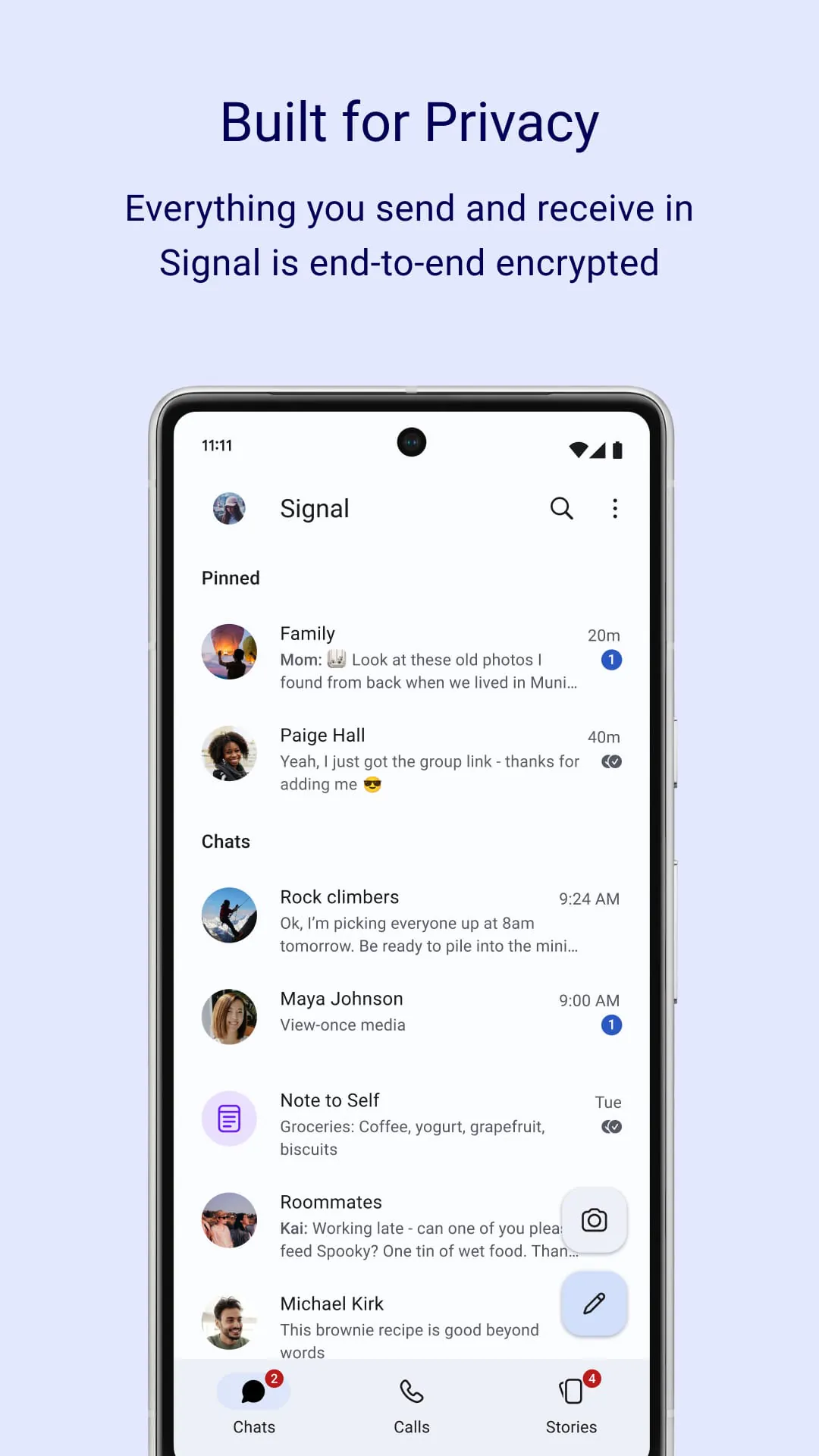
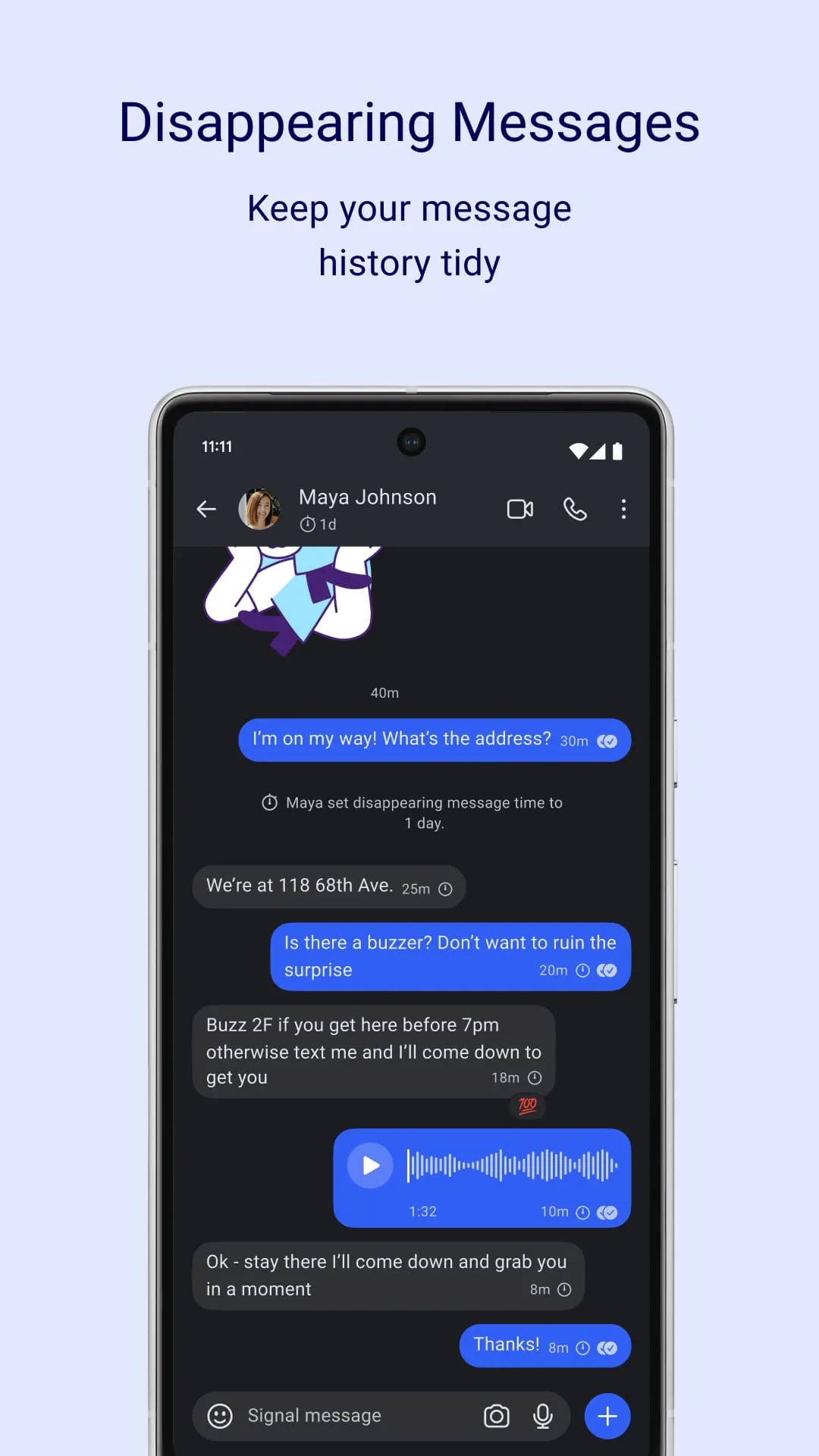
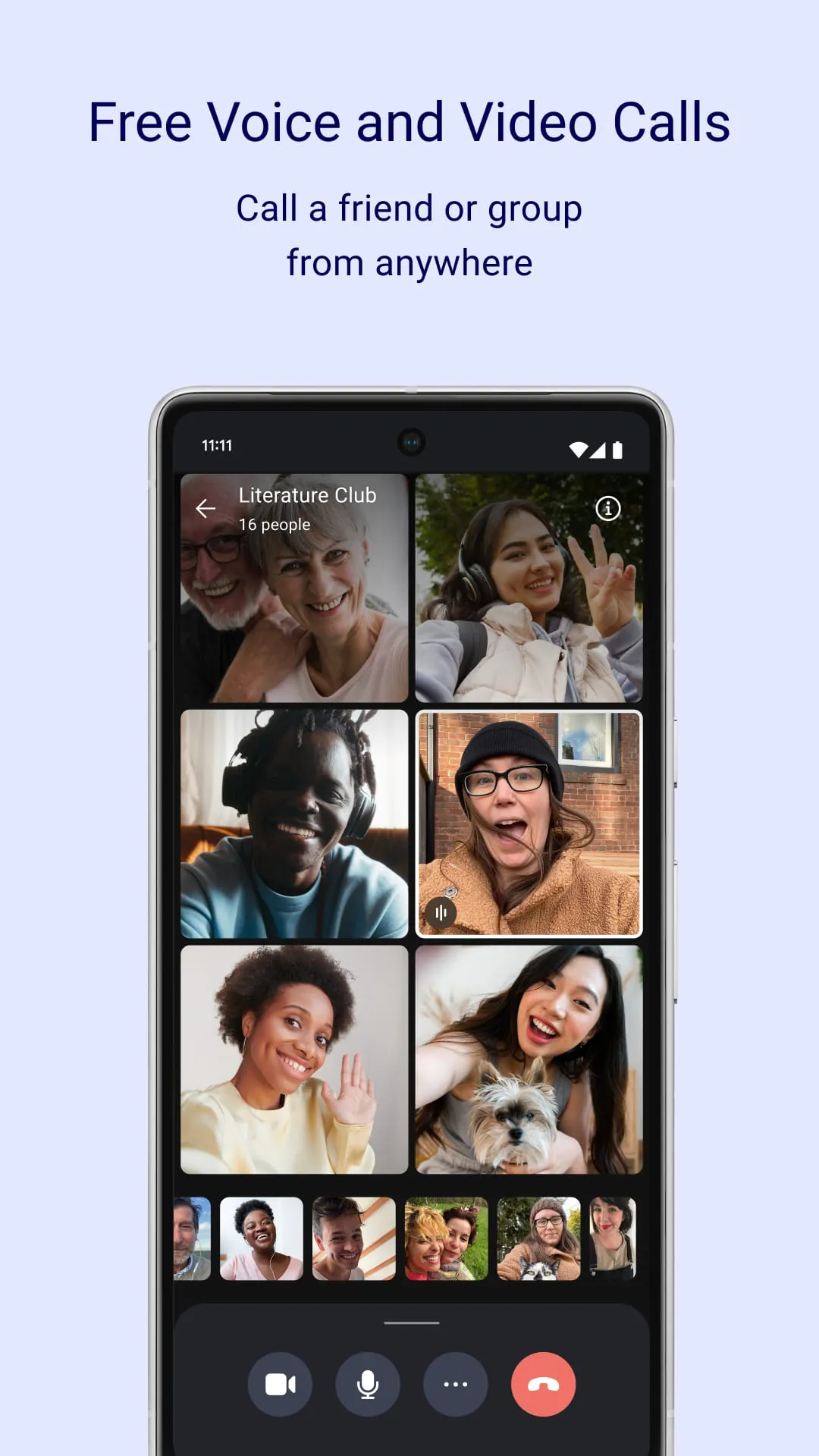
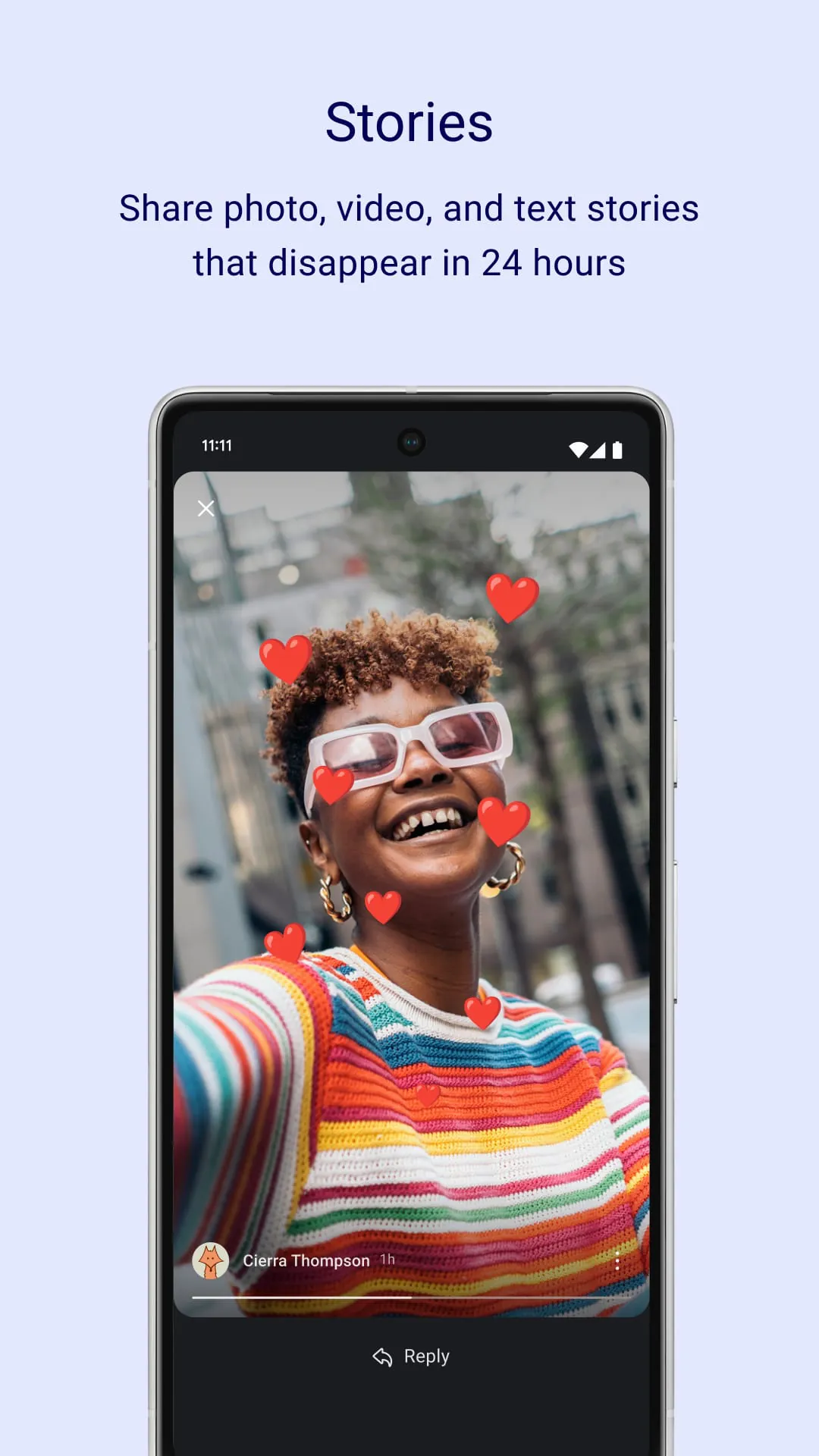
Signal Private Messenger is a free, open-source, and cross-platform encrypted messaging application developed by the non-profit Signal Foundation. It focuses primarily on providing top-tier privacy and security for its users, employing end-to-end encryption by default for all forms of communication, including text messages, voice calls, and video chats. Unlike many mainstream messaging apps, Signal is designed to collect minimal user data, positioning itself as a leading tool for secure digital conversations.
Signal Private Messenger distinguishes itself through a robust set of privacy-centric features. The application utilizes the state-of-the-art Signal Protocol for encryption, ensuring that only the sender and intended recipient can read messages. It offers disappearing messages that can be set to vanish after a chosen duration, adding an extra layer of confidentiality. Users can also enable a registration lock with a PIN code to prevent account hijacking and leverage features like screen security to block message previews in the app switcher. The platform supports group chats, high-quality voice and video calls, and the secure sharing of various file types, all while maintaining its core commitment to privacy.
Like any application, Signal presents a balanced mix of advantages and limitations that users should consider.
The functionality of Signal extends beyond simple text messaging to create a comprehensive and secure communication suite. Its primary function is to facilitate private conversations through encrypted one-on-one and group chats. The app also provides reliable and clear encrypted voice and video calling. Additional practical functions include the ability to send photos, documents, and other files securely. Users can customize their privacy settings per chat, utilize animated stickers, and even send one-time viewable images or messages. Signal also allows for seamless migration of chats when switching devices, all while keeping the communication history encrypted.
Click the button "Check All Versions" below to download and install it. The process is straightforward. After downloading the app from the official app store, you will need to register your phone number, which is used as your identifier, and verify it with a code sent via SMS or call. The app will then prompt you to set a registration lock PIN for account security. You can then start chatting by granting the app permission to access your contacts to see who else is on Signal. To begin a conversation, simply tap the compose icon, select a contact, and start sending encrypted messages or making calls. It is recommended to explore the privacy settings menu to configure options like screen lock, disappearing messages, and relay calls through a Signal server for added protection.
Get Signal Private Messenger from an official store or available APK channel.
ZIP files require a Split APKs Installer (e.g., SAI) from Google Play to install. Steps: 1. Download SAI from Google Play; 2. Open SAI and tap "Install APKs"; 3. Select the ZIP file; 4. Complete installation.
The latest version currently listed by Appspicked is V7.9.5, with information updated on May 18, 2026. Versions may vary by device, region, or rollout schedule, so users should also check Google Play / App Store or announcements from Signal Foundation.
No website can guarantee that an app is completely risk-free. Appspicked recommends downloading Signal Private Messenger only from an official app store or a verified channel operated by Signal Foundation. Before installing, confirm the developer name, package ID org.thoughtcrime.securesms, requested permissions, privacy policy, and download source.
Signal Private Messenger may be unavailable because of regional restrictions, device incompatibility, account or age settings, a temporary removal, a name change, or because it has not been released for that platform. An Android package page does not necessarily mean that an iOS App Store version exists. Check Signal Foundation’s official website for current availability.
Use Google Play / App Store or another official download channel provided by Signal Foundation whenever possible. Appspicked provides app information and store links, but users should verify the destination domain and publisher before downloading or updating the app.
The information on Appspicked may represent the most recently indexed snapshot. App stores sometimes release updates gradually or display different versions according to region, device, operating system, or testing group. The official store listing should be treated as the final reference.
Signal Private Messenger is listed for Android / iOS, with a reported minimum requirement of Not specified. Actual compatibility may also depend on the device model, region, available storage, hardware features, and installed system components.
The initial download may be free, but subscriptions, advertising, paid features, or in-app purchases may still apply. Prices and available purchases can vary by country and version. Check the payment information displayed by Google Play / App Store before completing a transaction.
Check the network connection, storage space, operating-system version, account region, and device compatibility. Restart the device and try again through the official store. If the problem continues, consult the support resources provided by Signal Foundation.









