


V5.4.2

- Package Name
- com.crone.skineditorforminecraftpe
- Version Name
- V5.4.2
- Version Code
- V5.4.2
- File Size
- 19.71 MB
- Update time
- 2024-3-24



by Crone
Create skins and install them in the game or on server.
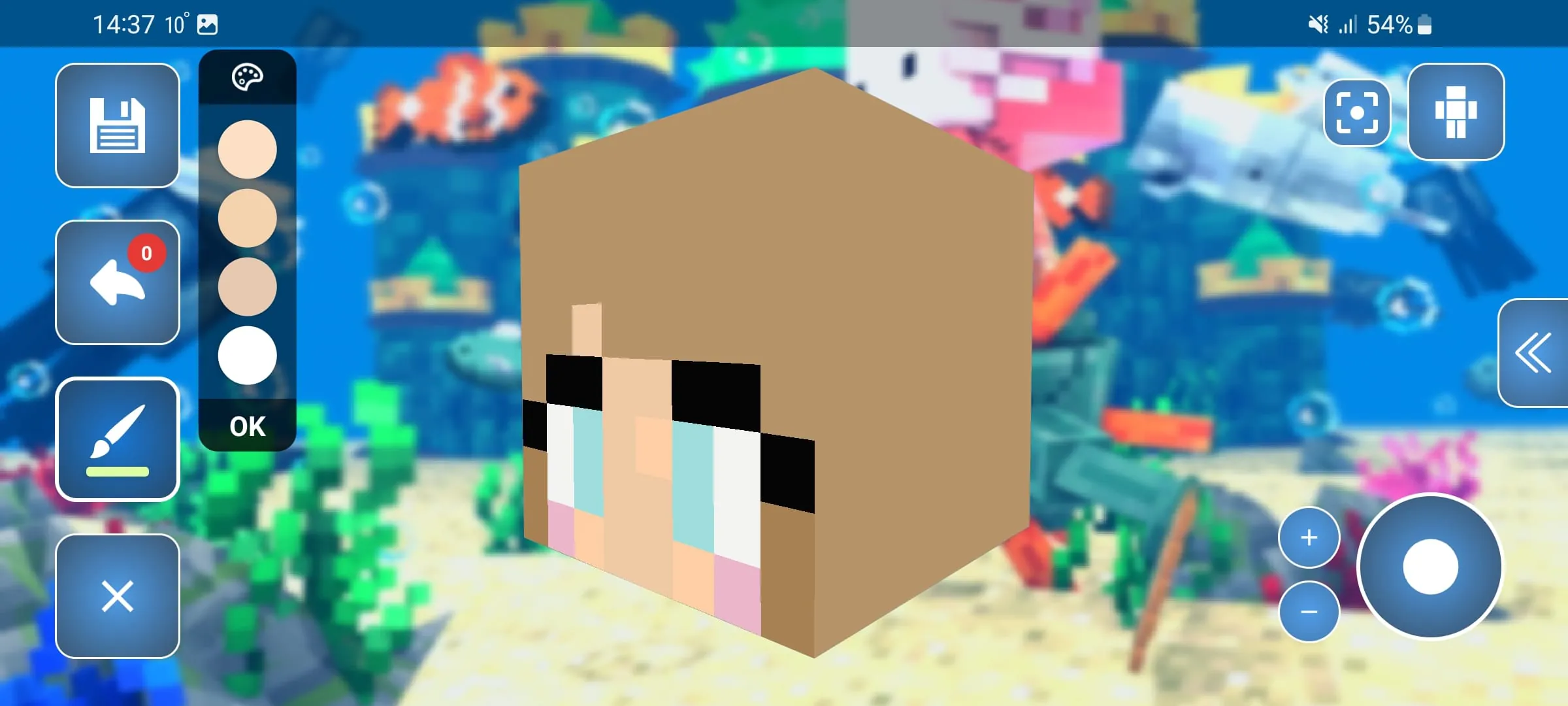
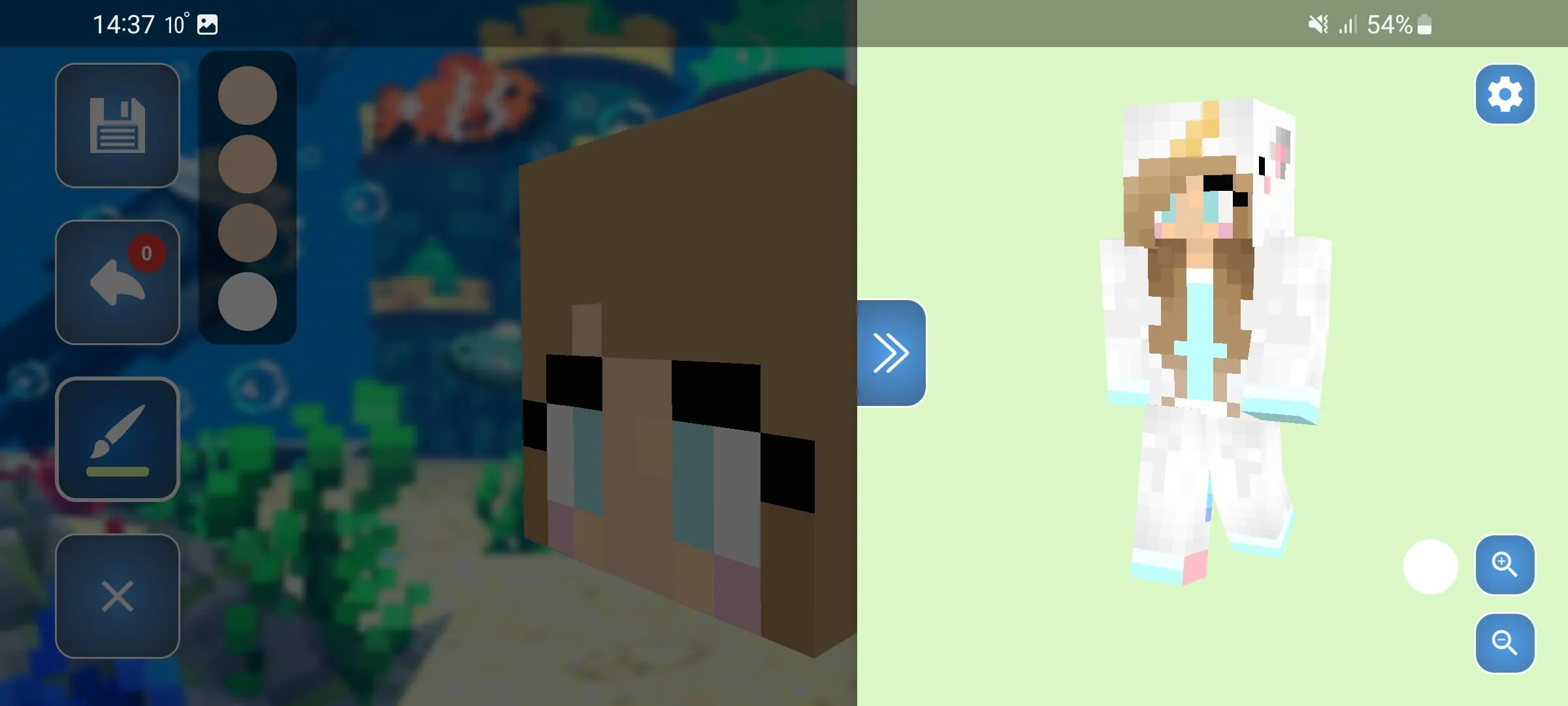
Skin Editor 3D for Minecraft is a highly popular and intuitive mobile application developed by Remoro Studios that allows Minecraft players to design, edit, and fully customize their character skins in a real-time three-dimensional environment. Instead of struggling with confusing flat 2D templates, users can paint directly onto a rotatable 3D character model, seeing exactly how their designs wrap around the limbs and torso instantly. The app supports both the classic 64x32 and the newer 64x64 skin resolutions, making it a versatile tool for players who want to express their creativity and stand out on multiplayer servers with unique, personalized avatars.
The app is packed with a comprehensive set of tools that cater to both beginners and advanced skin creators, ensuring a smooth and detailed design process. Its standout features include:
Like any creative utility, Skin Editor 3D for Minecraft comes with its own set of strengths and drawbacks that users should consider. Pros:
Cons:
The application serves as a fully functional mobile art studio tailored specifically for Minecraft's unique skin format and specifications. Its primary functions allow users to create brand new skins starting from the default Steve or Alex bases, or to import existing skins from their device, Minecraft PE, or the online community gallery for further modification. You can utilize pixel-level painting functions to apply base colors, shading, and intricate details, while the layer management system lets you add overlay details like flowing hair, hats, or armor without altering the base texture. Additionally, the app manages your personal skin library, autosaves your progress to prevent losing work, and handles all the technical formatting required to export a perfectly sized .png file that is immediately compatible with Minecraft Java and Bedrock editions.
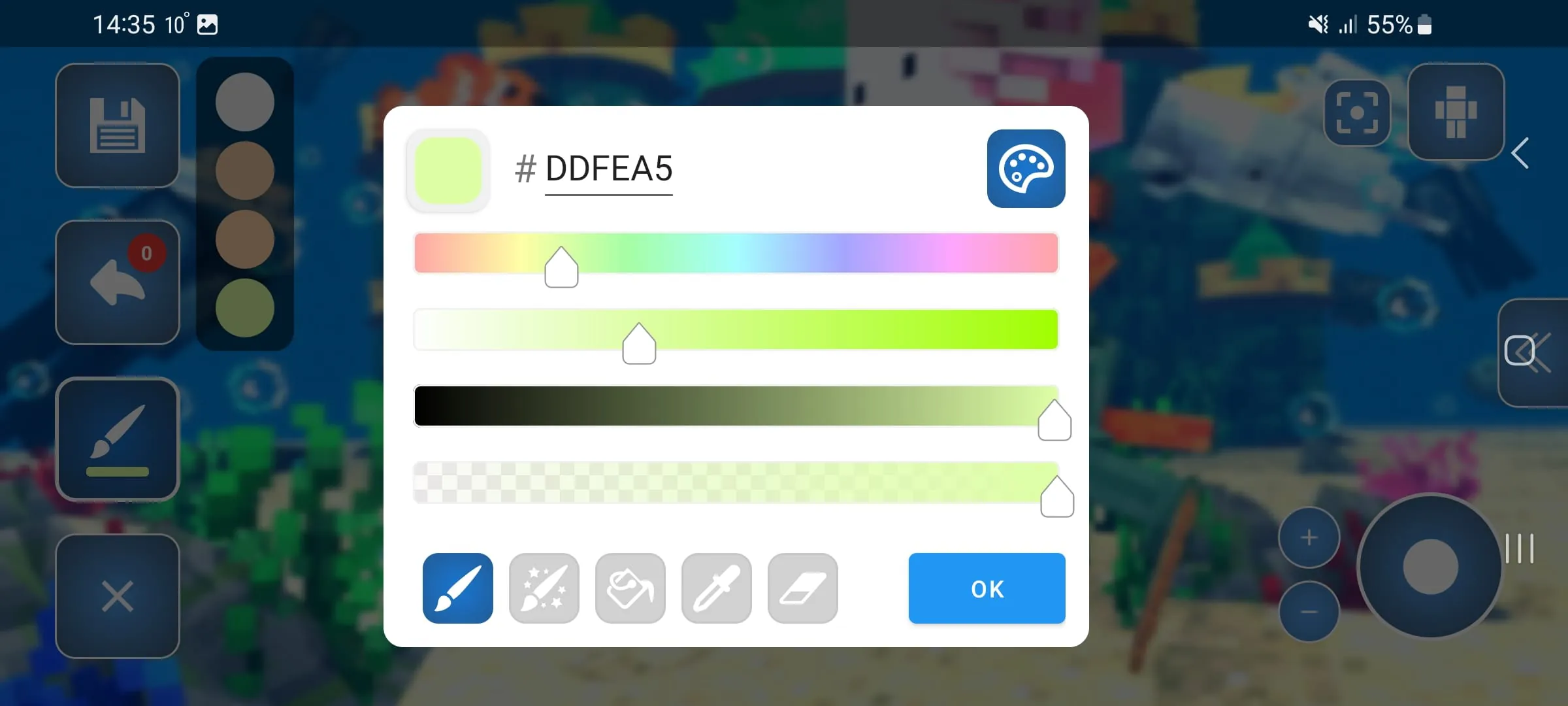
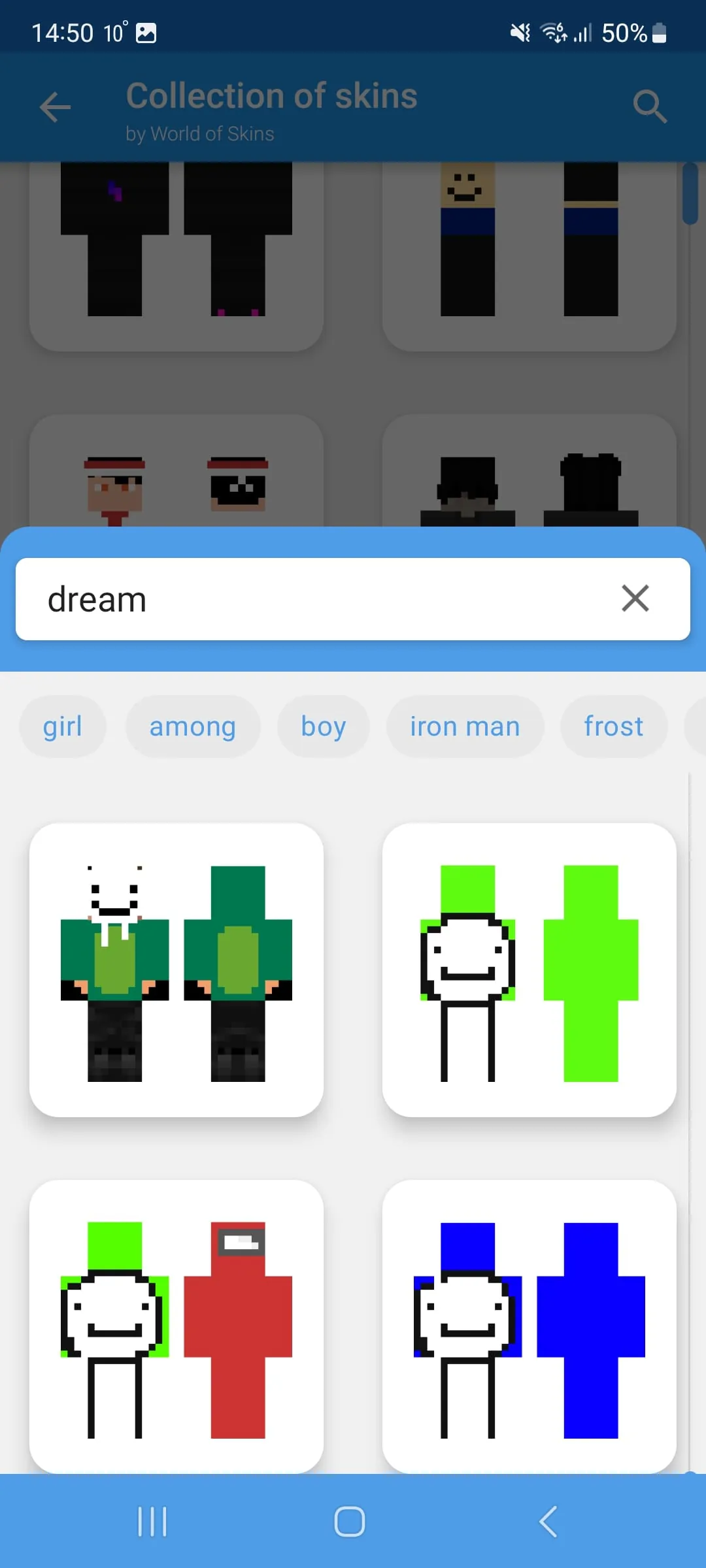
Click the button "Check All Versions" below to download and install it. Once the app is installed and opened, you start by choosing whether to create a new skin from scratch, use a random generated skin, or browse the extensive online gallery for an existing design to edit. After selecting your base, use the touch-based tools on the interface to pick colors from the RGB color palette and paint directly onto the 3D character model on your screen. You can pinch to zoom in for detailed pixel work on the face or fingers, and swipe to rotate the model to access the back, sides, and legs. If you want to paint the inner areas, simply toggle off the visibility of the body part you are working on using the layer options. When your design is complete, simply hit the save button to store it in your personal library, or use the export function to either save the PNG to your phone's gallery or send it directly into your Minecraft Pocket Edition app to wear immediately.
Get Skin Editor 3D for Minecraft from an official store or available APK channel.
ZIP files require a Split APKs Installer (e.g., SAI) from Google Play to install. Steps: 1. Download SAI from Google Play; 2. Open SAI and tap "Install APKs"; 3. Select the ZIP file; 4. Complete installation.
The latest version currently listed by Appspicked is V5.4.2, with information updated on May 24, 2026. Versions may vary by device, region, or rollout schedule, so users should also check Google Play or announcements from Crone.
No website can guarantee that an app is completely risk-free. Appspicked recommends downloading Skin Editor 3D for Minecraft only from an official app store or a verified channel operated by Crone. Before installing, confirm the developer name, package ID com.crone.skineditorforminecraftpe, requested permissions, privacy policy, and download source.
Skin Editor 3D for Minecraft may be unavailable because of regional restrictions, device incompatibility, account or age settings, a temporary removal, a name change, or because it has not been released for that platform. An Android package page does not necessarily mean that an iOS App Store version exists. Check Crone’s official website for current availability.
Use Google Play or another official download channel provided by Crone whenever possible. Appspicked provides app information and store links, but users should verify the destination domain and publisher before downloading or updating the app.
The information on Appspicked may represent the most recently indexed snapshot. App stores sometimes release updates gradually or display different versions according to region, device, operating system, or testing group. The official store listing should be treated as the final reference.
Skin Editor 3D for Minecraft is listed for Android, with a reported minimum requirement of Not specified. Actual compatibility may also depend on the device model, region, available storage, hardware features, and installed system components.
The initial download may be free, but subscriptions, advertising, paid features, or in-app purchases may still apply. Prices and available purchases can vary by country and version. Check the payment information displayed by Google Play before completing a transaction.
Check the network connection, storage space, operating-system version, account region, and device compatibility. Restart the device and try again through the official store. If the problem continues, consult the support resources provided by Crone.









