




Skin Maker & 3D Editor
by Pixelvoid Games Ltd
Popular and custom skins for boys & girls, skin creator for your own character
A closer look
Overview
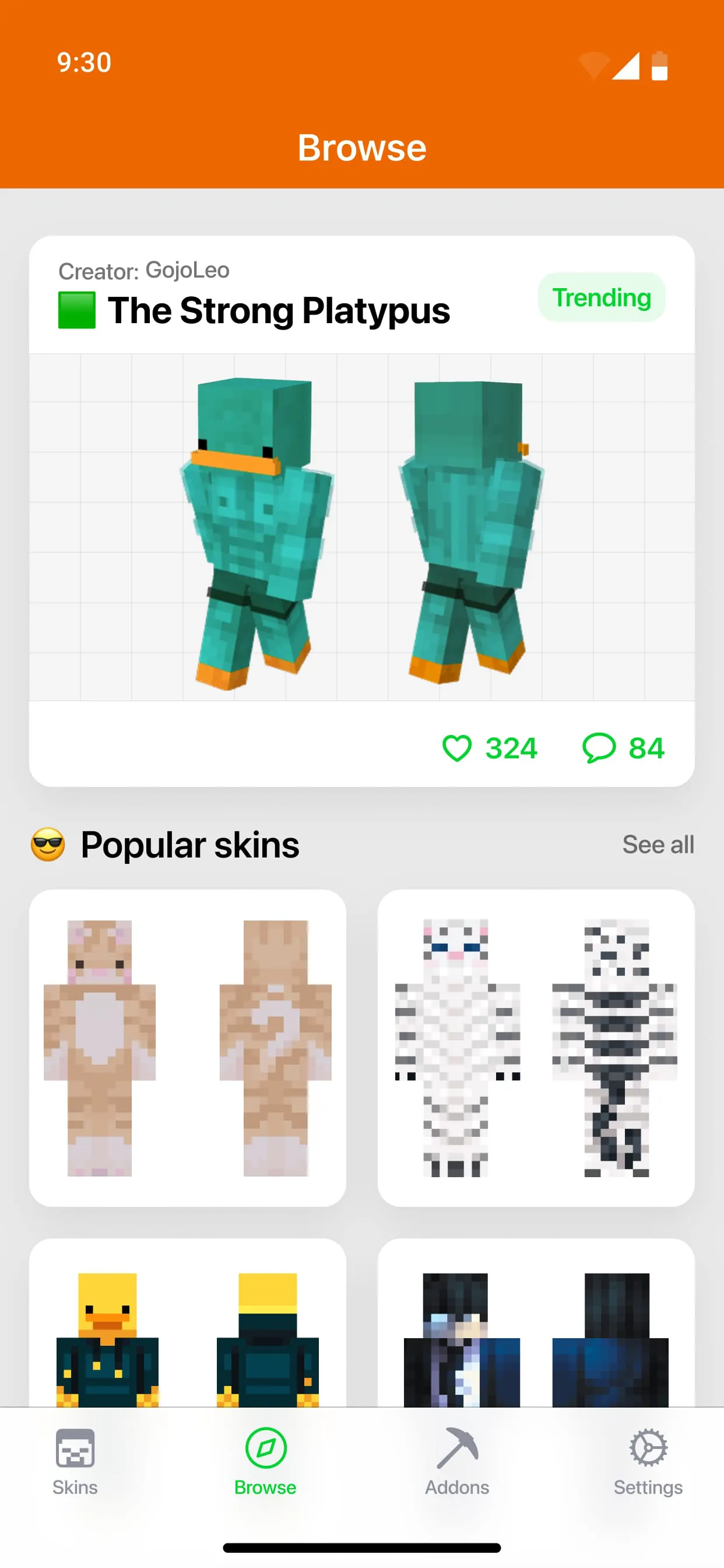
The "Skin Editor for Minecraft" application presents a comprehensive and user-friendly platform designed for crafting personalized skins for Minecraft characters. This application caters to both novice and experienced Minecraft enthusiasts, offering a wide array of tools and features that facilitate the creation of unique and visually appealing characters within the Minecraft universe.
The application's core functionality revolves around providing users with the ability to design skins from scratch or to modify existing templates, thereby enabling a high degree of customization and creative expression. The intuitive interface ensures that users, regardless of their technical expertise, can navigate the application with ease and access the full range of features without encountering undue complexity. The application's suitability for both boys and girls underscores its broad appeal and accessibility within the Minecraft community.
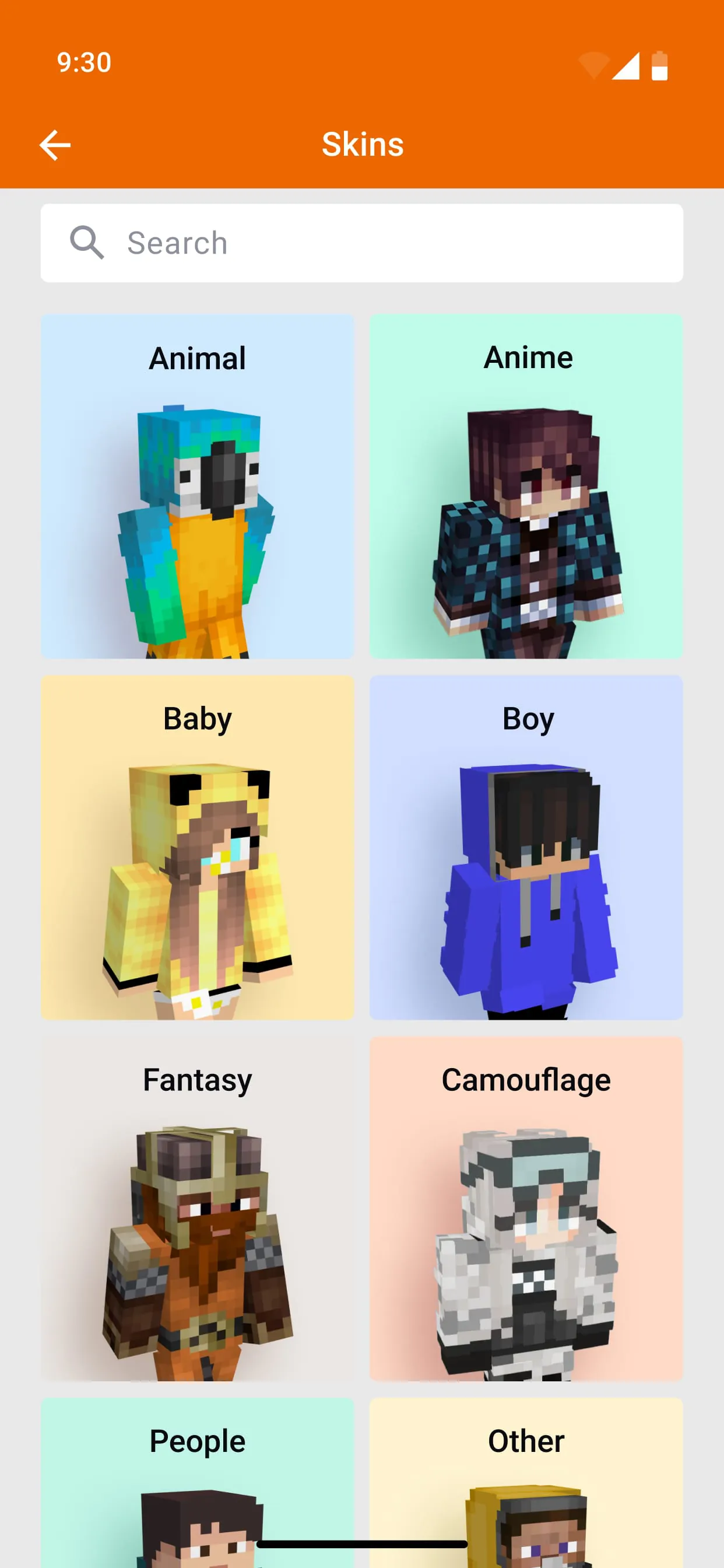
The application distinguishes itself through its robust feature set, which includes a unique multiple-layer system that allows users to work on different aspects of the skin independently, thereby enhancing precision and control over the design process. The availability of hundreds of Minecraft skin templates provides a rich source of inspiration and serves as a starting point for users who may prefer to modify existing designs rather than create skins from scratch. The advanced skin creator drawing toolbox equips users with a comprehensive suite of tools for manipulating pixels, adding colors, and creating intricate details.
The ability to import skins from a user's device to Minecraft PE and PC platforms ensures seamless integration with the Minecraft ecosystem, allowing users to readily apply their custom skins within the game. The application's support for the 64x64 skin format, a standard format for Minecraft skins, ensures compatibility and optimal visual fidelity.
The "Skin Editor for Minecraft" application empowers users to realize their creative visions and populate the Minecraft world with characters that reflect their unique personalities and preferences. The application's combination of user-friendliness, advanced features, and seamless integration with Minecraft makes it an indispensable tool for anyone seeking to enhance their Minecraft experience through custom skin creation.
The application's emphasis on accessibility and creative expression ensures that users of all skill levels can participate in the process of skin design and contribute to the vibrant tapestry of the Minecraft community. The availability of a wide range of templates, tools, and features fosters a sense of empowerment and encourages users to experiment with different styles, colors, and designs. The application's intuitive interface and comprehensive documentation further enhance the user experience, making it easy for users to learn the ropes and master the art of skin creation.
The "Skin Editor for Minecraft" application is not merely a tool for creating skins; it is a gateway to a world of creative possibilities within the Minecraft universe. It is a platform that empowers users to express themselves, connect with others, and contribute to the ongoing evolution of the Minecraft community. The application's commitment to user-friendliness, innovation, and community engagement ensures that it will remain a valuable resource for Minecraft enthusiasts for years to come.
The developers of the application have clearly invested significant effort in creating a product that is both functional and enjoyable to use. The application's intuitive interface, comprehensive feature set, and seamless integration with Minecraft are testaments to their dedication to providing users with a high-quality skin creation experience. The application's success is evident in its popularity within the Minecraft community, where it has become a go-to resource for anyone seeking to create custom skins.
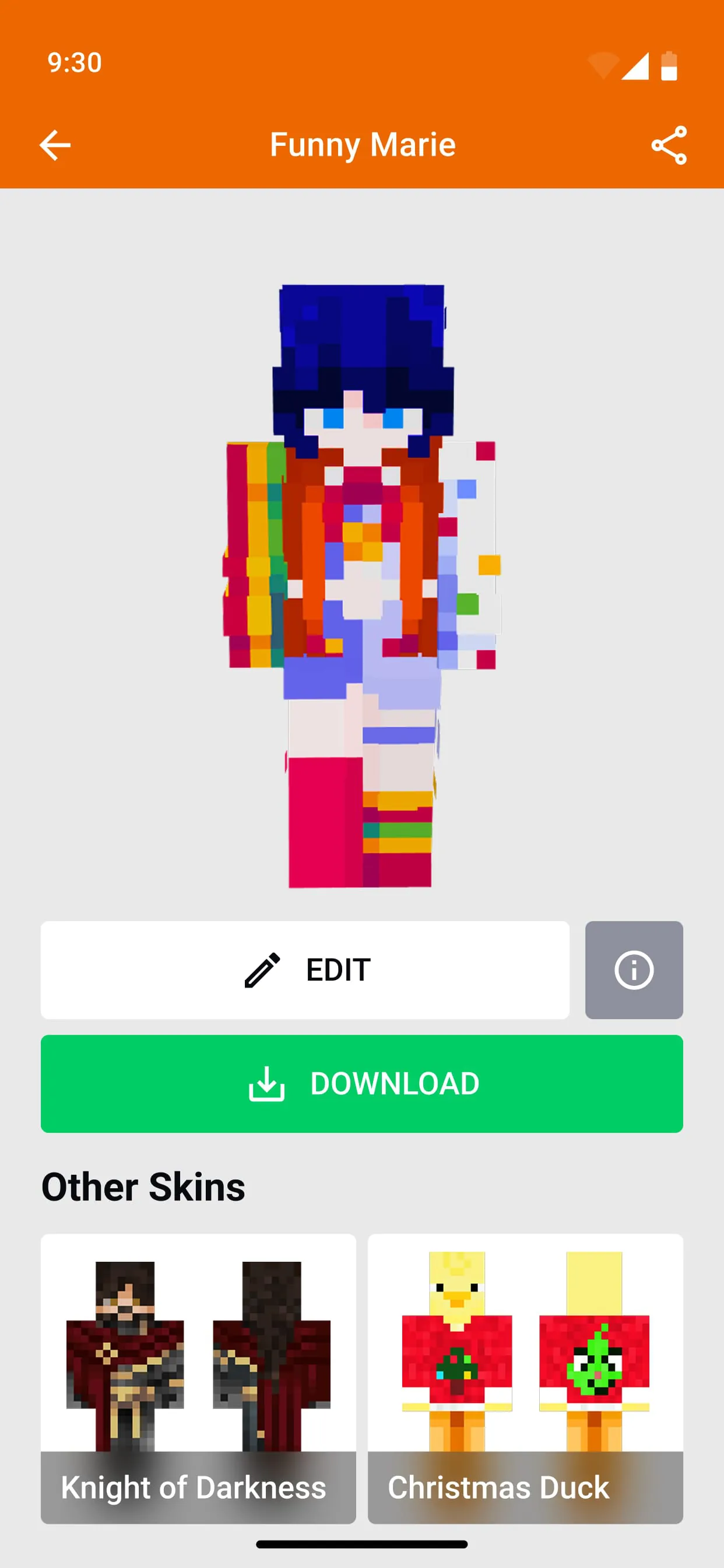
The "Skin Editor for Minecraft" excels in its ability to facilitate the creation and modification of Minecraft skins through a variety of user-friendly tools and features. A key aspect of the application is its skin import functionality, which allows users to bring their existing Minecraft skins into the editor and modify them to their liking.
This feature is particularly useful for users who have already created skins or have downloaded skins from other sources and wish to personalize them further. The application's ability to import skins streamlines the skin creation process and allows users to leverage existing resources as a foundation for their own designs.
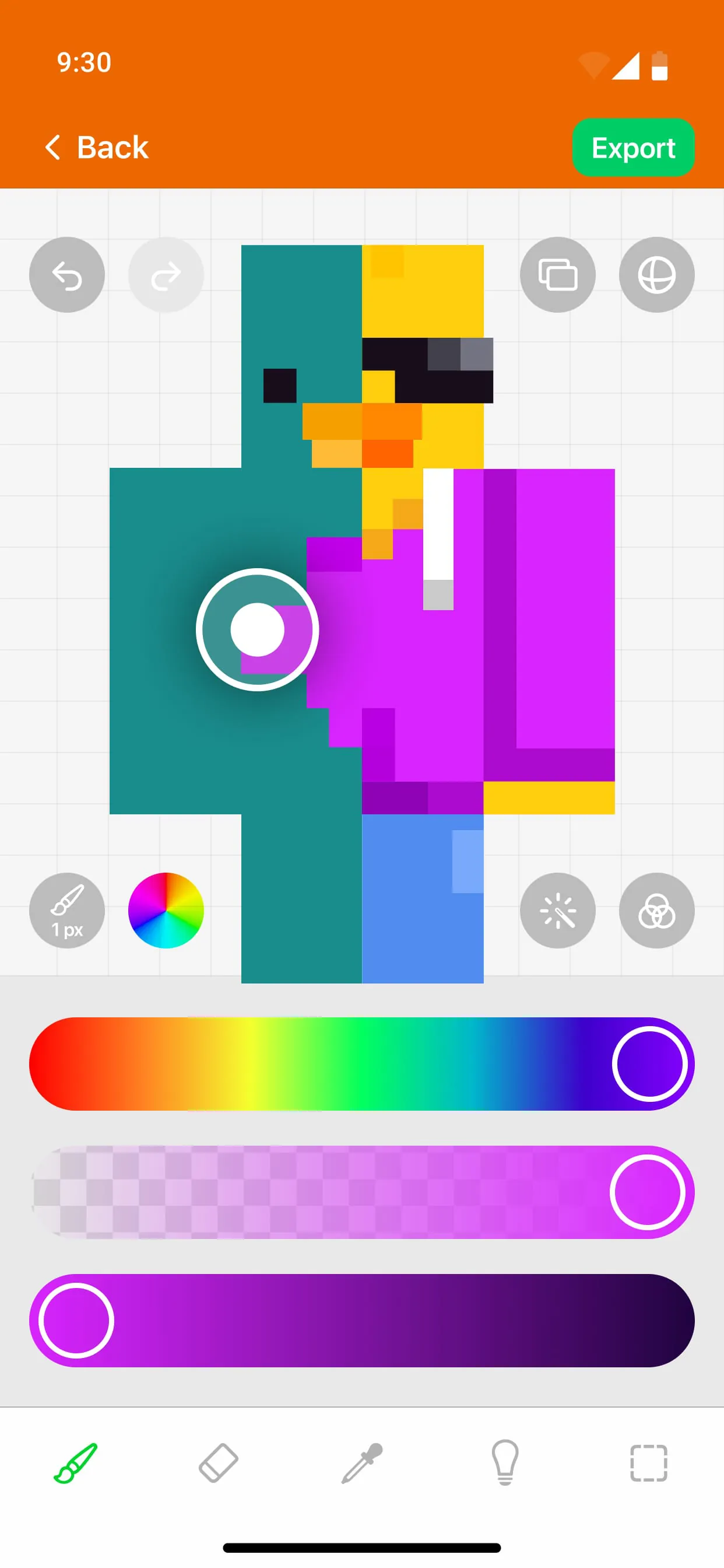
The application's drawing toolbox provides users with a comprehensive set of tools for manipulating pixels, adding colors, and creating intricate details. The brush tool allows users to paint directly onto the skin, while the eraser tool enables them to remove pixels and restore them to their original color.
The undo and redo functions provide a safety net for users, allowing them to revert and repeat any recent changes made in the skin creator. These tools empower users to experiment with different designs and make adjustments with confidence, knowing that they can easily undo any unwanted changes.
The multiple-layer system is a unique feature that allows users to work on different aspects of the skin independently. Each layer can contain clothes, accessories, or painted details, giving users a high degree of control over the skin's appearance. This system allows users to create complex and intricate designs without having to worry about accidentally altering other parts of the skin. The multiple-layer system is a powerful tool that enables users to unleash their creativity and create truly unique and personalized skins.
The application's ability to export skins for the PC version of Minecraft is another key feature that enhances its versatility. Skins are an essential part of the Minecraft experience, and the ability to create and use them on both the PE and PC versions of the game is a major advantage.
The application saves skins in PNG format, which is a standard image format that is compatible with both versions of Minecraft. This ensures that users can easily transfer their custom skins between devices and platforms.
The "Skin Editor for Minecraft" application provides a comprehensive and user-friendly platform for creating and modifying Minecraft skins. Its skin import functionality, drawing toolbox, multiple-layer system, and PC export capabilities make it an indispensable tool for anyone seeking to enhance their Minecraft experience through custom skin creation. The application's emphasis on versatility and cross-platform compatibility ensures that users can enjoy their custom skins regardless of how they play Minecraft.
In conclusion, the "Skin Editor for Minecraft" application emerges as a valuable asset for Minecraft players seeking to personalize their in-game characters. Its comprehensive suite of tools, user-friendly interface, and seamless integration with both the Pocket Edition (PE) and PC versions of Minecraft make it an attractive option for both novice and experienced skin creators.
The application's emphasis on accessibility and creative expression ensures that users of all skill levels can participate in the process of skin design and contribute to the vibrant tapestry of the Minecraft community. The availability of a wide range of templates, tools, and features fosters a sense of empowerment and encourages users to experiment with different styles, colors, and designs. The application's intuitive interface and comprehensive documentation further enhance the user experience, making it easy for users to learn the ropes and master the art of skin creation.
The application's unique features, such as the multiple-layer system, provide users with a high degree of control over the skin's appearance, allowing them to create complex and intricate designs without having to worry about accidentally altering other parts of the skin. The application's ability to import and export skins seamlessly between devices and platforms ensures that users can enjoy their custom creations regardless of how they play Minecraft.
The "Skin Editor for Minecraft" application is not merely a tool for creating skins; it is a gateway to a world of creative possibilities within the Minecraft universe. It is a platform that empowers users to express themselves, connect with others, and contribute to the ongoing evolution of the Minecraft community. The application's commitment to user-friendliness, innovation, and community engagement ensures that it will remain a valuable resource for Minecraft enthusiasts for years to come.
The developers of the application have clearly invested significant effort in creating a product that is both functional and enjoyable to use. The application's intuitive interface, comprehensive feature set, and seamless integration with Minecraft are testaments to their dedication to providing users with a high-quality skin creation experience. The application's success is evident in its popularity within the Minecraft community, where it has become a go-to resource for anyone seeking to create custom skins.
The "Skin Editor for Minecraft" stands out as a robust and versatile application that caters to the needs of Minecraft players who are passionate about personalization and creative expression. Its comprehensive feature set, user-friendly interface, and seamless integration with the Minecraft ecosystem make it an indispensable tool for anyone seeking to enhance their Minecraft experience through custom skin creation. The application's emphasis on accessibility, innovation, and community engagement ensures that it will continue to thrive and evolve in the years to come.
App Download
Get Skin Maker & 3D Editor from an official store or available APK channel.
Previous Versions
ZIP files require a Split APKs Installer (e.g., SAI) from Google Play to install. Steps: 1. Download SAI from Google Play; 2. Open SAI and tap "Install APKs"; 3. Select the ZIP file; 4. Complete installation.
Frequently Asked Questions
What is the latest version of Skin Maker & 3D Editor?
The latest version currently listed by Appspicked is unavailable, with information updated on Oct 27, 2026. Versions may vary by device, region, or rollout schedule, so users should also check Google Play or announcements from Pixelvoid Games Ltd.
Is Skin Maker & 3D Editor safe to download and use?
No website can guarantee that an app is completely risk-free. Appspicked recommends downloading Skin Maker & 3D Editor only from an official app store or a verified channel operated by Pixelvoid Games Ltd. Before installing, confirm the developer name, package ID skin.editor.minecraft, requested permissions, privacy policy, and download source.
Why can’t I find Skin Maker & 3D Editor in the App Store?
Skin Maker & 3D Editor may be unavailable because of regional restrictions, device incompatibility, account or age settings, a temporary removal, a name change, or because it has not been released for that platform. An Android package page does not necessarily mean that an iOS App Store version exists. Check Pixelvoid Games Ltd’s official website for current availability.
Where can I download or update Skin Maker & 3D Editor?
Use Google Play or another official download channel provided by Pixelvoid Games Ltd whenever possible. Appspicked provides app information and store links, but users should verify the destination domain and publisher before downloading or updating the app.
Why is the version shown on Appspicked different from the app-store version?
The information on Appspicked may represent the most recently indexed snapshot. App stores sometimes release updates gradually or display different versions according to region, device, operating system, or testing group. The official store listing should be treated as the final reference.
Which devices and operating systems support Skin Maker & 3D Editor?
Skin Maker & 3D Editor is listed for Android, with a reported minimum requirement of Not specified. Actual compatibility may also depend on the device model, region, available storage, hardware features, and installed system components.
Is Skin Maker & 3D Editor free?
The initial download may be free, but subscriptions, advertising, paid features, or in-app purchases may still apply. Prices and available purchases can vary by country and version. Check the payment information displayed by Google Play before completing a transaction.
What should I do if Skin Maker & 3D Editor cannot be installed or updated?
Check the network connection, storage space, operating-system version, account region, and device compatibility. Restart the device and try again through the official store. If the problem continues, consult the support resources provided by Pixelvoid Games Ltd.









