


V12.13.3

- Package Name
- com.southwestairlines.mobile
- Version Name
- V12.13.3
- Version Code
- V12.13.3
- File Size
- 60.94 MB
- Update time
- 2025-12-23



by Southwest Airlines
Flight booking, hotel booking & more - all in one place with the Southwest App!

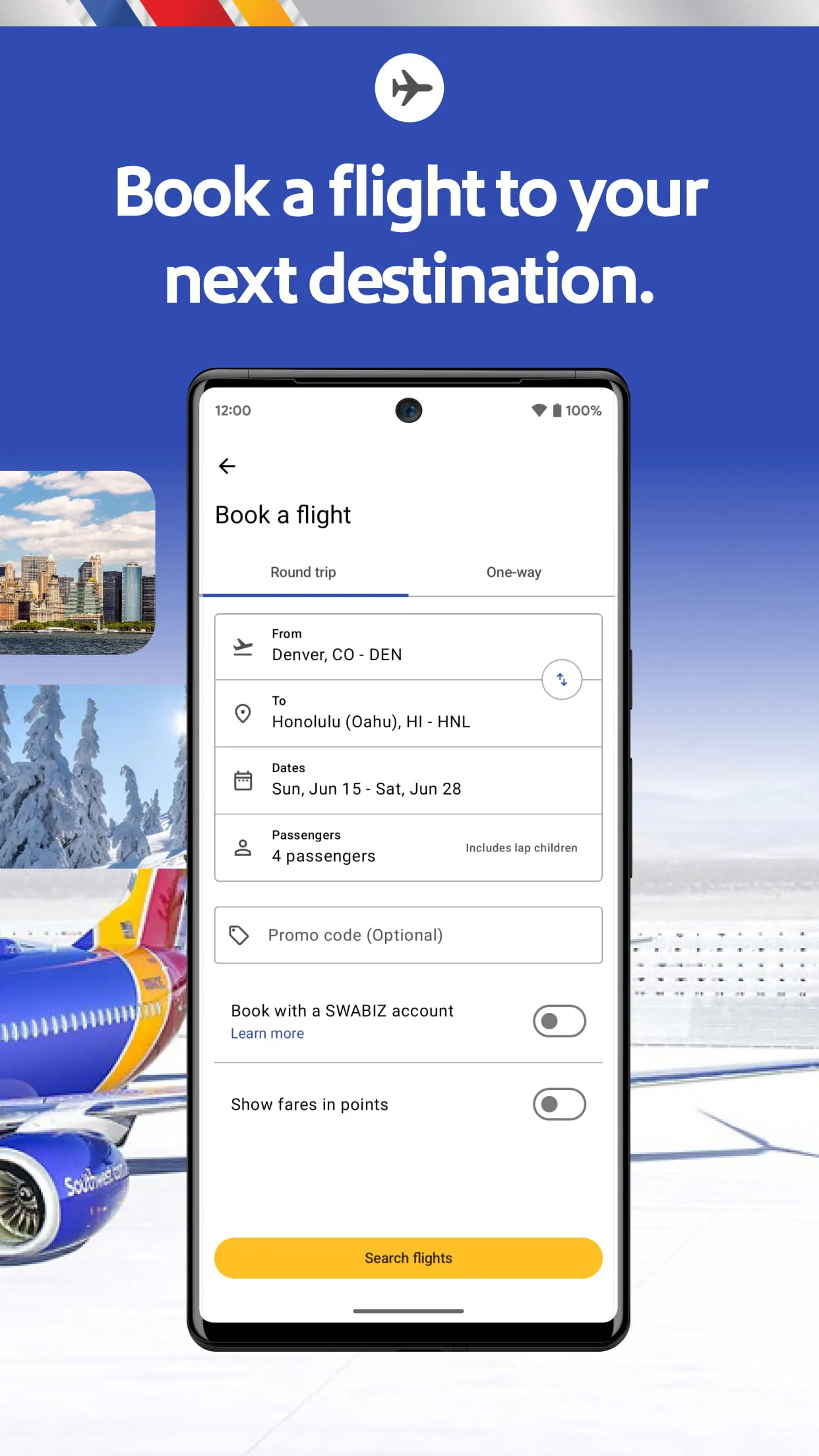
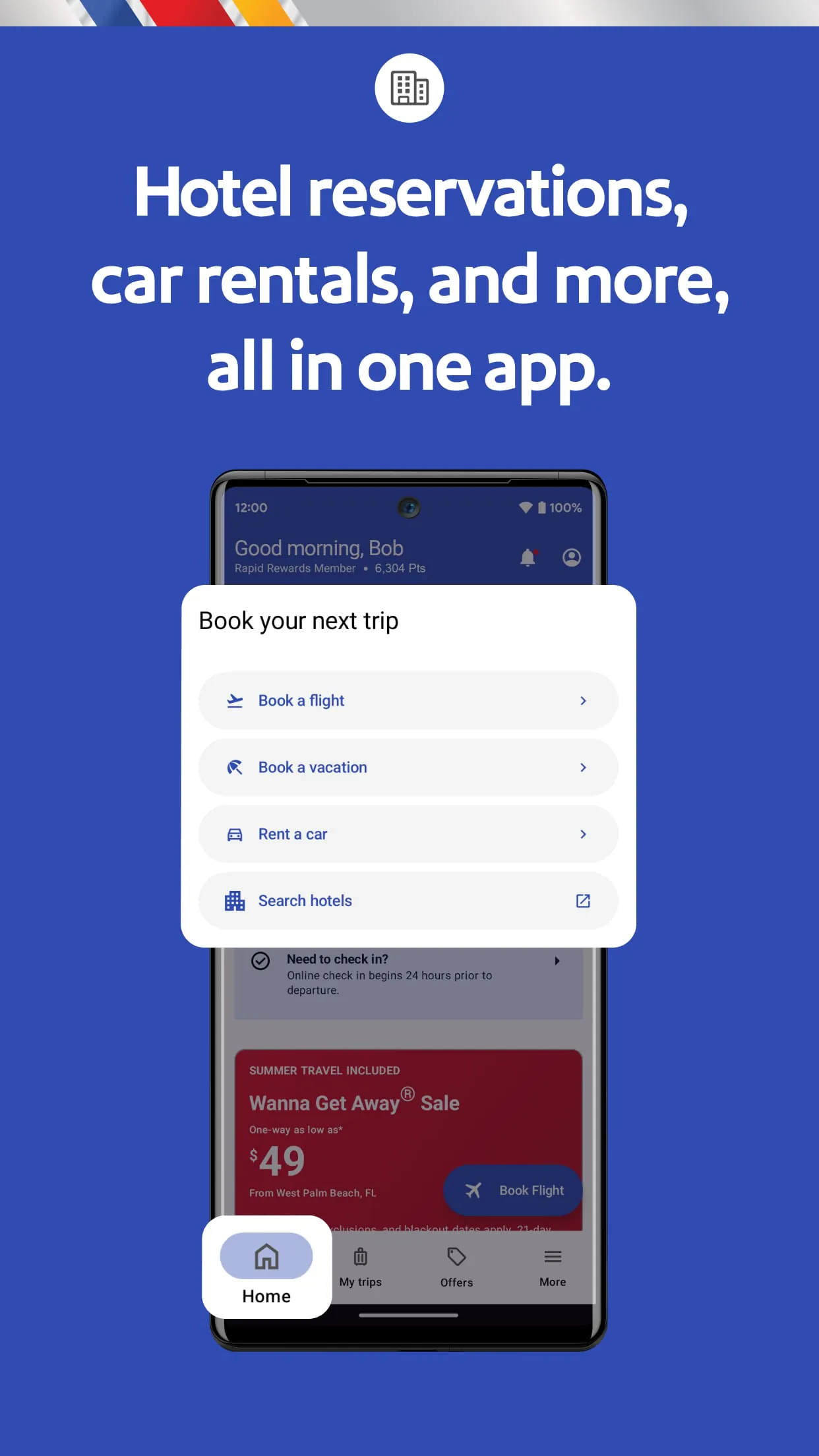
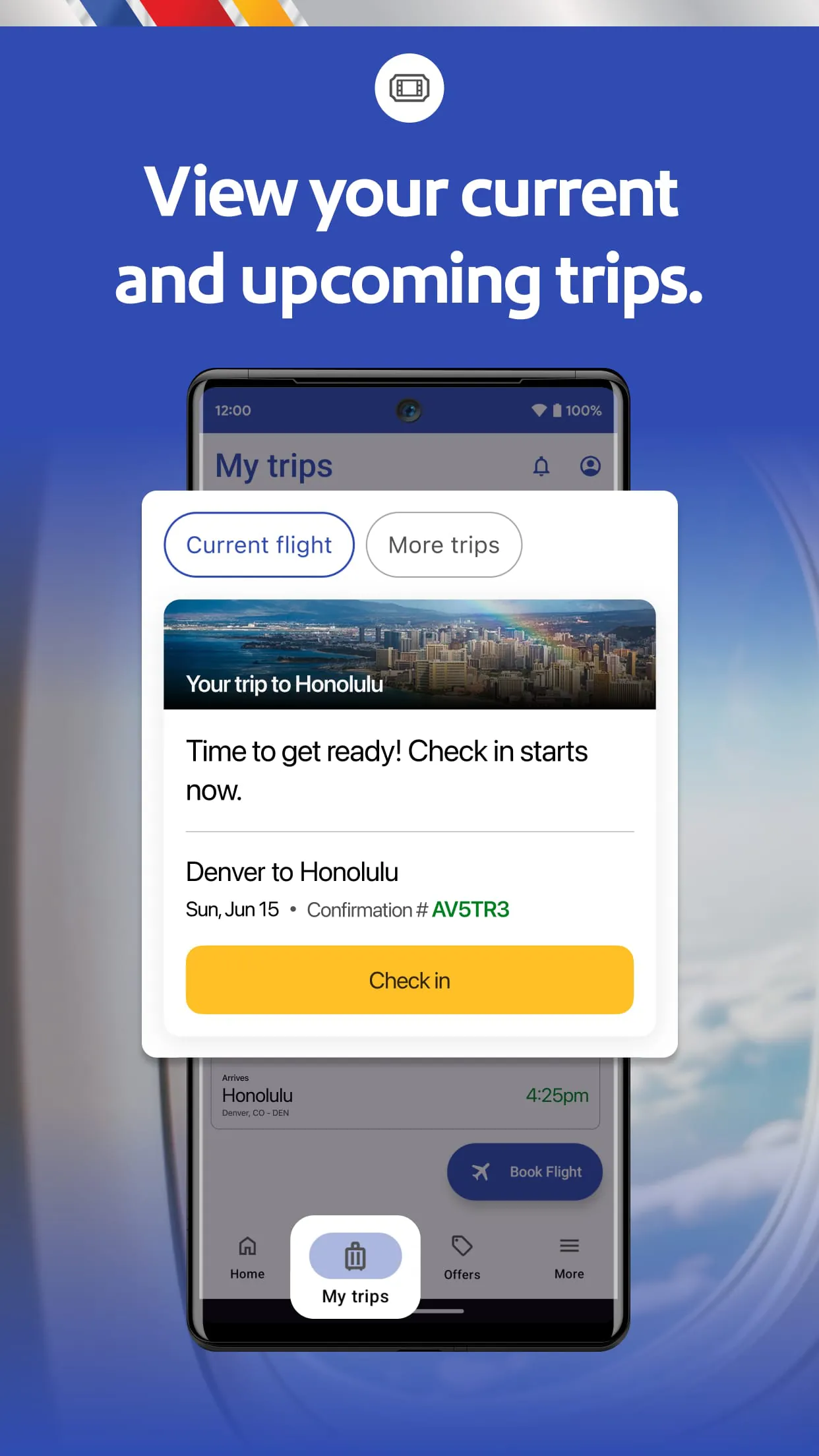
The official Southwest Airlines mobile application is a comprehensive travel companion designed to provide customers with a seamless and efficient way to manage their air travel directly from their smartphone. It serves as a digital hub for booking flights, checking in, accessing boarding passes, and staying informed about flight status and Rapid Rewards points, all tailored to support the airline's unique open seating and low-fare model.
The app is packed with user-centric features that simplify the travel process. It enables mobile boarding passes for a contactless experience at the airport and sends real-time push notifications for gate changes or flight delays. Travelers can easily modify bookings, add EarlyBird Check-In, and track their Rapid Rewards balance. A particularly notable feature is the ability to view your place in the boarding line (A, B, or C group and position) once the check-in window opens, which is crucial for securing a preferred seat.
Using the Southwest Airlines app comes with distinct advantages and a few limitations. On the positive side, it offers exceptional convenience for managing the entire travel journey, from booking to landing, and is essential for securing a good boarding position with its precise check-in timer. The interface is generally user-friendly, and the free messaging feature to stay connected with Southwest is a significant perk. However, some users may find the initial learning curve for Southwest's specific policies, like open seating, to be a slight drawback. Additionally, while stable, the app can occasionally experience slowdowns during peak check-in times when many users are accessing it simultaneously.
The application's functionality is broad and covers nearly every aspect of the travel experience. Its core functions are organized to help users navigate their trip effortlessly.
Click the button "Check All Versions" below to download and install it. Once installed, open the app and create an account or log in with your existing Southwest Airlines Rapid Rewards credentials to link your travel profile. For the best experience, ensure push notifications are enabled to receive timely flight alerts. To book a trip, simply enter your travel destinations and dates on the home screen. For an upcoming flight, set a reminder to check in right at the 24-hour mark to secure the best possible boarding position. Your mobile boarding pass will then be available in the app, ready to be scanned at the security checkpoint and the gate.
Get Southwest Airlines from an official store or available APK channel.
ZIP files require a Split APKs Installer (e.g., SAI) from Google Play to install. Steps: 1. Download SAI from Google Play; 2. Open SAI and tap "Install APKs"; 3. Select the ZIP file; 4. Complete installation.
The latest version currently listed by Appspicked is V11.3.4, with information updated on May 16, 2026. Versions may vary by device, region, or rollout schedule, so users should also check Google Play or announcements from Southwest Airlines.
No website can guarantee that an app is completely risk-free. Appspicked recommends downloading Southwest Airlines only from an official app store or a verified channel operated by Southwest Airlines. Before installing, confirm the developer name, package ID com.southwestairlines.mobile, requested permissions, privacy policy, and download source.
Southwest Airlines may be unavailable because of regional restrictions, device incompatibility, account or age settings, a temporary removal, a name change, or because it has not been released for that platform. An Android package page does not necessarily mean that an iOS App Store version exists. Check Southwest Airlines’s official website for current availability.
Use Google Play or another official download channel provided by Southwest Airlines whenever possible. Appspicked provides app information and store links, but users should verify the destination domain and publisher before downloading or updating the app.
The information on Appspicked may represent the most recently indexed snapshot. App stores sometimes release updates gradually or display different versions according to region, device, operating system, or testing group. The official store listing should be treated as the final reference.
Southwest Airlines is listed for Android, with a reported minimum requirement of Not specified. Actual compatibility may also depend on the device model, region, available storage, hardware features, and installed system components.
The initial download may be free, but subscriptions, advertising, paid features, or in-app purchases may still apply. Prices and available purchases can vary by country and version. Check the payment information displayed by Google Play before completing a transaction.
Check the network connection, storage space, operating-system version, account region, and device compatibility. Restart the device and try again through the official store. If the problem continues, consult the support resources provided by Southwest Airlines.









