


V4.0.6.0

- Package Name
- com.pingapp.app
- Version Name
- V4.0.6.0
- Version Code
- V4.0.6.0
- File Size
- 46.14 MB
- Update time
- 2024-3-19



by Spike Email - Your Inbox reinvented
Teamspace and email for business: chat, channels, docs, & meetings - with AI
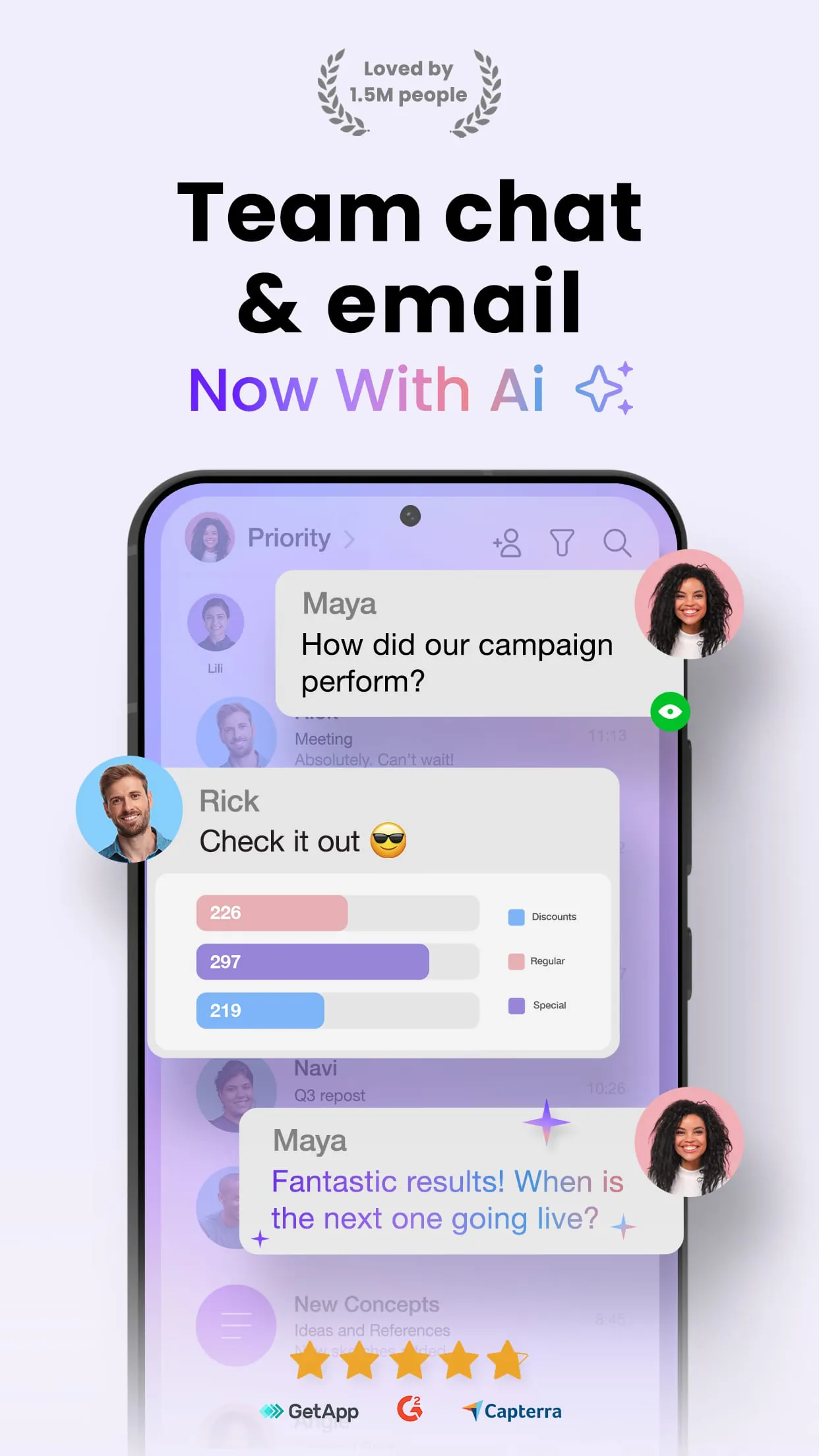
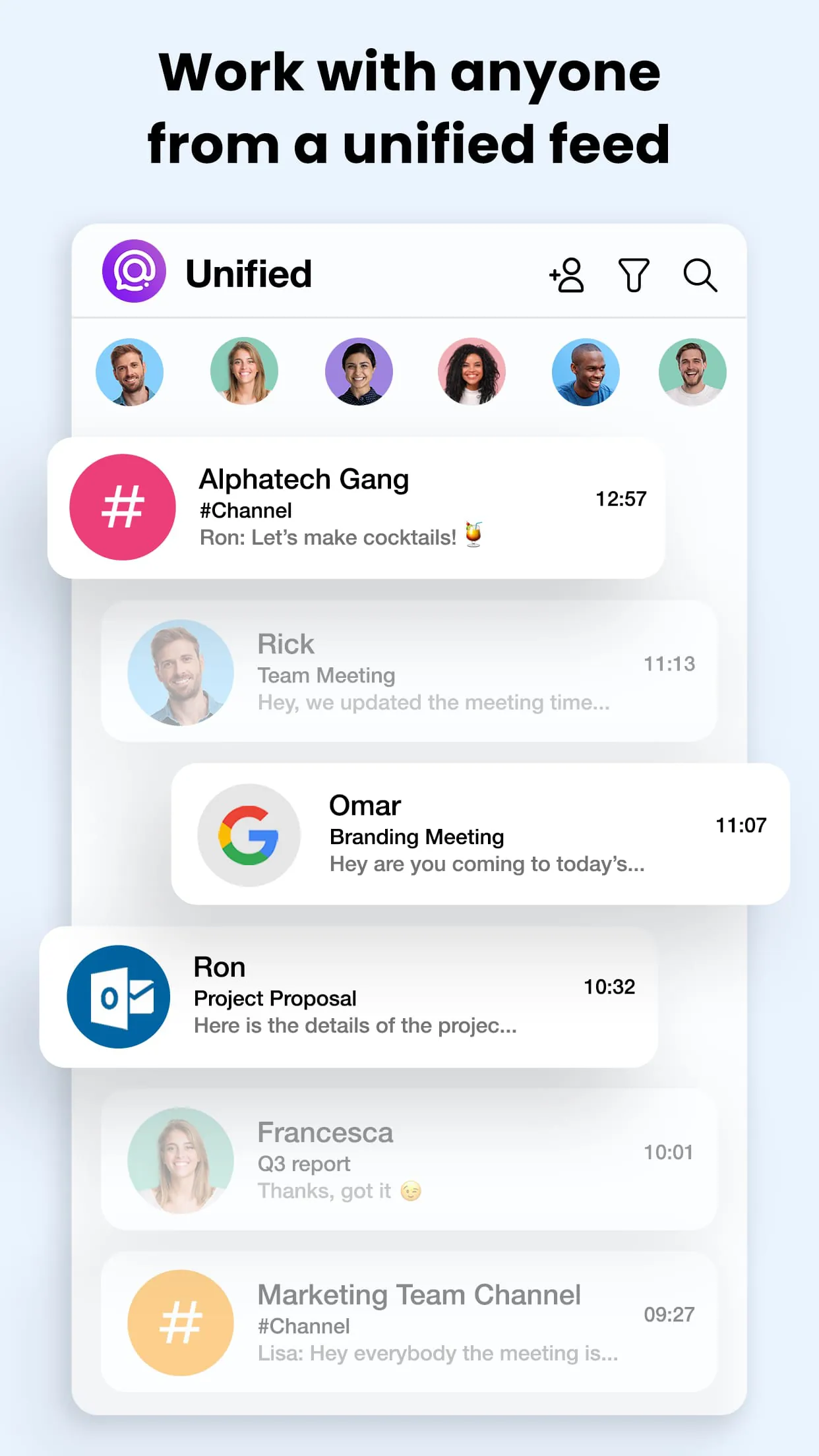
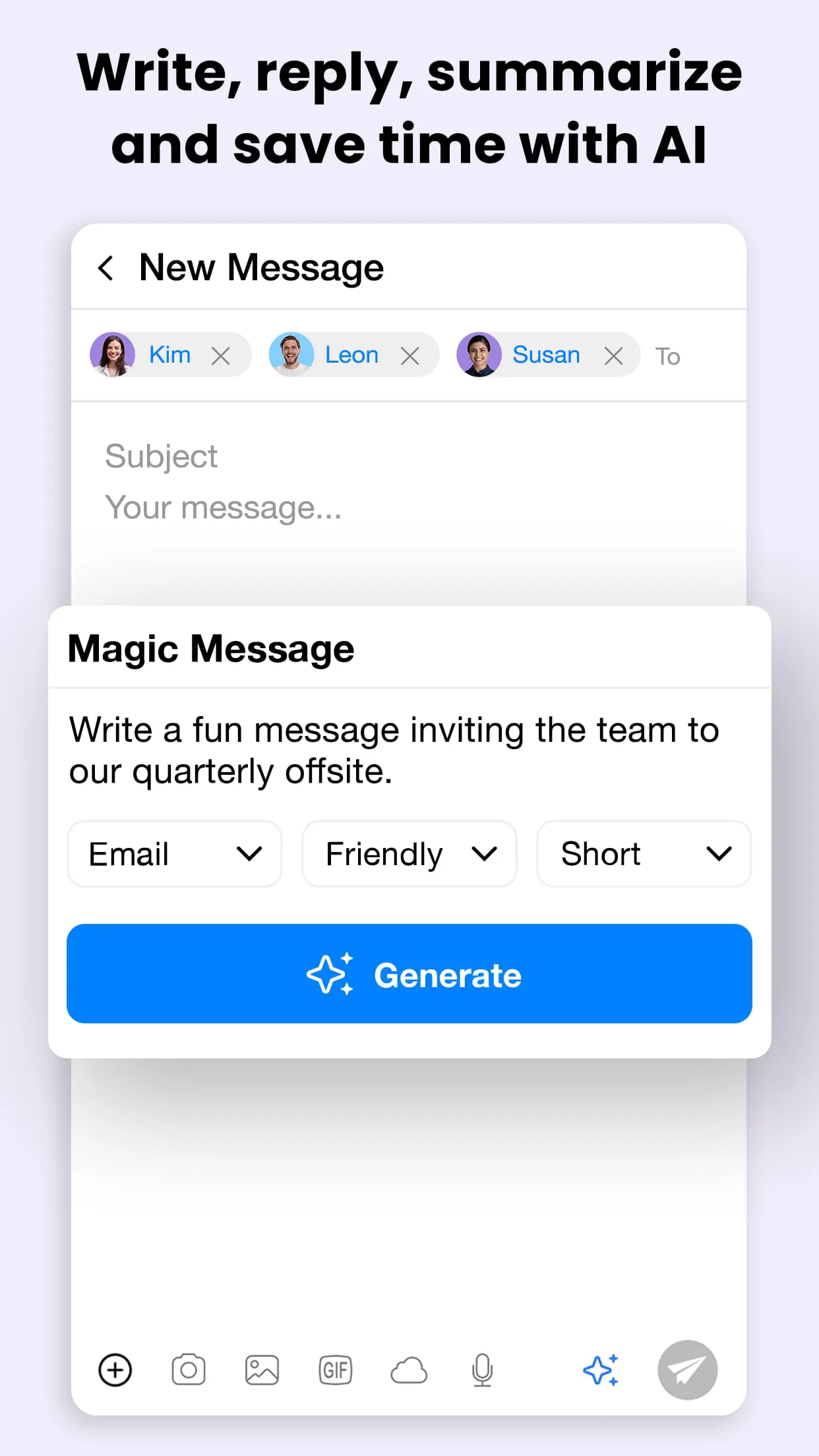
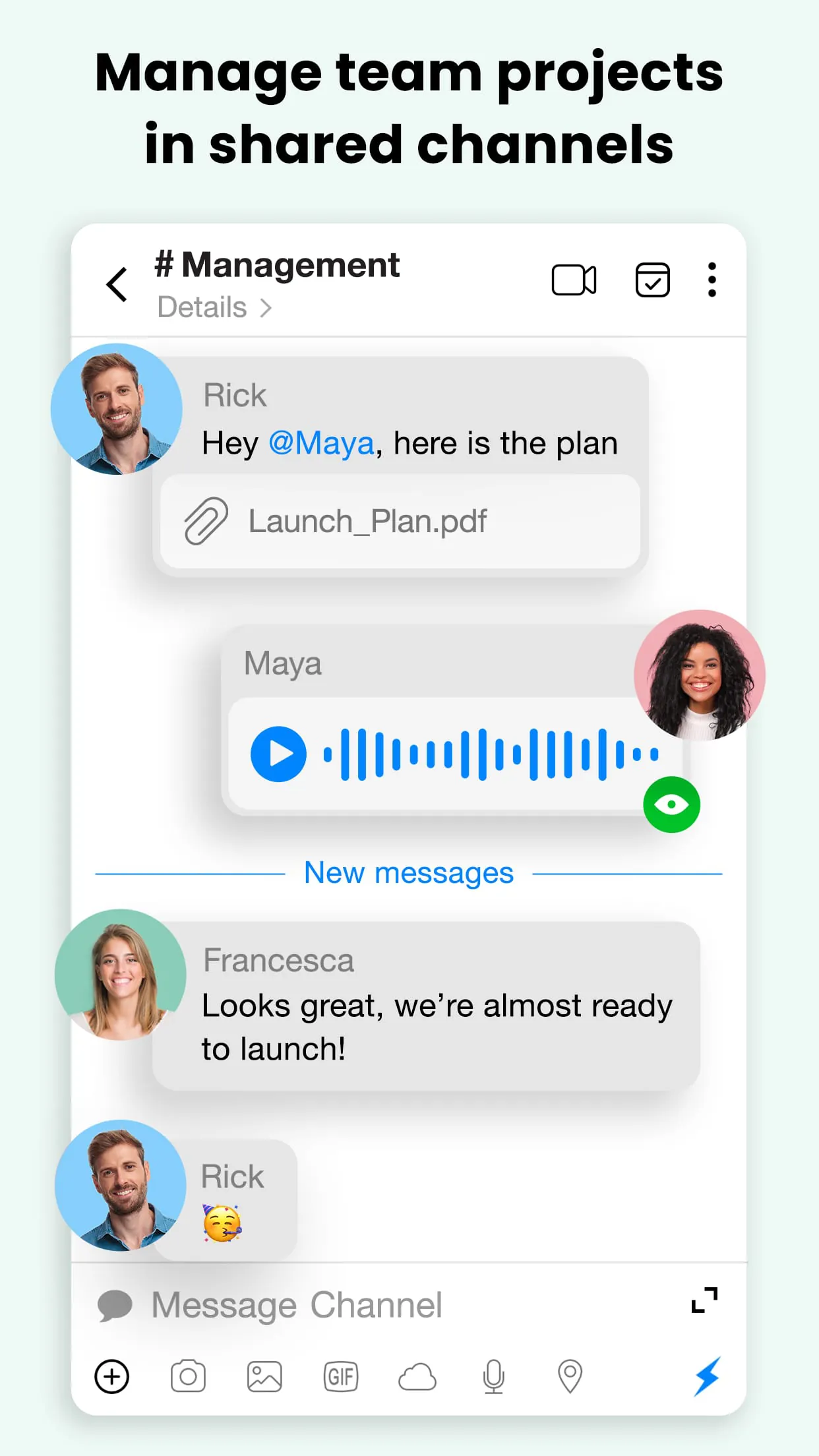
Spike is an innovative email application that reimagines traditional inbox management by converting emails into a conversational, chat-like interface, allowing users to handle messages, collaborative notes, and tasks seamlessly within a unified workspace designed to enhance team productivity and streamline communication flows effortlessly.
The application stands out through its unique blend of messaging and email functionalities. It integrates group chats, video calls, and collaborative documents directly into the email thread, eliminating the need to switch between different platforms. Its AI capabilities prioritize important messages and can summarize long threads. Furthermore, it offers:
Like any tool, Spike presents a balanced set of advantages and potential drawbacks. On the positive side, it significantly reduces inbox clutter and transforms slow, formal email exchanges into quick, informal conversations, which can dramatically speed up project cycles. The built-in collaboration features reduce dependency on multiple other apps. However, some users might find the transition from a traditional email layout challenging, and the freemium model may limit access to some advanced features, which could be a consideration for larger teams.
Spike’s core functions are centered on transforming communication from a linear process into a dynamic, interactive experience. It functions as a complete workspace where you can not only send and receive emails but also engage in live group discussions, co-edit documents, manage shared to-do lists, and host online meetings. The platform effectively merges the functionality of an email client, a messenger, a cloud storage service, and a video conferencing tool into a single, cohesive environment, making it a powerful hub for both internal team coordination and external client communication.
Click the button "Check All Versions" below to download and install it. After installation, launch Spike and begin by adding your existing email accounts; the setup wizard supports a wide range of providers like Gmail, Outlook, and iCloud. Once your inbox is connected, you can immediately start exploring the chat view for your emails. To collaborate, simply open any email and use the integrated tools to create a note, assign an action item, or start a video call. You can also create new "Group Chats" that function as email threads for people both inside and outside your organization, enabling seamless collaboration without requiring the recipients to have the app installed.
Get Spike from an official store or available APK channel.
ZIP files require a Split APKs Installer (e.g., SAI) from Google Play to install. Steps: 1. Download SAI from Google Play; 2. Open SAI and tap "Install APKs"; 3. Select the ZIP file; 4. Complete installation.
The latest version currently listed by Appspicked is V4.0.6.0, with information updated on May 19, 2026. Versions may vary by device, region, or rollout schedule, so users should also check Google Play or announcements from Spike Email - Your Inbox reinvented.
No website can guarantee that an app is completely risk-free. Appspicked recommends downloading Spike only from an official app store or a verified channel operated by Spike Email - Your Inbox reinvented. Before installing, confirm the developer name, package ID com.pingapp.app, requested permissions, privacy policy, and download source.
Spike may be unavailable because of regional restrictions, device incompatibility, account or age settings, a temporary removal, a name change, or because it has not been released for that platform. An Android package page does not necessarily mean that an iOS App Store version exists. Check Spike Email - Your Inbox reinvented’s official website for current availability.
Use Google Play or another official download channel provided by Spike Email - Your Inbox reinvented whenever possible. Appspicked provides app information and store links, but users should verify the destination domain and publisher before downloading or updating the app.
The information on Appspicked may represent the most recently indexed snapshot. App stores sometimes release updates gradually or display different versions according to region, device, operating system, or testing group. The official store listing should be treated as the final reference.
Spike is listed for Android, with a reported minimum requirement of Not specified. Actual compatibility may also depend on the device model, region, available storage, hardware features, and installed system components.
The initial download may be free, but subscriptions, advertising, paid features, or in-app purchases may still apply. Prices and available purchases can vary by country and version. Check the payment information displayed by Google Play before completing a transaction.
Check the network connection, storage space, operating-system version, account region, and device compatibility. Restart the device and try again through the official store. If the problem continues, consult the support resources provided by Spike Email - Your Inbox reinvented.









