


V15.73.43

- Package Name
- com.teamviewer.teamviewer.market.mobile
- Version Name
- V15.73.43
- Version Code
- V15.73.43
- File Size
- 25.44 MB
- Update time
- 2026-1-7



by TeamViewer
Stay connected to your devices, wherever you go
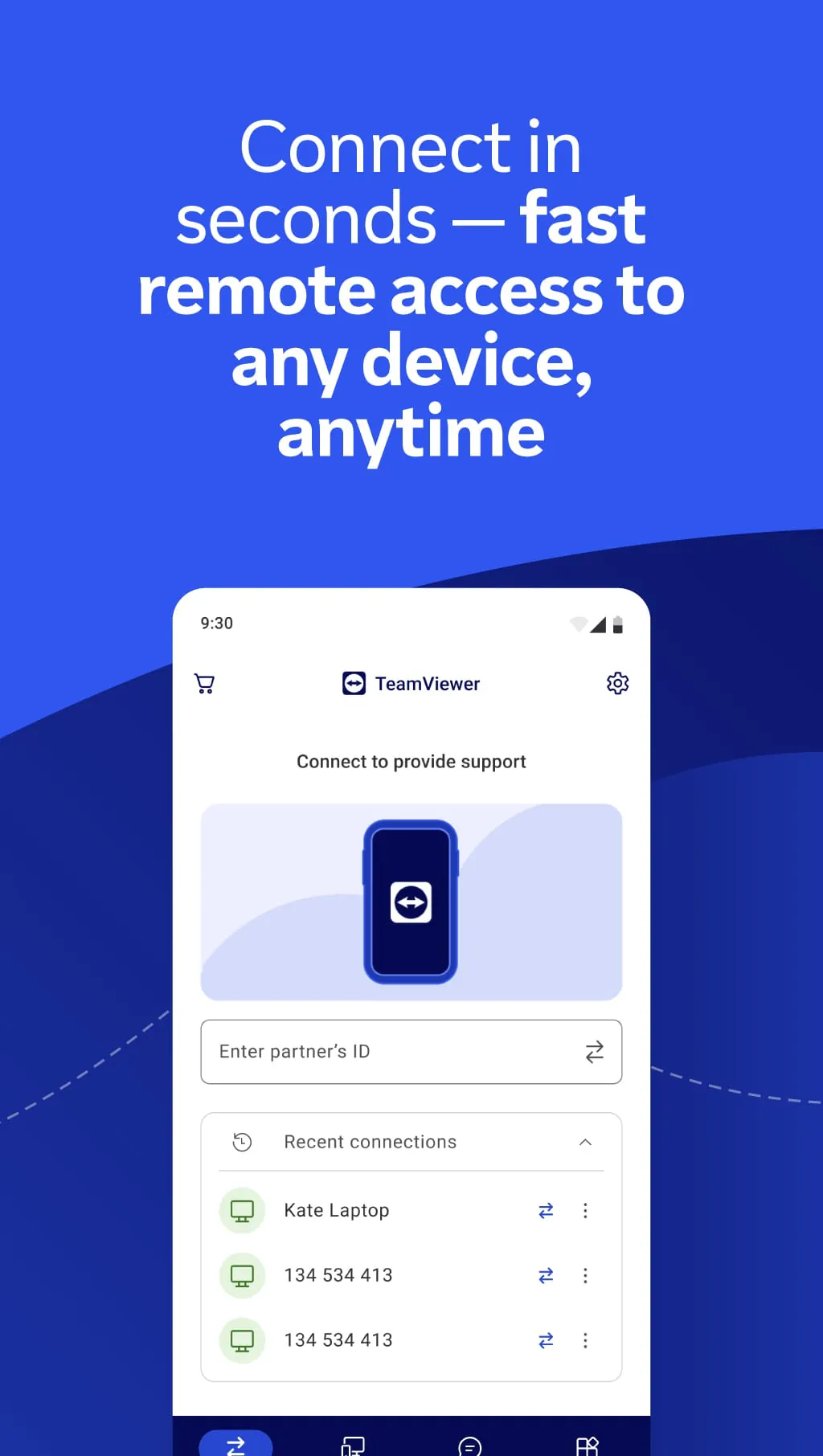
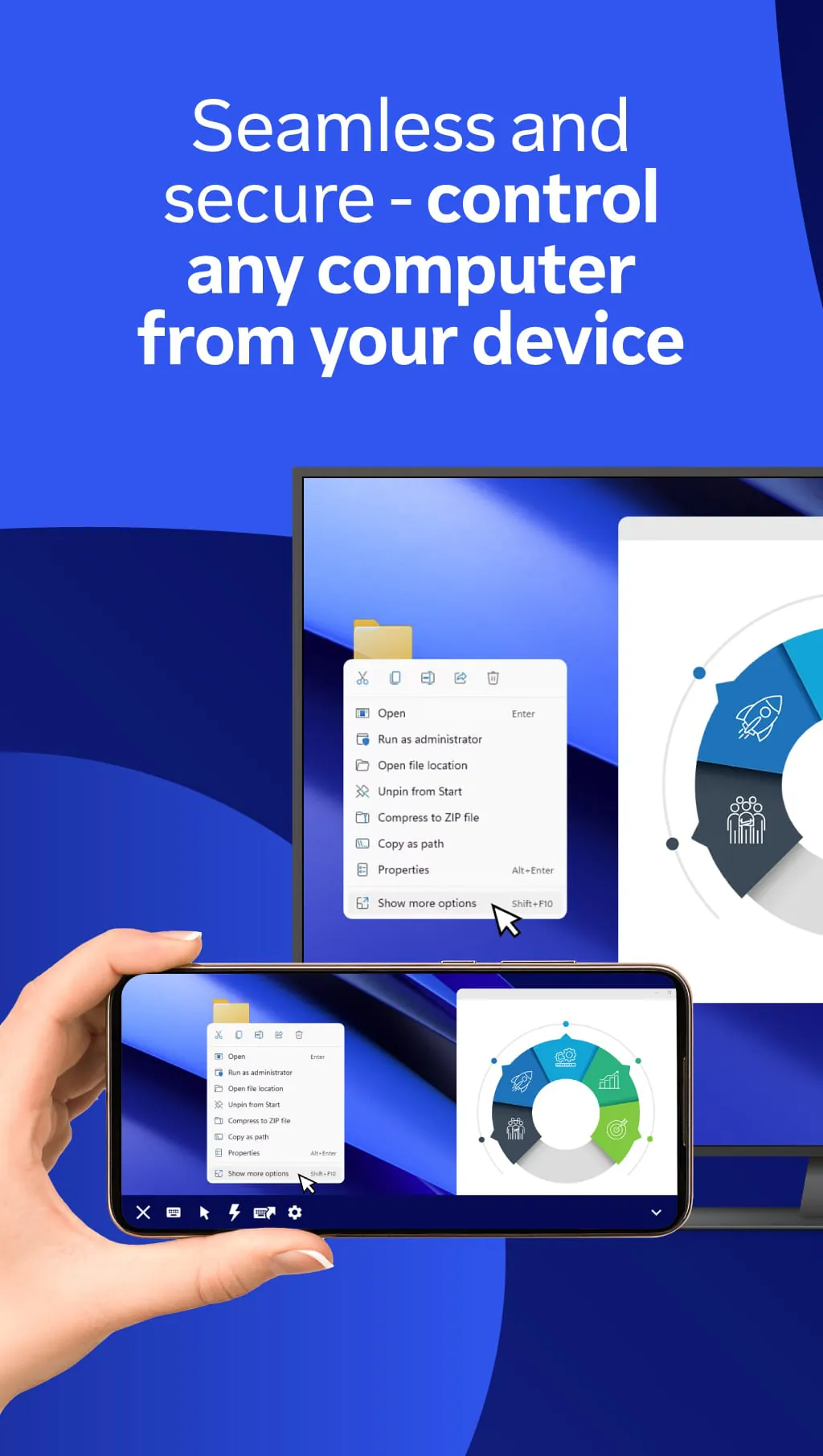
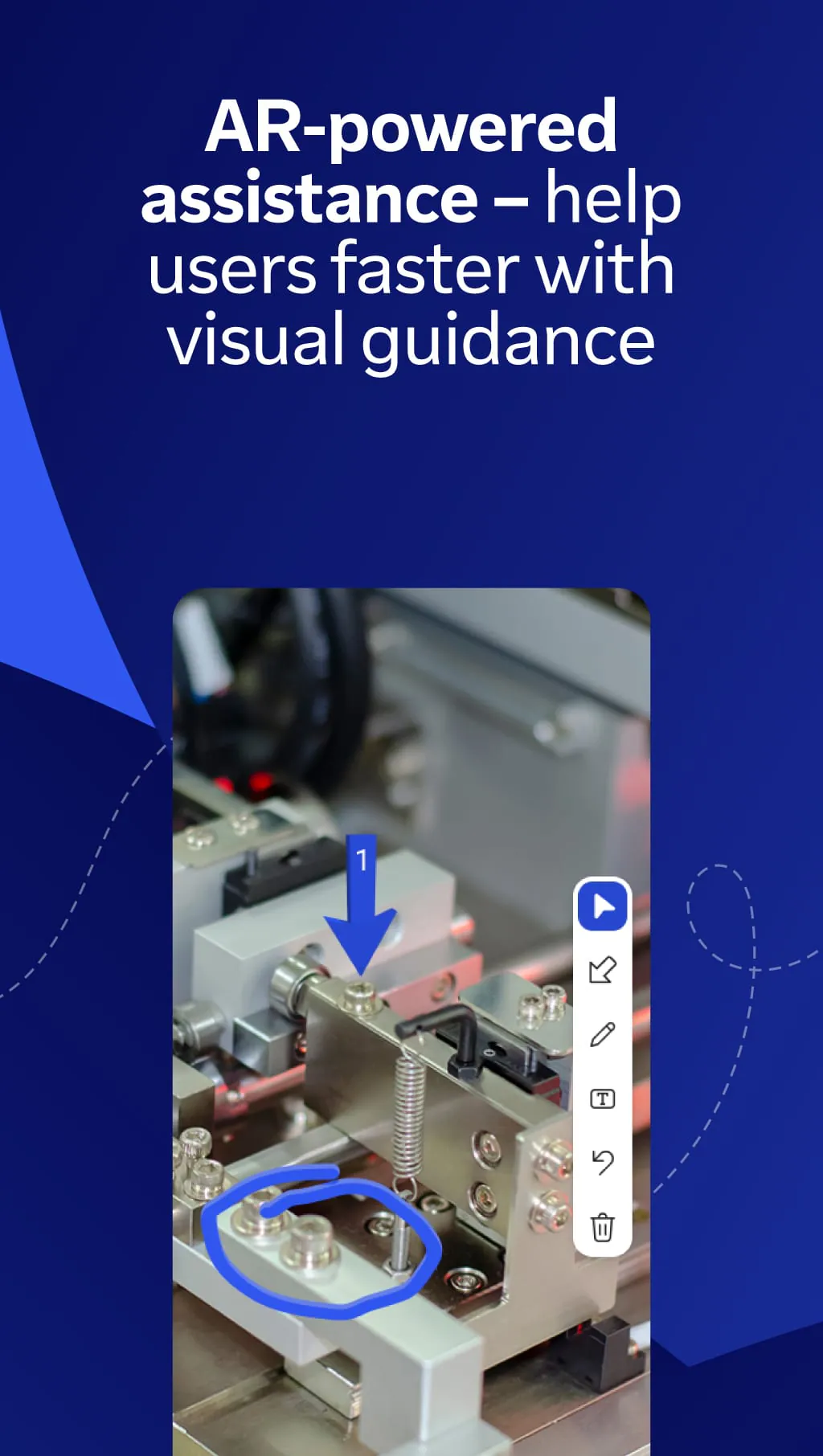
TeamViewer Remote Control is a comprehensive software application that enables users to remotely access and control computers, mobile devices, and servers from anywhere in the world. It is widely utilized for providing technical support, collaborating with colleagues, and managing IT infrastructure, functioning seamlessly across various platforms including Windows, macOS, Linux, Android, and iOS. The app establishes a secure, encrypted connection between devices, allowing one to operate a remote machine as if sitting right in front of it, which makes it an indispensable tool for both personal and professional remote access needs.
The application is packed with features designed to facilitate efficient and secure remote interactions. It supports high-quality screen sharing with adaptive display quality to match connection speeds. Key capabilities include file transfer between connected devices, remote printing to local printers, and the ability to run uninterrupted sessions even after a user logs off. For business use, it offers robust features like mass deployment, detailed reporting, and user management, while also providing simple one-to-one support solutions for individual users.
TeamViewer offers a compelling set of advantages but also comes with certain limitations to consider.
TeamViewer’s functionality extends far beyond simple screen viewing. Its integrated tools support a complete remote working and support environment.
Click the button "Check All Versions" below to download and install it. Begin by installing TeamViewer on both the device you want to control and the device you will use to establish the connection. Upon launch, each installation is assigned a unique ID and a temporary password. To start a session, simply enter your partner’s ID into the “Partner ID” field on your TeamViewer window and click “Connect.” You will then be prompted to enter the secure password. Once authenticated, the remote desktop will appear in your window, and you can begin working. For regular access to your own computers, setting up a permanent password and creating a list of trusted devices is recommended for both convenience and enhanced security.
Get TeamViewer Remote Control from an official store or available APK channel.
ZIP files require a Split APKs Installer (e.g., SAI) from Google Play to install. Steps: 1. Download SAI from Google Play; 2. Open SAI and tap "Install APKs"; 3. Select the ZIP file; 4. Complete installation.
The latest version currently listed by Appspicked is V15.51.419, with information updated on May 14, 2026. Versions may vary by device, region, or rollout schedule, so users should also check Google Play or announcements from TeamViewer.
No website can guarantee that an app is completely risk-free. Appspicked recommends downloading TeamViewer Remote Control only from an official app store or a verified channel operated by TeamViewer. Before installing, confirm the developer name, package ID com.teamviewer.teamviewer.market.mobile, requested permissions, privacy policy, and download source.
TeamViewer Remote Control may be unavailable because of regional restrictions, device incompatibility, account or age settings, a temporary removal, a name change, or because it has not been released for that platform. An Android package page does not necessarily mean that an iOS App Store version exists. Check TeamViewer’s official website for current availability.
Use Google Play or another official download channel provided by TeamViewer whenever possible. Appspicked provides app information and store links, but users should verify the destination domain and publisher before downloading or updating the app.
The information on Appspicked may represent the most recently indexed snapshot. App stores sometimes release updates gradually or display different versions according to region, device, operating system, or testing group. The official store listing should be treated as the final reference.
TeamViewer Remote Control is listed for Android, with a reported minimum requirement of Not specified. Actual compatibility may also depend on the device model, region, available storage, hardware features, and installed system components.
The initial download may be free, but subscriptions, advertising, paid features, or in-app purchases may still apply. Prices and available purchases can vary by country and version. Check the payment information displayed by Google Play before completing a transaction.
Check the network connection, storage space, operating-system version, account region, and device compatibility. Restart the device and try again through the official store. If the problem continues, consult the support resources provided by TeamViewer.









