Open Menu
Telegram
COMMUNICATION · ANDROID

Telegram

by Telegram FZ-LLC

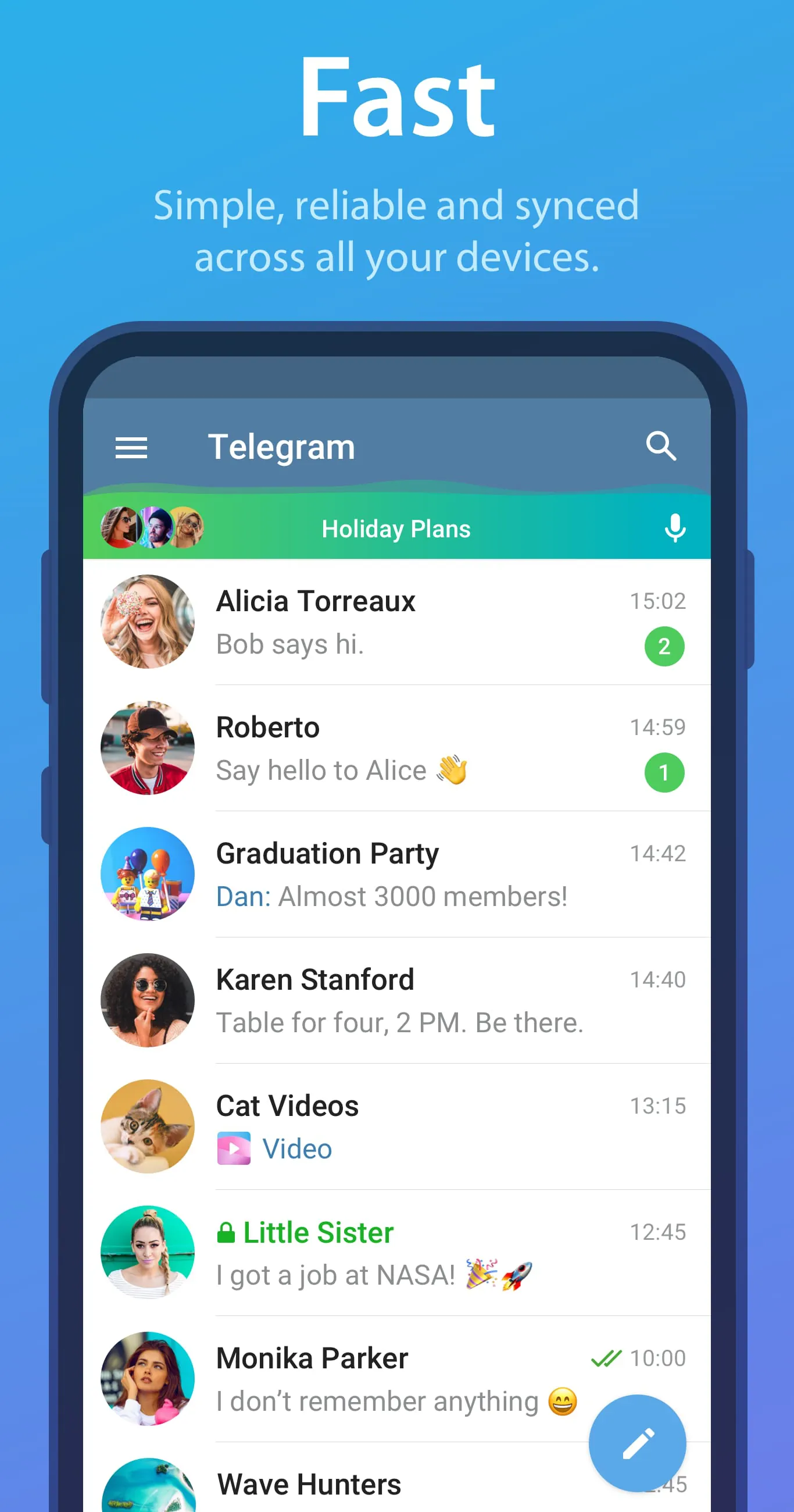
Telegram is a messaging app with a focus on speed and security.
4.00 ★
(1k+ reviews)
1B+
Downloads

A closer look

TelegramTelegramTelegramTelegram
ADVERTISEMENT

Overview

Telegram is a cloud-based instant messaging application designed for speed, security, and seamless cross-platform accessibility. Launched in 2013 by brothers Pavel and Nikolai Durov, the platform allows users to send messages, share media, and collaborate in groups or channels across smartphones, tablets, and desktop computers. Unlike many traditional messaging apps, Telegram stores data on its secure cloud servers, meaning conversations and files are accessible from any device without reliance on a single phone or SIM card. With a strong emphasis on privacy, open-source clients, and optional end-to-end encryption, Telegram has grown into one of the most widely used communication platforms worldwide.

Key Features

  • Cloud-based synchronization across all devices
  • Optional end-to-end encrypted Secret Chats
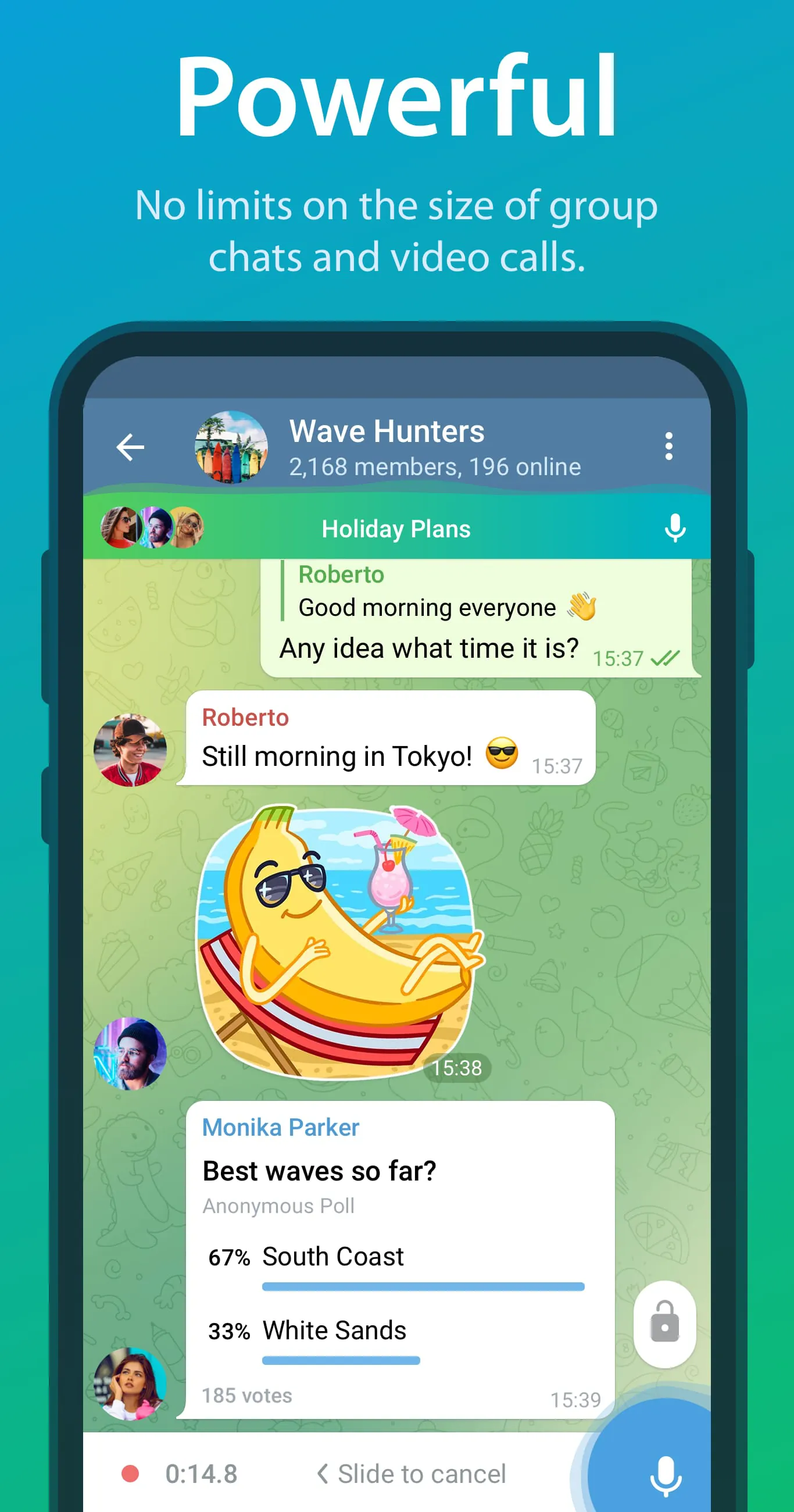
  • Large group chats supporting up to 200,000 members
  • Broadcast channels for unlimited subscribers
  • File sharing up to 2 GB per file
  • Bots for automation, games, payments, and productivity
  • Self-destructing messages with customizable timers
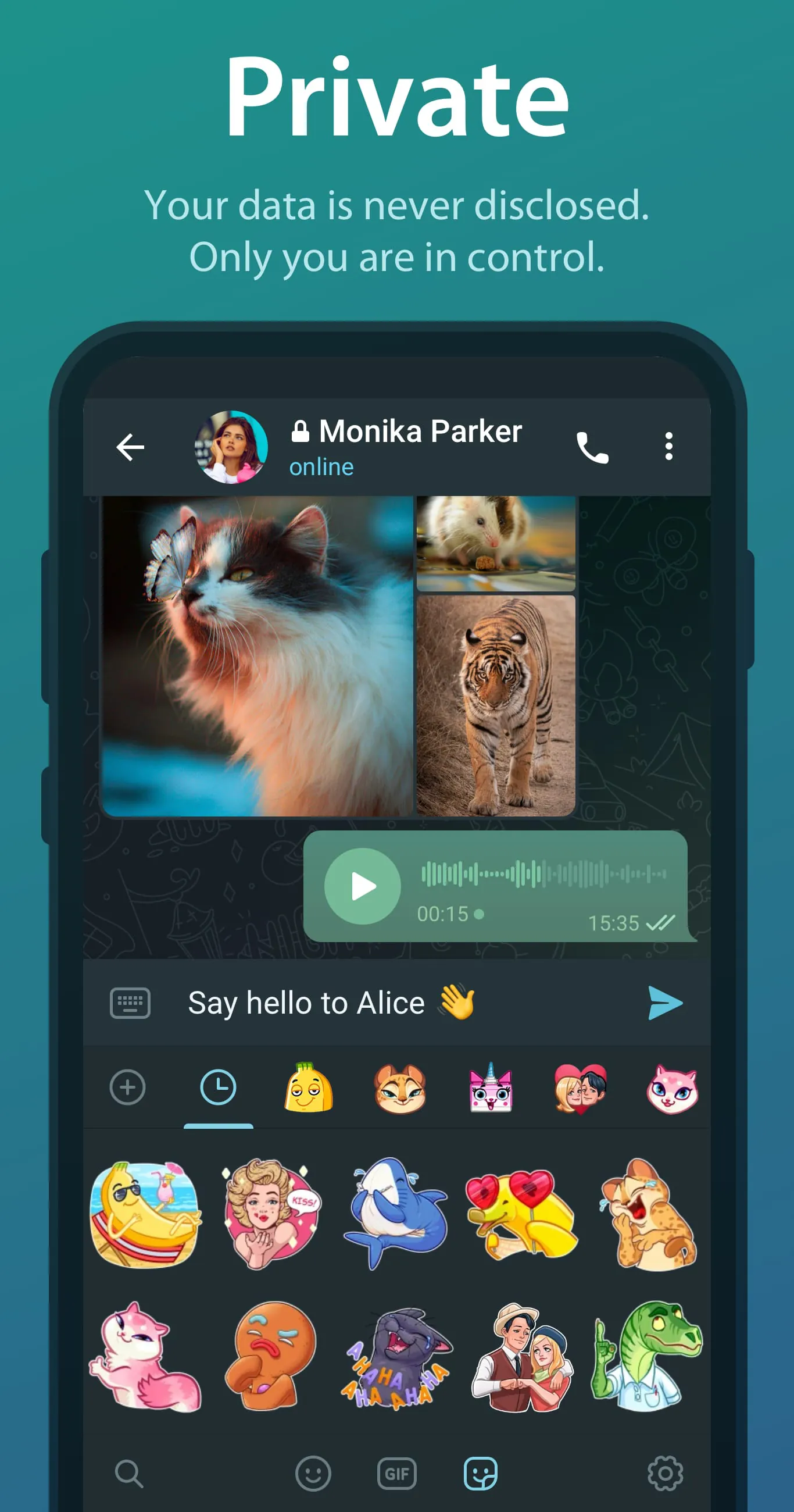
  • Customizable themes, stickers, and animated emojis

Pros & Cons

  • Pros: Fast performance, robust privacy controls, large file support, multi-device access without phone dependency, powerful API for developers
  • Cons: Default cloud chats lack end-to-end encryption, some features may confuse casual users, occasional misuse by spam or malicious bots

Functions

  • One-on-one and group messaging with rich media support
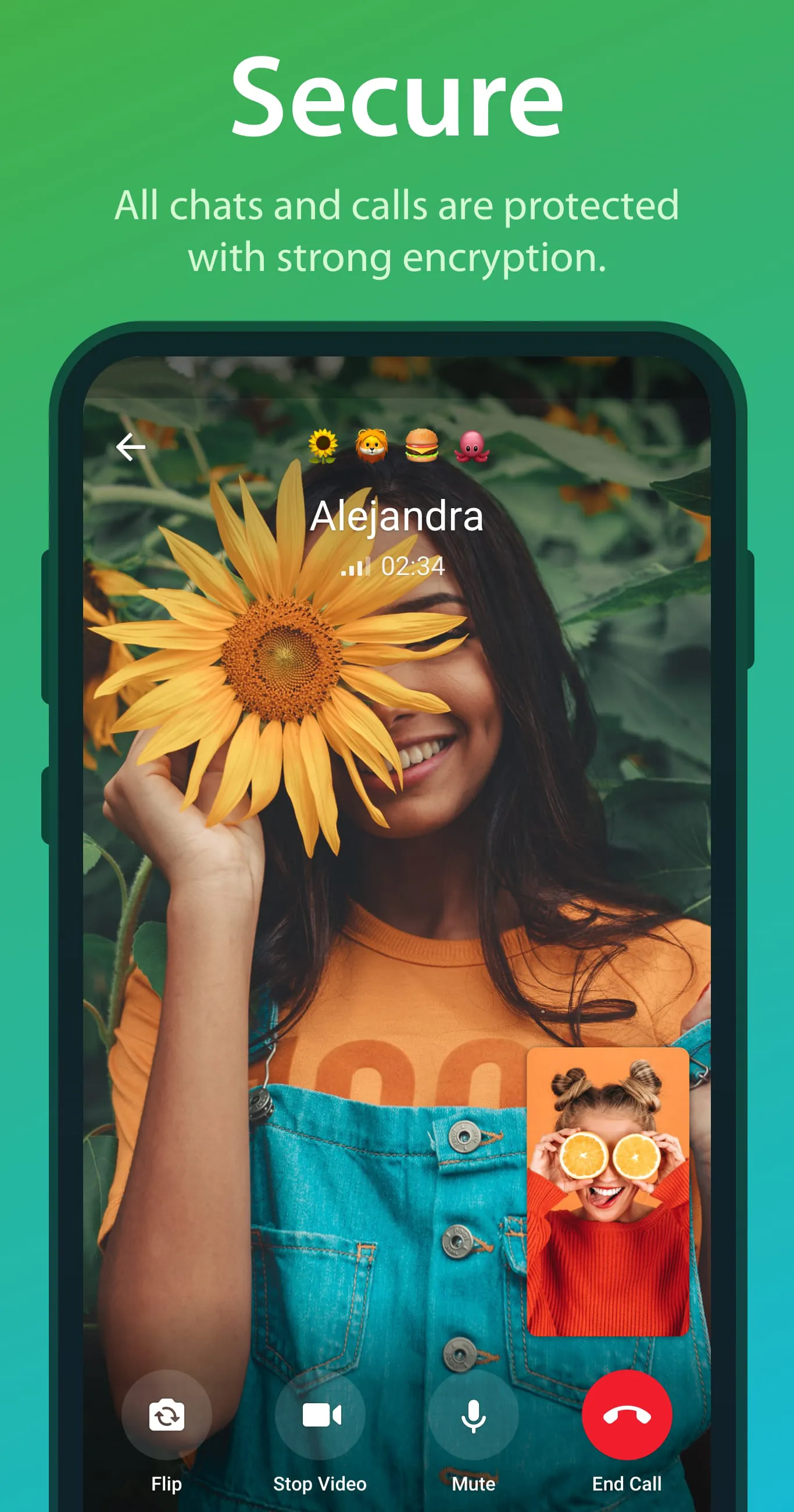
  • Voice and video calls with growing encryption standards
  • Channel broadcasting for news, updates, or community announcements
  • Bot integration for tasks like scheduling, polling, and customer service
  • File storage and sharing for documents, photos, videos, and more
  • Interactive polls, quizzes, and live location sharing
  • Message editing, deletion, and forwarding without original sender traces (optional)

How to Use

Click the button "Check All Versions" below to download and install it. After installation, open the app and register using your mobile number. You can then set up a profile name and photo, customize notifications, and start adding contacts. To begin chatting, select a contact or create a new group. For communities or public content, search for channels via the in-app search tool. Explore bots by browsing bot directories or creating your own through Telegram’s BotFather. Adjust privacy settings under “Settings > Privacy and Security” to control who can see your information or contact you. Regular updates add new tools, so keeping the app current ensures access to the latest features.

ADVERTISEMENT

App Download

Get Telegram from an official store or available APK channel.

Available for Android

Previous Versions

ZIP files require a Split APKs Installer (e.g., SAI) from Google Play to install. Steps: 1. Download SAI from Google Play; 2. Open SAI and tap "Install APKs"; 3. Select the ZIP file; 4. Complete installation.

V12.4.1
Download
Package Name
org.telegram.messenger
Version Name
V12.4.1
Version Code
V12.4.1
File Size
37.35 MB
Update time
2026-2-10
V12.3.0
Download
Package Name
org.telegram.messenger
Version Name
V12.3.0
Version Code
V12.3.0
File Size
72.79 MB
Update time
2026-1-6
V12.2.10
Download
Package Name
org.telegram.messenger
Version Name
V12.2.10
Version Code
V12.2.10
File Size
36.74 MB
Update time
2025-12-23
V10.13.4
Download
Package Name
org.telegram.messenger
Version Name
V10.13.4
Version Code
V10.13.4
File Size
138.87 MB
Update time
2024-6-6
V10.11.2
Download
Package Name
org.telegram.messenger
Version Name
V10.11.2
Version Code
V10.11.2
File Size
138.36 MB
Update time
2024-4-19
V10.9.1
Download
Package Name
org.telegram.messenger
Version Name
V10.9.1
Version Code
V10.9.1
File Size
136.89 MB
Update time
2024-3-4
V10.6.1
Download
Package Name
org.telegram.messenger
Version Name
V10.6.1
Version Code
V10.6.1
File Size
136.04 MB
Update time
2024-1-15
V10.6.0
Download
Package Name
org.telegram.messenger
Version Name
V10.6.0
Version Code
V10.6.0
File Size
135.99 MB
Update time
2024-1-14
V10.5.2
Download
Package Name
org.telegram.messenger
Version Name
V10.5.2
Version Code
V10.5.2
File Size
135.92 MB
Update time
2024-1-8
V10.3.2
Download
Package Name
org.telegram.messenger
Version Name
V10.3.2
Version Code
V10.3.2
File Size
134.46 MB
Update time
2023-12-3
V10.1.3
Download
Package Name
org.telegram.messenger
Version Name
V10.1.3
Version Code
V10.1.3
File Size
135.06 MB
Update time
2023-9-29
V9.7.6
Download
Package Name
org.telegram.messenger
Version Name
V9.7.6
Version Code
V9.7.6
File Size
134.13 MB
Update time
2023-8-4
V9.7.2
Download
Package Name
org.telegram.messenger
Version Name
V9.7.2
Version Code
V9.7.2
File Size
134.11 MB
Update time
2023-7-22
V9.6.7
Download
Package Name
org.telegram.messenger
Version Name
V9.6.7
Version Code
V9.6.7
File Size
126.83 MB
Update time
2023-5-30
V9.6.5
Download
Package Name
org.telegram.messenger
Version Name
V9.6.5
Version Code
V9.6.5
File Size
67.8 MB
Update time
2023-5-4
V9.1.6
Download
Package Name
org.telegram.messenger
Version Name
V9.1.6
Version Code
V9.1.6
File Size
125.06 MB
Update time
2022-11-24
V8.9.3
Download
Package Name
org.telegram.messenger
Version Name
V8.9.3
Version Code
V8.9.3
File Size
124.05 MB
Update time
2022-8-24
V8.6.2
Download
Package Name
org.telegram.messenger
Version Name
V8.6.2
Version Code
V8.6.2
File Size
47.3 MB
Update time
2022-3-20
V8.6.1
Download
Package Name
org.telegram.messenger
Version Name
V8.6.1
Version Code
V8.6.1
File Size
46.9 MB
Update time
2022-3-13
V8.6.0
Download
Package Name
org.telegram.messenger
Version Name
V8.6.0
Version Code
V8.6.0
File Size
47.0 MB
Update time
2022-3-11
V8.5.4
Download
Package Name
org.telegram.messenger
Version Name
V8.5.4
Version Code
V8.5.4
File Size
46.6 MB
Update time
2022-2-16
V8.5.3
Download
Package Name
org.telegram.messenger
Version Name
V8.5.3
Version Code
V8.5.3
File Size
46.6 MB
Update time
2022-2-15
ADVERTISEMENT

Frequently Asked Questions

What is the latest version of Telegram?

The latest version currently listed by Appspicked is V10.13.4, with information updated on May 25, 2026. Versions may vary by device, region, or rollout schedule, so users should also check Google Play or announcements from Telegram FZ-LLC.

Is Telegram safe to download and use?

No website can guarantee that an app is completely risk-free. Appspicked recommends downloading Telegram only from an official app store or a verified channel operated by Telegram FZ-LLC. Before installing, confirm the developer name, package ID org.telegram.messenger, requested permissions, privacy policy, and download source.

Why can’t I find Telegram in the App Store?

Telegram may be unavailable because of regional restrictions, device incompatibility, account or age settings, a temporary removal, a name change, or because it has not been released for that platform. An Android package page does not necessarily mean that an iOS App Store version exists. Check Telegram FZ-LLC’s official website for current availability.

Where can I download or update Telegram?

Use Google Play or another official download channel provided by Telegram FZ-LLC whenever possible. Appspicked provides app information and store links, but users should verify the destination domain and publisher before downloading or updating the app.

Why is the version shown on Appspicked different from the app-store version?

The information on Appspicked may represent the most recently indexed snapshot. App stores sometimes release updates gradually or display different versions according to region, device, operating system, or testing group. The official store listing should be treated as the final reference.

Which devices and operating systems support Telegram?

Telegram is listed for Android, with a reported minimum requirement of Not specified. Actual compatibility may also depend on the device model, region, available storage, hardware features, and installed system components.

Is Telegram free?

The initial download may be free, but subscriptions, advertising, paid features, or in-app purchases may still apply. Prices and available purchases can vary by country and version. Check the payment information displayed by Google Play before completing a transaction.

What should I do if Telegram cannot be installed or updated?

Check the network connection, storage space, operating-system version, account region, and device compatibility. Restart the device and try again through the official store. If the problem continues, consult the support resources provided by Telegram FZ-LLC.


ADVERTISEMENT
You Might Like