




The Baby In Yellow
by Team Terrible
A babysitting horror game
A closer look
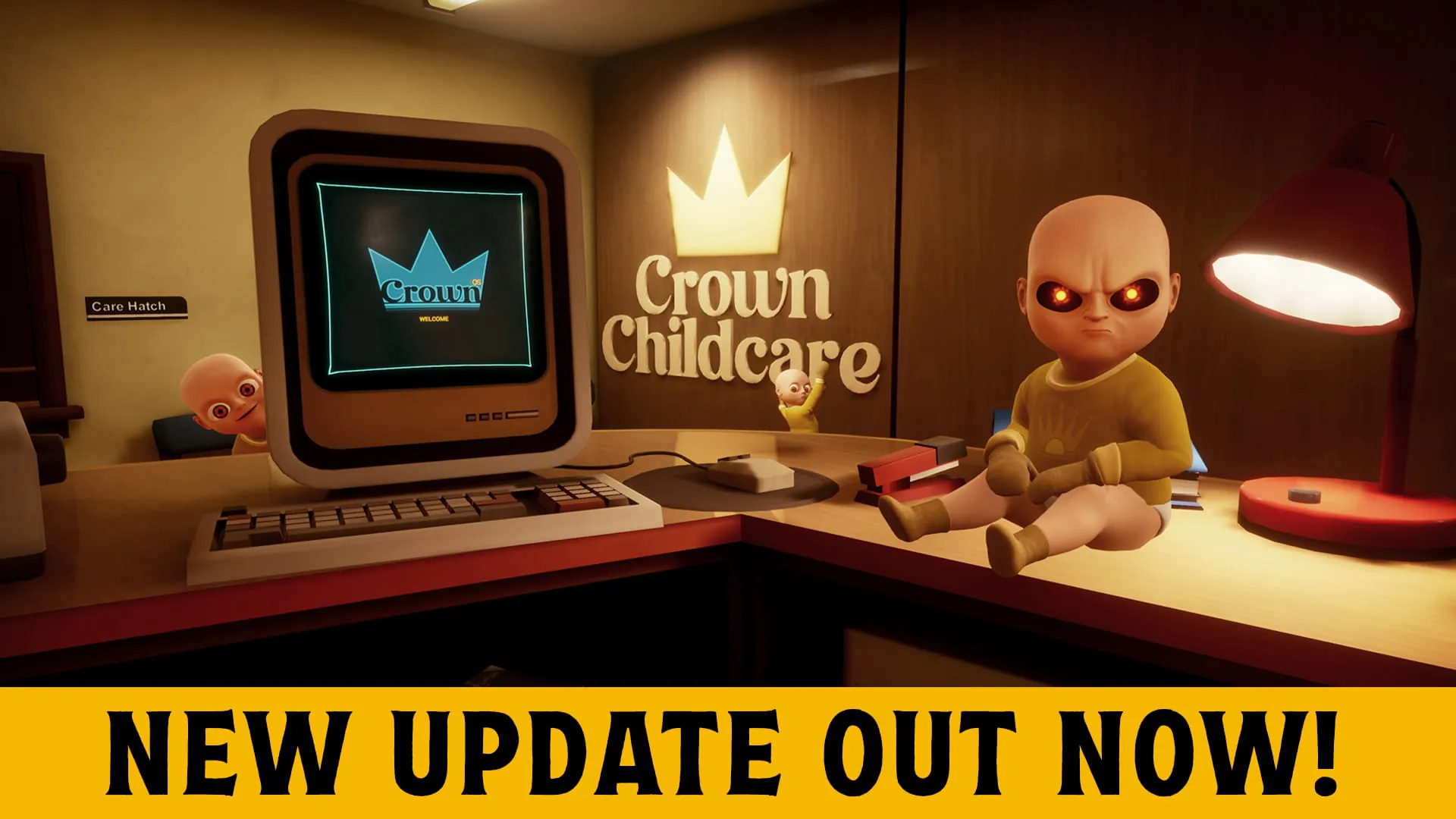
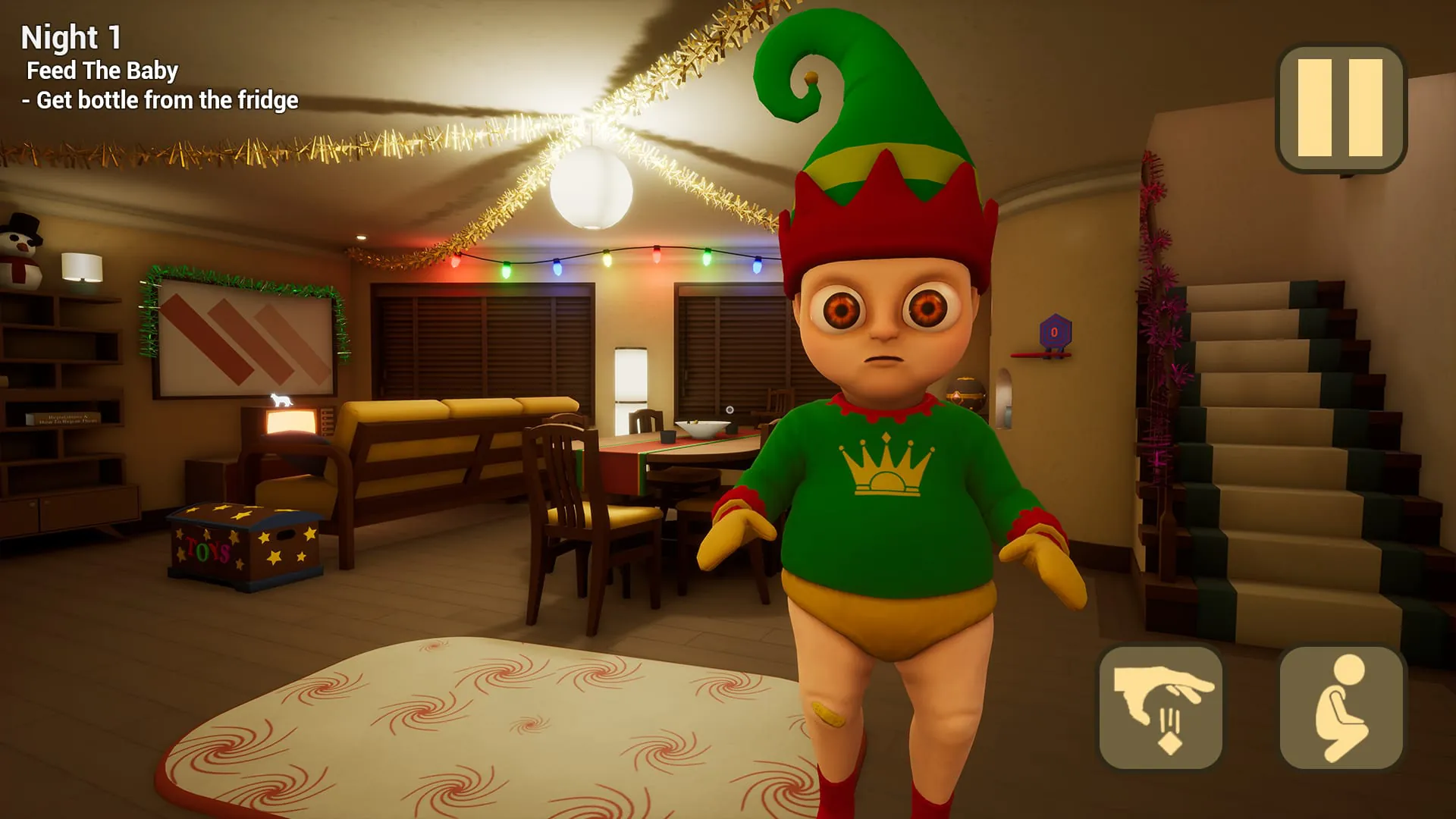
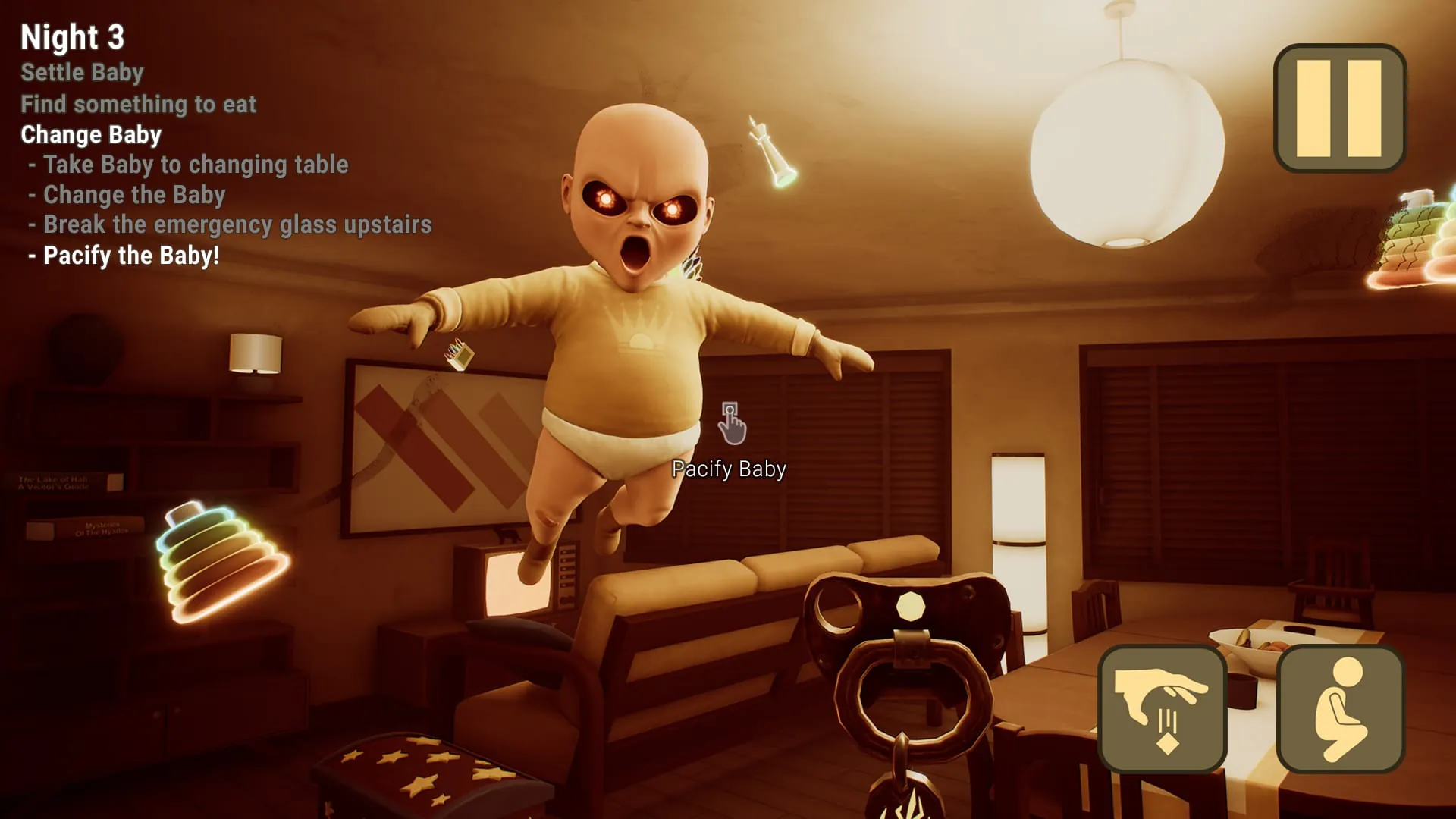
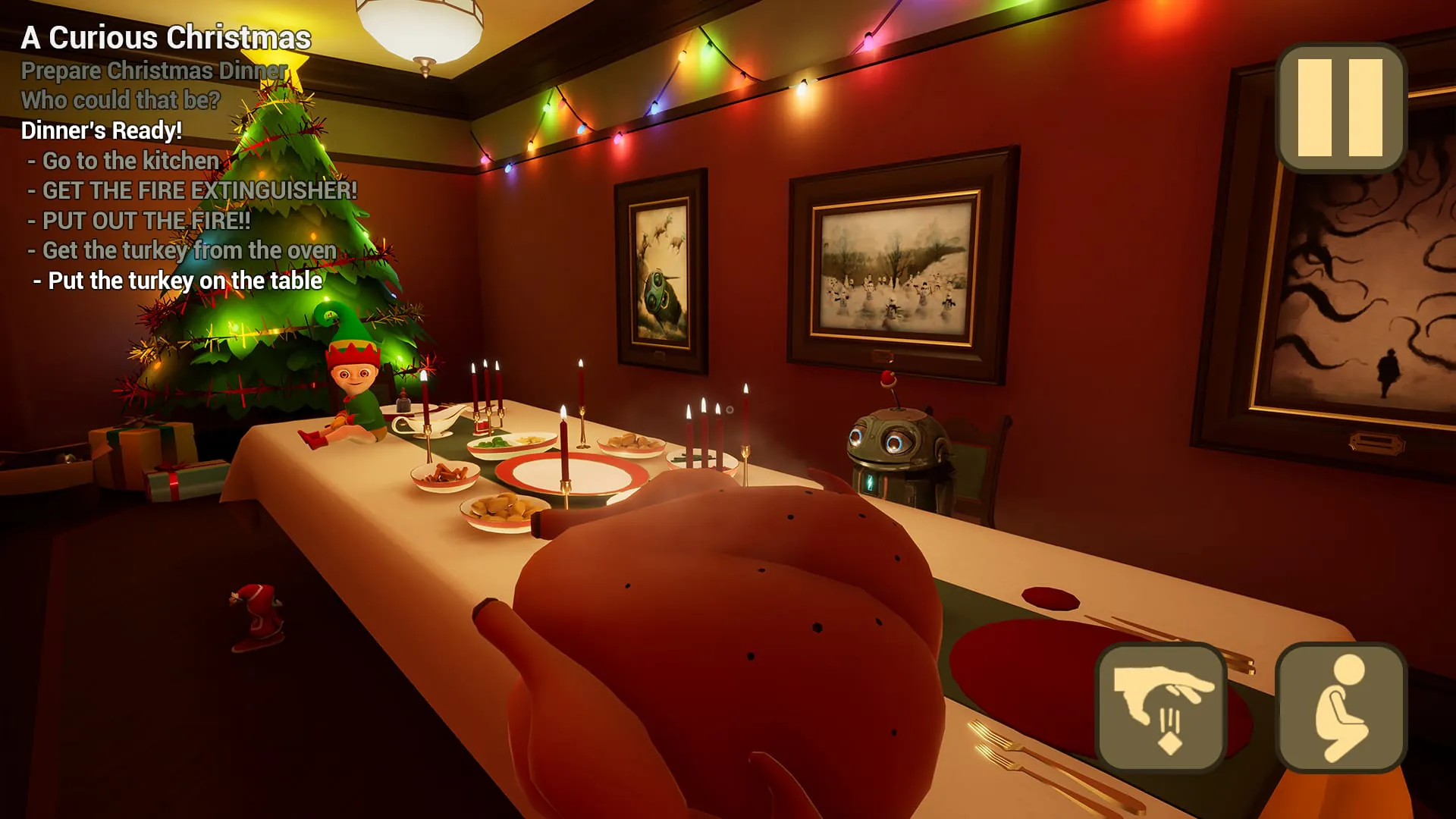
Overview
The Baby In Yellow is a quirky and darkly comedic physics-based horror game where players take on the role of a hapless babysitter tasked with caring for a mischievous, and seemingly supernatural, infant dressed in yellow. The app delivers a unique blend of tense gameplay and absurd humor as you navigate a strange house, complete bizarre tasks to placate the baby, and ultimately try to survive your unsettling assignment.
Key Features
The game stands out through its distinctive atmosphere and interactive gameplay. It emphasizes physics-based puzzles and unpredictable events driven by the baby's antics. The visual style is stark and memorable, with a focus on the eerie yellow color of your charge. The experience is designed to be more unnerving and funny than outright terrifying, offering a memorable narrative arc across its chapters.
Pros & Cons
Every gaming experience has its strengths and weaknesses, and The Baby In Yellow is no exception.
- Pros: The game boasts a brilliantly original and hilarious concept that subverts horror tropes. The physics-based interaction is central to the fun, leading to many chaotic moments. It features a compelling, weird story that players want to see through to the end, and it achieves a perfect tone balancing creepiness with comedy.
- Cons: The gameplay duration is relatively short. Some players might find the controls a bit clunky due to the heavy reliance on physics. The very specific horror-comedy style may not appeal to those seeking pure, serious scares.
Functions
This application functions as a complete narrative-driven horror puzzle game. Its core functions include:
- Providing a full story mode divided into several chapters.
- Delivering interactive, physics-based object manipulation for solving environmental puzzles.
- Creating dynamic and scripted events that advance the plot and increase tension.
- Offering a save system to track your progress through the bizarre story.
- Presenting a unique art style and sound design that builds the unsettling yet humorous world.
How to Use
Click the button "Check All Versions" below to download and install it. Once the app is installed on your device, launch it to begin your babysitting ordeal. You will progress through the story by exploring the environment, picking up objects, and using them to complete tasks listed in your notebook. Pay close attention to the baby's actions and the clues in your surroundings. The controls are typically touch-based, involving taps, holds, and drags to interact with the world. Your primary goal is to follow the instructions and survive each night, unraveling the mystery of The Baby In Yellow as you go.
App Download
Get The Baby In Yellow from an official store or available APK channel.
Previous Versions
ZIP files require a Split APKs Installer (e.g., SAI) from Google Play to install. Steps: 1. Download SAI from Google Play; 2. Open SAI and tap "Install APKs"; 3. Select the ZIP file; 4. Complete installation.
Frequently Asked Questions
What is the latest version of The Baby In Yellow?
The latest version currently listed by Appspicked is unavailable, with information updated on May 14, 2026. Versions may vary by device, region, or rollout schedule, so users should also check Google Play or announcements from Team Terrible.
Is The Baby In Yellow safe to download and use?
No website can guarantee that an app is completely risk-free. Appspicked recommends downloading The Baby In Yellow only from an official app store or a verified channel operated by Team Terrible. Before installing, confirm the developer name, package ID com.TeamTerrible.BabyInYellow, requested permissions, privacy policy, and download source.
Why can’t I find The Baby In Yellow in the App Store?
The Baby In Yellow may be unavailable because of regional restrictions, device incompatibility, account or age settings, a temporary removal, a name change, or because it has not been released for that platform. An Android package page does not necessarily mean that an iOS App Store version exists. Check Team Terrible’s official website for current availability.
Where can I download or update The Baby In Yellow?
Use Google Play or another official download channel provided by Team Terrible whenever possible. Appspicked provides app information and store links, but users should verify the destination domain and publisher before downloading or updating the app.
Why is the version shown on Appspicked different from the app-store version?
The information on Appspicked may represent the most recently indexed snapshot. App stores sometimes release updates gradually or display different versions according to region, device, operating system, or testing group. The official store listing should be treated as the final reference.
Which devices and operating systems support The Baby In Yellow?
The Baby In Yellow is listed for Android, with a reported minimum requirement of Not specified. Actual compatibility may also depend on the device model, region, available storage, hardware features, and installed system components.
Is The Baby In Yellow free?
The initial download may be free, but subscriptions, advertising, paid features, or in-app purchases may still apply. Prices and available purchases can vary by country and version. Check the payment information displayed by Google Play before completing a transaction.
What should I do if The Baby In Yellow cannot be installed or updated?
Check the network connection, storage space, operating-system version, account region, and device compatibility. Restart the device and try again through the official store. If the problem continues, consult the support resources provided by Team Terrible.









