


V2.6.4

- Package Name
- net.comeandsee.thechosen
- Version Name
- V2.6.4
- Version Code
- V2.6.4
- File Size
- 19.12 MB
- Update time
- 2024-7-3



by Come And See
Watch The Chosen. Every episode. Nothing required. Come and see for yourself.
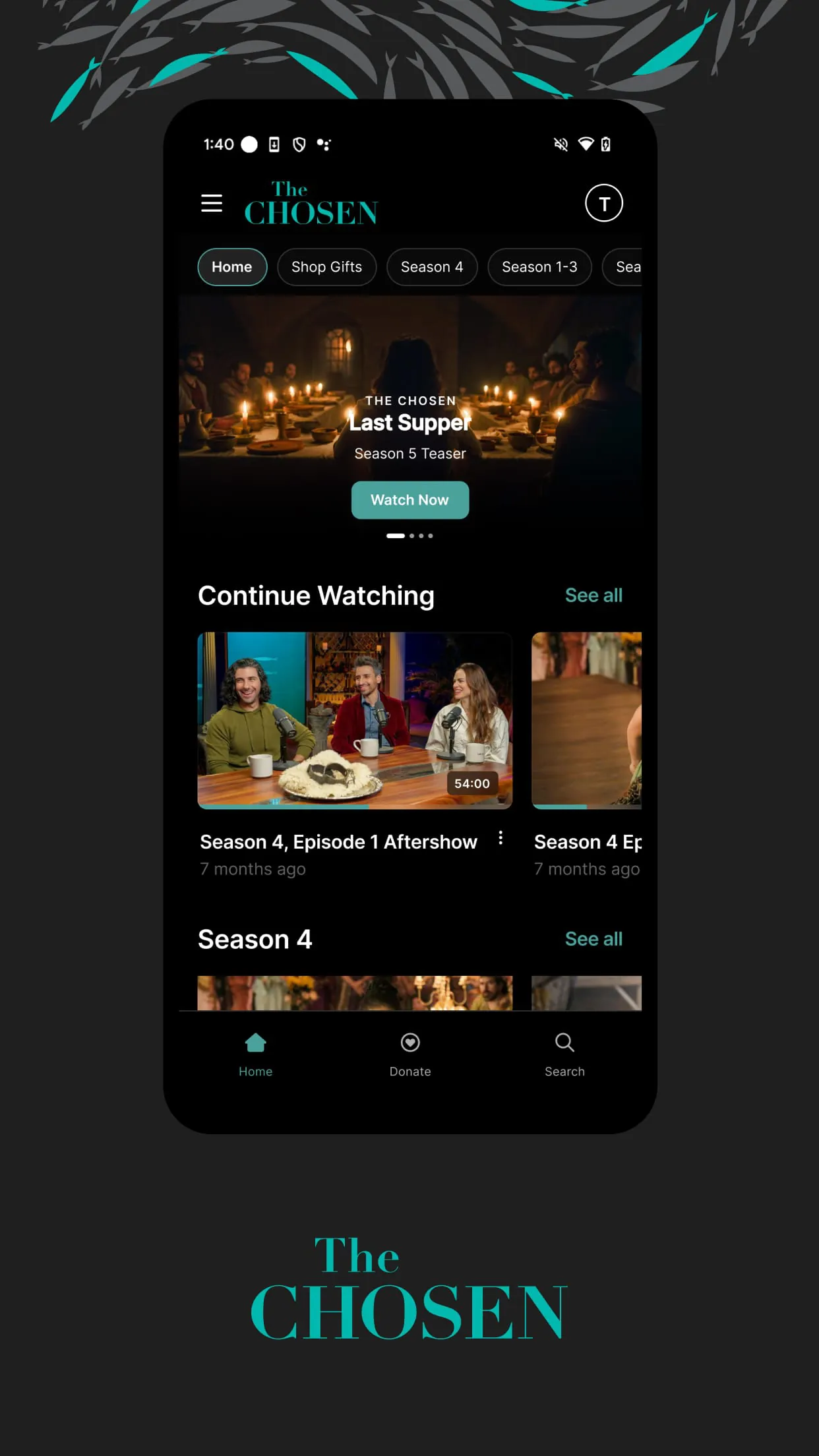
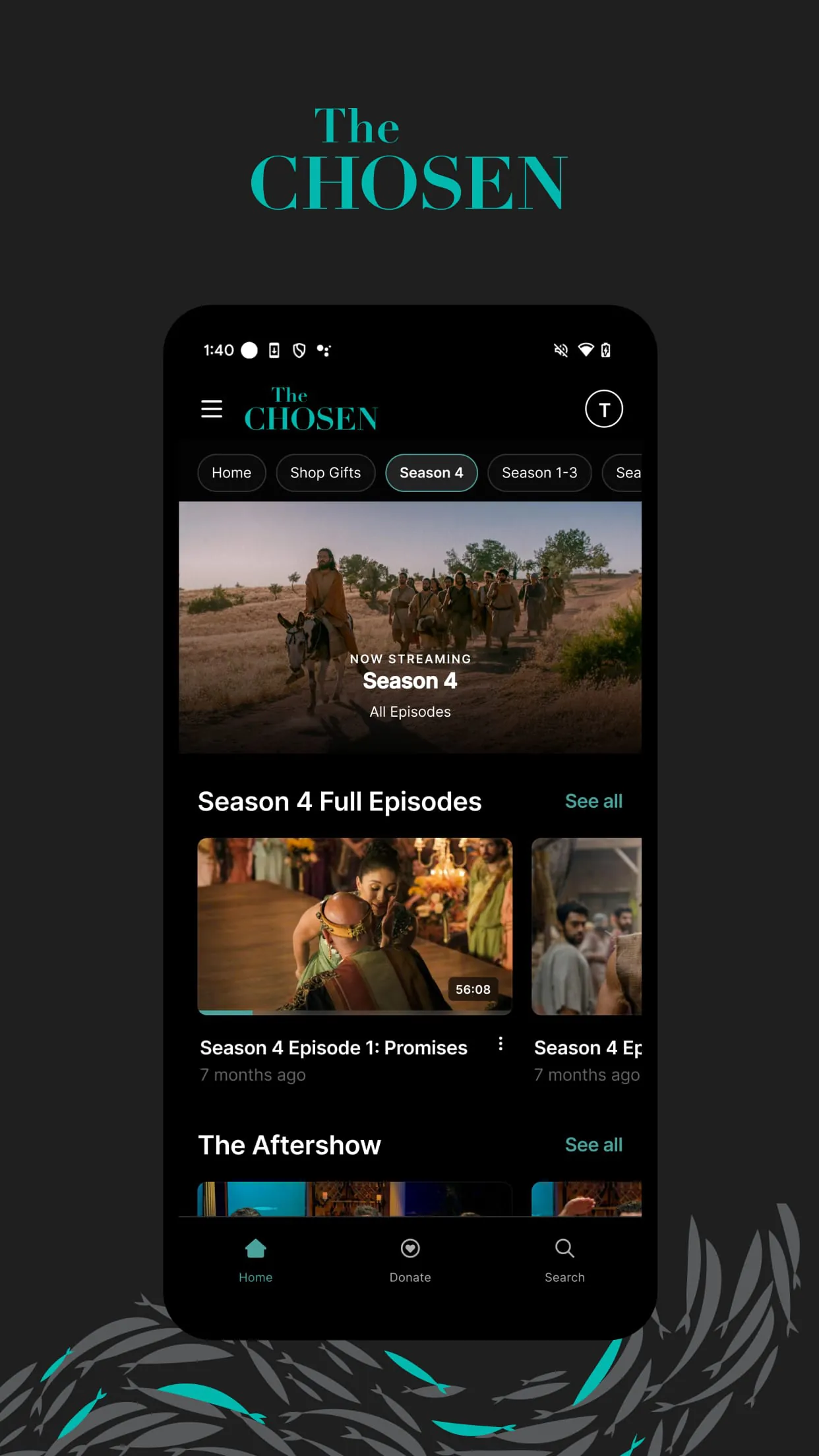
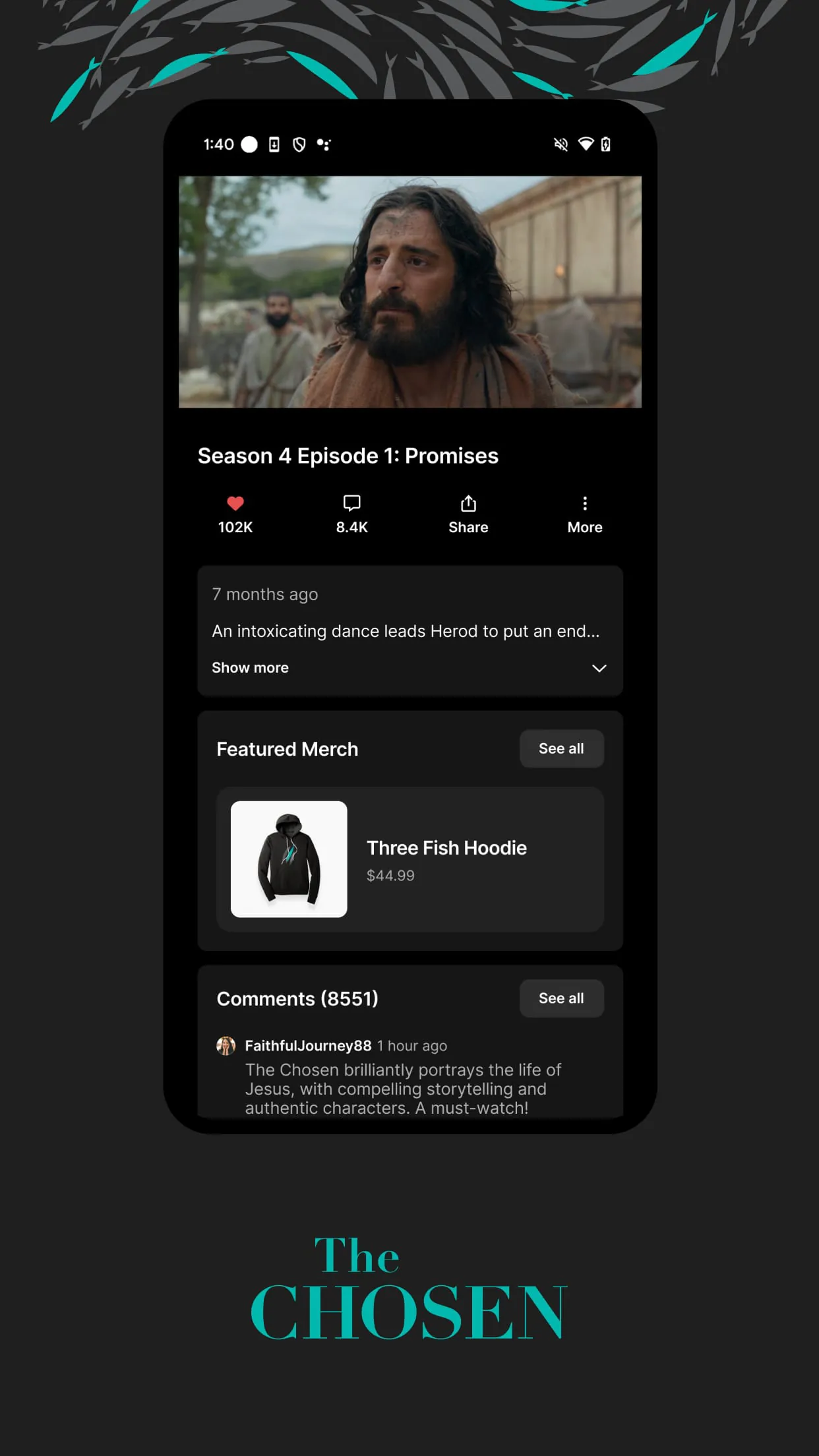
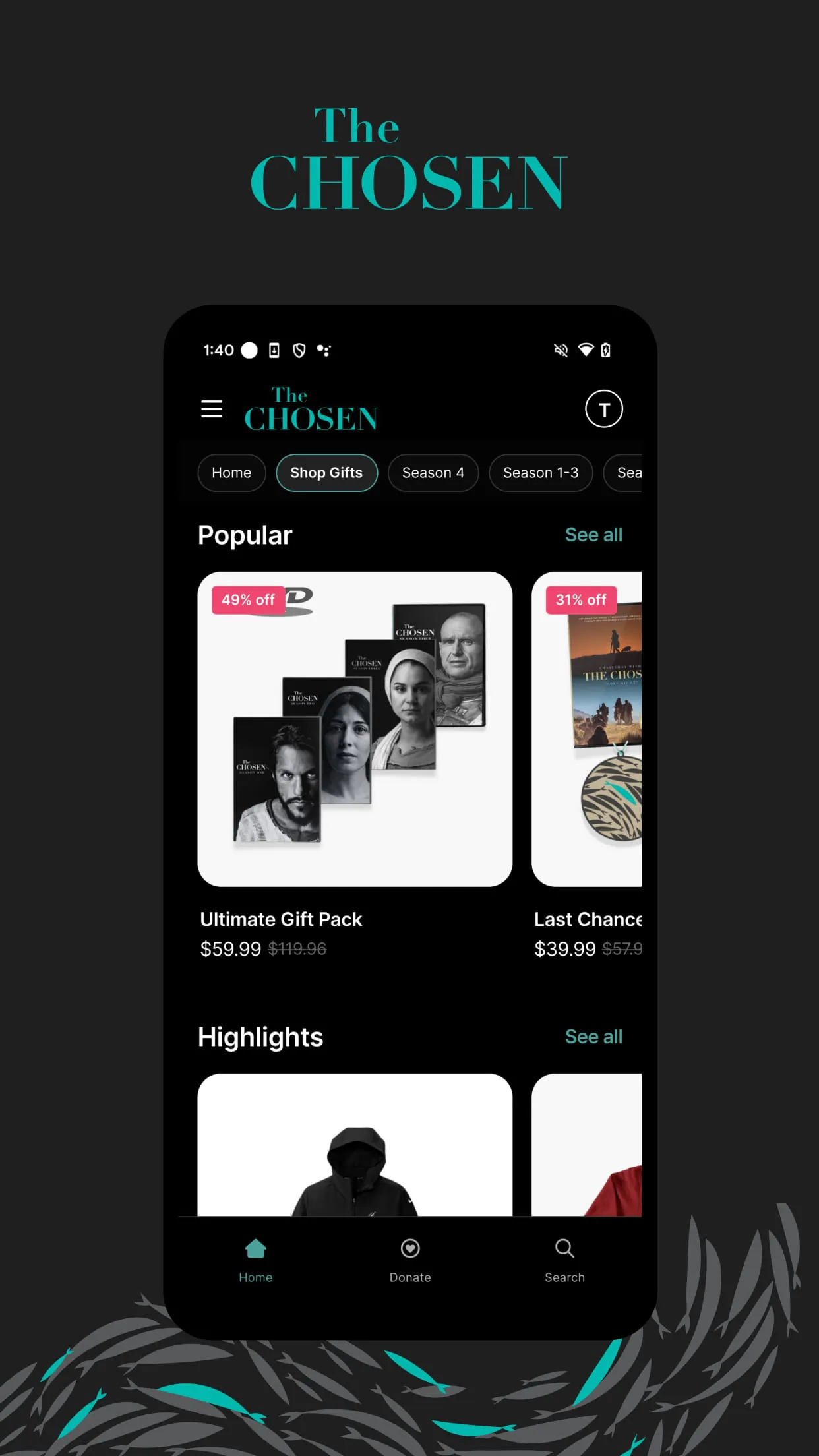
The Chosen is a dedicated application designed to provide users with seamless access to the acclaimed television series "The Chosen," allowing fans to stream every episode directly on their mobile devices or tablets. The app serves as the official hub for the show, offering a centralized platform where viewers can not only watch the complete series in high definition but also access exclusive behind-the-scenes content, director's commentaries, and special features that delve deeper into the production and storytelling. It creates a community-oriented viewing experience, enabling users to engage with the show's narrative about the life of Jesus Christ and his disciples in a flexible and immersive way, completely free of charge with optional support mechanisms for future productions.
The application distinguishes itself through a suite of user-centric features tailored for both casual viewers and dedicated fans. It provides ad-free streaming of all available seasons, ensuring an uninterrupted narrative experience. The platform includes multi-language subtitle options and dubbing to cater to a worldwide audience. Unique social features allow users to form or join virtual "Watch Party" groups to enjoy episodes simultaneously with friends and family, complete with synchronized playback and chat functions. Furthermore, the app offers a customizable notification system to alert users about new episode releases, special live events, and updates directly from the creative team.
Utilizing The Chosen app comes with several advantages and a few limitations. On the positive side, the entire series is available without any subscription fees or mandatory payments, which is a significant benefit. The video and audio quality are consistently excellent, and the availability of exclusive bonus content adds considerable value. The interface is intuitively designed, making navigation simple for users of all ages. However, the primary drawback is that all episodes are exclusively available through this app and are not on mainstream streaming services, which requires a separate download. Additionally, some exclusive features, like certain behind-the-scenes videos, require an active internet connection and cannot be downloaded for offline viewing, which may limit accessibility in areas with poor connectivity.
The app performs a variety of core functions that go beyond simple video playback. Its primary function is, of course, as a robust media player with standard controls like play, pause, skip, and variable playback speed. It also includes sophisticated content management functions, allowing users to create personalized watchlists, track their viewing progress across different devices, and bookmark favorite scenes or moments. The integrated digital wallet function facilitates easy, secure donations to support the show's crowd-funded model. Another key function is the community hub, which aggregates user-generated content, official news updates, and interactive faith-based discussion guides related to each episode.
Click the button "Check All Versions" below to download and install it. The installation process is straightforward: after clicking, you will be directed to a page listing the appropriate version for your specific device, whether it's running iOS or Android. Once the download is complete, open the installed application. Upon launching the app for the first time, you will be prompted to create a free account, which takes only a moment and is necessary for syncing your watch history and preferences. After logging in, you can immediately browse the complete episode library by season. To watch, simply tap on any episode thumbnail. For an enhanced experience, explore the main menu to:
Get The Chosen from an official store or available APK channel.
ZIP files require a Split APKs Installer (e.g., SAI) from Google Play to install. Steps: 1. Download SAI from Google Play; 2. Open SAI and tap "Install APKs"; 3. Select the ZIP file; 4. Complete installation.
The latest version currently listed by Appspicked is V2.6.4, with information updated on May 14, 2026. Versions may vary by device, region, or rollout schedule, so users should also check Google Play or announcements from Come And See.
No website can guarantee that an app is completely risk-free. Appspicked recommends downloading The Chosen only from an official app store or a verified channel operated by Come And See. Before installing, confirm the developer name, package ID net.comeandsee.thechosen, requested permissions, privacy policy, and download source.
The Chosen may be unavailable because of regional restrictions, device incompatibility, account or age settings, a temporary removal, a name change, or because it has not been released for that platform. An Android package page does not necessarily mean that an iOS App Store version exists. Check Come And See’s official website for current availability.
Use Google Play or another official download channel provided by Come And See whenever possible. Appspicked provides app information and store links, but users should verify the destination domain and publisher before downloading or updating the app.
The information on Appspicked may represent the most recently indexed snapshot. App stores sometimes release updates gradually or display different versions according to region, device, operating system, or testing group. The official store listing should be treated as the final reference.
The Chosen is listed for Android, with a reported minimum requirement of Not specified. Actual compatibility may also depend on the device model, region, available storage, hardware features, and installed system components.
The initial download may be free, but subscriptions, advertising, paid features, or in-app purchases may still apply. Prices and available purchases can vary by country and version. Check the payment information displayed by Google Play before completing a transaction.
Check the network connection, storage space, operating-system version, account region, and device compatibility. Restart the device and try again through the official store. If the problem continues, consult the support resources provided by Come And See.









