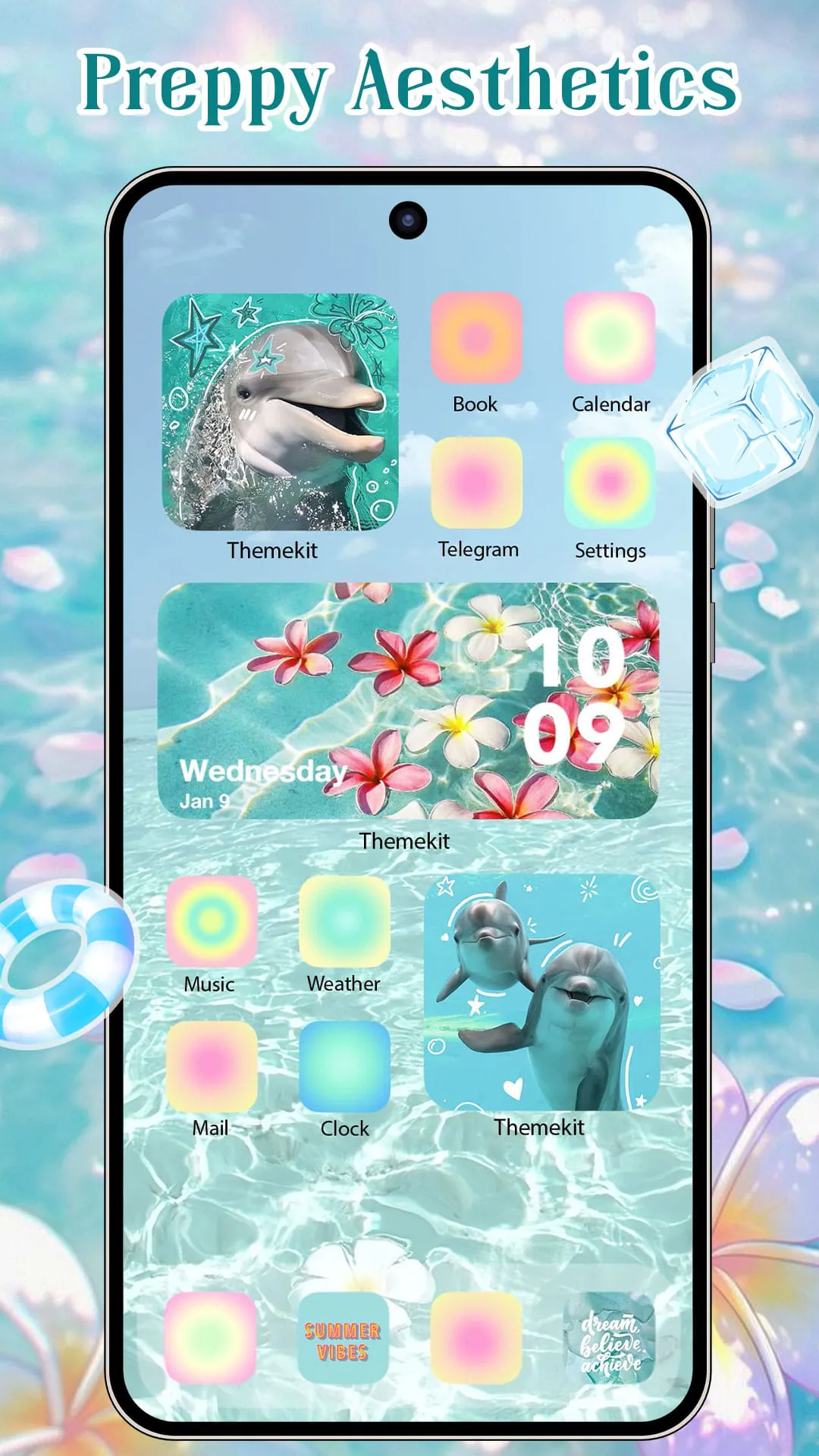
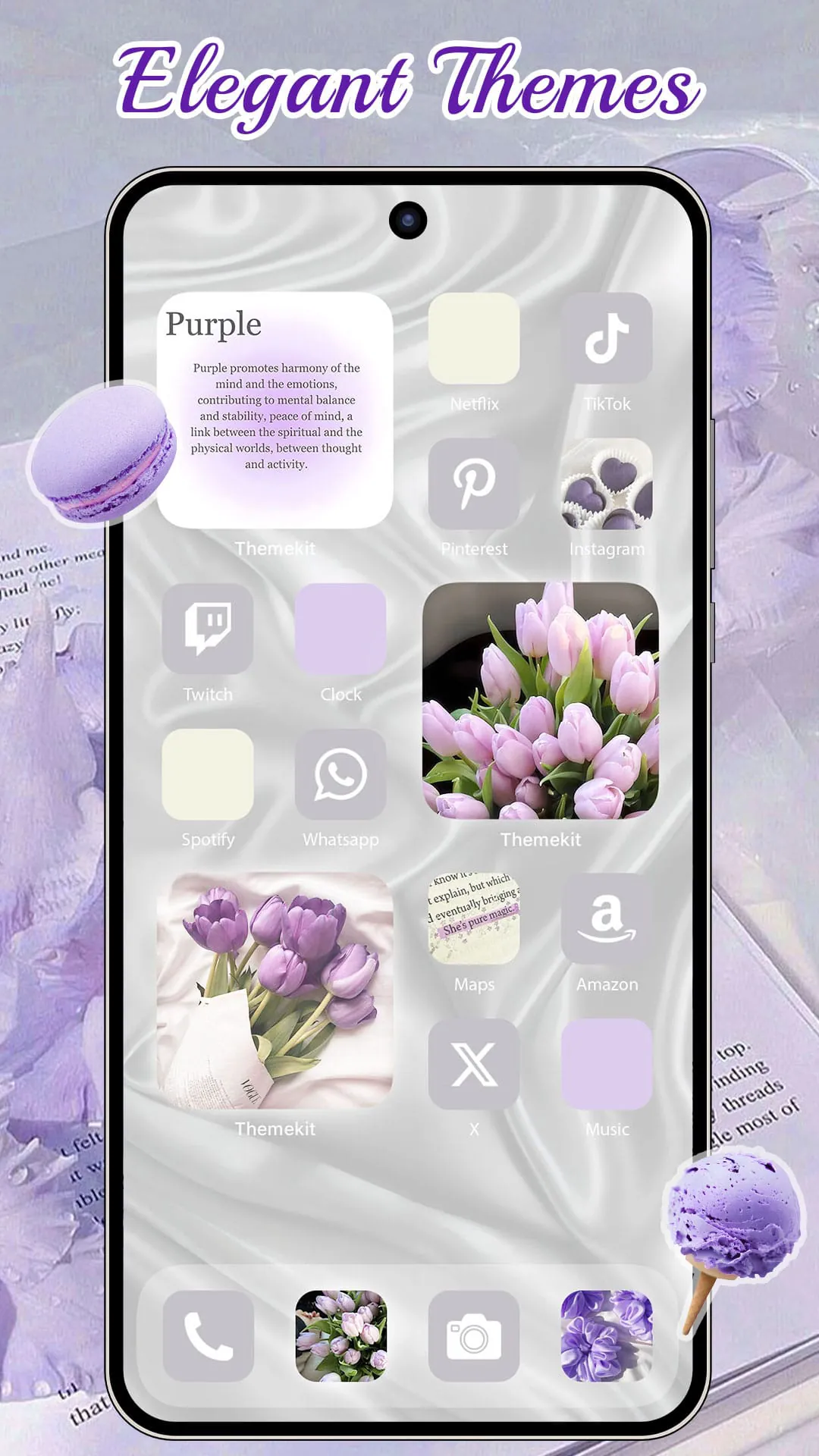
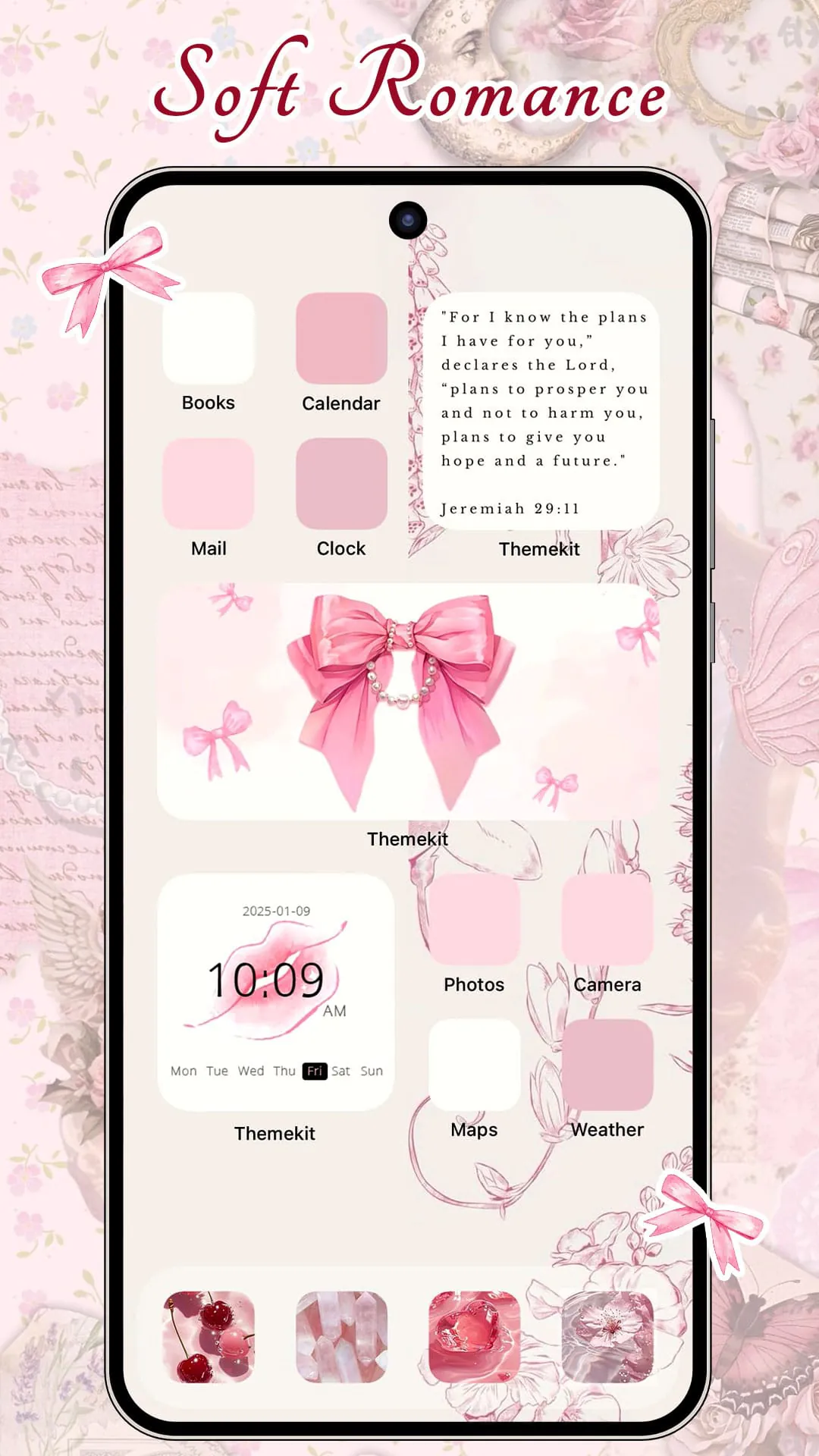
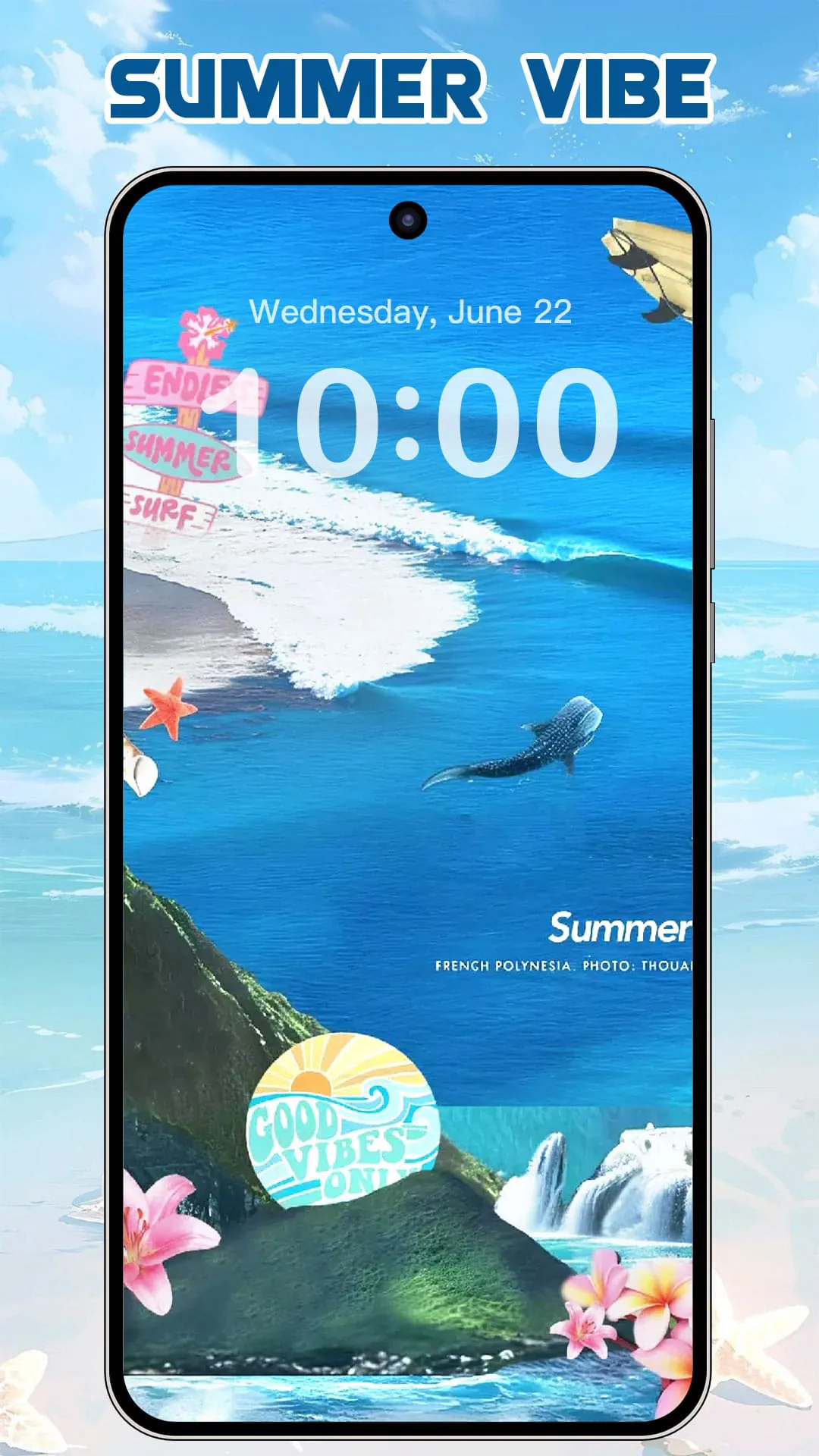
ThemeKit is presented as a professional theme application for Android devices, offering a wide range of customization options for users to personalize their smartphones. It emphasizes the ability for users to become designers of their own home screens through the use of beautiful icon packs, widgets, and wallpapers. The application aims to provide a fresh and individualized experience for users by allowing them to add personality to their phones through various visual elements. ThemeKit boasts a substantial library of resources, claiming to offer over 5000 icons, 3000 themes, and 9000 widgets, along with thousands of wallpapers, all available for free. This vast collection positions ThemeKit as a comprehensive solution for users seeking diverse options to modify the appearance of their devices. New themes are regularly introduced, reflecting seasonal and topical trends, such as autumn moments, summer vacations, themes related to prayer, and even themes like Brat Green and soccer carnivals. This dynamic updating of content ensures that users have access to fresh and relevant options, keeping the application current and appealing. ThemeKit is described as a 3-in-1 application, integrating an icon changer, widget pack, AI wallpaper generator, and theme pack. This integration simplifies the customization process for users by providing a centralized platform for accessing and managing various elements of their home screen design. The DIY functionality of ThemeKit is a key feature, allowing users to design icons and widgets using their own photos or AI-generated artwork. This empowers users to create truly unique and personalized designs that reflect their individual tastes and preferences. The application encourages users to download ThemeKit and immerse themselves in a world of self-created beauty, highlighting the potential for creative expression and personalization. ThemeKit's core features include AI-powered image generation, enabling users to transform words and ideas into visual representations with a single click. This feature enhances the creative possibilities within the application, allowing users to generate unique wallpapers and icons based on their own concepts. The application also provides a wide selection of pre-designed icons, themes, AI wallpapers, and widgets, offering users a balance between ready-made options and the ability to create their own designs. The availability of 4K wallpapers allows users to transform their smartphones into visually stunning art pieces, enhancing the overall aesthetic appeal of their devices. Furthermore, ThemeKit enables users to design their own lock screens, themes, icons, and widgets, providing complete control over the visual elements of their smartphone interface. The application's content is updated daily with trending themes, reflecting a variety of styles and interests, including Summer Sadness, themes related to prayer, light themes, festival themes, dark themes, pink themes, fantasy themes, anime characters, gothic themes, anime themes, aesthetic themes, Brat Green themes, Kpop themes, themes related to European Cup soccer, Copa Cup soccer, Super Bowl themes, MLB themes, neon themes, minimalist themes, and nature themes. This diverse range of options ensures that users can find themes that resonate with their personal preferences and interests. ThemeKit emphasizes the pursuit of a new life and conveys the message of passionately loving life, suggesting that the application is not just about aesthetics but also about self-expression and a positive outlook.
ThemeKit offers a suite of powerful tools for customizing various aspects of an Android device's appearance. The Icon Changer feature allows users to create shortcuts with new icons on their home screen, providing the flexibility to choose from their gallery or pre-designed icon packs. This feature enables users to personalize the look of their applications and create a visually cohesive home screen. The free Widget Kit provides a wide range of widget styles, allowing users to customize their home screen with functional and aesthetically pleasing elements. This feature enhances the usability of the device by providing quick access to information and controls directly from the home screen. The 4K Wallpaper Changer offers a vast selection of high-resolution wallpapers that are updated daily, ensuring that users always have access to fresh and visually appealing backgrounds for their devices. This feature allows users to easily change the look of their device and keep it feeling new and exciting. The AI Art feature generates stunning AI-created artworks, providing users with a constantly updated collection of unique and visually interesting images. This feature adds a creative and artistic dimension to the application, allowing users to explore the possibilities of AI-generated art. ThemeKit offers several advantages, including a free download, a user-friendly interface, and compatibility with a wide range of Android devices, including Samsung, Vivo, OPPO, and Xiaomi. The application also supports multiple languages and does not include watermarks, making it accessible to a global audience. ThemeKit provides 24-hour technical support and incorporates user feedback into the creation of new themes, demonstrating a commitment to customer satisfaction and continuous improvement. The application also supports additional widgets, such as countdown timers and weather widgets, further enhancing its functionality and usefulness. A search function is available to help users easily find the themes and widgets they are looking for, streamlining the customization process. ThemeKit is presented as a tool for easily customizing home screen layouts and widgets, providing users with a simple and intuitive way to personalize their devices. The application is described as offering the best widget themes and icon themes for Android, emphasizing its focus on providing high-quality visual customization options. ThemeKit encourages users to download the application for free and decorate their app icons, backgrounds, and widgets in an aesthetic and stylish manner. The application highlights its user-friendly interaction, noting that it has received suggestions from hundreds of users regarding themes, icons, widgets, and wallpapers. This collaborative approach to development demonstrates a commitment to meeting the needs and preferences of its user base.
ThemeKit actively encourages user feedback and suggestions to improve its offerings. The development team has incorporated numerous ideas from users regarding themes, icons, widgets, and wallpapers, resulting in a collaborative design process that reflects the preferences of the community. This approach fosters a sense of ownership and engagement among users, making them feel valued and heard. The application invites users with specific preferences to contact them directly, further emphasizing the commitment to personalized service and responsiveness. ThemeKit emphasizes its dedication to providing the best products and services to all users, highlighting its customer-centric approach. The application encourages users to reach out with any questions or suggestions via email, providing a direct channel for communication and support. ThemeKit also maintains a presence on social media platforms such as Facebook and Discord, providing additional avenues for users to connect with the community and receive assistance. The support and contact information provided demonstrates the application's commitment to transparency and accessibility, ensuring that users can easily reach out with any concerns or inquiries. Overall, ThemeKit is presented as a comprehensive and user-friendly theme application for Android devices, offering a wide range of customization options and a strong emphasis on user feedback and support. The application's features, such as the AI-powered image generation, the extensive library of themes and widgets, and the DIY functionality, empower users to personalize their devices and express their individual creativity. The application's commitment to continuous improvement and responsiveness to user feedback further enhances its appeal, making it a valuable tool for Android users seeking to customize their smartphone experience. The provided contact information, including email and social media links, ensures that users have access to the support they need to make the most of the application's features.