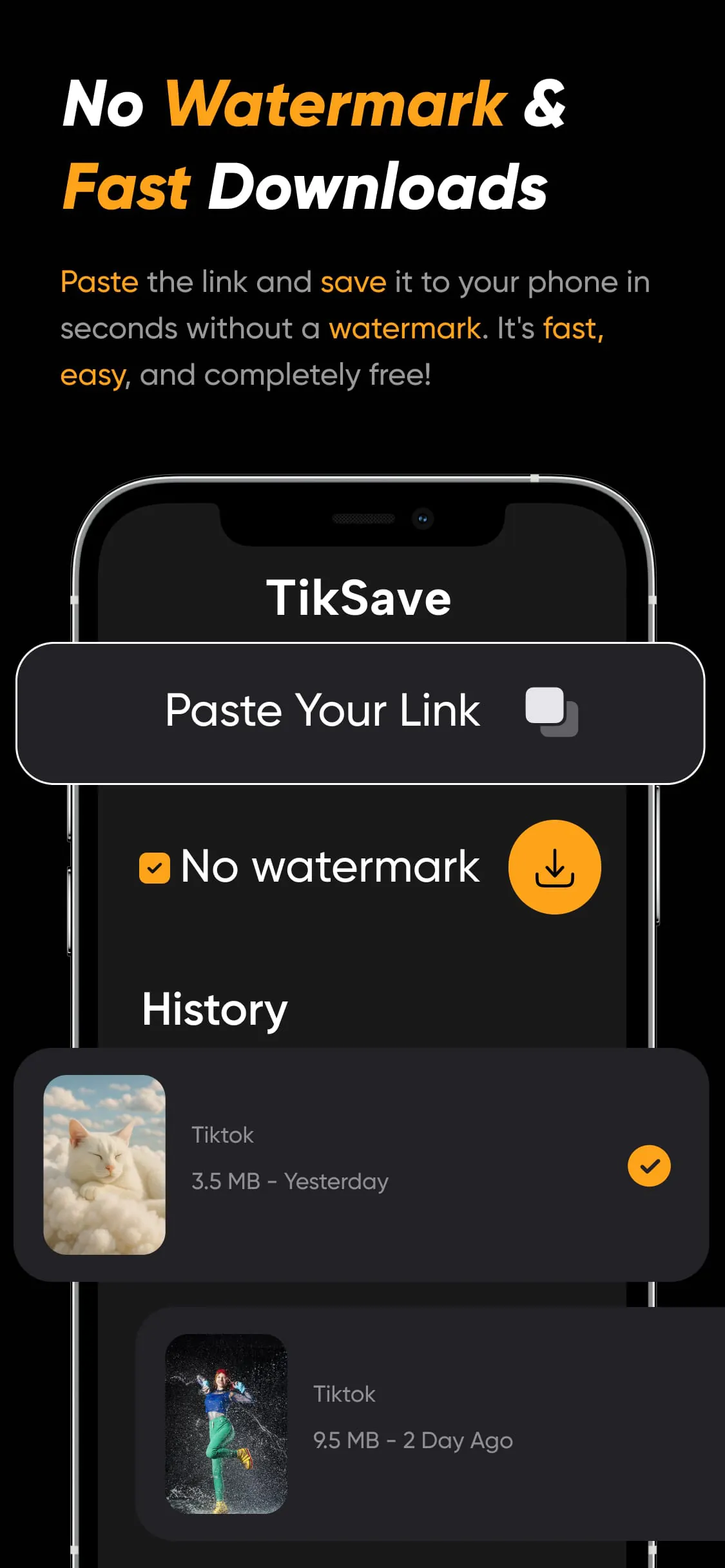
The "TikTok Video Downloader" application emerges as a quintessential tool for avid TikTok users seeking to preserve their favorite videos in high definition without the intrusive watermarks that often accompany downloaded content. This application distinguishes itself through its remarkable ease of use and efficiency, providing a seamless experience for users to save TikTok videos directly to their devices. One of the standout features is its ability to download videos in HD quality, ensuring that the visual fidelity of the original content is maintained. This is particularly important for users who value the clarity and detail of the videos they watch. The removal of watermarks is another significant advantage, as it allows users to enjoy and share videos without the distracting logos that can detract from the viewing experience. The application boasts a user-friendly interface that simplifies the download process. Users can quickly save videos by simply copying and pasting the TikTok video link into the application and tapping the download button. This streamlined approach eliminates unnecessary steps and makes the application accessible to users of all technical skill levels. Furthermore, the application is entirely free to use, with no hidden charges or subscription fees. This makes it an attractive option for users who want to download TikTok videos without incurring any additional costs. The absence of a login requirement is another notable feature, as it allows users to maintain their privacy and avoid the hassle of creating and managing accounts. The automatic link detection feature further enhances the user experience by automatically detecting TikTok links copied to the clipboard, making the download process even more convenient. The application is compatible with all Android devices and is regularly updated to ensure optimal performance and compatibility with the latest version of TikTok. This commitment to ongoing maintenance ensures that users can rely on the application to function correctly and provide a consistent experience. The application is particularly well-suited for users who want to enjoy TikTok videos offline, share watermark-free videos with others, or create a personal collection of their favorite TikTok content. By providing a simple and efficient way to download TikTok videos without watermarks, the application empowers users to take control of their viewing experience and enjoy their favorite content on their own terms. The ability to create a personal video library allows users to curate their favorite TikTok moments and access them whenever and wherever they want, without the need for an internet connection. This is especially useful for users who travel frequently or who have limited access to the internet. The application also facilitates sharing videos with friends and family, allowing users to spread the joy of TikTok content beyond the platform itself. The absence of watermarks ensures that the shared videos appear professional and polished, enhancing the overall viewing experience for recipients. In summary, the "TikTok Video Downloader" application is a valuable tool for TikTok users who want to download and enjoy their favorite videos in high quality without watermarks. Its ease of use, efficiency, and cost-free nature make it an attractive option for users of all levels of technical expertise.
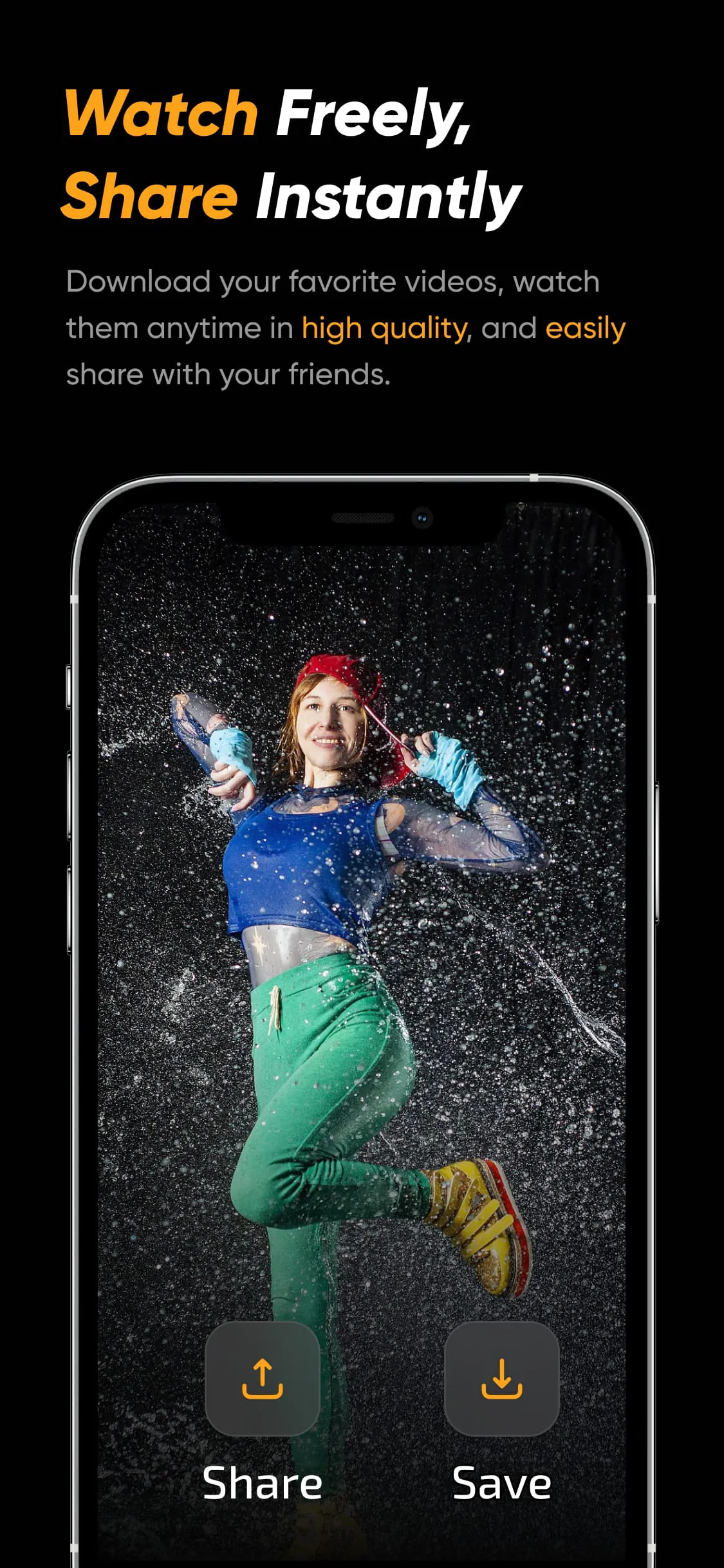
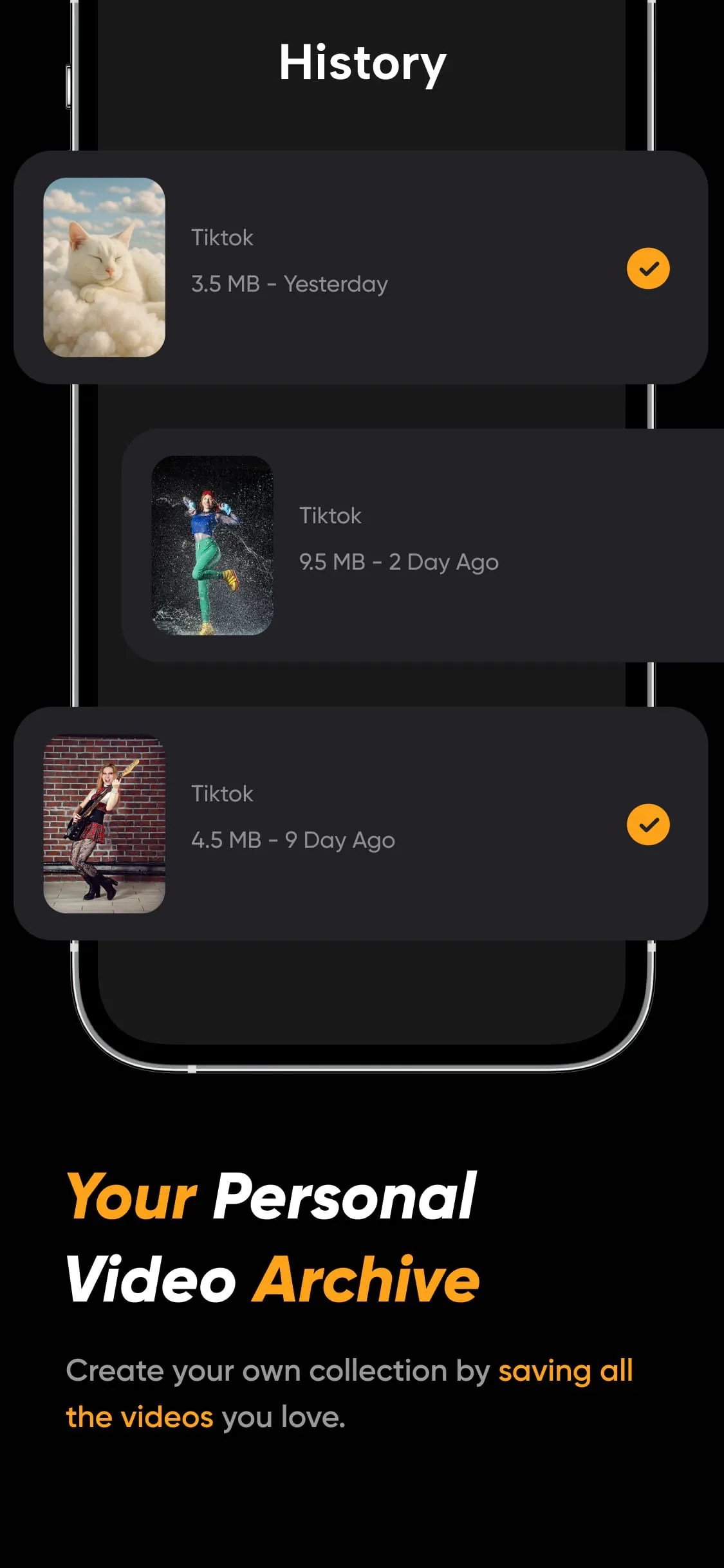
The "TikSave: Video Downloader for TikTok" application presents a comprehensive solution for TikTok enthusiasts aiming to curate their favorite content offline and without the distraction of watermarks. This application goes beyond basic downloading capabilities by offering a suite of features designed to enhance the user experience and provide greater control over downloaded videos. One of the key highlights of TikSave is its ability to download TikTok videos in their original, unadulterated form, completely free of watermarks. This ensures that users can enjoy the videos as intended, without any distracting logos or branding. The application boasts an ultra-fast download speed, leveraging advanced technology to save videos in a matter of seconds. This rapid download process minimizes waiting time and allows users to quickly build their video library. Furthermore, TikSave is completely free to use, with no hidden fees or subscriptions. This makes it an accessible option for all TikTok users, regardless of their budget. The application features a simple and intuitive interface, allowing users to download videos with ease. The process involves copying the TikTok video link, pasting it into the app, and tapping the download button. This straightforward approach makes the application accessible to users of all technical skill levels. TikSave allows users to watch downloaded videos offline in high definition, thanks to its integrated player. This feature enables users to enjoy their favorite TikTok content anytime, anywhere, without the need for an internet connection. The application also includes a history and gallery function, allowing users to easily manage their downloaded videos and keep their video library organized. This feature simplifies the process of finding and accessing previously downloaded content. TikSave facilitates easy sharing and reposting of downloaded videos, allowing users to share their favorite TikTok moments with friends and family on other social media platforms. This feature extends the reach of TikTok content and allows users to share their favorite videos with a wider audience. The application provides clear and concise instructions on how to use its features, making it easy for users to get started. The download process is streamlined and efficient, ensuring a hassle-free experience. TikSave empowers users to create their own personalized video collections, allowing them to preserve their favorite TikTok moments and access them whenever they want. This is particularly useful for users who want to back up their own viral videos, save helpful tutorials, or collect funny clips to share with friends. The application is a valuable tool for content creators, social media managers, and all TikTok fans, providing a convenient way to download, manage, and share TikTok videos. TikSave emphasizes its independence from TikTok, ByteDance, and its affiliates, ensuring that users understand that it is a separate entity. The application respects the rights of copyright holders and encourages users to obtain permission from copyright owners before downloading or reposting videos. TikSave disclaims responsibility for unauthorized downloading, re-uploading, and intellectual property infringement, emphasizing that these actions are the sole responsibility of the user. In conclusion, TikSave is a comprehensive and user-friendly application for downloading TikTok videos without watermarks. Its suite of features, including ultra-fast downloads, offline viewing, and easy sharing, make it an indispensable tool for TikTok enthusiasts.
The proliferation of social media platforms has led to an increased demand for tools that enhance user experiences and provide greater control over content consumption. In this context, applications like "TikTok Video Downloader" and "TikSave: Video Downloader for TikTok" have emerged as essential utilities for avid TikTok users. These applications address a common pain point: the desire to save TikTok videos for offline viewing and sharing without the intrusive watermarks that often accompany downloaded content. The ability to download TikTok videos without watermarks is a significant advantage for several reasons. First, it allows users to enjoy the videos in their original, unadulterated form, without any distracting logos or branding. This enhances the viewing experience and makes the videos more visually appealing. Second, it facilitates sharing the videos with others on different platforms without the TikTok branding, making the content more versatile and suitable for a wider range of contexts. Third, it allows users to create their own personalized video collections, which can be used for various purposes, such as creating compilations, sharing with friends, or simply enjoying offline viewing. The user-friendliness of these applications is another key factor contributing to their popularity. They typically feature simple and intuitive interfaces, making them accessible to users of all technical skill levels. The download process is usually straightforward, involving copying the TikTok video link, pasting it into the app, and tapping the download button. This streamlined approach eliminates unnecessary steps and makes the applications easy to use for even the most novice users. The ability to download videos in high definition is also a crucial feature. Users want to preserve the visual quality of the videos they download, and these applications deliver on that expectation by providing HD download options. This ensures that the downloaded videos retain their clarity and detail, making them enjoyable to watch on larger screens or when sharing with others. The offline viewing capability is another significant advantage. It allows users to enjoy their favorite TikTok content anytime, anywhere, without the need for an internet connection. This is particularly useful for users who travel frequently or who have limited access to the internet. It also allows users to save data and avoid incurring unnecessary charges from their mobile carriers. The additional features offered by these applications, such as history and gallery functions, easy sharing options, and clear instructions, further enhance the user experience and make them valuable tools for TikTok enthusiasts. These features simplify the process of managing downloaded videos, sharing them with others, and getting started with the applications. In conclusion, "TikTok Video Downloader" and "TikSave: Video Downloader for TikTok" are essential utilities for TikTok users who want to download and enjoy their favorite videos without watermarks. Their user-friendliness, HD download options, offline viewing capabilities, and additional features make them valuable tools for enhancing the TikTok experience and providing greater control over content consumption. As social media continues to evolve, applications like these will play an increasingly important role in shaping how users interact with and consume content.