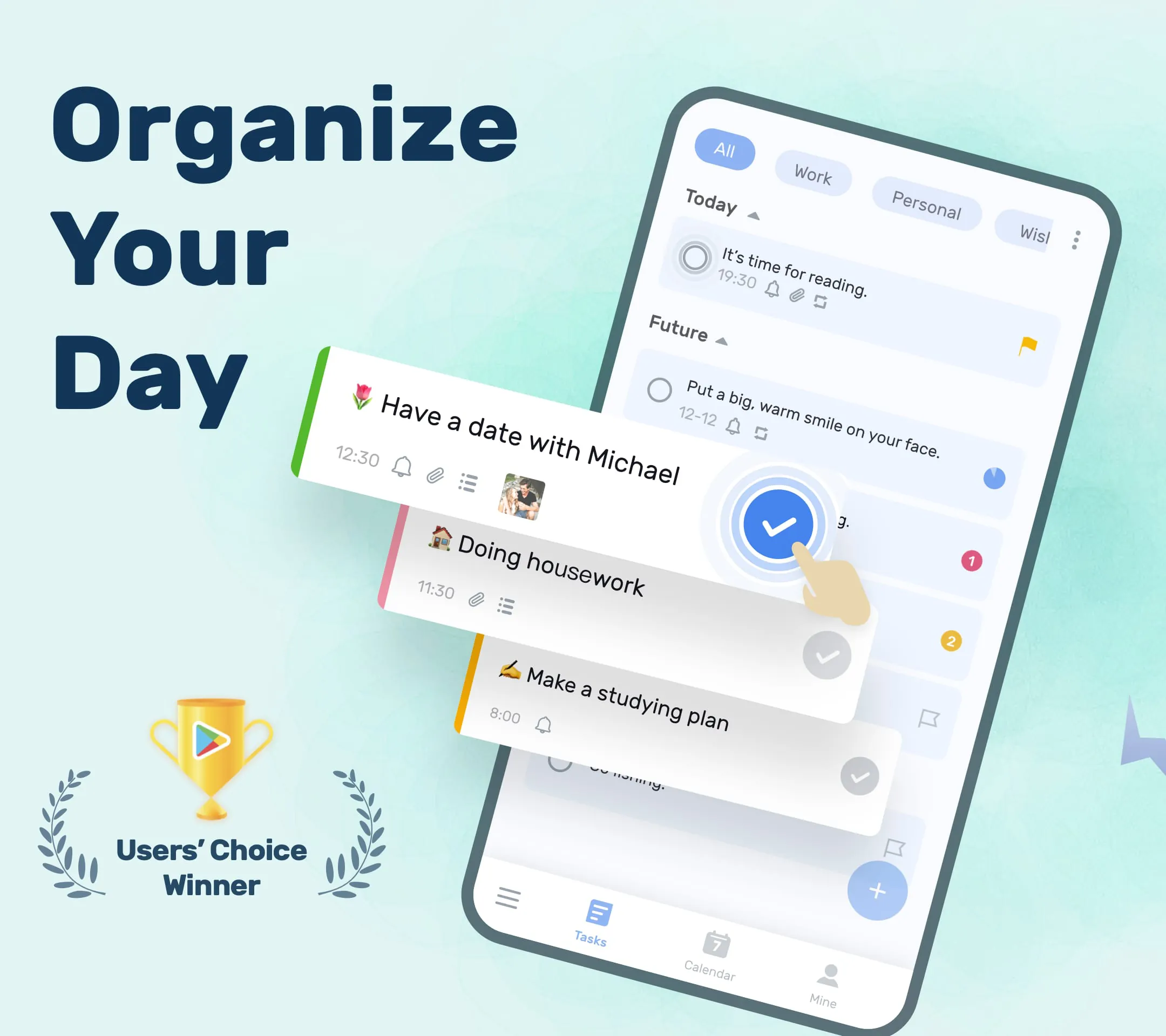
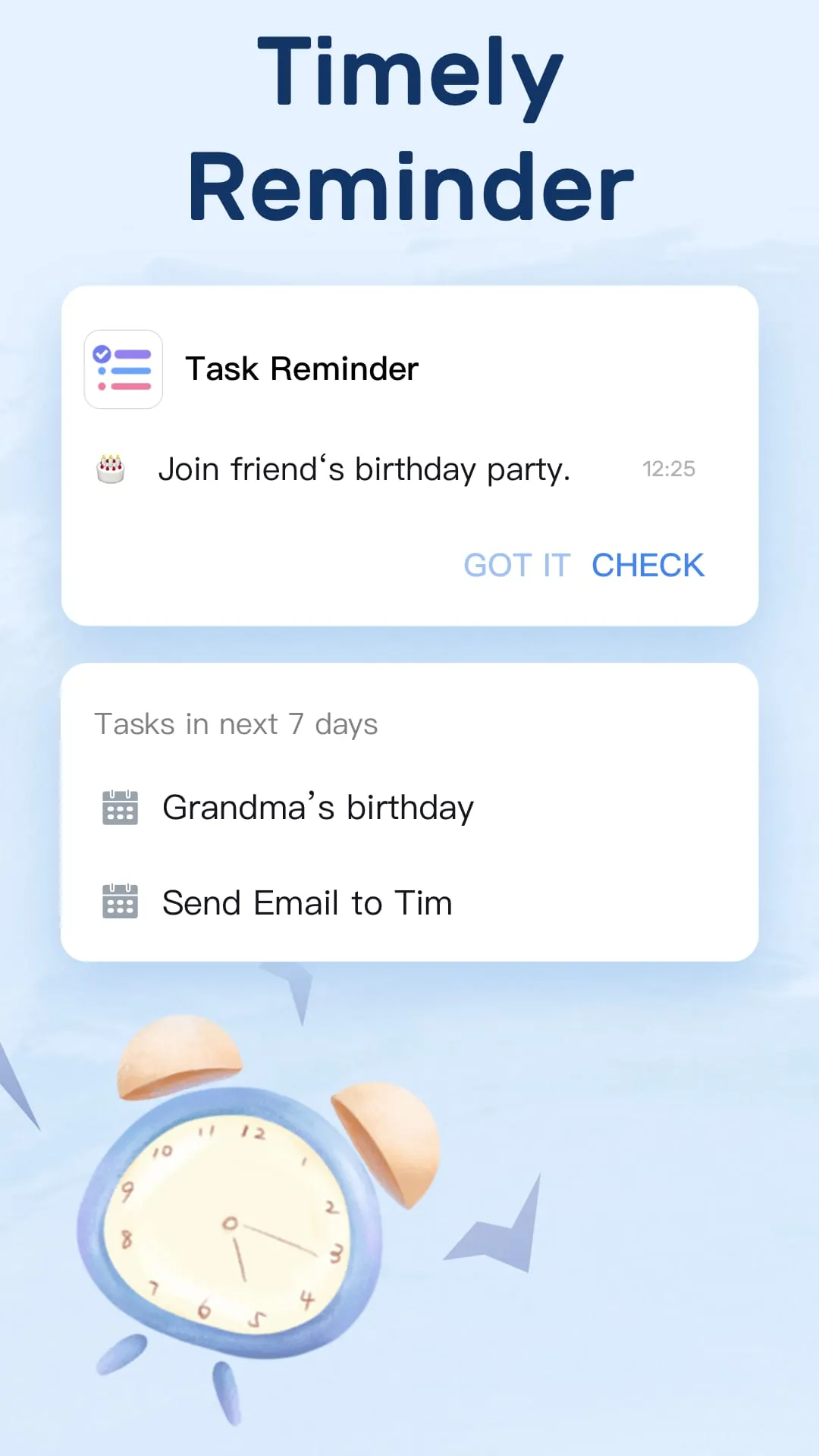
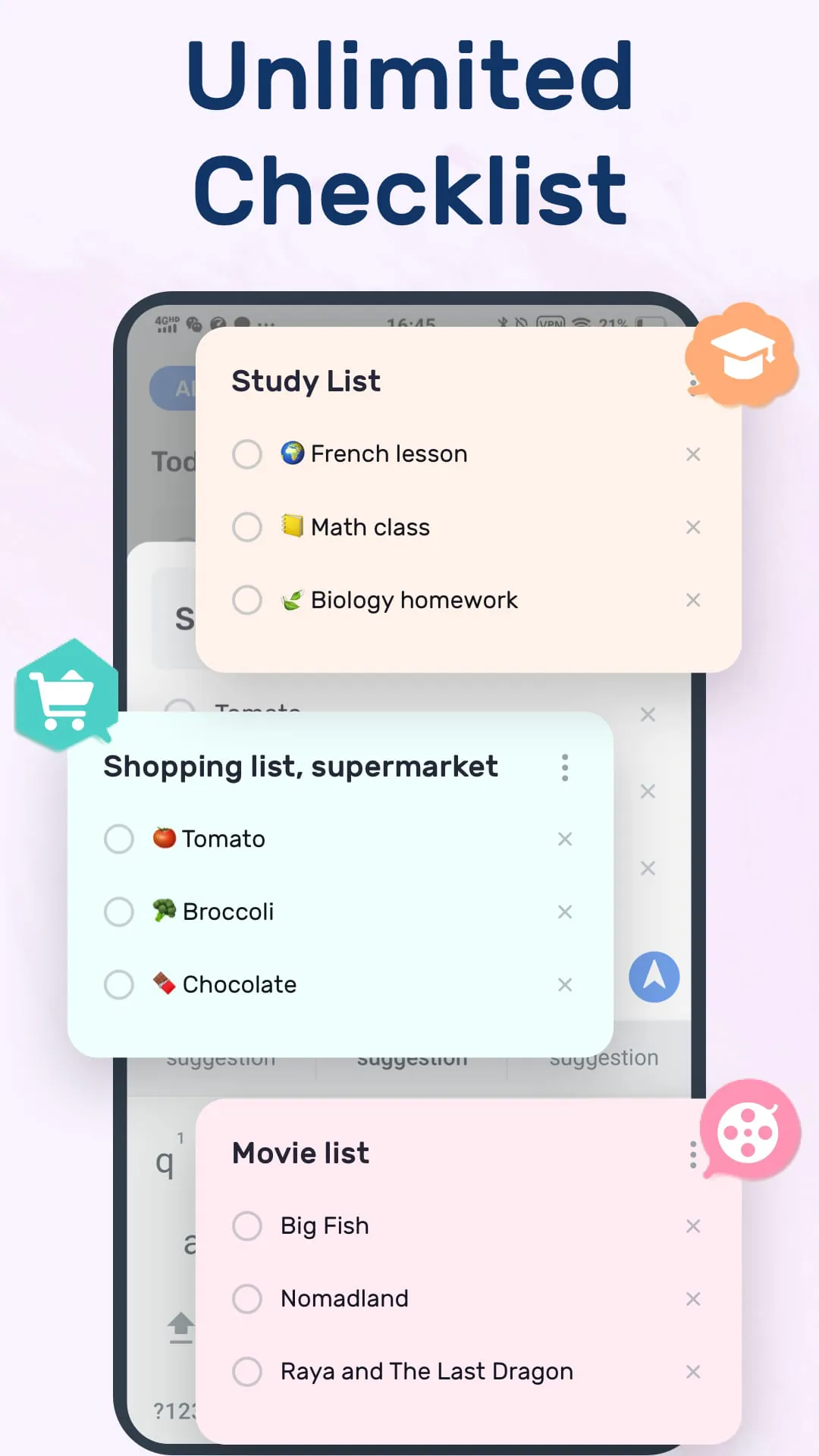
The To-Do List application is presented as a versatile and efficient tool designed to streamline task management, enhance time management, and improve overall productivity. It emphasizes its user-friendly design, making it accessible to individuals with varying levels of technical expertise. The core functionality revolves around enabling users to create, organize, and track their daily tasks, ensuring that important activities and deadlines are not overlooked. The application addresses a common problem of forgetting important tasks, moments, or anniversaries, positioning itself as a reliable solution to maintain organization in both personal and professional life. It aims to provide users with a clear overview of their commitments, enabling them to manage their time effectively and focus on the tasks at hand. The application's features include task reminders, which can be customized to suit individual preferences, ensuring timely notifications for upcoming deadlines and appointments. The ability to categorize tasks based on priority and type allows users to further refine their organization, making it easier to distinguish between urgent and less critical activities. Furthermore, the integration of a calendar view provides a visual representation of tasks, enabling users to plan their days, weeks, and months in advance. The application also offers the flexibility to add subtasks to individual items, breaking down complex projects into manageable steps. This functionality promotes a more structured approach to task completion, reducing the likelihood of feeling overwhelmed by large undertakings. The To-Do List application differentiates itself through its intuitive design, offering a range of customizable themes to suit individual aesthetic preferences. This personalization extends to the ability to switch to a dark theme, which enhances usability in low-light conditions. The application's focus on simplicity and ease of use makes it an appealing option for users seeking a straightforward task management solution. In addition to its core functionality, the To-Do List application offers features designed to improve collaboration and communication. The ability to share tasks with others allows teams to coordinate efforts and ensure that everyone is aware of their responsibilities. This feature can be particularly useful for project management, where multiple individuals are working towards a common goal. The application also supports the synchronization of data across multiple devices, ensuring that users can access their tasks from anywhere and at any time. This functionality is enhanced by the option to back up data to the cloud, providing peace of mind in the event of device loss or damage. The To-Do List application is positioned as a comprehensive solution for individuals and teams seeking to improve their task management and time management skills. Its user-friendly design, customizable features, and collaborative capabilities make it a versatile tool for a wide range of applications, from personal organization to project management. The emphasis on simplicity and ease of use ensures that users can quickly adopt the application and begin to see improvements in their productivity and efficiency. The application's ongoing development and support demonstrate a commitment to providing users with a reliable and effective task management solution. Overall, the To-Do List application offers a compelling combination of features and functionality, making it a valuable asset for anyone seeking to improve their organization and productivity.
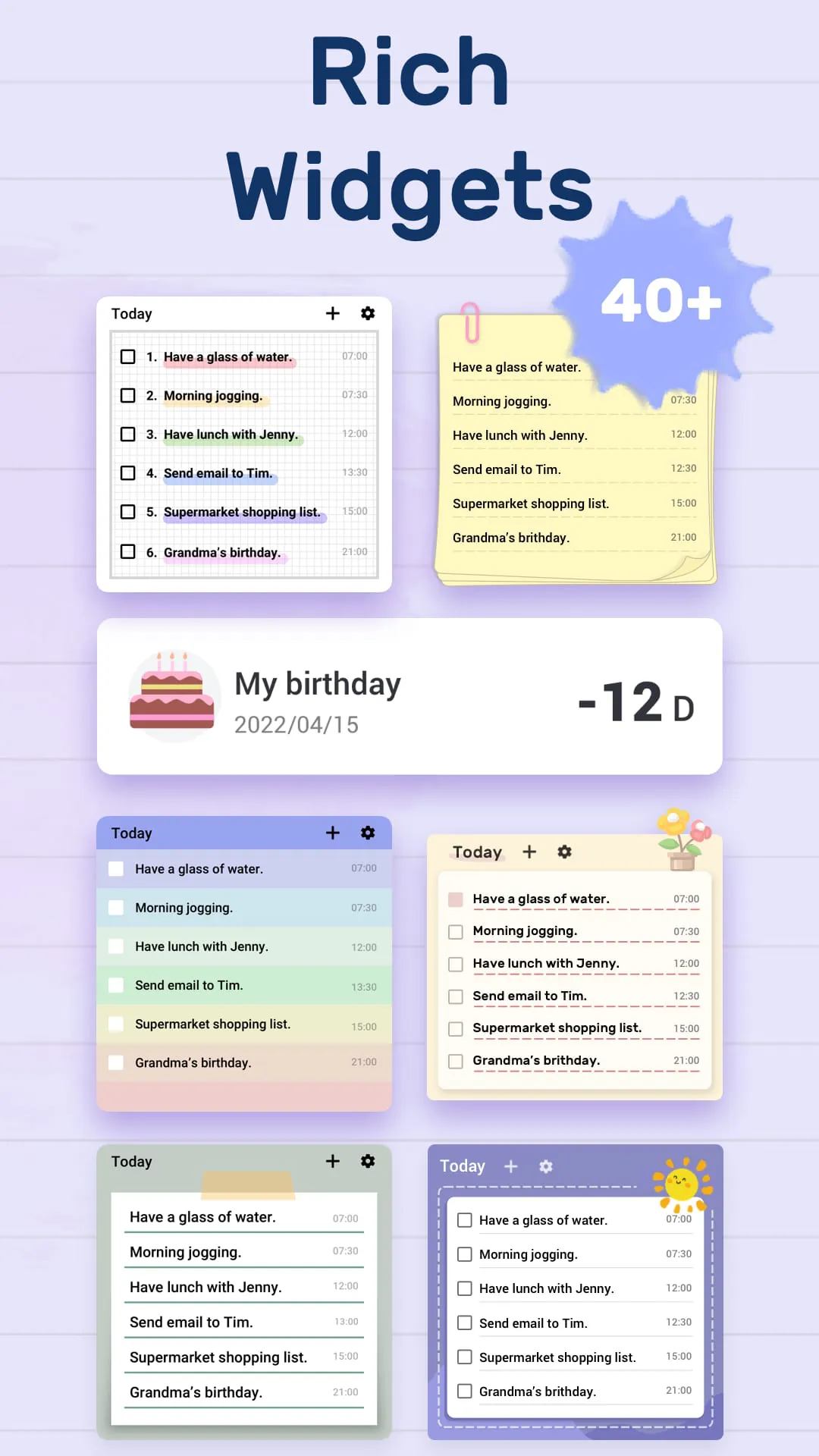
The application further distinguishes itself by offering seamless synchronization and backup capabilities, ensuring that user data is protected and accessible across multiple devices. This feature is particularly valuable for individuals who rely on multiple devices throughout the day, allowing them to seamlessly switch between their smartphone, tablet, and computer without losing access to their task lists. The synchronization process is facilitated through Google, providing a secure and reliable platform for data storage and retrieval. The application also supports integration with Wear OS, enabling users to manage their tasks directly from their smartwatch. This integration provides a convenient way to view and update tasks on the go, without having to constantly check their smartphone. The application's widget functionality allows users to add a To-Do List widget to their smartphone's home screen, providing a quick and easy way to view their upcoming tasks and add new items to their list. This feature is particularly useful for individuals who want to stay on top of their tasks without having to open the application itself. The widget can be customized to display different views of the task list, such as today's tasks, upcoming tasks, or tasks with specific priorities. The To-Do List application also includes features designed to track and analyze user productivity. The application provides detailed reports on task completion rates, allowing users to identify areas where they may be struggling and adjust their strategies accordingly. These reports can be used to monitor progress towards goals, identify time management challenges, and optimize workflows. The application's commitment to user privacy and data security is evident in its implementation of robust security measures. User data is encrypted both in transit and at rest, ensuring that sensitive information is protected from unauthorized access. The application also adheres to strict privacy policies, ensuring that user data is not shared with third parties without their explicit consent. The To-Do List application is positioned as a comprehensive solution for individuals and teams seeking to improve their task management and time management skills. Its user-friendly design, customizable features, collaborative capabilities, and data security measures make it a versatile tool for a wide range of applications, from personal organization to project management. The emphasis on simplicity and ease of use ensures that users can quickly adopt the application and begin to see improvements in their productivity and efficiency. The application's ongoing development and support demonstrate a commitment to providing users with a reliable and effective task management solution. Overall, the To-Do List application offers a compelling combination of features and functionality, making it a valuable asset for anyone seeking to improve their organization and productivity. The integration with Google and Wear OS further enhances its accessibility and convenience, while the robust security measures ensure that user data is protected.
In addition to its core features, the To-Do List application offers a range of customization options that allow users to tailor the application to their specific needs and preferences. Users can choose from a variety of themes to personalize the application's appearance, and they can also customize the notification settings to ensure that they receive timely reminders for their tasks. The application also allows users to create custom categories for their tasks, making it easier to organize and prioritize their activities. This feature is particularly useful for individuals who have a wide range of tasks to manage, as it allows them to group similar tasks together and focus on the most important items. The To-Do List application also includes a built-in search function that allows users to quickly find specific tasks within their list. This feature is particularly useful for individuals who have a large number of tasks to manage, as it eliminates the need to manually scroll through the list to find a specific item. The application's support for subtasks allows users to break down complex tasks into smaller, more manageable steps. This feature is particularly useful for individuals who are working on large projects, as it allows them to track their progress and stay organized. The To-Do List application also offers a range of reporting features that allow users to track their productivity and identify areas where they can improve. These reports can be used to monitor progress towards goals, identify time management challenges, and optimize workflows. The application's commitment to user satisfaction is evident in its responsive customer support team. Users can contact the support team via email or through the application's built-in help center. The support team is available to answer questions, provide assistance with troubleshooting, and gather feedback for future improvements. The To-Do List application is positioned as a comprehensive solution for individuals and teams seeking to improve their task management and time management skills. Its user-friendly design, customizable features, collaborative capabilities, data security measures, and responsive customer support make it a versatile tool for a wide range of applications, from personal organization to project management. The emphasis on simplicity and ease of use ensures that users can quickly adopt the application and begin to see improvements in their productivity and efficiency. The application's ongoing development and support demonstrate a commitment to providing users with a reliable and effective task management solution. Overall, the To-Do List application offers a compelling combination of features and functionality, making it a valuable asset for anyone seeking to improve their organization and productivity. The integration with Google and Wear OS further enhances its accessibility and convenience, while the robust security measures ensure that user data is protected. The responsive customer support team ensures that users have access to assistance when they need it, further enhancing the application's overall value.