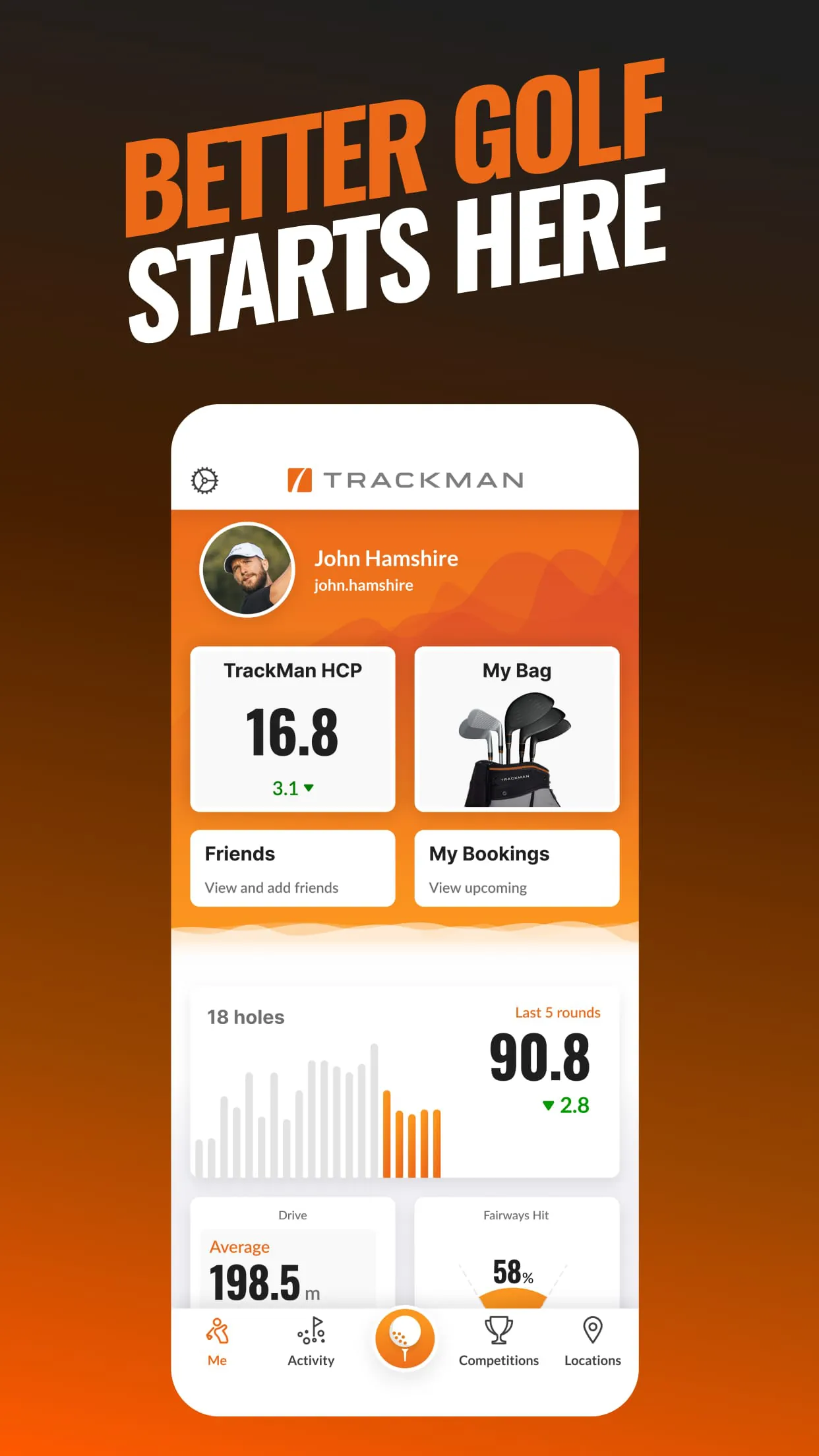
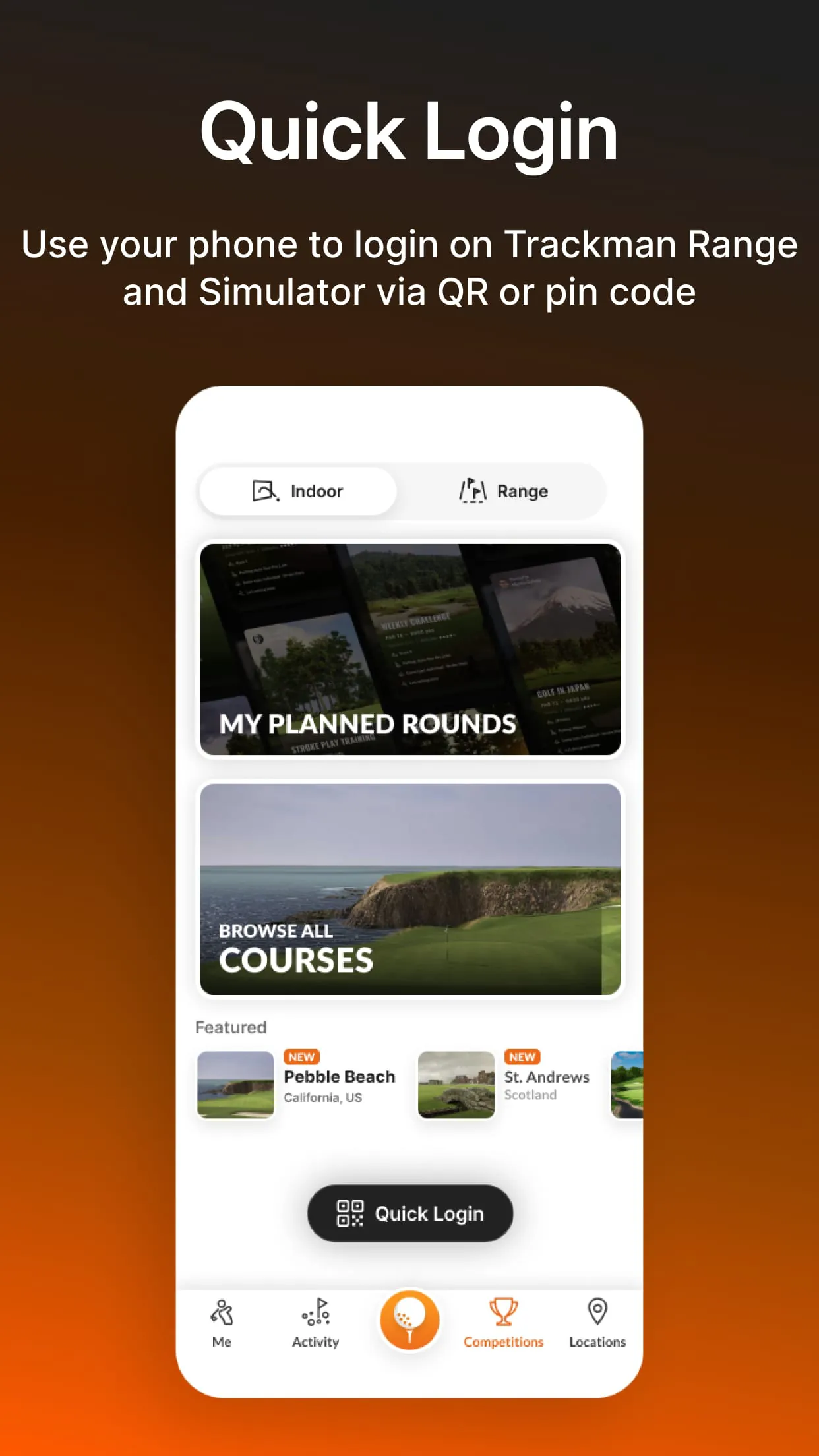
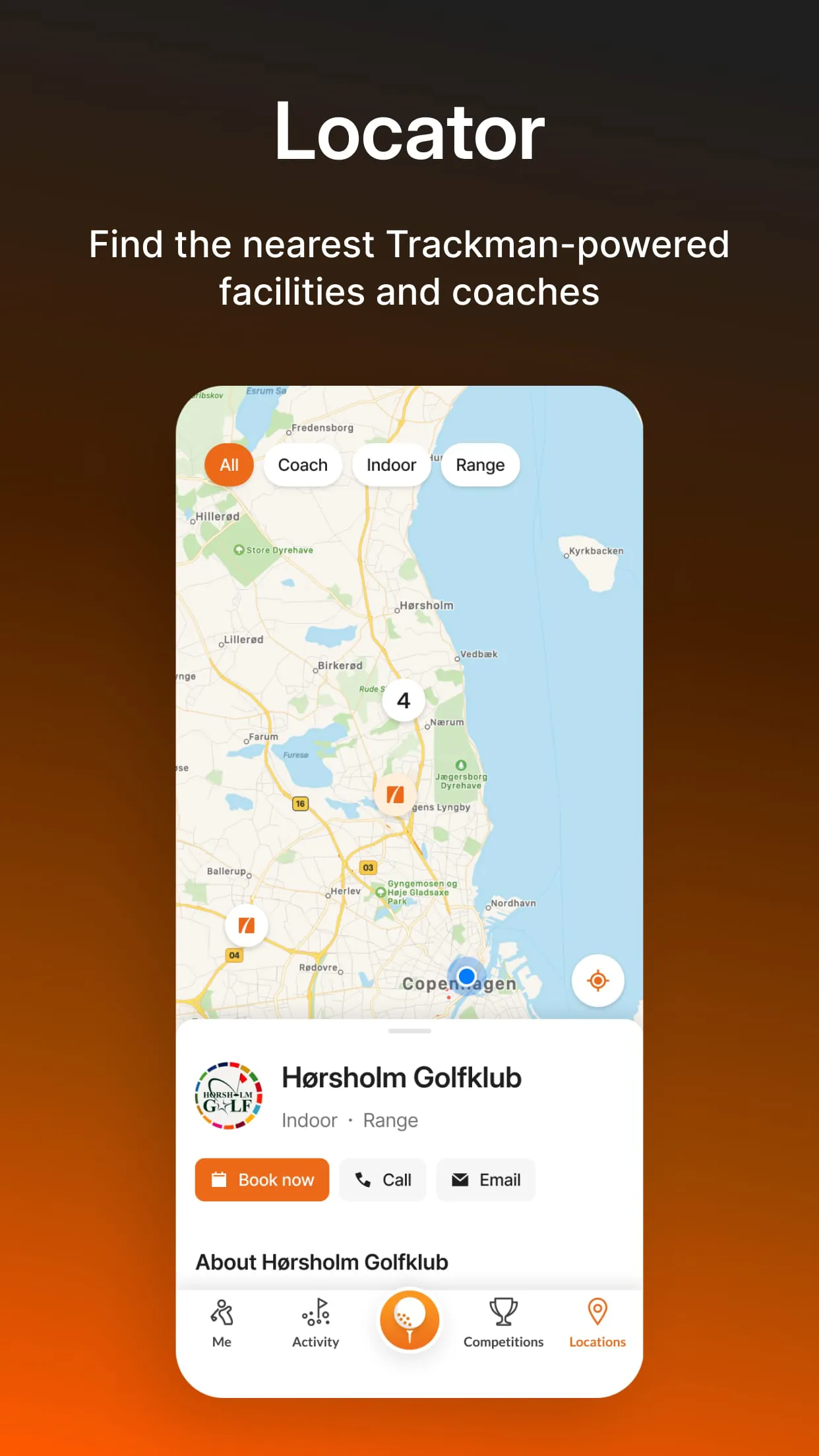
Trackman Golf is an application designed to integrate and enhance the golfing experience for users who utilize Trackman technology in indoor settings and on the driving range. This application serves as a central hub, providing seamless access to various features, including score tracking, detailed shot data, club settings management, and tournament information. It is engineered to provide golfers with a comprehensive overview of their Trackman activities, enabling them to meticulously review their sessions with precise shot data and in-depth insights. By leveraging these tools, golfers can effectively track their progress and analyze their performance over time, identifying areas for improvement and optimizing their training regimens. The application harnesses the same ball-tracking technology trusted by leading players and coaches worldwide, adapting it for personalized use to refine and elevate individual playing styles. Core functionalities of the Trackman Golf app include quick login capabilities, allowing immediate connection to a user's Trackman profile, and a browsable course library, which facilitates the planning of rounds in advance. Furthermore, the application can transform a mobile device into a range monitor, providing real-time ball data during Trackman Range sessions, which aids in immediate performance adjustments and strategic practice. The app generates comprehensive session reports for both course play and practice, enabling golfers to maintain a detailed record of their activities and outcomes. The Trackman handicap feature allows users to compete against friends and other players globally, fostering a competitive environment and providing a benchmark for skill assessment. Additionally, the My Bag feature enables users to customize their club settings and accurately manage their distance data, ensuring precision in club selection during play. The application also supports the browsing, participation, and tracking of tournaments and leagues, adding a social and competitive dimension to the golfing experience. Finally, the integrated map allows users to locate and book Trackman facilities and coaches worldwide, ensuring access to advanced training resources regardless of location. By downloading Trackman Golf, users can connect every facet of their golfing game within the Trackman ecosystem, striving for continuous improvement and enhanced performance on the course. The integration of data, analytics, and community features makes it an indispensable tool for serious golfers looking to optimize their training and elevate their overall game.
The Trackman Golf application provides a multifaceted approach to enhancing a golfer's understanding and performance through detailed data analysis and personalized insights. One of the primary strengths of the application lies in its ability to capture and present precise shot data, allowing golfers to scrutinize every aspect of their swing and ball flight. This data includes critical metrics such as ball speed, launch angle, spin rate, and carry distance, all of which are essential for understanding the nuances of each shot. By reviewing this data, golfers can identify inconsistencies in their technique and make informed adjustments to improve their accuracy and consistency. The application's analytical tools enable golfers to track their progress over time, providing a clear picture of their development and highlighting areas where they excel or need further refinement. This continuous monitoring of performance metrics allows for a data-driven approach to training, ensuring that practice sessions are focused and effective. Furthermore, the Trackman Golf app facilitates the management of club settings through its My Bag feature. This functionality allows golfers to input and maintain accurate distance data for each club in their bag, ensuring that they make optimal club selections during rounds. The app considers various factors such as weather conditions and course elevation to provide tailored recommendations, further enhancing the accuracy of club selection. The ability to customize club settings and track distance data is particularly valuable for golfers who play on different courses or in varying conditions, as it allows them to adapt their game accordingly. In addition to individual performance analysis, the Trackman Golf app fosters a sense of community and competition through its Trackman handicap feature. This feature allows golfers to compete against friends and other players worldwide, providing a benchmark for skill assessment and encouraging improvement. The competitive element adds motivation to training and provides a fun and engaging way to track progress. The app also supports participation in tournaments and leagues, offering opportunities for golfers to test their skills in structured competitions and connect with other players.
The Trackman Golf application not only enhances individual performance through data analysis but also streamlines the overall golfing experience by connecting users to a broader network of resources and facilities. The integrated course library allows golfers to explore and plan rounds in advance, providing valuable information about course layouts and conditions. This feature is particularly useful for golfers who are traveling or playing new courses, as it allows them to familiarize themselves with the terrain and strategize their approach. The ability to preview courses and plan rounds enhances the overall enjoyment of the game and ensures that golfers are well-prepared for each outing. Furthermore, the Trackman Golf app includes a built-in map that allows users to locate and book Trackman facilities and coaches worldwide. This feature is invaluable for golfers who are seeking professional instruction or access to advanced training resources. The app provides detailed information about each facility, including its location, amenities, and coaching staff, making it easy for golfers to find the resources they need to improve their game. The ability to book sessions directly through the app simplifies the process of scheduling lessons and ensures that golfers can access the best possible training opportunities. By connecting golfers to a global network of facilities and coaches, the Trackman Golf app promotes continuous learning and improvement. The app’s functionality extends to real-time data access during Trackman Range sessions, transforming a mobile device into a personal range monitor. This feature provides immediate feedback on ball data, allowing golfers to make instant adjustments to their swing and technique. The real-time data access enhances the effectiveness of practice sessions and accelerates the learning process. The app also generates comprehensive session reports that summarize performance metrics and provide valuable insights into areas for improvement. These reports serve as a valuable resource for golfers who are committed to continuous development and want to track their progress over time. In summary, the Trackman Golf application serves as a comprehensive tool for golfers seeking to improve their performance and enhance their overall golfing experience. By providing detailed data analysis, personalized insights, and access to a global network of resources, the app empowers golfers to take control of their game and achieve their full potential.